Customer Ratings & Reviews
- Model:
- I7573-7019BLK-PUS
- SKU:
- 6208307
Rating by feature
- Value
Rating 4.0 out of 5 stars
- Quality
Rating 4.0 out of 5 stars
- Ease of Use
Rating 4.5 out of 5 stars
Customers are saying
Customers are enthusiastic about the 4K touch screen, performance, price, build quality, and processor of the 2-in-1 15.6" 4K Ultra HD Touch-Screen Laptop. They appreciate the laptop's fantastic 4K display, fast and smooth performance, good price point, premium build quality, and powerful i7 processor. However, some customers have concerns about the battery life, storage capacity, heating issues, fan noise, and weight of the laptop.
This summary was generated by AI based on customer reviews.
- Cons mentioned:Fan noise
A box with Good specs
||Posted .This reviewer received promo considerations or sweepstakes entry for writing a review.The specs are decent for the price but the functionality isn’t. The authentic dell fan noice is as usual. Keeps hanging. Isn’t so good for games( “GPU”). Competitor are better in design and functionality for the same price
No, I would not recommend this to a friendBrand response from YourDellTeam
Posted .Sharingan,
Thanks for your feedback on your new Dell computer. If you continue to experience fan noise we'd recommend updating the BIOS on your computer:
An out-of-date BIOS can cause loud fan noises by having an outdated temperature table for the system. Refer to update BIOS and follow the instructions to update the BIOS on your computer. You can also follow up with our Technical Support Team here - 1-800-624-9896.
You can read the full article here - http://dell.to/2ENlXfz.
We hope this helps your computer operate better for you.
Best,
Bryan
1-800-624-9896
- Pros mentioned:PerformanceCons mentioned:Battery life

Solid, fast and vibrant 4k laptop/tablet
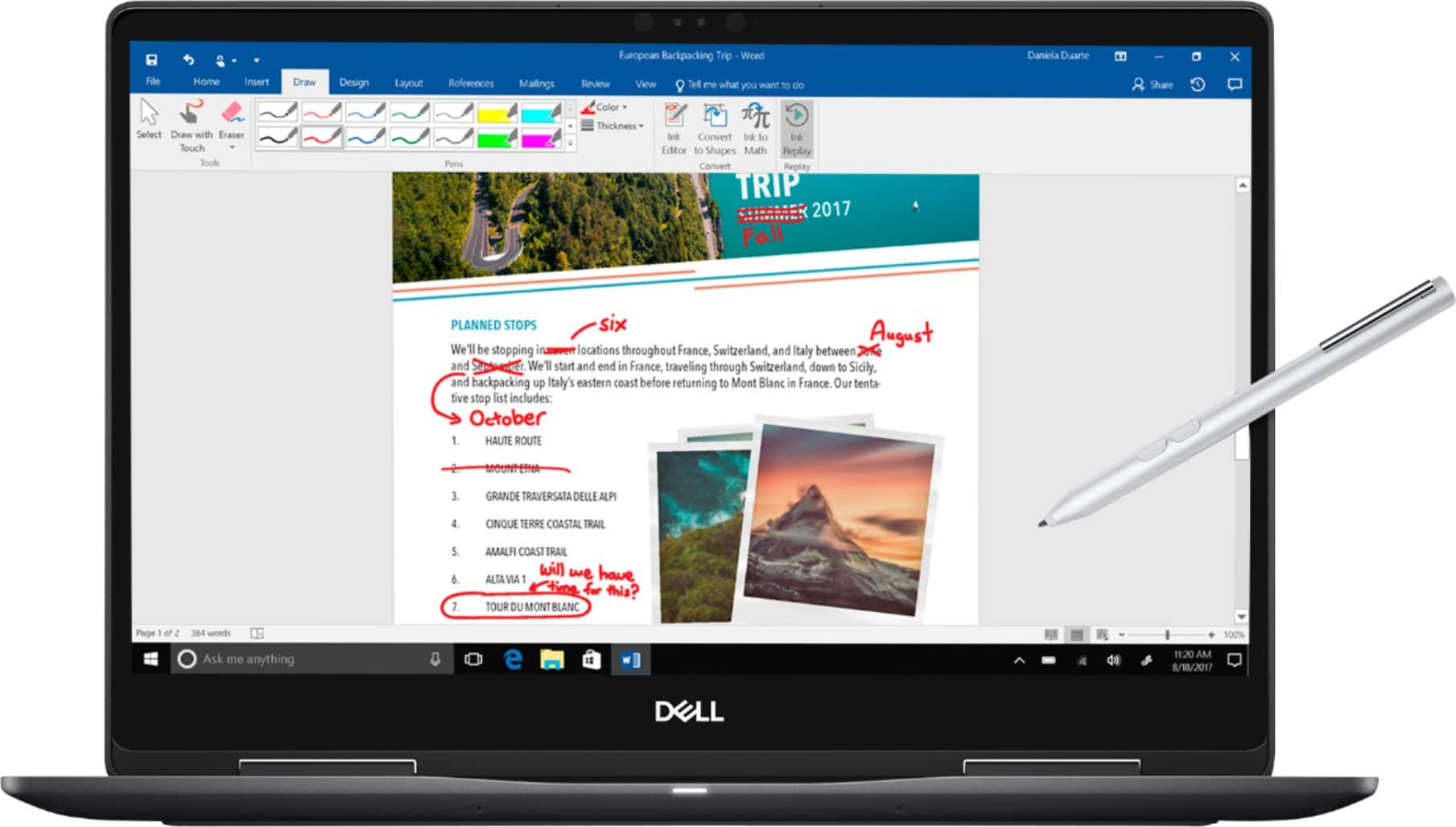
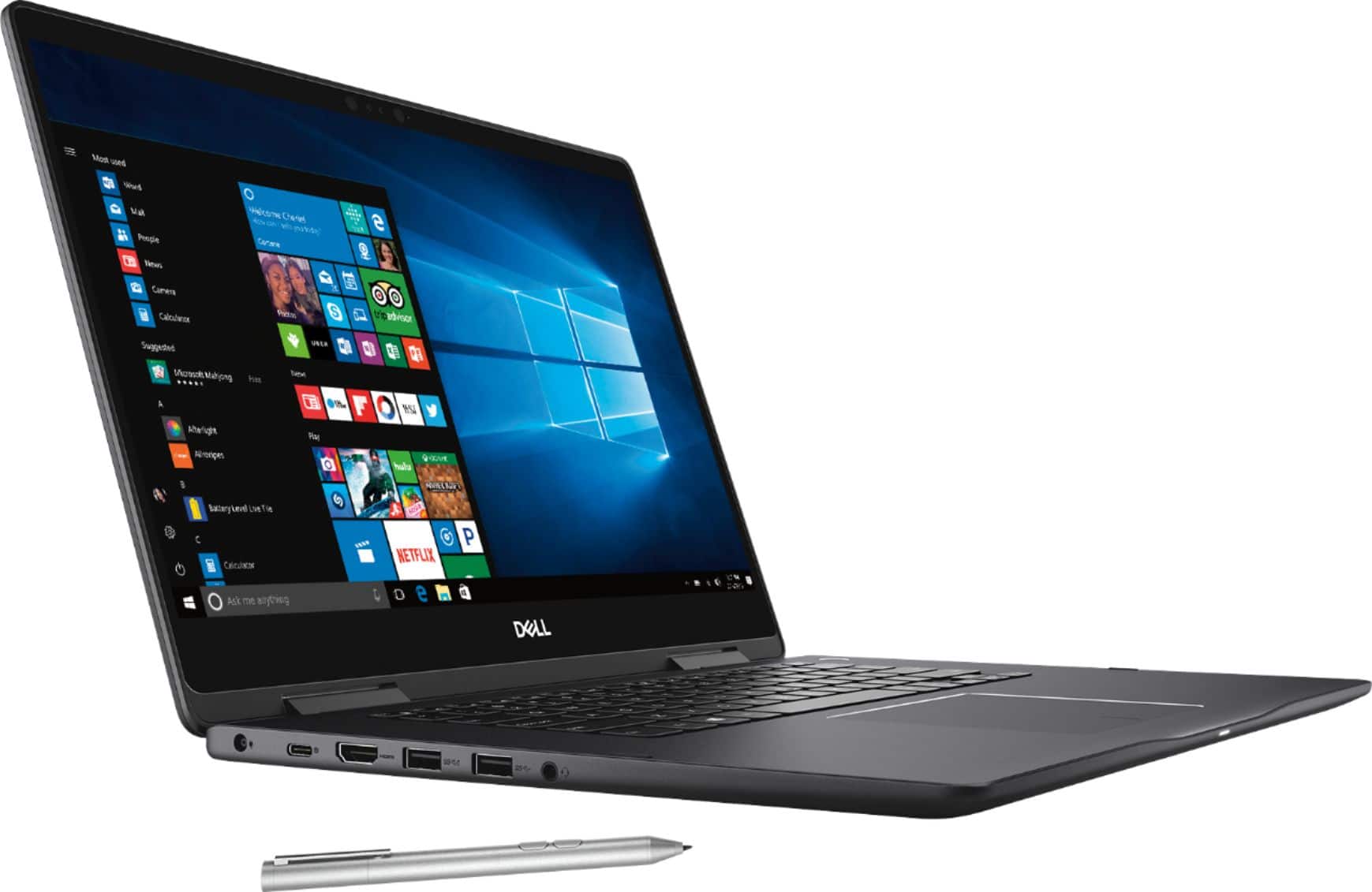
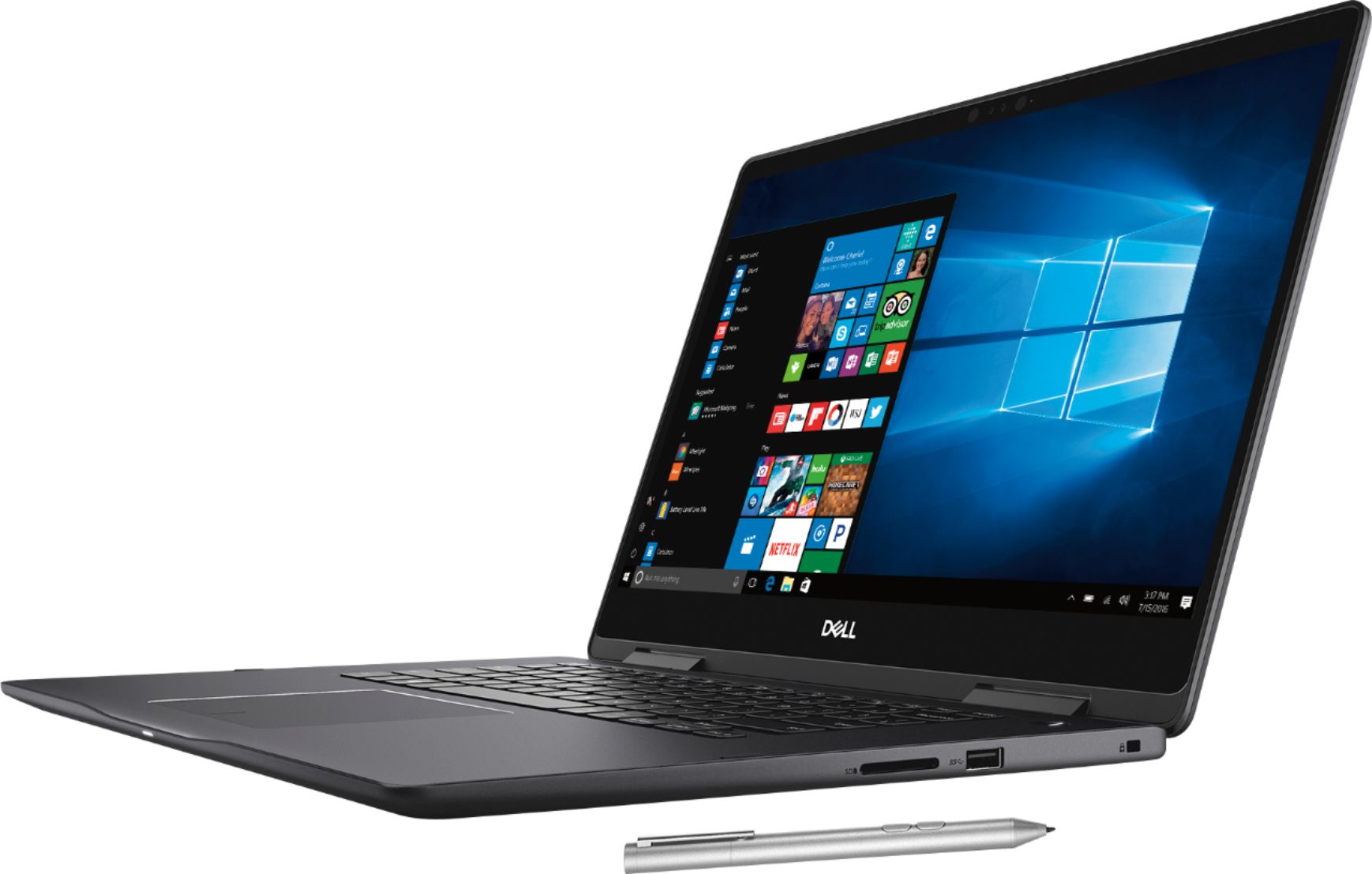
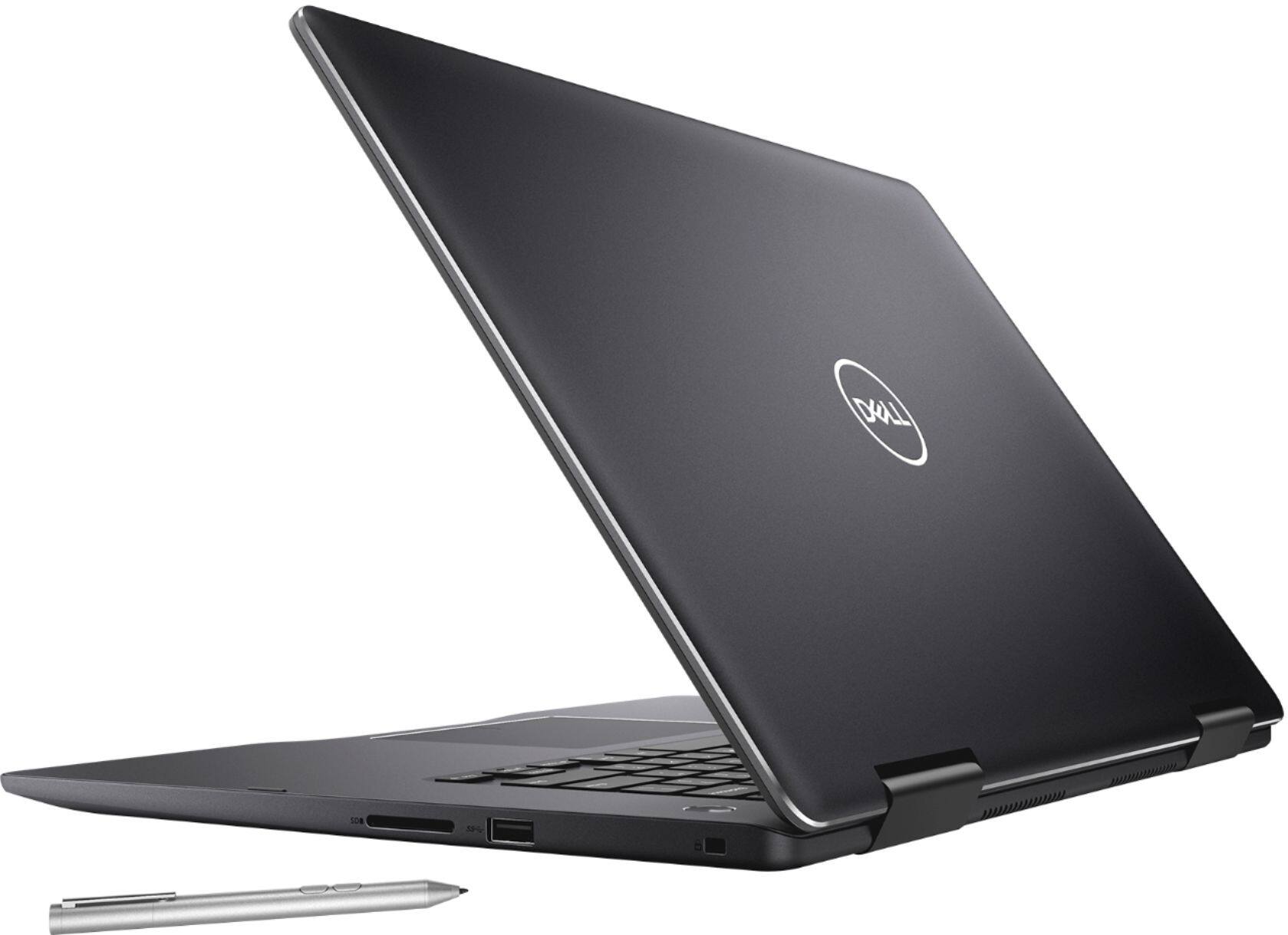
|Posted .This reviewer received promo considerations or sweepstakes entry for writing a review.After few weeks of use and careful consideration, I am giving this laptop a 5. I had been considering giving it a 4.5, it is not perfect by any means, but overall this is a very solid, light, high performant, vibrant 4k display laptop. We have other two laptops at home, a Surface Book (i7, 14") and an HP Envy (2-1, i5, 15.6"), and it seems this one is claiming the top spot. Screen: First 4k laptop I own, and I must say the 4k content looks amazing, there is no doubt about it. I just wished there was more of my favorite content available in 4k. Comparing to the Surface Book and HP Envy, it has a higher resolution and colors look more vivid than both, even HD and regular content is more enjoyable on this laptop. Surface Book has a nice screen, and this one outs a fight. And not even a fair comparison with the HP Envy as the latter looks more rustic. Except for one time that I had to restart the machine to have the touch-mode to work normally again, the sensitivity and feel is decent and not much different than other similar devices. Tablet mode: I was skeptical about placing it on the table and watch Netflix while having some coffee, but it just worked. I seem to prefer this mode than the one where the screen is detached. It is not as heavy as the 2-1 HP Envy, so it feels easier to handle the different modes. In summary, it's been a delight watching videos in tablet mode on this device. Pen: I haven't used the pen extensively, but I'd figure the best use for it is for taking notes in lectures and meetings. In fact, back then when I was in college in the early 2000's, my most important college tool was my tabletPC (a Gateway twist-and-fold one), OneNote and live recording made for my notebooks for all the subjects. I am not sure how well I would get used to taking notes with the tablet completed folded, as the keyboard ends up at the bottom. Anyways, I think this one should entice any college student as a tool and entertainment device. Battery: I am a little disappointed, I get less than 5 hours of battery on just regular use, browsing the net, connected remotely to my work computers, etc. On heavy video or debugging in WinDBG (I am a software developer) the battery drains much faster. Keyboard: For the dimensions of the laptop, I was thinking a numeric pad would make sense, but after some extensive use I got used to not having one. Nevertheless, it makes it difficult to type foreign language special characters, without relying on autocorrect (if it is available where you need it). I am used to typing the Alt+NumValue to get the special characters which is not possible on this keyboard configuration (there are other forms are available to achieve this anyways a little more convoluted). Keyboard feels very soft to touch, which I like after years and years of programming. In contrast, the HP Envy has the numeric pad which I like very much. Performance: I am very surprised about the performance as this machine is very fast. Perhaps not an apples to apples comparison, since my Surface Book has Windows10Pro and this one Windows10Home, and the Surface Book is a >2Ghz 4core machine and this one is a <2Ghz 8 core machine, but this one seems overall faster. I was debugging Outlook in both and in this Dell, everything was just faster. I may eventually move to Windows10Pro. Against the HP Envy, is not a fair comparison, HP Envy lags behind (well the price difference is double as well though). Other observations/thoughts: - Remote desktop to non-4k machines results in screens way too small, well, this seems more of a flaw in Windows than the machines themselves. - I like the fact that the keyboard can be lighted up when needed. - The Fn key should have a light that states whether it is on (locked) or not, it just annoying to relying to “try if it works” approach. I definitely like the approach the Surface Book and HP Envy have on that regard. Of course, it can be observed whether the key is on-off in the hidden portion of the notification area (but who goes there all the time?). - The touch screen stopped working a couple of times after upgrading to the latest Windows10 version, might be a driver issue. Rebooting the machine fixed it. - Audio is just ok. With the speakers located at the bottom, expect some resonance when placed on a flat surface. - No face recognition (perhaps I didn't dig deeper and it is hidden somewhere). I find it handy to get into your computer. - I've seen some apps freezing from time to time, e.g. the photo app when loading big images. I am not sure if it just the app or the driver. I haven't yet tried with any other major graphic applications, such as photoshop, but I will. - As usual, there is plenty of bloatware, with MacAffee trial even adding itself to Outlook as an addin (very annoying). Soon I will convert it to a Windows10Pro and get rid of all the extra stuff.
I would recommend this to a friend Best laptop for college student
||Posted .This reviewer received promo considerations or sweepstakes entry for writing a review.I was looking for a laptop for my programming classes. This laptop is great in specs and meets all my requirements. Couldn't find any other laptop in this budget. Most economic in heavy configuration laptop.
I would recommend this to a friendGreat system. Easy to use. I use for genealogy
||Posted .This reviewer received promo considerations or sweepstakes entry for writing a review.I use for scanning, photo editing, & long documentation generation.
I would recommend this to a friend- Pros mentioned:4k screen, PerformanceCons mentioned:Battery life, Heating
Great display; battery hog
||Posted .This reviewer received promo considerations or sweepstakes entry for writing a review.I love the 4K display and it really impresses my clients when I write on the screen with the included pen! However the battery gets drained in 3-4 hours, it does get pretty hot. It’s performance is very good (heavy Excel).
I would recommend this to a friend - Pros mentioned:Performance, PriceCons mentioned:Storage
Right price and very good performance
||Posted . Owned for 7 months when reviewed.This reviewer received promo considerations or sweepstakes entry for writing a review.Right price and very good performance. So far No issue. Very happy over all. Wish to include the WS Office PACKAGE and more Storage.
I would recommend this to a friend - Pros mentioned:SpeedCons mentioned:Fan noise
Not bad for the open box price.
||Posted .This reviewer received promo considerations or sweepstakes entry for writing a review.I bought an open box item. The resolution is amazing. Good battery life. It's very fast. The screen goes black for about 2 seconds but then goes back to normal sometimes and sometimes the fan is very loud when the laptop is powered on but is only loud for about 2 minutes and after it quiets down it's almost silent. Neither of these issues are deal breaker since it doesn't interfere with the overall performance. I bought it because the price was lower than some laptops with lower specs.
I would recommend this to a friend There are problems but the pros outweigh the cons
||Posted . Owned for 1.5 years when reviewed.This reviewer received promo considerations or sweepstakes entry for writing a review.When I first got this computer I was drooling. I loved it so much and I still do. The display is crystal clear (though older and basic applications can look cheap depending on your settings, but that’s their fault). It is a liiiiittle heavy but it’s all metal so that makes sense and the backlit keyboard is beautiful. (I use a silicone keyboard protector on top because I don’t like letter rub off on my expensive purchase.) I make great use of the memory though I have had a problem with the fan running when the CPU isn’t that high and the lap top getting hot. (It’s metal so definitely get a cooling fan.) There is a big problem with the sound after around a year. It has something to do with a driver and I haven’t had the time it iron it out but the sound can randomly scratch out and get electronic sounding but fixes itself after a restart. Cons: the wide base on the front of the keyboard can hurt after awhile of typing if you are at the wrong angle and have small hands, it has some sound issues at times, and gets hot. Pros: Feels expensive, great display and memory. Touchscreen works well and operating system works in favor of the product. The reason why I would NOT recommend this to a friend is because it is limited edition so custom accessories such as dash stickers or screen protectors are harder to find, the sound thing needs to be ironed out and I don’t want to lose a friend if they drop a grand on a laptop they might not like.
No, I would not recommend this to a friend- Pros mentioned:SpeedCons mentioned:Heating
Love
||Posted .This reviewer received promo considerations or sweepstakes entry for writing a review.Great laptop, haven’t had a single issue and tech support is amazing with questions and remote help. It’s a little heavy I wouldn’t want to travel a lot with it and the bottom can get really warm so it’s getting 4 stars instead of 5. I would give it 4.5 if I could. It is super fast and works well with a design program I use. There’s no numeric keypad but I don’t use one so it doesn’t bother me. Very happy with this laptop.
I would recommend this to a friend - Pros mentioned:PerformanceCons mentioned:Heating
Good Laptop in Midrange
||Posted .This reviewer received promo considerations or sweepstakes entry for writing a review.Cons : Laptop has sharp edges on the bottom part, so it will scratch hands while using Keyboard. Heats fast when using intensive application. Display is magnified to 250%, so that items doesn’t look small on 4K Display. This makes older some applications look grainy But these don’t matter a lot, as it is not a road block. Pros: Laptop is fast and works smoothly. Display is brilliant. Light weight and sturdy.
I would recommend this to a friend - Cons mentioned:Battery life, Heating
Good 2-in-1 for Most Individuals
||Posted .This reviewer received promo considerations or sweepstakes entry for writing a review.The Dell Inspiron Convertible 2-in-1 Laptop is overall an excellent device. The use of SATA for the SSD instead of PCI-e is a setback for performance. Best Buy mentions that this 2-in-1 comes with a stylus, but it does not. The NVIDIA GeForce MX130 graphics card is suitable for moderate graphics-intensive use, but I would suggest looking at machines with the NVIDIA GeForce MX150 graphics instead. I get approximately three hours of use, so the battery life is atrocious. It also takes nearly three hours to recharge. This machine runs hot under heavier loads. I would strongly recommend elevating the back of the computer since the exhaust vents are on the bottom back of the enclosure. What was most disappointing was the dead pixel on the touch display.
I would recommend this to a friendBrand response from YourDellTeam
Posted .ktubaugh,
We appreciate your feedback. If you'd like some tips about extending the life of your computer's battery you can follow these steps:
Change the Power Plan:
1. On the notification area of the taskbar, right-click the Battery icon.
2. On the options list, click Power Options.
3. Select a power plan on the battery meter, such as Power Saver or Balanced. Windows 10 has a built in 'Battery Saver' mode that can be activated to extend your system's battery life. The Battery Saver mode will monitor and limit background activity and other features such as push notifications. You do have the option to enable or disable this mode within settings or within advanced Battery Saver settings, you can customize the mode to best suit your needs.
a) Click on the Action Center icon in the taskbar and select the tile for Battery Saver.
b) If running Cortana then type Battery Saver into the search box and select from the results.
Within the Battery Saver settings page, you will be able to turn on and off the feature and customize the feature to best meet your needs.
c) Turn Battery Saver On or Off.
d) Additional settings available via the Battery use and Battery saver settings links.
e) Battery use shows further info on apps and their power usage.
f) Battery Saver Settings screen allows you to customize further Battery Saver feature.
You can read the full article here - http://dell.to/2vfXWf4.
If you'd like to try to operate your computer at a lower temperature, here are some suggestions: Tips for Proper Usage:
1. Dell does not recommend placing portable systems directly on your lap. Due to reductions in the thickness of modern portable systems, heat transfer can be an issue.
2. Using a portable system (Laptop) on a hard, flat, non-cloth surface will increase airflow and reduce heat from underneath and inside the system.
Using the portable system on a blanket, pillow, or other types of cloth will cover up the fan cause the computer to overheat and can cause permanent damage.
3. It is recommended to use the portable system in a Room temperature of 0°C to 35°C (32°F to 95°F) with a Humidity level no greater than 90%.
4. Use compressed air to clean the vents on a regular basis.
5. Using a cooling pad can decrease heat and increase performance.
6. If you want to know the temperature limitations for your system, go to the Dell Support Website, look up your system model then open the user guide under the manuals link.
You can read the full article here - http://dell.to/2uJ8AdG.
Best,
Bryan
1-800-624-9896
- Pros mentioned:Price
Good enough
||Posted .This reviewer received promo considerations or sweepstakes entry for writing a review.I spent hours looking at different laptops & I found this as an open box for 645$!!! With the pen 4k corei7 16GB 256SSD & couldn’t find anything close to those specs & that price. BUT if I was paying full asking price I would have just spent a few 100 more for the XPS13
I would recommend this to a friend - Cons mentioned:Battery life
Great laptop, affordable, flexible, powerful.
||Posted . Owned for more than 2 years when reviewed.This reviewer received promo considerations or sweepstakes entry for writing a review.This week marks my 2 full years with this laptop. So far so good. I bought this because I wanted something portable and powerful and I wanted something that has a MacBook-like design. This was the awesome middle point of all. I'm a software engineer and I also like to use Adobe products for graphic design and record music. This machine can do it all! Battery life is not bad when you use it at the lowest settings. Screen is bright and nice, but uses a lot of battery when you have the highest brightness. Do I really use the 2-in-1 functionality? Honestly, no. But I do use the touch screen every once in a while to scroll through documents and websites. Sometimes, it doesn't work, needs a quick reboot, then it recovers. One problem with the screen is; sometimes on the left and right edges, there is a slight dimming in weird shapes, as if someone is pushing on the LED screen. It can be noticeable on white screens. It slowly comes and goes after many hours of use. A bit annoying. I mostly do coding in dark theme so it doesn't bother often. Overall, so far, I am happy. I will use this as long as it lasts. Maybe I might upgrade to a newer version with more space and lighter design if they have that in the near future. I recommend this computer!
I would recommend this to a friend - Pros mentioned:Speed
You get what you pay for
||Posted .This reviewer received promo considerations or sweepstakes entry for writing a review.Great product so far. I purchased on sale Oct 2018 and was very hesitant to spend the money. I’m not tech savvy by any means and found new set up very easy. I was looking for speed and ability to have several things going simultaneously.( this machine does just that) I would highly recommend the dell inspirion 7000 but would check them out fast as they just clearanced them.....which would give you a better value The solid state drive seems to be very quick and the unit is quiet my only complaint would be the black finish....( shows all the fingerprints but does clean easily) I would also compare storage for the money 256 vs 512. Again, I’m certainly no tech geek and was just looking for a good unit that wouldn’t be obsolete in a few years. Good luck on your next purchase
I would recommend this to a friend - Pros mentioned:Performance
Very satisfied with this laptop
||Posted .This reviewer received promo considerations or sweepstakes entry for writing a review.This laptop is great! I use it mainly for school but I also run autocad on it which works smoothly because the laptop has a lot of power and works very fast. The screen looks amazing especially if you are running it on high performance. I was hesitant to get this laptop because I read negative comments about the battery life but I don't have a problem with it, you can choose battery settings that range from max battery life to max performance so if you want more battery life you just have to sacrifice some power no big deal. As long as you're not just watching nonstop videos on max power in 4K resolution you should have enough battery power for the day at least, when I run max battery life mode I could get a solid 11-12 hours battery life. I don't use tablet mode much but l love having the versatility and the ability to write on screen when I want it. Two thumbs up on this decision, I do not regret it one bit.
I would recommend this to a friend - Pros mentioned:4k screen, Touch screen
Great computer
||Posted .This reviewer received promo considerations or sweepstakes entry for writing a review.I bought this for college classes I was taking. I really like the pen that comes with it as it allows me to take notes, highlight, and make changes to a document as I’m viewing it on my laptop without having to click the mouse.
I would recommend this to a friend - Pros mentioned:4k screen, Touch screen
This laptop is everything I need for school
||Posted .This reviewer received promo considerations or sweepstakes entry for writing a review.10 out of 10! Very happy with my purchase! Has everything I need for my online classes. Very happy with my purchase! The touchscreen and 4k HD, is why I purchased this laptop. I would high recommend. The employee that help me with my purchase knew the product details and was very knowledgeable. Great customer service.
I would recommend this to a friend - Pros mentioned:Performance
Excellent laptop
||Posted .This reviewer received promo considerations or sweepstakes entry for writing a review.This laptop is amazing. The graphics are advanced and it does everything I need it to do for my schooling as well as for my business.
I would recommend this to a friend - Pros mentioned:Speed, Touch screen
Excellent display
||Posted .This reviewer received promo considerations or sweepstakes entry for writing a review.So far, after a few weeks of ownership, I am really liking this laptop. It has the best display I have ever had. The speed of the operating system is much better than my previous HP. I do wish it had the number key pad, but I would still highly recommend this.
I would recommend this to a friend - Pros mentioned:Touch screen
Sleek and sturdy
||Posted .This reviewer received promo considerations or sweepstakes entry for writing a review.(+) My Dell laptop is sexy. Comfortable use, keyboard gives back positive response for speed and accuracy. Good audio, graphics and I love the battery life. Touch screen and back lighting was a requirement for me and to try the new solid state drive. (-) No ten-key. Ten-key typing is innate for me and there is plenty of room on the chassis for it. No dvd/cd-rom, but when was the last time I used one on a laptop = I don't miss it. Yes, it was pricey, but I love my selection. The Best Buy staff was knowledgeable and helped me with my selection and to feel confident that I made the right decision. BTW, I have been an HP owner for years, this is my first Dell (laptop).
I would recommend this to a friend