Customer Ratings & Reviews

- Model:
- I3475-A845BLK-PUS
- SKU:
- 6196009
to a friend
Customers are saying
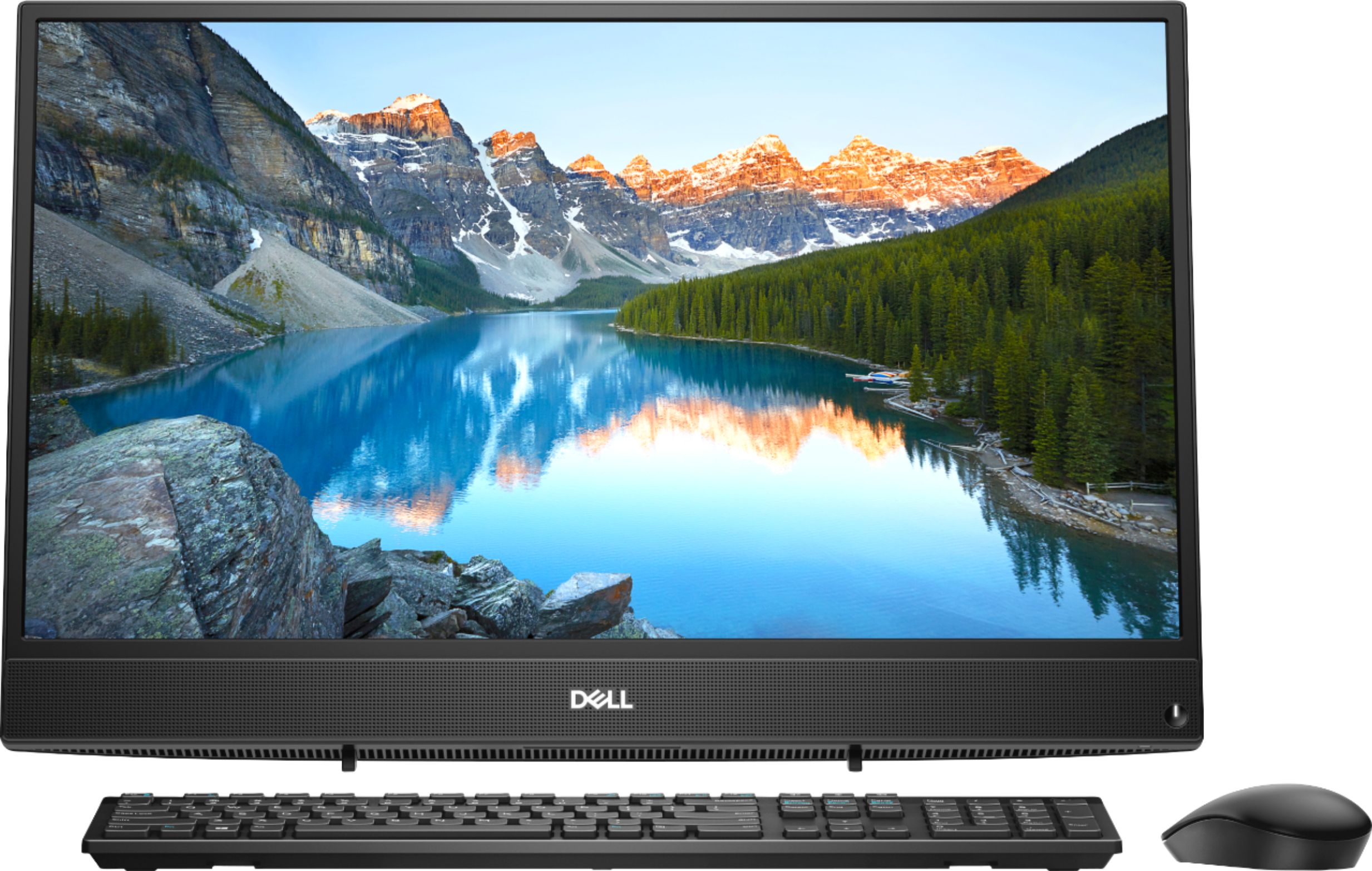
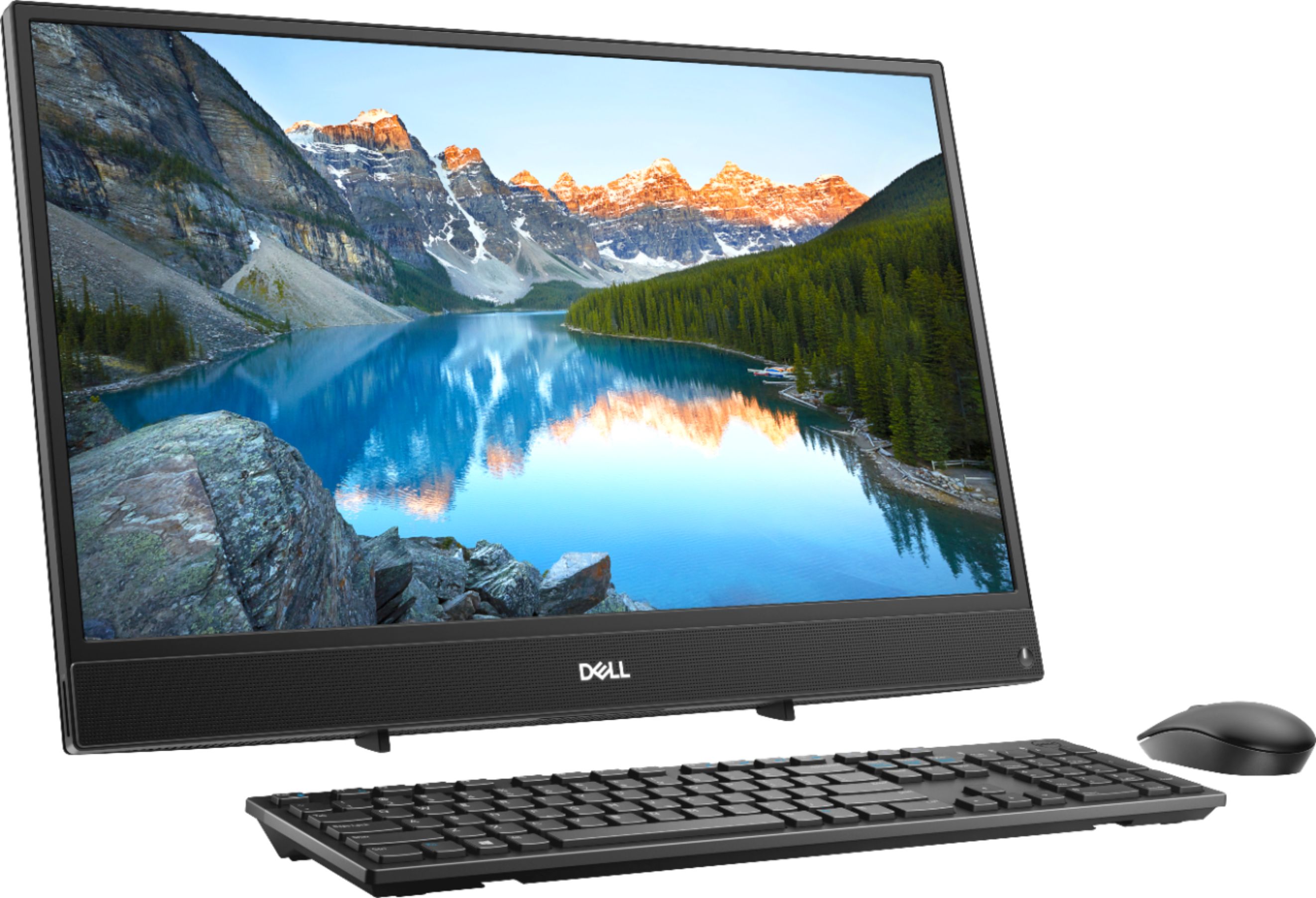
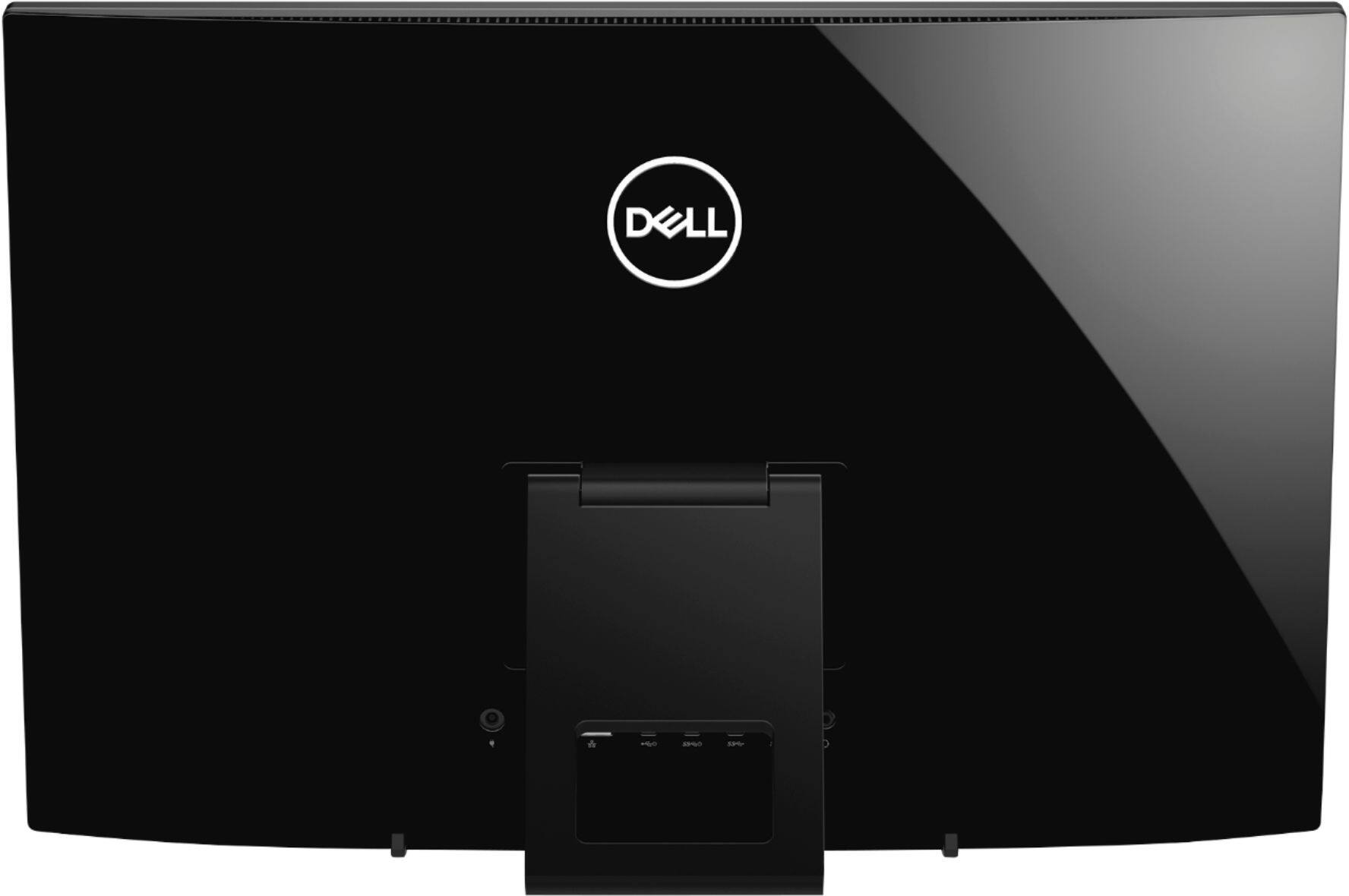
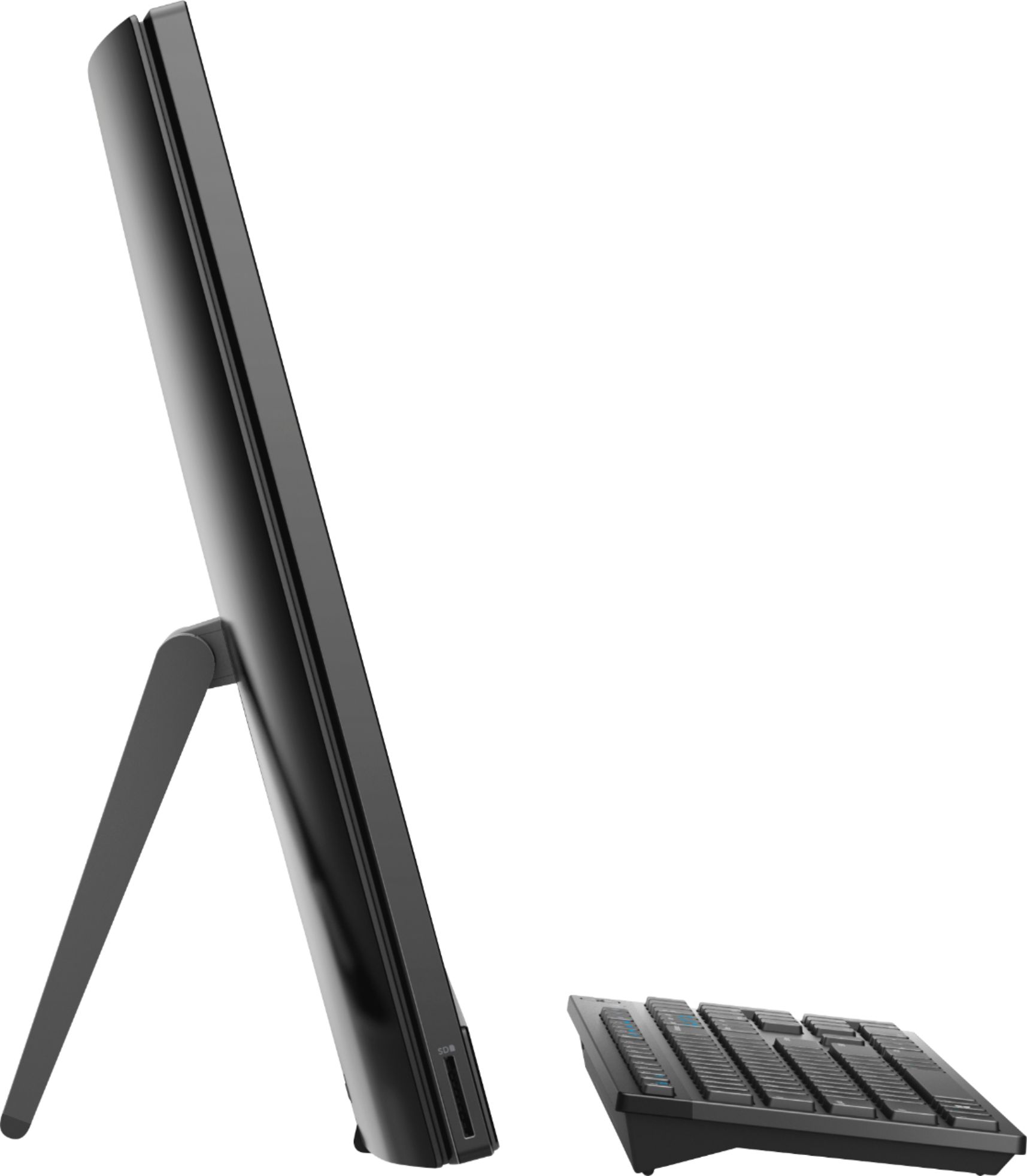
Customers appreciate the large screen size and the ease of use of this 23.8" touch-screen all-in-one computer. Many also praise its performance and the value for the price, noting the touchscreen functionality as a positive feature. However, some users have expressed concerns about the placement of the USB ports and the included stand.
This summary was generated by AI based on customer reviews.
great camera
||Posted .This reviewer received promo considerations or sweepstakes entry for writing a review.granddaughter loves it.works great for her business
I would recommend this to a friendI love my new computer!!!
||Posted .This reviewer received promo considerations or sweepstakes entry for writing a review.I'm enjoying my new computer......it is great. xxxx
I would recommend this to a friendperfect
||Posted .This reviewer received promo considerations or sweepstakes entry for writing a review.no problems at all, very good all in one for money
I would recommend this to a friendEXCELLENT FOR ANY ONE
||Posted .This reviewer received promo considerations or sweepstakes entry for writing a review.EASY INSTALLATION,SPACE SAVER,NO WIRES EVERY WHERE
I would recommend this to a friendGreat Buy
||Posted .This reviewer received promo considerations or sweepstakes entry for writing a review.Would recommend this touchscreen to anyone looking
I would recommend this to a friendexcellent desk top
||Posted .This reviewer received promo considerations or sweepstakes entry for writing a review.Sharp video, clear audio, quick response, durable.
I would recommend this to a friendWhat I wanted
||Posted .This reviewer received promo considerations or sweepstakes entry for writing a review.Great support personnel! Knowledgeable and courteous!
I would recommend this to a friendSmooth operating
||Posted .This reviewer received promo considerations or sweepstakes entry for writing a review.Still had factory plastic even though it was open box.
I would recommend this to a friend1st Dell Computer
||Posted .This reviewer received promo considerations or sweepstakes entry for writing a review.I upgraded my old computer to a Dell. It is great.
I would recommend this to a friendGreat for a school kid
||Posted .This reviewer received promo considerations or sweepstakes entry for writing a review.This computer was purchased for my dad who never really learned computers but wanted to explore the internet. Not bad but not that great
No, I would not recommend this to a friendBrand response from YourDellTeam
Posted .LawDog,
We're glad that for the most part this new computer is meeting your needs. If you or your father have any questions about the computer you can check our Product Support Page here: https://dell.to/2u5AS0I.
Best,
Bryan
1-800-624-9896
Great Dell Computer!
||Posted .This reviewer received promo considerations or sweepstakes entry for writing a review.This Dell All-in-one desktop computer was perfect!
I would recommend this to a friendAmazing product
||Posted .This reviewer received promo considerations or sweepstakes entry for writing a review.Just installed and I can’t get enough of the desktop
I would recommend this to a friend- Pros mentioned:Touchscreen
DVD CD
||Posted .This reviewer received promo considerations or sweepstakes entry for writing a review.Needs a DVD player and not a touch screen is good, remote keyboard is good, optical mouse is good.
No, I would not recommend this to a friendBrand response from YourDellTeam
Posted .xjarhead,
Thanks for your feedback. Dell does offer an external DVD / CD drive through Best Buy that you can purchase here: http://bit.ly/2N8c7bq.
We hope that this helps your computer perform better for you.
Best,
Bryan
1-800-624-9896
Slow at times
||Posted .This reviewer received promo considerations or sweepstakes entry for writing a review.Is a great computer until you try to multitask then the computer will go slow and sometimes resets. Only had for less then 2 weeks.
No, I would not recommend this to a friendBrand response from YourDellTeam
Posted .Hello Wokbo,
We're sorry that your computer is performing slower than you expected it to. We'd recommend running the Windows Performance Troubleshooter to see if your computer can run faster:
1. Close all open windows.
2. Press the Windows logo key + X key on the keyboard.
3. Click Control Panel.
4. Click System and Security.
5. Under Security and Maintenance, select Troubleshoot common problems.
6. Under System and Security, click Run maintenance tasks.
7. Follow the on-screen instructions and prompts to complete the process.
8. Restart the PC.
You can read the full article here - http://dell.to/2tSulGV.
Best,
Bryan
1-800-624-9896
- Cons mentioned:Speed
Very slow
||Posted . Owned for more than 2 years when reviewed.This reviewer received promo considerations or sweepstakes entry for writing a review.its a basic computer very slow dont try to run a business on it lol
No, I would not recommend this to a friend - Cons mentioned:Speed
Slow and crashes
||Posted .This reviewer received promo considerations or sweepstakes entry for writing a review.Constantly crashes and produces a blue screen of death. Not very compatible with Windows 10. Even after fresh installs of the OS the computer has issues. Bought 3 and they all are slow and have crashed multiple times.
No, I would not recommend this to a friendBrand response from YourDellTeam
Posted .JGG999,
We're sorry to hear that your computer keeps crashing on you. Here are some tips to help diagnose your crashes:
1. At the desktop, click the Search the web and Windows box and type "problem reports".
2. Select View all problem reports to view a list of errors that have occurred on your computer and possible solutions for them, such as updating drivers, flashing your system BIOS, or checking for updates to the software.
3. Under the Source column, look for Windows and under Summary, look for Shut down unexpectedly.
4. Right-click the line item and select Check for a solution.
We'd also suggest checking to make sure that your software and drivers are up to date on Dell's Product Page - https://dell.to/2L2lF6Z.
You can read the full article here - http://dell.to/2u98Cct.
If you'd like to see if your computer can perform faster for you we'd recommend running the Windows Performance Troubleshooter:
1. Close all open windows.
2. Press the Windows logo key + X key on the keyboard.
3. Click Control Panel.
4. Click System and Security.
5. Under Security and Maintenance, select Troubleshoot common problems.
6. Under System and Security, click Run maintenance tasks.
7. Follow the on-screen instructions and prompts to complete the process.
8. Restart the PC.
You can read the full article here - http://dell.to/2tSulGV.
Best,
Bryan
1-800-624-9896
Computer good but hate windows 10Nice
||Posted .This reviewer received promo considerations or sweepstakes entry for writing a review.Nice computer but I hate windows 10. I am lucky to have a grandson to help me out. . You should have classes for old folks.
No, I would not recommend this to a friendBrand response from YourDellTeam
Posted .sisw,
Thank you for your feedback. If you'd like to find out more about using Windows 10 we'd recommend Dell's page dedicated to Windows 10 Support - http://dell.to/2wMZqyx.
If you'd like to research more about your computer you can always visit our Product Support Page here - https://dell.to/2u5AS0I.
We hope that these tips help you use your computer the way that you intended to.
Best,
Bryan
1-800-624-9896
Kinda weak
||Posted .This reviewer received promo considerations or sweepstakes entry for writing a review.Nice graphics, the only thing is the CPU seems to stay maxed out most of the time making things run slow.
No, I would not recommend this to a friendBrand response from YourDellTeam
Posted .Steve,
We appreciate your feedback. We're glad that you like the graphics of your new All-In-One. If you'd like to see if your computer can perform faster for you, please run the Windows Performance Troubleshooter:
1. Close all open windows.
2. Press the Windows logo key + X key on the keyboard.
3. Click Control Panel.
4. Click System and Security.
5. Under Security and Maintenance, select Troubleshoot common problems.
6. Under System and Security, click Run maintenance tasks.
7. Follow the on-screen instructions and prompts to complete the process.
8. Restart the PC.
You can read the full article here - http://dell.to/2tSulGV.
Best,
Bryan
1-800-624-9896
Slow and doesn't last!
||Posted . Owned for 1 year when reviewed.This reviewer received promo considerations or sweepstakes entry for writing a review.I've only had it for 2 years and have had to call tech support over 10 times. The latest is that I'm unable to access all websites all the time. Sometimes I can't get the internet at all. I paid for hardware support and now they're saying that it's software to get $99 from me. I'm going back to HP. My HP computer lasted 6 years!
No, I would not recommend this to a friend- Cons mentioned:Speed
Very slow. Not happy with purchase. Returned it.
||Posted .This reviewer received promo considerations or sweepstakes entry for writing a review.Very slow. Not happy with purchase. Returned it. There were updates that needed to be done by geek squad before I should have been able to take it home and had to bring it back and forth.
No, I would not recommend this to a friend