Customer Ratings & Reviews

- Model:
- I3475-A845BLK-PUS
- SKU:
- 6196009
to a friend
Customers are saying
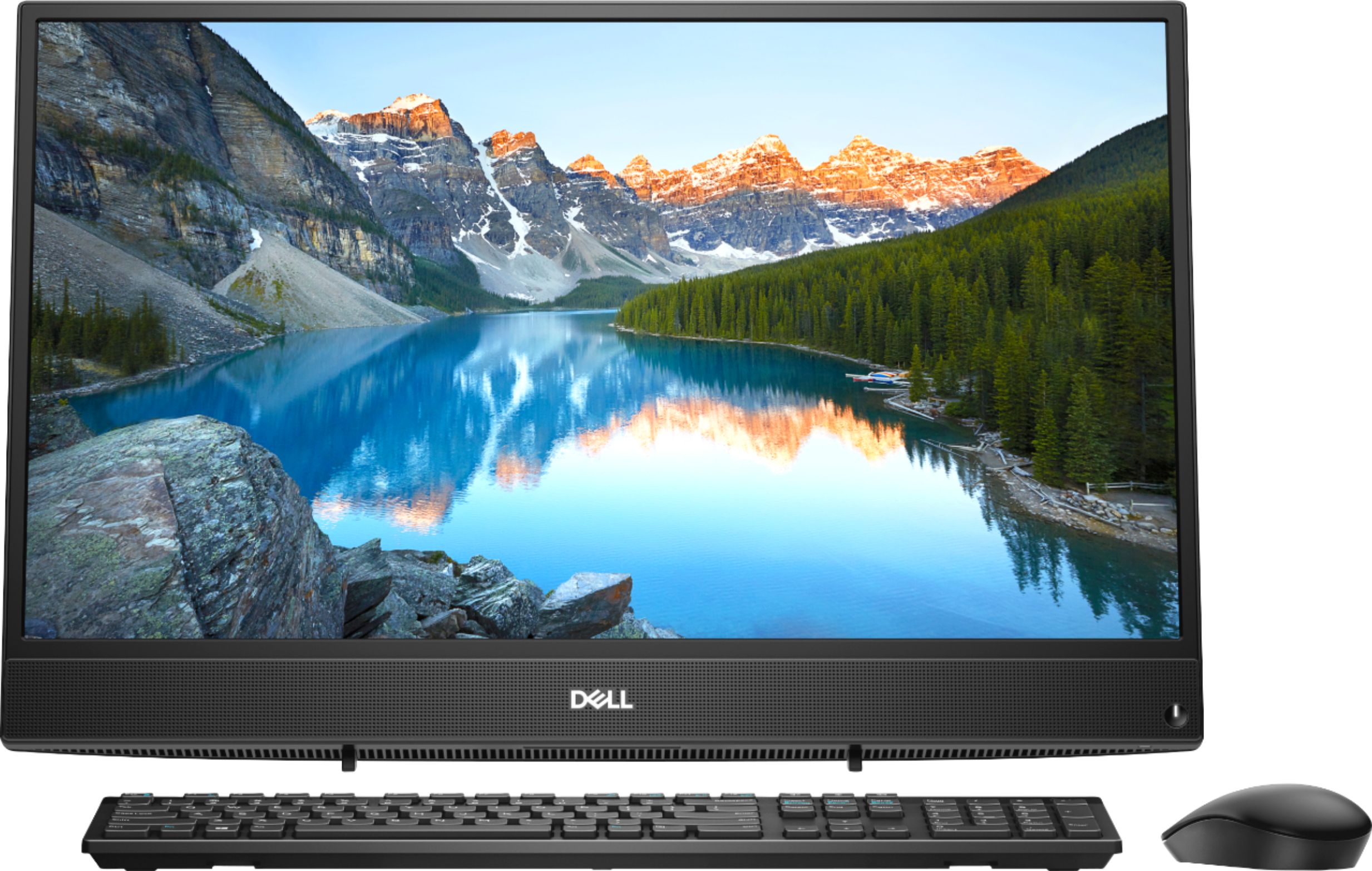
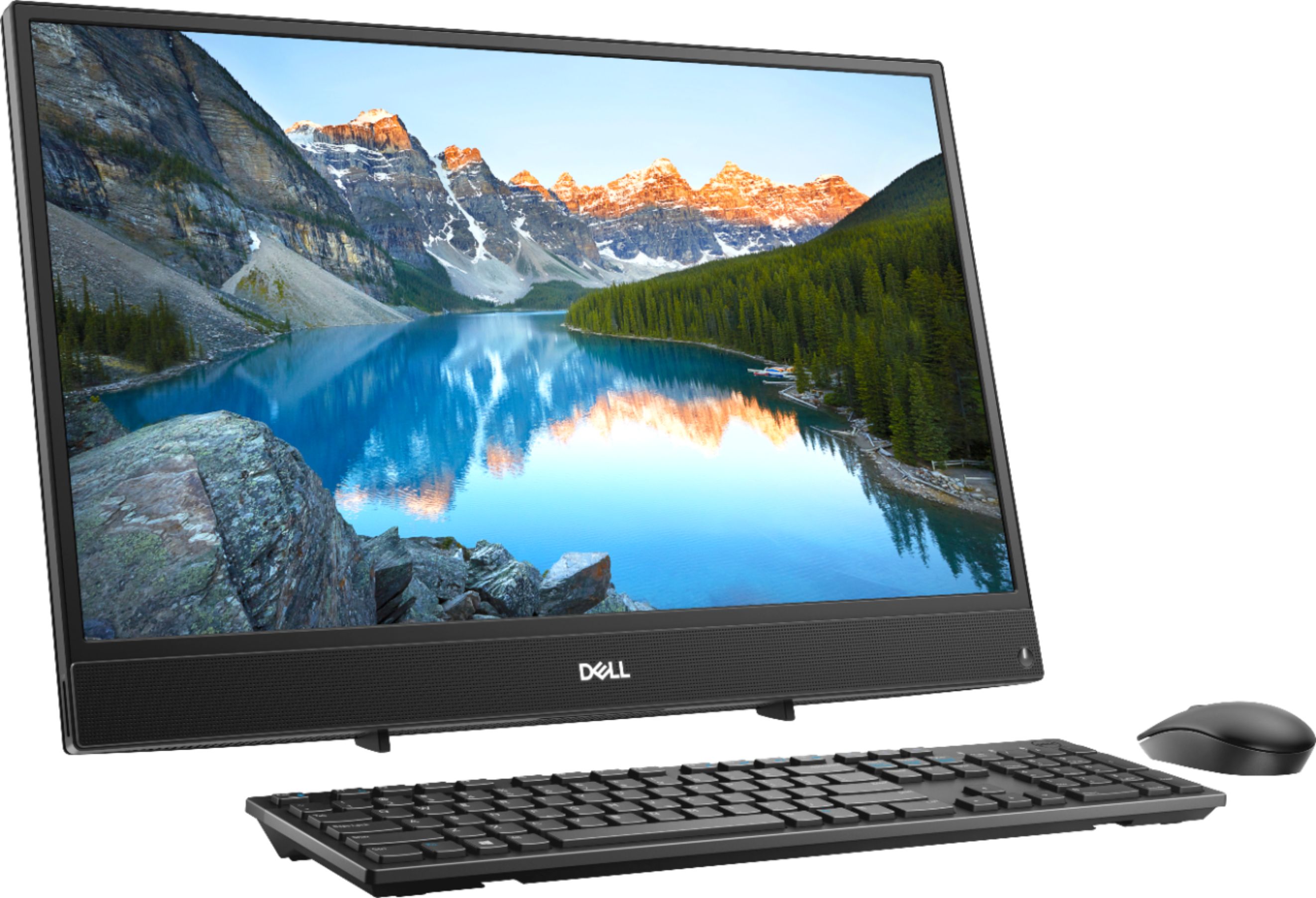
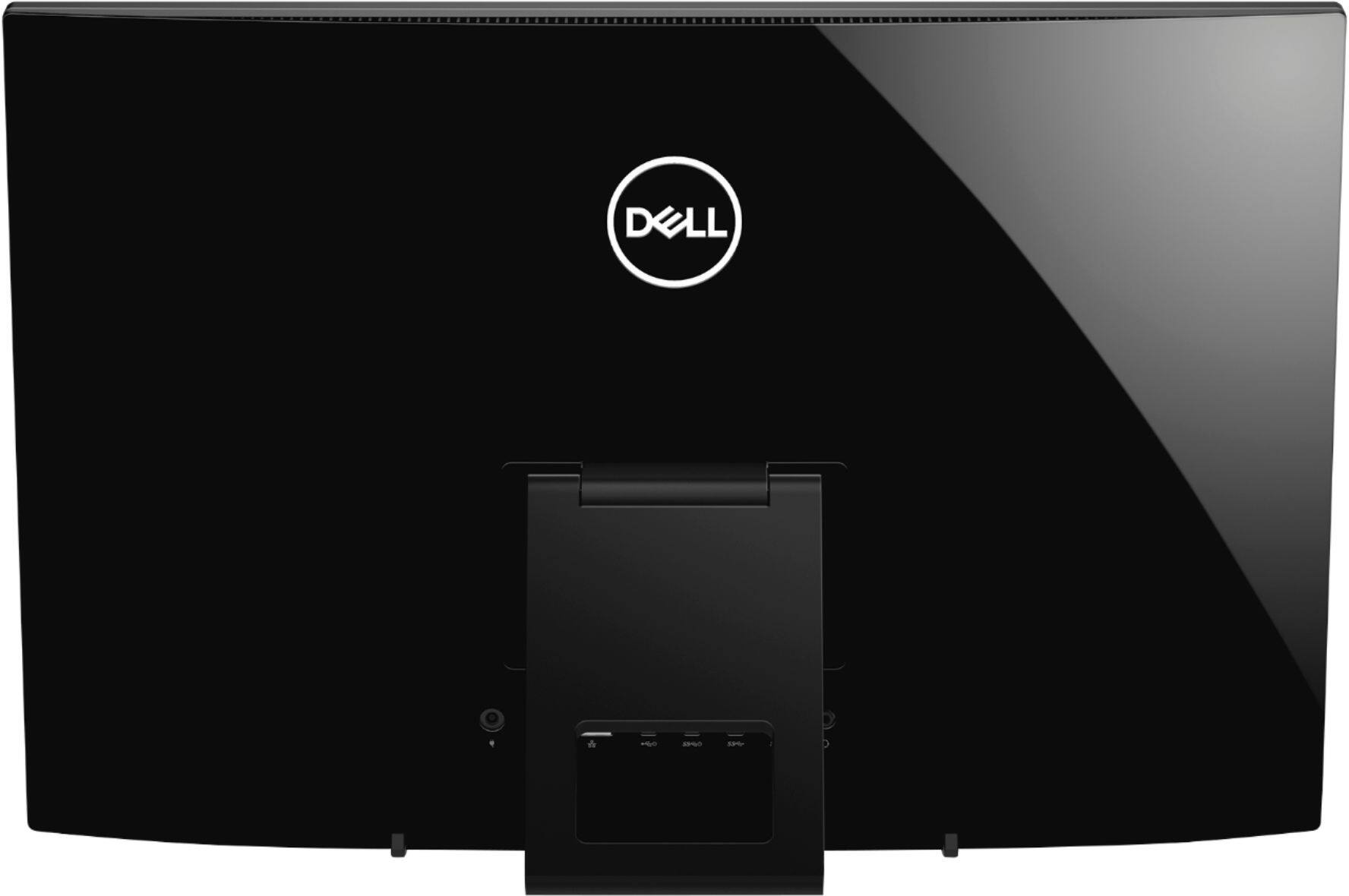
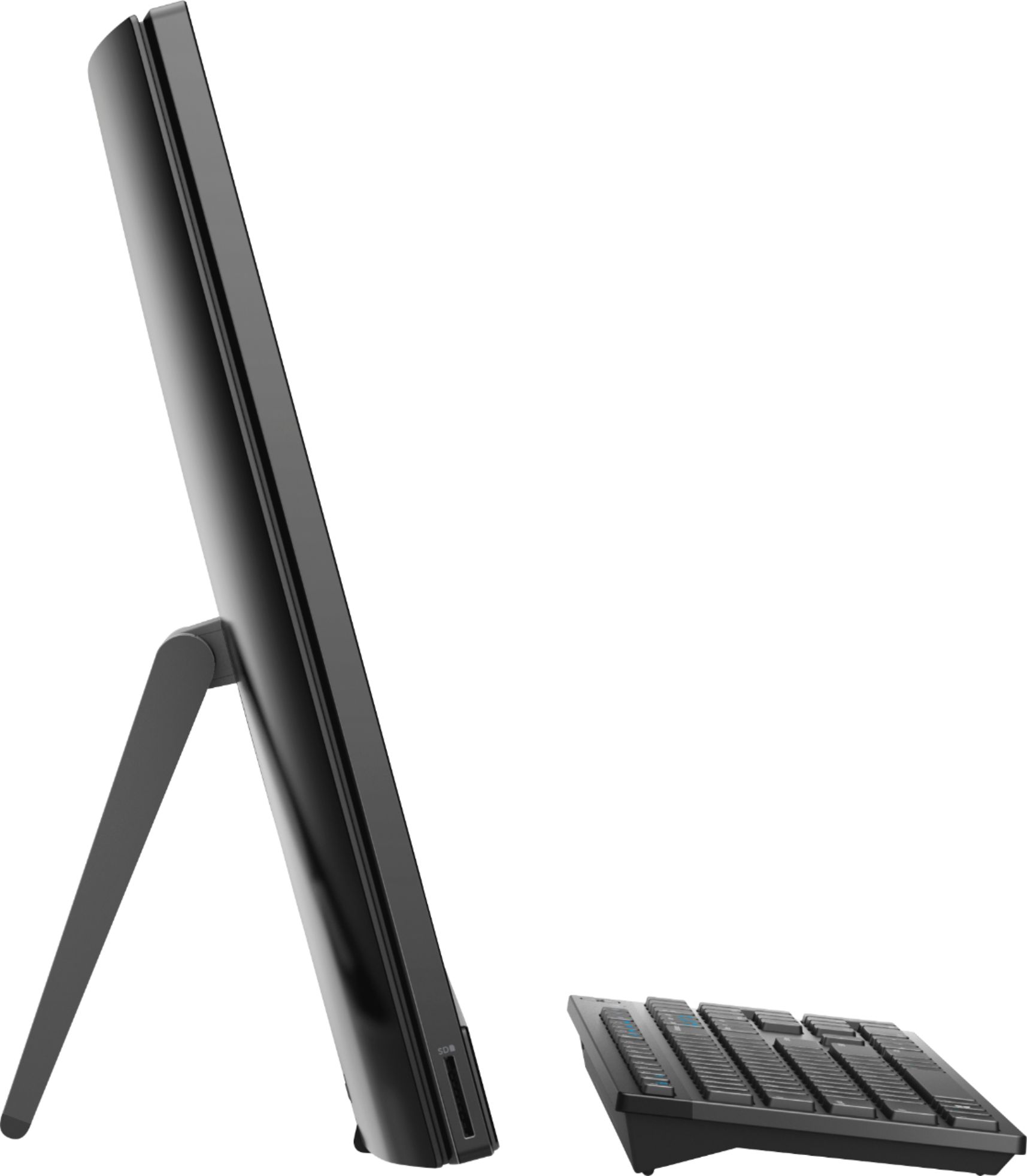
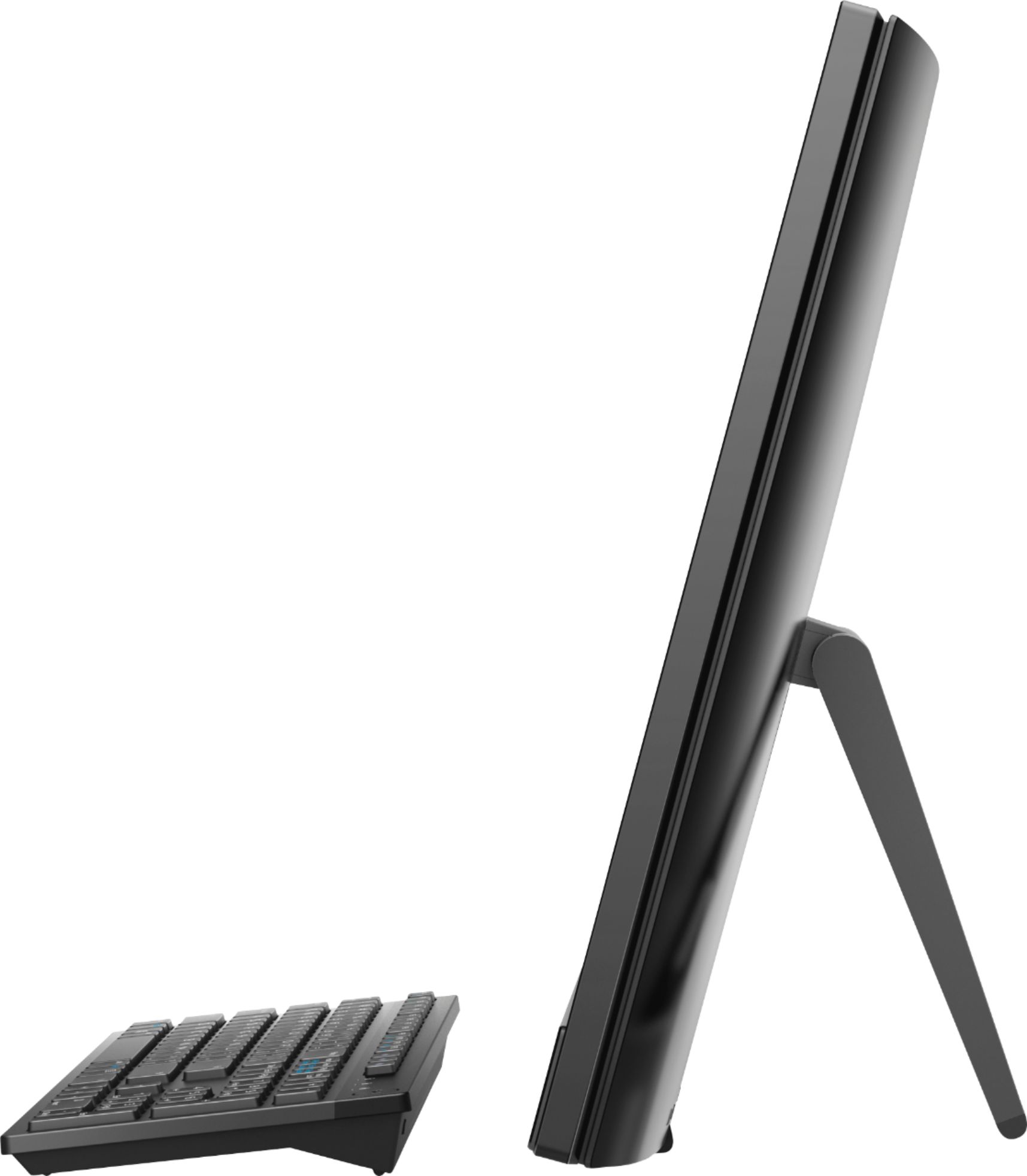
Customers appreciate the large screen size and the ease of use of this 23.8" touch-screen all-in-one computer. Many also praise its performance and the value for the price, noting the touchscreen functionality as a positive feature. However, some users have expressed concerns about the placement of the USB ports and the included stand.
This summary was generated by AI based on customer reviews.
bad product
||Posted .This reviewer received promo considerations or sweepstakes entry for writing a review.this product does just fine running windows 10. But don't try to run a windows app or any other app and try to use the touch screen at the same time in one of the apps you are running, you will find the screen goes black and stalls or restarts with all changes lost. If you run task manager and watch the cpu and disk usage you will see that the cpu and disk usage in the red most and if you stop all the things you can stop you will see their usage only drops below 50% for a short time when the windows subroutines slow down but then back in the red with nothing is being done.
No, I would not recommend this to a friendBrand response from YourDellTeam
Posted .Hi Timconaw,
Thanks for your review and we're sorry to hear about the disk usage on your new computer not meeting your needs. We'd recommend updating your software and drivres to make sure that everything that is running is up to date. You can check fro current drivers and software for your computer here: https://dell.to/2L2lF6Z
We hope that these tips will help your computer run better for you.
Best,
Bryan
1-800-624-9896
- Cons mentioned:Speed
Slow
||Posted .This reviewer received promo considerations or sweepstakes entry for writing a review.This is not a good buy, it is very slow, takes for every to start up and load. restarts on it's own. and dell will not do anything about it. DO NOT BUY. I am stuck with a PC that does not work.
No, I would not recommend this to a friendBrand response from YourDellTeam
Posted .Chuck,
Thanks for your review. We're sorry that your computer is not working as fast as you had hoped it would. If you'd like to find out more about your system you can visit our Product Support Page here: https://dell.to/2u5AS0I.
Lastly, you can always run the Windows Performance Troubleshooter by following these steps:
1. Close all open windows.
2. Press the Windows logo key + X key on the keyboard.
3. Click Control Panel.
4. Click System and Security.
5. Under Security and Maintenance, select Troubleshoot common problems.
6. Under System and Security, click Run maintenance tasks.
7. Follow the on-screen instructions and prompts to complete the process.
8. Restart the PC.
You can read the full article here - http://dell.to/2tSulGV.
Best,
Bryan
1-800-624-9896
it is great for school
||Posted . Owned for 1.5 years when reviewed.This reviewer received promo considerations or sweepstakes entry for writing a review.we use it to display work for sunday school and education
I would recommend this to a friendDefective Product
||Posted .This reviewer received promo considerations or sweepstakes entry for writing a review.I just bought one for Christmas. Spent all day loading McAfee and Office and soon after the machine completely malfunctioned. I couldn't open up tools in Windows and the internet connection would not open. I reinstalled windows to completely erase all of the installed software. I reinstalled Office. The next day the computer showed a non functional internet connection for all the various connections and the machine went to the blue screen of death when I rebooted it. The next morning internet was back after leaving the blue screen on all night. Obviously an internal flaw and if you read all the comments Dell wants you to use their "fixit" tools. Having to reinstall Windows indicates a defect not a software issue. Should have bought the HP for a little more. It's going back to the store today.
No, I would not recommend this to a friendBrand response from YourDellTeam
Posted .Nigel,
We're very sorry to hear that your new computer has been crashing on you. We'd recommend diagnosing the crashes with these steps:
1. At the desktop, click the Search the web and Windows box and type "problem reports".
2. Select View all problem reports to view a list of errors that have occurred on your computer and possible solutions for them, such as updating drivers, flashing your system BIOS, or checking for updates to the software.
3. Under the Source column, look for Windows and under Summary, look for Shut down unexpectedly.
4. Right-click the line item and select Check for a solution.
We'd also suggest checking to make sure that your software and drivers are up to date on Dell's Product Page - https://dell.to/2L2lF6Z.
You can read the full article here - http://dell.to/2u98Cct.
We hope that these steps help you find a solution to the issues that your computer is facing. https://dell.to/2u5AS0I.
Best,
Bryan
1-800-624-9896
Great Graphics
||Posted .This reviewer received promo considerations or sweepstakes entry for writing a review.Downfall its an all-in one computer that heats up quickly
I would recommend this to a friendBrand response from YourDellTeam
Posted .Stalkin32,
We're happy to hear that you're enjoying the graphics on your new All-In-One. We're sorry to hear that your All-In-One is heating up on you. We'd recommend the following tips to keep your computer operating at a cooler temperature:
1. It is recommended to use the system in a Room temperature of 0°C to 35°C (32°F to 95°F) with a Humidity level no greater than 90%.
2. Use compressed air to clean the vents on a regular basis.
3. If you want to know the temperature limitations for your system, go to the Dell Support Website, look up your system model then open the user guide under the manuals link.
You can read the full article here - http://dell.to/2uJ8AdG.
Best,
Bryan
1-800-624-9896
- Cons mentioned:Speed
Not worth
||Posted .This reviewer received promo considerations or sweepstakes entry for writing a review.We all have our own reasons to buy a computer.. in my case this product does not meet my expectation ... its too slow to play games on it.. i ended up returning it
No, I would not recommend this to a friendBrand response from YourDellTeam
Posted .tCgrapher,
We're sorry that your recent Dell computer did not meet your needs. In the future we'd recommend running the Windows Performance Troubleshooter to see if there are ways to speed up your computer.
Best,
Bryan
1-800-624-9896
Full of issues
||Posted .This reviewer received promo considerations or sweepstakes entry for writing a review.This all in one computer is nicely packaged and seems functional. Sadly I had a lot of problems with the screen. It went dark within a day of use. Also the mouse would flicker every time you touched the screen. Thankfully BESTBUY replaced the computer for me.
No, I would not recommend this to a friendBrand response from YourDellTeam
Posted .Mazen,
Thanks for your review. We're sorry to hear about the issues that you initially had with your new Dell All-In-One. We're glad that you now have a fully functional computer. If you do have any questions about your new device please check our Product Support Page here: https://dell.to/2u5AS0I.
Best,
Bryan
1-800-624-9896
Enough for me
||Posted .This reviewer received promo considerations or sweepstakes entry for writing a review.Great computer to surf the web and for homework. Cool
I would recommend this to a friendBrand response from YourDellTeam
Posted .Hello JayBee,
We're so happy to hear that your computer is meeting your needs. We'd recommend that you check out our Product Support Page here - https://dell.to/2u5AS0I if you have any questions about your computer.
Best,
Bryan
1-800-624-9896
Decent laptop but not great quality
||Posted . Owned for 1 year when reviewed.This reviewer received promo considerations or sweepstakes entry for writing a review.Heavy laptop with poor quality materials. Touch pad broke within 6 months and keyboard is below average quality. Processor and monitor is fine, just overall poor quality for supporting components. Fairly typical for Dell.
No, I would not recommend this to a friend- Cons mentioned:Speed
Don't
||Posted .This reviewer received promo considerations or sweepstakes entry for writing a review.Slow and not at all user friendly. After trying for several hours to get the response time to be better I gave up took it back and got a Mac instead
No, I would not recommend this to a friendBrand response from YourDellTeam
Posted .Malick,
We're sorry to hear that you decided to return your Dell computer. In the future if you are running a Windows based system again we'd recommend that you try the Windows Performance Troubleshooter to see if there is a way for your computer to perform faster. We hope that you will decide to choose Dell again in the future.
Best,
Bryan
1-800-624-9896
Very Super slow all in one PC
||Posted .This reviewer received promo considerations or sweepstakes entry for writing a review.I am so unhappy with this new computer absolutely nothing on it works right everything I can do from my phone As in listen to my music or print photos with my new printer I seem to be unable to do with this new computer I just paid $1000 for I might as well throw it away because I essentially have a 10 pound paper weight on my desk now I will never buy anything from Best Buy again
No, I would not recommend this to a friendBrand response from YourDellTeam
Posted .Dear Valued Customer,
We're sorry that your computer is running slower than you'd like it to. We'd recommend running the Windows Performance Troubleshooter to see if your computer can run faster for you:
1. Close all open windows.
2. Press the Windows logo key + X key on the keyboard.
3. Click Control Panel.
4. Click System and Security.
5. Under Security and Maintenance, select Troubleshoot common problems.
6. Under System and Security, click Run maintenance tasks.
7. Follow the on-screen instructions and prompts to complete the process.
8. Restart the PC.
You can read the full article here - http://dell.to/2tSulGV.
Best,
Bryan
1-800-624-9896
- Cons mentioned:Speed
A bad choice
||Posted .This reviewer received promo considerations or sweepstakes entry for writing a review.I wish I returned it when I had the chance. This computer is very slow and I am very disappointed. I should've shelled a few more bucks to get something with speed.
No, I would not recommend this to a friendBrand response from YourDellTeam
Posted .BARAKO,
Thanks for your review. We're sorry to hear that your computer is not performing as fast as you hoped it would. We'd recommend running the Windows Performance Troubleshooter to see if it will help improve the speed of your computer:
1. Close all open windows.
2. Press the Windows logo key + X key on the keyboard.
3. Click Control Panel.
4. Click System and Security.
5. Under Security and Maintenance, select Troubleshoot common problems.
6. Under System and Security, click Run maintenance tasks.
7. Follow the on-screen instructions and prompts to complete the process.
8. Restart the PC.
You can read the full article here - http://dell.to/2tSulGV.
Best,
Bryan
1-800-624-9896
Horribly disappointed
||Posted .This reviewer received promo considerations or sweepstakes entry for writing a review.I am so unhappy with this new computer absolutely nothing on it works right everything I can do from my phone As in listen to my music or print photos with my new printer I seem to be unable to do with this new computer I just paid $1000 for I might as well throw it away because I essentially have a 10 pound paper weight on my desk now I will never buy anything from Best Buy again
No, I would not recommend this to a friendBrand response from YourDellTeam
Posted .Hello Filodeltaco,
We're sorry to hear that your computer is not working the way you had hoped it would. We'd recommend running the Dell Support Assist App to make sure that your computer is running all of the most up to date software and drivers.
If you have additional questions about your computer you can check our Product Support Page here: https://dell.to/2u5AS0I.
Best,
Bryan
1-800-624-9896
Keyboard and mouse did not work
||Posted . Owned for 2 weeks when reviewed.This reviewer received promo considerations or sweepstakes entry for writing a review.I was so disappointed that this machine bought to facilitate my children doing school from home did not work for the first week. I went through the set up process which paused and took 2 days to finish after which the keyboard and mouse would not respond. I thought it was batteries or drivers, changed the batteries, tried to update the drivers...could not connect. I had to use a mouse from another machine and buy a new keyboard to allow my children to work.
No, I would not recommend this to a friendPoor quality
||Posted .This reviewer received promo considerations or sweepstakes entry for writing a review.$30 and lasted 4 days before the case completly delaminated. I returned it and got a new one. On day 2 it is aready starting to de-laminate in the creases of the case and on all the edges. More than likely I will return this case as well and go caseless. By the way, my wife is was not abusing the case. The outer jacketing simply scratches off very easily by simply putting it into your jacket pocket or purse. If I were to use it on a construction project, it might only last a day.
No, I would not recommend this to a friend- Cons mentioned:Speed
Not worth it
||Posted .This reviewer received promo considerations or sweepstakes entry for writing a review.SLOW from the beginning and dead in less than two years. Don’t waste your money.
No, I would not recommend this to a friend Disappointed
||Posted . Owned for 1 year when reviewed.This reviewer received promo considerations or sweepstakes entry for writing a review.Bought this for use in kitchen office. The AMD chip seems to be sluggish as well as wifi radio. Underwhelmed with preformance.
No, I would not recommend this to a friendSlow, endless updates
||Posted .This reviewer received promo considerations or sweepstakes entry for writing a review.A little disappointed with this one. It takes a long time to fire up, and every few days there is an endless update. Otherwise, fairly routine.
I would recommend this to a friendBrand response from YourDellTeam
Posted .SMR0,
Thanks for your feedback. We'd recommend limiting the number of programs that launch at startup to see if that helps your computer boot up faster:
1. Close all open windows.
2. Press CTRL + Shift + ESC key together on the keyboard.
3. In the Task Manager window, click Startup tab.
4. Select the program or application that you want to disable from loading during startup.
5. Right-click and select Disable.
6. Repeat Step 4 & 5 for all the programs or applications that you want to disable from loading during startup.
7. Restart your PC.
You can read the full article here - http://dell.to/2tSulGV.
Best,
Bryan
1-800-624-9896
Bad unit
||Posted .This reviewer received promo considerations or sweepstakes entry for writing a review.I purchased it to build a photo-booth for my daughter's wedding last year (2018) in Nov. After setting it up and barely using it for the Wedding shower and the wedding it was not used much at all. When I tried turning it on in Feb 2019 (4mo later), the unit is looping between starting up and Hardware automatic check. I am not even able to reset it to factory settings. Would not recommend.
No, I would not recommend this to a friendBrand response from YourDellTeam
Posted .Danny,
Thanks for your review. We're sorry to hear that your computer is no longer working the way that it should. If you have trouble turning on your computer, here are some steps you can try:
1. If the computer is displaying the Dell logo and does not move past that point, it has probably failed POST.
2. If the power indicator lights up and it is amber or orange, this is usually an indicator that it has failed POST.
3. If you see text on a black screen, the computer is currently performing the POST. If the computer stays in that condition and does not move past it, it has probably failed POST.
4. If the video screen displayed anything at all during the startup process but is now black, this probably indicates that the computer failed POST.
5. If the computer is beeping or if Caps/Num/Scroll Locks are flashing, note if there is a particular pattern in which it beeps or flashes.
6. If the computer is not beeping and caps/num/scroll locks are not flashing, unplug all connections and remove all media communication devices (e.g. external monitors); reconnect one at a time and check if the computer functions.
7. For a notebook, press and hold the Fn key and then press the power button. This starts the pre-boot testing and will launch ePSA. In case you have a Desktop at the Dell logo screen tap the F12 key to enter One Time Boot Menu and use the arrow keys to highlight Diagnostics and press enter.
You can read the full article here - http://dell.to/2uj1Sby.
Best,
Bryan
1-800-624-9896
Loved the idea of all in one
||Posted .This reviewer received promo considerations or sweepstakes entry for writing a review.Had to go to geek squard three times then he just returned it and got a new different type of computer
No, I would not recommend this to a friend