Customer Ratings & Reviews

- Model:
- I3475-A845BLK-PUS
- SKU:
- 6196009
to a friend
Customers are saying
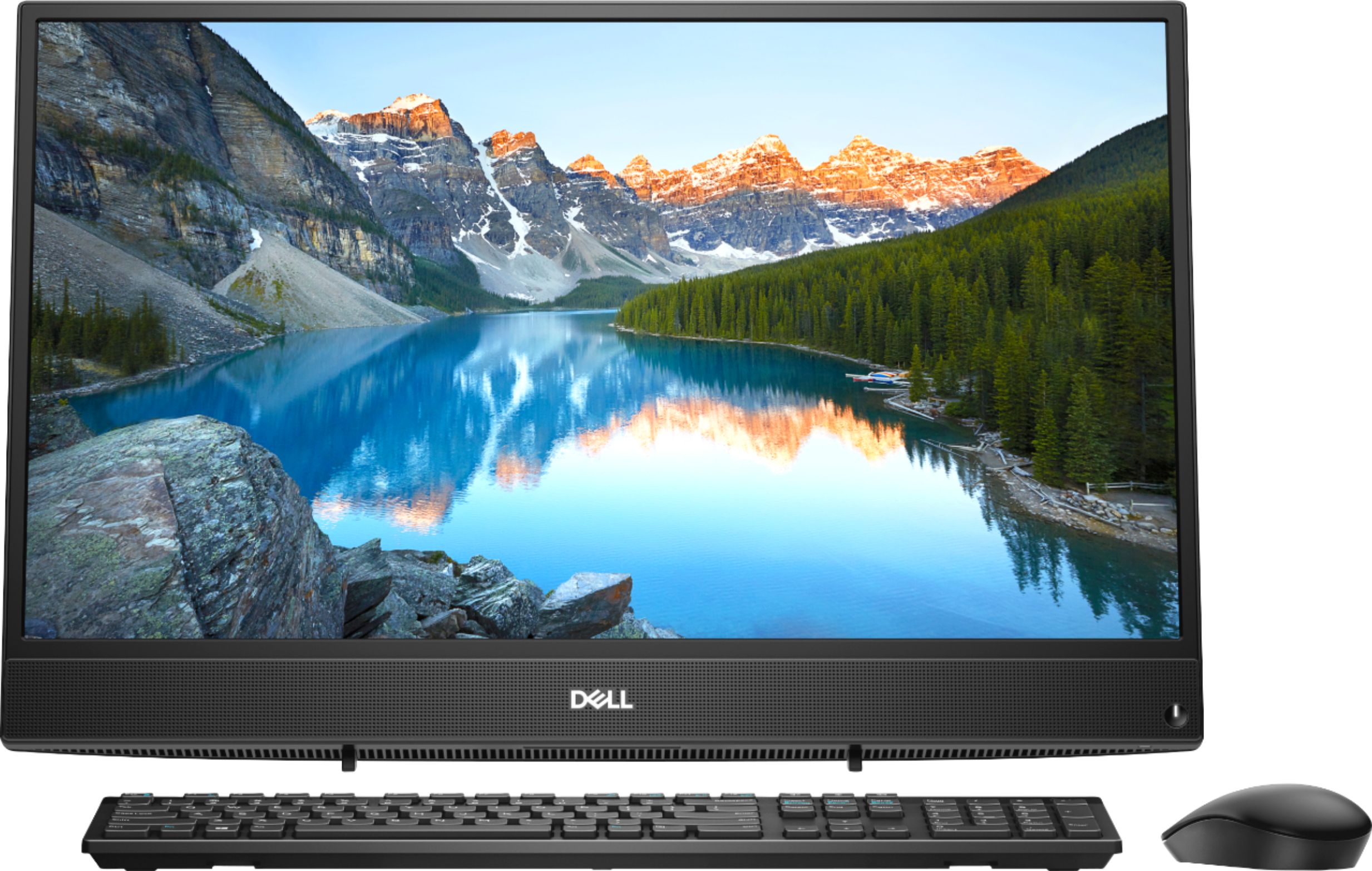
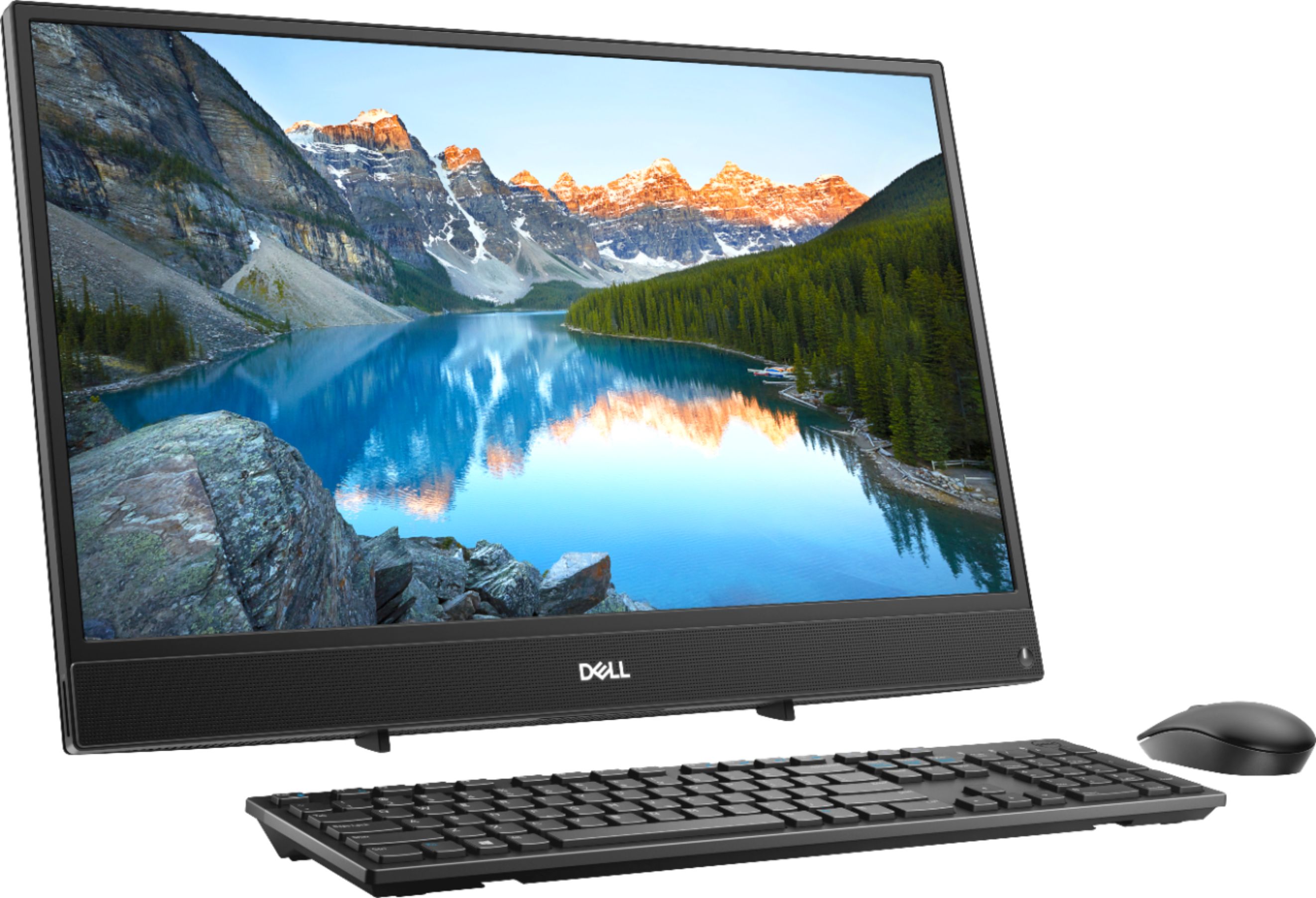
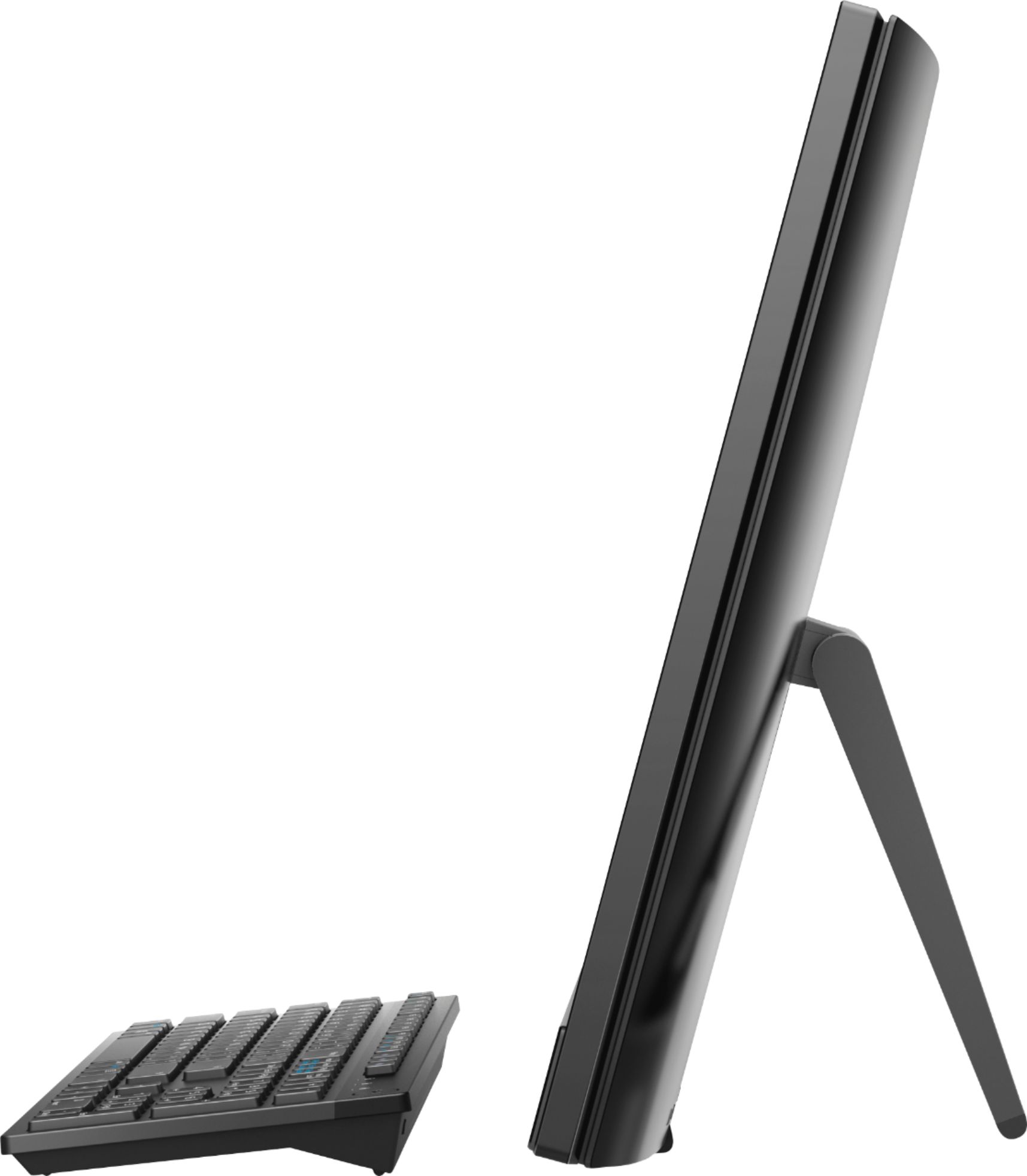
Customers appreciate the large screen size and the ease of use of this 23.8" touch-screen all-in-one computer. Many also praise its performance and the value for the price, noting the touchscreen functionality as a positive feature. However, some users have expressed concerns about the placement of the USB ports and the included stand.
This summary was generated by AI based on customer reviews.
Good design but very slow for me
||Posted .This reviewer received promo considerations or sweepstakes entry for writing a review.This is a nice little AIO if you are into touch screen on a budget, but for me it was too slow. The rated CPU speed is 2.6 Ghz but I don't think it's anywhere close to that. I normally buy Dell and like their excellent customer service, but this AMD powered PC is below my expectations, even at that price point. Returning it right away.
No, I would not recommend this to a friendBrand response from YourDellTeam
Posted .TheYogiBear,
Thanks for your review and we're sorry to hear that your computer is not performing as fast as you'd like it to. We'd recommend running the Windows Performance Troubleshooter to see if there are ways to speed up the performance of your computer:
1. Close all open windows.
2. Press the Windows logo key + X key on the keyboard.
3. Click Control Panel.
4. Click System and Security.
5. Under Security and Maintenance, select Troubleshoot common problems.
6. Under System and Security, click Run maintenance tasks.
7. Follow the on-screen instructions and prompts to complete the process.
8. Restart the PC.
You can read the full article here - http://dell.to/2tSulGV.
We hope this helps your computer perform faster for you.
Best,
Bryan
1-800-624-9896
Not worth the cost
||Posted . Owned for 1 year when reviewed.This reviewer received promo considerations or sweepstakes entry for writing a review.All in one and all together terrible. On paper this computer looks like it can handle day to day needs, however video playback is laggy and delayed. Basic gaming that requires 4 gig of ram won't load or play. Generally speaking this is a large out moded tablet!
No, I would not recommend this to a friendVery Slow
||Posted . Owned for 1.5 years when reviewed.This reviewer received promo considerations or sweepstakes entry for writing a review.Very slow computer, I changed the HDD to SSD and is working better.
No, I would not recommend this to a friendSLOW! Outof the box
||Posted . Owned for 8 months when reviewed.This reviewer received promo considerations or sweepstakes entry for writing a review.Do NOT recommend. Takes forever for it to keep up with normal web browsing.
No, I would not recommend this to a friendSlowww
||Posted .This reviewer received promo considerations or sweepstakes entry for writing a review.Out of the box this machine is poor at everything. Its so slow, I'm taking it back
No, I would not recommend this to a friendWill not buy dell desktops
||Posted .This reviewer received promo considerations or sweepstakes entry for writing a review.I purchased this computer and about 2 months later it stopped working so I took it in to get repaired and it did but that same day the same thing happened it turned off on me and it wouldn’t turn back on . I do not want to deal with Dell anymore.
No, I would not recommend this to a friendBrand response from YourDellTeam
Posted .Hello Tony,
Thanks for your review. We're sorry to hear that your computer is not turning on for you. We'd recommend the following tips to get your computer started again:
1. If the computer is displaying the Dell logo and does not move past that point, it has probably failed POST.
2. If the power indicator lights up and it is amber or orange, this is usually an indicator that it has failed POST.
3. If you see text on a black screen, the computer is currently performing the POST. If the computer stays in that condition and does not move past it, it has probably failed POST.
4. If the video screen displayed anything at all during the startup process but is now black, this probably indicates that the computer failed POST.
5. If the computer is beeping or if Caps/Num/Scroll Locks are flashing, note if there is a particular pattern in which it beeps or flashes.
6. If the computer is not beeping and caps/num/scroll locks are not flashing, unplug all connections and remove all media communication devices (e.g. external monitors); reconnect one at a time and check if the computer functions.
7. For a notebook, press and hold the Fn key and then press the power button. This starts the pre-boot testing and will launch ePSA. In case you have a Desktop at the Dell logo screen tap the F12 key to enter One Time Boot Menu and use the arrow keys to highlight Diagnostics and press enter.
You can read the full article here - http://dell.to/2uj1Sby.
If you'd like to reach out to Dell's Technical Support Team you can reach them here: http://dell.to/2sH7Qlm.
Best,
Bryan
1-800-624-9896
Very Slow and had security issues week one
||Posted .This reviewer received promo considerations or sweepstakes entry for writing a review.Upon setting up the computer initially which took quite a while, all programs and processing was very slow on this computer. In addition, while it did offer a security service trial period, day two of usage included a potential breach and I had to call Microsoft to pay for services to fix this
No, I would not recommend this to a friendBrand response from YourDellTeam
Posted .PopJ,
We appreciate your feedback. We're sorry to hear that your computer is performing slower than you hoped it would. We'd recommend running the Windows Performance Troubleshooter to see if there are ways to speed up your computer:
1. Close all open windows.
2. Press the Windows logo key + X key on the keyboard.
3. Click Control Panel.
4. Click System and Security.
5. Under Security and Maintenance, select Troubleshoot common problems.
6. Under System and Security, click Run maintenance tasks.
7. Follow the on-screen instructions and prompts to complete the process.
8. Restart the PC.
You can read the full article here - http://dell.to/2tSulGV.
If you need help setting up your computer you can use Dell's Support Assist App to ensure that you have all of the most up to date drivers and software on your computer.
Best,
Bryan
1-800-624-9896
Worst computer
||Posted . Owned for 10 months when reviewed.This reviewer received promo considerations or sweepstakes entry for writing a review.Bught it for my doughter and suddenly the screen went black besides had an hp for 10 years with no problems no more dell for m do not buy this crapy computer is not worth it!!!
No, I would not recommend this to a friendVery poor quality. Dont buy
||Posted . Owned for 7 months when reviewed.This reviewer received promo considerations or sweepstakes entry for writing a review.I guess you get what you pay for. The charging port broke on this. It's cheaper to buy a new computer than to repair. Spend more money and get a quality laptop.
No, I would not recommend this to a friendTerrible
||Posted . Owned for 1.5 years when reviewed.This reviewer received promo considerations or sweepstakes entry for writing a review.This computer can even watch vudoes on 1080p its very poor and for 600 dollar you should get a gaming pc but you dont need to game on it
No, I would not recommend this to a friendslow, noisy. Returned.
||Posted .This reviewer received promo considerations or sweepstakes entry for writing a review.Machine was slow, made a lot of noise , returned for a laptop.
No, I would not recommend this to a friendBrand response from YourDellTeam
Posted .buddah1,
We're sorry that your Dell was slower than you had hoped and that it made more noise than you expected. In the future we'd recommend updating the BIOS on your computer and seeing if this helps the issues that you described.
Best,
Bryan
1-800-624-9896
Slowest computer ever
||Posted . Owned for 1 year when reviewed.This reviewer received promo considerations or sweepstakes entry for writing a review.Takes forever to boot up and even longer to run simple applications. It's a great tribute to computers of the 90's
No, I would not recommend this to a friendBrand response from YourDellTeam
Posted .bramos527,
Thanks for your review and we're sorry to hear that your computer is not working as well as you hoped it would. We'd recommend limiting the number of programs that launch at startup in order for your computer to boot up faster:
1. Close all open windows.
2. Press CTRL + Shift + ESC key together on the keyboard.
3. In the Task Manager window, click Startup tab.
4. Select the program or application that you want to disable from loading during startup.
5. Right-click and select Disable.
6. Repeat Step 4 & 5 for all the programs or applications that you want to disable from loading during startup.
7. Restart your PC.
You can read the full article here - http://dell.to/2tSulGV.
If you'd like to see if your computer can run faster you can try running the Windows Performance Troubleshooter:
1. Close all open windows.
2. Press the Windows logo key + X key on the keyboard.
3. Click Control Panel.
4. Click System and Security.
5. Under Security and Maintenance, select Troubleshoot common problems.
6. Under System and Security, click Run maintenance tasks.
7. Follow the on-screen instructions and prompts to complete the process.
8. Restart the PC.
You can read the full article here - http://dell.to/2tSulGV.
Best,
Bryan
1-800-624-9896
No thanks
||Posted . Owned for 1.5 years when reviewed.This reviewer received promo considerations or sweepstakes entry for writing a review.Bought this computer at the urge of sales person took it back within a week for an HP which I love
No, I would not recommend this to a friend- Pros mentioned:Performance, Screen size
Great for School and Sims
Posted .This reviewer received promo considerations or sweepstakes entry for writing a review.I have been searching for a good computer and when I saw this one in person it immediately caught my eye. The screen is enormous and is surprisingly something I didn't know I needed. I will never go back to a smaller screen. I was a little eager to use it and began using the internet within an hour of completing the startup, which was a mistake on my part. I was unaware that it was still updating in the background and it ran extremely slow. After waiting a few hours it ran as fast, if not faster, than I expected. I usually have multiple tabs and applications open while doing schoolwork and it has ran fantastically (coming from my previous Lenovo laptop with an i7 processor). I would say that the performance has exceeded my expectations for my use. I also use it to play Sims and it runs extremely well for that purpose, it hasn't stopped or crashed at all during the game. It is a very handsome computer and takes up little space. The mouse and keyboard feel a little flimsy, but they get the job done. The sound is adequate for videos and games. Overall, I am very pleased with this purchase.
I would recommend this to a friend Dead
||Posted . Owned for 9 months when reviewed.This reviewer received promo considerations or sweepstakes entry for writing a review.It just died blue screen of death Need to replace it
No, I would not recommend this to a friend- Cons mentioned:Speed, Usb ports
Extremely Slow and Unreliable
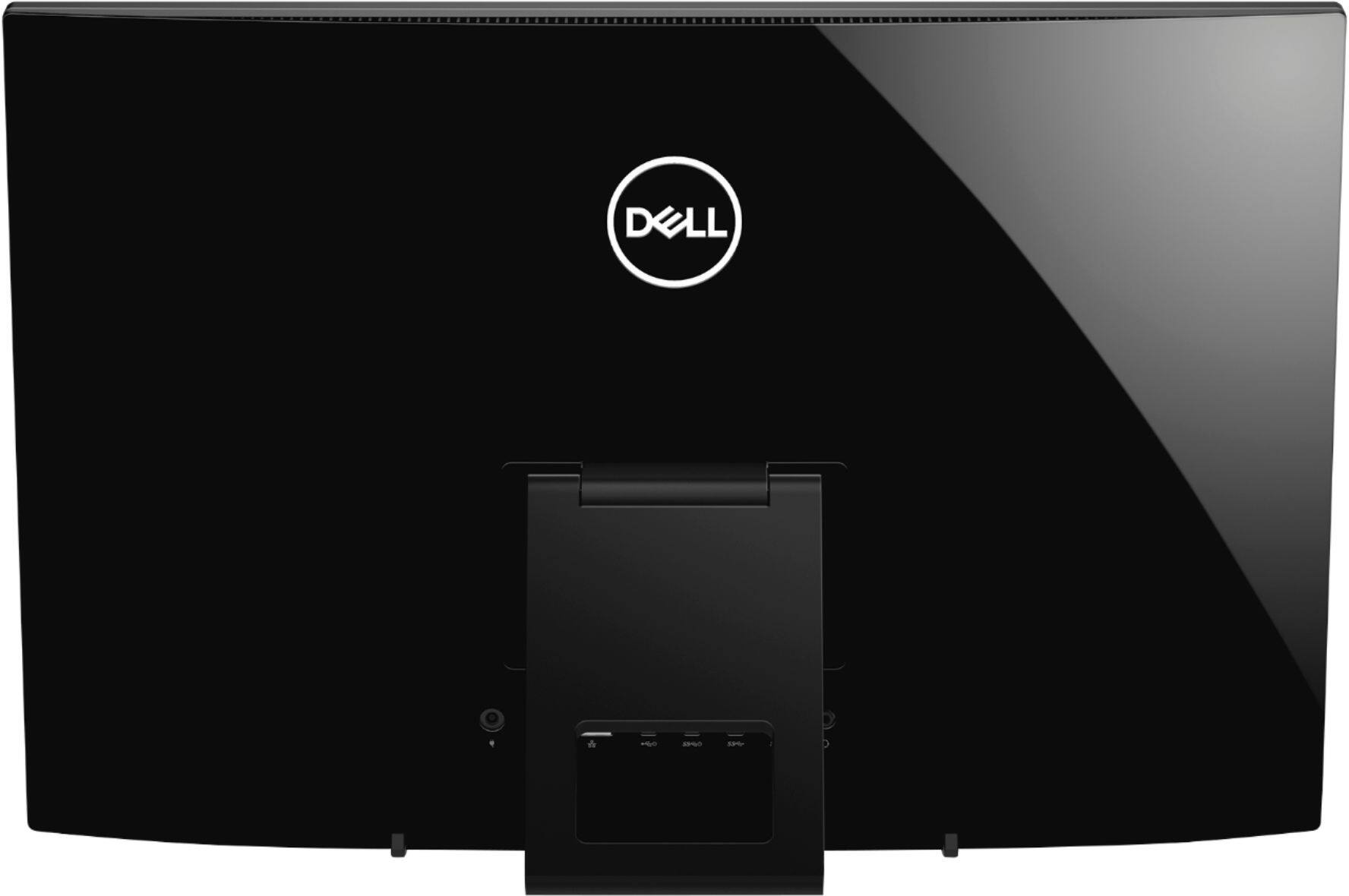
Posted .This reviewer received promo considerations or sweepstakes entry for writing a review.First, let me introduce myself, my name is Josh and I am currently a student studying cyber security at a local college. This was my first ever desktop so I figured I would start on the cheaper-end of computers and buy this one. At first glance, it looks to be a very nice desktop, it’s glossy and has a nice keyboard and mouse and the startup is very clean. However, later you will find the USB ports are extremely out-of-reach, the processor is extremely outdated and slow, and the integrated graphics are utterly useless. When I first got the PC I tried to change the preferred browser to Google Chrome, and when I opened 2 windows (1 for Chrome and 1 for Windows Settings), the computer went unresponsive for around 2 minutes. I purchased this PC because an attendant at Best Buy said it would work for multi-tasking and run seamlessly for gaming. However, while attempting to download a game, after what appeared to be incessant downloading and loading times, I realized the graphics card did not work at all, I was entirely unable to play the game and it crashed several times. Extremely displeased with the customer service and the product, will be returning.
No, I would not recommend this to a friendBrand response from YourDellTeam
Posted .Computeruser101,
Thanks for your feedback. Before you return your computer we'd recommend running the Windows Performance Troubleshooter to see if there are ways for your computer to perform faster:
1. Close all open windows.
2. Press the Windows logo key + X key on the keyboard.
3. Click Control Panel.
4. Click System and Security.
5. Under Security and Maintenance, select Troubleshoot common problems.
6. Under System and Security, click Run maintenance tasks.
7. Follow the on-screen instructions and prompts to complete the process.
8. Restart the PC.
You can read the full article here - http://dell.to/2tSulGV.
You can also reach out to Dell's Technical Support Team here: http://dell.to/2sH7Qlm.
Best,
Bryan
1-800-624-9896
- Cons mentioned:Speed
Slow Processor
Posted .This reviewer received promo considerations or sweepstakes entry for writing a review.Coming from a Gateway tower computer with i3 processor of 6 years old, I thought this computer would outstrip (and was told it would by the best buy employee) my previous computer. It did not. It took 4-6 seconds to load a new tab on the internet (my internet is really good, with a ping of 38 on league of legends) I tried to run 4 or 5 tabs at a time on chrome, and it just never would load under 20-22 seconds. The processor is slow indeed. Before any best buy or dell people comment on how to make the processor faster, I did what you said in another person's comments. I also was on the line with Dell Support for 4hrs and 38 minutes as he tried to update and search how to make things work smoother. All in all, the processor is just slow, and I can't say I hate anything or would not recommend this because you just need to know before you buy. You can multi-task, but it will just be at a slow pace. (slower than my phone) I went back and traded it in for a higher processing speed all-in-one computer.
I would recommend this to a friend - Pros mentioned:Screen size
Good price
Posted .This reviewer received promo considerations or sweepstakes entry for writing a review.I bought this after my other computer had a damaged cpu. The squad moved all my photos,music, etc to this new one. I got it home and it was set up in a matter of minutes. Love the big screen and had to learn how to use win10 but managed ok. The wireless mouse and keyboard were no problems to use. The sound from speakers were ok and I didn’t realize it had no cd/dvd. I have no problems with it and recommend this computer.
I would recommend this to a friend - Cons mentioned:Speed, Usb ports
Slow in my Book
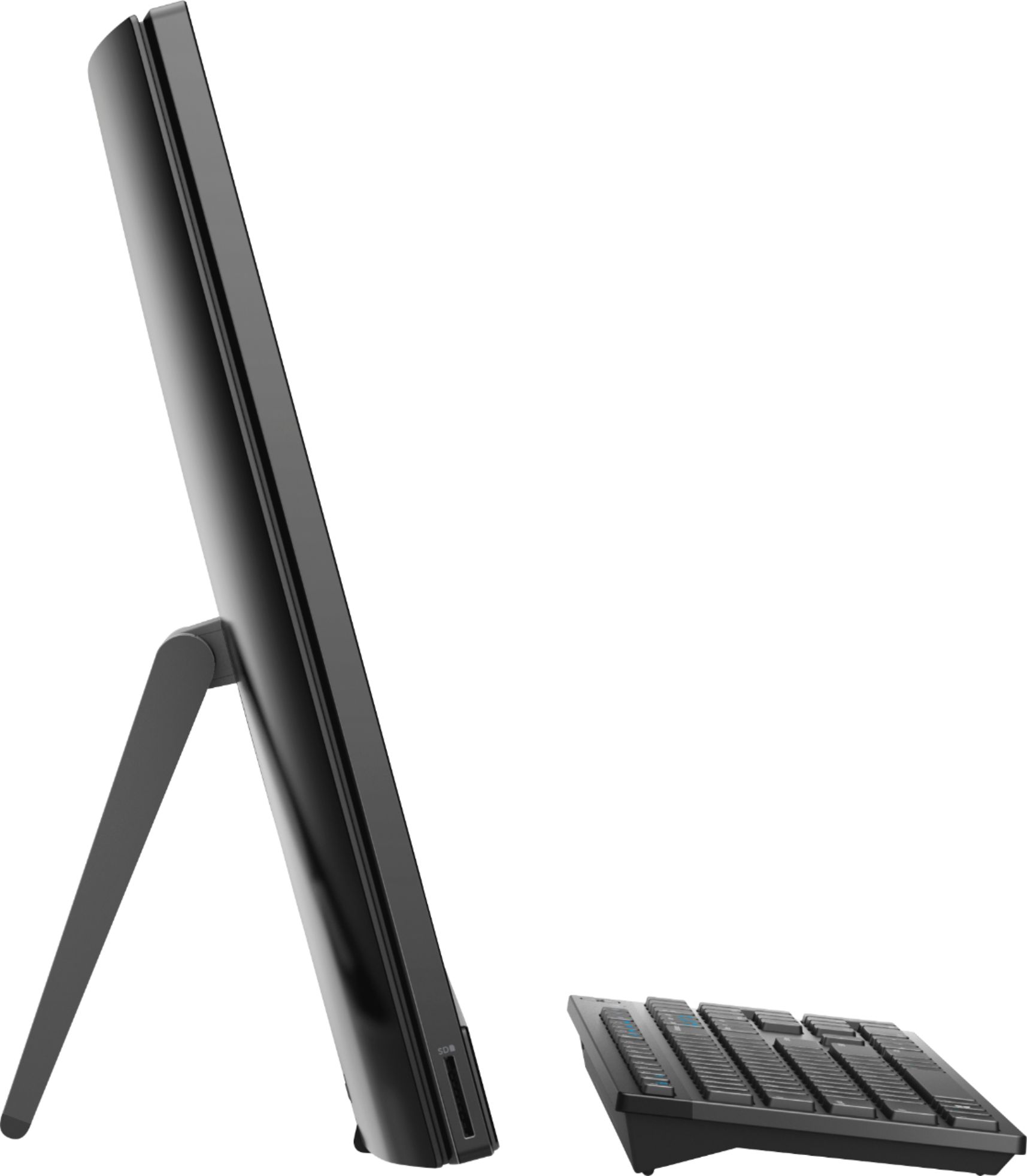
Posted .This reviewer received promo considerations or sweepstakes entry for writing a review.Just to fair, I haven't bought a computer in a long time. I thought it would be A LOT faster. It's replacing a 10 (TEN) year old HP Touchscreen... This Dell really is not that much faster. It's a bit perplexing to me. Thought it would feel like lightning compared to a dinosaur. Also just a heads up... There are no USB ports on the side. Not very convenient reaching around the whole all-in-one to plug in a widget underneath the support leg.
No, I would not recommend this to a friendBrand response from YourDellTeam
Posted .LisaJP,
Thanks for your review. We'd recommend running the Windows Performance Troubleshooter to see how your computer can run faster for you:
1. Close all open windows.
2. Press the Windows logo key + X key on the keyboard.
3. Click Control Panel.
4. Click System and Security.
5. Under Security and Maintenance, select Troubleshoot common problems.
6. Under System and Security, click Run maintenance tasks.
7. Follow the on-screen instructions and prompts to complete the process.
8. Restart the PC.
You can read the full article here - http://dell.to/2tSulGV.
We hope this helps your computer perform better for you.
Best,
Bryan
1-800-624-9896
- Cons mentioned:Speed
Too slow and frustrating
Posted .This reviewer received promo considerations or sweepstakes entry for writing a review.I wish I hadn't bought this. My computer crashed and I bought this with high hopes. It cannot be used to view YouTube, takes so long to open files that I forget what I was opening, and is generally awful. I don't know if it's the processor, the operating system, or interference from background programs. I get messages that my internet speed is poor, but I repaired my older computer and it works just great. My wife's old HP laptop (12 years old) is faster than this thing. If you're thinking about buying one, don't do it. If you buy it anyway... well, that's on you. Dell can apologize and say what they like, but I run their recommended maintenance program and have kept the computer system "clean." It's just no good.
No, I would not recommend this to a friendBrand response from YourDellTeam
Posted .Hello Claytone,
Thanks for reading the responses to our previous reviews and running the Windows Performance Troubleshooter to see if it would help your computer. Have you tried looking through the pre-installed programs to see if you plan to use all of them? Here are the steps to remove programs that you may not use:
Uninstalling or removing software or applications that you do not use or do not need from your PC can help speed up your PC. Applications may include background processes, system services, context menu entries and other things that can slow down your PC.
Uninstall applications you no longer need using Programs and Features (previously called Add/Remove Programs). Unnecessary applications occupy space on your hard disk drive.
1. Press the Windows logo key + R on the keyboard.
2. In the Run dialog box, type appwiz.cpl and press the Enter key.
3. In the list, select a program and click Uninstall.
You can read the full article here - http://dell.to/2tSulGV.
Hopefully this helps your computer perform better for you.
Best,
Bryan
1-800-624-9896