Customer Ratings & Reviews

- Model:
- I3475-A845BLK-PUS
- SKU:
- 6196009
to a friend
Customers are saying
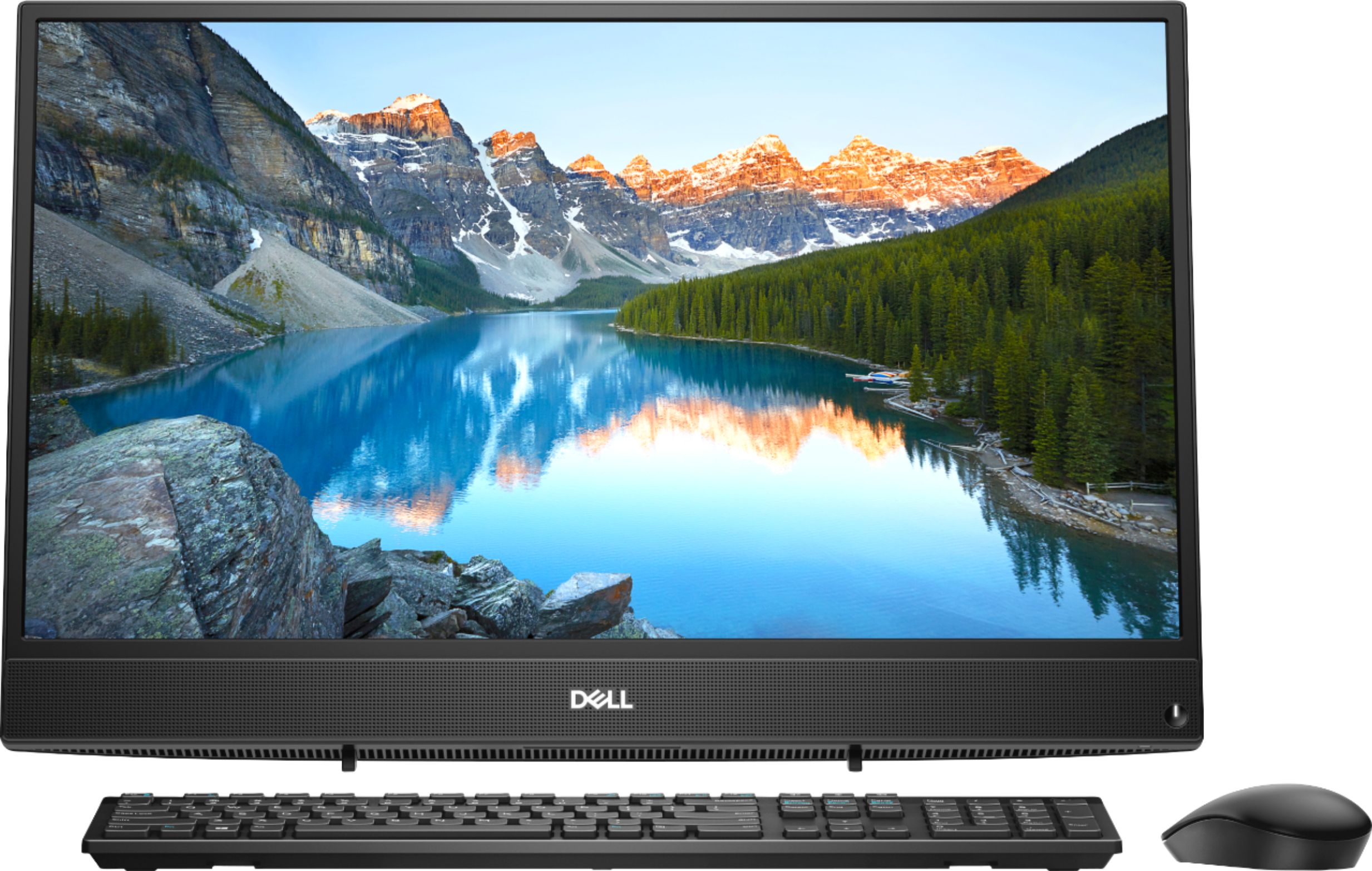
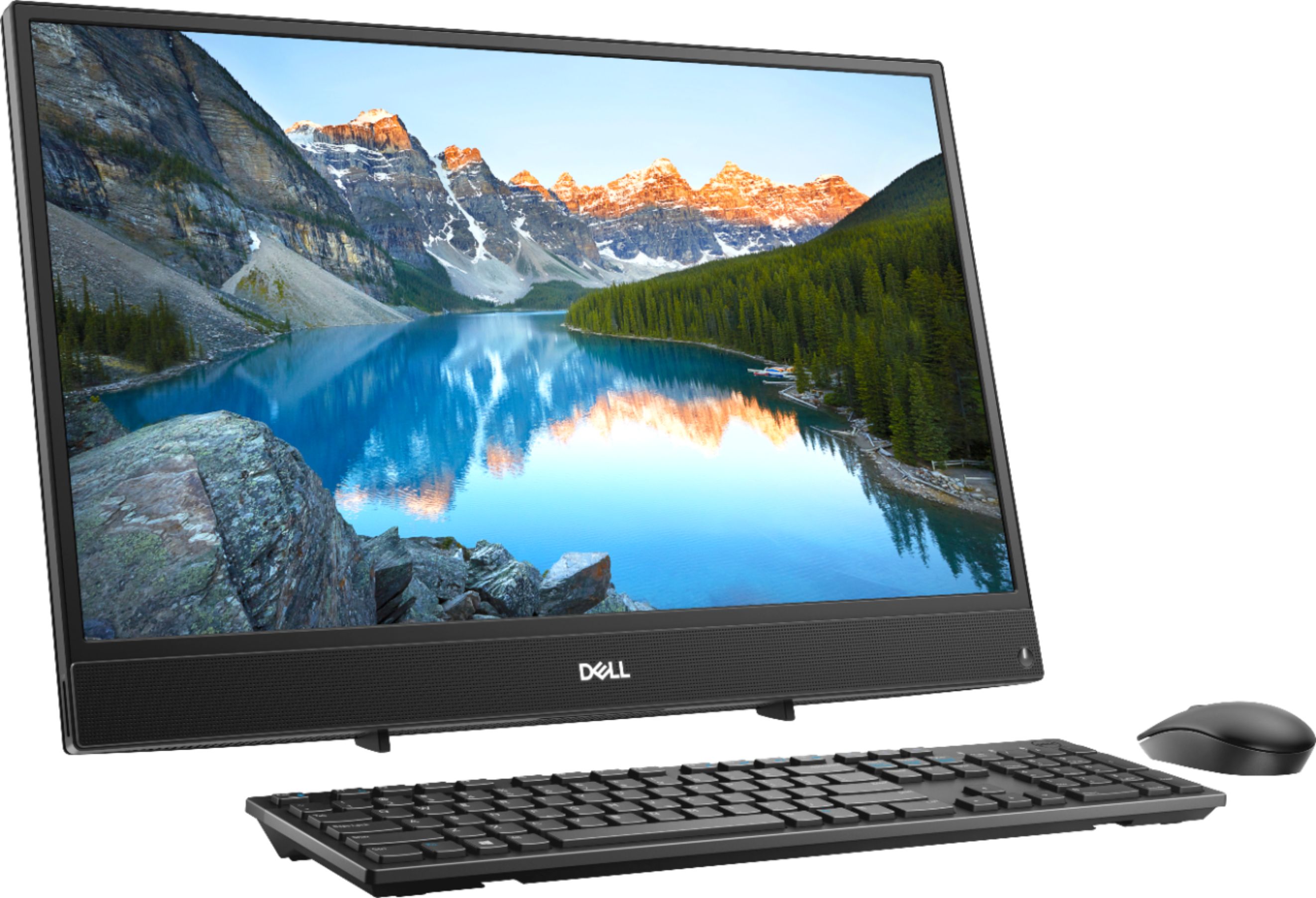
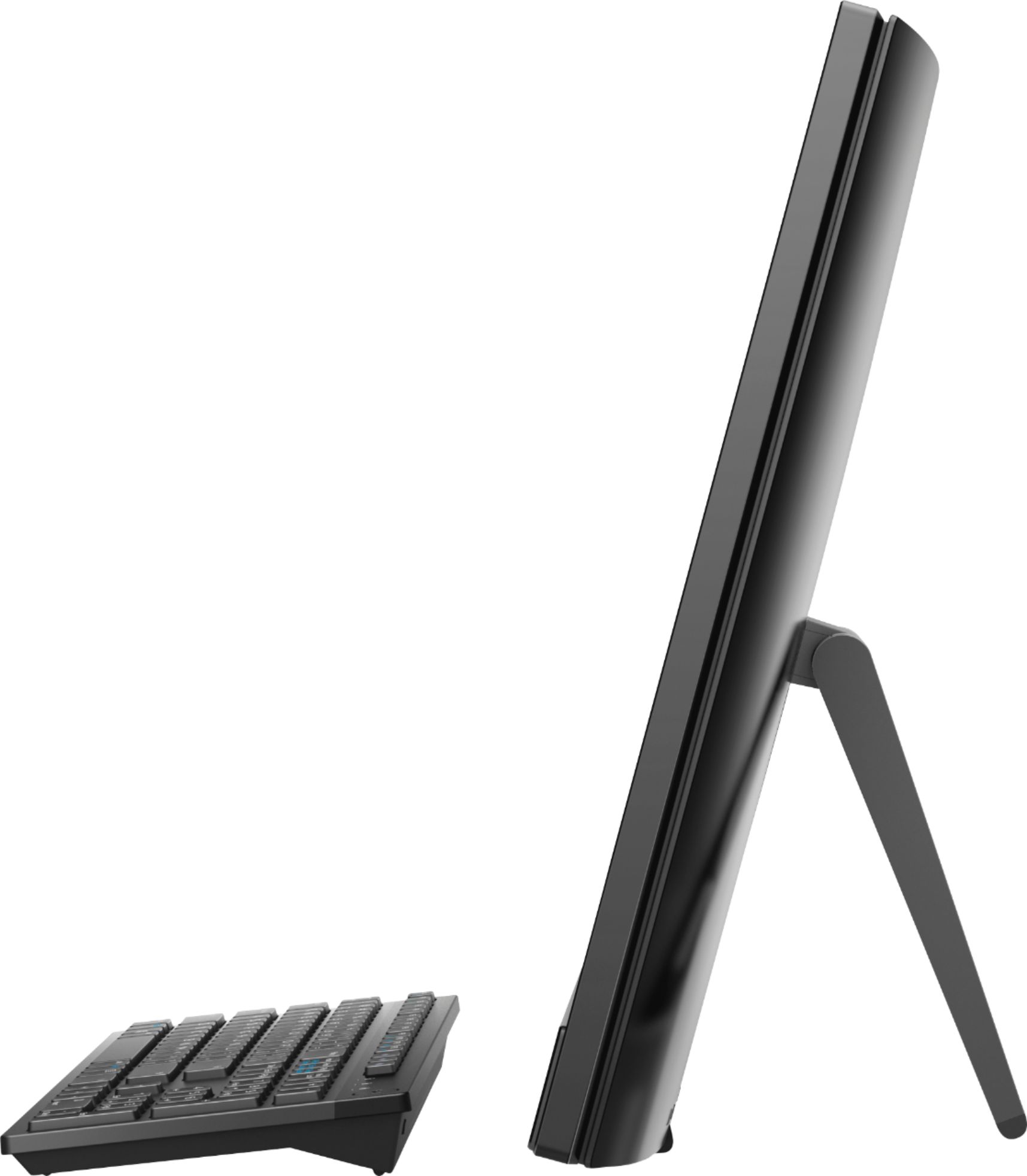
Customers appreciate the large screen size and the ease of use of this 23.8" touch-screen all-in-one computer. Many also praise its performance and the value for the price, noting the touchscreen functionality as a positive feature. However, some users have expressed concerns about the placement of the USB ports and the included stand.
This summary was generated by AI based on customer reviews.
- Cons mentioned:Speed
Not worth the money
Posted .This reviewer received promo considerations or sweepstakes entry for writing a review.I bought this computer on clearance and now I see why it was. It was slooooow right out of the box. It took over 24 hours for it to install software and could only handle 2 at a time. Even my husband commented on how slow it was and he is not a computer guy at all. I only use my computer for email, web search and playing pet rescue saga and it was inadequate. The only reason I gave it 3 stars was that the screen was beautiful and seemed very large. Dell used to be a name to go by, but this one was a BIG disappointment. For $135 more I have a super fast hp with a webcam(dell didn't have) and am much happier. Thank you Best Buy for making my exchange really easy.
No, I would not recommend this to a friendBrand response from YourDellTeam
Posted .Pennylaine3680,
We're sorry to hear that your computer was slower than you hoped it would be. In the future we'd recommend running the Windows Performance Troubleshooter if you have a similar issue. We hope that you will consider Dell again when you are ready for your next computer.
Best,
Bryan
1-800-624-9896
- Pros mentioned:Screen size
Enjoy size and quality
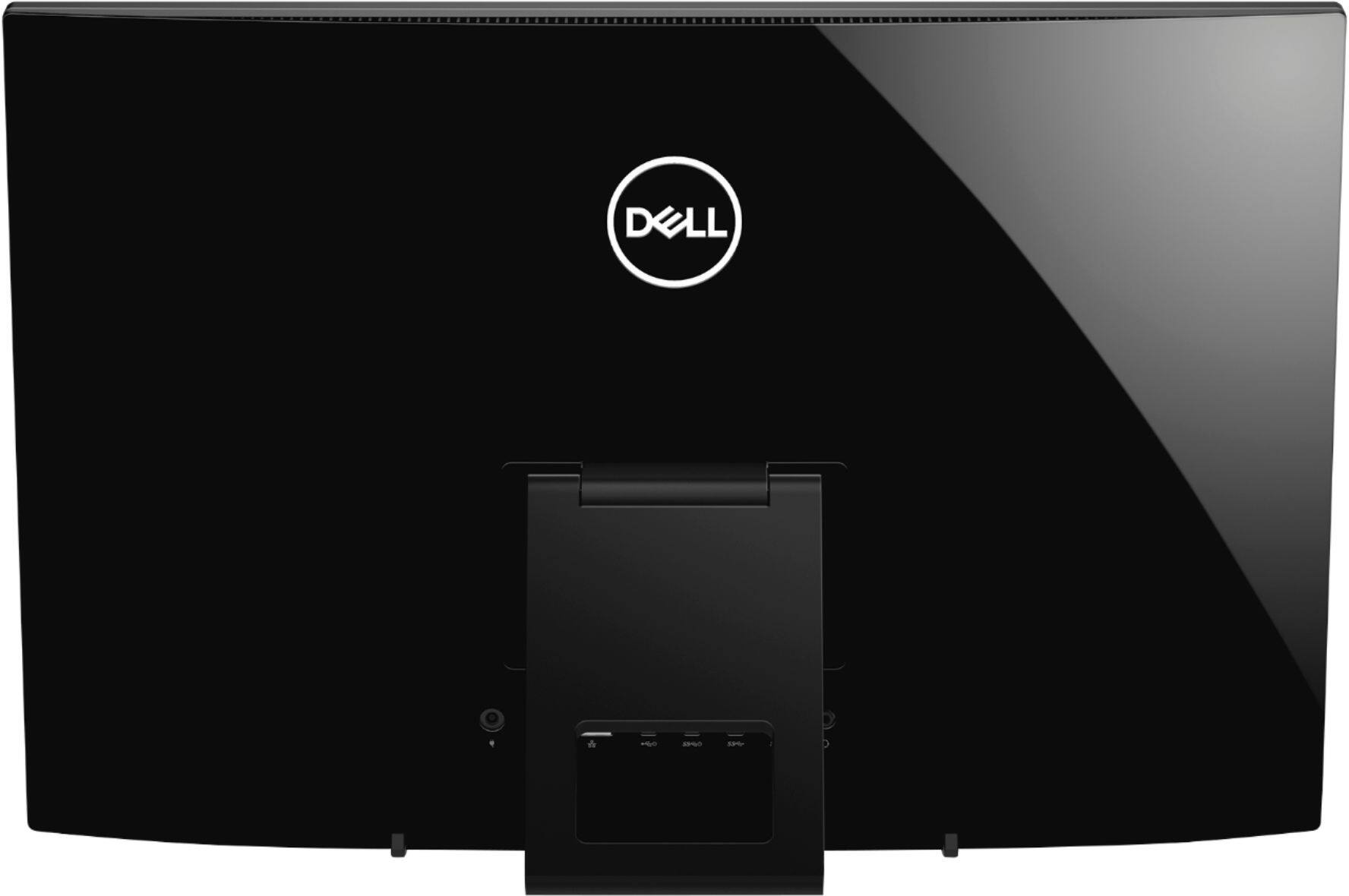
Posted .This reviewer received promo considerations or sweepstakes entry for writing a review.Enjoy size and quality, but with the ports in the back, make switching things out challenging at times.
I would recommend this to a friend - Cons mentioned:Stand
No pedestal Stand
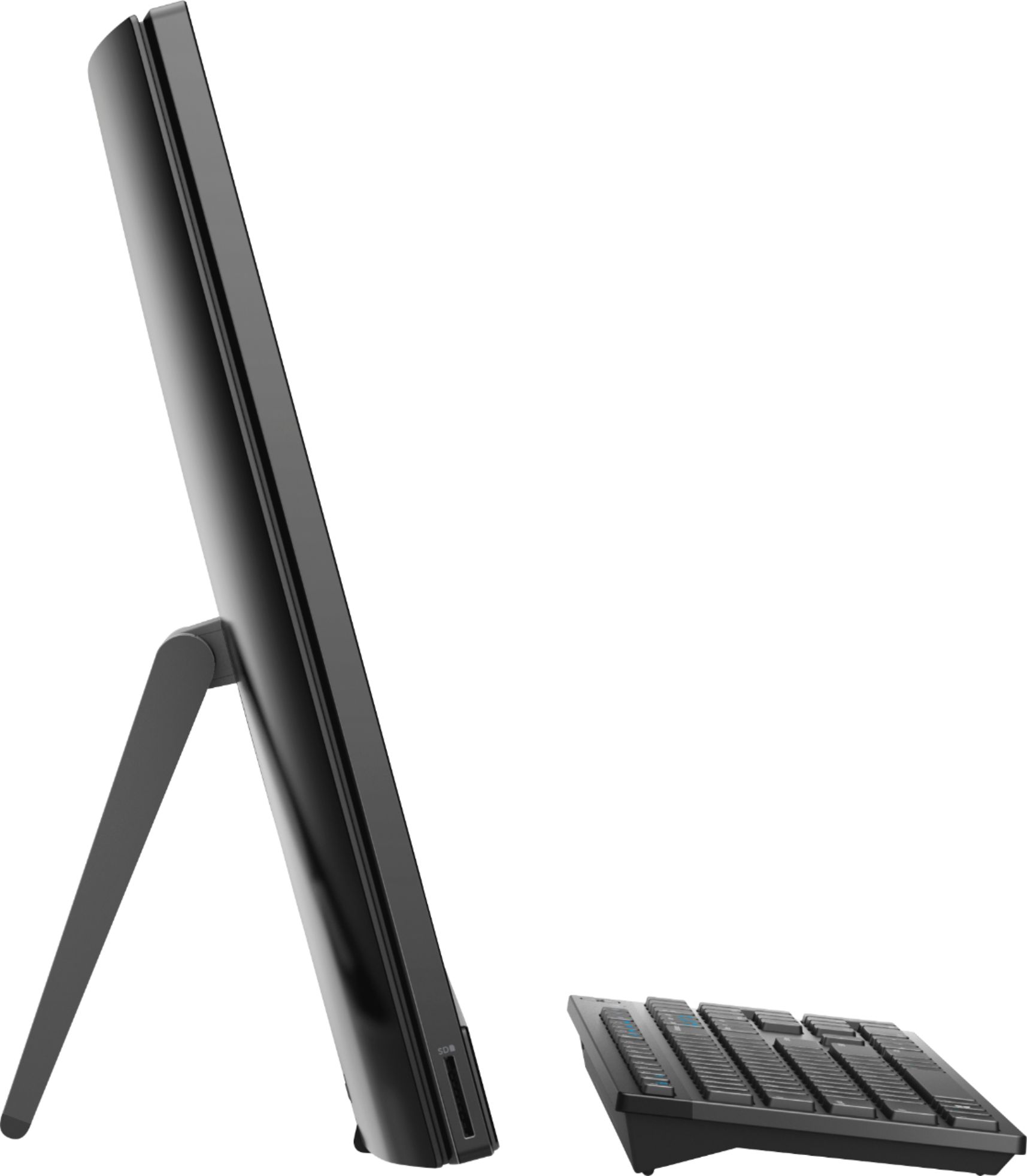
Posted .This reviewer received promo considerations or sweepstakes entry for writing a review.Computer does not have tall stand even though is advertised in the pictures and quick start guide.
No, I would not recommend this to a friendBrand response from YourDellTeam
Posted .Hello Diego,
Thanks for your review and we're sorry that your All-In-One did not come with the type of stand that you were hoping for. Our team is aware of this concern and we are working to resolve it.
Please feel free to reach out to Best Buy's Customer Service team to find out what your options are: http://bit.ly/2v2IVhI.
Best,
Bryan
1-800-624-9896
- Cons mentioned:Stand
Disappointed at best
Posted .This reviewer received promo considerations or sweepstakes entry for writing a review.If you're looking for the monitor stand that the setup manual suggests would be in the box, you will be sorely mistaken. The box only included the easel stand and calling customer service was a complete waste of time (they could not understand there are two options, even thought they read the manual themselves and blamed Best Buy from removing the stand from the box).
No, I would not recommend this to a friendBrand response from YourDellTeam
Posted .Hello Mark,
We are sorry to hear about this concern that you have. We are aware of this discrepancy and we are working to resolve it.
Please feel free to contact Best Buy about your purchase and find out what your options are if you are not happy with the stand on this All-In-One. Best Buy Customer Service - http://bit.ly/2v2IVhI.
Best,
Bryan
1-800-624-9896
- Cons mentioned:Speed
Dont be fooled
Posted .This reviewer received promo considerations or sweepstakes entry for writing a review.The computer seems to hit the marks for ram and storage, but this thing cant do much more than check your emails or surf the web at an amazingly slow speed. Will run lexia core 5, epic reading, word, excel.
No, I would not recommend this to a friend Good
Posted .This reviewer received promo considerations or sweepstakes entry for writing a review.Replaced an old computer with this one. No complaints so far. It can be a tad slow here and there but overall seems fine.
I would recommend this to a friend- Cons mentioned:Speed
Slow and incapable
Posted .This reviewer received promo considerations or sweepstakes entry for writing a review.This cannot process more than one thing at a time. It is incredibly slow and even typing lags. It became so bad I sent it in to get fixed and it is no better than before I paid to have it looked at. I should have bought something with decent processing and wish I could trade it but I have had it over a month now.
No, I would not recommend this to a friendBrand response from YourDellTeam
Posted .Elliot,
We're sorry that your computer is performing slower than you had hoped it would. We'd recommend running the Windows Performance Troubleshooter to see if there area any ways that your computer can run faster for you:
1. Close all open windows.
2. Press the Windows logo key + X key on the keyboard.
3. Click Control Panel.
4. Click System and Security.
5. Under Security and Maintenance, select Troubleshoot common problems.
6. Under System and Security, click Run maintenance tasks.
7. Follow the on-screen instructions and prompts to complete the process.
8. Restart the PC.
You can read the full article here - http://dell.to/2tSulGV.
Best,
Bryan
1-800-624-9896
Boat anchor
Posted .This reviewer received promo considerations or sweepstakes entry for writing a review.I was excited about this machine when I bought it, it had lots of memory and a good processor. But that was the end. It has always malfunctioned it freezes. Through Covid I had to zoom to teach classes. My students couldn’t hear me because it froze so often. It’s not the Internet because I can use my 12 year old laptop and it does much better than this Boat anchor. I would definitely not recommend this!
No, I would not recommend this to a friend- Cons mentioned:Speed
this is so slow
Posted .This reviewer received promo considerations or sweepstakes entry for writing a review.Not a fan of this computer. I bought this out of necessity and took a gamble on an all in one... It is so slow. It cannot multi task. And by multi task I mean have more than one web page open at a time. This will be going back.
No, I would not recommend this to a friendBrand response from YourDellTeam
Posted .bill,
Thanks for your review. We're sorry that your computer is operating slower than you hoped it would be. We'd recommend running the Windows Performance Troubleshooter to see if it will help your computer run faster:
1. Close all open windows.
2. Press the Windows logo key + X key on the keyboard.
3. Click Control Panel.
4. Click System and Security.
5. Under Security and Maintenance, select Troubleshoot common problems.
6. Under System and Security, click Run maintenance tasks.
7. Follow the on-screen instructions and prompts to complete the process.
8. Restart the PC.
You can read the full article here - http://dell.to/2tSulGV.
Best,
Bryan
1-800-624-9896
TERRIBLE WASTE OF MONEY
Posted .This reviewer received promo considerations or sweepstakes entry for writing a review.This "Computer" is DIRT SLOW... barely functional, takes forever to load Chrome or any program like excel or word... it is completely and utterly useless while multitasking... I wasted my money on this piece of garbage...DO NOT BUY THIS!!!!!!!!!!!!!!!!!!!!!!!!!! AVOID DELL PRODUCTS...I wasted $600 plus tax for a giant ugly paperweight. In the distance future when aliens dig up our fossils they will come across this giant piece of useless plastic and metal and say ...wow..this Dell company really made some primitive and useless products
No, I would not recommend this to a friendBrand response from YourDellTeam
Posted .Parag,
Thanks for your review. We're sorry to hear that your computer is running slower than you hoped it would. We'd recommend running the Windows Performance Troubleshooter to see if there are ways that your computer can run faster for you:
1. Close all open windows.
2. Press the Windows logo key + X key on the keyboard.
3. Click Control Panel.
4. Click System and Security.
5. Under Security and Maintenance, select Troubleshoot common problems.
6. Under System and Security, click Run maintenance tasks.
7. Follow the on-screen instructions and prompts to complete the process.
8. Restart the PC.
You can read the full article here - http://dell.to/2tSulGV.
Best,
Bryan
1-800-624-9896
Too SLOW
Posted .This reviewer received promo considerations or sweepstakes entry for writing a review.After working with Dell Tech support over 3 session and re-installing the original factory setting the computer takes over 10-20 seconds to load web pages using the Edge browser. My dell laptop can perform the same webpage loading in less than 5 seconds. This is very frustrating.
No, I would not recommend this to a friendBrand response from YourDellTeam
Posted .Dave,
We're very sorry that your computer is loading so slow for you. We'd recommend running the Windows Performance Troubleshooter to see if there are ways to speed up your computer:
1. Close all open windows.
2. Press the Windows logo key + X key on the keyboard.
3. Click Control Panel.
4. Click System and Security.
5. Under Security and Maintenance, select Troubleshoot common problems.
6. Under System and Security, click Run maintenance tasks.
7. Follow the on-screen instructions and prompts to complete the process.
8. Restart the PC.
You can read the full article here - http://dell.to/2tSulGV.
Best,
Bryan
1-800-624-9896
Mind of its own
Posted .This reviewer received promo considerations or sweepstakes entry for writing a review.Really nice in theory, but using it for college is not easy, Sometimes, it struggles to open Chrome, and sometimes it will run smoothly, very unpredictable and frustrating. Has nice display, but watching videos can be difficult. My wifi is 200mbs, and EVErYTHING still runs slow. My iPad has performed it in many ways. I use this only when I want a big screen.
No, I would not recommend this to a friendBrand response from YourDellTeam
Posted .Hello Jake,
Thanks for your review. We're sorry to hear that your computer is not running as well as you hoped it would. If your computer is under performing you can run the Windows Performance Troubleshooter to see if there are ways to speed up your computer:
1. Close all open windows.
2. Press the Windows logo key + X key on the keyboard.
3. Click Control Panel.
4. Click System and Security.
5. Under Security and Maintenance, select Troubleshoot common problems.
6. Under System and Security, click Run maintenance tasks.
7. Follow the on-screen instructions and prompts to complete the process.
8. Restart the PC.
You can read the full article here - http://dell.to/2tSulGV.
Best,
Bryan
1-800-624-9896
Disappointed
Posted .This reviewer received promo considerations or sweepstakes entry for writing a review.Where is the CD player? Had no idea there wasn’t one. Sadly paid $599 and picked it up today and it is now $509. The Geek squad were very helpful. A for Geek squad,
No, I would not recommend this to a friend