Customer Ratings & Reviews



- Model:
- G5530-7388GRY-PUS
- SKU:
- 6576920
Rating by feature
- Battery Life
Rating 4.3 out of 5 stars
- Speed
Rating 4.8 out of 5 stars
- Display
Rating 4.6 out of 5 stars
Customers are saying
Customers are enthusiastic about the G15 laptop's performance, GPU, and RAM, frequently praising its speed and capabilities. Many appreciate the build quality and find the price to be competitive. However, some users note that the battery life could be improved, and the laptop's weight and screen brightness are areas for potential enhancement.
This summary was generated by AI based on customer reviews.
- Pros mentioned:Overall performance
Dell laptop.
||Posted . Owned for 1 week when reviewed.This reviewer received promo considerations or sweepstakes entry for writing a review.Great laptop, I really love it. Powerfull, good for gaming.
I would recommend this to a friend - Pros mentioned:Overall performance
Excellent product
||Posted . Owned for 1 week when reviewed.This reviewer received promo considerations or sweepstakes entry for writing a review.Excellent product with great price and quality for gaming
I would recommend this to a friend G15 Gaming Laptop
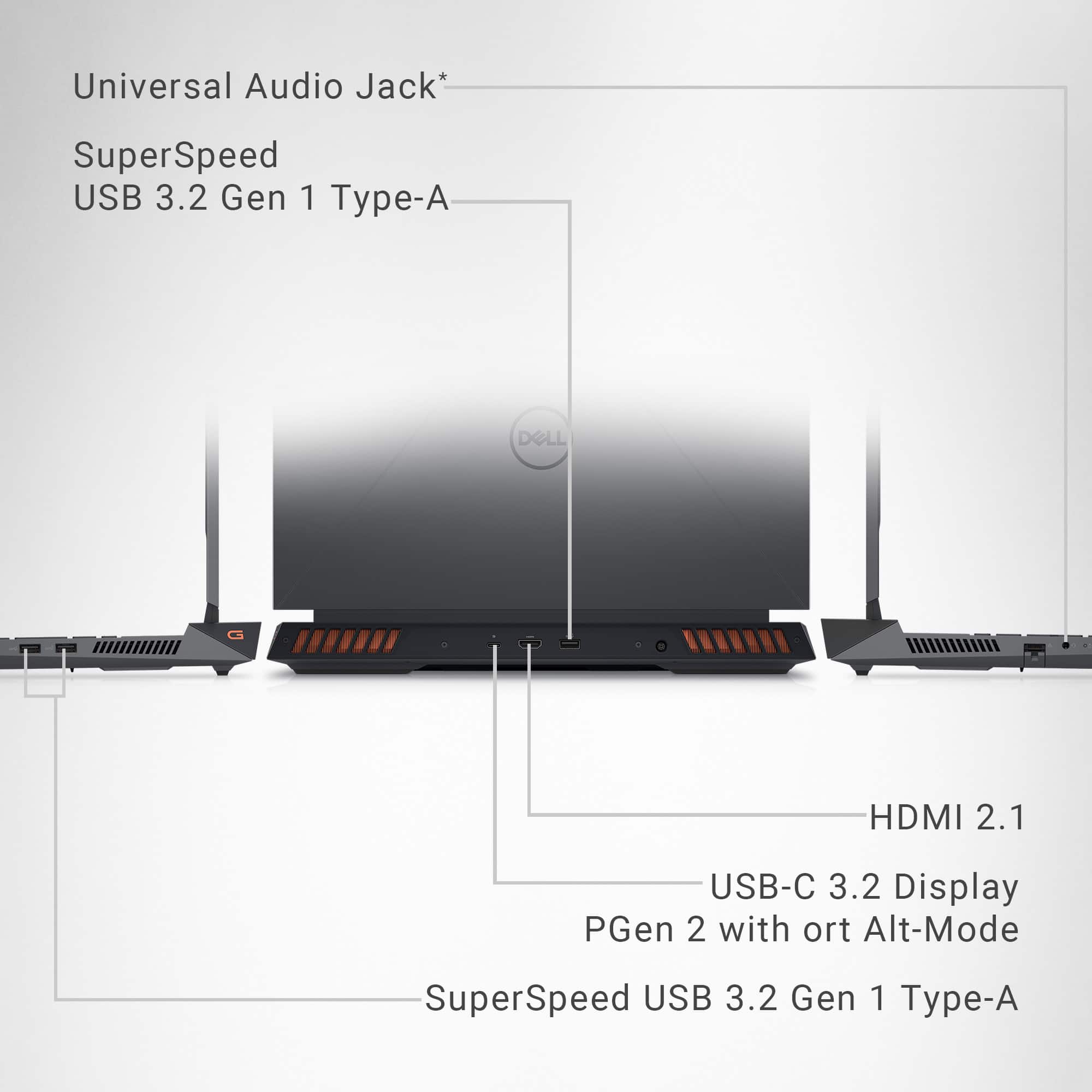
||Posted . Owned for 7 months when reviewed.This reviewer received promo considerations or sweepstakes entry for writing a review.Does it all. Great laptop. Only down is no thunderbolt 4 but it does display over usb c.
I would recommend this to a friend- Pros mentioned:Processor speed
Dell laptop
||Posted . Owned for 1 week when reviewed.This reviewer received promo considerations or sweepstakes entry for writing a review.Fast with good video quality. Programs and tasks load pretty quickly.
I would recommend this to a friend - Pros mentioned:Overall performance
One of the best gaming laptops
||Posted . Owned for 1 week when reviewed.This reviewer received promo considerations or sweepstakes entry for writing a review.Excellent Performance and best priced gaming laptop.
I would recommend this to a friend Awesome
||Posted .This reviewer received promo considerations or sweepstakes entry for writing a review.Caught it on sale and it was great value for the price at the time - I used AI to help me buy and it said this was great for many reasons
I would recommend this to a friend- Pros mentioned:Overall performanceCons mentioned:Heat dissipation, Noise level, Portability

Loud, Hot, and Heavy - But Does The Job
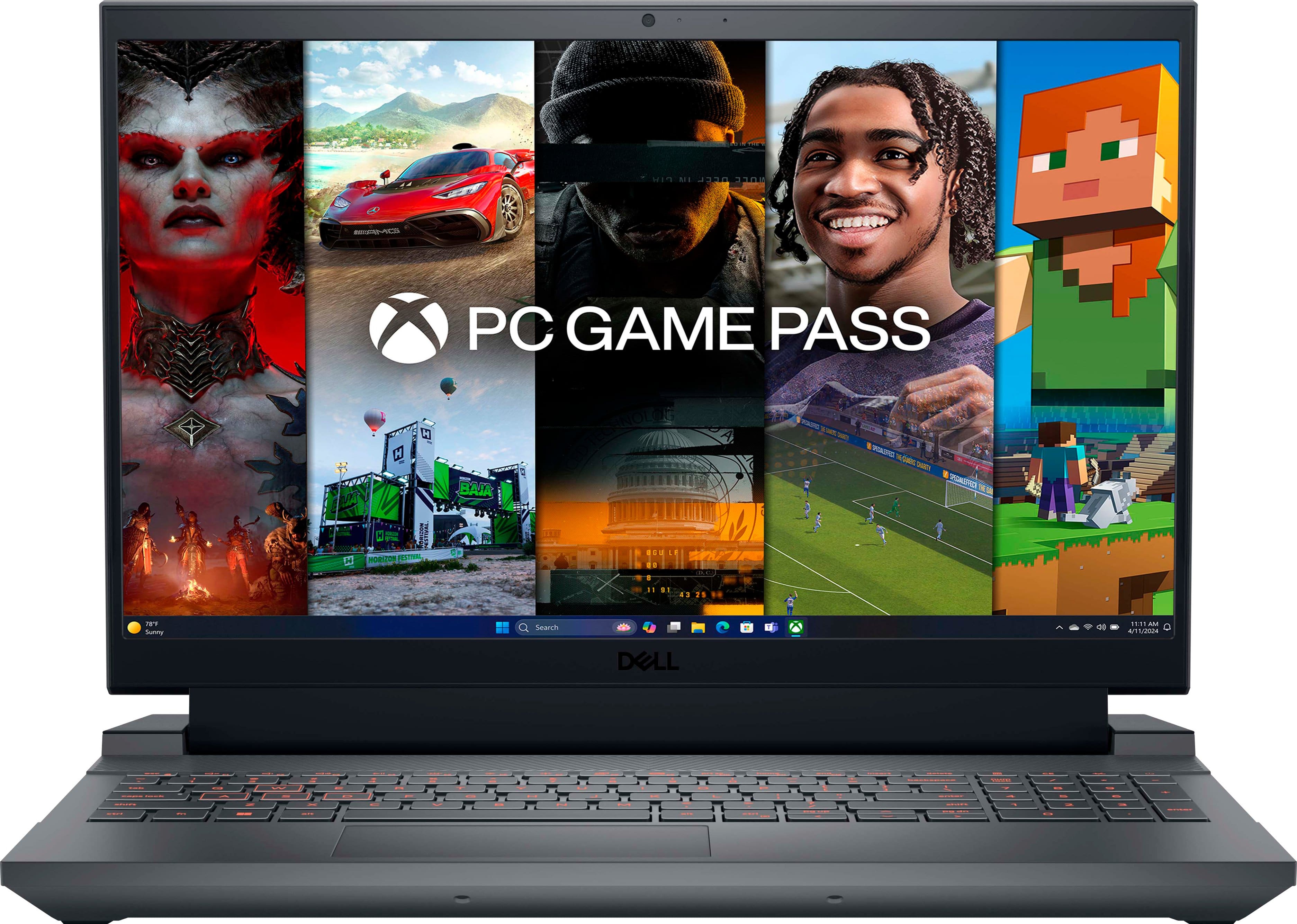
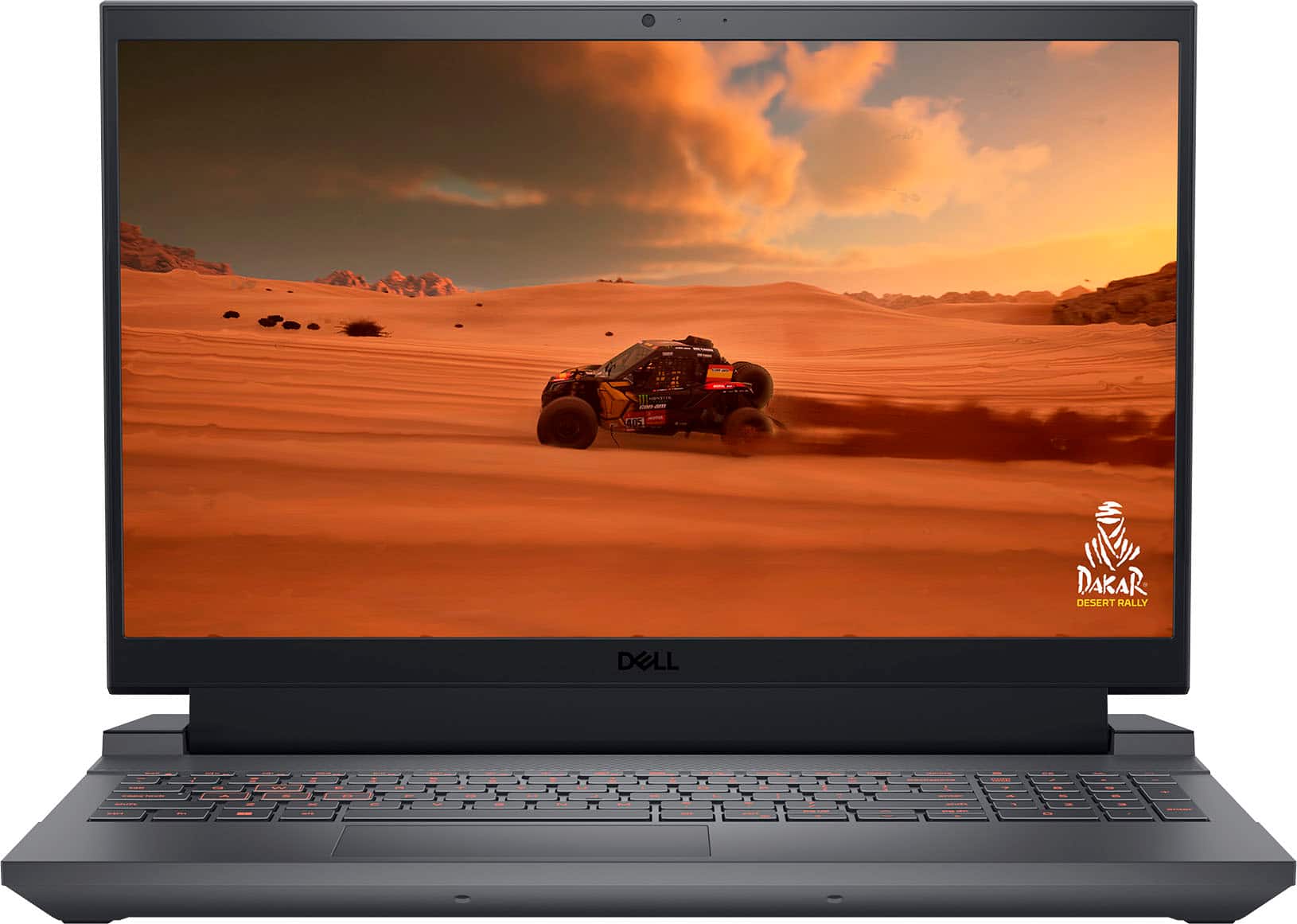
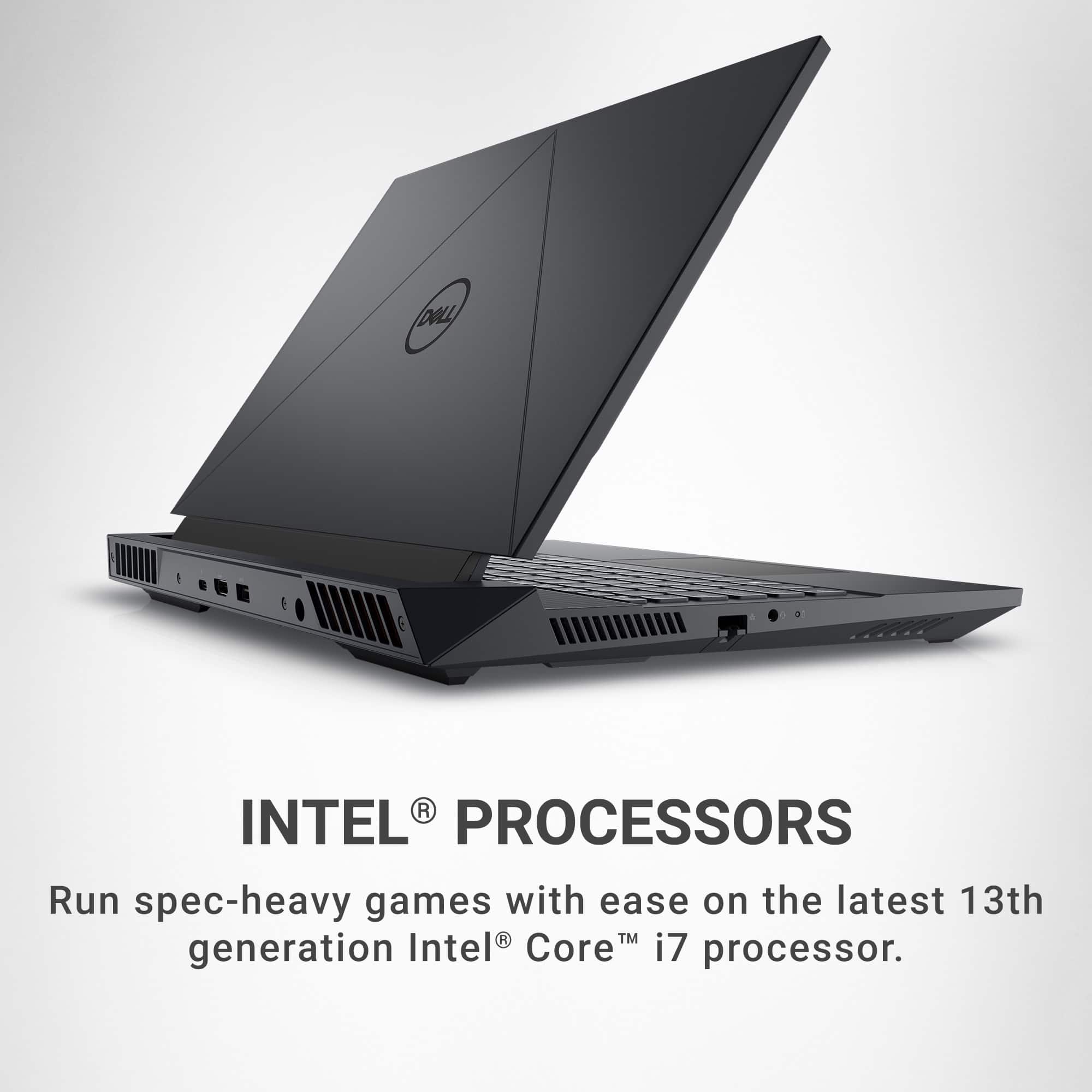
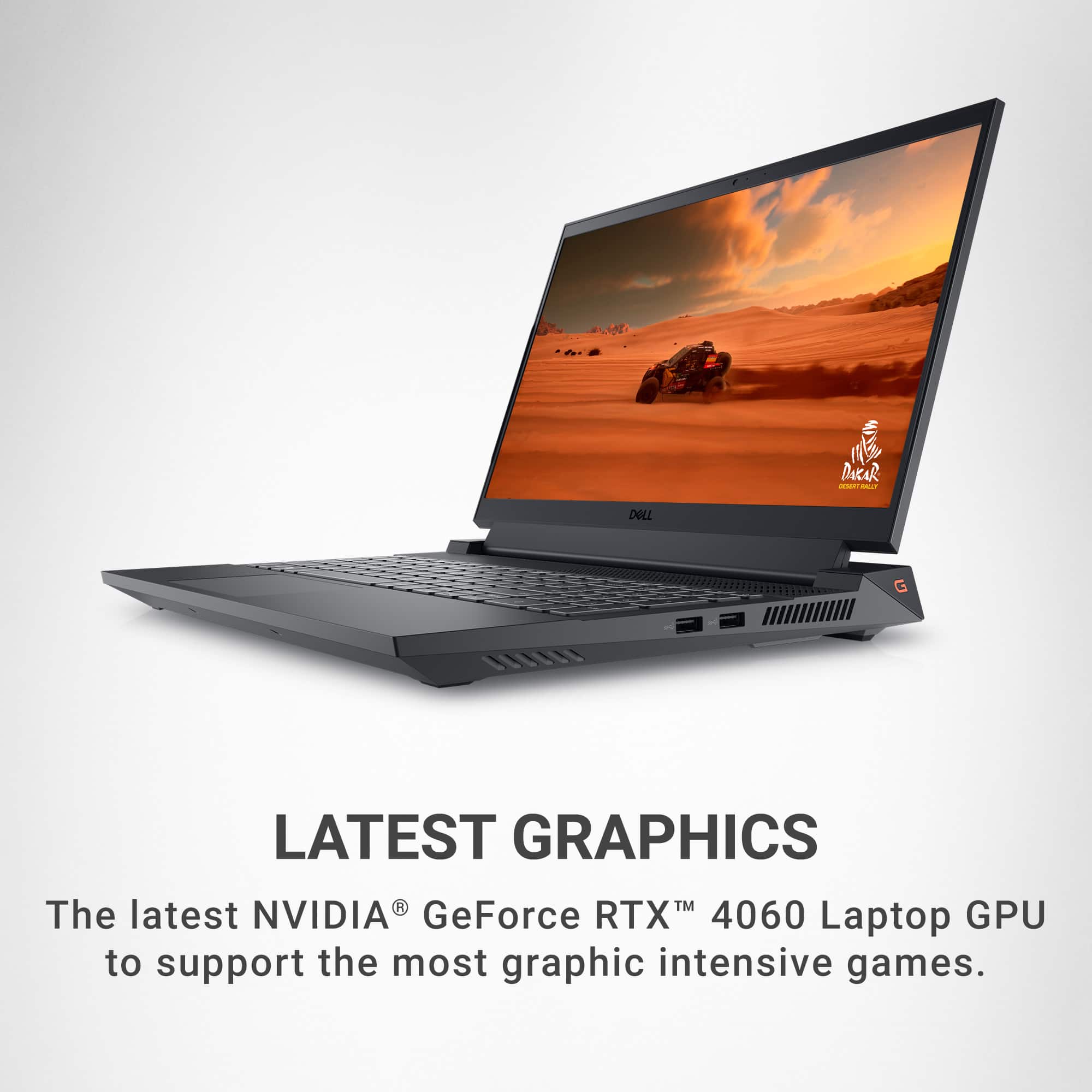
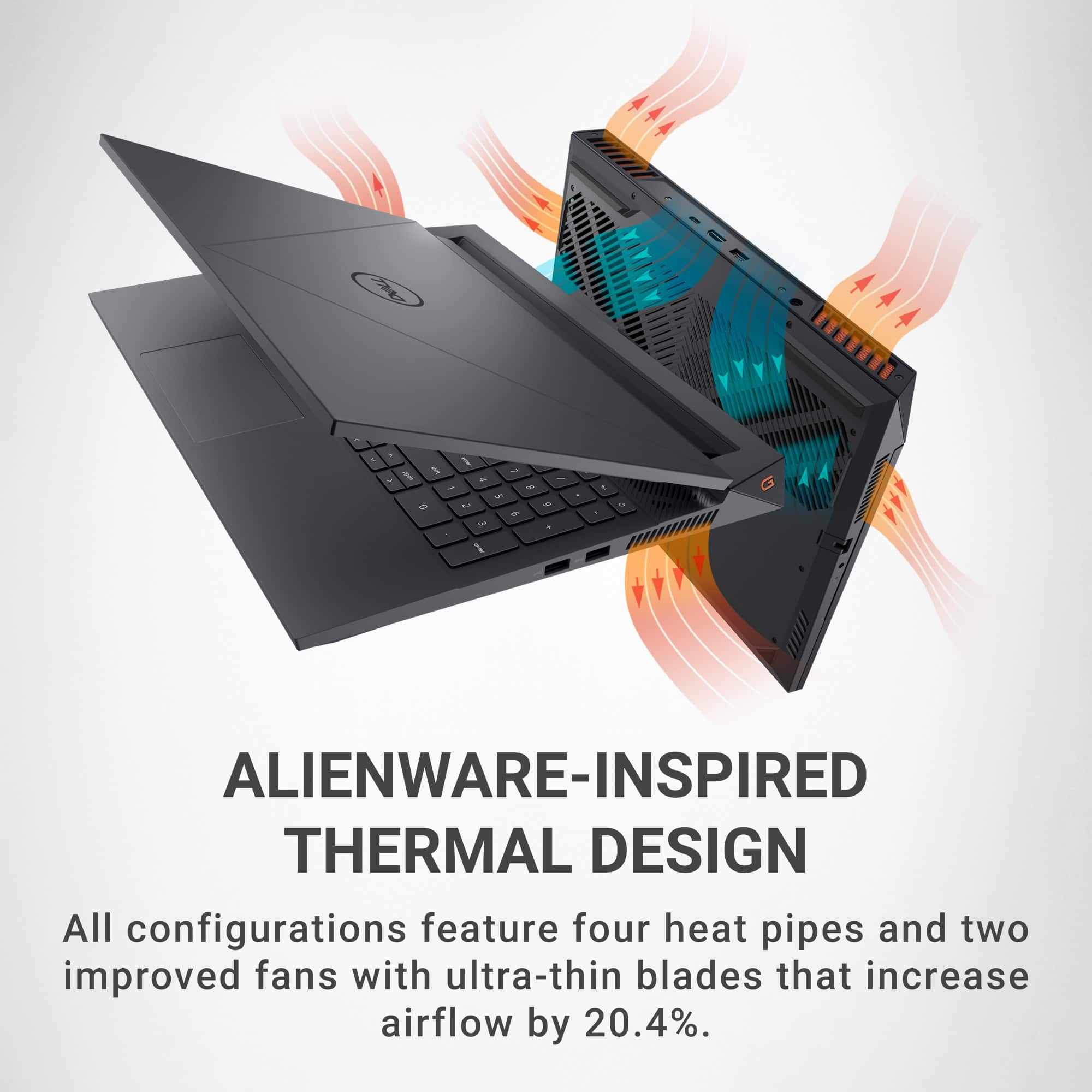
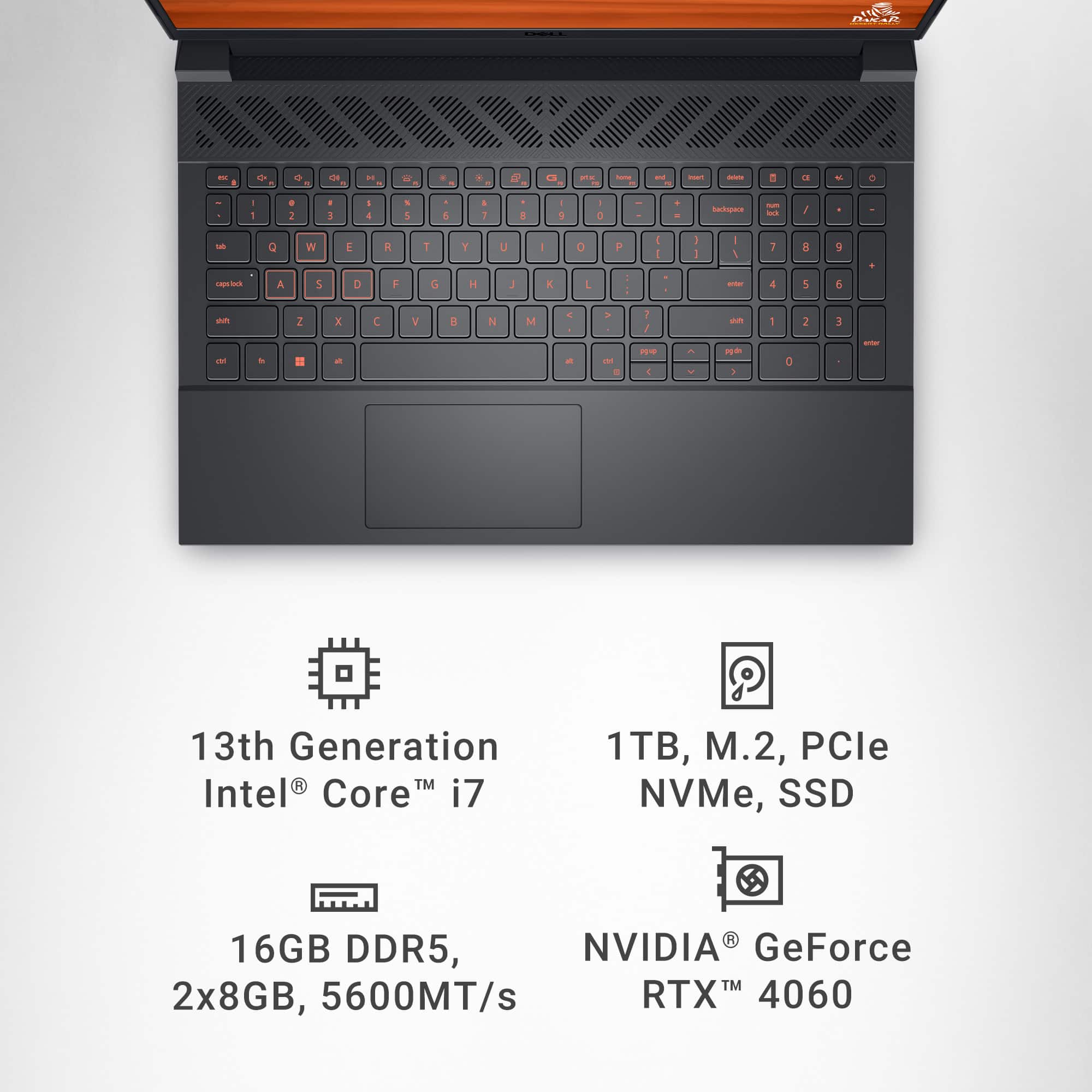
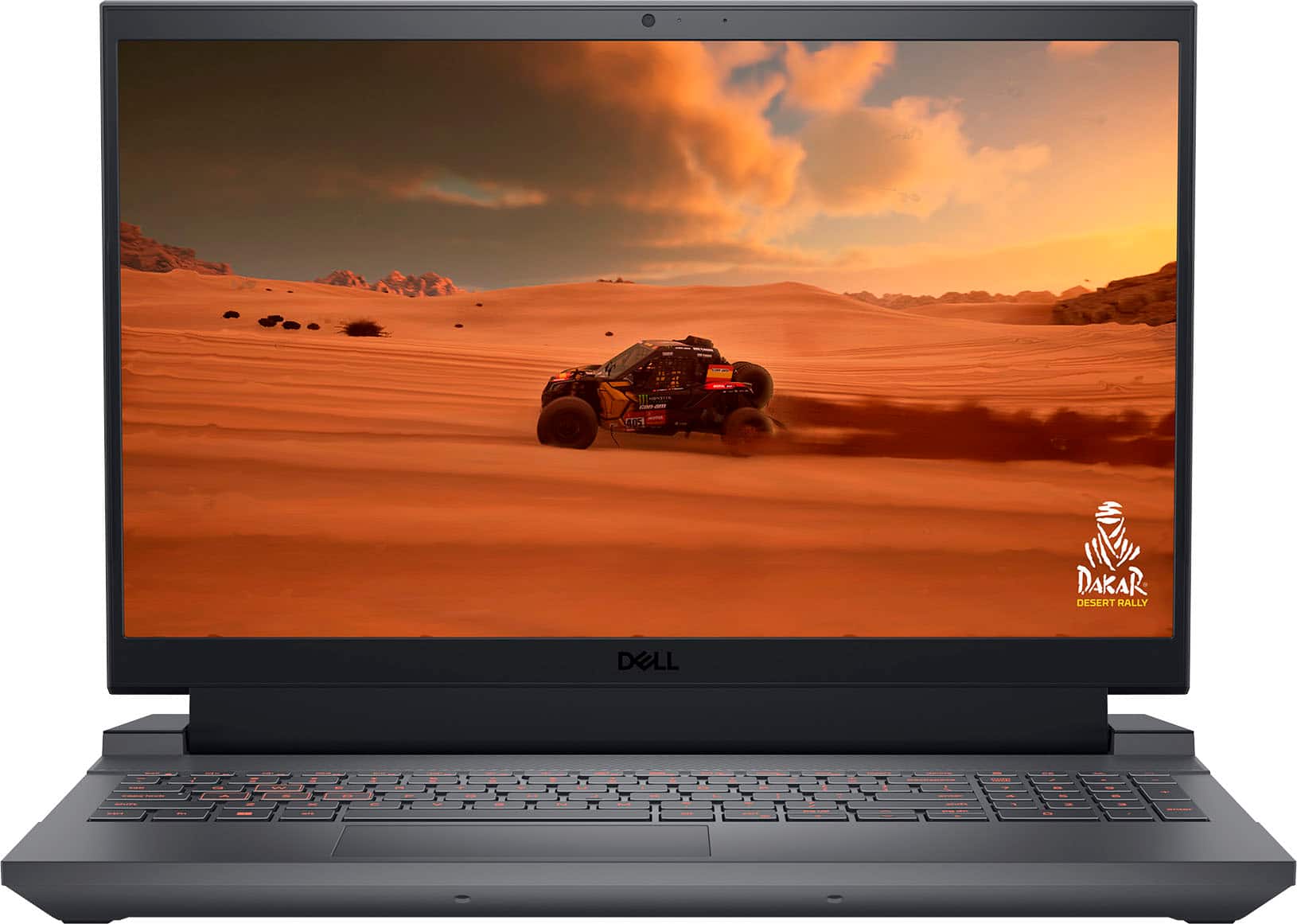
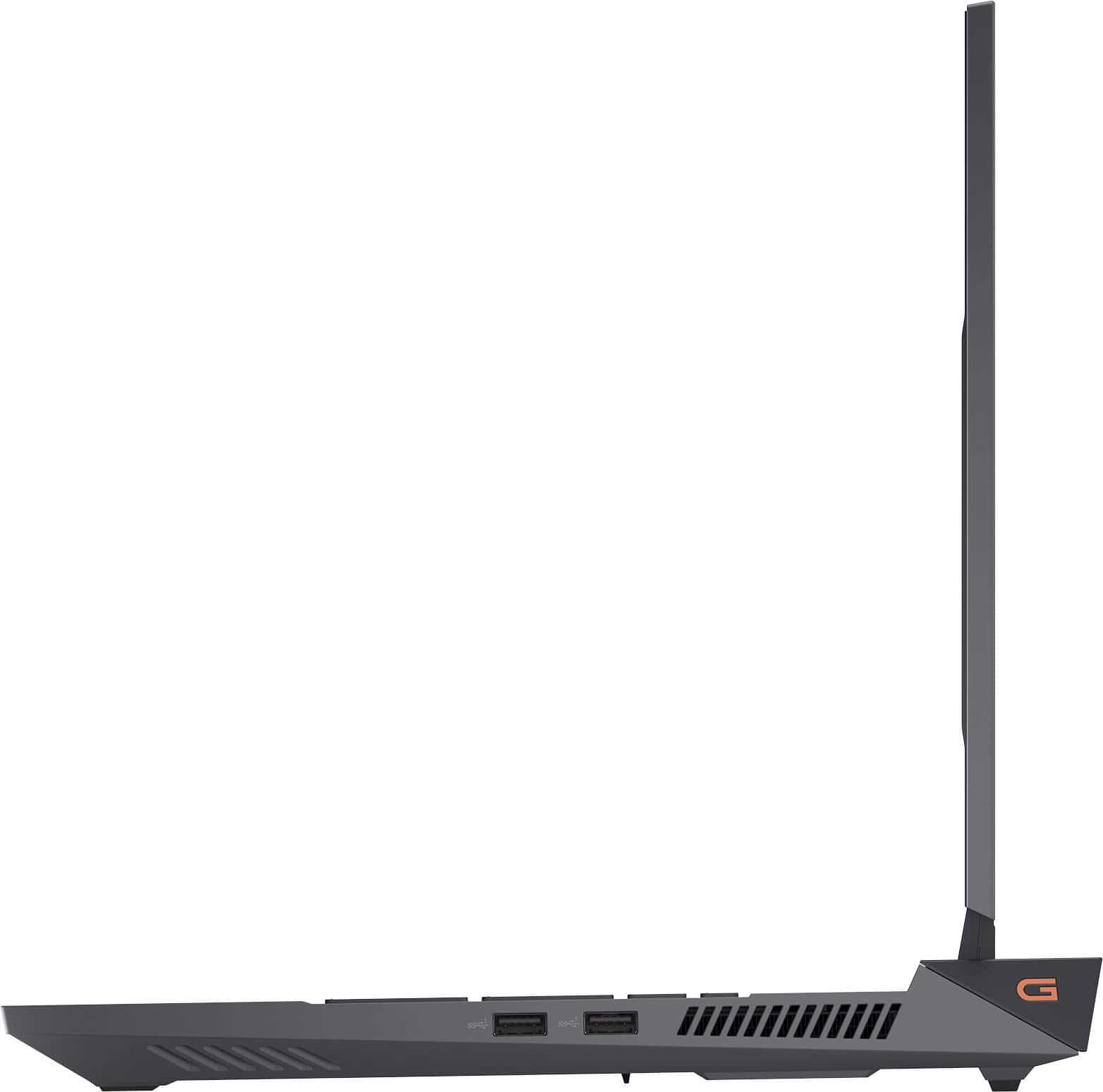
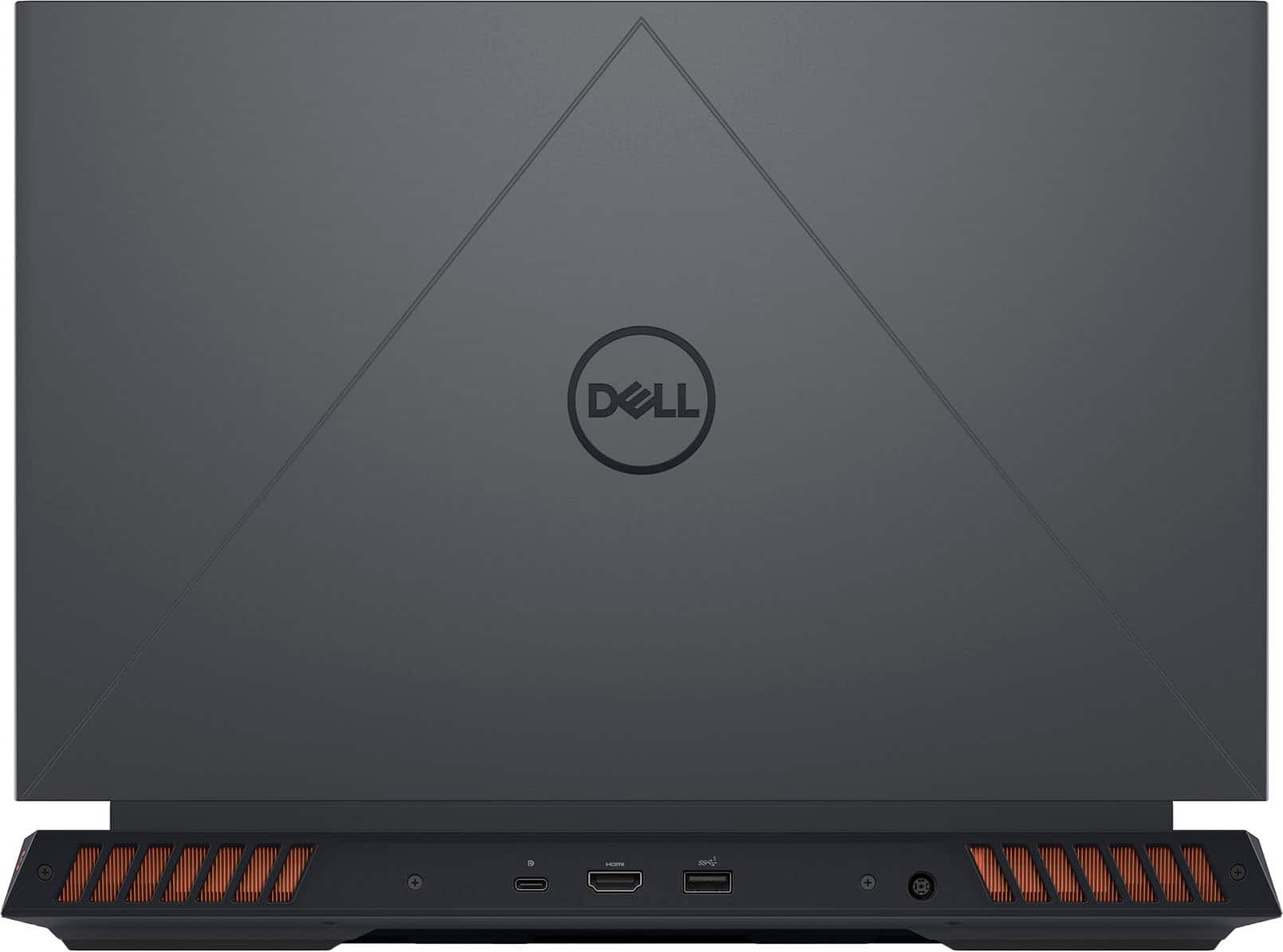
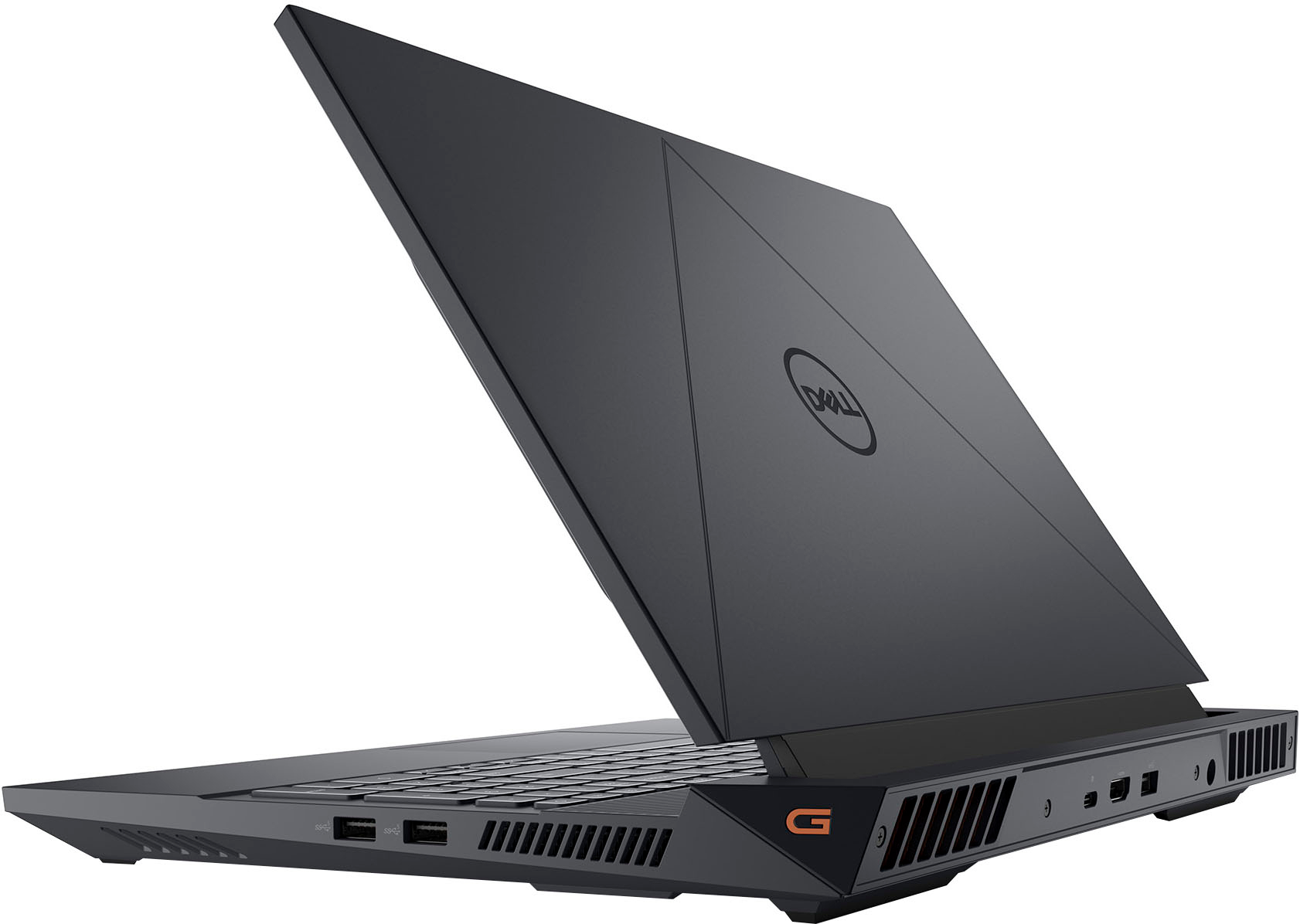
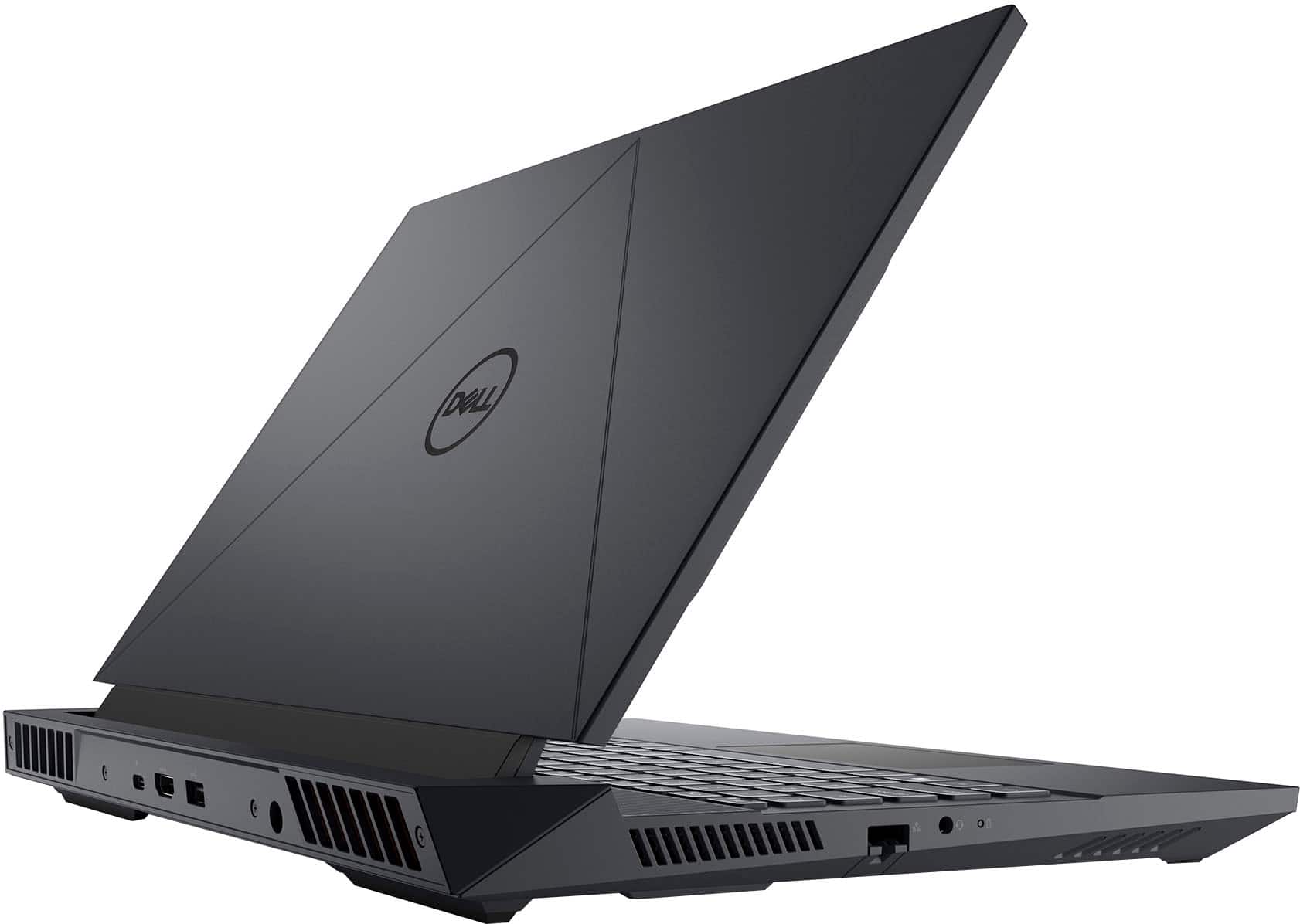
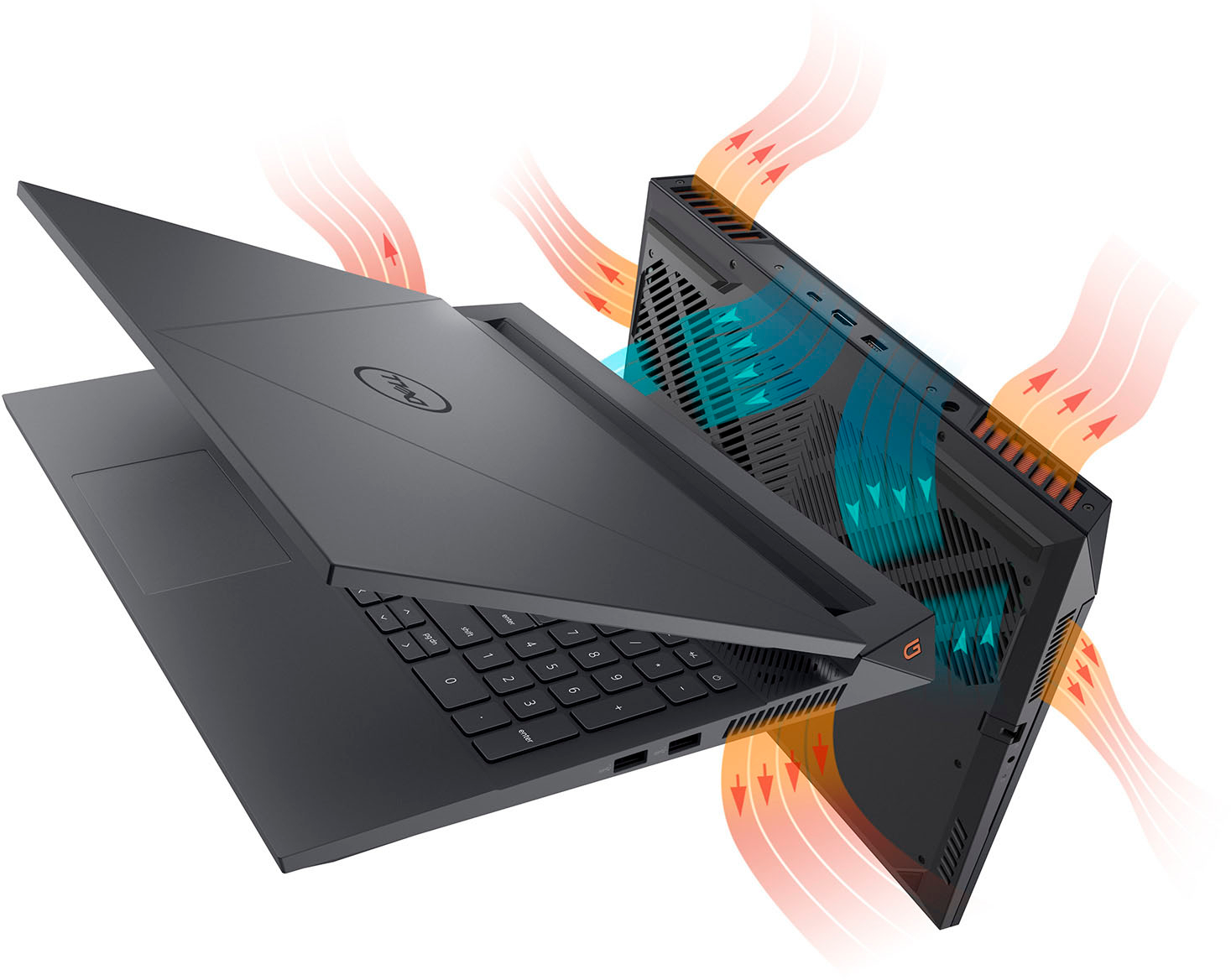
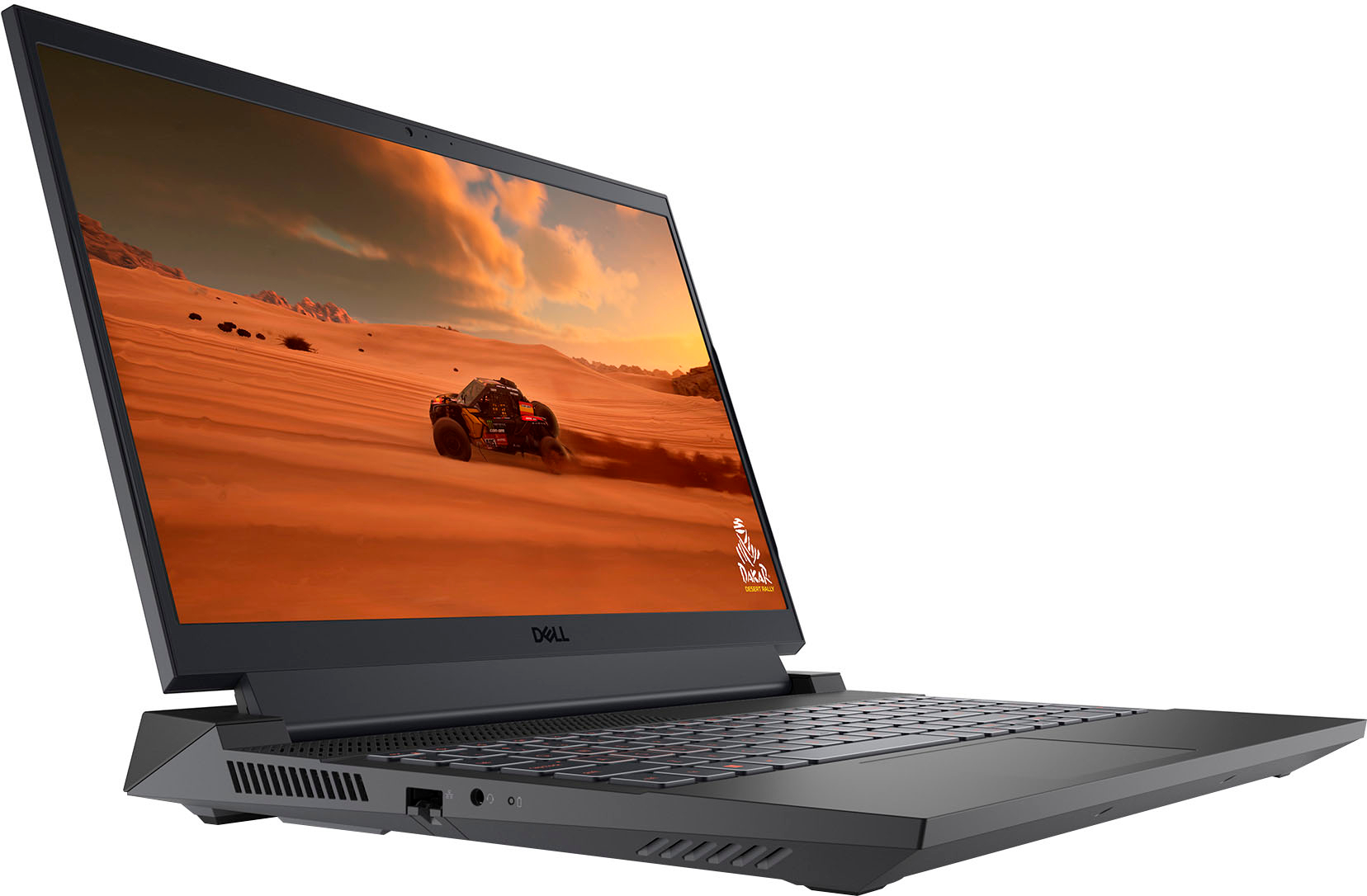
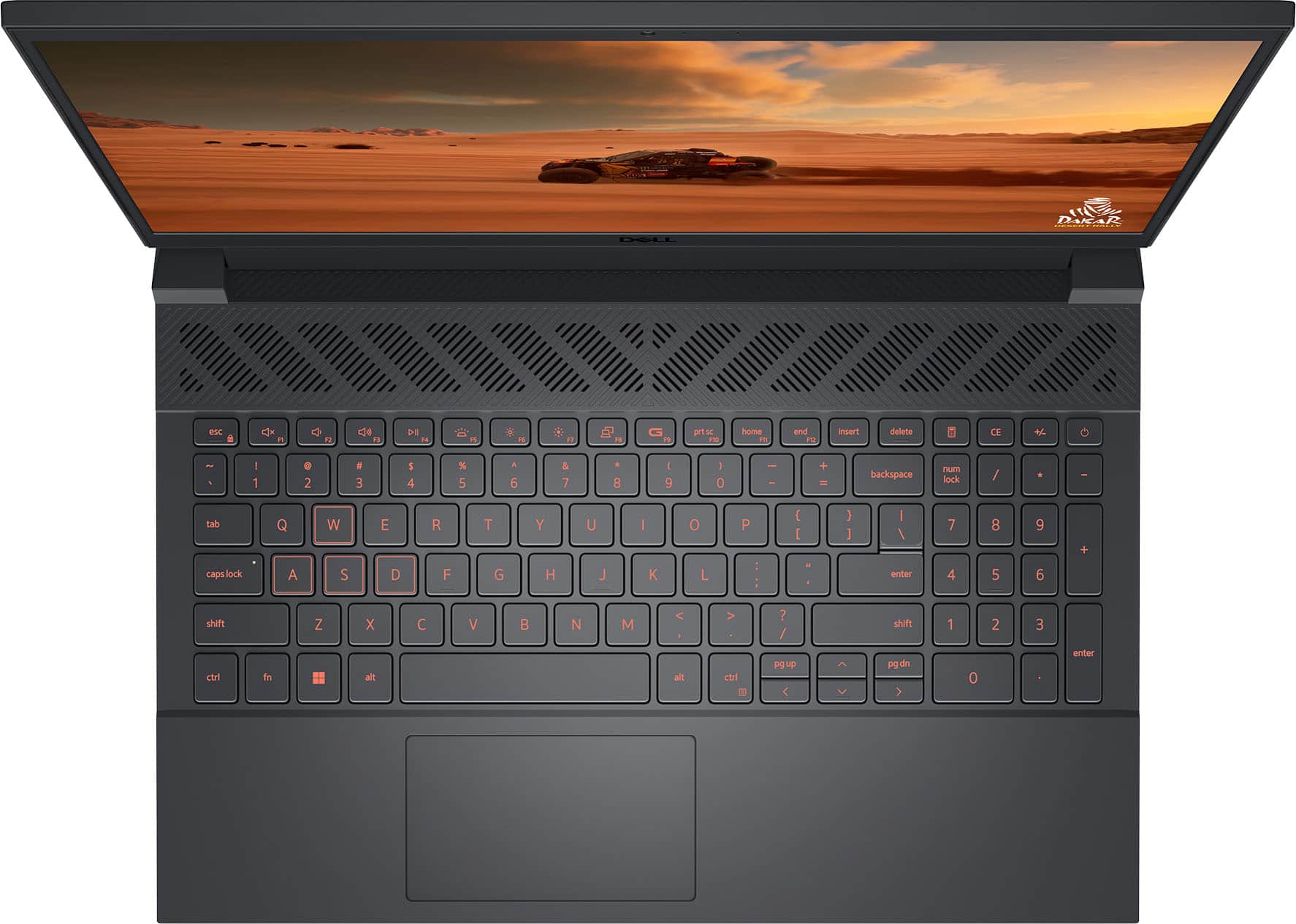
|Posted .This reviewer received promo considerations or sweepstakes entry for writing a review.TL;DR: this is a good starter stationary gaming laptop with decent power and good graphics. If you do not intend to move the laptop or use it as a laptop, and you just need the smaller size vs a desktop, this will absolutely do the job and allow you to run modern games with an enjoyable experience. If you intend to use it at all as a laptop, look for a lighter laptop with a USB-C power supply. If you have the budget or the inclination, Dell (and Alienware via Dell) has some better offerings depending on your use case. It's hard to believe sometimes that Dell and Alienware are made by the same folks; the size, weight, and shape of this behemoth are awkward if used as a laptop. And the immense power draw of the included hardware mean that when you disconnect this from the power brick (and I do mean brick), I was able to get about an hour out of BG3 before it needed a nap - nowhere near the 6-ish hours promised. Let's go down the list: - While pretty much true of any gaming-empowered laptop with a few exceptions, “Laptop” is a misnomer. For testing I used a gaming lap desk which is just as awkward as you'd imagine. Wrangling the large power cords and making sure the brick wasn't snagged... it's just awkward. I wish it wasn't. I wish it was a better experience (and for the record, Alienware has it nailed for portable, lap-friendly gaming laptops for not much more money). - I cannot believe the size of the power brick on this laptop (330w), it’s the size and heft of a literal brick. I can’t imagine trying to take this laptop somewhere and having to haul a literal brick around with me. Dell has stayed the course with the circular power dongle connection likely because of the needs of the internal hardware... but on other gaming laptops, the USB-C power connector is more than sufficient. It's just too much heft for any sort of portability and you MUST have a special connector which severely limits your options if using it "on the go". - Owners of previous G-series laptops will also recognize the similar stature of the laptop with its mammoth power cable and inconvenient port placements - 1 HDMI on the back, along with the one and only USB-C connector, and a high-speed USB-A connector with 2 more on the right side of the laptop. On the left side of the laptop, the network port for hardwiring (WHY THE SIDE?!) and headphone jack port. - The hardware is solid with a 1TB SSD and 16GB memory, the NVIDIA GeForce RTX 4060 is a great graphics card that performed very nicely on modern games. It features a 15.6” FHD 120Hz display which feels slightly flimsy and lightweight compared to the massive honking hulk that is the rest of the device. For anything that wasn't gaming or video, I'd want a nicer display, but this display is absolutely optimized for gaming. - The laptop itself is hefty and angular - at least 6 pounds on its own without the power brick. The laptop itself looks like a “serious” gaming machine as compared to some of the lesser options out there, and I do appreciate the orange coloring of the heat vents and the stylistic details that were put in place. The fan blows out and away to both sides which A HUGE improvement to previous G series laptops that blew it down and back (meaning you roasted your kneecaps even with a lap desk). - The backlit keyboard is a nice touch, with the inclusion of a numpad. It can only backlight in orange/red. Left-handed gamers are going to be at a disadvantage on this laptop. The WASD keys have their own square background to highlight the fact that it's a gaming computer. The keyboard also has an interesting quirk with the WASD keys - they have a secondary "tab" similar to the F and J keys, to be able to find the WASD quickly, I guess? But the oddness of that meant I often fumbled to find the right keys thinking I was closer to F than I was. - The heat generated JUST ON SETUP TASKS ALONE was ridiculous. Actually playing through a game with a lap desk, the heat became untenable around the 1.5 hour mark and I had to shift it to another surface. When fully engaged on a table with an external mouse, the setup was as comfortable as one would expect an hours-long gaming setup to be. - Speaking of setup tasks, anticipate that between software and bios and just Windows being Windows these days, you’re going to be at least two hours deep on updates and basic user setup before you’re able to even play a game. I skipped most of the optional Dell things and have gig-speed internet, but the transfer tasks for Windows alone with my other gaming laptop on the same network took that long. - You WILL want isolating gaming headphones with these (the Logitech G735 series is fantastic). The fan noise was A LOT but with good gaming headphones you won't notice at all. All told: the G15 is not my favorite gaming laptop ever. Even so, Dell knows how to build a machine to fit a very specific role. As with most Dell computers, the internals are solid, the machine worked reliably, the setup (though arduous) was not glitchy, and the unboxing process was very easy. Do I wish it were sleeker? Yeah. Especially considering the market wanting to buy this is probably parents of teens who just want their kids to be at least nearby instead of holed up in their rooms... but if you're an entry-level gamer that needs a solid, reliable gaming laptop - this is not a bad choice.
No, I would not recommend this to a friend Excited
||Posted . Owned for 3 weeks when reviewed.This reviewer received promo considerations or sweepstakes entry for writing a review.I'm absolutely loving my new LP. It has a great screen appearance with less glare with a lighted keyboard I've always wanted in a LP.
I would recommend this to a friendBest to look for other options
||Posted .This reviewer received promo considerations or sweepstakes entry for writing a review.Powerful and one of the best laptops I owned, however the quality of plastic and overall parts are not it. After 6 months of use, the spacebar has went out, as well as other keyboard parts. Even with minimal use, the laptop screen makes a sound and feels cheap. Due to this, wouldn't buy.
No, I would not recommend this to a friendGreat Laptop
||Posted . Owned for 2 weeks when reviewed.This reviewer received promo considerations or sweepstakes entry for writing a review.This laptop met all the specs I wanted, so very happy with this purchase. Because of the cooling system, I believe, it's a little wider than I'd like, but otherwise great. Chose this over similarly priced laptops because it has an ethernet port, but not a touch screen.
I would recommend this to a friendGaming computer used for college
||Posted . Owned for 1 month when reviewed.This reviewer received promo considerations or sweepstakes entry for writing a review.Bought this for my son. It met all the requ9he needed for some of his classes. He hasn't had anything negative to say about. He also loves that he can play Steam games when not doing homework.
I would recommend this to a friendBest PC with a very great price
||Posted .This reviewer received promo considerations or sweepstakes entry for writing a review.Once you set it up right and you know the ins and outs of PCs, you have a solid laptop on hands
I would recommend this to a friendHighly recommend!!!
||Posted . Owned for 1 month when reviewed.This reviewer received promo considerations or sweepstakes entry for writing a review.This laptop was very easy to set up , and the apps I needed were easy to find and download. There seems to be plenty of memory for everything to run the way I want and expect them to. Highly recommend.
I would recommend this to a friendGreat product
||Posted . Owned for 8 months when reviewed.This reviewer received promo considerations or sweepstakes entry for writing a review.I got it on sale and so far it was worth the price. It plays cyberpunk and GW2 on high settings which is what I was looking for.
I would recommend this to a friendGood laptop
||Posted .This reviewer received promo considerations or sweepstakes entry for writing a review.Excellent laptop, very good quality, and good finishes.
I would recommend this to a friendComputer
||Posted . Owned for 3 months when reviewed.This reviewer received promo considerations or sweepstakes entry for writing a review.Great computer , easy to used , big screen amazing for work or gaming
I would recommend this to a friendJames Great Tech.
||Posted . Owned for 1 week when reviewed.This reviewer received promo considerations or sweepstakes entry for writing a review.I am so happy with Best Buy on my new laptop. I want to give James the tech. He was awesome and very pleasant. He knew his job to the upmost. Thank you James I am so very happy. Have a great day. Cindee
I would recommend this to a friendTrustworthy
||Posted . Owned for 1 month when reviewed.This reviewer received promo considerations or sweepstakes entry for writing a review.They shipped it In great condition on top of that they did promise that it will come in that specific day.
I would recommend this to a friend- Cons mentioned:Battery life
Meh battery, the rest is fine
||Posted . Owned for 2 months when reviewed.This reviewer received promo considerations or sweepstakes entry for writing a review.The battery seems to die quicker than I was hoping. I may have to take it in to get looked at though, so I'm not sure. Other than that, a solid gaming option.
I would recommend this to a friendBrand response from YourDellTeam
Posted .Dear gds15,
Thank you for taking the time to leave us your review. We sincerely apologize for the trouble you have encountered with the battery performance of your Dell G15 FHD 120Hz Gaming Laptop. This is not the type of feedback we like to hear from our customers, or the type of product Dell intends to deliver.
We are always striving to enhance our products, and feedback from valued customers like you is crucial in this process. We’ve also carefully noted your comments, and our quality team will consider them for future improvements.
Battery operating time varies depending on operating conditions and can significantly reduce under certain power-intensive conditions. Below, I have provided steps with the full article that can help you improve the battery performance of your laptop.
1. On the notification area of the taskbar, right-click the Battery icon.
2. On the options list, click Power Options.
3. Select a power plan on the battery meter, such as Power Saver or Balanced. Windows 11 has a built-in 'Battery Saver' mode that can be activated to extend your system's battery life. The Battery Saver mode will monitor and limit background activity and other features such as push notifications. You do have the option to enable or disable this mode within settings or within advanced Battery Saver settings, you can customize the mode to best suit your needs.
a) Click on the Action Center icon in the taskbar and select the tile for Battery Saver.
b) If running Cortana, then type Battery Saver into the search box and select from the results.
Within the Battery Saver settings page, you will be able to turn on and off the feature and customize the feature to best meet your needs.
c) Turn Battery Saver On or Off.
d) Additional settings available via the Battery use and Battery saver settings links.
e) Battery use shows further info on apps and their power usage.
f) Battery Saver Settings screen allows you to customize further Battery Saver feature.
How to Improve the Performance of a Dell Laptop Battery: http://dell.to/2vfXWf4
How to use Dell Power Manager: https://bit.ly/48MAxRY
If you continue to experience any issues or require further assistance, please take a moment to call or chat to speak with a representative at your earliest convenience using the information provided below so that we can help you to your satisfaction.
Chat or call: https://bit.ly/DellSupportTeam
Phone number to Dell: 1-800-624-9896
Best,
Minhaj@Dell
Laptop
||Posted . Owned for 3 weeks when reviewed.This reviewer received promo considerations or sweepstakes entry for writing a review.I highly recommend buying this product because it is very practical and reasonably priced.
I would recommend this to a friend