Customer Ratings & Reviews






- Model:
- G15RE-A947GRY-PUS/A951GRY-PUS
- SKU:
- 6461723
Rating by feature
- Battery Life
Rating 4.1 out of 5 stars
- Speed
Rating 4.6 out of 5 stars
- Display
Rating 4.5 out of 5 stars
Customers are saying
Customers are pleased with the performance and graphics capabilities of the G15 gaming laptop, frequently citing its value for the price. However, some users noted concerns regarding screen brightness and the laptop's tendency to generate heat during use. The build quality received positive feedback, but the weight and fan noise were also mentioned as potential drawbacks.
This summary was generated by AI based on customer reviews.
Meh
||Posted .This reviewer received promo considerations or sweepstakes entry for writing a review.This item was big and bulky. For gaming only. I was using it for adobe creative cloud
No, I would not recommend this to a friendBrand response from YourDellTeam
Posted .Hi Sbuyher93,
Thank you very much for your valued feedback. We are sorry to hear that you are not too happy with your Dell Gaming Laptop because it feels too big and bulky. We will share your comments with our quality team so improvements can be made now and in the future.
If you come across any questions or have concerns about this product, please don’t hesitate to contact Dell Support Team at the information provided below.
Best,
Katarina@Dell
Should you need further assistance, you can contact Dell directly with the information below.
Chat or call: https://bit.ly/DellSupportTeam
Phone number to Dell 1-800-624-9896
Slow
||Posted . Owned for 1 month when reviewed.This reviewer received promo considerations or sweepstakes entry for writing a review.This computer is very slow in terms of GPU speeds. I did all the basics ie turn up the power level in nvidia, disable CPU on board graphics and all but it’s FPS for most all games are still very under par for the GPU in this unit.
No, I would not recommend this to a friendBrand response from YourDellTeam
Posted .Hi Slade,
We would like to thank you for taking the time to provide us with your feedback. We apologize for the issues you have come across with your Dell G15 gaming laptop because it is performing very slowly.
I have provided some steps you can take that should help with this issue.
There are several ways to help improve the performance of your computer if it is running slower than you expected it to. We'd recommend the following steps to help improve your computer's overall performance and speed:
1. Restart your computer regularly.
2. Run the automated tools provided in the SupportAssist Tool.
3. Run a complete hardware diagnostic test.
4. Scan your computer for malware.
5. Restore your Dell computer using Windows System Restore.
6. Reinstall Microsoft Windows.
You can read the full steps associated with each of these recommendations here: https://dell.to/3n29QjE.
If the performance issue with your computer is still not resolved after utilizing the troubleshooting options above, please contact the Dell Support Team at 1-800-624-9896 for further guidance.
Best,
Katarina@Dell
Should you need further assistance, you can contact Dell directly with the information below.
Chat or call: https://bit.ly/DellSupportTeam
Phone number to Dell: 1-800-624-9896
- Cons mentioned:Screen brightness
Complete crap!!!!
||Posted . Owned for 4 months when reviewed.This reviewer received promo considerations or sweepstakes entry for writing a review.Complete crap! Worked for 2 months and now the screen wont come on at all. Best buy wont take it back either. Complete crap, never buying electronics from best buy again..
No, I would not recommend this to a friendBrand response from YourDellTeam
Posted .Dear Valued Customer,
We would like to thank you for taking the time to provide us with your feedback. We apologize for the troubles you have encountered with your Dell G15 gaming laptop because its screen stopped working.
Below I have provided the steps to run a diagnostic test on the display and the full article link, which has more options if they are needed. We also suggest making sure all video drivers are up to date on your PC. I have given you a link to the Drivers and Downloads page for your computer below.
Method 1
1. Power off the Dell Laptop PC.
2. Disconnect any peripherals that are connected to the PC, and connect the AC Adapter (charger) to the PC.
3. Make sure that the LCD screen is clean (no dust particles are on the surface of the screen).
4. Press and hold the D key and power on the PC to enter LCD built-in self-test (BIST) mode.
Continue to hold the D key until you see the entire screen change colors.
5. The screen changes colors to black, white, red, green, and blue.
6. Carefully inspect the screen for abnormalities.
7. Press the Esc key to exit.
How to Troubleshoot Display Issues: https://dell.to/2O1UnnF
Drivers and Downloads Page: https://dell.to/3wznSRM
Please use the steps above to run a diagnostic test on the display of your PC, and if the problem persists, please contact our support team here: https://bit.ly/DellSupportTeam.
Best,
Katarina@Dell
Should you need further assistance, you can contact Dell directly with the information below.
Chat or call: https://bit.ly/DellSupportTeam
Phone number to Dell 1-800-624-9896
Could be a little better
||Posted . Owned for 1 month when reviewed.This reviewer received promo considerations or sweepstakes entry for writing a review.Not the fastest for multitasking but does the job!
I would recommend this to a friendBrand response from YourDellTeam
Posted .Hello Skinnypedaler,
Thank you for taking the time to leave us your review. We're sorry to hear that you experienced issues with your Alienware m15 R7 Gaming Laptop. This is certainly not the experience we like to hear from our customers. We would like to help resolve this issue after obtaining a little more information. Please take a moment to call or chat with a Dell Support Representative at your earliest convenience so that they can help you with your concerns: https://bit.ly/DellSupportTeam.
Best,
Danielle@Dell
Amazing
||Posted . Owned for 1 week when reviewed.This reviewer received promo considerations or sweepstakes entry for writing a review.Amazing product would recommend to friends to get this
I would recommend this to a friendBrand response from YourDellTeam
Posted .Hello,
Thank you for taking the time to share your feedback. We appreciate your kind words and are happy to know you're enjoying your G15. The contents of your review will be used to help improve now and future Dell products. If you come across any questions, issues, or concerns, please visit the Support Page of your G15.
Sincerely,
Wendy C.
https://bit.ly/DellSupportTeam.
Phone number to Dell: 1-800-264-9896.
Will not power up - TWICE!
||Posted .This reviewer received promo considerations or sweepstakes entry for writing a review.Bought this laptop and it wouldn't power up. Packaed it back up and drive the 20 miles back to Best Back and took it right back! Did an even exchange for this same model. Brought it home and AGAIN it will not power up! Back screen! Nothing!!! But I look on YouTube and there are videos showing others have this same problem with Dells. Scrw you Dell, I will NEVER buy your stuff again.
No, I would not recommend this to a friendBrand response from YourDellTeam
Posted .Dear TonyM,
We appreciate you taking the time to leave us your review. We are sorry to hear about the troubles you have encountered with your Dell G15 gaming laptop because it won’t power up. We understand how frustrating this could be. We will share your comment with our quality team, so future improvements can be made.
I have provided a link to help resolve the booting issue (power issues). On that page, you can choose between, no power, no post, no boot, or no video. Once you choose you can find the options to help troubleshoot and resolve that issue. We would also suggest making sure all your drivers and downloads are up to date on your PC. I have also given you a link below to the Drivers and Downloads page for your computer.
Resolve Boot Up Issues: https://dell.to/3sdfce6
Drivers and Downloads page: https://dell.to/3PHXQ65
After utilizing the troubleshooting options provided, if the problem with your computer is not resolved, please contact our support team for further guidance here: https://bit.ly/DellSupportTeam
Best,
Katarina@Dell
Should you need further assistance, you can contact Dell directly with the information below.
Chat or call: https://bit.ly/DellSupportTeam
Phone number to Dell 1-800-624-9896
- Pros mentioned:Build quality

Dell’s Latest & Greatest G15..Is it ‘Good Enough’?
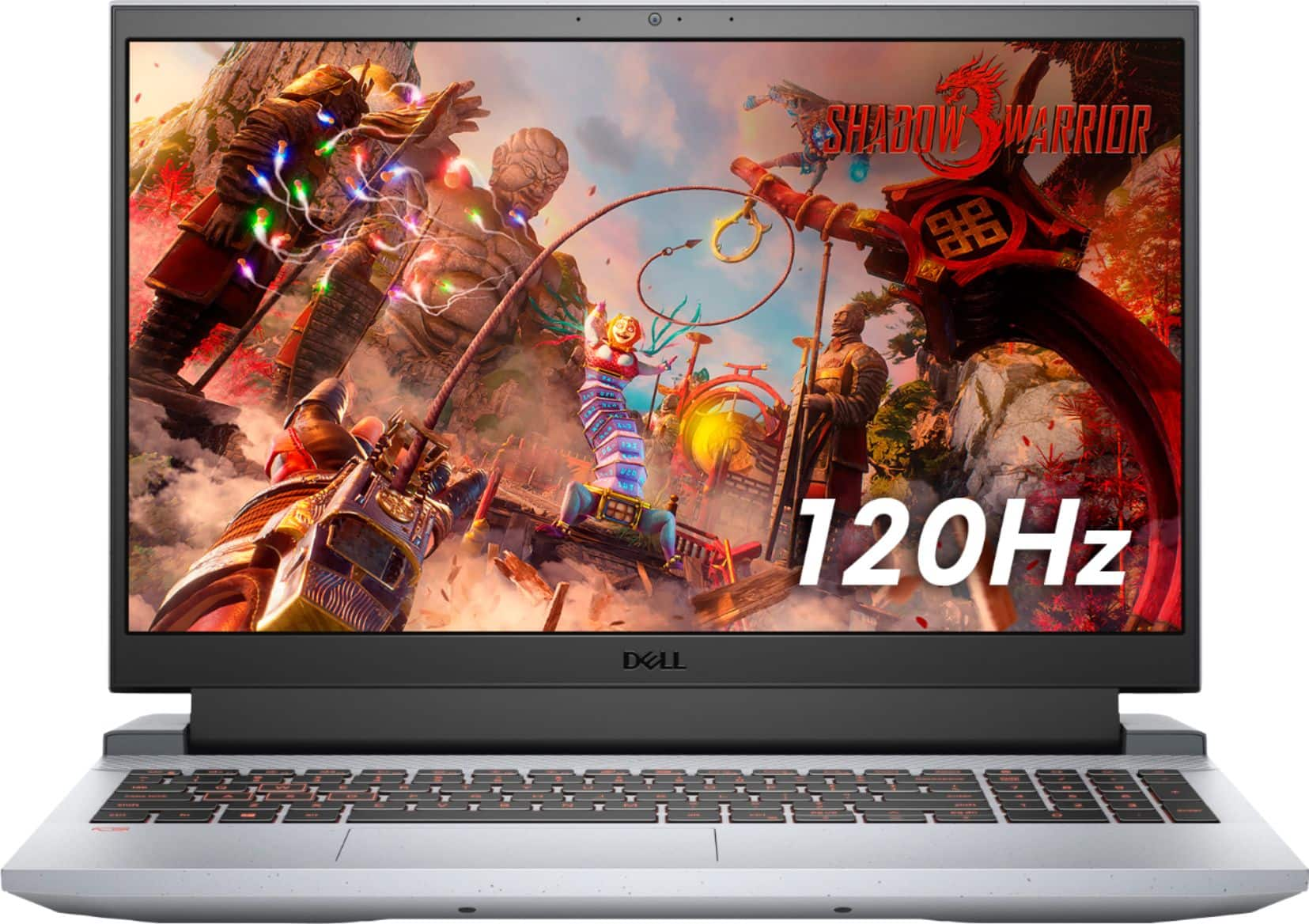
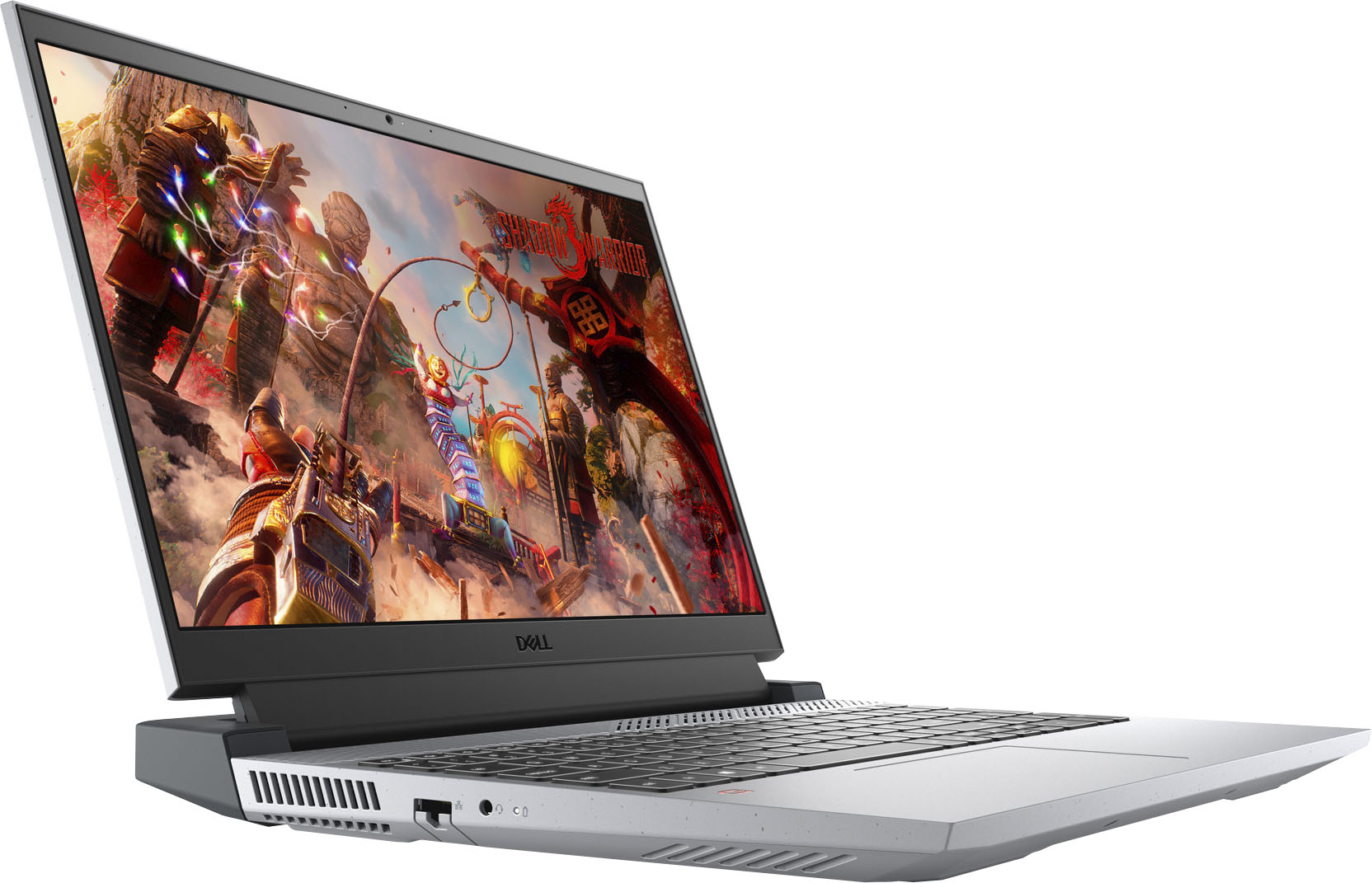
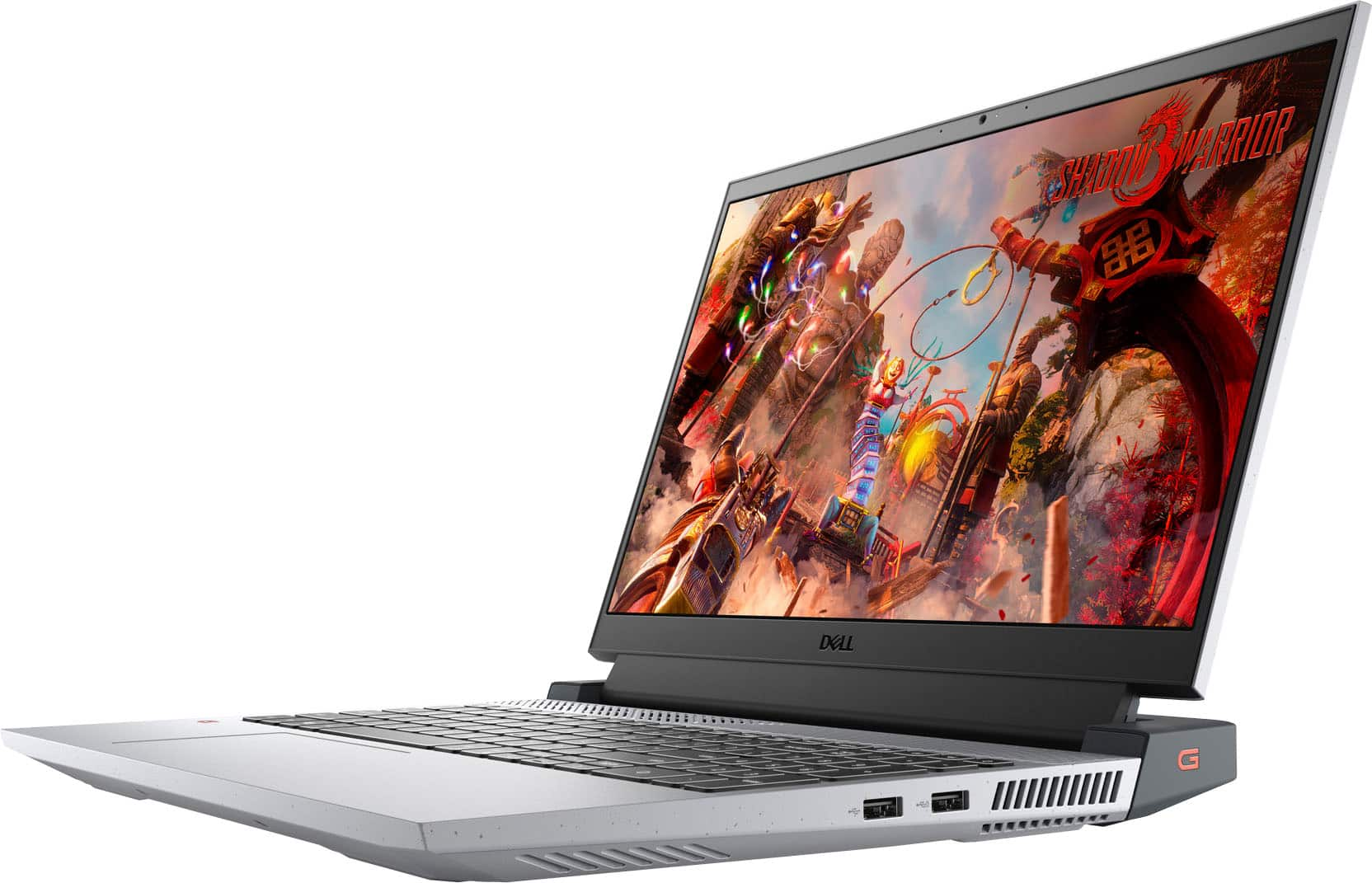
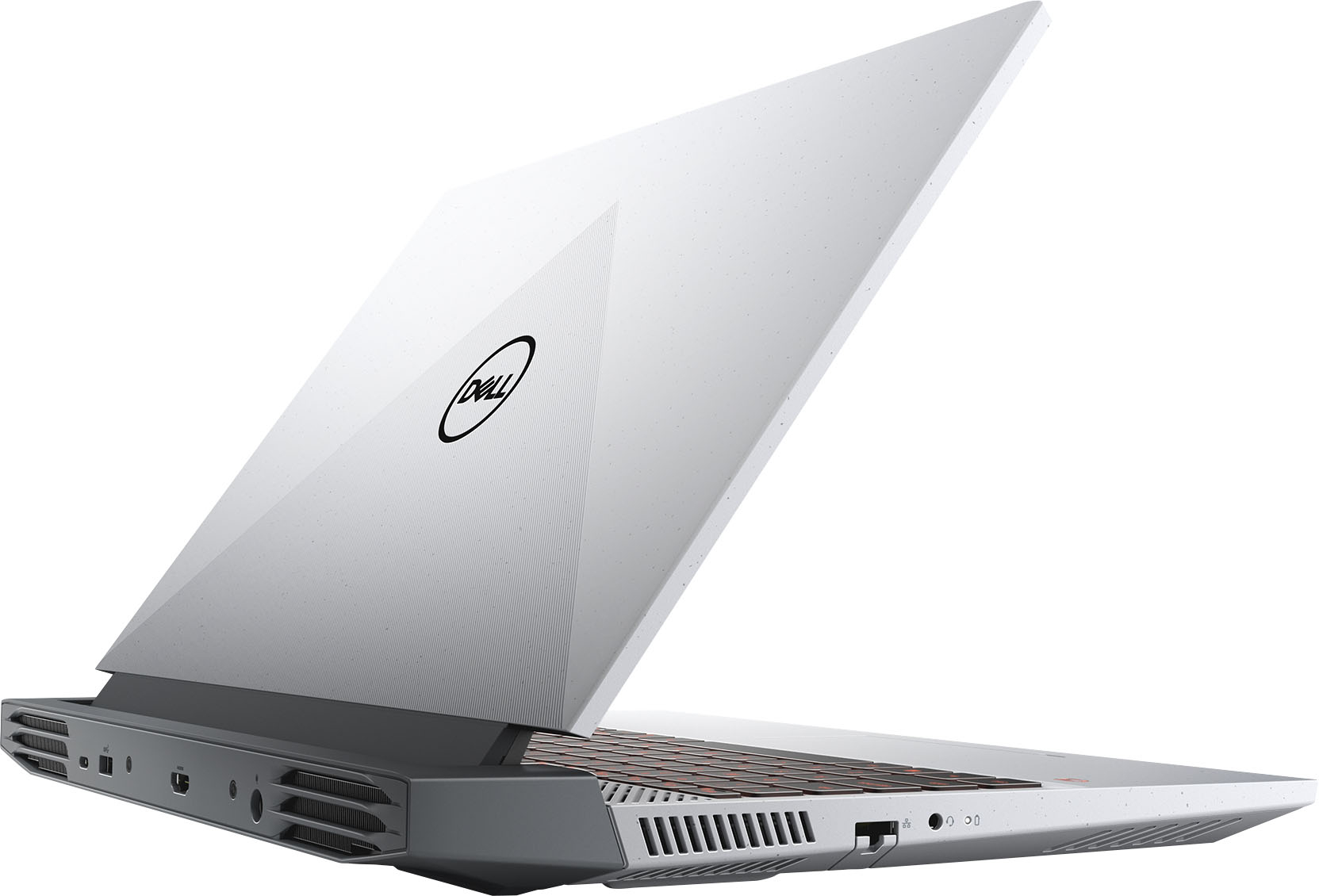
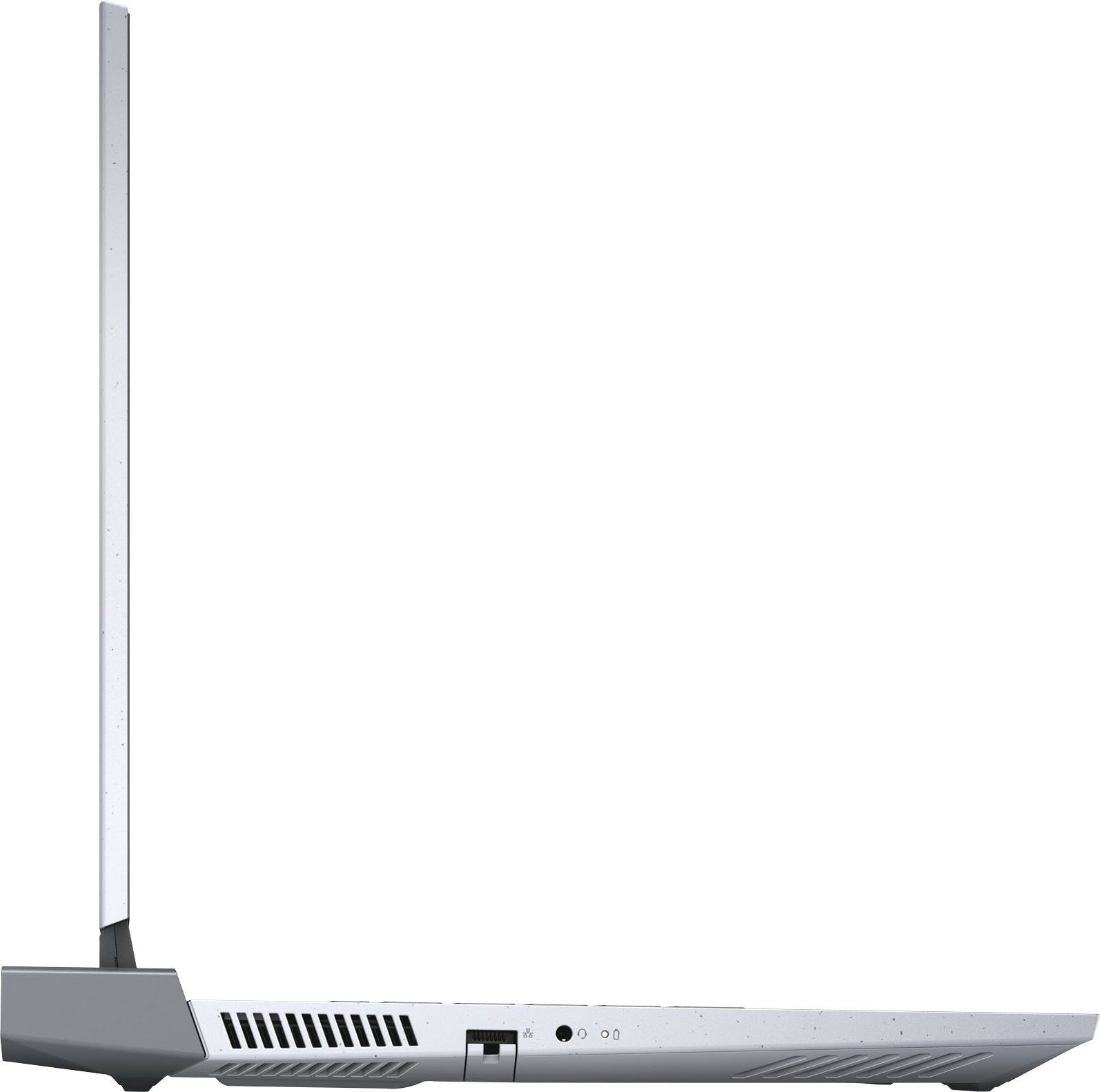
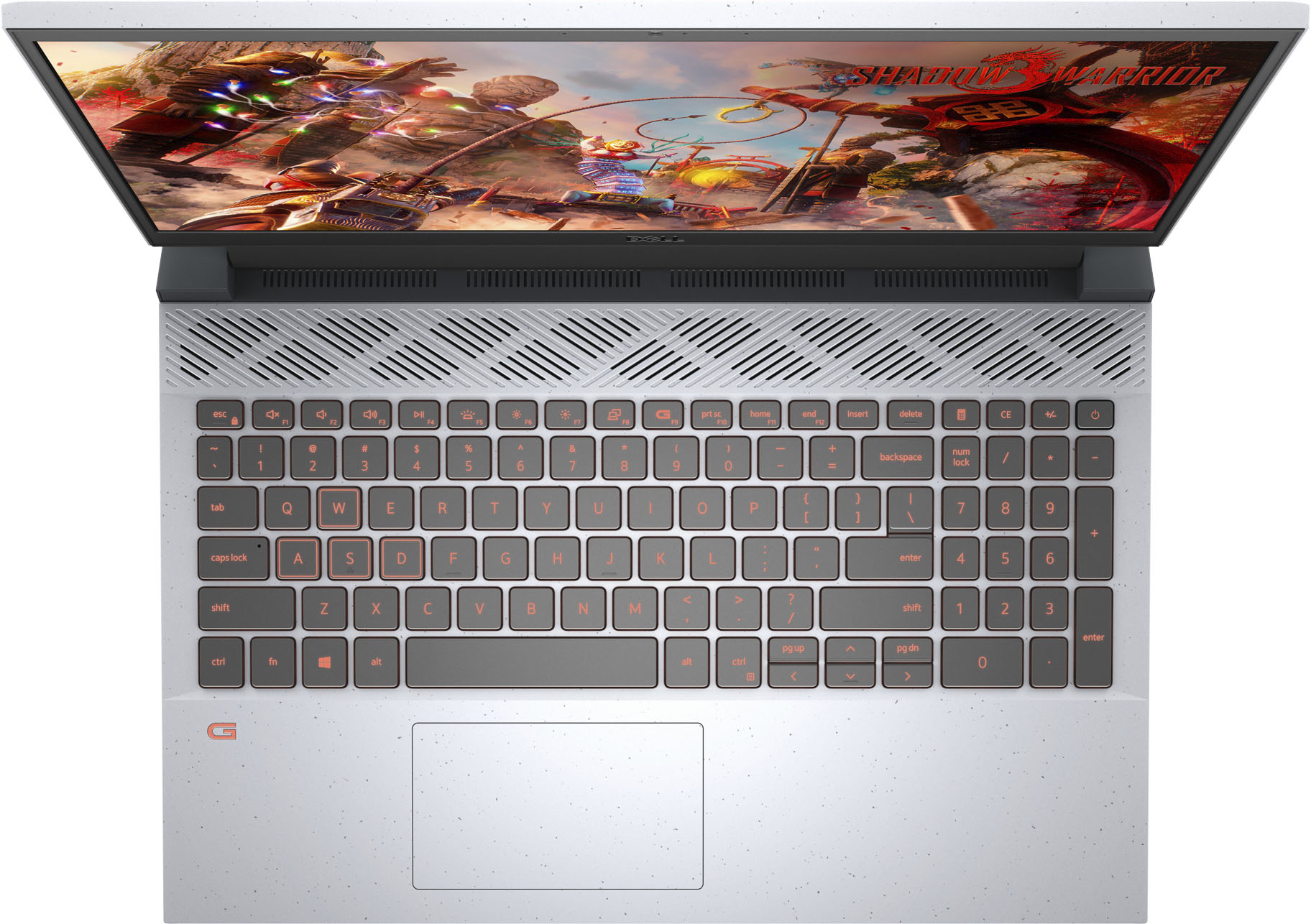
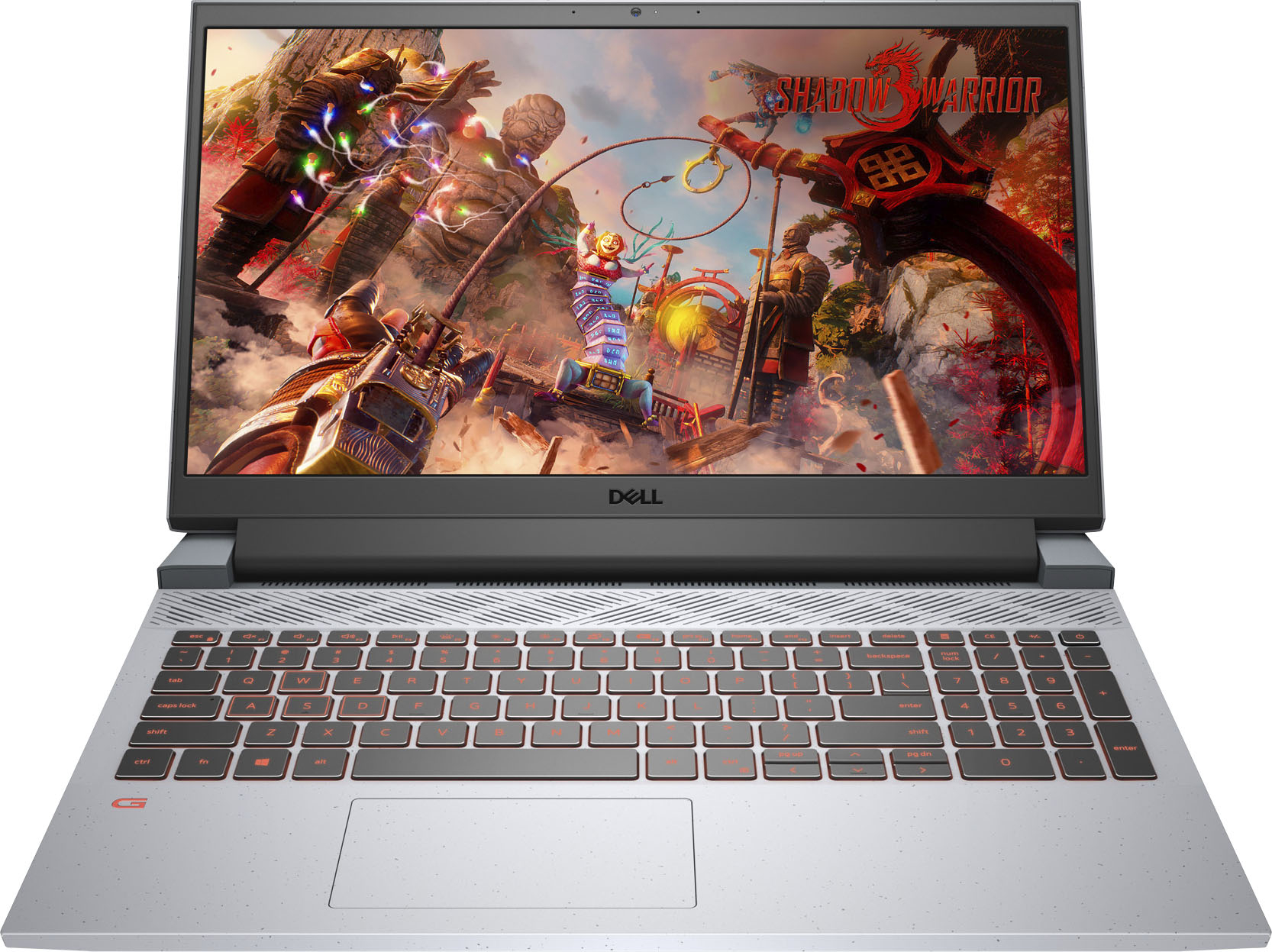
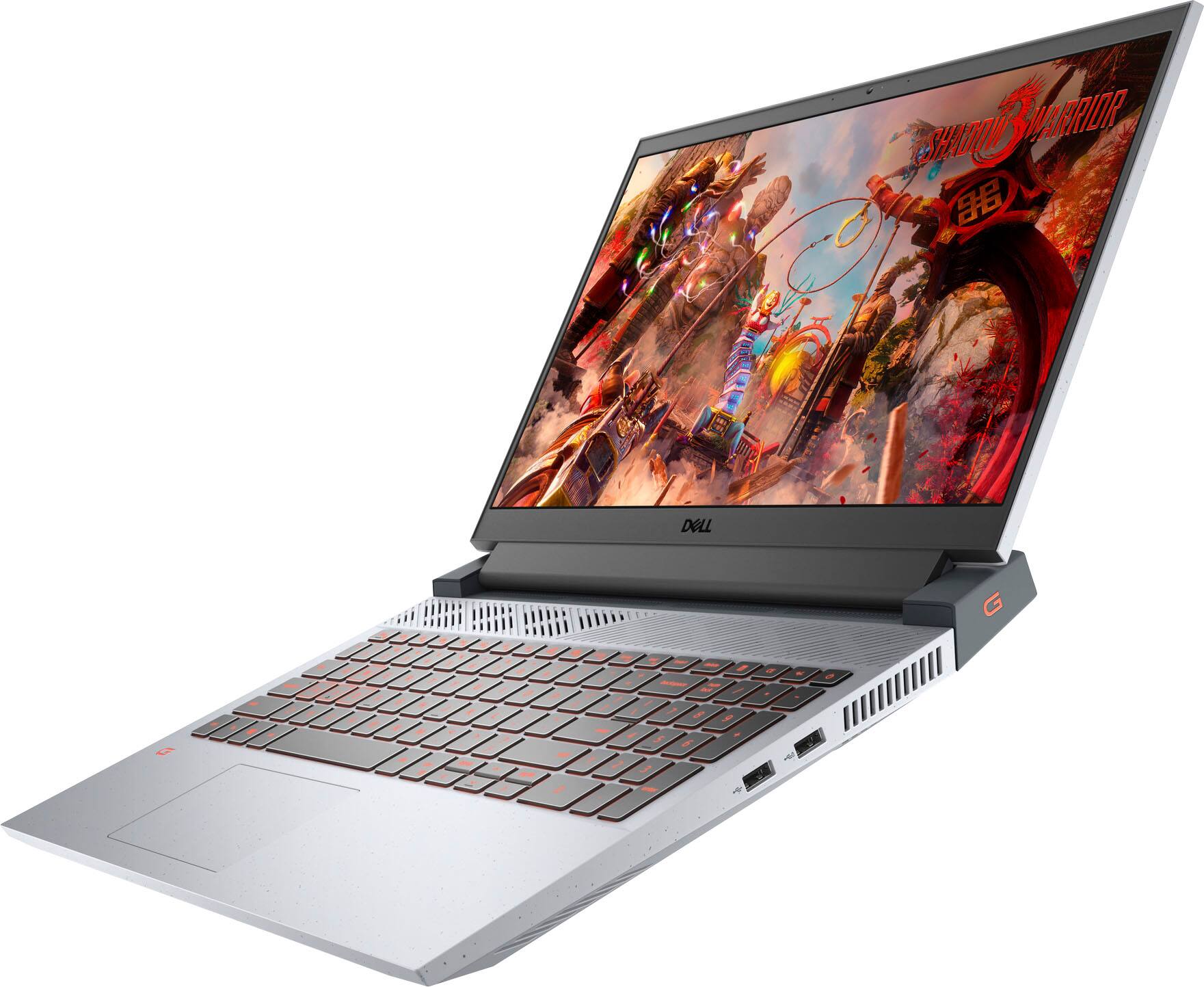
|Posted .This reviewer received promo considerations or sweepstakes entry for writing a review.The first thing I want to say is that some of the info on the Best buy site is NOT correct. It’s not a ‘bad’ thing…and, hopefully, Best Buy gets corrected info. In short, under “Specifications”, Best Buy states the laptop doesn’t have an HDMI port…it does. Best Buy indicates it doesn’t have a numeric keypad…it does. Ok, on with the review. UNBOXING, SETUP, AND INITIAL IMPRESSIONS: In typical ‘new’ Dell packaging fashion, materials are kept to a minimum, and use of plastic is almost none. On the negative side, the power brick is large & heavy, and the laptop is a bit of a behemoth (5.5lbs). For those who plan on carrying it around, plus those who might order a case/sleeve in advance, these things should keep in mind…especially the dimensions (laptop might not fit if you go by the dimensions listed on the website). As for setup, there’s not much to say. Microsoft setup process is very streamlined…even a 3-year old could do it (NO, that does NOT mean I’d recommend this, or any PC, to be set up by a 3-year old…just that it’s simple enough (can you say that about the MacOS?). with Dell computers, there are a few simple additional (optional) steps, which I’d recommend doing, as they’re related to Dell’s ‘SupportAssist’ (warranty, keeping all the Dell-specific software & drivers up-to-date, etc). Some consider SupportAssist “bloatware”, while others consider it a “necessity”. Personally, I fall somewhere in-between…although, I will admit I like the ‘simplicity’ of DellAssist in keeping everything Dell-specific up-to-date. For “initial impressions”, that’s where things get ‘complicated’. Yes, the G15 is a “gaming laptop”…but, do NOT expect to run the “latest & greatest”. Leave that to PCs running at least an RTX 3070. It’s more powerful than a 1650Ti, but not as powerful as a 1660Ti Max-Q. The very least Dell could have done would be to give it the RTX 3050Ti (approx 10-25% faster than the RTX 3050). I guess Dell decided to take the ‘budget’ in “budget gaming laptop” a bit too seriously. THE LAPTOP IN-USE: Based on everything above, does this mean the G15 Ryzen is “bad”? Not at all. If you look at the “latest & greatest” games from five years ago, they couldn’t be played on a ‘budget’ gaming laptop, and even a ‘mid-range’ had difficulty…but this G15 can. Does this mean you’re “forced” into only playing games from five years ago? Again, no. You CAN play more recent games, and even higher-end games…but, you’ll have to turn certain settings down, and (maybe) increase the AA settings. Currently, I’m playing TES: Oblivion (still, one of my most favorite RPGs), with almost all settings at their highest, and the G15 Ryzen has no problem. For a ‘budget’ gaming laptop, the G15 Ryzen is more than capable. I wouldn’t even consider this a “low-end” gaming laptop. It’s closer to the “bottom-end of the mid-range”. Unlike true “budget” gaming laptops, which use high-end integrated graphics, the G15 Ryzen has a dedicated GPU. Even better, while other “budget” gaming laptops share ‘graphics’ memory with the system’s main RAM, the G15 Ryzen has 4GB of dedicated DDR6. That means 8GB RAM dedicated to the OS & apps, and 4GB RAM dedicated to the GPU. Lastly, it has a 120Hz display…something VERY handy when gaming “on the go”. In a time when almost all other low-end “gaming” laptops still have 60Hz displays, and some have 90Hz displays, having a 120Hz display is a HUGE bonus. Need I say more? “PROBLEMS”: Ok…nothing is ever 100% “perfect”. In truth, I don’t think there’s any such thing. Something can be 99.999% prefect, but, sooner or later, a ‘flaw’ is bound to show itself. That having been said, the G15 Ryzen isn’t one of those. It does have some ‘flaws’, and they are a bit more noticeable…but, at the same time, considering what the laptop ‘is’, this does not necessarily detract from it being “the best choice” for some people. As I mentioned earlier, it is a bit on the bulky side, and it has a (much) larger-than-average power brick…but, being a gaming laptop, this should be expected. Gaming laptops require more power than a ‘general purpose’ laptop, so a larger/heavier power brick is what’s needed, as it has to output a great amount of power (in case you’re wondering, it’s 180W (compared to the lesss-than-100W of most ‘general purpose’ laptops). Also, being a gaming laptop requiring more power, it also needs a beefier cooling system. One look at all the vents (including the two large exhaust vents along the back, and the vents just below the display when the laptop is ‘open’), tells you this thing is built for ‘cooling’. Moving onto a lesser ‘problem’ (this isn’t so-much a ‘problem’, and more of aa “I’m not entirely sure I like this”), I’m not too keen on the 2-tone gray case, or the “speckled” pattern in the lighter gray, or the orange ‘G’ on the right side of the dark gray “cooling” section (I much prefer the more ‘subdued’ look of my XPS 13). Honestly, I can live with the orange ‘G’, as it’s on the side (as they say, “Out of sight, out of mind”), and the 2-tone color combination isn’t all that bad…but, in regards to the “speckled” pattern, every time I look at it, I think there’s dust on it, and I try (or want) to “wipe” the dust off the case. Heck…when I first removed the laptop from the plastic bag, I DID try wiping the ‘dust’ off the case. That’s how I came to discover the “speckled” pattern. To quickly contrast these “problems”, I would like to point out a couple of things related to the design that I do like. First, while there are two USB ports on the right side, and the Ethernet & headphone jacks on the left side, all other ports (USB, USB-C, HDMI, and power jack) are along the rear panel. This is great for keeping items (such as a monitor, mouse, and external HDD) connected to these ports “out of the way”. Second, the laptop’s lid has this ‘interesting’ equilateral triangle “ribbing”, with the ‘base’ at the bottom. When I say “interesting” in this case, it’s a good thing, as it adds an element to the laptop’s case that’s “different”…and, I like it. FINAL VERDICT: As with Microsoft, the “love-hate” relationship with Dell continues. This doesn’t apply to 100% of consumers, but, to many…and, again, like Microsoft, it’s one of those companies we “love to hate, and hate to love, but we continue buying their products because they’re better than just ‘good enough’”. With Dell, there’s always going to be things that everyone ‘loves’, there’s always going to be things that everyone ‘hates’ (or ‘dislikes’), and there’s always going to be things that fall “in-between”. The G15 Ryzen is no exception. Things to love: dedicated GPU, dedicated GPU memory, multiple ports for connecting accessories (including a USB-C & HDMI, backlit keys, numeric keypad, offset trackpad, dedicated ‘gaming mode’ button, “good feeling” keyboard, ‘textured’ laptop lid, multiple cooling vents Things to hate/dislike: bulky/heavy power brick, bulky/heavy laptop, offset trackpad is offset in a ‘weird’ location, under-performing GPU (for a latest-gen “gaming” laptop), excessively “power-hungry” (especially for a gaming laptop containing only an RTX 3050) In the end, are the ‘hates/dislikes’ enough to detract from the ‘likes’? That’s going to depend on each individual user. For someone who wants a “true” gaming laptop, this is NOT the laptop for you…anything less than an RTX 3070 (based on the current lineup of GPUs) isn’t going to be ‘powerful’ enough for the games you’ll want to play. Also, because of it only having 8GB RAM & 512GB of SSD storage, you’ll probably want a higher-end gaming laptop. However, for those who want a ‘gaming’ laptop for occasional gaming and/or playing games older than 3-years old, this should be on your “very short list”. Also, for those who like to edit photos and/or videos, and need to do so on-the-go (ie. wanting to use a laptop with a dedicated GPU for rendering, and applying effects), but don’t want to spend a car-down-payments-worth on a high-end laptop, this could also be one of your best choices. For the “Would I recommend this” question, a ‘yes’, or ‘no’, answer depends entirely on your intended use, and, as described above, will be different for different people. I already have a VERY high-end desktop (for gaming & video editing), as well as a Dell XPS 13 for mobile productivity (ok, and for watching movies while ‘waiting’ for clients…I’m a Professional Chauffeur), so the G15 Ryzen is (almost, considering the bulky power brick) perfect for me. Disclaimer: This product was provided free, or at reduced cost, for the purpose of reviewing the product. Nevertheless, the above review, be it positive, negative, or anywhere in-between, is a 100% honest review, and the price paid played absolutely no part in my review.
I would recommend this to a friend - Cons mentioned:Screen brightness
nope not for me
||Posted . Owned for 3 weeks when reviewed.This reviewer received promo considerations or sweepstakes entry for writing a review.I had to return it; the screen wouldn't come on. The red keys were also annoying.
No, I would not recommend this to a friendBrand response from YourDellTeam
Posted .Dear Quitman,
Thank you very much for your feedback. We are sorry to hear that you were not too happy with your Dell G15 gaming laptop because it was not functioning, and that you have ultimately decided to return this system. We will share your comment with our quality team, so future improvements can be made. In the future, we would love the opportunity to help troubleshoot any problems you may be facing.
If you come across any questions about the Dell products, please don’t hesitate to contact Dell Support Team at the information provided below.
Best,
Katarina@Dell
Should you need further assistance, you can contact Dell directly with the information below.
Chat or call: https://bit.ly/DellSupportTeam
Phone number to Dell 1-800-624-9896
Eh
||Posted . Owned for 1 month when reviewed.This reviewer received promo considerations or sweepstakes entry for writing a review.I tried playing forza on the laptop but it doesn't really run good. But so far it's been alright.
No, I would not recommend this to a friendBrand response from YourDellTeam
Posted .Dear Kittie0303,
Thank you for your feedback. We are sorry to hear you are experiencing problems with your Dell G15 gaming laptop because some programs are not running well on it. Please make sure you have downloaded the latest system update and that software you are using meets all system requirements. I have provided a link to the drivers and downloads page where you can check for any applicable updates.
Drivers and Downloads page: https://dell.to/3PHXQ65
If you come across any questions or have concerns about this product, please don’t hesitate to contact Dell Support Team at the information provided below.
Best,
Katarina@Dell
Should you need further assistance, you can contact Dell directly with the information below.
Chat or call: https://bit.ly/DellSupportTeam
Phone number to Dell 1-800-624-9896
Main issue is the fact that its hybrid graphics
||Posted . Owned for less than 1 week when reviewed.This reviewer received promo considerations or sweepstakes entry for writing a review.I work at Best Buy, and all I have to say is how do you even attempt to have an AMD Radeon APU (internal graphics) carry half, if not all the weight with the 3050 in this laptop? I had to optimize it to have the 3050 even run at 50% its capacity! I returned it and got an MSI with an intel i5 and 3060 for $50 more. I love AMD on PC builds but laptops are locked in by Intel. I should have trusted my gut and never gone back to Dell. That was my biggest mistake.
No, I would not recommend this to a friendBrand response from YourDellTeam
Posted .Hi CowboyFreaktop,
Thank you for your valued feedback. We are sorry to hear you were not completely satisfied with your Dell G15 and ultimately decided to return the system. This is certainly not what we like to hear from our valued customers. We will share your comments with our quality team so improvements can be made now and in the future.
If you require further assistance, you can contact Dell directly with the information below.
Chat or call: https://bit.ly/DellSupportTeam
Phone number to Dell 1-800-624-9896
Best,
Ashley@Dell
Terrible Gaming laptop!!!
||Posted . Owned for 1 month when reviewed.This reviewer received promo considerations or sweepstakes entry for writing a review.First off this is a Poor gaming laptop. The fan Overheats so often then not , i could get better gaming use out of an HP . This Dell laptop needs to be removed before it melts beucse the fan fails. Witch also causes crashing.
No, I would not recommend this to a friendBrand response from YourDellTeam
Posted .Hi NitesBodywork,
We would like to thank you for taking the time to provide us with your feedback. We are sorry to hear that you have come across some troubles with your Dell G15 gaming laptop because it is overheating and crashing.
To help with overheating issue, we would recommend making sure the BIOS is up to date on your PC. I have provided a link to the Drivers and Downloads page so you can check for and do any applicable updates. Dell has also released an Intel Power Management Utility to help with the overheating that you may be experiencing on your computer. For this package to take effect, the system power plan must be set to Balanced under the Additional Power Settings. Also, the Power Mode option that is displayed when you click the battery icon, should be set to Better Performance. This package only takes effect on AC power and not on battery power. The Intel Power Management Utility can be found here - http://dell.to/3tStRgX.
Drivers and Downloads page: https://dell.to/3PHXQ65
For the issues with crashing, I have provided a link below to help troubleshoot and resolve this issue.
Resolutions
1. Run a Computer Diagnostic. To determine if your computer is experiencing a hardware problem, run the Dell Preboot System Assessment (PSA) Diagnostics. For information on how to run Diagnostics, and to determine the issue, refer to Dell Knowledge Base Article: http://dell.to/2iaiujA
2. Check Safe Mode for Symptoms. To boot into safe mode, please follow the instructions below:
a) Start the computer.
b) Tap 'F8' on the keyboard immediately and every one second until the Dell logo screen disappears. From there you will see the Windows Advanced Options Menu on the screen. (If the Windows Advanced Options Menu does not appear, restart the system and try again.)
c) Select Safe mode with Networking and press Enter.
d) Log on as the administrator or as a user with administrative access.
e) Open applications and test the computer in safe mode. If the symptoms exist in safe mode, please continue the troubleshooting steps in this article. If the symptoms do not exist in safe mode, the issue is likely related to a driver or software and you may wish to complete step 3 to see if you are able to resolve the lockups or freezing.
3. Check for Malware. Malware (Virus, Spyware, etc.) can definitely cause a Windows system to lock up or appear to hang. To check for malware on your system and to ensure that your computer is up to date on security software, visit Dell Knowledge Base Article: http://dell.to/2wWP1zI
The computer restarts or shuts down intermittently, locks up, stops responding or an error occurs: https://dell.to/3GX6BVf
If the issues with your gaming laptop are still not resolved after utilizing the troubleshooting options above, please contact the Dell Support Team at 1-800-624-9896 for further guidance.
Best,
Katarina@Dell
Should you need further assistance, you can contact Dell directly with the information below.
Chat or call: https://bit.ly/DellSupportTeam
Phone number to Dell 1-800-624-9896
Gaming???
||Posted . Owned for 3 months when reviewed.This reviewer received promo considerations or sweepstakes entry for writing a review..5. Just ok. Kinda slow. Overheats fast. Number of usb ports needs improvement. The display is decent.
No, I would not recommend this to a friendBrand response from YourDellTeam
Posted .Hello Cbidaho,
Thank you very much for your valuable feedback. We are sorry to hear that you are not too happy with your Dell G15 gaming laptop because it is not equipped with adequate USB ports, it overheats and it is performing slower than you have expected. We will share your comment with our quality team, so future improvements can be made.
To help with overheating issue, we would recommend making sure the BIOS is up to date on your PC. I have provided a link to the Drivers and Downloads page so you can check for and do any applicable updates. Dell has also released an Intel Power Management Utility to help with the overheating that you may be experiencing on your computer. For this package to take effect, the system power plan must be set to Balanced under the Additional Power Settings. Also, the Power Mode option that is displayed when you click the battery icon, should be set to Better Performance. This package only takes effect on AC power and not on battery power. The Intel Power Management Utility can be found here - http://dell.to/3tStRgX.
Drivers and Downloads page: https://dell.to/3JuKlU1
There are several ways to help improve the performance of your computer if it is running slower than you expected it to. We'd recommend the following steps to help improve your computer's overall performance and speed:
1. Restart your computer regularly.
2. Run the automated tools provided in the SupportAssist Tool.
3. Run a complete hardware diagnostic test.
4. Scan your computer for malware.
5. Restore your Dell computer using Windows System Restore.
6. Reinstall Microsoft Windows.
You can read the full steps associated with each of these recommendations here: https://dell.to/3n29QjE.
If the issues with your gaming laptop are still not resolved after utilizing the troubleshooting options above, please contact the Dell Support Team at 1-800-624-9896 for further guidance.
Best,
Katarina@Dell
Should you need further assistance, you can contact Dell directly with the information below.
Chat or call: https://bit.ly/DellSupportTeam
Phone number to Dell 1-800-624-9896
DONT DO IT!!!! RUN!
||Posted . Owned for 3 weeks when reviewed.This reviewer received promo considerations or sweepstakes entry for writing a review.Purchased for my son who plays a few games. Within 5 minutes it was on fire and the battery died in 15, even after a full charge. Returned for a new one as they said those arent normal issues. Guess what? The new one overheats immediately, the battery dies just as fast requiring it to be plugged in constantly, BUT the plug will not stay in the computer. It is an epic fail. Run and beware!
No, I would not recommend this to a friendBrand response from YourDellTeam
Posted .Hello,
We want to thank you for your valued feedback. We apologize for the issues you have had with the your Dell G15. Your feedback is incredibly valuable as we build current and future products. Below I have provided troubleshooting instructions with the full article that can help resolve the overheating issue.
Here are the recommended steps for troubleshooting overheating:
1. Prioritize cooling by opening the Alienware Command Center application and select the 'Cool' thermal profile.
2. Ensure that you're running the latest BIOS. An out-of-date BIOS can cause thermals and performance issues. You can download the update here - https://dell.to/3EYpoOH.
As for the battery problems, we recommend accessing this link to maximize and troubleshoot any possible issues with your battery - http://dell.to/2vfXWf4.
We recommend following the steps above to resolve your issues. For further assistance, you can contact Dell directly with the information below Chat or Call:
https://bit.ly/DellSupportTeam.
Phone number to Dell: 1-800-264-9896.
Best regards,
Wendy C.
Won't connect to wifi after a few months.
||Posted . Owned for 5 months when reviewed.This reviewer received promo considerations or sweepstakes entry for writing a review.Good computer but has an unfixable problem where it can't connect to wifi so mostly a waste of money.
No, I would not recommend this to a friendGARBAGE! CPU died after 4 months
||Posted . Owned for 3 months when reviewed.This reviewer received promo considerations or sweepstakes entry for writing a review.Laptop was working fine for simple things like email and web browsing. Did some light gaming with it and it seemed to run ok. Flash forward 3 months from the purchase date and the CPU is now dead! 2 amber lights and 1 white light flashes, diagnostic code for a dead CPU. This will be going back to Best Buy tomorrow.
No, I would not recommend this to a friendBrand response from YourDellTeam
Posted .Dear ChadMack,
We would like to thank you for taking the time to provide us with your feedback. We are sorry to hear about the troubles you have come across with your Dell G15 Gaming Laptop because the CPU is not working. This is certainly not what we like to hear from our loyal customers. We will share your comments with our quality team so improvements can be made now and in the future.
We recommend contacting the Dell Support Team at the information provided below for further guidance.
Best,
Katarina@Dell
Should you need further assistance, you can contact Dell directly with the information below.
Chat or call: https://bit.ly/DellSupportTeam
Phone number to Dell 1-800-624-9896
Not as excited it
||Posted . Owned for 2 months when reviewed.This reviewer received promo considerations or sweepstakes entry for writing a review.Not as Except it bad Display and low frame not the performance you you will like
No, I would not recommend this to a friendBrand response from YourDellTeam
Posted .Hi Yokai,
We want to thank you for your valued feedback. We are sorry to hear you are having issues with the performance of your Dell G15. Below I have provided a link to help maximize the gaming performance of your PC. We also recommend making sure your BIOS is up to date on your PC. I have also given you a link to the Drivers and Downloads page for your computer so you can check for applicable updates.
Maximizing your gaming performance: https://dell.to/3k7j7qK
Drivers and Downloads page: https://dell.to/3qrmRqw
If you still experience this issue after you have finished troubleshooting your system, please contact our support team here: https://bit.ly/DellSupportTeam.
If you require further assistance, you can contact Dell directly with the information below.
Chat or call: https://bit.ly/DellSupportTeam
Phone number to Dell 1-800-624-9896
Best,
Ashley@Dell
I cant believe they sold me this complete junk
||Posted .This reviewer received promo considerations or sweepstakes entry for writing a review.As soon as i bought it i had keep powering on and powering off to finally get into the computer. The battery only lasts maybe 30 mins which is a joke. I plug it into the charger and use it and it gets really hot really fast.
No, I would not recommend this to a friendBrand response from YourDellTeam
Posted .Hello,
Thank you for taking the time to share your input and review. We apologize for the startup, battery, and temperature issues you have come across with your G15. We understand how frustrating this can be and we would love to help right away. Here are some tips that can help prevent overheating from happening, enhance battery runtime, and maximize performance:
1. Prioritize cooling by opening the Alienware Command Center application and select the 'Cool' thermal profile.
2. You can use this link to change the power plan - http://dell.to/2vfXWf4.
3. Ensure that you're running the latest BIOS. An out-of-date BIOS can cause thermals and performance issues. You can download the update here - https://dell.to/3EYpoOH.
We recommend following the steps above to resolve your issues. For further assistance, you can contact Dell directly with the information below Chat or Call:
https://bit.ly/DellSupportTeam.
Phone number to Dell: 1-800-264-9896.
Best,
Wendy C.
good but not worth it
||Posted . Owned for 1 week when reviewed.This reviewer received promo considerations or sweepstakes entry for writing a review.cool laptop but the low gpu ram really slows down the preformance.
No, I would not recommend this to a friendBrand response from YourDellTeam
Posted .Hello specytac,
Thanks for your review. There are a number of ways to help improve the performance of your computer if it is running slower than you expected it to. We'd recommend the following steps to help improve your computer's overall performance and speed:
1. Restart your computer regularly.
2. Run the automated tools provided in the SupportAssist Tool.
3. Run a complete hardware diagnostic test.
4. Scan your computer for malware.
5. Restore your Dell computer using Windows System Restore.
6. Reinstall Microsoft Windows.
You can read the full steps associated with each of these recommendations here: https://dell.to/3n29QjE.
Best,
Bryan@Dell
If you require further assistance, you can contact Dell directly with the information below
Chat or Call:
https://bit.ly/DellSupportTeam
Phone number to Dell: 1-800-624-9896
Disappointed in this Product
||Posted . Owned for 4 months when reviewed.This reviewer received promo considerations or sweepstakes entry for writing a review.Would give zero stars if I could. Bought for my skn for Christmas. Come February it stopped booting up. Sent in for repair. Now the sound isn't working. Have to take it back in. Very disappointed.
No, I would not recommend this to a friendBrand response from YourDellTeam
Posted .Hello Valued Customer,
Thank you very much for your valued feedback. We apologize for the troubles you have come across with your Dell G15 gaming laptop and that now you are experiencing issues with its audio because it is not working.
Below I have provided the steps to run the Microsoft Sound Troubleshooter. I have also included the full article link that has more options if they are needed. We also suggest making sure the audio drivers are up to date on your PC. I have given you a link to the Drivers and Downloads page for your computer below so you can check for and do any applicable updates.
How to run the Windows Sound Troubleshooter in Microsoft Windows 10
1. Click Start, and then select Settings (gear icon).
2. Click Update & Security and select Troubleshoot.
3. Click Playing Audio and then click Run the troubleshooter.
4. Follow the on-screen instructions to complete the troubleshooting process.
How to Troubleshoot Audio Issues or Sound Playback Issues: https://dell.to/3u4pzmX
Drivers and Downloads page: https://dell.to/3JHoNCU
If the audio issue with your laptop is still not resolved after utilizing the troubleshooting options above, please contact the Dell Support Team at 1-800-624-9896 for further guidance.
Best,
Katarina@Dell
Should you need further assistance, you can contact Dell directly with the information below.
Chat or call: https://bit.ly/DellSupportTeam
Phone number to Dell: 1-800-624-9896
- Pros mentioned:RamCons mentioned:Fan noise
Good buy for the right price.
Posted .This reviewer received promo considerations or sweepstakes entry for writing a review.I've been pleased with this gaming laptop so far. I did upgrade the RAM too 16gb and added a 1TB SSD shortly after I bought it. The fans can be noisy but I play with earbuds in so I generally don't notice. I can't say enough good things about my experience with Best Buy's open box program. Through it I was able to purchase this laptop at a serious discount while still having an intact manufacturer warranty.
I would recommend this to a friend