Customer Ratings & Reviews

- Model:
- i3500-5078BLK-PUS
- SKU:
- 6436214
Rating by feature
- Battery Life
Rating 3.7 out of 5 stars
- Speed
Rating 4.3 out of 5 stars
- Display
Rating 4.2 out of 5 stars
Customers are saying
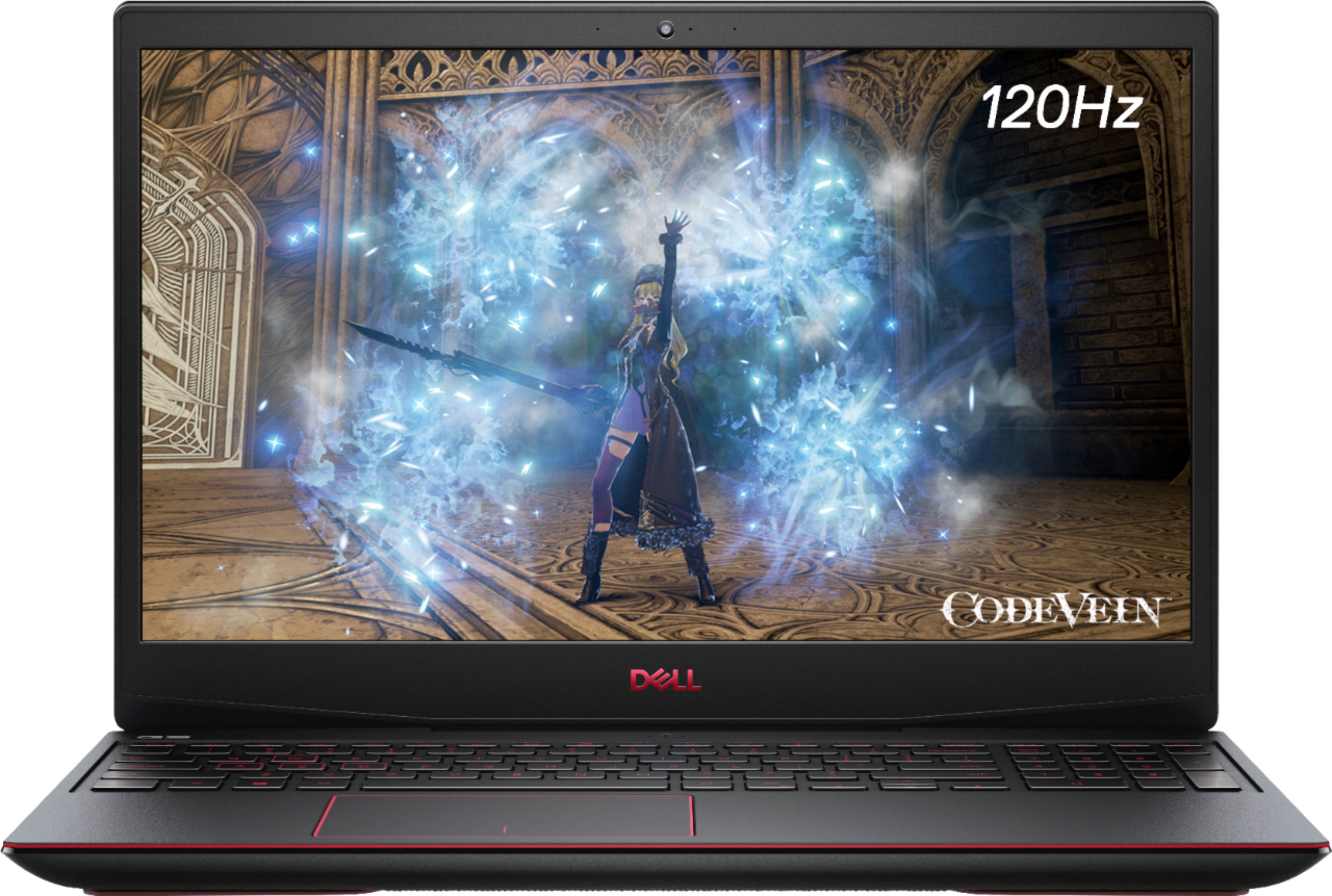
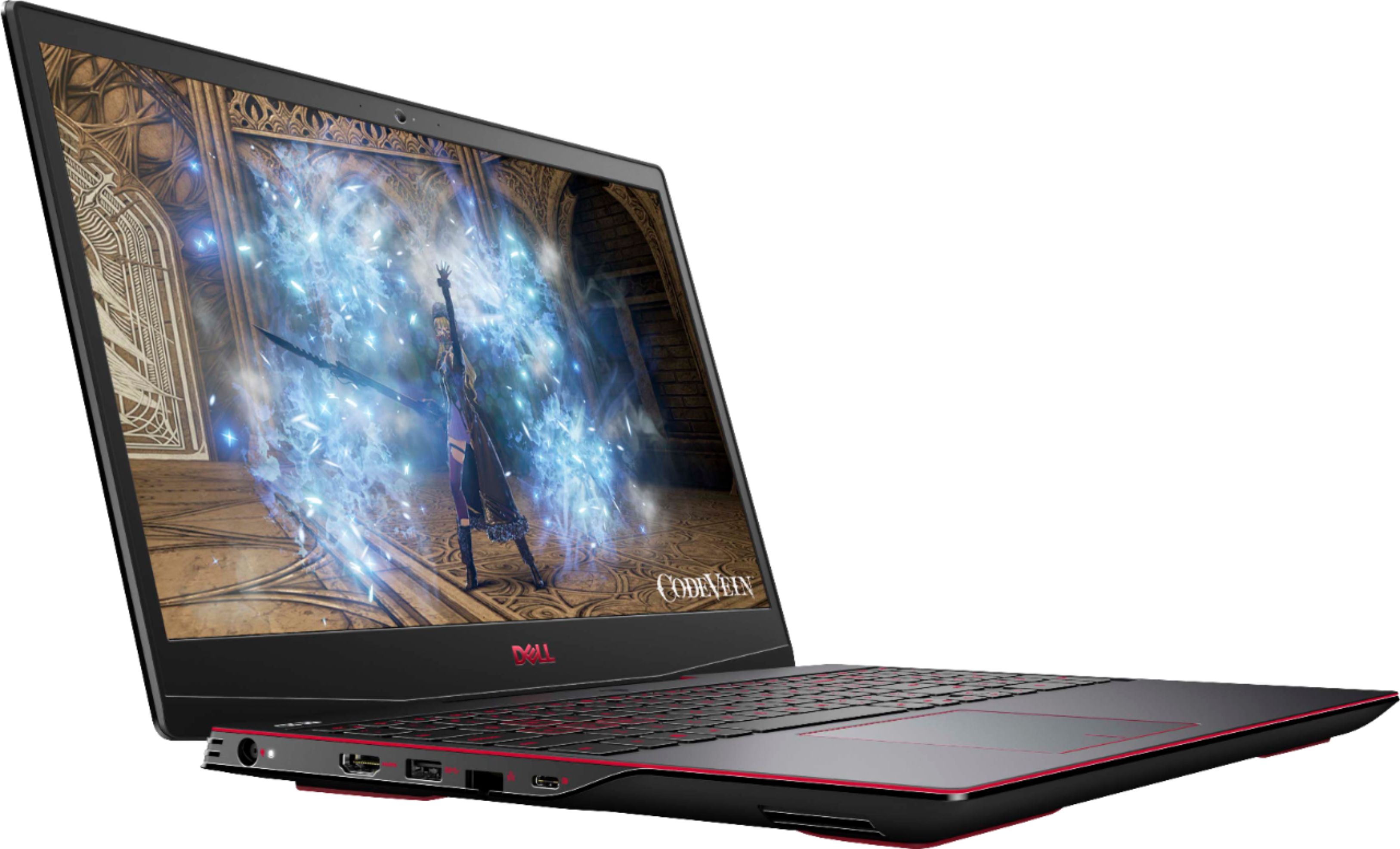
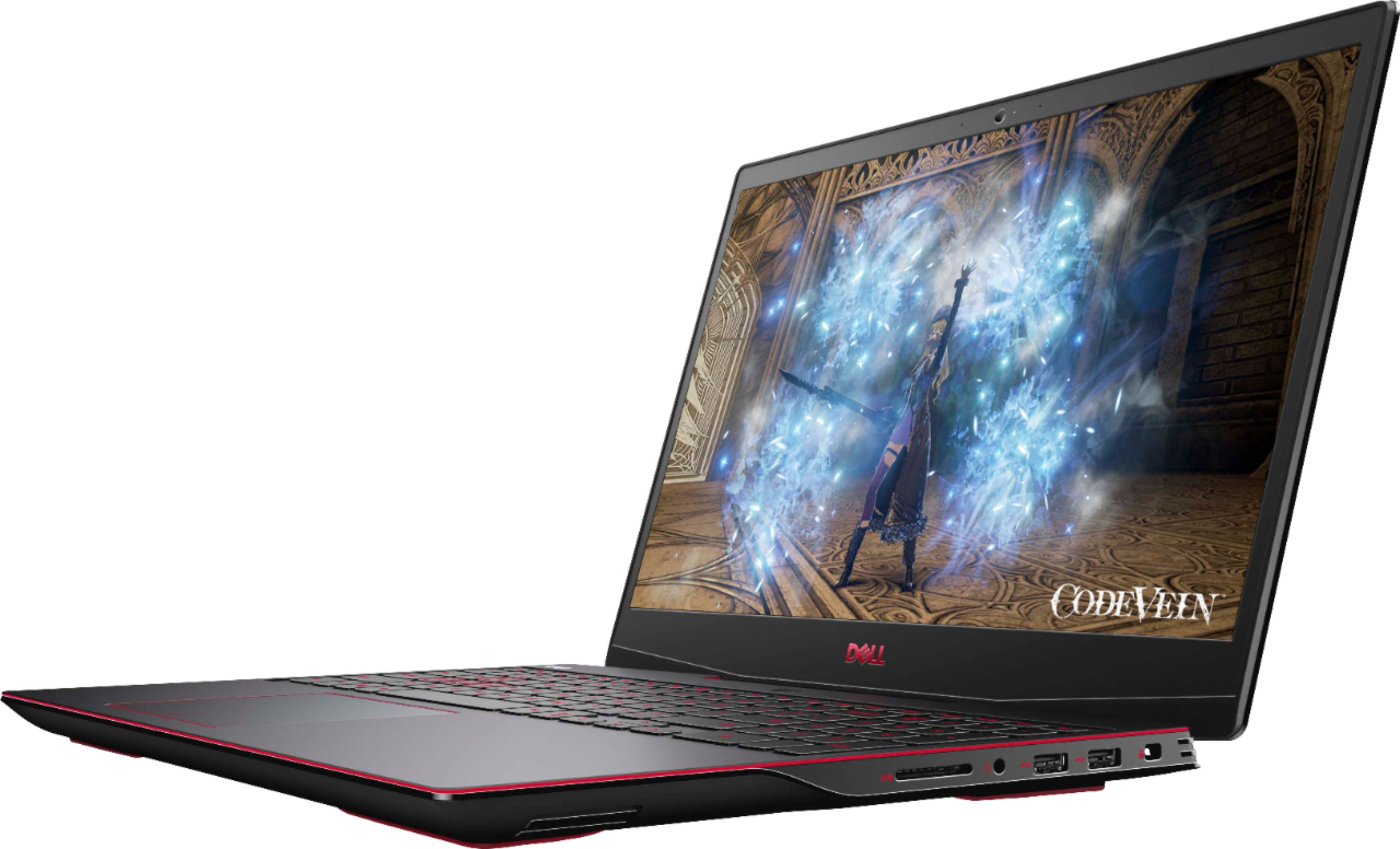
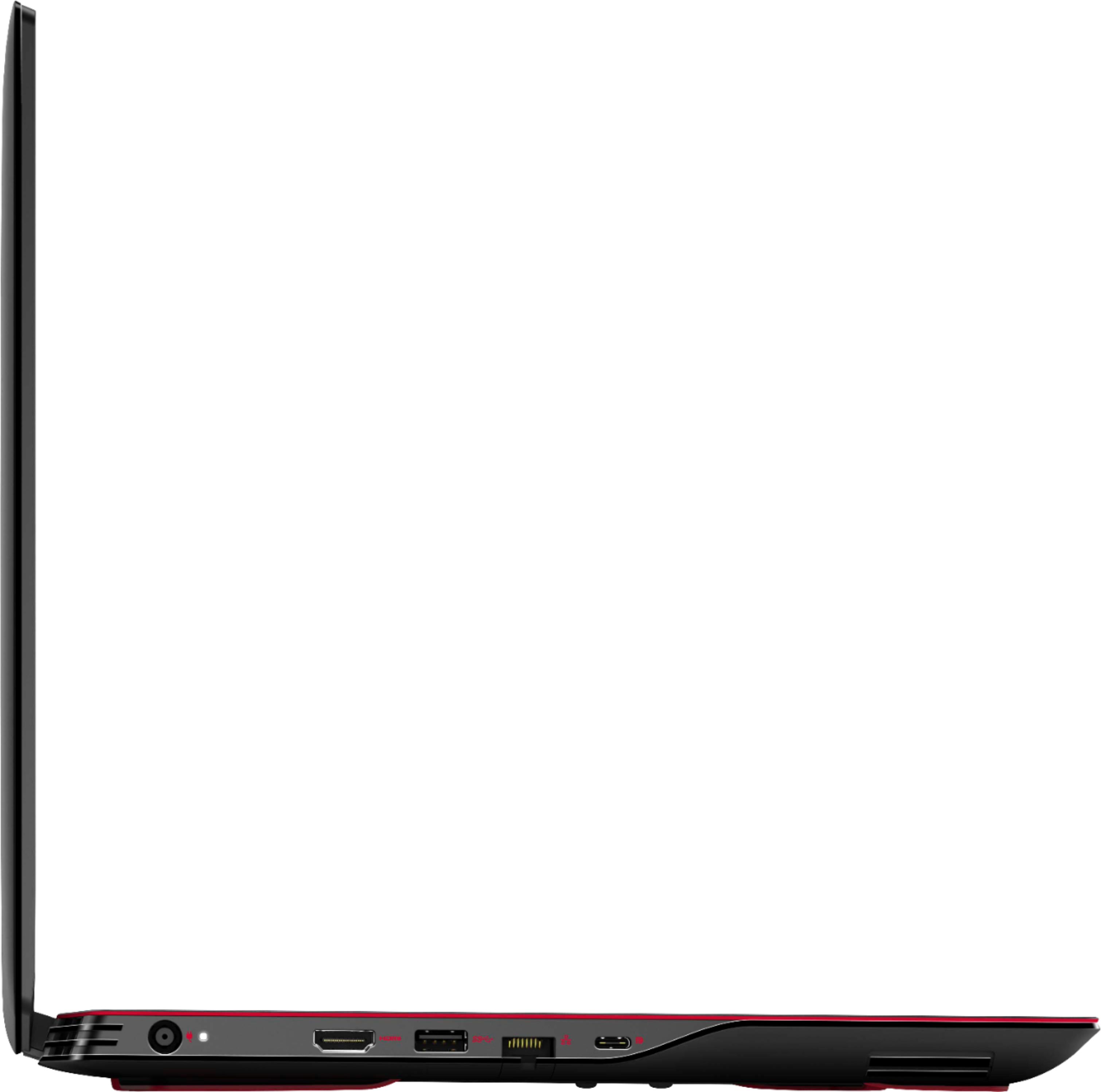
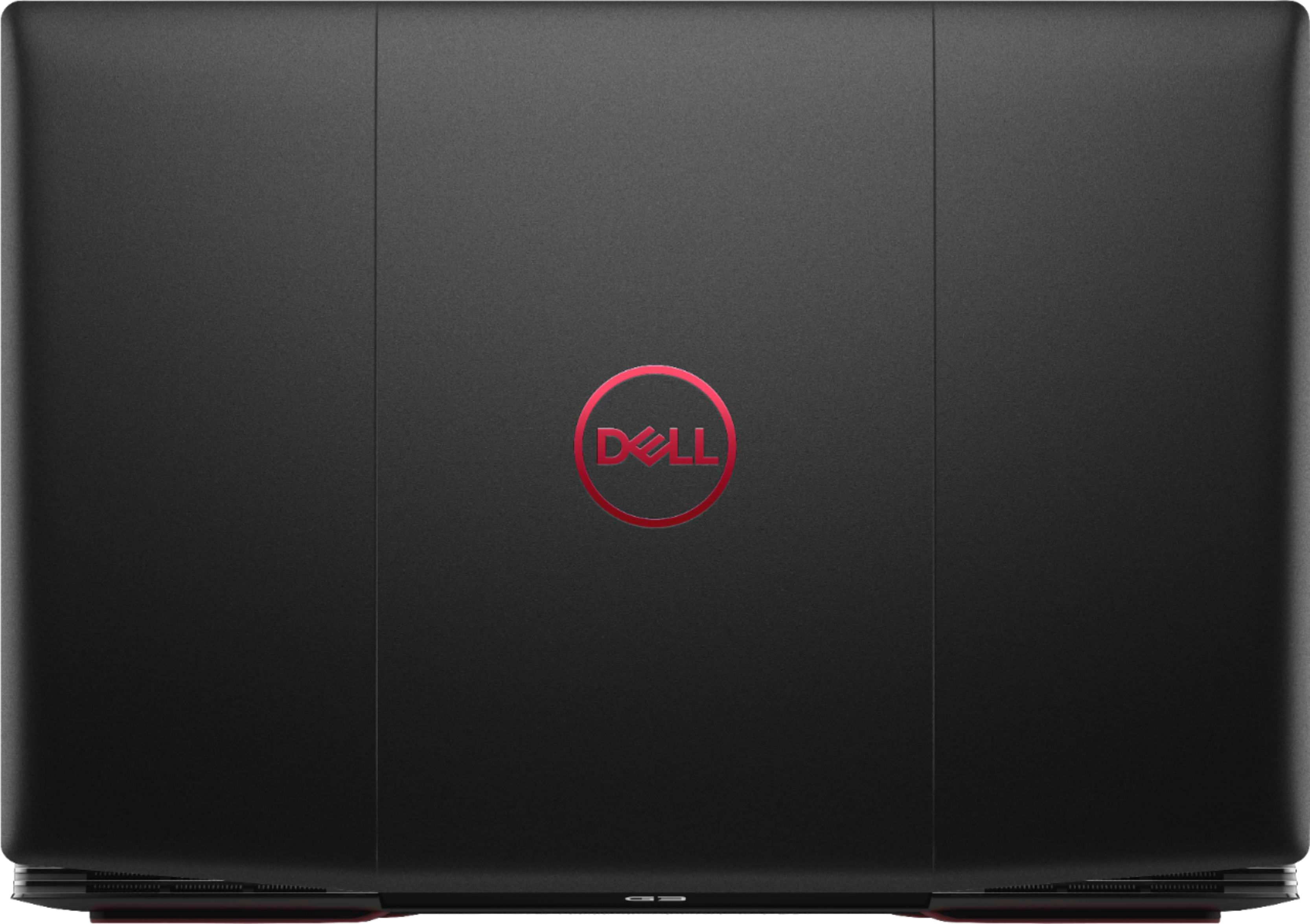
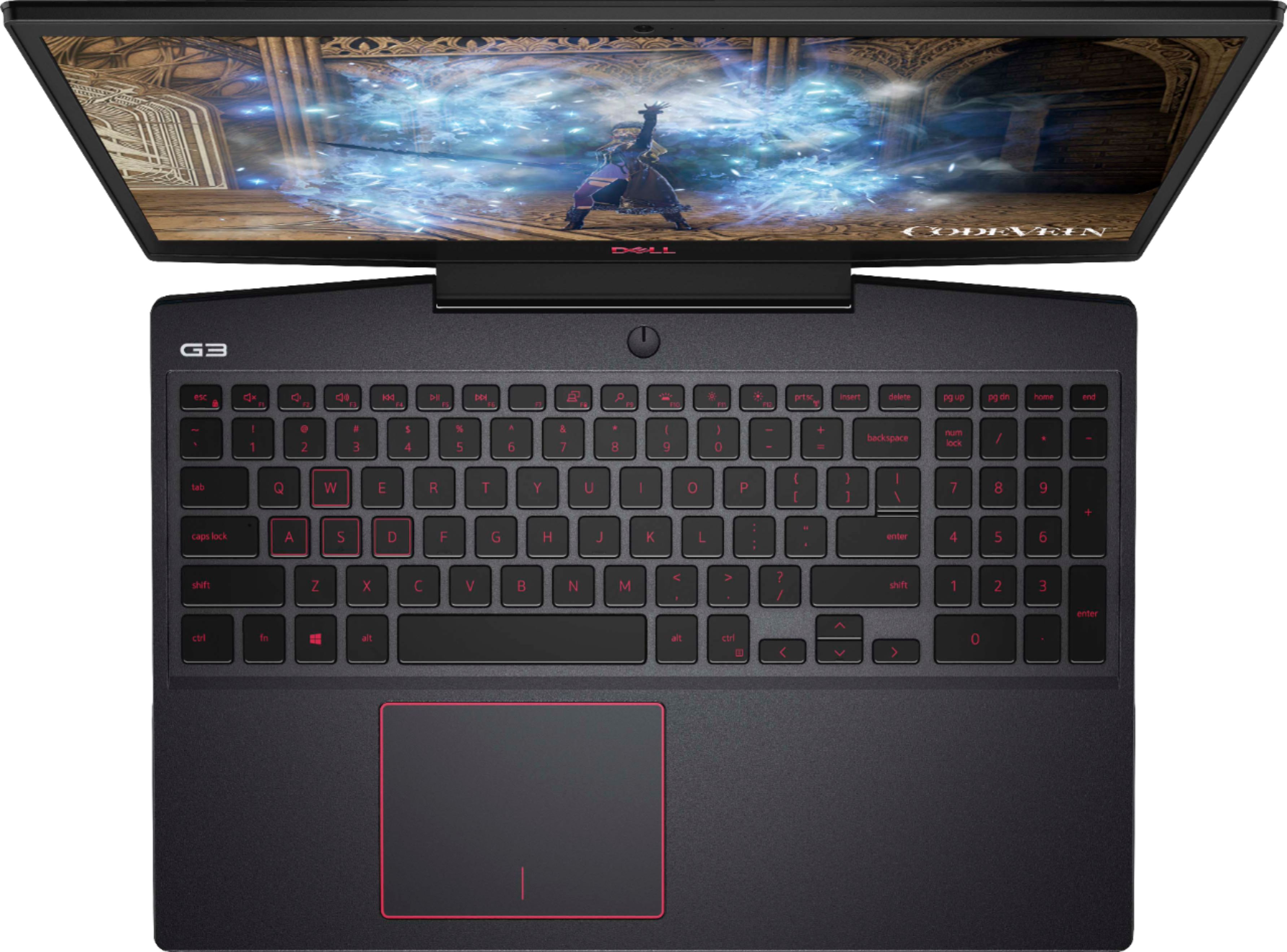
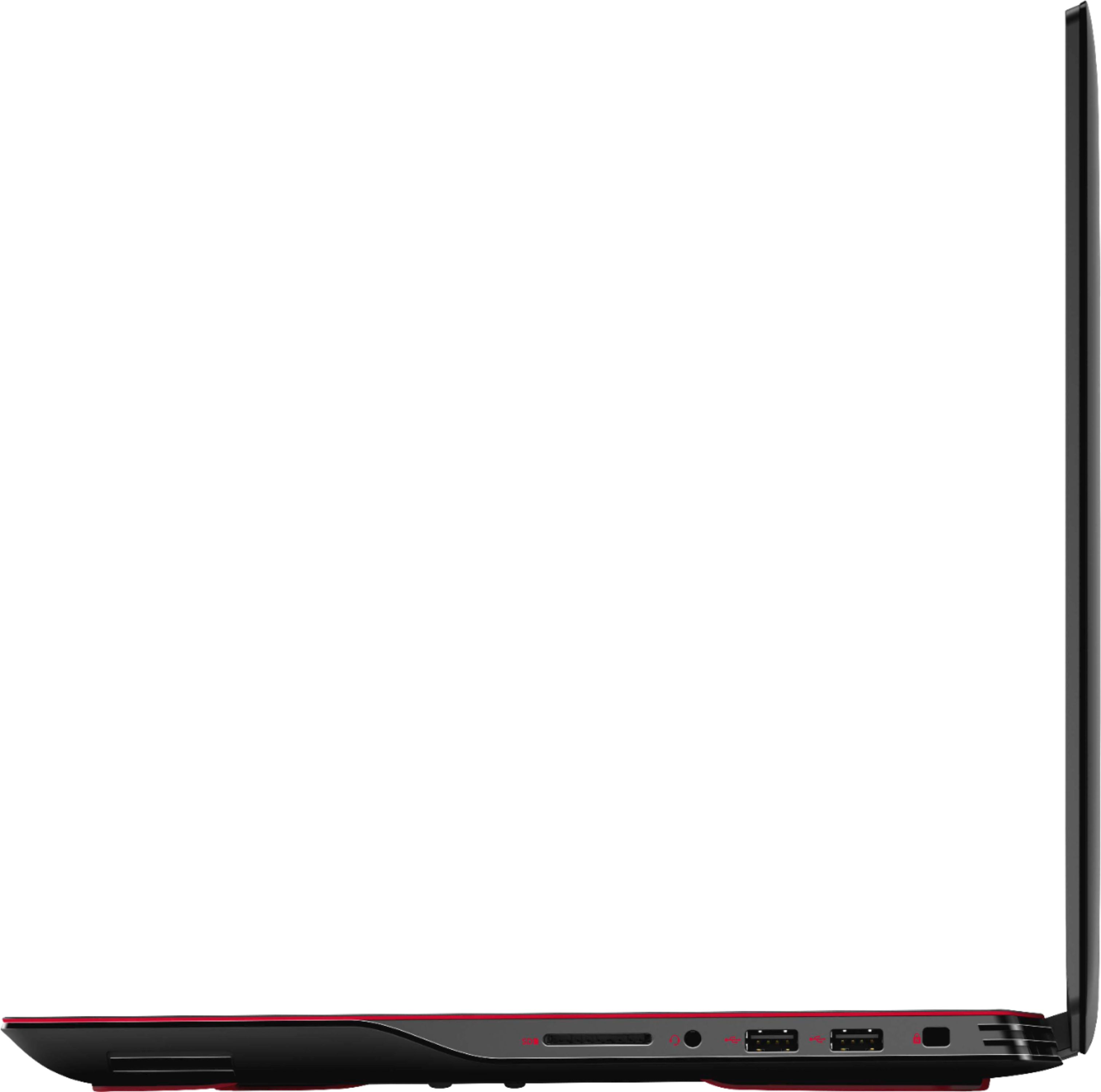
Customers consistently note the high performance and ease of use of the G3 15.6" Gaming Laptop, along with its attractive price point and appealing keyboard features. Positive feedback also highlights the good graphics capabilities and decent battery life. However, some users mention concerns about overheating and hinge durability.
This summary was generated by AI based on customer reviews.
- Pros mentioned:Ram
Good entry level gaming laptop
Posted .This reviewer received promo considerations or sweepstakes entry for writing a review.I’ve owned this for a couple months. I haven’t run into any issues as far as the monitor hinge is concerned. Yes it could have better ventilation. But after I’ve upgraded the ram from eight to sixteen gigs of crucial ram, it seems to run cooler without running the fan so hard. Also upgraded the ssd drive. So for the price of this, it isn’t a bad gaming laptop. But if you factor in that you’re going to spend at least two-hundred more to upgrade this then you may want to see what other options are out there with pricing more upgraded laptops. Or this may just be good enough for what you are using it for. Yes it can run some games with just eight gigs of ram. But you really should consider more ram and storage. The casing on this isn’t really that sturdy. I would say this is a good priced entry level gaming laptop.
I would recommend this to a friend - Pros mentioned:PerformanceCons mentioned:Heat
Poor design and qualiy
Posted .This reviewer received promo considerations or sweepstakes entry for writing a review.The monitor is designed poorly. Ours broke at the hinges within three months of not much usage. It's currently being serviced at Dell. Performance is decent but it gets really hot very quickly. The fan is always blowing and it's loud.
No, I would not recommend this to a friendBrand response from YourDellTeam
Posted .Dear Valued Customer,
We're sorry that your gaming laptop is not working as well as you hoped it would. Usually updating your computer's BIOS will help with overheating and the fan noise that you're experiencing.
1. Update your computer BIOS to the latest version available
• Browse to the Dell Drivers & Downloads page:
• Ensure you have selected the correct Operating System
• Under Category, choose BIOS
• Locate the latest System BIOS
• Click Download and save the file to your PC
• Open File Explorer and browse to the location where you saved the downloaded file
• Double-click the BIOS setup file and follow the on-screen instructions to complete the installation process
2. Open Alienware Command Center
3. Click Thermal at the Active Default Theme and set it to Performance
4. Restart the computer
5. Once the computer boots into Windows open SupportAssist
6. Go to the Troubleshooting tab and click on I want to check a specific piece of hardware
7. Click CPU under CPU Devices
8. Select CPU Stress Test and click Run Test
9. Open the Alienware Command Center and go to the Fusion tab
• The CPU peak temperature should be less than or equal to (≤) 100 ℃
• When under high stress, the computer's average temperature can be expected to be less than (≤) 100 ℃.
We hope these tips help your computer perform better for you.
Best,
Bryan
1-800-624-9896
- Pros mentioned:Performance
Great gaming computer
Posted .This reviewer received promo considerations or sweepstakes entry for writing a review.Great computer meets requirements for most games really cool even for the oculus.
I would recommend this to a friend Poorly made
Posted .This reviewer received promo considerations or sweepstakes entry for writing a review.I wish I was able to get a refund or something, because of course I also have the issue of the hinge coming off and the laptop coming apart at the seams.
No, I would not recommend this to a friendWill have issues from poor ventilation design
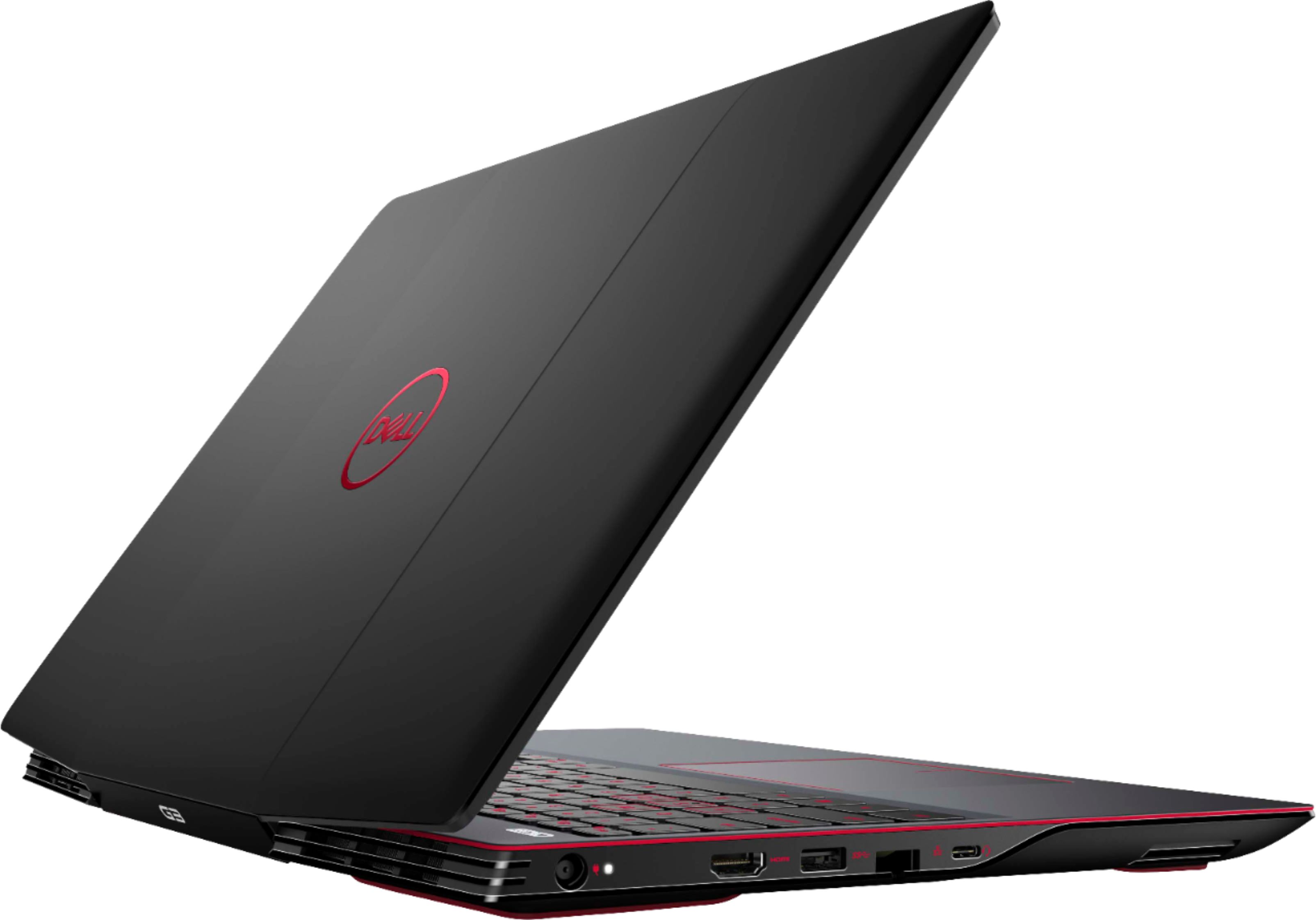
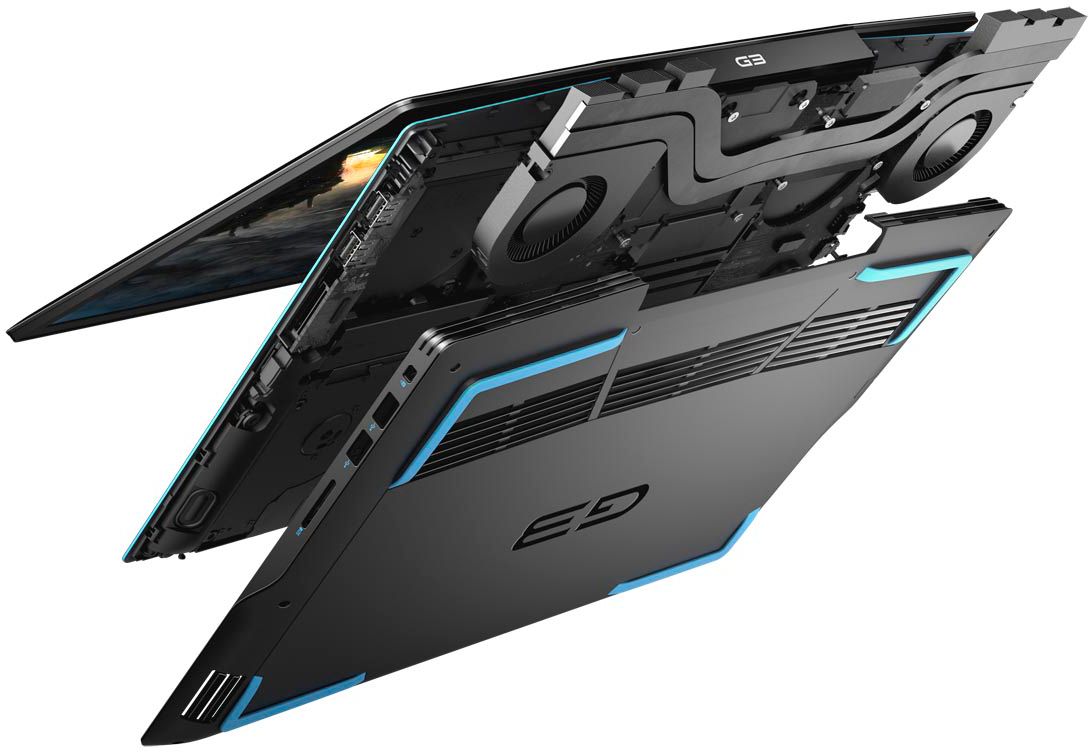
Posted .This reviewer received promo considerations or sweepstakes entry for writing a review.Poorly designed Dell is notorious for this. When you open the lid the bottom of the screen obstructs the rear vents airflow. Which has the heat blowing on the bottom of the screen bezel. Which over time will cause the inverter to burn out and the screen will go black in 1-2 years of decent usage. Built in obsolescence.
No, I would not recommend this to a friendBrand response from YourDellTeam
Posted .NYCTech,
Thanks for your review and we're sorry that your computer is not designed in a way that you would have liked. If you'd like to help prevent your computer from overheating we'd recommend these tips:
Tips for Proper Usage:
1. Dell does not recommend placing portable systems directly on your lap. Due to reductions in the thickness of modern portable systems, heat transfer can be an issue.
2. Using a portable system (Laptop) on a hard, flat, non-cloth surface will increase airflow and reduce heat from underneath and inside the system.
Using the portable system on a blanket, pillow, or other types of cloth will cover up the fan cause the computer to overheat and can cause permanent damage.
3. It is recommended to use the portable system in a Room temperature of 0°C to 35°C (32°F to 95°F) with a Humidity level no greater than 90%.
4. Use compressed air to clean the vents on a regular basis.
5. Using a cooling pad can decrease heat and increase performance.
6. If you want to know the temperature limitations for your system, go to the Dell Support Website, look up your system model then open the user guide under the manuals link.
You can read the full article here - http://dell.to/2uJ8AdG.
Best,
Bryan
1-800-624-9896
- Cons mentioned:Heat
dont buy
Posted .This reviewer received promo considerations or sweepstakes entry for writing a review.really bad computer over heats and can play any good game
No, I would not recommend this to a friendBrand response from YourDellTeam
Posted .Jay1997,
Thanks for your review and we're sorry to hear about the overheating that you're experiencing. There is a BIOS update as well as some troubleshooting steps on this page that should help with overheating: https://dell.to/3jgQlm6.
Best,
Bryan
1-800-624-9896