Customer Ratings & Reviews


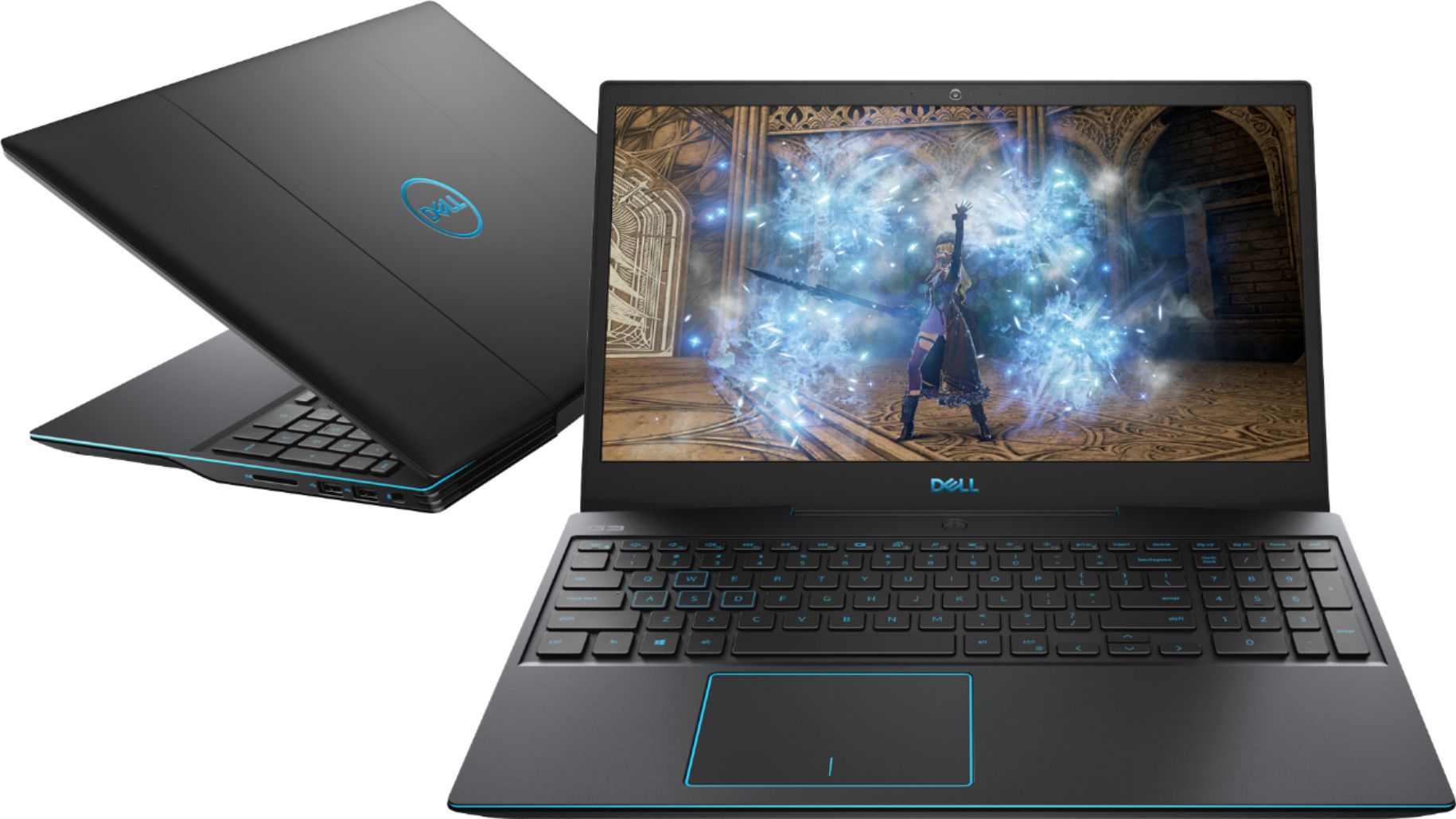
- Model:
- I3590-5988BLK-PUS
- SKU:
- 6350872
Rating by feature
- Battery Life
Rating 3.3 out of 5 stars
- Speed
Rating 4.3 out of 5 stars
- Display
Rating 3.9 out of 5 stars
Customers are saying
Customers enjoy the G3 15.6" Gaming Laptop's performance, graphics capabilities, and solid-state drive, frequently praising its speed and value for the price. Positive feedback also highlights its lightweight design and backlit keyboard. However, some users express concerns regarding battery life, cooling system effectiveness, and hinge durability.
This summary was generated by AI based on customer reviews.
Good gaming laptop
||Posted . Owned for 1 year when reviewed.This reviewer received promo considerations or sweepstakes entry for writing a review.Good laptop. Was able to score an open box unit for about $150 less than retail. My only complaint Is the 8gb of Ram.
I would recommend this to a friendGreat for the money
||Posted . Owned for 1 year when reviewed.This reviewer received promo considerations or sweepstakes entry for writing a review.Quality laptop for the price. Would recommend wearing headphones due to the fans getting quite loud.
I would recommend this to a friendGreat gift
||Posted . Owned for 5 months when reviewed.This reviewer received promo considerations or sweepstakes entry for writing a review.This was purchased as a gift and runs very smooth without any problems. The graphics are great the memory speed and resolution on display is excellent and is great for everyday use or even more use as a computer for school work or anything else that may be challenging. This laptop makes it easier to do.
I would recommend this to a friendWorking Great So Far (11 Months)
||Posted . Owned for 11 months when reviewed.This reviewer received promo considerations or sweepstakes entry for writing a review.Bought this for my 6th grader. They have no complaints and like it very much. Used for online gaming and web surfing.
I would recommend this to a friend- Cons mentioned:Hinge
Crappy laptop, even crappier service from Dell
||Posted .This reviewer received promo considerations or sweepstakes entry for writing a review.Would leave zero starts if possible. No wonder this laptop us currently on clearance, DO NOT BUY! As with other negative reviews, we have owned this laptop for only 15 months and during the pandemic where it never left the house since there was no where to go and the hinge has broken. Many other people apparently have this same issue, but when contacting Dell they said is not covered under warranty anyway as it is a "wear and tear" issue. What wear and tear? What laptop can't handle regular indoor desk use and still breaks the main hinge component within a little more than a year? I guess it is time for a new laptop and we will never purchase another Dell ever again.
No, I would not recommend this to a friend - Pros mentioned:Graphics
Great laptop for gamers
||Posted . Owned for 1 month when reviewed.This reviewer received promo considerations or sweepstakes entry for writing a review.Priced right. The backlit keyboard is a plus and the graphics are awesome on the display.
I would recommend this to a friendBrand response from YourDellTeam
Posted .Ampy,
We're happy to hear that your computer is meeting your needs. If you have any questions about your computer you can visit our Product Support Page here: https://dell.to/2NSjl8n.
Best,
Bryan
1-800-624-9896
Dell Laptop
||Posted . Owned for 1 month when reviewed.This reviewer received promo considerations or sweepstakes entry for writing a review.Great size for me and great features. Bought this laptop to actually write a book and I've only owned desktop computers before this. Love my Dell Laptop! Easy to tote around and love this size as it offers a bigger keyboard for my purposes. Would recommend this product!
No, I would not recommend this to a friendGood computer for High Schooler.
||Posted . Owned for 2 weeks when reviewed.This reviewer received promo considerations or sweepstakes entry for writing a review.Bought not for gaming, but a student needing a robust tool for CS, physics, and math. Works great. A little heavy.
I would recommend this to a friendNot much of a gamer.
||Posted . Owned for 2 months when reviewed.This reviewer received promo considerations or sweepstakes entry for writing a review.Like the computer very much. It is a gaming computer so it has very good power. It is more powerful then my tower computer. It also has a plug so I get hook up to the internet with a wire rather then using WiFi. This was an out of the box item, but still very good.
I would recommend this to a friend- Cons mentioned:Battery life
Battery needs to be better
||Posted . Owned for 1 month when reviewed.This reviewer received promo considerations or sweepstakes entry for writing a review.Its an ok laptop. Battery life needs to be better to be a go to machine.
No, I would not recommend this to a friendBrand response from YourDellTeam
Posted .JohnnyMN,
We're sorry to hear that your computer's battery life is not what you were hoping it would be. Here are some tips to help extend the life of your computer's battery:
Change the Power Plan:
1. On the notification area of the taskbar, right-click the Battery icon.
2. On the options list, click Power Options.
3. Select a power plan on the battery meter, such as Power Saver or Balanced. Windows 10 has a built in 'Battery Saver' mode that can be activated to extend your system's battery life. The Battery Saver mode will monitor and limit background activity and other features such as push notifications. You do have the option to enable or disable this mode within settings or within advanced Battery Saver settings, you can customize the mode to best suit your needs.
a) Click on the Action Center icon in the taskbar and select the tile for Battery Saver.
b) If running Cortana then type Battery Saver into the search box and select from the results.
Within the Battery Saver settings page, you will be able to turn on and off the feature and customize the feature to best meet your needs.
c) Turn Battery Saver On or Off.
d) Additional settings available via the Battery use and Battery saver settings links.
e) Battery use shows further info on apps and their power usage.
f) Battery Saver Settings screen allows you to customize further Battery Saver feature.
You can read the full article here - http://dell.to/2vfXWf4.
Best,
Bryan
1-800-624-9896
Great PC
||Posted . Owned for 3 weeks when reviewed.This reviewer received promo considerations or sweepstakes entry for writing a review.I got this to play the iracing sim and works perfect. Hooked up wheels and pedals but needed to hook up more usbs for keyboard and gaming mouse. HDMI works with no lag using my tv screen as a second screen also. All around great gaming pc for what im using it for.
I would recommend this to a friendWow
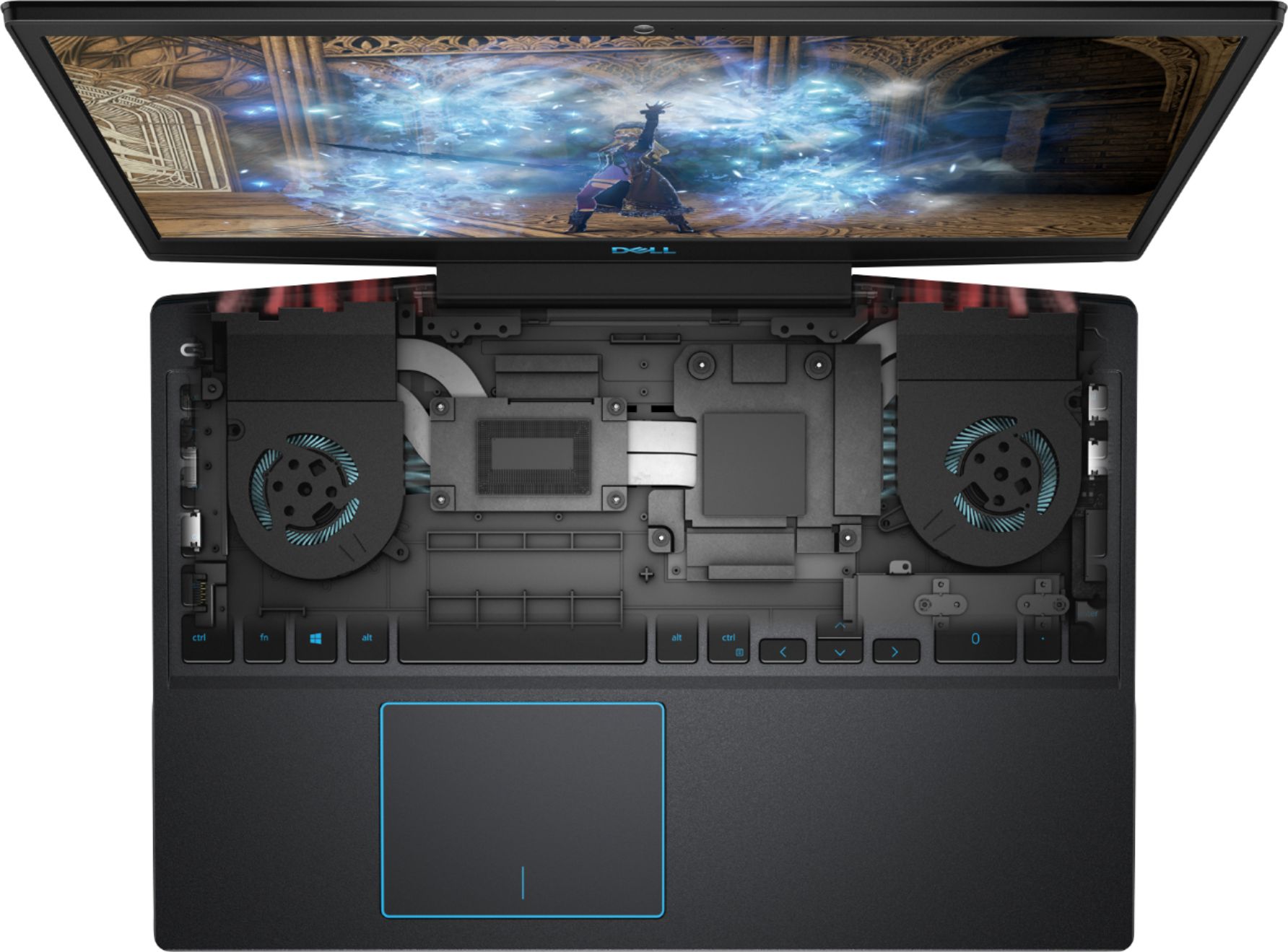
||Posted . Owned for 3 weeks when reviewed.This reviewer received promo considerations or sweepstakes entry for writing a review.Wasn't too sure about the 4 core processor, but man this is a great machine. When in performance gaming mode the fan spins up like a turbine and keeps it running like a well oiled machine... Definitely recommend an external hard drive for serious gamers....
I would recommend this to a friend- Pros mentioned:Build quality, Graphics, Ssd

Much better than the previous G3
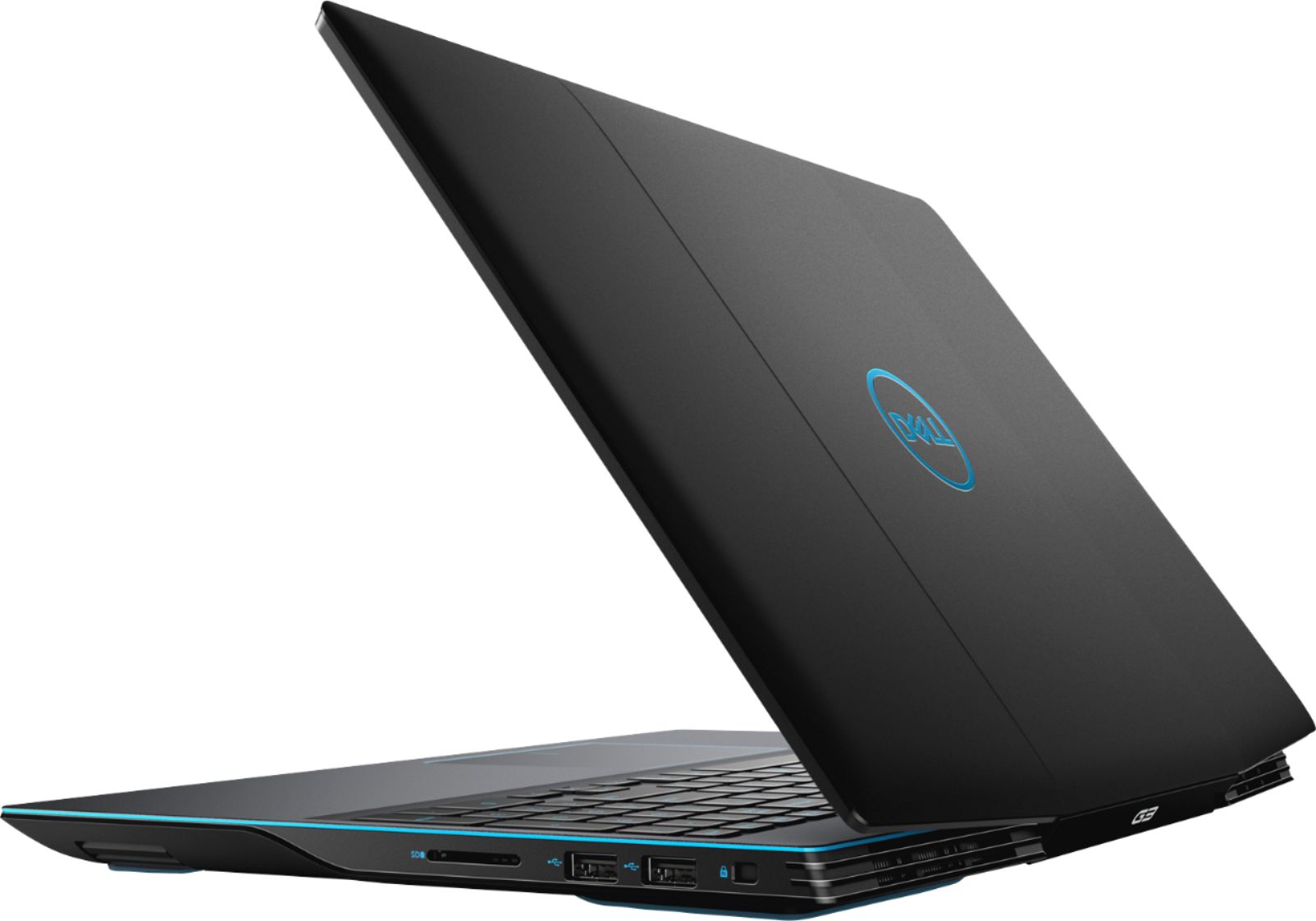
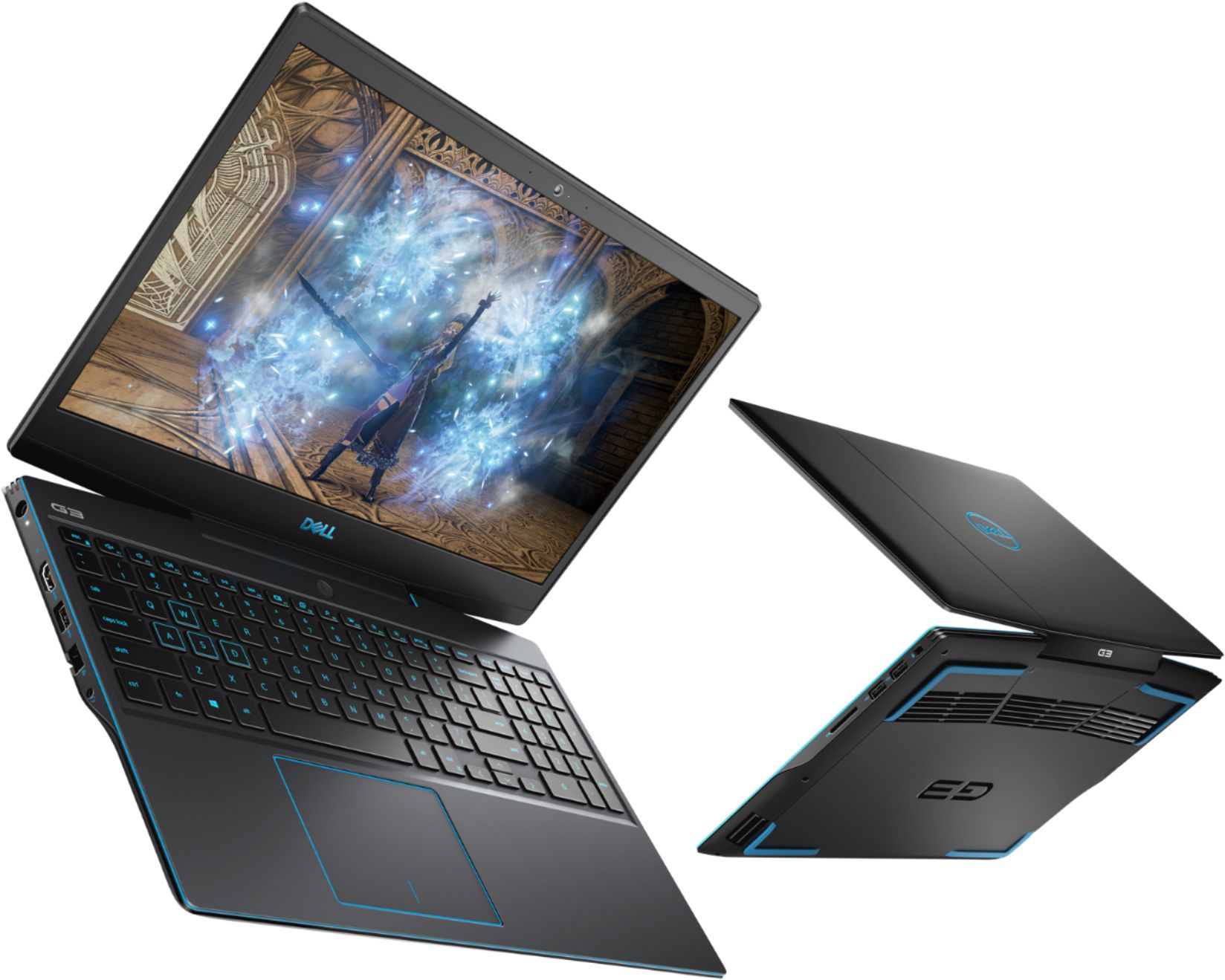
|Posted .This reviewer received promo considerations or sweepstakes entry for writing a review.This version of the G3 is a pretty good step in the right direction from the previous version G3. To me, it seems to be of a slightly better build quality with a slightly smaller form factor. The screen bezels are smaller, and the plastic feel is a bit more refined. If plastic can be called refined. With a single USB 3 type A port, USB C port, HDMI and ethernet on the left. The right-side houses what is an odd choice, two USB 2 type A ports and an SD card reader slot. Why they chose USB 2 ports is beyond me since USB 3 is backwards compatible. The GTX 1660Ti Max-Q version is plenty capable of playing most of todays games with settings on high. The video card is on par with the desktop GTX 1060 as far as fps go in most games. I have ran Borderlands 3 and COD Black Ops 4 with no problem with most everything on high or ultra at 1920 x 1080 and have not had any problems. The 8GB of ram is a little light for a “gaming” laptop but I haven’t really noticed that to be much of a problem. The 512GB NVMe SSD hard drive is more than capable of making quick work of most tasks. Programs open and run quickly, and boot times are minimal. Of course, the more ram the better and some day I will upgrade to the max of 32GB. 260-Pin SO-DIMM DDR4 2666 (PC4 21300) is what is compatible with this machine. The bottom is a bit of chore to take off since you need to remove ten screws and gently pry the entire bottom off. Would have been nice to have a single screw with cover for access to the memory. All things being said, this is a really solid laptop and has replaced my aging i5-2600 gaming desktop with flying colors.
I would recommend this to a friend Great Laptop
||Posted . Owned for 3 weeks when reviewed.This reviewer received promo considerations or sweepstakes entry for writing a review.Runs great, need to upgrade ram and add another harddrive but good overall value for the price.
I would recommend this to a friendGreat gaming PC for the price
||Posted . Owned for 1 month when reviewed.This reviewer received promo considerations or sweepstakes entry for writing a review.Purchased for my 16 year old and he loves it. Uses it for gaming and school work both.
I would recommend this to a friendDid not keep
||Posted . Owned for 1 month when reviewed.This reviewer received promo considerations or sweepstakes entry for writing a review.I returned my laptop. I hadn't transferred files so didn't have much on it. The fan would turn on every few minutes and I found that it was very annoying because it was fairly loud. I wasn't using it for gaming, just for everyday purposes. Bought it because I wanted a workhorse that would last but had to return because of the fan noise.
No, I would not recommend this to a friendBrand response from YourDellTeam
Posted .eicy,
We're sorry to hear that the fan noise on your new laptop forced you to return it. Usually something as simple as updating the BIOS on your computer will help to minimize the fan noise that you were experiencing.
We hope that you will consider Dell again in the future.
Best,
Bryan
1-800-624-9896
Good to start with
||Posted . Owned for 3 weeks when reviewed.This reviewer received promo considerations or sweepstakes entry for writing a review.Ideal for gaming and good features, may not be so much useful for other purpose.
I would recommend this to a friendHorrible
Posted .This reviewer received promo considerations or sweepstakes entry for writing a review.About a month after purchasing, I started receiving an error message upon booting that the AC power adapter wattage and type cannot be determined. The laptop has to be constantly plugged in, and even then was reading at 9% (it's now at 7%). I'm having a tech come out and service it, but I'm never buying anything from Dell again.
No, I would not recommend this to a friendBrand response from YourDellTeam
Posted .Bridgett,
Thanks for your review. We'd recommend checking the following causes of possible AC Adapter Error Messages:
1. Are you using a 3rd party or is a non-Dell branded AC adapter is connected to the PC or docking station? 2. Are you using an AC adapter with a lower wattage? 3. Is the AC adapter is not fully connected to the PC? 4. Check to see if the wall power cord is not fully connected to the AC adapter. 5. The AC adapter or PC's AC adapter port could be damaged. 6. The AC adapter is not recognized in BIOS (System Setup).
You can read the full article here: http://dell.to/2xQTan2.
Best,
Bryan
1-800-624-9896
Not compatible with Oculus Rift S
||Posted . Owned for 2 weeks when reviewed.This reviewer received promo considerations or sweepstakes entry for writing a review.I bought this as a bundle to work with the Oculus Rifts S and it is not compatible. No one at Best Buy even seems to understand why it’s not even after explaining the situation to them. Rift S comes with a DP port connector which most laptops don’t have. For the most part you will have to get a 1k laptop and up for this feature.
No, I would not recommend this to a friendBrand response from YourDellTeam
Posted .CraneTech,
We're sorry that your bundle was not compatible. Last week our team requested that Best Buy discontinue this bundle because of the incompatibility.
Best,
Bryan
1-800-624-9896
- Pros mentioned:SsdCons mentioned:Battery life, Speakers
Great Starter for Gamers
|Posted .This reviewer received promo considerations or sweepstakes entry for writing a review.one thing that caught my attention at first was the weight of this laptop. It’s 6 pounds, I haven’t used previous versions of the G3 but let’s just say this G3 is not too portable as I would like it to be, either way the 15.6 screen is nice it doesn’t feel bulky like other laptops. The G3 has a 9th generation intel core i5 and 8GB RAM. It also includes a Nvidia GeForce GTX 1660 Ti. It also includes 512 GB SSD which I like! The thing I like about this computer is you can add HDD and you can upgrade your RAM. Pretty cool The speakers are not as good as I hoped. I like to play my games loud. I notice there will be a buzz sound almost like they are being over worked. I think it might be an issue for some but I used headphones a lot so I didn’t think it was a big deal. Display is at 60 Hz FHD IPS. Not bad I would prefer a higher rate but this will do. The picture is still sharp although the colors can look bland at times. The G3 includes a Type C USB port, headphone jack, Ethernet jack, USB 3.1, 2 USB 2.0, SD card reader and power port. I didn’t really see anything about the battery life but while using it fully charged and streaming it last a little over 4 hrs with full brightness on. Overall I think this is a great value for any PC gamer. It’s a decent price if you don’t like the specs you can always upgrade and it will run to your liking. I like that you can customize your laptop performance using the Alienware command centre to adjust your CPU, fan speed, and GPU. I would recommend!
I would recommend this to a friend