Customer Ratings & Reviews

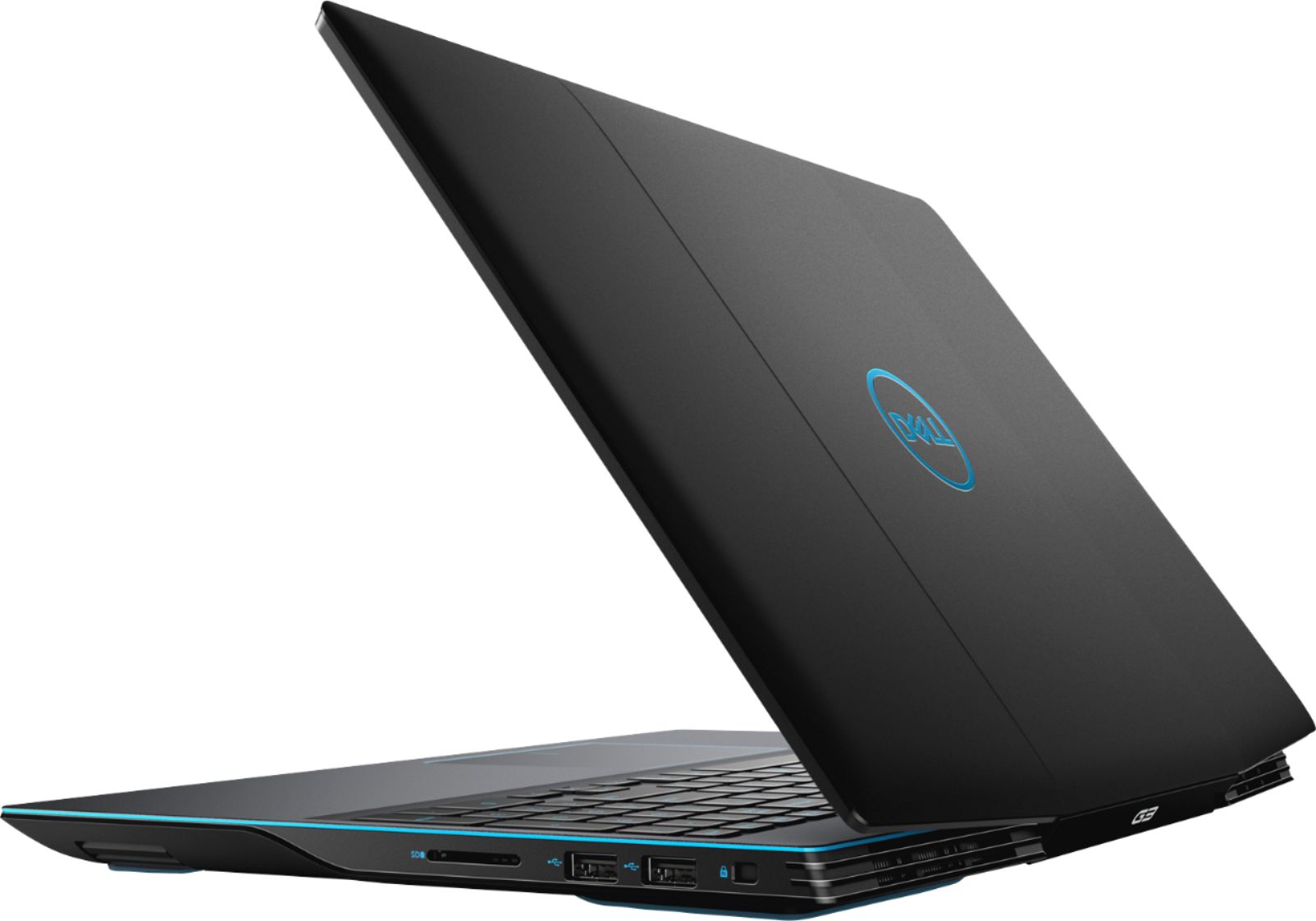
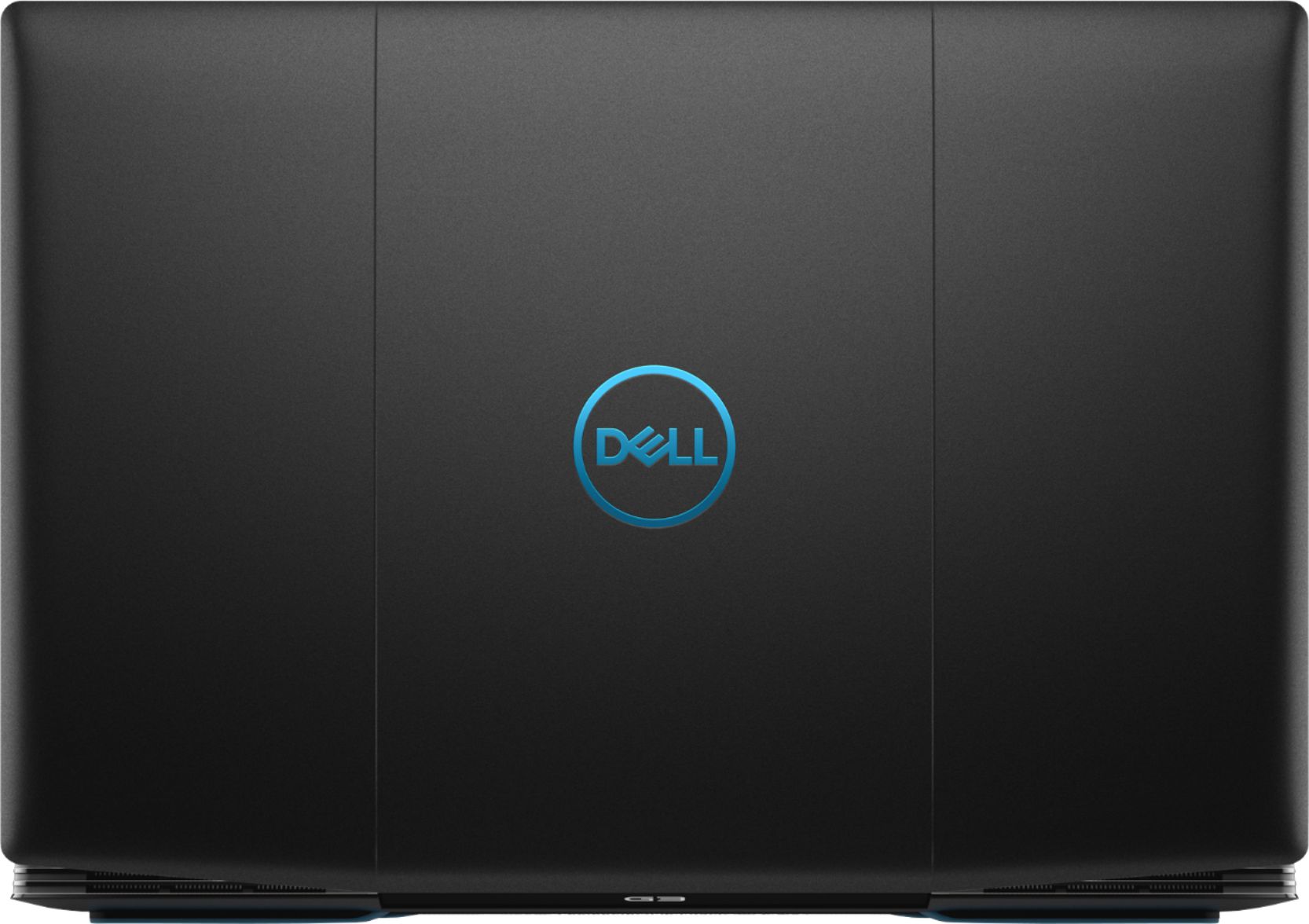
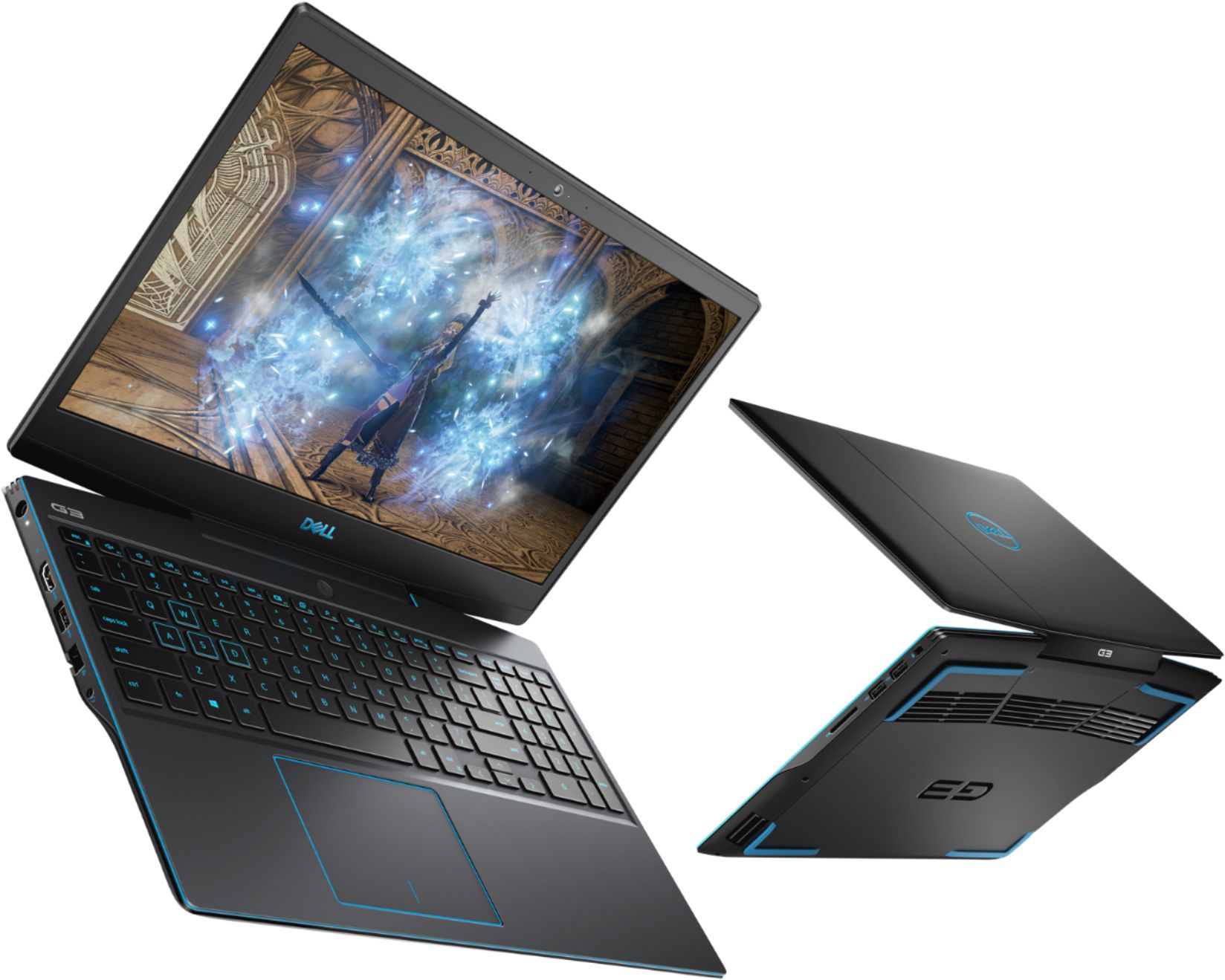
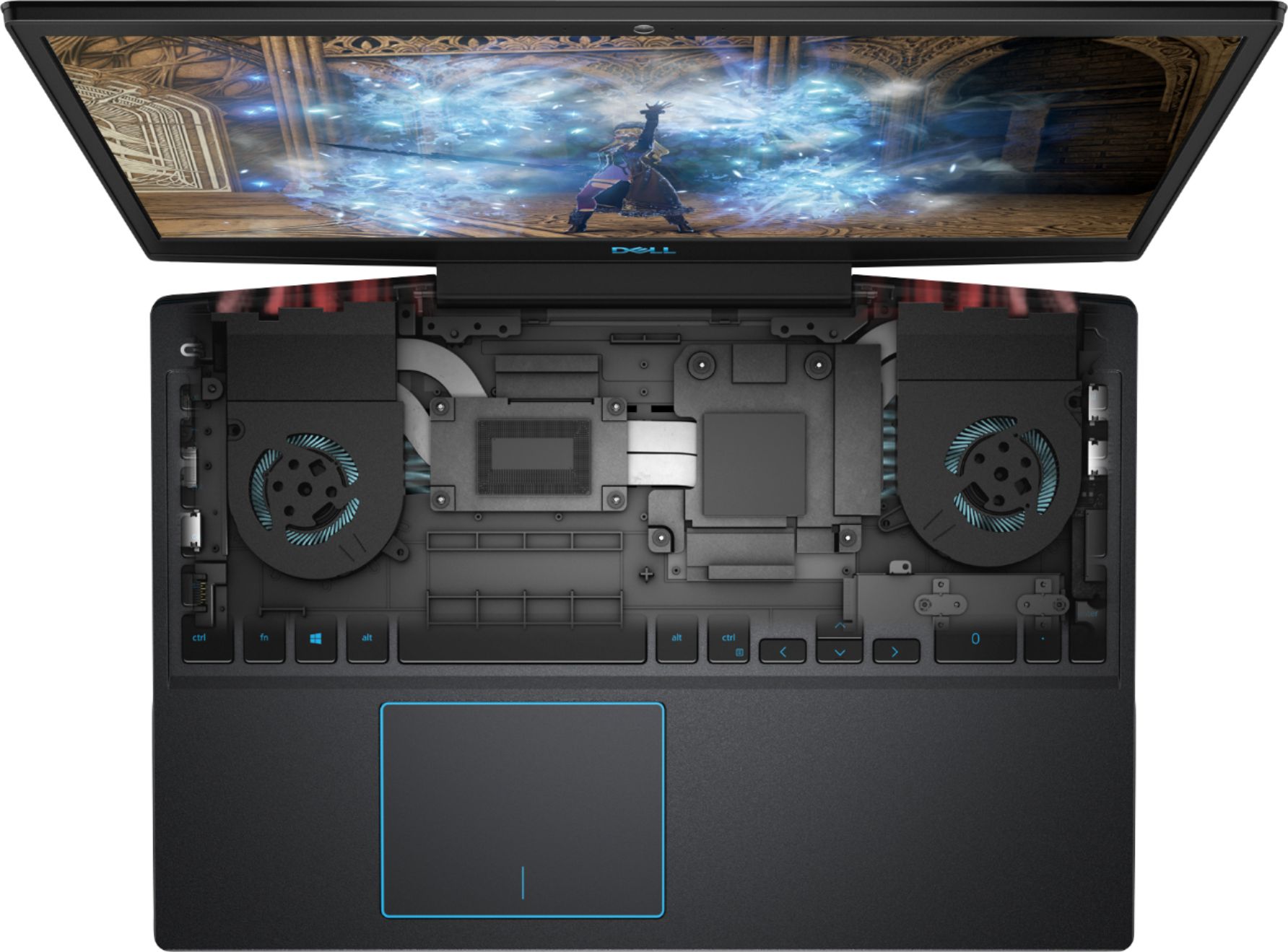

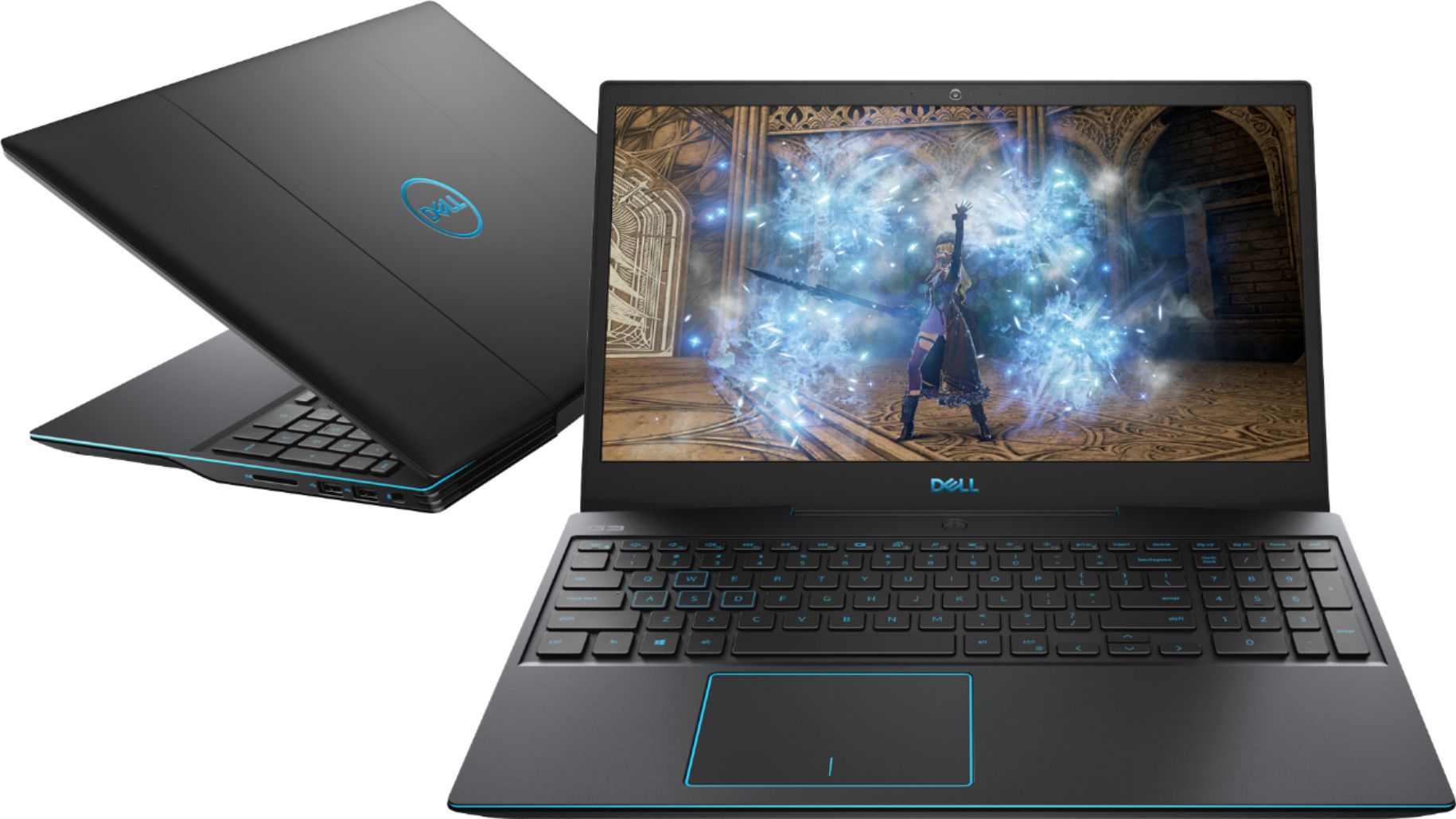
- Model:
- I3590-5988BLK-PUS
- SKU:
- 6350872
Rating by feature
- Battery Life
Rating 3.3 out of 5 stars
- Speed
Rating 4.3 out of 5 stars
- Display
Rating 3.9 out of 5 stars
Customers are saying
Customers enjoy the G3 15.6" Gaming Laptop's performance, graphics capabilities, and solid-state drive, frequently praising its speed and value for the price. Positive feedback also highlights its lightweight design and backlit keyboard. However, some users express concerns regarding battery life, cooling system effectiveness, and hinge durability.
This summary was generated by AI based on customer reviews.
- Pros mentioned:Graphics, Speed
Poorly designed screen connection to base-DONTBUY
Posted .This reviewer received promo considerations or sweepstakes entry for writing a review.This PC graphics and speed runs great. Problem with it is that it was poorly designed on the connection of the screen to the base of the computer. We bought this in December 2019 and by February 2020 the framing of the computer bulked out to where you cannot close the laptop. We tried to have Best Buy fix it and after months later we find that we had to send it to Dell itself to fix. Dell replaced it and it has been working fine but it's back to where you cannot close the lid again and the screen lid is coming apart from the connection of the base of the keyboard and screws are popping off not sure where they belong. We now have to pay extra for a warranty coverage just for this computer to stay getting repaired due to how poorly they designed the screen connection to the keyboard. I would not recommend buying this computer for these reasons.
No, I would not recommend this to a friend - Pros mentioned:Graphics, Performance
Loud and unreliable.
Posted .This reviewer received promo considerations or sweepstakes entry for writing a review.As a light gaming laptop, the main performance limiter of the G3 is its rather small standard memory, at only 8 GB. The 1660 Ti performs admirably though, and will carry most games at respectable frame rates. The G3's design is fairly ergonomic and usable. The only fault is the fans, which have only 3 speed settings, and attempting to game on the G3 will invariably necessitate the highest speed setting which is obnoxiously loud. My personal experience with the machine was marred by a reliability issue wherein, only about a month after purchase, the laptop's SSD failed completely (with no prior loss of performance or diagnostic issues). This of course led to the computer being inoperable, and to the loss of any not-backed-up data stored aboard it. Furthermore, this meant that the computer would then have to spend weeks in repair after being sent to Dell's mail-in service center. Dell Support have no concerns about letting it sit around while they're apparently backlogged on replacement SSDs. It has now spent more time being "repaired" than it actually spent in use before breaking down. Thus I cannot recommend the G3. There are gaming laptops from other brands with similar or slightly better specs at a similar price point, and realistically they'll all perform about the same, so I would suggest finding a product from a brand that has better Support services than Dell.
No, I would not recommend this to a friend Solid Purchase Option
Posted .This reviewer received promo considerations or sweepstakes entry for writing a review.I have been using this computer since 2019 and I haven't had any problem with it. I had to travel a lot and having it was great as I could stay in contact while also playing games with my friends.
I would recommend this to a friendDell product but with an issue
Posted .This reviewer received promo considerations or sweepstakes entry for writing a review.It was great at first then I had an issues where the hinges actual broke the plastic cover on the laptop where the screen is, and also the part connecting under the keyboard. I managed to replace it myself with a new cover so the laptop is now black and white.
No, I would not recommend this to a friendGreat beginners Laptop
Posted .This reviewer received promo considerations or sweepstakes entry for writing a review.Bought this in 2019 when i was on tech school, still have it to this day. Upgraded the RAM to 16gb, highly recommend as a first time buy for new gamers!
I would recommend this to a friend
Love it
|Posted .This reviewer received promo considerations or sweepstakes entry for writing a review.This is a great laptop . Very easy to set up. Installed my games, graphics are awesome and sound quality very good. No lag. Really enjoying this machine. I was able to use my gaming mouse with no problems. Looking forward to adding more games for my mobile experience.
I would recommend this to a friend- Pros mentioned:PerformanceCons mentioned:Battery life
Really Good Value
Posted .This reviewer received promo considerations or sweepstakes entry for writing a review.Got it for a great price, amazing performance for its relatively low cost. Battery and RAM can be a bit lacking, but otherwise it's fine.
I would recommend this to a friend Not really work it
Posted .This reviewer received promo considerations or sweepstakes entry for writing a review.I purchased Geek Squad when I purchased this computer and 13 months AFTER I bought it the screen started to separate in the lower left hand corner near the hinge. When I took it in, I was told that it wasn't covered and they basically wanted to sell me a new laptop. It's not a durable purchase and at this point is more of a desk top connected to external monitors than a laptop that I can travel with.
No, I would not recommend this to a friend- Cons mentioned:Battery life
Eh
Posted .This reviewer received promo considerations or sweepstakes entry for writing a review.Computer is alright, for a gaming laptop it sure does run out of battery quick and needs to be plugged in while playing a game or else the battery will die within an hour or less. Also, there is a common problem with the hinges just failing and after not even a full 3 years of use (it sat in the same place on a desk for 2 of those years).
No, I would not recommend this to a friend Too slow for Gaming or any Video Work
Posted .This reviewer received promo considerations or sweepstakes entry for writing a review.I was quite disappointed since the beginning of this purchase. Computer rather slow for calling itself a "gaming laptop". Even using 4K videos it was constantly buffering. The last straw was the battery dying within a few months. It does not have a battery saving feature like other laptops. Support was useless, I spent countless hours over several months, they kept refusing service even within 90 days of purchase.
No, I would not recommend this to a friend- Pros mentioned:Performance
Great Gaming Laptop
Posted .This reviewer received promo considerations or sweepstakes entry for writing a review.bought it today and so far so problems, everything is seamless, and really powerful. If you can get this thing on a deal buy it.
I would recommend this to a friend - Cons mentioned:Cooling
Overheating issues
Posted .This reviewer received promo considerations or sweepstakes entry for writing a review.I was excited for the solid stats for the price point when we first bought this. 2 and a half years in and this thing has been a lot more trouble than it’s worth. Overheating is the main issue (had to send it in within the first year because the heat from the cpu literally melted the monitor frame). Now we are getting critical fan errors. They gave this thing all the gear but not the proper hardware to support it. I do not recommend this laptop.
No, I would not recommend this to a friend - Cons mentioned:Cooling
Not worth the amount I paid for this laptop
Posted .This reviewer received promo considerations or sweepstakes entry for writing a review.Purchased this laptop for $1100 in late march. Started using the new lap top in middle to late April. Near middle of May when I would open the laptop I would hear clicking sounds from the screen. When I would close the screen I noticed the screen was not closing squarely - out of alignment. Also I noticed the bottom of the screen was starting to get hot as well as the upper part of the keyboard where the power key is located. I purchased this Dell laptop as it was the only available laptop within my budget, and the only laptop available as well. Now I will make my first call to Dell Customer Service and Best Buy's "Geek Squad" to see what they both will do... NO laptop monitor should break when gently opening it and closing it like I have been doing... Since middle of May I have kept the monitor open to prevent any further damage.... Looking at the bottom - the screen is separating - possibly due to the over heating of this gaming laptop.... Paying $1100 for this Dell G3 gaming laptop - THIS PROBLEM SHOULD NEVER HAPPEN!!!!!!
No, I would not recommend this to a friendBrand response from YourDellTeam
Posted .LB01,
We're sorry to hear about what's been happening with your new Dell computer. With the G Series computer you are able to modify the thermal settings:
1. Update your computer BIOS to the latest version available
• Browse to the Dell Drivers & Downloads page:
• Ensure you have selected the correct Operating System
• Under Category, choose BIOS
• Locate the latest System BIOS
• Click Download and save the file to your PC
• Open File Explorer and browse to the location where you saved the downloaded file
• Double-click the BIOS setup file and follow the on-screen instructions to complete the installation process
2. Open Alienware Command Center
3. Click Thermal at the Active Default Theme and set it to Performance
4. Restart the computer
5. Once the computer boots into Windows open SupportAssist
6. Go to the Troubleshooting tab and click on I want to check a specific piece of hardware
7. Click CPU under CPU Devices
8. Select CPU Stress Test and click Run Test
9. Open the Alienware Command Center and go to the Fusion tab
• The CPU peak temperature should be less than or equal to (≤) 100 ℃
• When under high stress, the computer's average temperature can be expected to be less than (≤) 100 ℃.
We hope that these tips help your computer operate at a cooler temperature.
Best,
Bryan
1-800-624-9896
Great Laptopr for its value
Posted .This reviewer received promo considerations or sweepstakes entry for writing a review.I got this during a random price drop at store (dropped from $999 to $799) So I did get the best value for its price, it boots quite fast and runs the few games I installed witouth problems and with really nice graphics. The few cons are that the fans are pretty noisy and if I run the games on battery they begin to lag.
I would recommend this to a friendBroken screen hinge
Posted .This reviewer received promo considerations or sweepstakes entry for writing a review.I hardly used my laptop over the last 4 years and finally when I started using it on a regular basic, the screen hinge broke.
No, I would not recommend this to a friendBeware the Bundle
Posted .This reviewer received promo considerations or sweepstakes entry for writing a review.PLEASE READ if buying as VR/Laptop bundle. As a relatively tech challenged person I rely on the advice of experts. The experts at Best Buy are selling this as a VR ready laptop however the Oculus Rift S runs off USB and DisplayPort connections to the laptop and the Dell G3 DOES NOT have DisplayPort capability. Furthermore, for gaming like this you cannot use a converter (DisplayPort to USB-C/HDMI) given the different speed the DisplayPort operates at. As an additional disclaimer - BestBuy online and BestBuy in-store don't communicate directly so no exchange of the laptop (for one with the correct hardware) is possible - the only recourse is to return both and go home empty handed. I am unlikely to buy from BestBuy in the future. If you are buying the laptop alone - it seemed sturdy enough for all 60 minutes of use I got out of it and it ran well. No comment on Oculus Rift S since it never even started up.
No, I would not recommend this to a friendBrand response from YourDellTeam
Posted .BrandonT,
Thanks for your review. Our Dell team is aware of this bundle concern and we are working with Best Buy to address the incompatibility that you mentioned in your review. We're sorry that this was your experience with the bundle that you purchased.
Best,
Bryan
1-800-624-9896
Display Broke Off Already
Posted .This reviewer received promo considerations or sweepstakes entry for writing a review.The display came apart and broke off after just 3 years....very disappointing.
No, I would not recommend this to a friend