Customer Ratings & Reviews
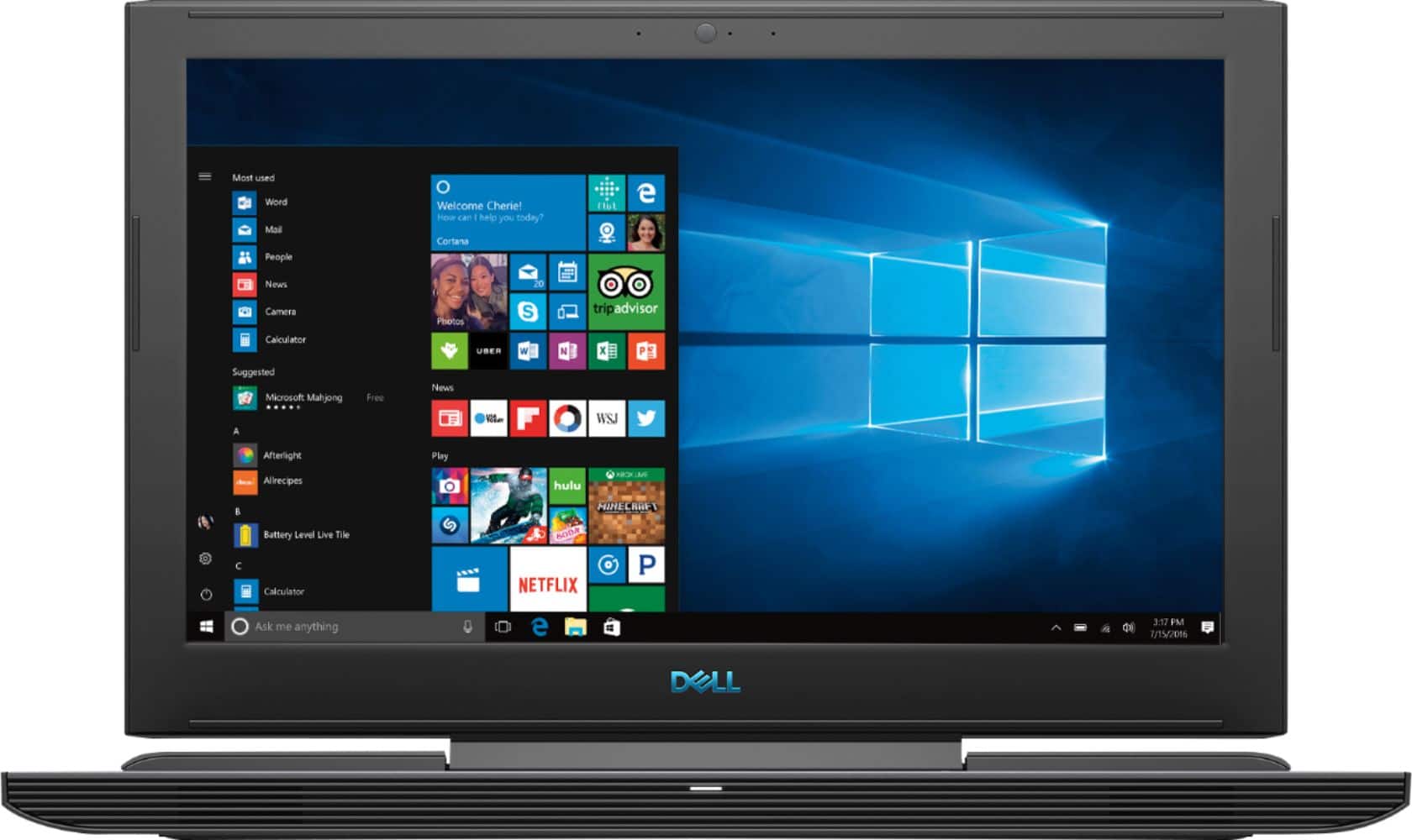

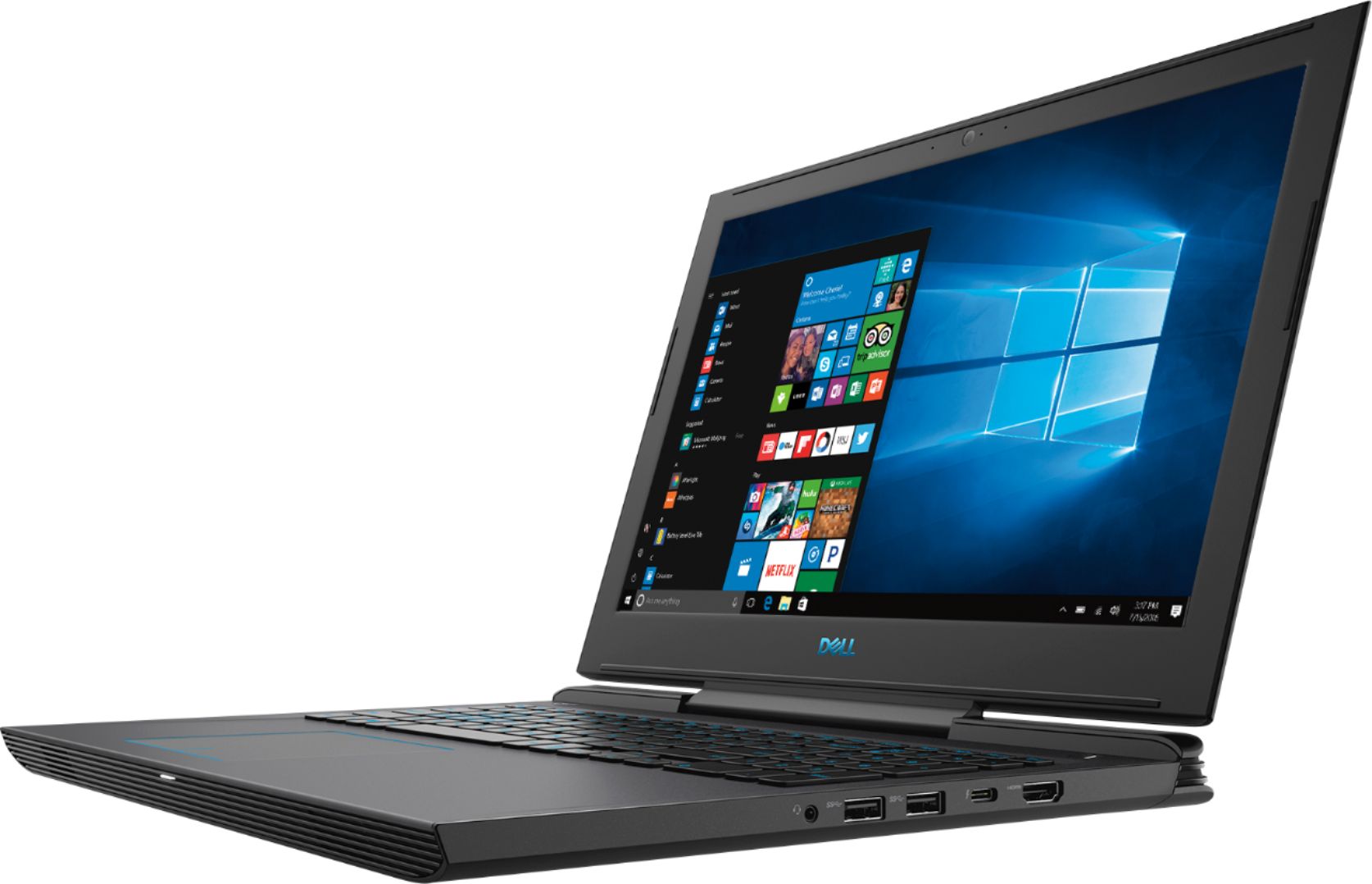
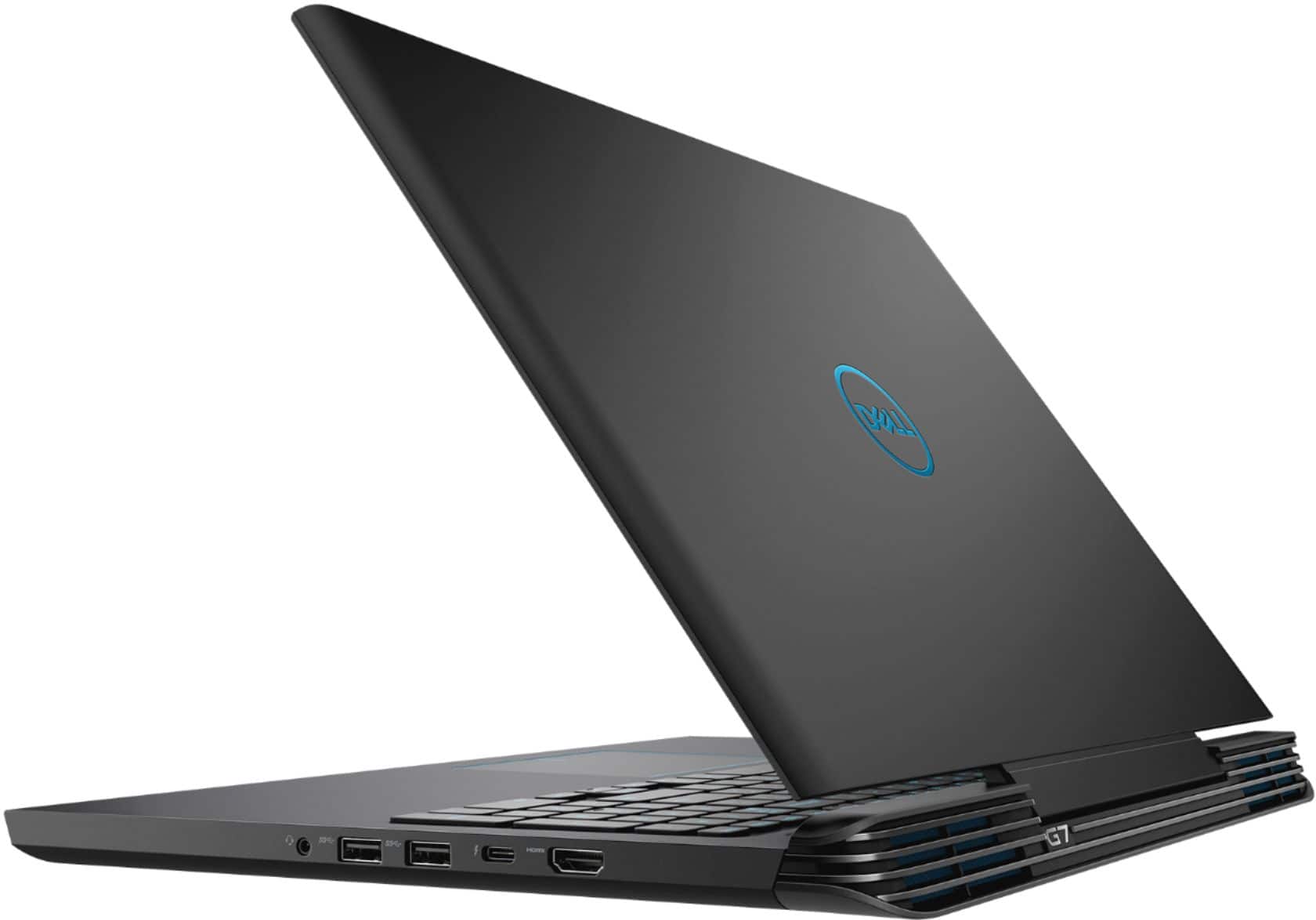
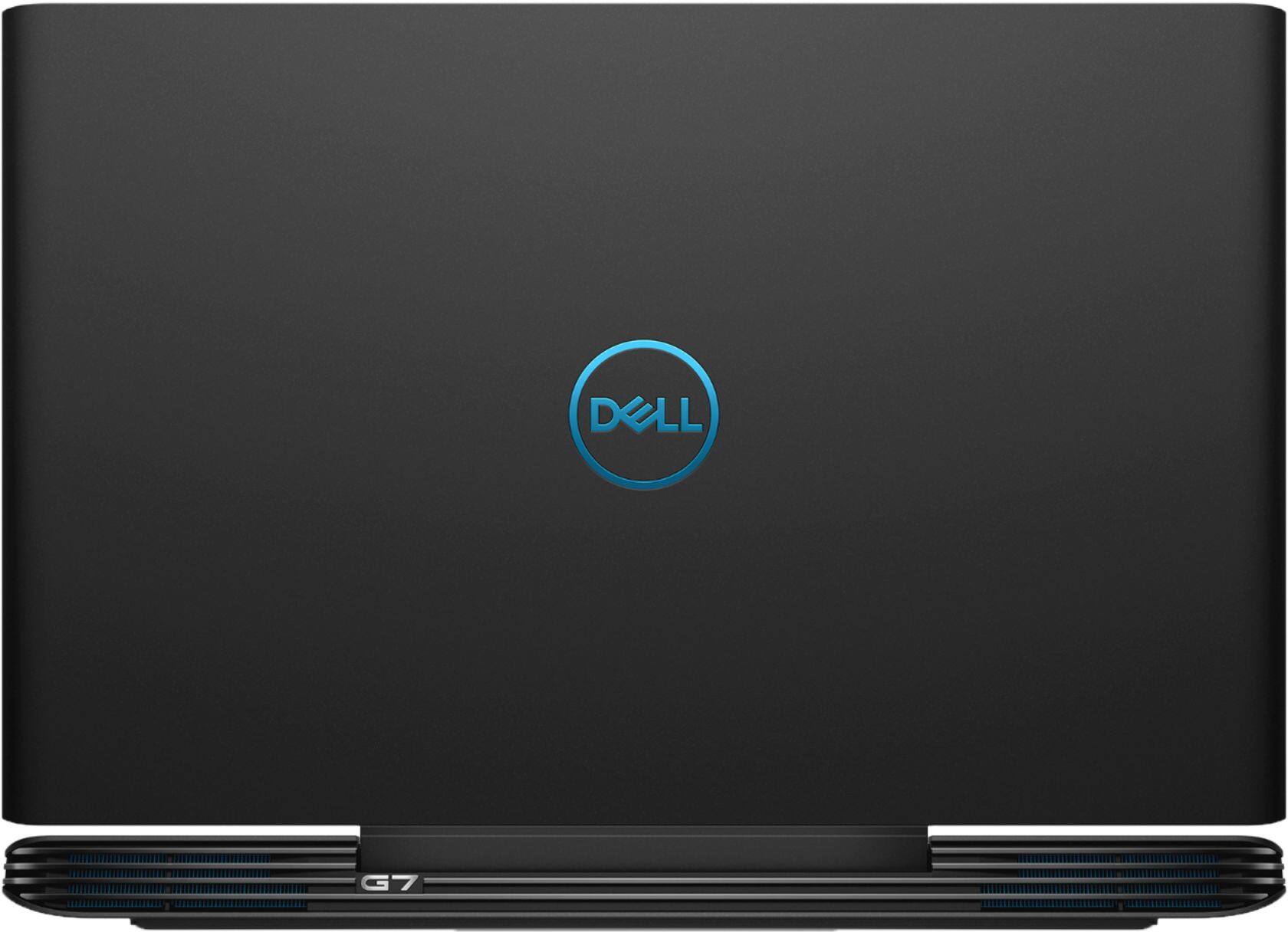
- Model:
- I7588-7378BLK-PUS
- SKU:
- 6212435
Rating by feature
- Battery Life
Rating 3.4 out of 5 stars
- Speed
Rating 4.4 out of 5 stars
- Display
Rating 4.1 out of 5 stars
Customers are saying
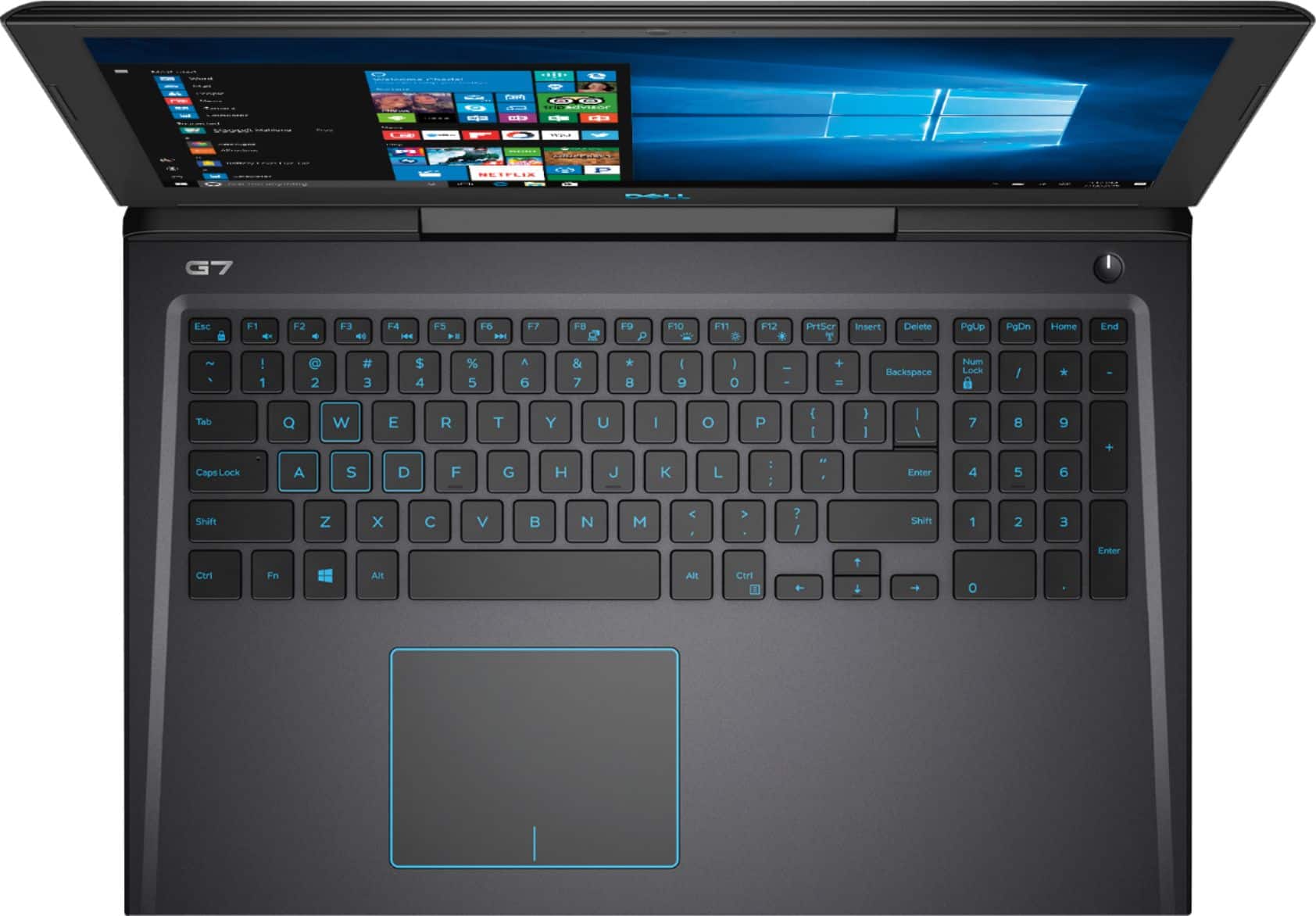
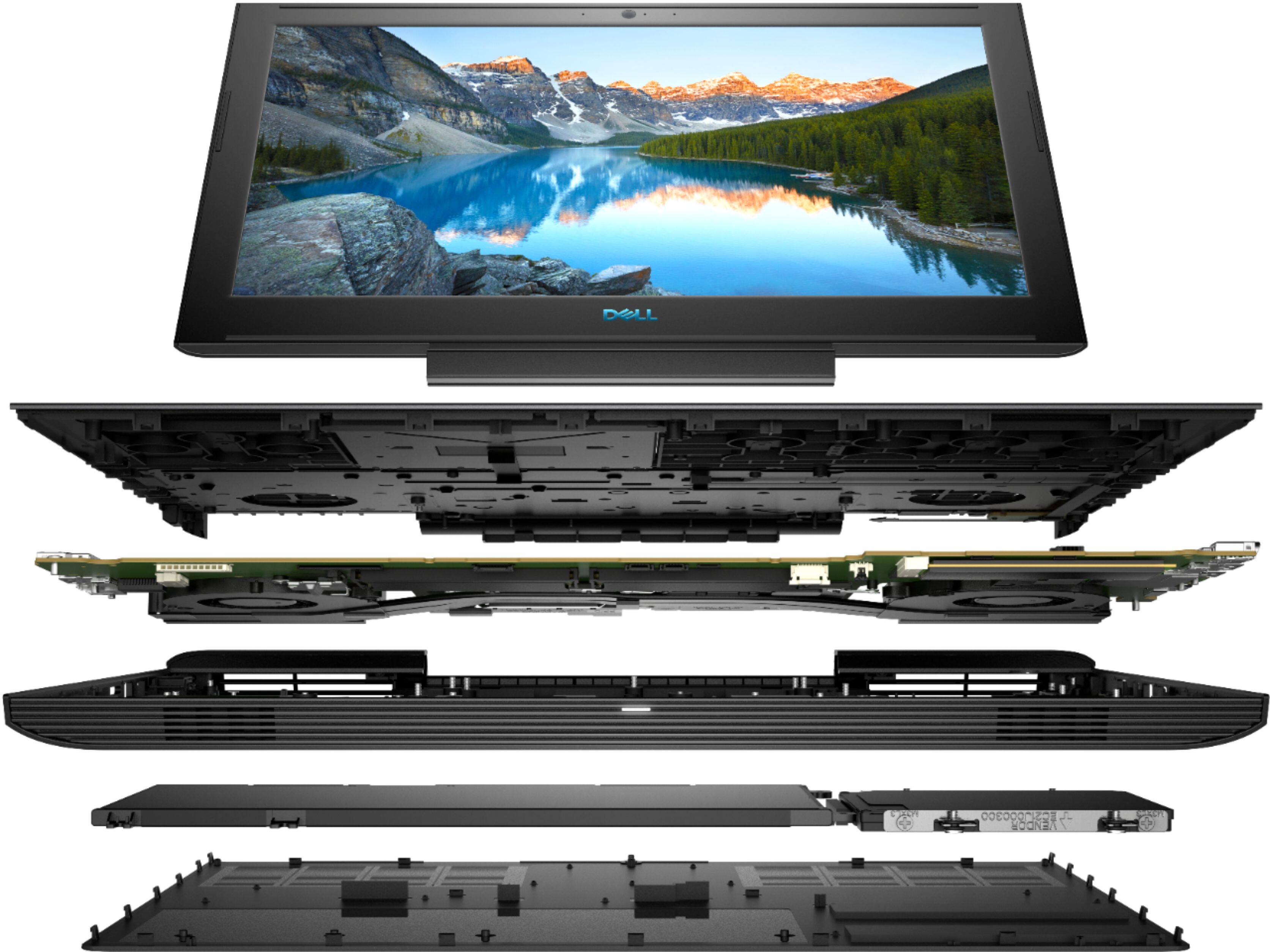
Customers enjoy the high performance and excellent graphics of the G7 15.6" Gaming Laptop, along with its affordable price and ease of use. However, some customers point out that the screen brightness could be improved, and some have noted concerns about the laptop's weight, battery life, and fan noise. The storage options are also a point of discussion, with some users suggesting upgrades.
This summary was generated by AI based on customer reviews.
Poor download speeds
Posted .This reviewer received promo considerations or sweepstakes entry for writing a review.I bought this a week ago and I am unable to download anything faster than 3mgs when I can open a browser and get over 29gs on a speed test. I have tried every thing I could find to try and fix it to no avail. Dell support wants to charge over 100 dollars for tech support on a new laptop. I will be returning it
No, I would not recommend this to a friendinternet issue all the time
Posted .This reviewer received promo considerations or sweepstakes entry for writing a review.this is poor deign gaming laptop computer. there seem to be a issue after a issue on these gaming laptop computer. dell will even not help out. they are useless. i would not support or trust dell laptop's ever again. it started with internet issue's, then it will start to over heat and cause the keyboard and motherboard have problem's as well.
No, I would not recommend this to a friendBrand response from YourDellTeam
Posted .Brian,
We appreciate your feedback. We're sorry to hear that your computer is overheating. We'd recommend updating the BIOS on your computer by following these steps:
An out-of-date BIOS can cause loud fan noises by having an outdated temperature table for the system. Refer to update BIOS and follow the instructions to update the BIOS on your computer. You can also follow up with our Technical Support Team here - 1-800-624-9896.
You can read the full article here - http://dell.to/2ENlXfz.
If you are having connectivity issues you can follow these steps:
1. Download and install the latest Wireless Card driver. (https://dell.to/2th3Tpe) After updating the driver, re-establish the connection with the Wireless Access Point and check the wireless performance.
2. If the issue persists, proceed to step 3.
3. Power-cycle the local network. Shut down the Dell system, the Wireless Access Point/Router and the Modem. Wait a minimum of 60 seconds before powering up the components in the following order:
4. Power ON the Modem, and wait for it to boot fully.
5. Power ON the Wireless Access Point/Router, and wait for it to boot fully.
6. Power ON the Dell system.
7. Open Network and Sharing Center
8. In the left side navigation pane, click on Change Adapter Settings
9. Right click on the wireless connection icon and select Properties followed by the Configure button
10. Under Wireless Options, select the Wireless N mode
11. For Windows 8 or later systems click the Advanced tab and look for 802.11n Mode on the right you will be given the option to Enable or Disable. If the mode is not visible you may need to update your drivers and firmware.
12. From the drop-down menu, choose Disable followed by Ok
13. This should restore the wireless download and upload speed. Internet speed can be tested at http://speedtest.net.
Best,
Bryan
1-800-624-9896
Poor build quality and service
Posted .This reviewer received promo considerations or sweepstakes entry for writing a review.I live on my laptop for work. The webcam works intermittently out of the box and the only solution from Dell is to send it in for a 10-12 business day turnaround to fix the issue. This is my last Dell purchase.
No, I would not recommend this to a friendBrand response from YourDellTeam
Posted .BusinessCoach,
Thanks for your review. We're sorry to hear that the webcam on your new laptop is not working the way that you planned on it working. If you would not like to send your computer back to Dell for repairs, you can check with Best Buy to see what your product qualifies for with regards to an exchange or a return: http://bit.ly/2v2IVhI.
Best,
Bryan
1-800-624-9896
Crashed on day 1
Posted .This reviewer received promo considerations or sweepstakes entry for writing a review.Installed iTunes and a $2000 program with only one activation. Opened the program. It froze, then shut down and locked me out. We have done everything to try to restore the laptop and get back in. So not only do I not have a laptop. I am out $2000 of embroidery software.
No, I would not recommend this to a friendBrand response from YourDellTeam
Posted .Beth,
Thanks for your review. We're so sorry to hear about the situation with your computer locking you out. Have you tried to reach out to Dell Support? Please contact Dell's Technical Support Team here: http://dell.to/2sH7Qlm.
We hope that they will be able to help you log back into your computer and access your software as well.
Best,
Bryan
1-800-624-9896
It broked in week
Posted .This reviewer received promo considerations or sweepstakes entry for writing a review.Dont buy this laptop because it broke on me in one week
No, I would not recommend this to a friendBrand response from YourDellTeam
Posted .Pesh,
Thanks for your review. We're sorry that your computer is not working the way you'd like it to. If you'd like to reach out to Best Buy's Support Team about your options you can reach them here: http://bit.ly/2v2IVhI.
If you have specific questions about your computer you can check out our Product Support Page here: https://dell.to/2G7CcU6.
Best,
Bryan
1-800-624-9896
Black screen! but the keyboards lights are on
Posted .This reviewer received promo considerations or sweepstakes entry for writing a review.I got it yesterday! now i am stuck w/ black screen
No, I would not recommend this to a friendBrand response from YourDellTeam
Posted .Hello TopBuyer,
Thanks for your review. We're sorry to hear that your computer is not performing for you. We'd recommend checking out our Product Support Page here and hopefully the articles on the page will help your screen respond to the issues that you're facing: https://dell.to/2G7CcU6.
Best,
Bryan
1-800-624-9896