Customer Ratings & Reviews
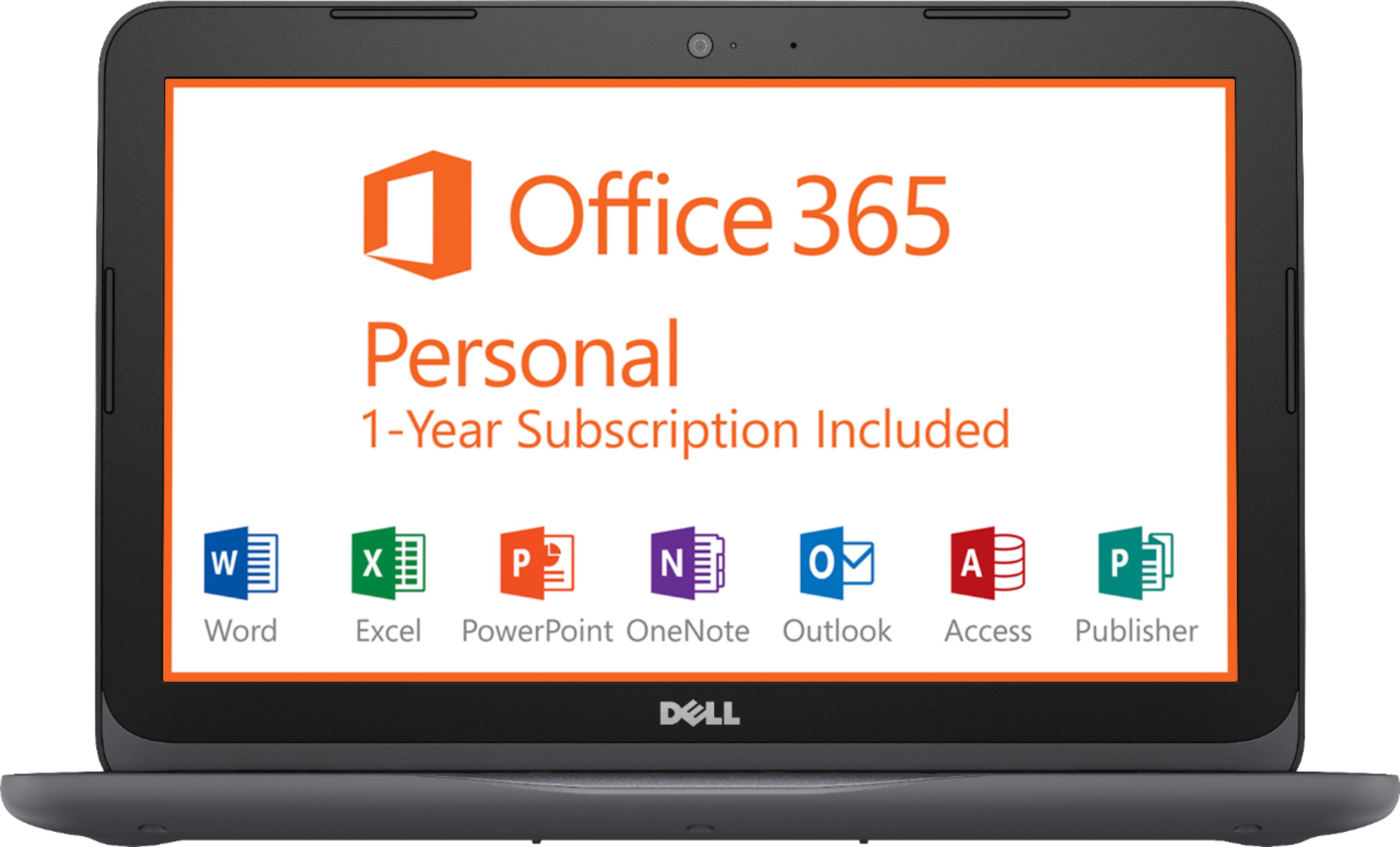
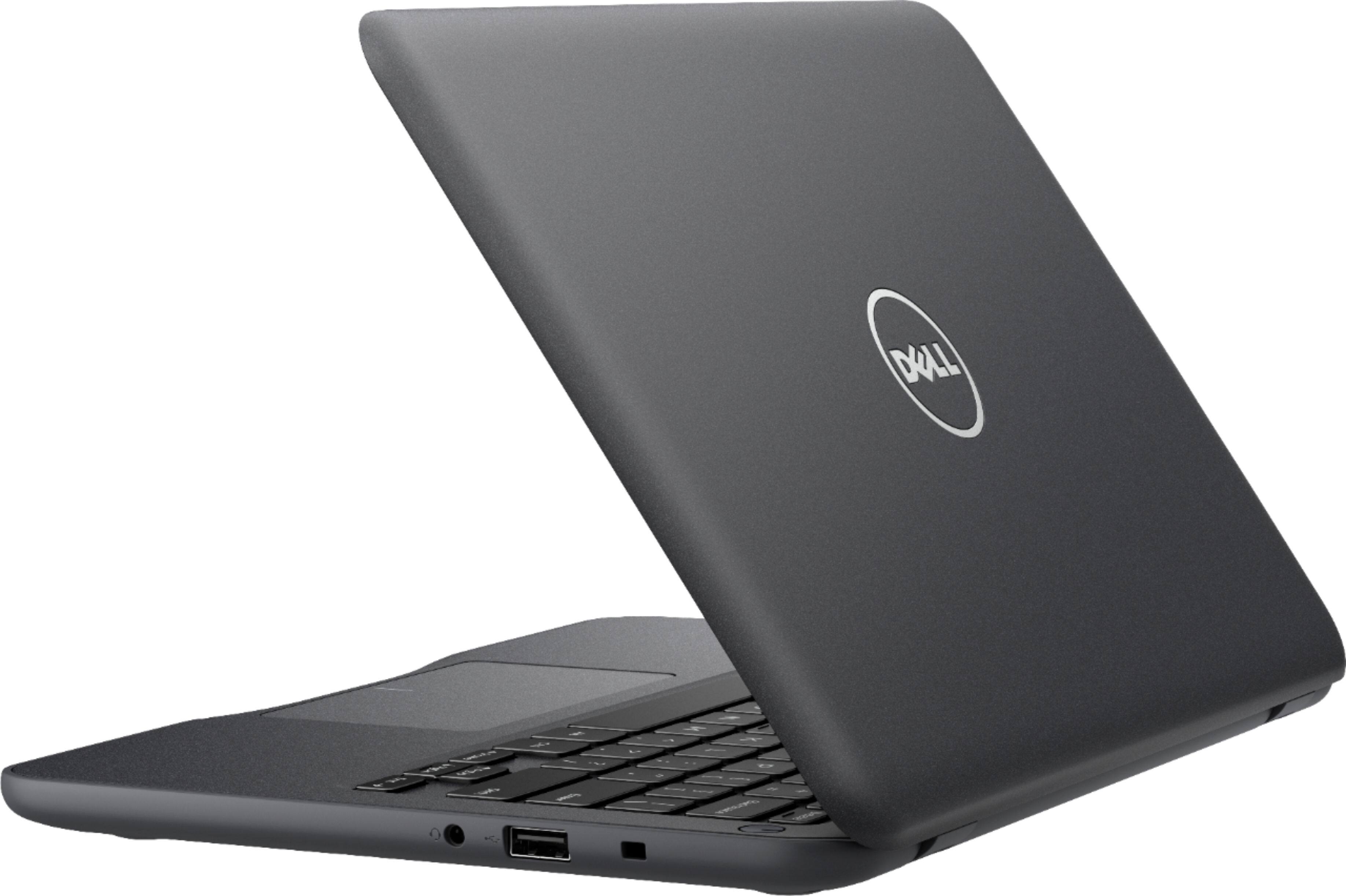
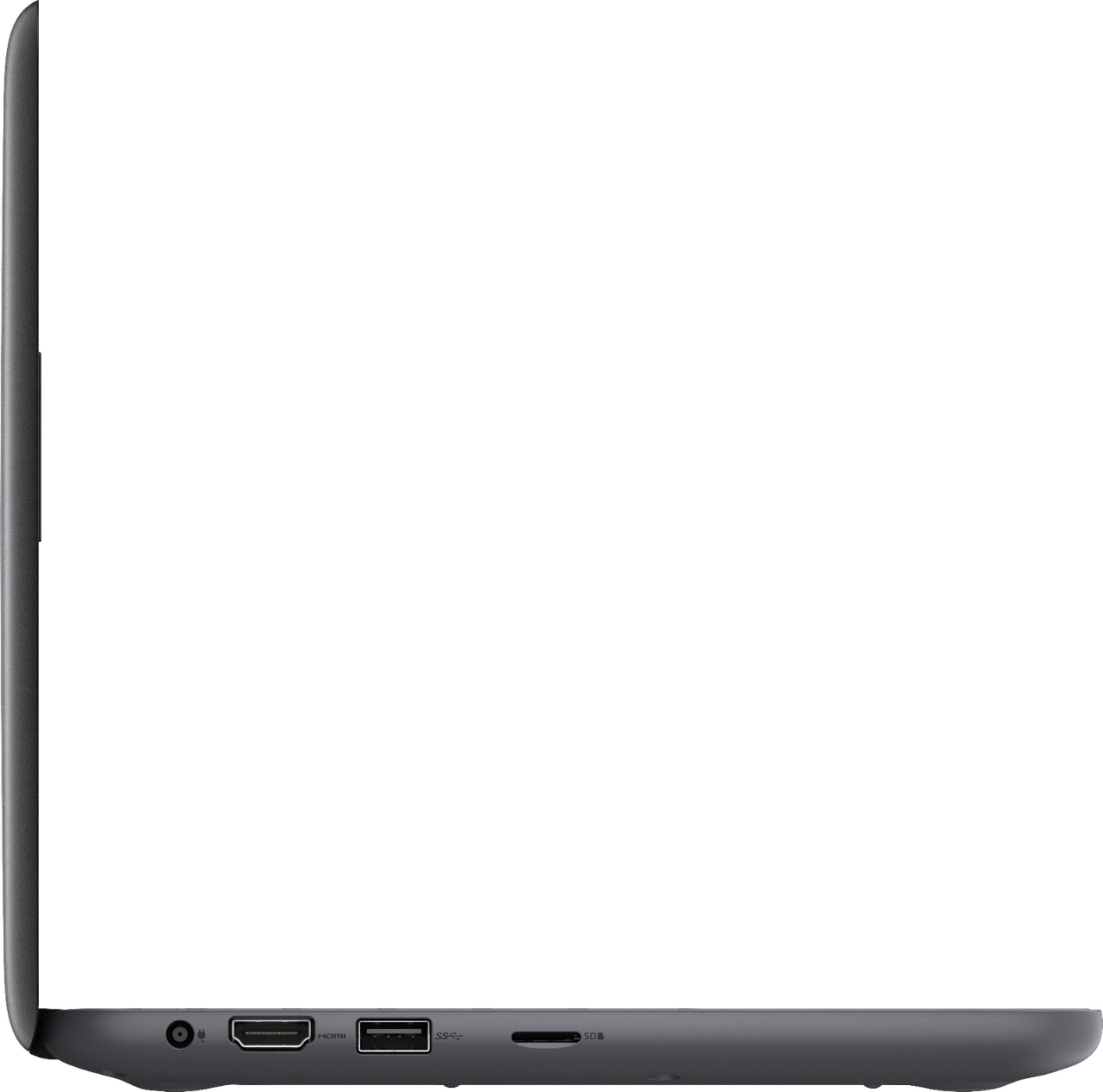

- Model:
- I3180-A361GRY-PUS
- SKU:
- 6188326
Rating by feature
- Value
Rating 3.9 out of 5 stars
- Quality
Rating 3.7 out of 5 stars
- Ease of Use
Rating 3.9 out of 5 stars
Customers are saying
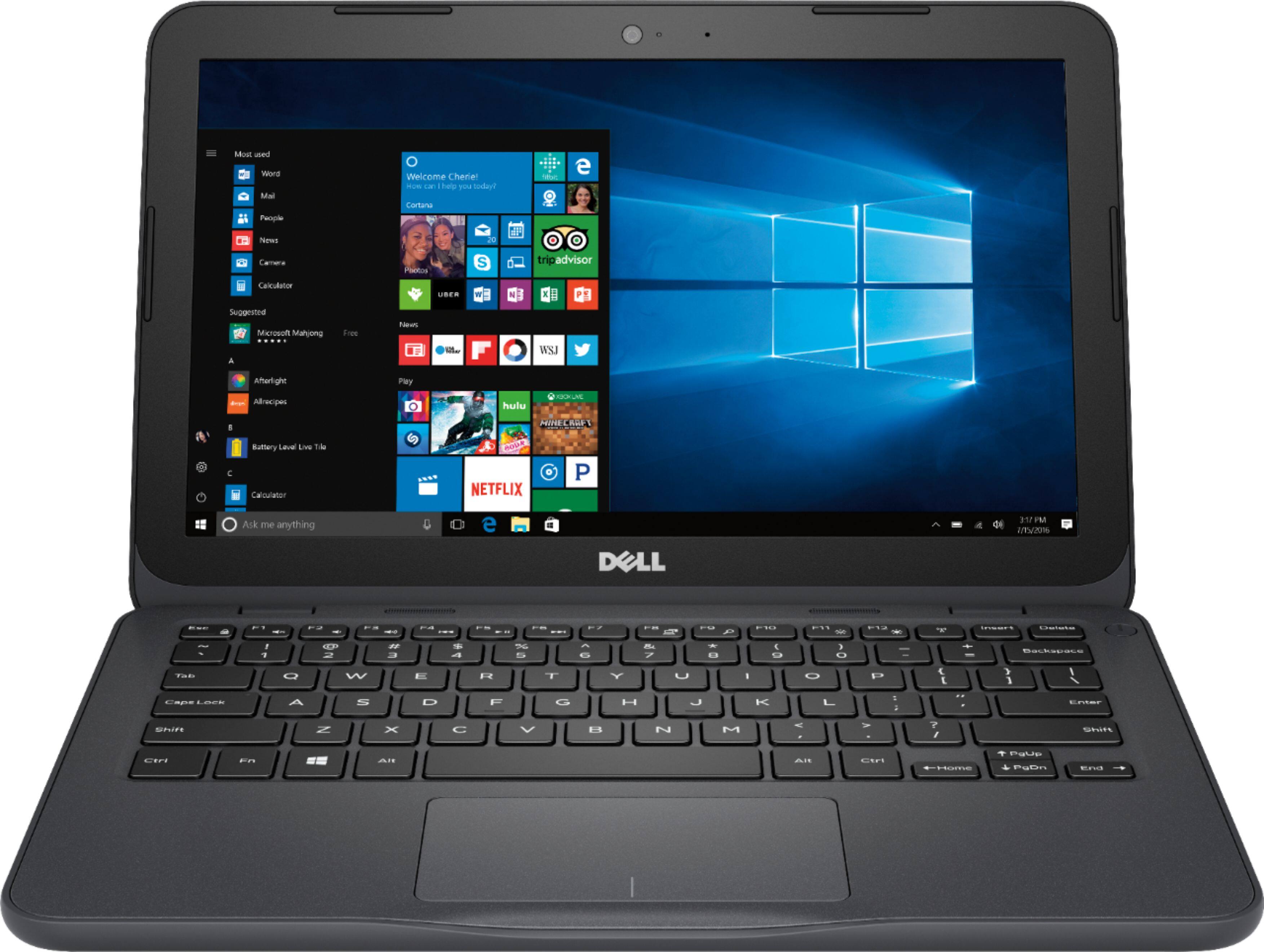
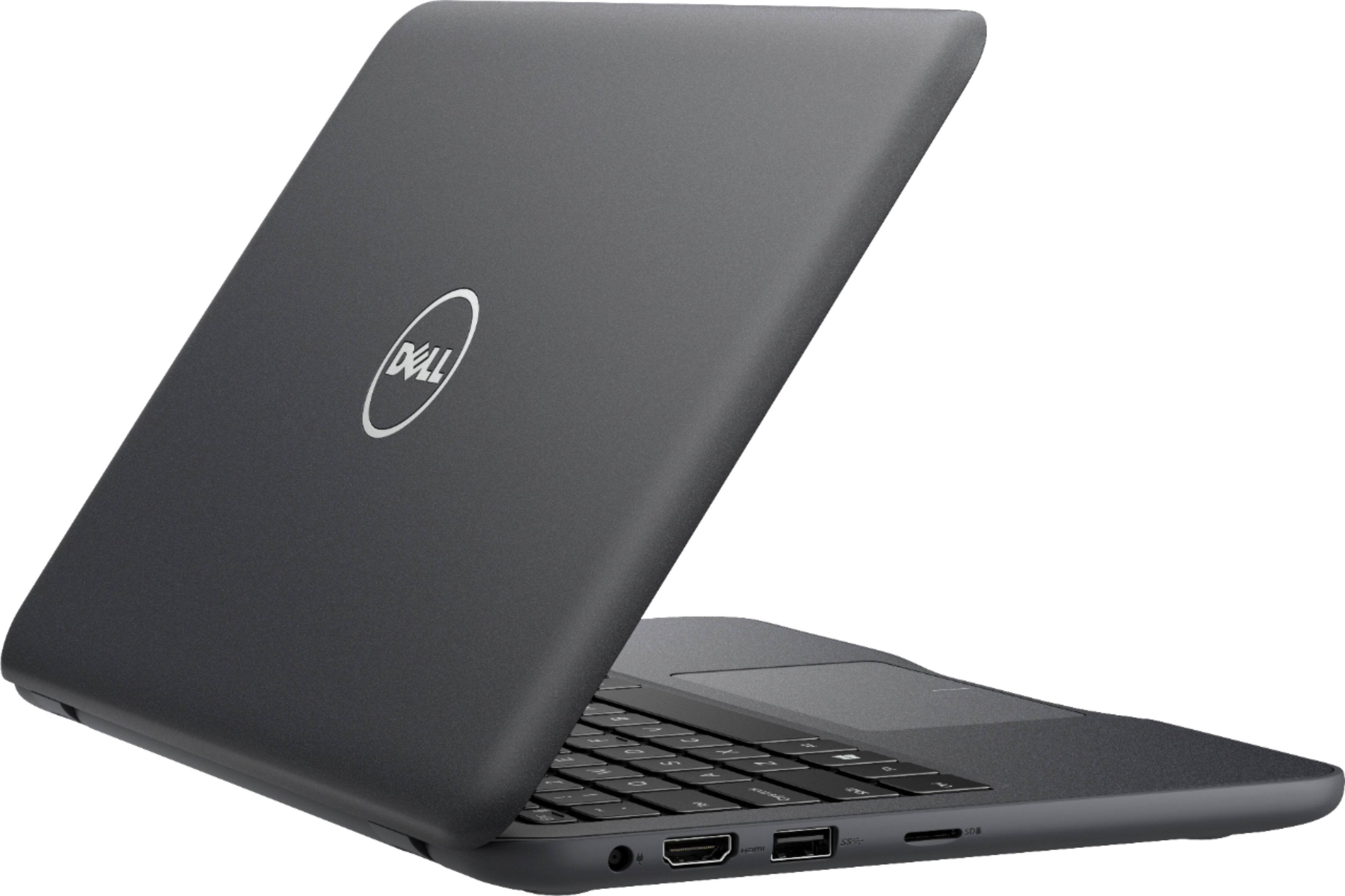
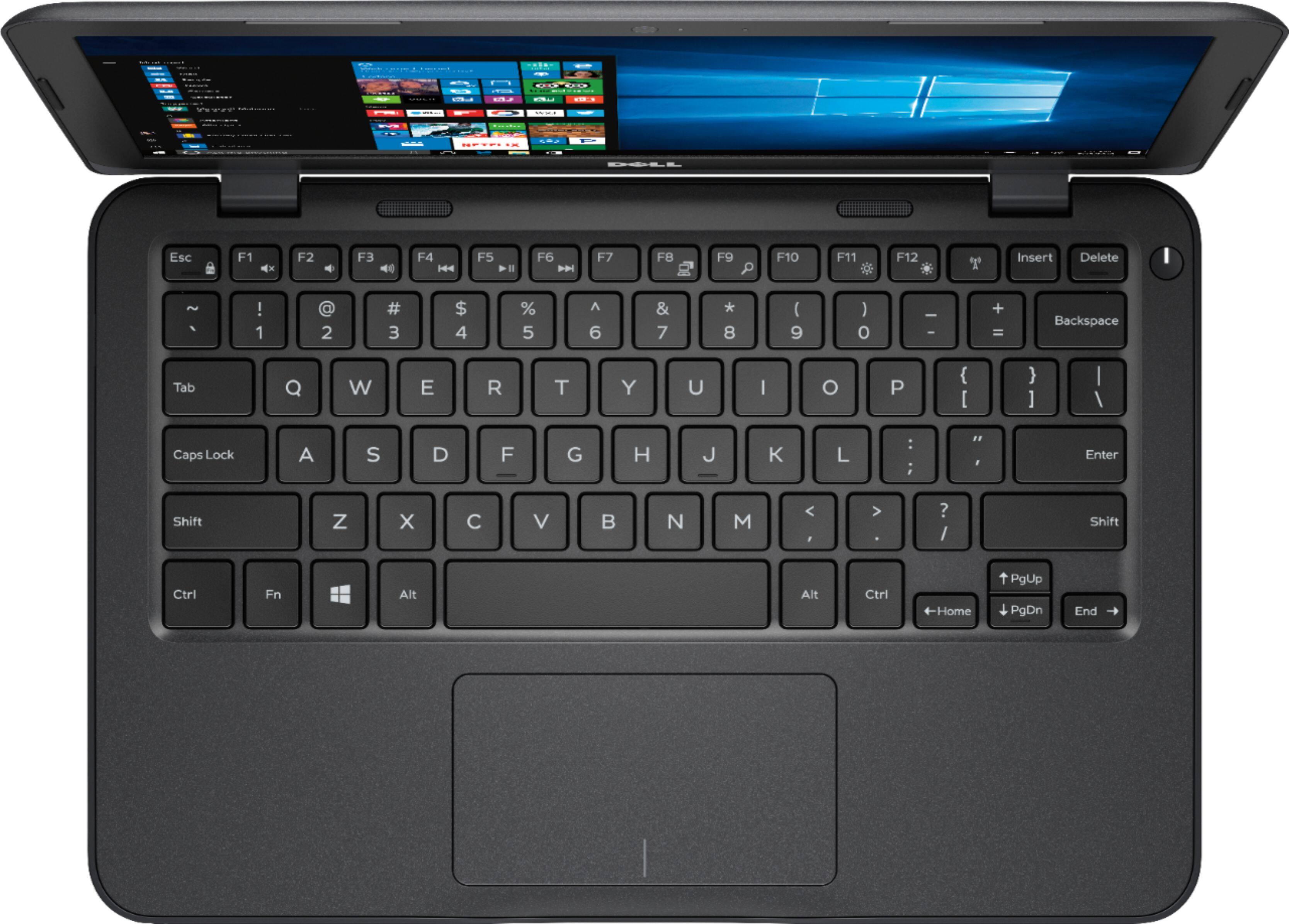
Customers praise the Inspiron 11.6" Laptop for its portability, compact size, and affordable price. Many users find it perfect for students and everyday tasks. However, some customers express concerns about its limited storage space, slow performance, and insufficient memory.
This summary was generated by AI based on customer reviews.
- Cons mentioned:Slow
It will do for the cost
||Posted .This reviewer received promo considerations or sweepstakes entry for writing a review.If you are looking for a fast laptop this is not it. This is mainly for a emergency or simple task that doesn't require much ram.
I would recommend this to a friend - Pros mentioned:Price
Great laptop for my daughter
||Posted .This reviewer received promo considerations or sweepstakes entry for writing a review.Great price for an 11.6" laptop from Dell. Exactly what my 7th grade needed. Nothing fancy and powerful enough to do everything she needs to get the job done. Reliable laptop.
I would recommend this to a friend - Cons mentioned:Storage
You get what you pay for
||Posted .This reviewer received promo considerations or sweepstakes entry for writing a review.It’s worth the price. The screen resolution is adequate. Off angle viewing is poor, this is no ips screen. You’ll need microsd storage
I would recommend this to a friendBrand response from YourDellTeam
Posted .Jims,
We appreciate your feedback. We're sorry that the storage capacity on your computer is not what you had hoped it would be. We'd recommend using Microsoft's OneDrive to store some of your files in the cloud. We'd also recommend removing any programs that you do not plan to use by following these steps:
Uninstalling or removing software or applications that you do not use or do not need from your PC can help speed up your PC. Applications may include background processes, system services, context menu entries and other things that can slow down your PC.
Uninstall applications you no longer need using Programs and Features (previously called Add/Remove Programs). Unnecessary applications occupy space on your hard disk drive.
1. Press the Windows logo key + R on the keyboard.
2. In the Run dialog box, type appwiz.cpl and press the Enter key.
3. In the list, select a program and click Uninstall.
You can read the full article here - http://dell.to/2tSulGV.
Best,
Bryan
1-800-624-9896
- Pros mentioned:Portable
Awesome carry on
||Posted .This reviewer received promo considerations or sweepstakes entry for writing a review.This laptop is the real deal in terms of transport. It fits in just about every bag. It is full service laptop and have upgraded features. The battery last a long time per charge.
I would recommend this to a friend - Pros mentioned:Portable
Dell - Inspiron 11.6" Laptop - AMD A6 - 4GB Memory
||Posted . Owned for 10 months when reviewed.This reviewer received promo considerations or sweepstakes entry for writing a review.This computer was an excellent purchase for the price. This computer is lightweight and is just enough for what I needed it for. I needed it for Everyday usage.
I would recommend this to a friend - Cons mentioned:Slow
Only good for very basic stuff
||Posted .This reviewer received promo considerations or sweepstakes entry for writing a review.Only had it for 2 weeks and could not make it work for me. It is not as fast as i needed but is still better than using your phone.
No, I would not recommend this to a friendBrand response from YourDellTeam
Posted .Joshnwadeis,
Thanks for your review. We'd recommend running the Windows Performance Troubleshooter to see if your computer can run faster for you:
1. Close all open windows.
2. Press the Windows logo key + X key on the keyboard.
3. Click Control Panel.
4. Click System and Security.
5. Under Security and Maintenance, select Troubleshoot common problems.
6. Under System and Security, click Run maintenance tasks.
7. Follow the on-screen instructions and prompts to complete the process.
8. Restart the PC.
You can read the full article here - http://dell.to/2tSulGV.
We hope this helps your computer perform the way you'd like it to.
Best,
Bryan
1-800-624-9896
Good, efficient, cheap
||Posted .This reviewer received promo considerations or sweepstakes entry for writing a review.This is a great low cost notebook for personal use. It has a slim design making it convenient to tag along with you anywhere you go. For the price I recommend this laptop if you need something economical but efficient.
I would recommend this to a friend- Cons mentioned:Memory
It's ok
||Posted .This reviewer received promo considerations or sweepstakes entry for writing a review.There's not a lot of memory and I continuously lose connection to Wi-Fi or the adapter shut off and I cannot reconnect to Wi-Fi
No, I would not recommend this to a friendBrand response from YourDellTeam
Posted .Deddyceddy,
We're sorry that you are experiencing connection issues on your new Dell system. We'd recommend the following steps to help with this:
1. Run the Network Troubleshooter.
a) Touch and hold or right-click the network icon (Available Networks or Network Icon, located in the lower right-hand corner).
b) Touch or click Troubleshoot problems and then follow the prompts.
You can read the full article here - http://dell.to/2sLtwRh.
If you'd like to free up space on your computer we'd recommend looking through any programs that may have come pre-installed on your computer and seeing if you can remove them using the following steps:
Uninstalling or removing software or applications that you do not use or do not need from your PC can help speed up your PC. Applications may include background processes, system services, context menu entries and other things that can slow down your PC.
Uninstall applications you no longer need using Programs and Features (previously called Add/Remove Programs). Unnecessary applications occupy space on your hard disk drive.
1. Press the Windows logo key + R on the keyboard.
2. In the Run dialog box, type appwiz.cpl and press the Enter key.
3. In the list, select a program and click Uninstall.
You can read the full article here - http://dell.to/2tSulGV.
Best,
Bryan
1-800-624-9896
- Cons mentioned:Storage
Not Worth It
||Posted .This reviewer received promo considerations or sweepstakes entry for writing a review.I bought this in hopes to have something decent for school. The biggest down side of this model is the storage, yes it has 32gb but windows operating system itself is about 28gb only leaving you with 4gb of real storage. Not even Enough space to properly run Microsoft office. I feel cheated out of my purchase. Would be better to go with a chrome book instead of this junk or save up to buy a better laptop.
No, I would not recommend this to a friendBrand response from YourDellTeam
Posted .Hi Lizzymac007,
We appreciate your feedback. We're sorry that you are unhappy with the storage available on your new computer. We'd recommend using Microsoft OneDrive to store some of your files in the cloud so that they do not take up space on your computer.
If you have additional questions about your computer we'd recommend you check out our Product Support Page here - http://dell.to/2om4IeG.
Best,
Bryan
1-800-624-9896
- Cons mentioned:Slow
Good Size, but slow
||Posted . Owned for 4 months when reviewed.This reviewer received promo considerations or sweepstakes entry for writing a review.Slower than i'd expect for 4GB of memory. I can't even play Mincraft in the browser without it lagging to heck.
I would recommend this to a friend - Pros mentioned:Price
Compact & Basic
||Posted .This reviewer received promo considerations or sweepstakes entry for writing a review.Just needed something for basic everyday use. Ordered another online for pick-up but found this open box once I arrived at the store. Saved $35 for the same features.
I would recommend this to a friend - Cons mentioned:Slow
Better performance
||Posted .This reviewer received promo considerations or sweepstakes entry for writing a review.The laptop is really nice looking. It has all the features i was expecting. My only problem is that it move awfully slow.
No, I would not recommend this to a friendBrand response from YourDellTeam
Posted .Addmiral,
Thanks for your review. We're sorry that your computer is running slower than you'd like it to. We'd recommend running the Windows Performance Troubleshooter to see if your computer can run faster:
1. Close all open windows.
2. Press the Windows logo key + X key on the keyboard.
3. Click Control Panel.
4. Click System and Security.
5. Under Security and Maintenance, select Troubleshoot common problems.
6. Under System and Security, click Run maintenance tasks.
7. Follow the on-screen instructions and prompts to complete the process.
8. Restart the PC.
You can read the full article here - http://dell.to/2tSulGV.
Best,
Bryan
1-800-624-9896
- Pros mentioned:Light weight
Lil guy
||Posted . Owned for more than 2 years when reviewed.This reviewer received promo considerations or sweepstakes entry for writing a review.This light weight computer was quite sufficient for my use in my online college classes. 2 years later it's still running perfectly.
I would recommend this to a friend - Pros mentioned:Portable
Great machine
||Posted .This reviewer received promo considerations or sweepstakes entry for writing a review.I love my Dell. Its so compact and handy. Internet speed is great and also comes with tear if Microsoft free. So easy to use and is just enough for my daily needs.
I would recommend this to a friend - Pros mentioned:Price
Fast
||Posted .This reviewer received promo considerations or sweepstakes entry for writing a review.It's a computer, not a chromebook. Very fast, I'm using mostly for internet and does the work. The price is great!
I would recommend this to a friend - Cons mentioned:Storage
Ok for browsing
||Posted .This reviewer received promo considerations or sweepstakes entry for writing a review.Worked ok for browsing only. Not enough space after software install to even do any updates or reset to default
No, I would not recommend this to a friend - Pros mentioned:Portable
Good product
||Posted . Owned for more than 2 years when reviewed.This reviewer received promo considerations or sweepstakes entry for writing a review.I love this product because it does serve my needs price wise and size wise. It is easy to carry it around everywhere and anywhere.
I would recommend this to a friend Been an ok computer.
||Posted . Owned for 1 year when reviewed.This reviewer received promo considerations or sweepstakes entry for writing a review.Been an ok computer had to buy a new internal wire cable as it was defective and wouldn’t work. I would have to think twice to buy another one. We have other dell product and they are good.
No, I would not recommend this to a friend- Cons mentioned:Slow
Slow
||Posted .This reviewer received promo considerations or sweepstakes entry for writing a review.The computer worked great then very slow & glitchy. I’d recommend a different computer for college students.
No, I would not recommend this to a friend - Cons mentioned:Storage
Not enough space for Office updates
||Posted .This reviewer received promo considerations or sweepstakes entry for writing a review.You have to use this with a flash key drive because there isn’t enough space to update the Office Software.
No, I would not recommend this to a friend