Customer Ratings & Reviews

- Model:
- I3180-A361GRY-PUS
- SKU:
- 6188326
Rating by feature
- Value
Rating 3.9 out of 5 stars
- Quality
Rating 3.7 out of 5 stars
- Ease of Use
Rating 3.9 out of 5 stars
Customers are saying
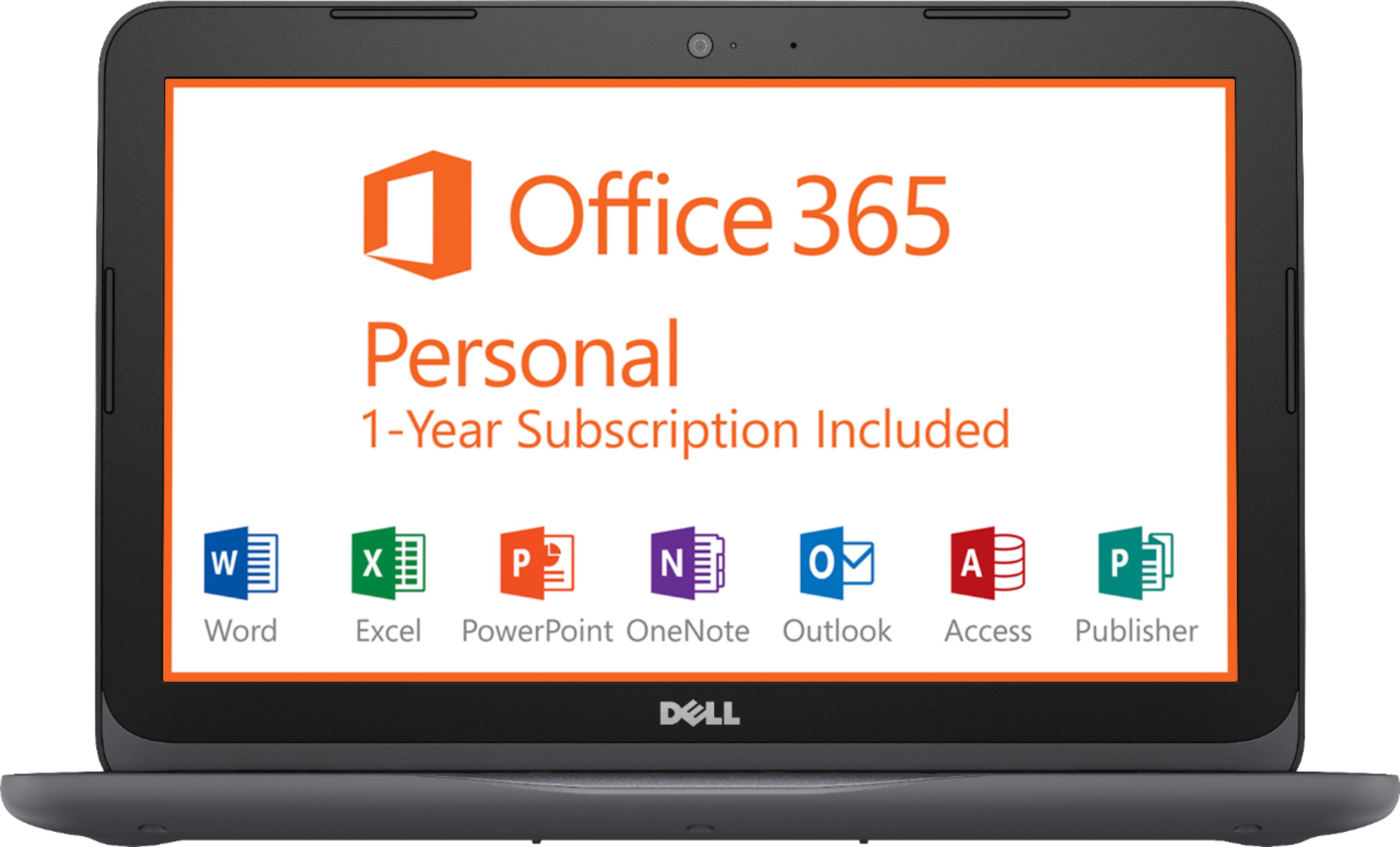
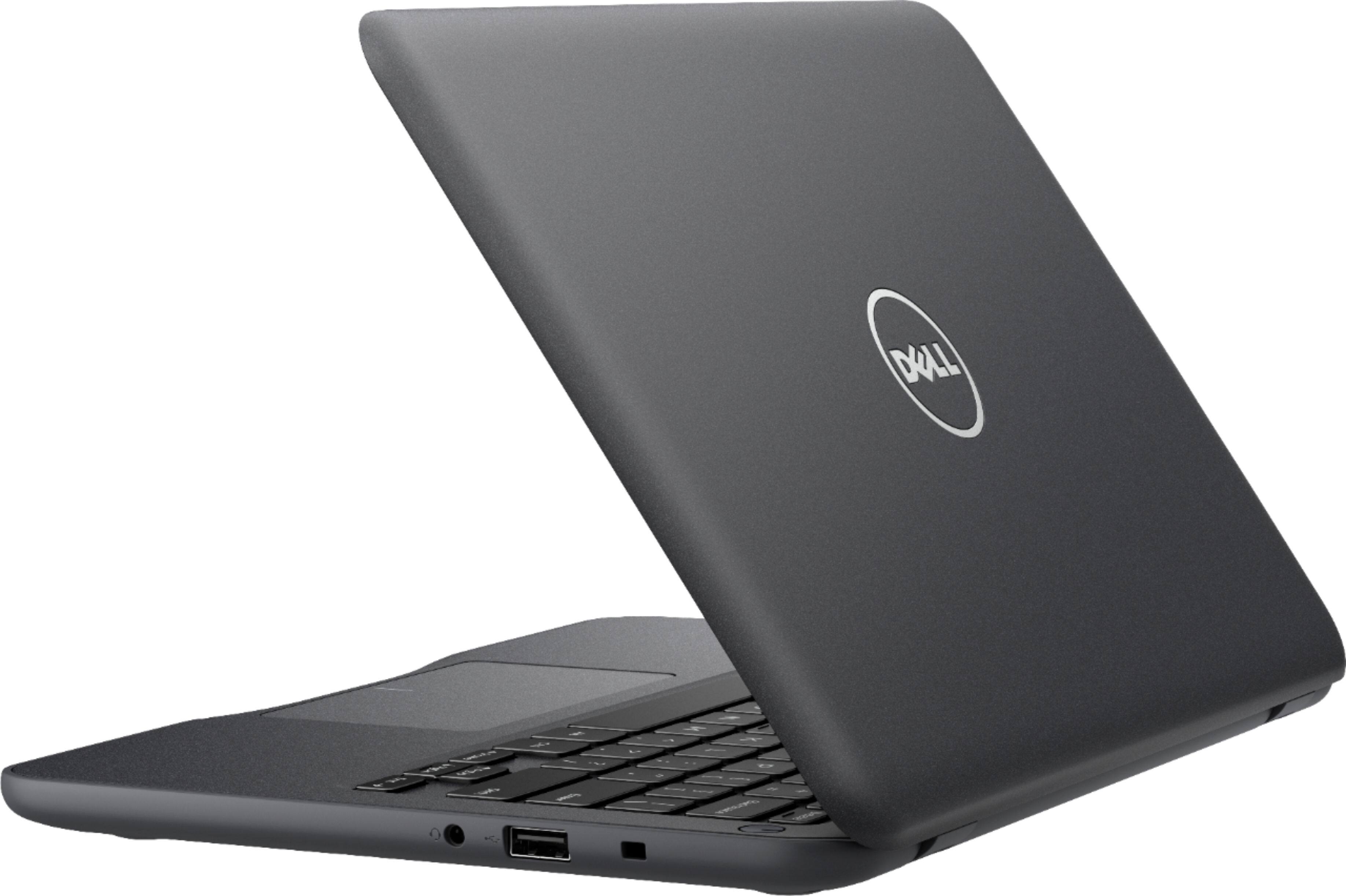
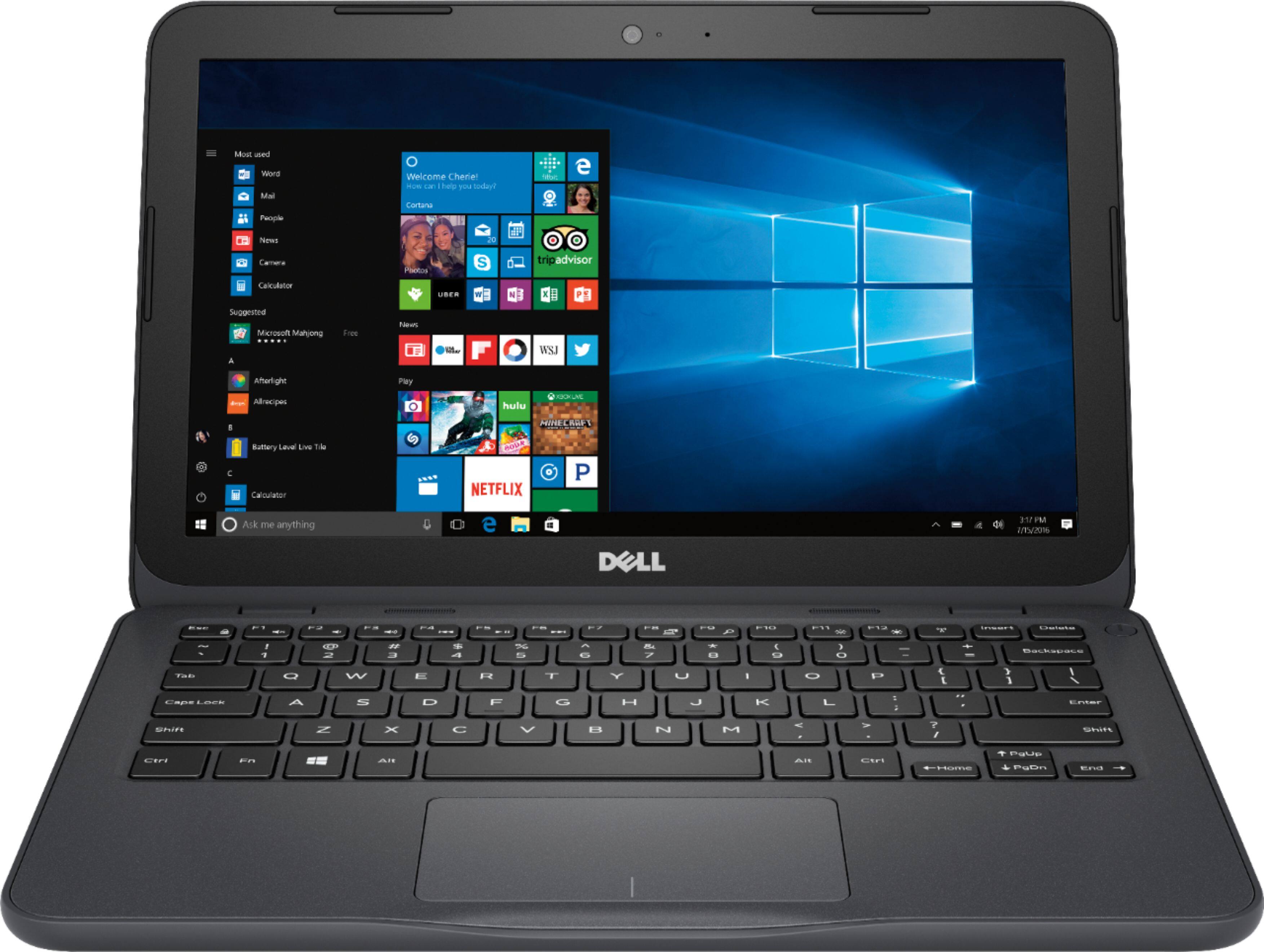
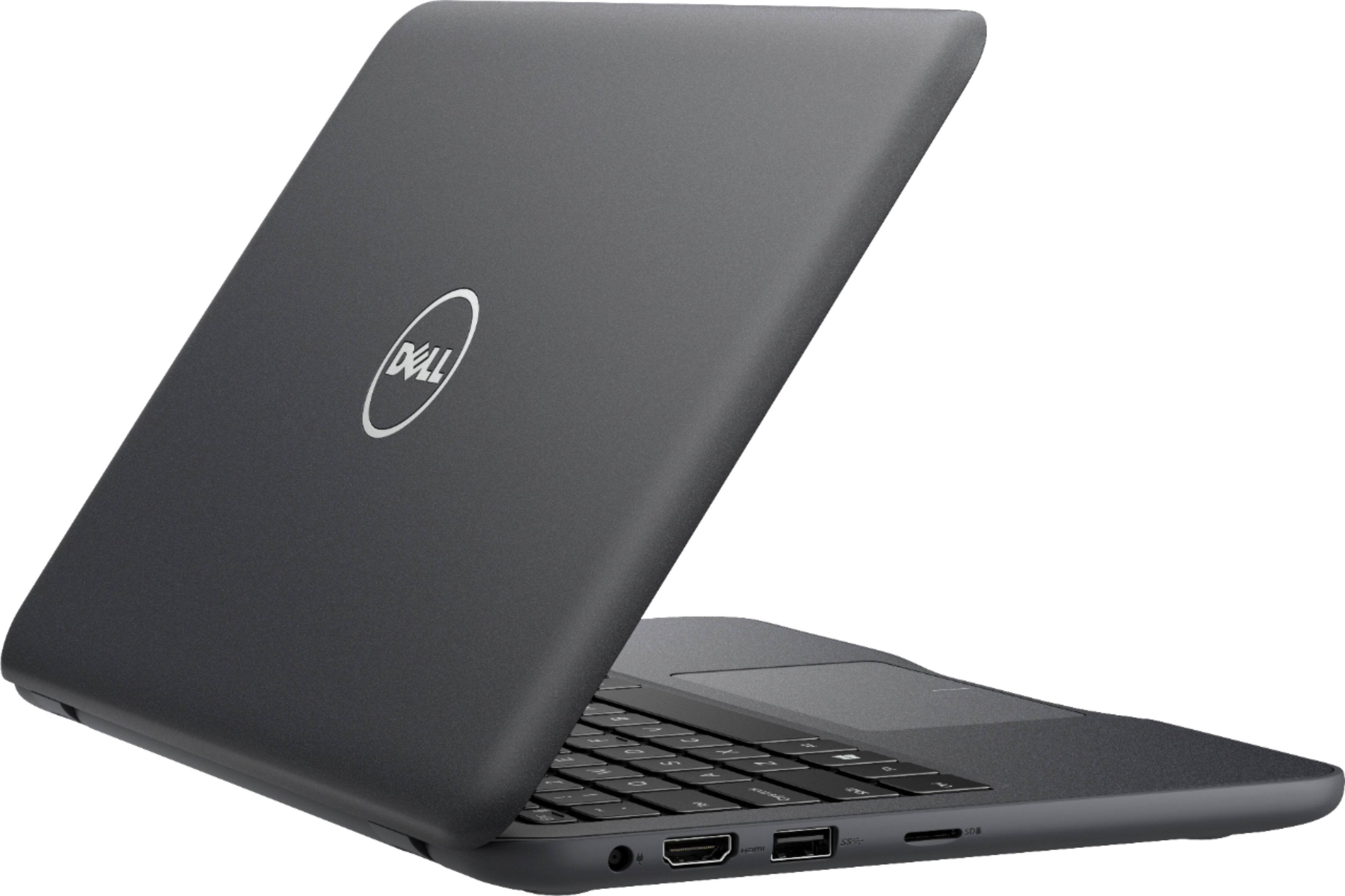
Customers praise the Inspiron 11.6" Laptop for its portability, compact size, and affordable price. Many users find it perfect for students and everyday tasks. However, some customers express concerns about its limited storage space, slow performance, and insufficient memory.
This summary was generated by AI based on customer reviews.
- Pros mentioned:Light weight
Great laptop for a student
||Posted .This reviewer received promo considerations or sweepstakes entry for writing a review.Light weight easy to store in book bag am able to use laptop for all projects and papers love it
I would recommend this to a friend great labtop for kids
||Posted .This reviewer received promo considerations or sweepstakes entry for writing a review.I bought this computer for my daughter who was starting high school. she said it was great and fast. I will recommend it for beginners
I would recommend this to a friendSmall storage capacity.
||Posted .This reviewer received promo considerations or sweepstakes entry for writing a review.Good working product. Easy and quick set up. But memory is too small to install softwares. Would reommend it for mobile purposes only
I would recommend this to a friend- Pros mentioned:Portable
Great compact laptop
||Posted .This reviewer received promo considerations or sweepstakes entry for writing a review.This is a good if not great small powerful compact laptop. Its not to heavy and very durable.
No, I would not recommend this to a friend - Pros mentioned:Light weight
Extream value
||Posted .This reviewer received promo considerations or sweepstakes entry for writing a review.light weight and fast, even though it has little internal storage! great buy for the price!
I would recommend this to a friend Nice laptop for college student
||Posted .This reviewer received promo considerations or sweepstakes entry for writing a review.This is a decent laptop for a college student for doing basics, surfing the web and writing papers, I bought this for my child.
I would recommend this to a friend- Cons mentioned:Slow
Slow
||Posted .This reviewer received promo considerations or sweepstakes entry for writing a review.Not so happy with it because its slowed down on me
No, I would not recommend this to a friend - Pros mentioned:Portable
Light weight
||Posted .This reviewer received promo considerations or sweepstakes entry for writing a review.The computer is tiny, light weight and was a great deal!
I would recommend this to a friendBrand response from YourDellTeam
Posted .Shelley,
We appreciate your feedback ion your new Dell computer. If you have any questions about your computer you can always check our Product Support Page here: http://dell.to/2om4IeG.
Best,
Bryan
1-800-624-9896
- Cons mentioned:Slow
Decent laptop for kids
||Posted .This reviewer received promo considerations or sweepstakes entry for writing a review.Runs slow. Takes a while to boot up and load up web pages.
No, I would not recommend this to a friendBrand response from YourDellTeam
Posted .Hello DonLuis,
Thanks for your review and we're sorry to hear that your computer is loading slower than you'd like it to. We'd recommend limiting the number of programs that launch at startup by following these steps:
1. Close all open windows.
2. Press CTRL + Shift + ESC key together on the keyboard.
3. In the Task Manager window, click Startup tab.
4. Select the program or application that you want to disable from loading during startup.
5. Right-click and select Disable.
6. Repeat Step 4 & 5 for all the programs or applications that you want to disable from loading during startup.
7. Restart your PC.
You can read the full article here - http://dell.to/2tSulGV. If you'd like tips on how to speed up your computer you can check out the Windows Performance Troubleshooter: 1. Close all open windows.
2. Press the Windows logo key + X key on the keyboard.
3. Click Control Panel.
4. Click System and Security.
5. Under Security and Maintenance, select Troubleshoot common problems.
6. Under System and Security, click Run maintenance tasks.
7. Follow the on-screen instructions and prompts to complete the process.
8. Restart the PC.
You can read the full article here - http://dell.to/2tSulGV. Best, Bryan 1-800-624-9896
- Pros mentioned:Price
Good value
||Posted .This reviewer received promo considerations or sweepstakes entry for writing a review.Daughter needed to replace aging laptop, this one fulfilled the need at a excellent price.
I would recommend this to a friend - Cons mentioned:Slow
PERHAPS I WAS EXPECTING TOO MUCH
||Posted .This reviewer received promo considerations or sweepstakes entry for writing a review.I bought this laptop to use with my TV. Unfortunately it's way too slow for that purpose, perhaps I was expecting it to at least keep up with it's own video maximum resolution (don't recall what it was) without it constantly buffering. Maybe it's useful for other tasks.
No, I would not recommend this to a friendBrand response from YourDellTeam
Posted .BRUCER,
Thanks for your review. We're sorry that your computer is running slower than you had hoped it would. We'd recommend running the Windows Performance Troubleshooter to see if there are ways to speed up your computer:
1. Close all open windows.
2. Press the Windows logo key + X key on the keyboard.
3. Click Control Panel.
4. Click System and Security.
5. Under Security and Maintenance, select Troubleshoot common problems.
6. Under System and Security, click Run maintenance tasks.
7. Follow the on-screen instructions and prompts to complete the process.
8. Restart the PC.
You can read the full article here - http://dell.to/2tSulGV.
Best,
Bryan
1-800-624-9896
- Pros mentioned:Price
My son loves his new laptop!
||Posted .This reviewer received promo considerations or sweepstakes entry for writing a review.A great laptop for a great price for my 15 year old to complete school work on. Love it!
I would recommend this to a friend - Cons mentioned:Slow
Started out well
||Posted .This reviewer received promo considerations or sweepstakes entry for writing a review.I brought this just to do some word processing and internet surfing. It worked great for the 1st 3 weeks and then I started having problems. It said I was running out of memory and needed to make space so I removed a bunch of programs and apps I would never use (Candy Crush, etc...) then it started taking forever to boot up. Now it won't boot up at all. It might as well be a doorstop. Needless to say I will be returning it tomorrow.
No, I would not recommend this to a friend - Pros mentioned:Price
Nice computer.
||Posted .This reviewer received promo considerations or sweepstakes entry for writing a review.Easy to setup your account, easy to use, the price was great and would buy again.
I would recommend this to a friend - Pros mentioned:Portable
Great
||Posted . Owned for more than 2 years when reviewed.This reviewer received promo considerations or sweepstakes entry for writing a review.Very nice laptop. Small and very portable easy to use all around.
I would recommend this to a friend - Cons mentioned:Slow
It’s okay for a beginner
||Posted .This reviewer received promo considerations or sweepstakes entry for writing a review.Slow, and having problem with the internet connection.
No, I would not recommend this to a friendBrand response from YourDellTeam
Posted .Hi Sanive,
Thanks for your review. We're sorry to hear that your computer has been slow and that you've had problems with your internet connection. We'd recommend running the Windows Performance Troubleshooter to see if your computer can run faster for you:
1. Close all open windows.
2. Press the Windows logo key + X key on the keyboard.
3. Click Control Panel.
4. Click System and Security.
5. Under Security and Maintenance, select Troubleshoot common problems.
6. Under System and Security, click Run maintenance tasks.
7. Follow the on-screen instructions and prompts to complete the process.
8. Restart the PC.
You can read the full article here - http://dell.to/2tSulGV.
We'd also recommend running the following in order to diagnose your computer's connectivity:
1. Run the Network Troubleshooter.
a) Touch and hold or right-click the network icon (Available Networks or Network Icon, located in the lower right-hand corner).
b) Touch or click Troubleshoot problems and then follow the prompts.
You can read the full article here - http://dell.to/2sLtwRh.
Best,
Bryan
1-800-624-9896
- Pros mentioned:Size
worked perfect
||Posted .This reviewer received promo considerations or sweepstakes entry for writing a review.The small size is perfect for my projects and the price is just right to fit my budget
I would recommend this to a friend - Pros mentioned:Portable
Great computer for work
||Posted .This reviewer received promo considerations or sweepstakes entry for writing a review.This computer is great for me to use at work and very compact which is what I needed.
I would recommend this to a friend Perfect little laptop
||Posted .This reviewer received promo considerations or sweepstakes entry for writing a review.I purchased this laptop to run diagnostics on my truck and make BCM programming changes . It’s the perfect no frills laptop.
I would recommend this to a friendGood starter laptop for students
||Posted .This reviewer received promo considerations or sweepstakes entry for writing a review.It’s not the most ideal if you’re used to using a regular laptop for work but this one is a good starter laptop for students.
I would recommend this to a friend