Customer Ratings & Reviews
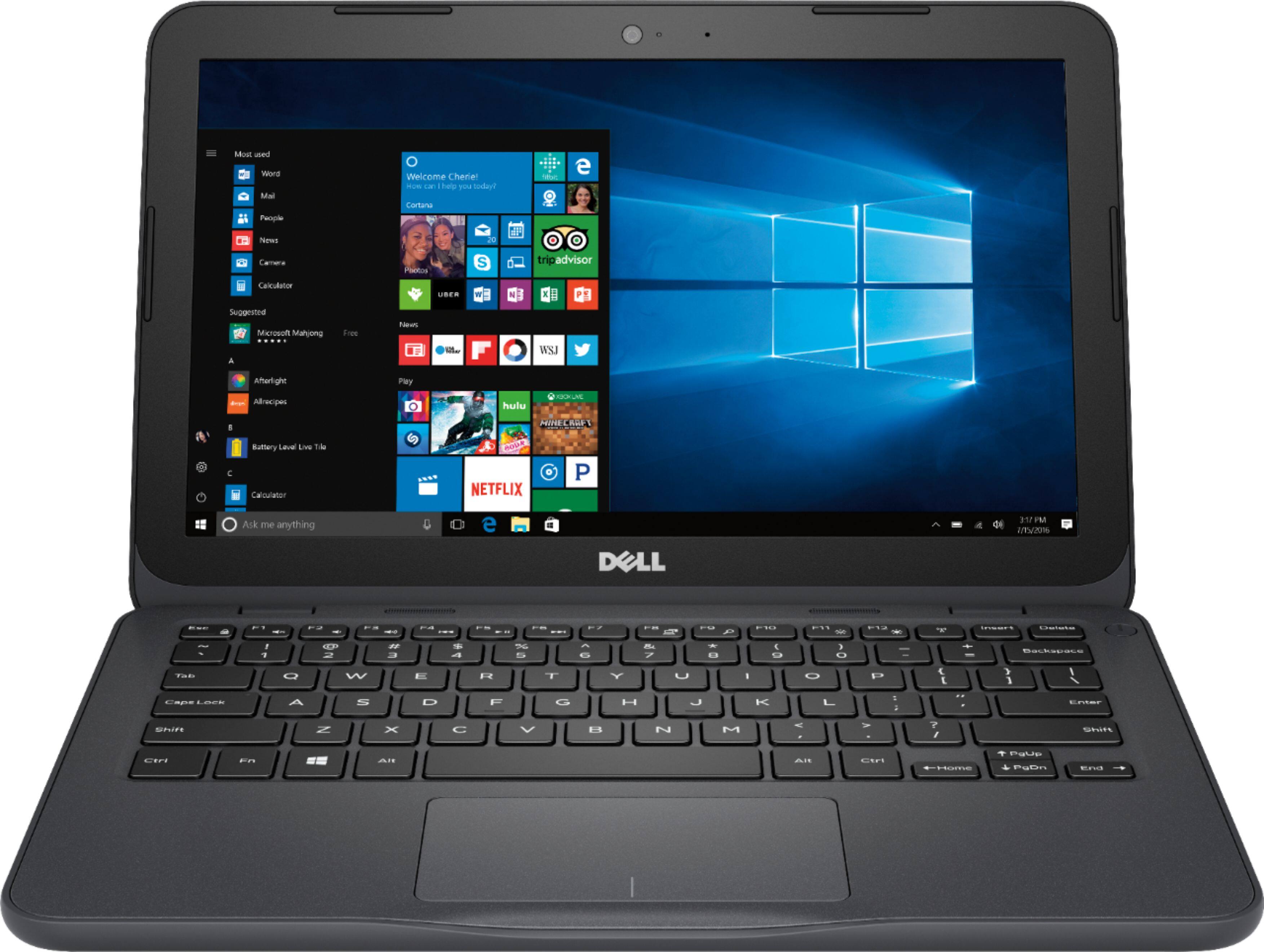
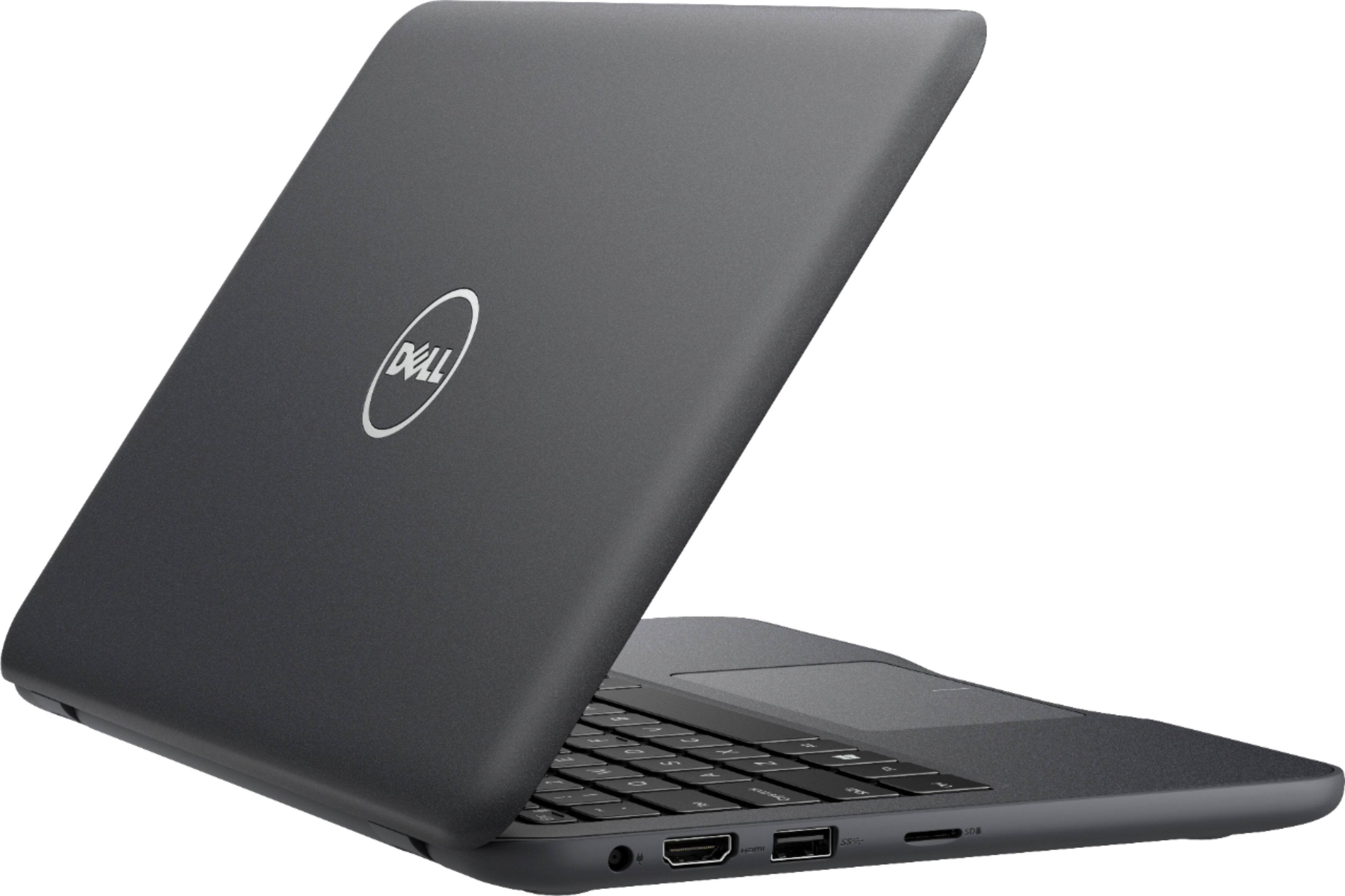
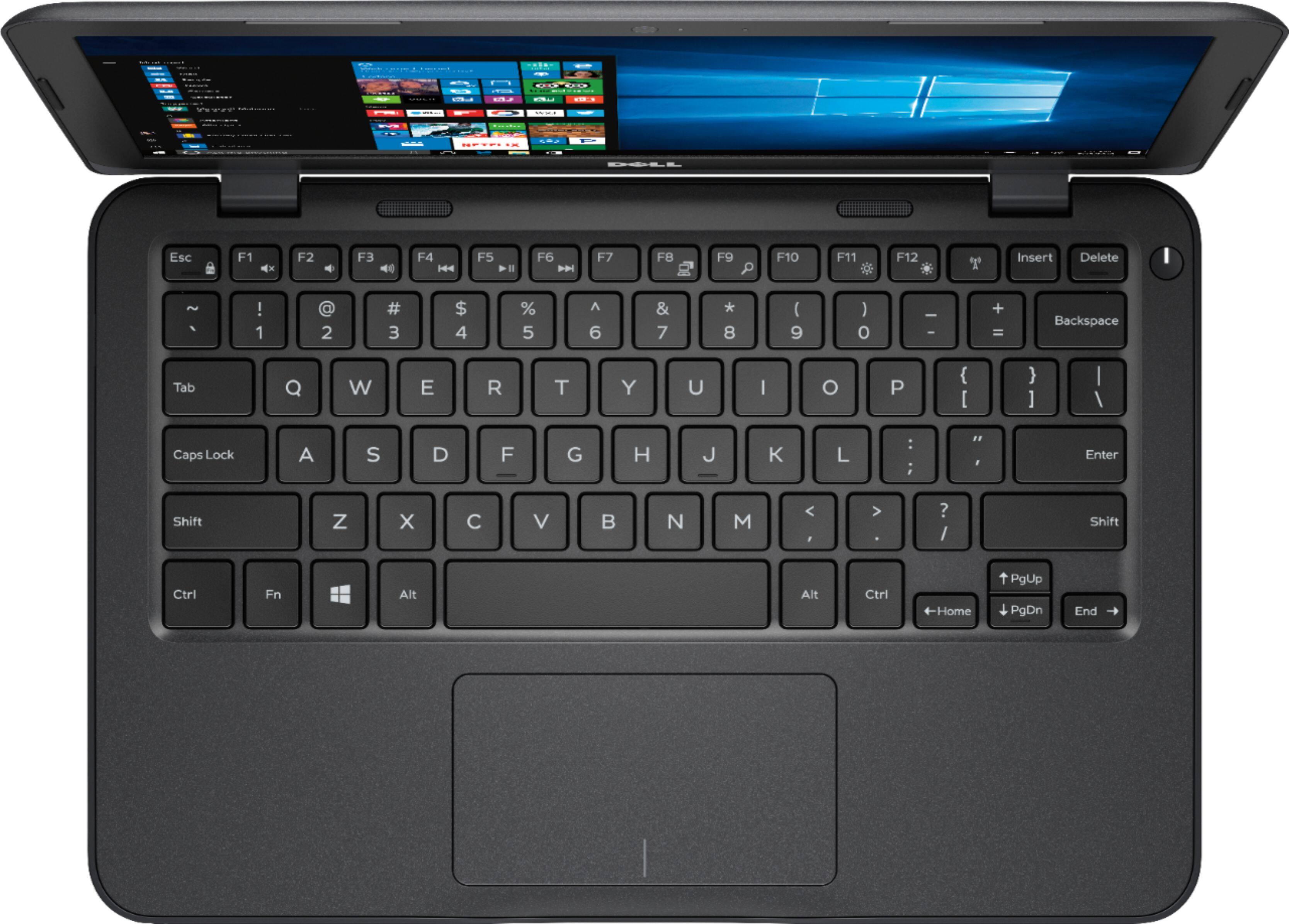

- Model:
- I3180-A361GRY-PUS
- SKU:
- 6188326
Rating by feature
- Value
Rating 3.9 out of 5 stars
- Quality
Rating 3.7 out of 5 stars
- Ease of Use
Rating 3.9 out of 5 stars
Customers are saying
Customers praise the Inspiron 11.6" Laptop for its portability, compact size, and affordable price. Many users find it perfect for students and everyday tasks. However, some customers express concerns about its limited storage space, slow performance, and insufficient memory.
This summary was generated by AI based on customer reviews.
Good
||Posted .This reviewer received promo considerations or sweepstakes entry for writing a review.It's a good low budget laptop, it gets the job done.
I would recommend this to a friendeasy to use
||Posted .This reviewer received promo considerations or sweepstakes entry for writing a review.dell did it again, another solid piece of equipment.
I would recommend this to a friendGets the job done at a decent price
||Posted . Owned for 1 year when reviewed.This reviewer received promo considerations or sweepstakes entry for writing a review.I was looking for a laptop to run a program for tuning my car. Didn't need anything super fancy but fast and functional enough to run the program based on its requirements. This Dell Inspiron checks all the aforementioned boxes. Matthew 7:12
I would recommend this to a friendSo far so good
||Posted .This reviewer received promo considerations or sweepstakes entry for writing a review.So far so good. Very fast and what is to be expected
I would recommend this to a friend- Cons mentioned:Memory
Wish I would of returned it
||Posted .This reviewer received promo considerations or sweepstakes entry for writing a review.Unfortunately it was too late before I realized how bad this computer (doesn’t even deserve to be called one) sucks! I bought this specifically to job search and use Word. No steaming gaming or anything crazy. The only thing I have on it is Microsoft word and an antivirus. I went to load the software for my printer and it tells me the memory is full!!! I have owned this for about 6 months. Also, it freezes constantly and randomly allows me to connect to my phones hotspot.
No, I would not recommend this to a friendBrand response from YourDellTeam
Posted .Leesuh,
We appreciate your review and we're sorry to hear about the troubles that you're having with your Dell computer. We'd recommend looking through the programs on your computer to see if you can remove any pre-installed programs that you do not plan to use. You can follow these steps to un-install programs and free up space on your computer: Uninstalling or removing software or applications that you do not use or do not need from your PC can help speed up your PC. Applications may include background processes, system services, context menu entries and other things that can slow down your PC.
Uninstall applications you no longer need using Programs and Features (previously called Add/Remove Programs). Unnecessary applications occupy space on your hard disk drive.
1. Press the Windows logo key + R on the keyboard.
2. In the Run dialog box, type appwiz.cpl and press the Enter key.
3. In the list, select a program and click Uninstall.
You can read the full article here - http://dell.to/2tSulGV.
If your computer continues to freeze on you, we'd recommend following these steps:
1. Run a Computer Diagnostic. To determine if your computer is experiencing a hardware problem, run the Dell Preboot System Assessment (PSA) Diagnostics. For information on how to run Diagnostics, and to determine the issue, refer to Dell Knowledge Base Article: http://dell.to/2iaiujA.
2. Check Safe Mode for Symptoms. To boot into safe mode, please follow the instructions below:
a) Start the computer.
b) Tap 'F8' on the keyboard immediately and every one second until the Dell logo screen disappears. From there you will see the Windows Advanced Options Menu on the screen. (If the Windows Advanced Options Menu does not appear, restart the system and try again.)
c) Select Safe mode with Networking and press Enter.
d) Log on as the administrator or as a user with administrative access.
e) Open applications and test the computer in safe mode. If the symptoms exist in safe mode, please continue the troubleshooting steps in this article. If the symptoms do not exist in safe mode, the issue is likely related to a driver or software and you may wish to complete steps 6 to see if you are able to resolve the lockups or freezing.
6. Check for Malware. Malware (Virus, Spyware, etc.) can definitely cause a Windows system to lock up or appear to hang. To check for malware on your system and to ensure that your computer is up to date on security software, visit Dell Knowledge Base Article: http://dell.to/2wWP1zI.
You can read the full article here - http://dell.to/2tW5m33.
Lastly, if you are experiencing connectivity issues you can troubleshoot them with these steps:
1. Run the Network Troubleshooter.
a) Touch and hold or right-click the network icon (Available Networks or Network Icon, located in the lower right-hand corner).
b) Touch or click Troubleshoot problems and then follow the prompts.
You can read the full article here - http://dell.to/2sLtwRh.
Best,
Bryan
1-800-624-9896
Too small for an average use
||Posted . Owned for more than 2 years when reviewed.This reviewer received promo considerations or sweepstakes entry for writing a review.I was so happy with the compact style, however after my Microsoft subscription was over could not put it on this laptop. It is tooo small even for an average user.
No, I would not recommend this to a friend- Cons mentioned:Slow
Slowest pc ever
||Posted .This reviewer received promo considerations or sweepstakes entry for writing a review.This is the slowest laptop I ever came cross. I did the reset in order to return to store, stupid thing took 3 hours. Running my problems took forever
No, I would not recommend this to a friend Great Laptop for the price
||Posted .This reviewer received promo considerations or sweepstakes entry for writing a review.I think this is a great laptop for the price. It is great for the beginner or someone who is looking to do simple searches, emails, etc. If you're looking to do advanced graphics or gaming, it's probably not for you. I think it's a great buy.
I would recommend this to a friendGreat computer for the price
||Posted .This reviewer received promo considerations or sweepstakes entry for writing a review.This computer is being used primarily for browser access, but with 4GB Mem, can handle running local apps as well. Excellent purchase and only adjustment was the smaller size
I would recommend this to a friend- Cons mentioned:Slow
Slow but cheap
||Posted .This reviewer received promo considerations or sweepstakes entry for writing a review.It’s a cheap lil PC. I didn’t expect much for the price and I was right. It’s slower than molasses but it does what I need for now.
No, I would not recommend this to a friendBrand response from YourDellTeam
Posted .Hello Grasshopper,
Thanks for your review. We're happy to hear that for the most part your computer is performing well for you. We're sorry to hear that it's performing slower than you'd like. We'd recommend running the Windows Performance Troubleshooter by following these steps:
1. Close all open windows.
2. Press the Windows logo key + X key on the keyboard.
3. Click Control Panel.
4. Click System and Security.
5. Under Security and Maintenance, select Troubleshoot common problems.
6. Under System and Security, click Run maintenance tasks.
7. Follow the on-screen instructions and prompts to complete the process.
8. Restart the PC.
You can read the full article here - http://dell.to/2tSulGV.
We hope that your computer will begin to speed up for you soon.
Best,
Bryan
1-800-624-9896
Good value laptop
||Posted . Owned for 1.5 years when reviewed.This reviewer received promo considerations or sweepstakes entry for writing a review.I'm happy with it as I bought it to write a novel in my free time. If you are a gamer or something, I imagine that you'd have complaints, but for my needs, this is an excellent budget laptop.
I would recommend this to a friendGreat computer for teen
||Posted .This reviewer received promo considerations or sweepstakes entry for writing a review.Good computer excellent bundled office.... My teen / 7th grader loved it. Perfect while they are still rough and tumble before I shell out money for an i5/i7. This one is plenty fast for online math or basic assignments
I would recommend this to a friendEasy to set up, very small
||Posted .This reviewer received promo considerations or sweepstakes entry for writing a review.I found a great price on a product that did what I needed to do. It was small. I wasn't expecting a large laptop but was surprised at how thin and small it really was.
I would recommend this to a friendBrand response from YourDellTeam
Posted .Hello susanclarkcox99,
Thank you for your feedback on your new Dell computer. We're glad to see that for the most part you are happy with your computer's performance. We'd recommend checking out our Product Support Page if you have questions: http://dell.to/2om4IeG.
Best,
Bryan
1-800-624-9896
- Cons mentioned:Build quality
Cheaply made laptop
||Posted .This reviewer received promo considerations or sweepstakes entry for writing a review.This Laptop is cheaply made. From the time my daughter starting using it,she asked me did I buy her a refurbished laptop. No ma'am it's a brand new one, well to make a long story short its been less than a month since I bought it and its completely falling apart. I'm taking it back today to see if they can do anything about this.
No, I would not recommend this to a friend - Cons mentioned:Memory
great for browsing
||Posted .This reviewer received promo considerations or sweepstakes entry for writing a review.this notebook has a cool look to it, slimline and is great for browsing the web. unfortunately their is very little memory.
I would recommend this to a friendBrand response from YourDellTeam
Posted .Hello Jetty,
We're sorry that your computer's memory is not meeting your needs. We'd recommend looking through the programs installed on your computer and seeing if any pre-installed programs can be removed if you do not plan to use them. Here are the steps to remove programs:
Uninstall applications you no longer need using Programs and Features (previously called Add/Remove Programs). Unnecessary applications occupy space on your hard disk drive.
1. Press the Windows logo key + R on the keyboard.
2. In the Run dialog box, type appwiz.cpl and press the Enter key.
3. In the list, select a program and click Uninstall.
You can read the full article here - http://dell.to/2tSulGV.
We hope these steps help free up some space on your computer.
Best,
Bryan
1-800-624-9896
No Microsoft
||Posted .This reviewer received promo considerations or sweepstakes entry for writing a review.Okay computer but the computer did not include Microsoft office and Best Buy made it very difficult to get key code.
No, I would not recommend this to a friendBrand response from YourDellTeam
Posted .Hi Kiasha,
Thanks for your review. We're sorry to hear that you had trouble activating your Microsoft Office programs. We hope that these issues have all been sorted out now. We'd encourage you to contact Best Buy's Customer Support Team directly if you have any additional questions: http://bit.ly/2v2IVhI.
Best,
Bryan
1-800-624-9896
Great starter laptop for my granddaughter
||Posted .This reviewer received promo considerations or sweepstakes entry for writing a review.Purchased this for my grand daughter as her first laptop, she was thrilled to receive this as a gift, this will get her through the basics and then will be able to up grade to a better on. Great for a starter
I would recommend this to a friend77 yo mom's...very first computer
||Posted .This reviewer received promo considerations or sweepstakes entry for writing a review.Just purchased this for my mom as gift for her 77th birthday. Hey very first computer....EVER!!!!!!!!! Very easy for her to set up and start using. Wondering what took her so long to have a personal computer.
I would recommend this to a friend- Cons mentioned:Slow
So Slow
||Posted .This reviewer received promo considerations or sweepstakes entry for writing a review.Very nice looking laptop, but oh my, is it ever slow! I just bought this to apply for jobs and upload my resume.
No, I would not recommend this to a friendBrand response from YourDellTeam
Posted .Shell13,
We're sorry that your computer is performing slower than you had hoped it would. We'd recommend running the Windows Performance Troubleshooter to see if there are ways to speed up your computer:
1. Close all open windows.
2. Press the Windows logo key + X key on the keyboard.
3. Click Control Panel.
4. Click System and Security.
5. Under Security and Maintenance, select Troubleshoot common problems.
6. Under System and Security, click Run maintenance tasks.
7. Follow the on-screen instructions and prompts to complete the process.
8. Restart the PC.
You can read the full article here - http://dell.to/2tSulGV.
We hope these tips will help speed up your computer.
Best,
Bryan
1-800-624-9896
- Cons mentioned:Slow
VERY SLOW COMPUTER
||Posted .This reviewer received promo considerations or sweepstakes entry for writing a review.Very slow computer. Began slow and is still slow. Has good features though. Disappointed and a waste of money.
No, I would not recommend this to a friendBrand response from YourDellTeam
Posted .ML25,
We're sorry that your computer is running slower than you'd like it to. We'd recommend running the Windows Performance Troubleshooter to see if there are ways to speed up your computer:
1. Close all open windows.
2. Press the Windows logo key + X key on the keyboard.
3. Click Control Panel.
4. Click System and Security.
5. Under Security and Maintenance, select Troubleshoot common problems.
6. Under System and Security, click Run maintenance tasks.
7. Follow the on-screen instructions and prompts to complete the process.
8. Restart the PC.
You can read the full article here - http://dell.to/2tSulGV.
We hope that your computer begins to perform better for you soon.
Best,
Bryan
1-800-624-9896