Customer Ratings & Reviews

- Model:
- I3180-A361GRY-PUS
- SKU:
- 6188326
Rating by feature
- Value
Rating 3.9 out of 5 stars
- Quality
Rating 3.7 out of 5 stars
- Ease of Use
Rating 3.9 out of 5 stars
Customers are saying
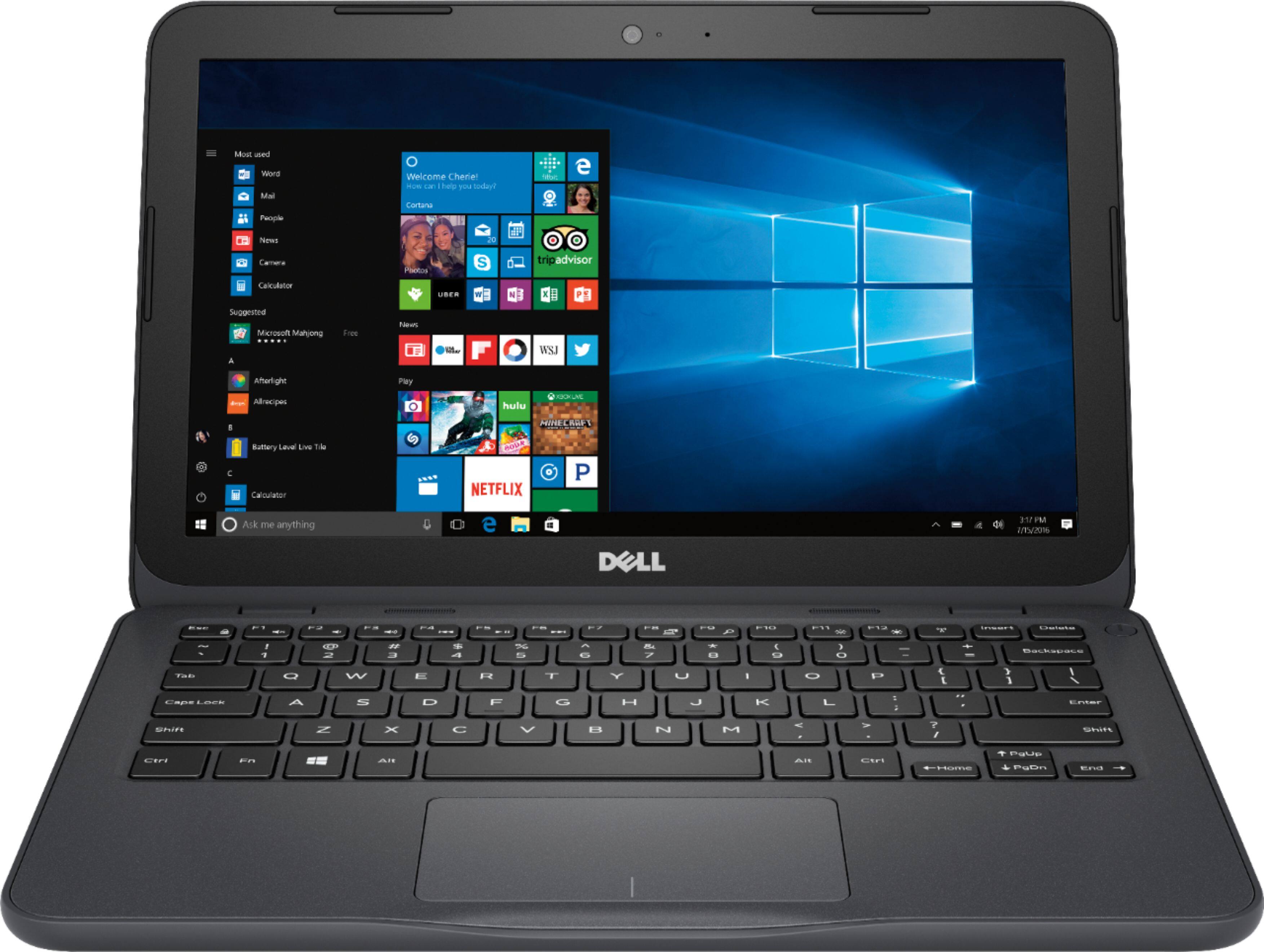
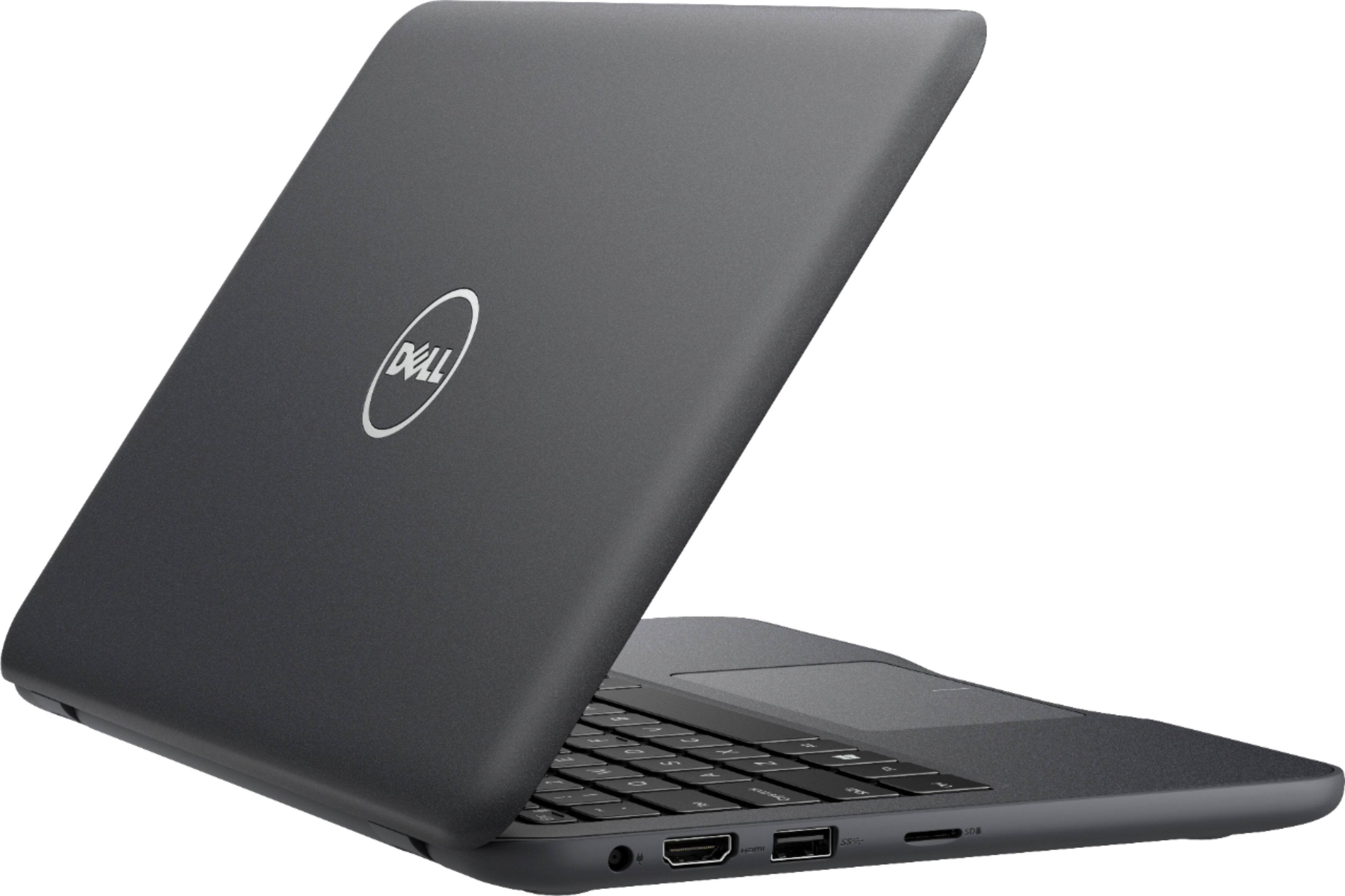
Customers praise the Inspiron 11.6" Laptop for its portability, compact size, and affordable price. Many users find it perfect for students and everyday tasks. However, some customers express concerns about its limited storage space, slow performance, and insufficient memory.
This summary was generated by AI based on customer reviews.
horrible laptop
||Posted . Owned for 1.5 years when reviewed.This reviewer received promo considerations or sweepstakes entry for writing a review.battery length is terrible, system overheats, etc, wish I could return it but alas I cannot :(
No, I would not recommend this to a friend- Cons mentioned:Performance
Generally slow, only good for internet
||Posted .This reviewer received promo considerations or sweepstakes entry for writing a review.Don't expect much from this laptop, it's slow and runs out of space when you have your first windows update.
No, I would not recommend this to a friendBrand response from YourDellTeam
Posted .TH20166,
We appreciate your feedback. If you'd like to speed up your computer we'd recommend running the Windows Performance Troubleshooter to see if there are ways to speed up your computer:
1. Close all open windows.
2. Press the Windows logo key + X key on the keyboard.
3. Click Control Panel.
4. Click System and Security.
5. Under Security and Maintenance, select Troubleshoot common problems.
6. Under System and Security, click Run maintenance tasks.
7. Follow the on-screen instructions and prompts to complete the process.
8. Restart the PC.
You can read the full article here - http://dell.to/2tSulGV.
If you'd like to free up space on your computer we'd recommend looking to see if there are any programs you can uninstall and follow these steps: Uninstalling or removing software or applications that you do not use or do not need from your PC can help speed up your PC. Applications may include background processes, system services, context menu entries and other things that can slow down your PC.
Uninstall applications you no longer need using Programs and Features (previously called Add/Remove Programs). Unnecessary applications occupy space on your hard disk drive.
1. Press the Windows logo key + R on the keyboard.
2. In the Run dialog box, type appwiz.cpl and press the Enter key.
3. In the list, select a program and click Uninstall.
You can read the full article here - http://dell.to/2tSulGV.
We'd also recommend storing files in the cloud with Microsoft OneDrive so they do not take up too much space.
Best,
Bryan
1-800-624-9896
- Cons mentioned:Slow
wouldn't even stay conneted at the store
||Posted .This reviewer received promo considerations or sweepstakes entry for writing a review.We bought this online and picked it up at the store. while at the store we seen the display modle and decided to check it out. good thing we did, this laptop is very slow and I mean slow. The picture quality is horible. not for use so we went to the return counter and exchanged it for different type that seen and tested. Customer service has been great at Bestbuy..
No, I would not recommend this to a friendBrand response from YourDellTeam
Posted .HappyCustomer,
We're glad to see that you've found a different computer that better meets your needs. If you experience slowness with your new computer in the future we'd recommend running the Windows Performance Troubleshooter:
1. Close all open windows.
2. Press the Windows logo key + X key on the keyboard.
3. Click Control Panel.
4. Click System and Security.
5. Under Security and Maintenance, select Troubleshoot common problems.
6. Under System and Security, click Run maintenance tasks.
7. Follow the on-screen instructions and prompts to complete the process.
8. Restart the PC.
You can read the full article here - http://dell.to/2tSulGV.
We hope that your new computer continues to work well for you.
Best,
Bryan
1-800-624-9896
- Cons mentioned:Slow
Do not buy!
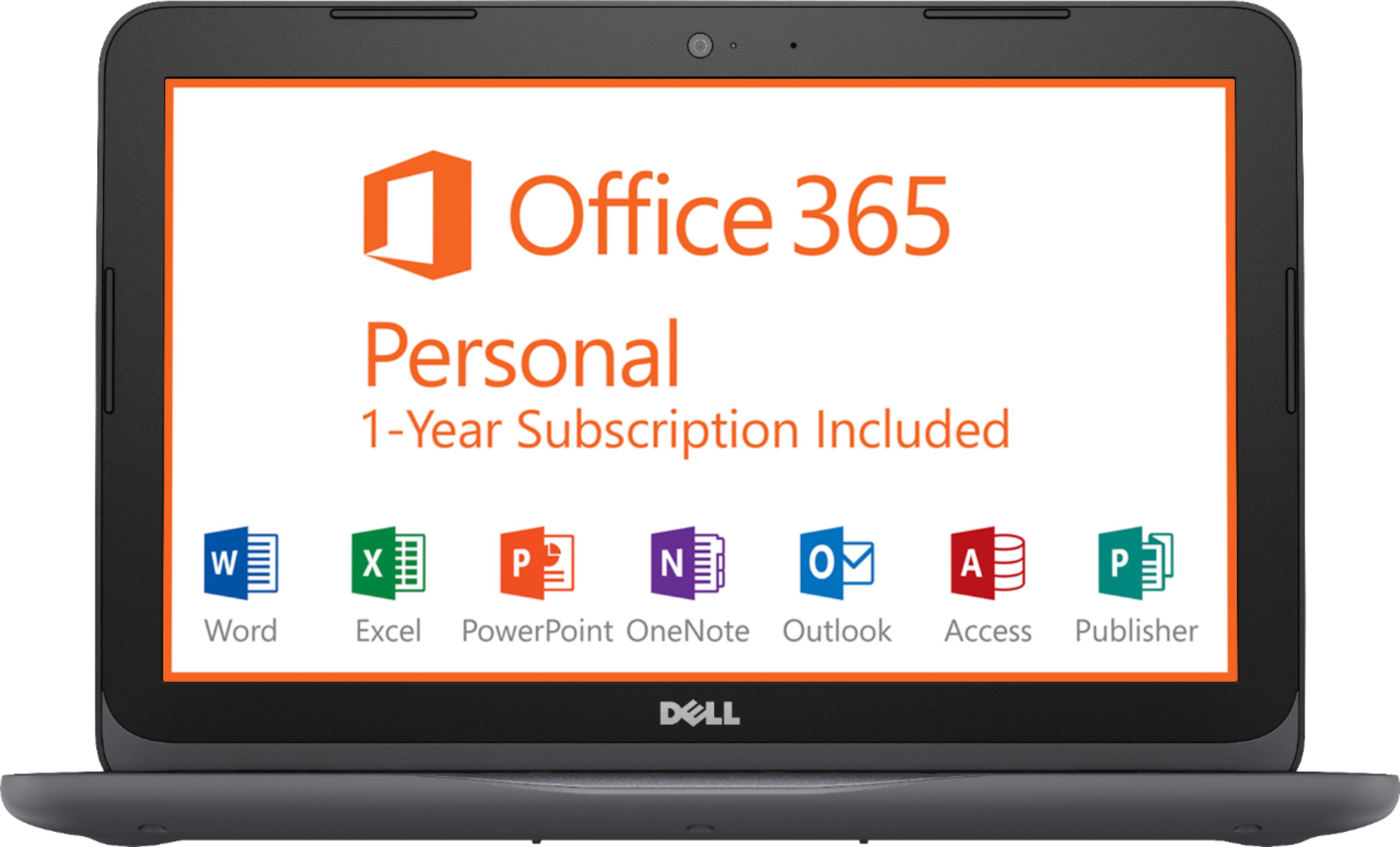
||Posted .This reviewer received promo considerations or sweepstakes entry for writing a review.This computer is an absolute piece of crap. Not only did it not come with the 1 year subscription of Microsoft Office, it is so slow it is unusable. When you click on something on the main page it won't respond at all, my second attempt logging in is taking 15 minutes and counting. This isn't even viable for a child as it is so slow that you literally can't use it.
No, I would not recommend this to a friendBrand response from YourDellTeam
Posted .Jessielynnski,
Thanks so much for your review and we're sorry that your computer did not come the way you had hoped it would. We'd recommend contacting Best Buy's Customer Support Team directly about your concern with Microsoft Office: http://bit.ly/2v2IVhI.
If your computer continues to run slow we'd recommend running the Windows Performance Troubleshooter to see if anything can help your computer run faster for you:
1. Close all open windows.
2. Press the Windows logo key + X key on the keyboard.
3. Click Control Panel.
4. Click System and Security.
5. Under Security and Maintenance, select Troubleshoot common problems.
6. Under System and Security, click Run maintenance tasks.
7. Follow the on-screen instructions and prompts to complete the process.
8. Restart the PC.
You can read the full article here - http://dell.to/2tSulGV.
Best,
Bryan
1-800-624-9896
- Cons mentioned:Memory
Good
||Posted .This reviewer received promo considerations or sweepstakes entry for writing a review.Very low price very low memory can't even update windows without jump stick for a child good first computer
I would recommend this to a friendBrand response from YourDellTeam
Posted .brian,
We're sorry that you're having storage concerns with your new Dell laptop. We'd recommend using Microsoft OneDrive to store some of your files in the cloud so that you can free up some space if you need to. We hope this helps.
Best,
Bryan
1-800-624-9896
- Cons mentioned:Slow
Slow
||Posted .This reviewer received promo considerations or sweepstakes entry for writing a review.The laptop off the gate was somewhat fast but slowly lost speed as time advanced. Wouldn’t purchase this
No, I would not recommend this to a friendBrand response from YourDellTeam
Posted .JP24
We're sorry to hear that over time your computer has been slowing down on you. We'd recommend running the Windows Performance Troubleshooter to see if it can help your computer run faster:
1. Close all open windows.
2. Press the Windows logo key + X key on the keyboard.
3. Click Control Panel.
4. Click System and Security.
5. Under Security and Maintenance, select Troubleshoot common problems.
6. Under System and Security, click Run maintenance tasks.
7. Follow the on-screen instructions and prompts to complete the process.
8. Restart the PC.
You can read the full article here - http://dell.to/2tSulGV.
We hope these steps will help your computer run better for you.
Best,
Bryan
1-800-624-9896
Nice machine but a tiny screen
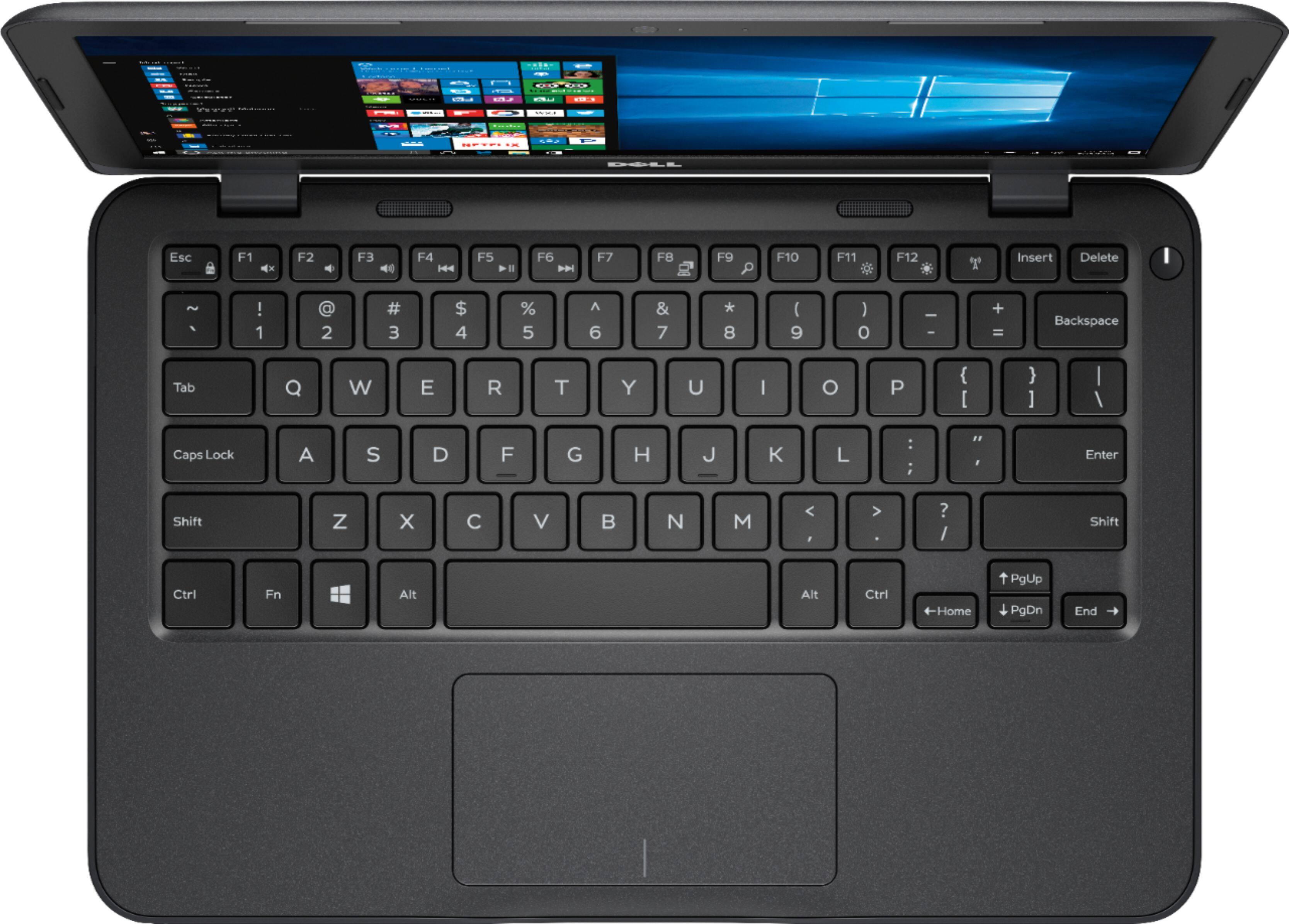
||Posted .This reviewer received promo considerations or sweepstakes entry for writing a review.Fast and capable computer but not good as a general laptop. More suited for light computing and confined travel. Too small for presentations.
No, I would not recommend this to a friendBrand response from YourDellTeam
Posted .Alex,
Thanks for your feedback on your new Dell laptop. If you have questions about how to improve your laptop you can check our Product Support Page here - http://dell.to/2om4IeG.
We hope that your computer continues to meet your needs.
Best,
Bryan
1-800-624-9896
Good value for the price
||Posted .This reviewer received promo considerations or sweepstakes entry for writing a review.Decent budget buy. Desktop performance is quite good. Even large applications such as web browsers perform quite well. Keyboard is decent.
No, I would not recommend this to a friendBrand response from YourDellTeam
Posted .joannalx,
We're very happy that your new Dell computer is working well for you. We'd recommend that you check out our Product Support Page if you have any questions: http://dell.to/2om4IeG.
Best,
Bryan
1-800-624-9896
Lot's of value for the price point.
||Posted .This reviewer received promo considerations or sweepstakes entry for writing a review.Good value for a low price point. Invested more money just two years ago for less speed less features less benefits. I would have been glad to spend 50% more with the lit keyboard.
I would recommend this to a friendGood price!
||Posted .This reviewer received promo considerations or sweepstakes entry for writing a review.Good computer for basic use and for a really great price
I would recommend this to a friendGreat for my student
||Posted .This reviewer received promo considerations or sweepstakes entry for writing a review.It has enough memory for school & home use. My student is rough on computers and this one is holding up perfectly! J am buying one for myself now due to price and durability!
I would recommend this to a friendWorks for what was needed
||Posted . Owned for more than 2 years when reviewed.This reviewer received promo considerations or sweepstakes entry for writing a review.Works good nice computer does what I need . If you need more this isn’t the one it is as basic as it gets
I would recommend this to a friendSmall laptop
||Posted .This reviewer received promo considerations or sweepstakes entry for writing a review.Its a great little computer that gets things done for the most part. No disk drive and nowhere close to any kinda storage!!!!
No, I would not recommend this to a friendBrand response from YourDellTeam
Posted .BeckaC,
Thanks for your review. We're sorry to hear that your new Dell laptop does not have everything that you were hoping for. We'd recommend storing files in the cloud with Microsoft OneDrive for additional space on your computer.
If you'd like a disc drive for your computer you can purchase a Dell External Disc Drive from Best Buy here: http://bit.ly/2N8c7bq.
We hope that your computer will continue to meet your needs.
Best,
Bryan
1-800-624-9896
Awesome
||Posted . Owned for more than 2 years when reviewed.This reviewer received promo considerations or sweepstakes entry for writing a review.I always shop Bestbuy , customer service is always great,wasn't 100% happy with cost to open forgotten administrative p.w but still # fan.
I would recommend this to a friend- Cons mentioned:Build quality
Unable to give 0 stars
||Posted . Owned for 11 months when reviewed.This reviewer received promo considerations or sweepstakes entry for writing a review.This piece of junk broke both hinges after only 3 months of very light use. When I took it in to Best Buy they stated it was past their return period, and the manufacturer warranty doesn’t cover physical defects. Never purchasing electronics from anywhere besides Costco again. Quality customer service speaks a fortune.
No, I would not recommend this to a friend Not The Greatest
||Posted .This reviewer received promo considerations or sweepstakes entry for writing a review.I bought this laptop during my last two months of college to finish up my senior year because my old one ran its course. I knew that it was a really cheap laptop, but I only needed it to get me through my classes. It barely made it through that time period and is a piece of junk now. It’s hard to turn on and it crashes pretty much every time I use it. Don’t buy this unless you only plan to use it for about a month.
No, I would not recommend this to a friendBrand response from YourDellTeam
Posted .Hello Star21,
We're sorry that your computer only lasted you for a short amount of time. We'd recommend that you limit the number of programs that launch at startup if it is not loading quick enough for you:
1. Close all open windows.
2. Press CTRL + Shift + ESC key together on the keyboard.
3. In the Task Manager window, click Startup tab.
4. Select the program or application that you want to disable from loading during startup.
5. Right-click and select Disable.
6. Repeat Step 4 & 5 for all the programs or applications that you want to disable from loading during startup.
7. Restart your PC.
You can read the full article here - http://dell.to/2tSulGV.
We'd also recommend diagnosing the crashes that you're experiencing with these steps:
1. At the desktop, click the Search the web and Windows box and type "problem reports".
2. Select View all problem reports to view a list of errors that have occurred on your computer and possible solutions for them, such as updating drivers, flashing your system BIOS, or checking for updates to the software.
3. Under the Source column, look for Windows and under Summary, look for Shut down unexpectedly.
4. Right-click the line item and select Check for a solution.
We'd also suggest checking to make sure that your software and drivers are up to date on Dell's Product Page - http://dell.to/2om4IeG.
You can read the full article here - http://dell.to/2u98Cct.
Best,
Bryan
1-800-624-9896
- Cons mentioned:Storage
No storage
||Posted .This reviewer received promo considerations or sweepstakes entry for writing a review.I bought this product understanding that storage was limited, but just how limited was underscored by the dimensions given by Dell. After downloading Microsoft Office, there is almost no space. I currently have deleted all nonessential apps and can store 6 five page papers before getting an error that my device is running too low on space.
No, I would not recommend this to a friendBrand response from YourDellTeam
Posted .Hello Jess,
We're sorry to hear that the storage on your new computer is not as much as you had hoped it would be. We're glad to see that you have removed non-essential programs. We'd also recommend using Microsoft's OneDrive to store files in the cloud. We hope this helps free up some space for you.
Best,
Bryan
1-800-624-9896
- Cons mentioned:Slow
slow laptop
||Posted .This reviewer received promo considerations or sweepstakes entry for writing a review.the computer was not as fast as usual. there was some lag when you open youtube and sites.
No, I would not recommend this to a friendBrand response from YourDellTeam
Posted .Hi bish,
We appreciate your feedback on your new Dell computer. We're sorry it's not running as fast as you'd like it to. We'd recommend running the Windows Performance Troubleshooter to see if there are any ways that your computer can speed up:
1. Close all open windows.
2. Press the Windows logo key + X key on the keyboard.
3. Click Control Panel.
4. Click System and Security.
5. Under Security and Maintenance, select Troubleshoot common problems.
6. Under System and Security, click Run maintenance tasks.
7. Follow the on-screen instructions and prompts to complete the process.
8. Restart the PC.
You can read the full article here - http://dell.to/2tSulGV.
We hope these tips help bring your computer up to speed.
Best,
Bryan
1-800-624-9896
Perfect!!
||Posted . Owned for more than 2 years when reviewed.This reviewer received promo considerations or sweepstakes entry for writing a review.Absolutely the perfect piece of equipment. Works great, priced right, great customer service from the manufacturer if needed. AAA+++!!!!
I would recommend this to a friendGreat laptop for a great price
||Posted .This reviewer received promo considerations or sweepstakes entry for writing a review.I've never owned a Dell before, but I couldn't be happier with my new purchase! This laptop is a dream. It is incredibly user friendly and operates quickly and smoothly.
I would recommend this to a friend