Customer Ratings & Reviews

- Model:
- I3180-A361GRY-PUS
- SKU:
- 6188326
Rating by feature
- Value
Rating 3.9 out of 5 stars
- Quality
Rating 3.7 out of 5 stars
- Ease of Use
Rating 3.9 out of 5 stars
Customers are saying
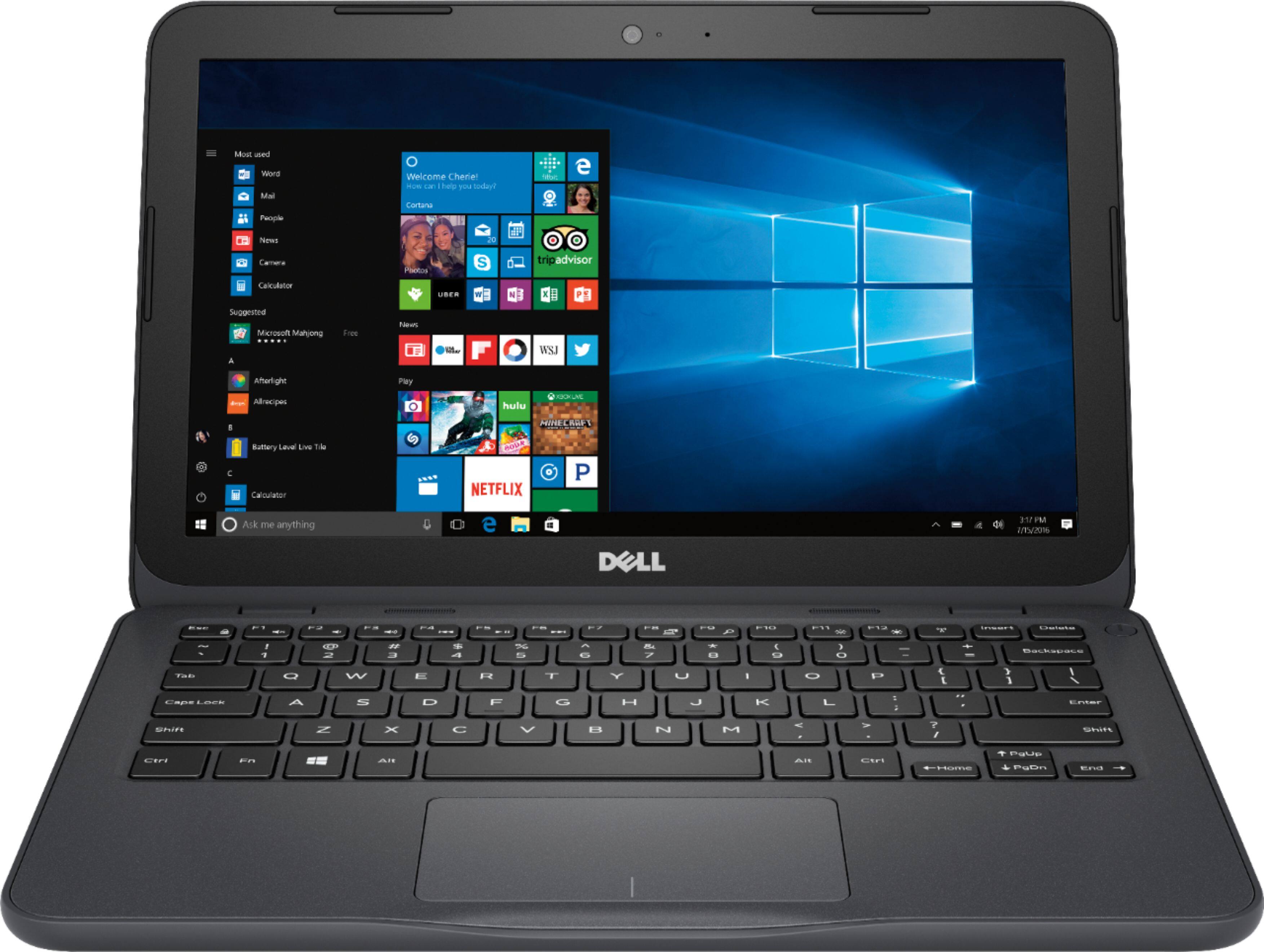
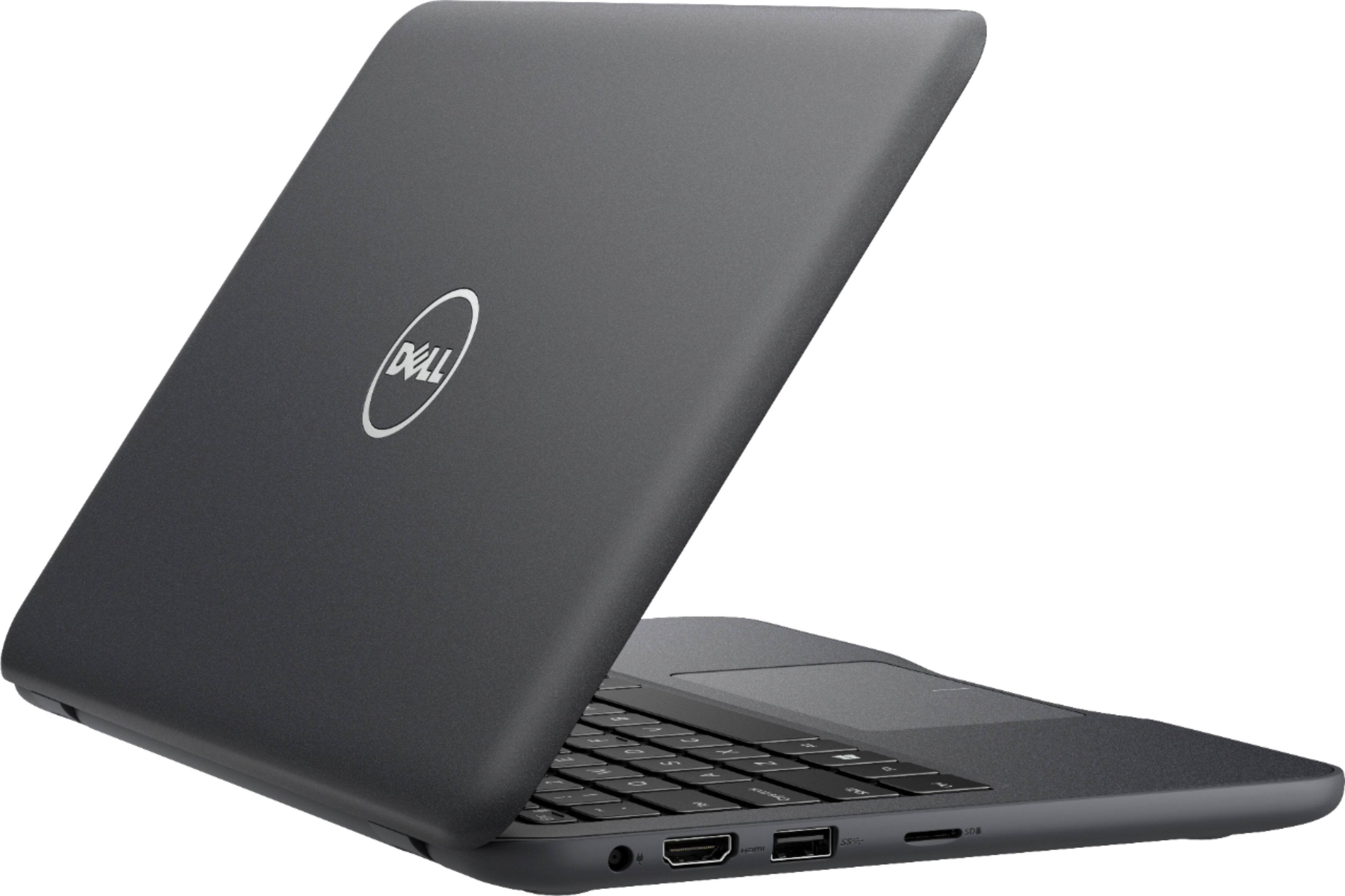
Customers praise the Inspiron 11.6" Laptop for its portability, compact size, and affordable price. Many users find it perfect for students and everyday tasks. However, some customers express concerns about its limited storage space, slow performance, and insufficient memory.
This summary was generated by AI based on customer reviews.
Great computer for scrapbooking.
||Posted .This reviewer received promo considerations or sweepstakes entry for writing a review.Use for a second computer to print labels for scrap books and photo albums. Short on memory, but this doesn't matter as we use flash drives for the different projects.
I would recommend this to a friendFaulty machine
||Posted .This reviewer received promo considerations or sweepstakes entry for writing a review.I bought this device on sale for $129. Got to my boyfriend's house, did the set up, connected to WiFi. Worked fine the entire weekend at his house. Got to my house, connected to my WiFi, connection would drop every 30 minutes to an hour and no matter what i tried, tue status would still say "connected, no internet" so i would keep end up having to restart. After about a week of this, i finally told myself that I'm going to return this crap. The day i was going to return it, i noticed a few scratches on it, which kind of discouraged me because i didn't want to return it damaged. So next thing you know, that same evening, it stayed connected and has been doing so up until now so I'm happy about that. The other thing it's been doing since i bought it is when I'm watching a video, the screen goes black and it starts to show like a jigsaw puzzle, then it shows normal again. And then the other day the battery died and i had a hard time getting the device to turn on. I will be getting in touch with Dell to request a new device be sent to me because there's a reason i don't buy refurbished items..... I don't need the head ache. Thanks
No, I would not recommend this to a friendBrand response from YourDellTeam
Posted .Cherise,
We're sorry to hear that your new computer has been giving you problems. If you'd like to diagnose any connectivity concerns you can follow these steps:
1. Run the Network Troubleshooter.
a) Touch and hold or right-click the network icon (Available Networks or Network Icon, located in the lower right-hand corner).
b) Touch or click Troubleshoot problems and then follow the prompts.
You can read the full article here - http://dell.to/2sLtwRh.
If you'd like to extend your computer's battery life you can try the following:
Change the Power Plan:
1. On the notification area of the taskbar, right-click the Battery icon.
2. On the options list, click Power Options.
3. Select a power plan on the battery meter, such as Power Saver or Balanced. Windows 10 has a built in 'Battery Saver' mode that can be activated to extend your system's battery life. The Battery Saver mode will monitor and limit background activity and other features such as push notifications. You do have the option to enable or disable this mode within settings or within advanced Battery Saver settings, you can customize the mode to best suit your needs.
a) Click on the Action Center icon in the taskbar and select the tile for Battery Saver.
b) If running Cortana then type Battery Saver into the search box and select from the results.
Within the Battery Saver settings page, you will be able to turn on and off the feature and customize the feature to best meet your needs.
c) Turn Battery Saver On or Off.
d) Additional settings available via the Battery use and Battery saver settings links.
e) Battery use shows further info on apps and their power usage.
f) Battery Saver Settings screen allows you to customize further Battery Saver feature.
You can read the full article here - http://dell.to/2vfXWf4.
Lastly, if you'd like to reach out to Dell's Technical Support Team you can contact them here: http://dell.to/2sH7Qlm.
We hope that these tips will help your computer perform better for you.
Best,
Bryan
1-800-624-9896
Good compact Laptop
||Posted .This reviewer received promo considerations or sweepstakes entry for writing a review.Good basic to mid level Laptop for the buck. Can do some of the Basic work and more. Is ok to work with Microsoft Office.
I would recommend this to a friendBrand response from YourDellTeam
Posted .Hello Anton,
Thanks for your review. We're glad that for the most part your new laptop is working well. If you have questions about how it can work better for you, you can check our Product Support Page here: http://dell.to/2om4IeG.
Best,
Bryan
1-800-624-9896
Good Laptop for the price
||Posted .This reviewer received promo considerations or sweepstakes entry for writing a review.We needed a laptop to surf the web and to utilize office software. This PC does those tasks just fine. Have not tested battery life yet, but i hope to achieve 4hrs.
I would recommend this to a friendNot so good.
||Posted .This reviewer received promo considerations or sweepstakes entry for writing a review.3 months in and I have to bang it to turn it on. Over heats. Not worth the money.
No, I would not recommend this to a friendBrand response from YourDellTeam
Posted .sqrlstw,
We're sorry that your computer is overheating on you. We'd recommend the following tips to keep your computer cooler:
Tips for Proper Usage:
1. Dell does not recommend placing portable systems directly on your lap. Due to reductions in the thickness of modern portable systems, heat transfer can be an issue.
2. Using a portable system (Laptop) on a hard, flat, non-cloth surface will increase airflow and reduce heat from underneath and inside the system.
Using the portable system on a blanket, pillow, or other types of cloth will cover up the fan cause the computer to overheat and can cause permanent damage.
3. It is recommended to use the portable system in a Room temperature of 0°C to 35°C (32°F to 95°F) with a Humidity level no greater than 90%.
4. Use compressed air to clean the vents on a regular basis.
5. Using a cooling pad can decrease heat and increase performance.
6. If you want to know the temperature limitations for your system, go to the Dell Support Website, look up your system model then open the user guide under the manuals link.
You can read the full article here - http://dell.to/2uJ8AdG.
Best,
Bryan
1-800-624-9896
Perfect computer for traveling
||Posted .This reviewer received promo considerations or sweepstakes entry for writing a review.I think this is the perfect size for traveling without being bulky. It has enough power for my personal needs and the capability to do work for my job as well.
I would recommend this to a friendGood for the price
||Posted .This reviewer received promo considerations or sweepstakes entry for writing a review.Works like a mini laptop should. Great for Browsing and pictures or Netflix. Wouldn't recommend for any type of gaming.
I would recommend this to a friendBrand response from YourDellTeam
Posted .Hi M7steven,
We appreciate the time you took to leave your review. We're happy to hear that for the most part, it is meeting your needs. If you have any questions about your computer you can always refer to our Product Support Page here - http://dell.to/2om4IeG.
Best,
Bryan
1-800-624-9896
Awesome
||Posted . Owned for 1 year when reviewed.This reviewer received promo considerations or sweepstakes entry for writing a review.Value for the money. Nice little laptop with food battery life. Little less on storage space but that can be solved by using a microsd card.
I would recommend this to a friendJust for the basics
||Posted .This reviewer received promo considerations or sweepstakes entry for writing a review.This computer is okay, if you just need to surf the web on occasion, but the lack of memory makes it hard to use.
No, I would not recommend this to a friendBrand response from YourDellTeam
Posted .HJ24,
We're sorry that the memory on your computer is making it hard to work with. We'd recommend looking through your programs to make sure that there aren't any pre-installed programs that you could remove. If you'd like to remove any programs here are the steps:
Uninstall applications you no longer need using Programs and Features (previously called Add/Remove Programs). Unnecessary applications occupy space on your hard disk drive.
1. Press the Windows logo key + R on the keyboard.
2. In the Run dialog box, type appwiz.cpl and press the Enter key.
3. In the list, select a program and click Uninstall.
You can read the full article here - http://dell.to/2tSulGV.
We hope this helps your computer's memory.
Best,
Bryan
1-800-624-9896
- Cons mentioned:Storage
Just okay
||Posted .This reviewer received promo considerations or sweepstakes entry for writing a review.Not enough storage for anything big. Good for using the internet only.
No, I would not recommend this to a friendBrand response from YourDellTeam
Posted .Pamela,
We're sorry to hear that your computer does not have the storage capacity that you were looking for. We'd recommend storing some files in the cloud with Microsoft's OneDrive.
You can also look through your computer to see if there are any programs that you do not plan to use that you can remove with the following steps:
Uninstalling or removing software or applications that you do not use or do not need from your PC can help speed up your PC. Applications may include background processes, system services, context menu entries and other things that can slow down your PC.
Uninstall applications you no longer need using Programs and Features (previously called Add/Remove Programs). Unnecessary applications occupy space on your hard disk drive.
1. Press the Windows logo key + R on the keyboard.
2. In the Run dialog box, type appwiz.cpl and press the Enter key.
3. In the list, select a program and click Uninstall.
You can read the full article here - http://dell.to/2tSulGV.
Best,
Bryan
1-800-624-9896
Good Product
||Posted .This reviewer received promo considerations or sweepstakes entry for writing a review.Great product overall works perfectly fine, I've had no issues at all. I love how durable this is and how long it has been working since my purchase.
I would recommend this to a friendTouchscreen Laptop
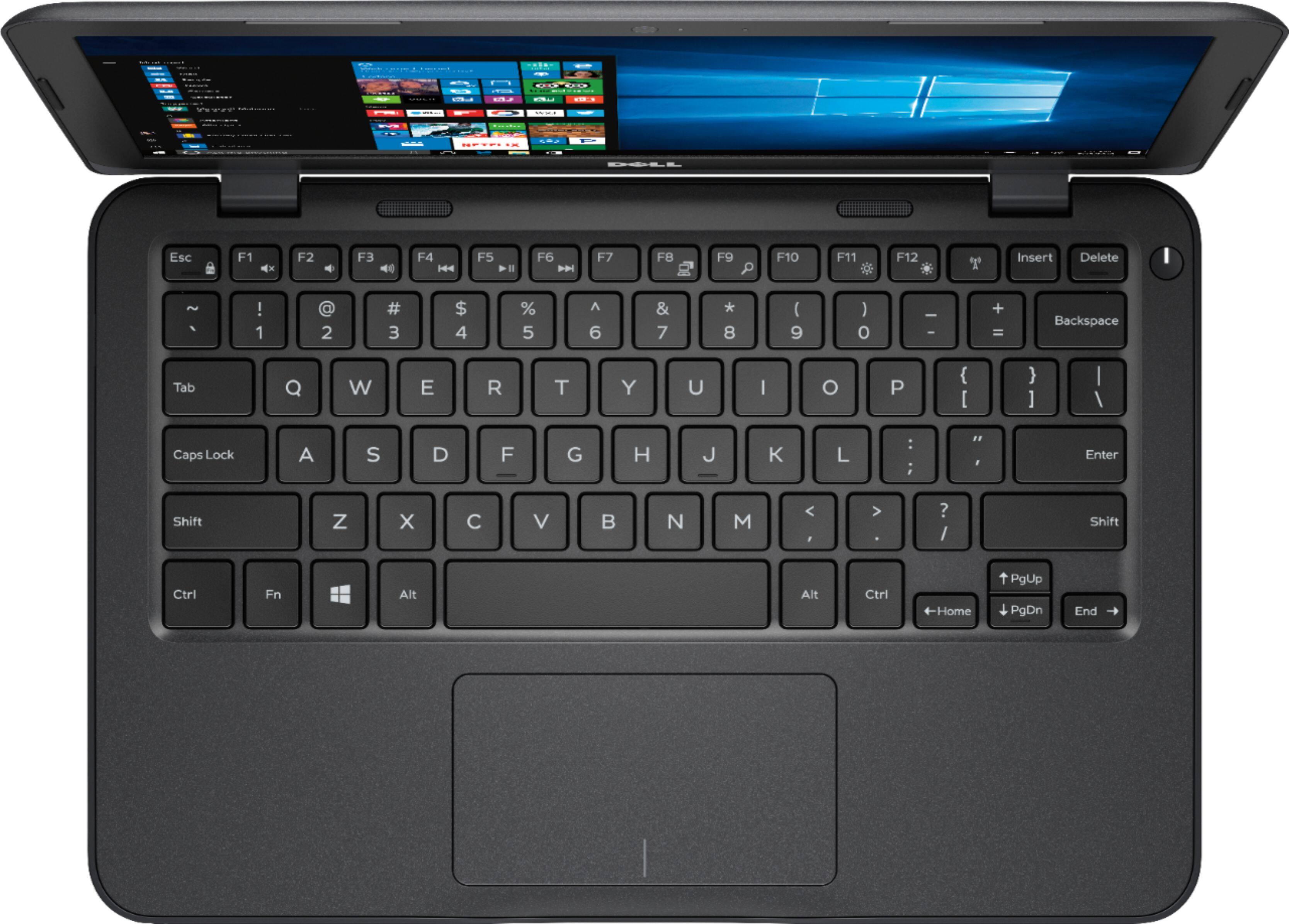
||Posted .This reviewer received promo considerations or sweepstakes entry for writing a review.This has been a good laptop. Light up keyboard will now be required on all my computers. Only issue is the case has separated in one place.
I would recommend this to a friendGreat value!
||Posted .This reviewer received promo considerations or sweepstakes entry for writing a review.This computer is being used for school homework and it works great. It is low cost, super easy to set up and is really fast for such a bargain price.
I would recommend this to a friend- Cons mentioned:Slow
EXTREMELY SLOW
||Posted .This reviewer received promo considerations or sweepstakes entry for writing a review.you pay for what you get... My goodness this thing is slow! Steer clear! Seriously! Brand new out the box this thing is slow!!! Do not buy splurge a little more!
No, I would not recommend this to a friendBrand response from YourDellTeam
Posted .leroy,
We're sorry to hear that your new Dell laptop is not as fast as you'd like it to be. We'd recommend running the Windows Performance Troubleshooter to see what you may be able to do to speed up your computer. You can follow these steps:
1. Close all open windows.
2. Press the Windows logo key + X key on the keyboard.
3. Click Control Panel.
4. Click System and Security.
5. Under Security and Maintenance, select Troubleshoot common problems.
6. Under System and Security, click Run maintenance tasks.
7. Follow the on-screen instructions and prompts to complete the process.
8. Restart the PC.
You can read the full article here - http://dell.to/2tSulGV.
We hope that these tips help your computer run faster for you.
Best,
Bryan
1-800-624-9896
Laptop
||Posted . Owned for more than 2 years when reviewed.This reviewer received promo considerations or sweepstakes entry for writing a review.I own this laptop for two years and it is an excellent laptop for basic needs if you don't need a lot of memory.
I would recommend this to a friendGreat computer for the price
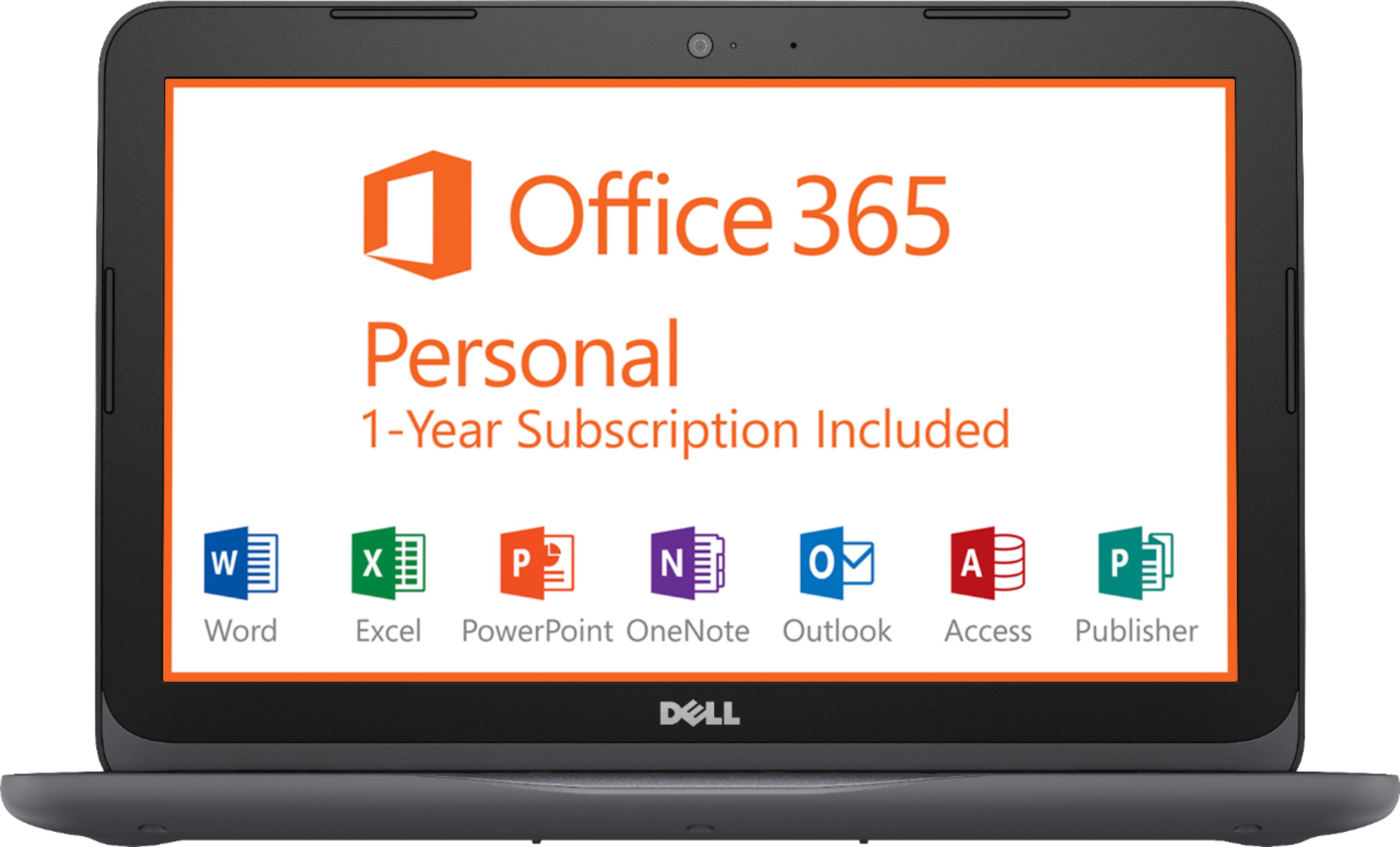
||Posted .This reviewer received promo considerations or sweepstakes entry for writing a review.This was a great computer for the price. Was a deal of the day. Get the windows office programs free for 1 year. Not bad for a $200 computer!
I would recommend this to a friendGood for work and studies
||Posted .This reviewer received promo considerations or sweepstakes entry for writing a review.It is a good laptop if you don't need play games and use photoshop and editors video, but for internet access, and office package is good
I would recommend this to a friendExcellent laptop
||Posted .This reviewer received promo considerations or sweepstakes entry for writing a review.This laptop is super efficient and speedy when it comes to opening apps, downloading and uploading documents and videos. Highly recommended!
I would recommend this to a friendExcellent back-up computer, great value.
||Posted .This reviewer received promo considerations or sweepstakes entry for writing a review.I am a mac user and needed this product to run some software that is not compatible with virtual OS. It is a very good value for the price.
I would recommend this to a friend- Cons mentioned:Memory
So so
||Posted .This reviewer received promo considerations or sweepstakes entry for writing a review.Not enough memory on the laptop to even run the required updates.
No, I would not recommend this to a friendBrand response from YourDellTeam
Posted .Tina,
Thanks for your review and we're sorry that the storage on your laptop is not what you were hoping for. We'd recommend removing some of the programs that you do not plan on using by following these steps: Uninstalling or removing software or applications that you do not use or do not need from your PC can help speed up your PC. Applications may include background processes, system services, context menu entries and other things that can slow down your PC.
Uninstall applications you no longer need using Programs and Features (previously called Add/Remove Programs). Unnecessary applications occupy space on your hard disk drive.
1. Press the Windows logo key + R on the keyboard.
2. In the Run dialog box, type appwiz.cpl and press the Enter key.
3. In the list, select a program and click Uninstall.
You can read the full article here - http://dell.to/2tSulGV.
You can also use Microsoft's OneDrive to store files in the Cloud to save more space on your computer.
Best,
Bryan
1-800-624-9896