Customer Ratings & Reviews

- Model:
- I3180-A361GRY-PUS
- SKU:
- 6188326
Rating by feature
- Value
Rating 3.9 out of 5 stars
- Quality
Rating 3.7 out of 5 stars
- Ease of Use
Rating 3.9 out of 5 stars
Customers are saying
Customers praise the Inspiron 11.6" Laptop for its portability, compact size, and affordable price. Many users find it perfect for students and everyday tasks. However, some customers express concerns about its limited storage space, slow performance, and insufficient memory.
This summary was generated by AI based on customer reviews.
Great Dell Laptop
||Posted . Owned for more than 2 years when reviewed.This reviewer received promo considerations or sweepstakes entry for writing a review.This Laptop was great and does the job for your basic normal daily activities
I would recommend this to a friendGreat laptop
||Posted .This reviewer received promo considerations or sweepstakes entry for writing a review.Exactly what needed Great buy. Love that it looks just like desktop cot and can be used the same way
I would recommend this to a friendGreat computer
||Posted .This reviewer received promo considerations or sweepstakes entry for writing a review.I bought two of these and I have no complaints. The one year subscription to Microsoft 365 is great.
I would recommend this to a friendLow cost product
||Posted .This reviewer received promo considerations or sweepstakes entry for writing a review.This product is good if you are looking laptop in low price
I would recommend this to a friendPurchased to watch Youtube through my stereo
||Posted .This reviewer received promo considerations or sweepstakes entry for writing a review.This inexpensive Lap Top worked fine for the first month . I had the HDMI line running to a 32 inch LED TV for viewing and listening to You tube programs, but now the Computer mouse does not work properly with the HDMI connected to the TV. Disconnect the HDMI line and the unit works fine.
No, I would not recommend this to a friendBrand response from YourDellTeam
Posted .Hello rico,
Thanks for your review. We're sorry to hear that the touchpad on your Dell computer is not working the way you'd like it to. We'd recommend recalibrating your touchpad by following these steps:
Some Notebooks and Tablets with Keyboards have added gesture features to the touchpad hardware and drivers. A few of these features are two or three finger scrolling, pinch zoom, circle zoom, rotate and swiping. These new features may be the reason for the erratic cursor movement since most are turned on by default. You can disable or modify the way the features work in the touchpad driver properties. Here are some tips to modify these settings:
1. In the Search box, type main.cpl.
2. Touch or click main.cpl in the list of programs.
3. Touch or click the Dell Touchpad tab.
4. Touch or click on the picture of the touchpad.
5. Touch or click Gestures (depending on your computer there may not be a Gestures option).
6. Change the options as preferred.
7. Touch or click Save.
8. Touch or click the X in the upper-right corner to close the Dell Touchpad Utility.
9. Touch or click OK on the Mouse Properties window.
10. If the touchpad still does not work after following the preceding steps, refer to Dell Knowledge Base article - http://dell.to/2iaiujA.
You can read the full article here - http://dell.to/2tqmS02.
If you'd like to check to make sure that your software and drivers are up to date you can check your product page here - https://dell.to/2pzl3Nu.
Best,
Bryan
1-800-624-9896
Great for my student
||Posted .This reviewer received promo considerations or sweepstakes entry for writing a review.No problems so far and my student is not easy on computers. Runs all programs needed and is fast.
I would recommend this to a friendGreat for our needs
||Posted .This reviewer received promo considerations or sweepstakes entry for writing a review.We just needed a computer that could get online for our employees to be able to clock in and out.
I would recommend this to a friendGreat laptop
||Posted .This reviewer received promo considerations or sweepstakes entry for writing a review.Great compact laptop. Bought for a birthday present and they loved it! Might go get one for myself
I would recommend this to a friendWorks as described
||Posted .This reviewer received promo considerations or sweepstakes entry for writing a review.Great product. Highly recommended. Always have a good experience when I use their products too
I would recommend this to a friendgreat back to school gift
||Posted .This reviewer received promo considerations or sweepstakes entry for writing a review.my nephew specifically asked for this and he is really delighted with his back to school gift!
I would recommend this to a friendUnbelievable Price
||Posted .This reviewer received promo considerations or sweepstakes entry for writing a review.Everything I expected and more. Using as dedicated streaming computer with a HDMI connection.
I would recommend this to a friendGreat product to travel with. Packed features
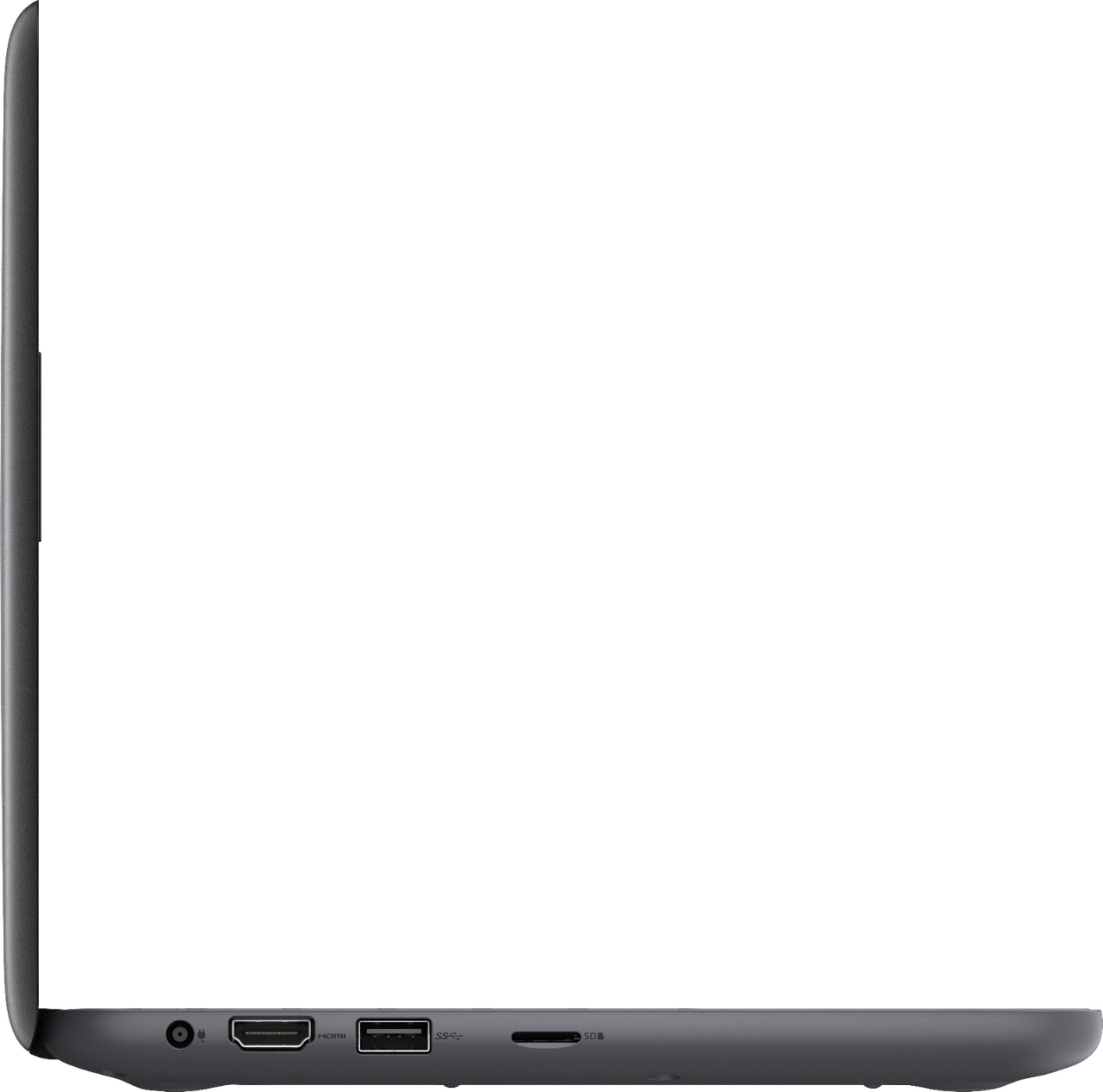
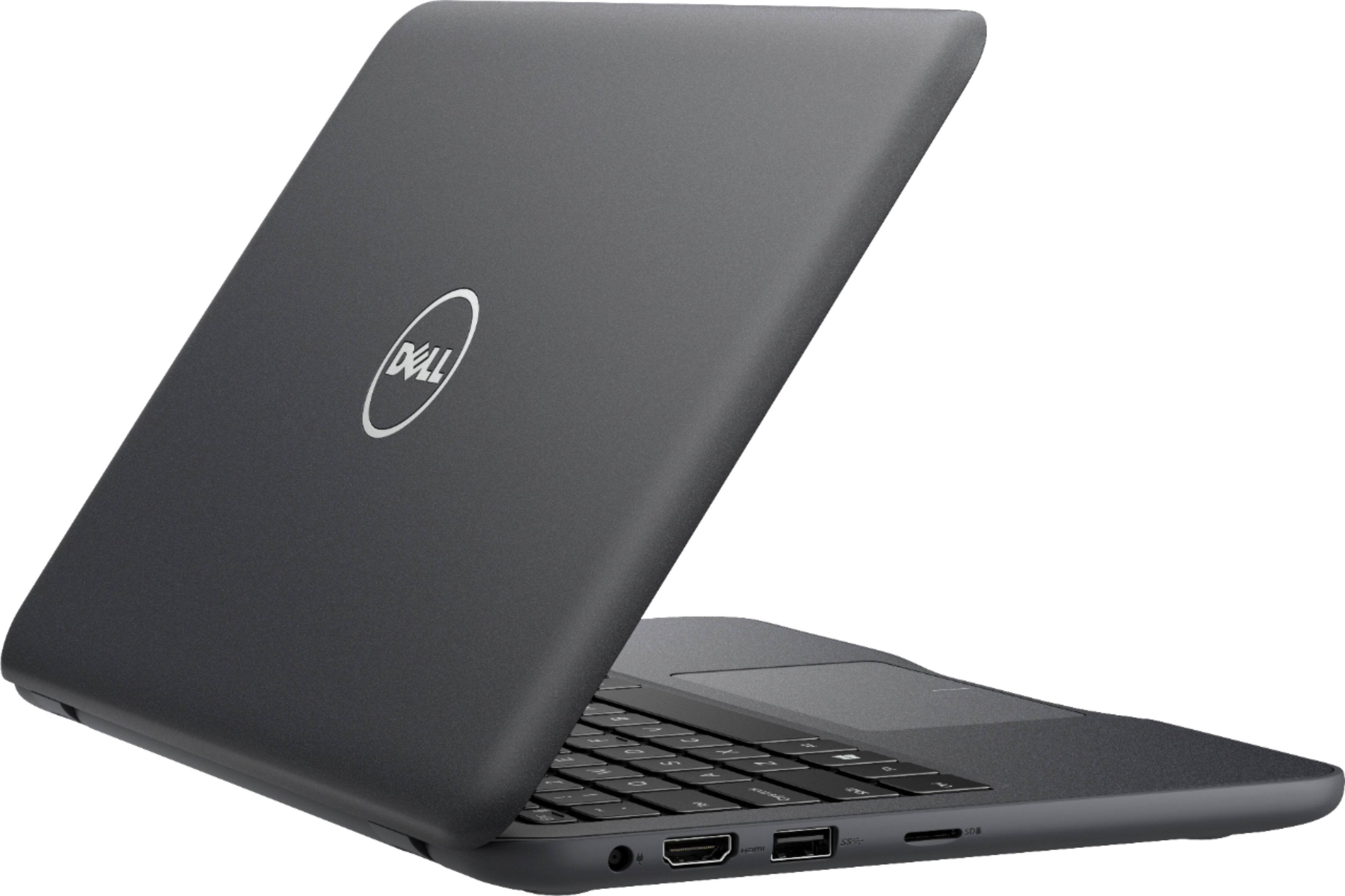
||Posted .This reviewer received promo considerations or sweepstakes entry for writing a review.Light, traditional design. Features like a full size laptop. SD card slot for extra storage.
I would recommend this to a friendGreat Basic Computer
||Posted .This reviewer received promo considerations or sweepstakes entry for writing a review.This is great for the value. Works perfectly and I can access mail my files and surf the web.
I would recommend this to a friendGood product
||Posted .This reviewer received promo considerations or sweepstakes entry for writing a review.Ran really slow for me but would be great for some one else
I would recommend this to a friendBrand response from YourDellTeam
Posted .Hi Tmk420,
We're happy to hear that your computer is meeting your needs. If you'd like to see if your computer can run faster for you we'd recommend running the Windows Performance Troubleshooter:
1. Close all open windows.
2. Press the Windows logo key + X key on the keyboard.
3. Click Control Panel.
4. Click System and Security.
5. Under Security and Maintenance, select Troubleshoot common problems.
6. Under System and Security, click Run maintenance tasks.
7. Follow the on-screen instructions and prompts to complete the process.
8. Restart the PC.
You can read the full article here - http://dell.to/2tSulGV.
We hope this will help your computer run faster for you.
Best,
Bryan
1-800-624-9896
Great chrome book
||Posted .This reviewer received promo considerations or sweepstakes entry for writing a review.Great chrome book. Great price and perfect for my 10 year old. Same computer he has at school
I would recommend this to a friendGood for simple use
||Posted .This reviewer received promo considerations or sweepstakes entry for writing a review.It is not powerful but it can do basic browsing and email
I would recommend this to a friendBrand response from YourDellTeam
Posted .Compdsa,
Thanks for your review. We're sorry that your computer is not performing as powerfully as you'd like. We'd recommend running the Windows Performance Troubleshooter to see if your computer can run faster:
1. Close all open windows.
2. Press the Windows logo key + X key on the keyboard.
3. Click Control Panel.
4. Click System and Security.
5. Under Security and Maintenance, select Troubleshoot common problems.
6. Under System and Security, click Run maintenance tasks.
7. Follow the on-screen instructions and prompts to complete the process.
8. Restart the PC.
You can read the full article here - http://dell.to/2tSulGV.
Best,
Bryan
1-800-624-9896
Great laptop for beginners
||Posted .This reviewer received promo considerations or sweepstakes entry for writing a review.I bought this for my mother ho is not familiar with computers. It was very easy to set up
I would recommend this to a friendIt seems to work normally.
||Posted .This reviewer received promo considerations or sweepstakes entry for writing a review.It is good for what I mostly use it for. It's just great.
I would recommend this to a friendBrand response from YourDellTeam
Posted .Hi Shanana,
We're so happy that your computer is meeting your needs. If you have questions about your computer you can check our Product Support Page here - http://dell.to/2om4IeG.
Best,
Bryan
1-800-624-9896
Great laptop for the price
||Posted .This reviewer received promo considerations or sweepstakes entry for writing a review.Bought the laptop for my niece and she really loves it.very convenient for a highschooler
I would recommend this to a friendIt is a nice computer
||Posted .This reviewer received promo considerations or sweepstakes entry for writing a review.We returned this machine and got one with more capacity
No, I would not recommend this to a friend