Customer Ratings & Reviews
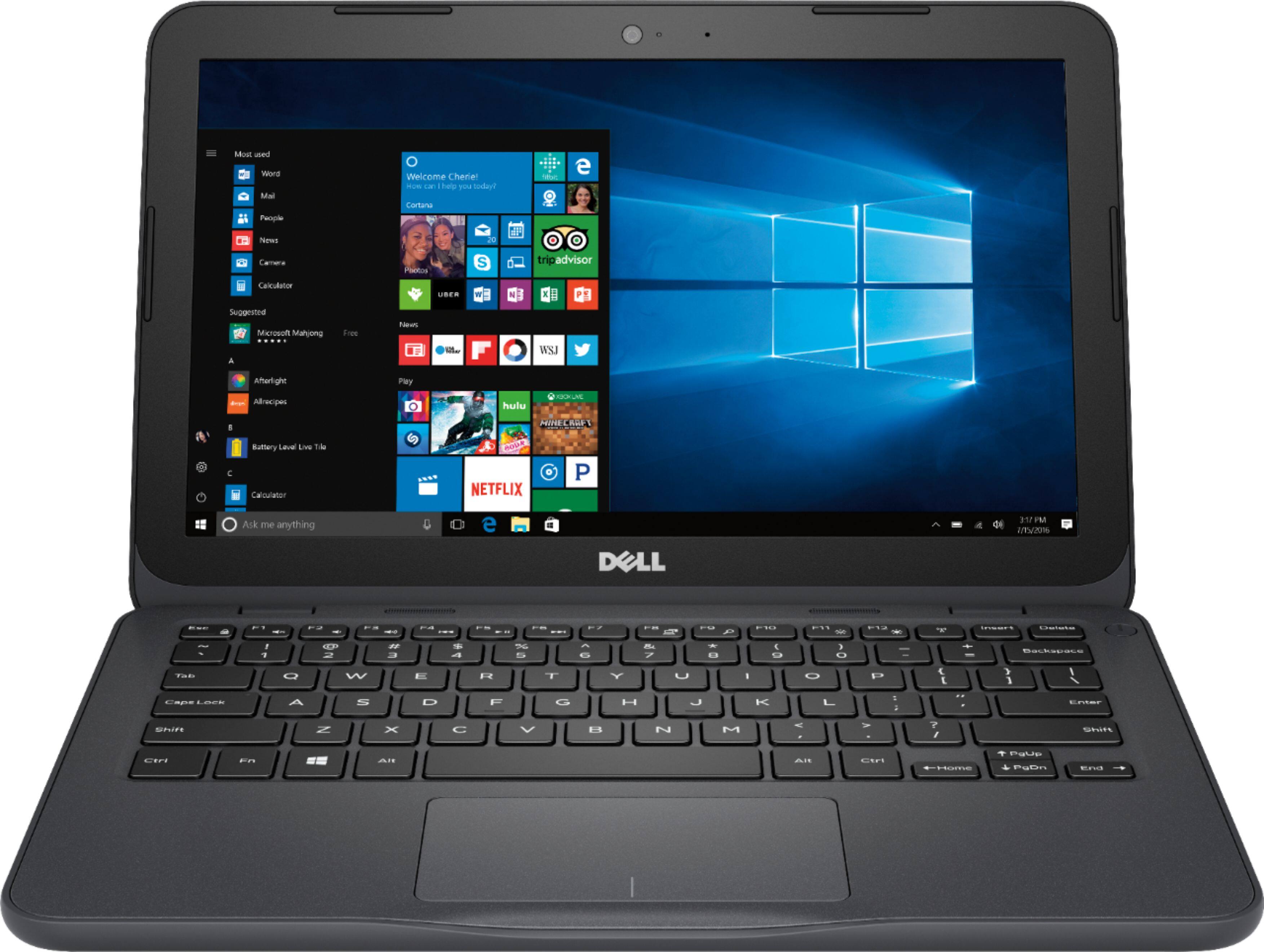
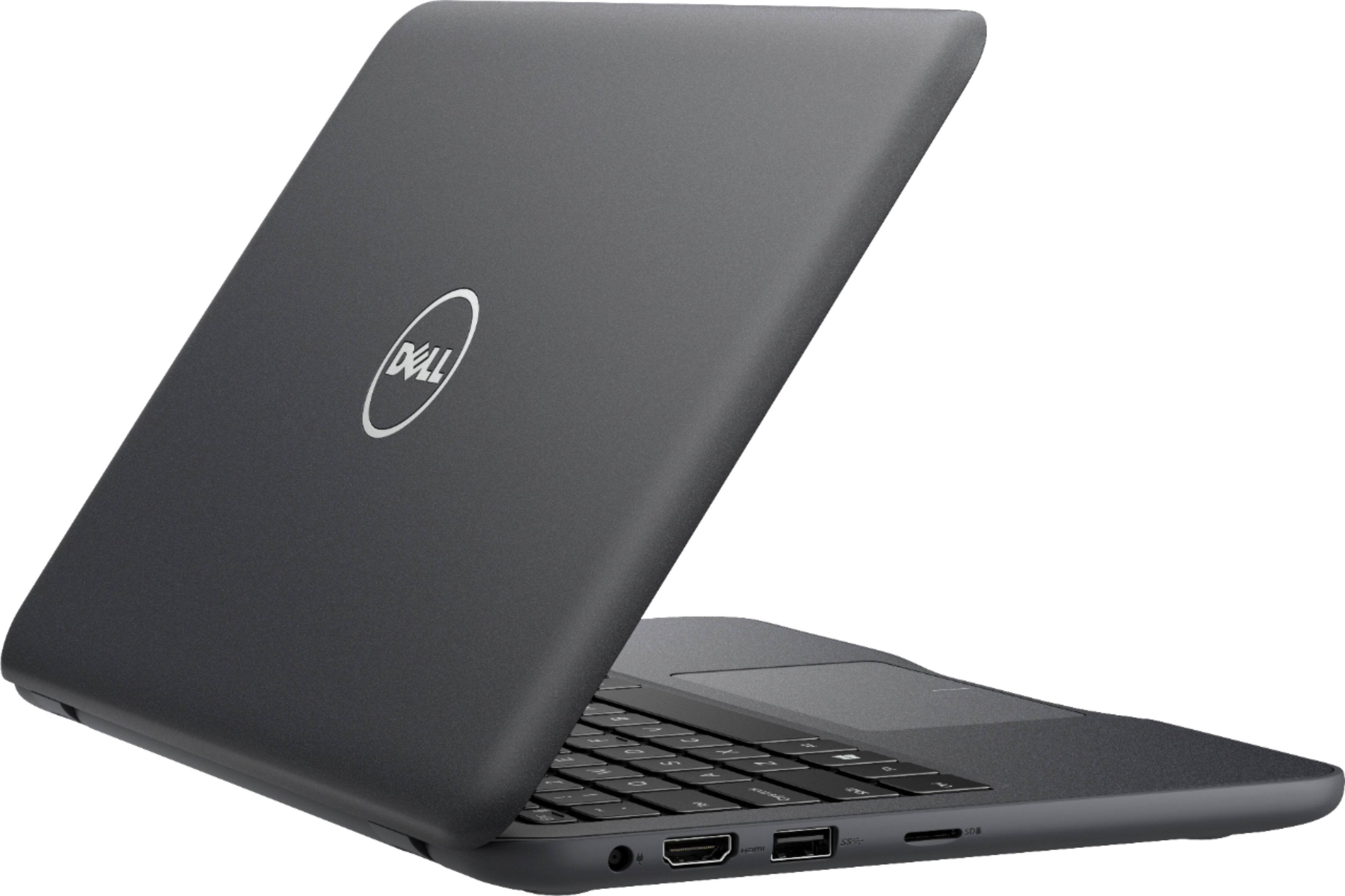
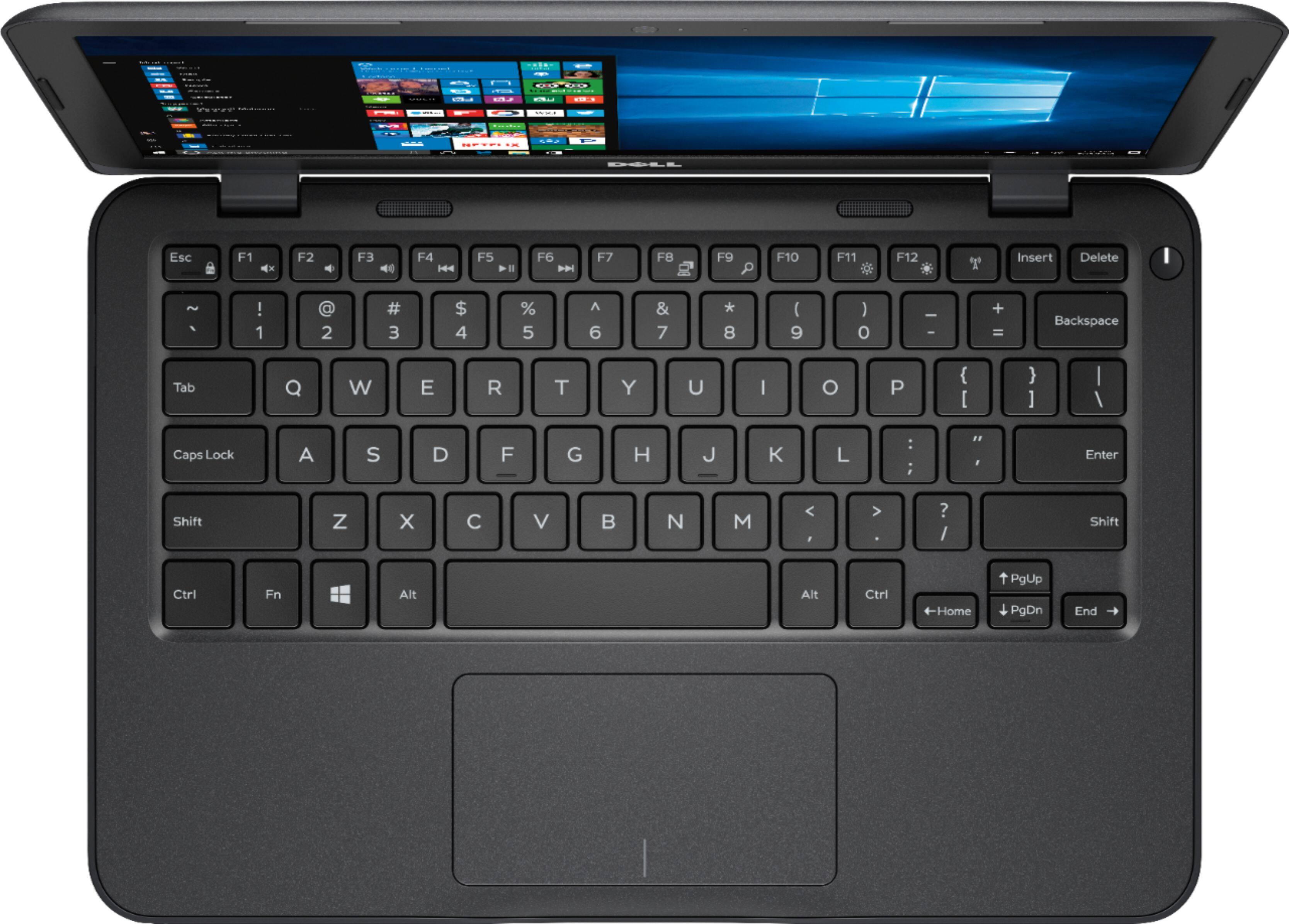

- Model:
- I3180-A361GRY-PUS
- SKU:
- 6188326
Rating by feature
- Value
Rating 3.9 out of 5 stars
- Quality
Rating 3.7 out of 5 stars
- Ease of Use
Rating 3.9 out of 5 stars
Customers are saying
Customers praise the Inspiron 11.6" Laptop for its portability, compact size, and affordable price. Many users find it perfect for students and everyday tasks. However, some customers express concerns about its limited storage space, slow performance, and insufficient memory.
This summary was generated by AI based on customer reviews.
Not good
||Posted . Owned for 1.5 years when reviewed.This reviewer received promo considerations or sweepstakes entry for writing a review.The computer is good, but the memory is Very Small Even adding extra micro sd card the computer can’t do updates due to lack of memory in drive
No, I would not recommend this to a friend- Cons mentioned:Slow
S-L-O-W
||Posted .This reviewer received promo considerations or sweepstakes entry for writing a review.At this price range I wasn't expecting much, but this thing was painfully slow...
No, I would not recommend this to a friendBrand response from YourDellTeam
Posted .Hello GODEMPEROR69,
We're sorry that your new Dell computer is running slower than you had hoped it would. We'd recommend running the Windows Performance Troubleshooter by following these steps:
1. Close all open windows.
2. Press the Windows logo key + X key on the keyboard.
3. Click Control Panel.
4. Click System and Security.
5. Under Security and Maintenance, select Troubleshoot common problems.
6. Under System and Security, click Run maintenance tasks.
7. Follow the on-screen instructions and prompts to complete the process.
8. Restart the PC.
You can read the full article here - http://dell.to/2tSulGV.
Hopefully, this will help identify some things you can do in order to help your computer run faster.
Best,
Bryan
1-800-624-9896
You get what you pay for.
||Posted .This reviewer received promo considerations or sweepstakes entry for writing a review.Works okay for the price but within two weeks I was having trouble getting it to start. Which has now progressed to having to restart 2-3 times just to login.
No, I would not recommend this to a friendBrand response from YourDellTeam
Posted .Hi Dani,
We're very sorry to hear about the issues that you've had with your new computer. We'd recommend running the Dell Support Assist app on your computer to make sure that all of your software and drivers are up to date. If you have questions about your computer you can check our Product Support Page here - http://dell.to/2om4IeG.
We hope these tips help the overall performance of your computer.
Best,
Bryan
1-800-624-9896
Wrong laptop
||Posted . Owned for more than 2 years when reviewed.This reviewer received promo considerations or sweepstakes entry for writing a review.Not what I expected didn’t mind much use for it. This dell is okay if your planning to do anything on your computer.
No, I would not recommend this to a friend- Cons mentioned:Slow
Low end
||Posted .This reviewer received promo considerations or sweepstakes entry for writing a review.I was really disappointed in this laptop. Very slow and definitely not worth the money.
No, I would not recommend this to a friend - Cons mentioned:Slow
Poor PC
||Posted .This reviewer received promo considerations or sweepstakes entry for writing a review.Not good at all super slow. An Ipad is better. Not what I was expecting from a Dell product
No, I would not recommend this to a friendBrand response from YourDellTeam
Posted .JAeEM,
Thanks for your review and we're sorry to hear that your laptop is performing slower than you had hoped it would. We'd recommend running the Windows Performance Troubleshooter by following these steps:
1. Close all open windows.
2. Press the Windows logo key + X key on the keyboard.
3. Click Control Panel.
4. Click System and Security.
5. Under Security and Maintenance, select Troubleshoot common problems.
6. Under System and Security, click Run maintenance tasks.
7. Follow the on-screen instructions and prompts to complete the process.
8. Restart the PC.
You can read the full article here - http://dell.to/2tSulGV.
We hope these tips help your computer perform better for you.
Best,
Bryan
1-800-624-9896
- Cons mentioned:Performance
Poor
||Posted .This reviewer received promo considerations or sweepstakes entry for writing a review.This computer has locked up since day 1 and is slow.
No, I would not recommend this to a friendBrand response from YourDellTeam
Posted .Whit,
Thanks for your review. If you'd like to speak with our Technical Support Team about unlocking your computer you can contact them here: http://dell.to/2sH7Qlm.
If you'd like to see if your computer can run faster for you, we'd recommend that you run the Windows Performance Troubleshooter here:
1. Close all open windows.
2. Press the Windows logo key + X key on the keyboard.
3. Click Control Panel.
4. Click System and Security.
5. Under Security and Maintenance, select Troubleshoot common problems.
6. Under System and Security, click Run maintenance tasks.
7. Follow the on-screen instructions and prompts to complete the process.
8. Restart the PC.
You can read the full article here - http://dell.to/2tSulGV.
We hope these tips help your computer run better for you.
Best,
Bryan
1-800-624-9896
A waste of money
||Posted .This reviewer received promo considerations or sweepstakes entry for writing a review.Bought it in October 2018. Began using it on Monday of this week (3/11/19) No speed, key sticks, doesn't backspace, takes forever to download if it downloads at all, performs like the dialups on the 90's, and this is after a week's worth of use. Angry that what I bought from Best Buy in October need repair already. I'll never use another Dell again. Back to Mac. I'm really annoyed.
No, I would not recommend this to a friendBrand response from YourDellTeam
Posted .Lorial,
Thanks for your review. We're sorry to hear about the trouble that you've had with the speed of your computer and the keyboard. We'd recommend running Dell's SupportAssist App to make sure that you have all of the most current drivers and software installed on your computer since you mentioned that it has been a few months since you purchased it.
You can also manually check for updates for your computer on our Product Support Page here: https://dell.to/2pzl3Nu.
Best,
Bryan
1-800-624-9896
- Cons mentioned:Slow
Save your money
||Posted .This reviewer received promo considerations or sweepstakes entry for writing a review.Returned the laptop because it can't handle simple web browsing and YouTube videos.
No, I would not recommend this to a friend - Cons mentioned:Slow
Slow
||Posted .This reviewer received promo considerations or sweepstakes entry for writing a review.The price is cheap but This laptop is very slow even for surfing. Not recommended.
No, I would not recommend this to a friendBrand response from YourDellTeam
Posted .BILLY,
Thanks for your review. We're sorry that your computer is performing slower than you'd like it to. We'd recommend that you run the Windows Performance Troubleshooter to see what may be slowing down your computer:
1. Close all open windows.
2. Press the Windows logo key + X key on the keyboard.
3. Click Control Panel.
4. Click System and Security.
5. Under Security and Maintenance, select Troubleshoot common problems.
6. Under System and Security, click Run maintenance tasks.
7. Follow the on-screen instructions and prompts to complete the process.
8. Restart the PC.
You can read the full article here - http://dell.to/2tSulGV.
We hope this helps your computer perform the way you intended it to.
Best,
Bryan
1-800-624-9896
- Cons mentioned:Storage
Useless computer
||Posted .This reviewer received promo considerations or sweepstakes entry for writing a review.Windows 10 COMPLETELT fills the storage making the computer useless from day 1.
No, I would not recommend this to a friendBrand response from YourDellTeam
Posted .sucker,
Thanks for your review. We're sorry to hear that you're having trouble with your computer's storage. We'd recommend reviewing all of the programs that are pre-installed on your computer and make sure that you plan to use all of them. If there are programs that you'd like to uninstall you can follow these steps:
Uninstalling or removing software or applications that you do not use or do not need from your PC can help speed up your PC. Applications may include background processes, system services, context menu entries and other things that can slow down your PC.
Uninstall applications you no longer need using Programs and Features (previously called Add/Remove Programs). Unnecessary applications occupy space on your hard disk drive.
1. Press the Windows logo key + R on the keyboard.
2. In the Run dialog box, type appwiz.cpl and press the Enter key.
3. In the list, select a program and click Uninstall.
You can read the full article here - http://dell.to/2tSulGV.
We hope these tips help your computer perform better for you.
Best,
Bryan
1-800-624-9896
Crap!
||Posted .This reviewer received promo considerations or sweepstakes entry for writing a review.Bought two of these, one for each of our middle school kids. One completely crashes in about 45 days and the other did the exact same thing at about 4 months. No warranty or anything that would cover them. Even if we had purchased an extended warranty, we were told that would not have covered “software”... which they claimed was they issue. Junk junk junk!
No, I would not recommend this to a friend- Cons mentioned:Slow
Don’t buy
||Posted .This reviewer received promo considerations or sweepstakes entry for writing a review.Very slow and couldn’t handle updates without an external hard drive.
No, I would not recommend this to a friendBrand response from YourDellTeam
Posted .Dear Valued Customer,
We're sorry to hear that your computer did not perform as fast as you hoped it would. We'd recommend running the Windows Performance Troubleshooter to see if your computer can perform faster for you:
1. Close all open windows.
2. Press the Windows logo key + X key on the keyboard.
3. Click Control Panel.
4. Click System and Security.
5. Under Security and Maintenance, select Troubleshoot common problems.
6. Under System and Security, click Run maintenance tasks.
7. Follow the on-screen instructions and prompts to complete the process.
8. Restart the PC.
You can read the full article here - http://dell.to/2tSulGV.
We hope these steps help your computer speed up for you.
Best,
Bryan
1-800-624-9896
Very slow
||Posted .This reviewer received promo considerations or sweepstakes entry for writing a review.Laptop takes forever to open up from home screen. Not bad if you are using it just for internet use.
No, I would not recommend this to a friendBrand response from YourDellTeam
Posted .Bknopka,
Thanks for your review and we're sorry to hear that your computer has been performing slowly for you. We'd recommend limiting the number of programs that launch at startup. You can do this by following these steps:
1. Close all open windows.
2. Press CTRL + Shift + ESC key together on the keyboard.
3. In the Task Manager window, click Startup tab.
4. Select the program or application that you want to disable from loading during startup.
5. Right-click and select Disable.
6. Repeat Step 4 & 5 for all the programs or applications that you want to disable from loading during startup.
7. Restart your PC.
You can read the full article here - http://dell.to/2tSulGV.
We hope that these tips help your computer perform better for you.
Best,
Bryan
1-800-624-9896
- Cons mentioned:Slow
Disappointed
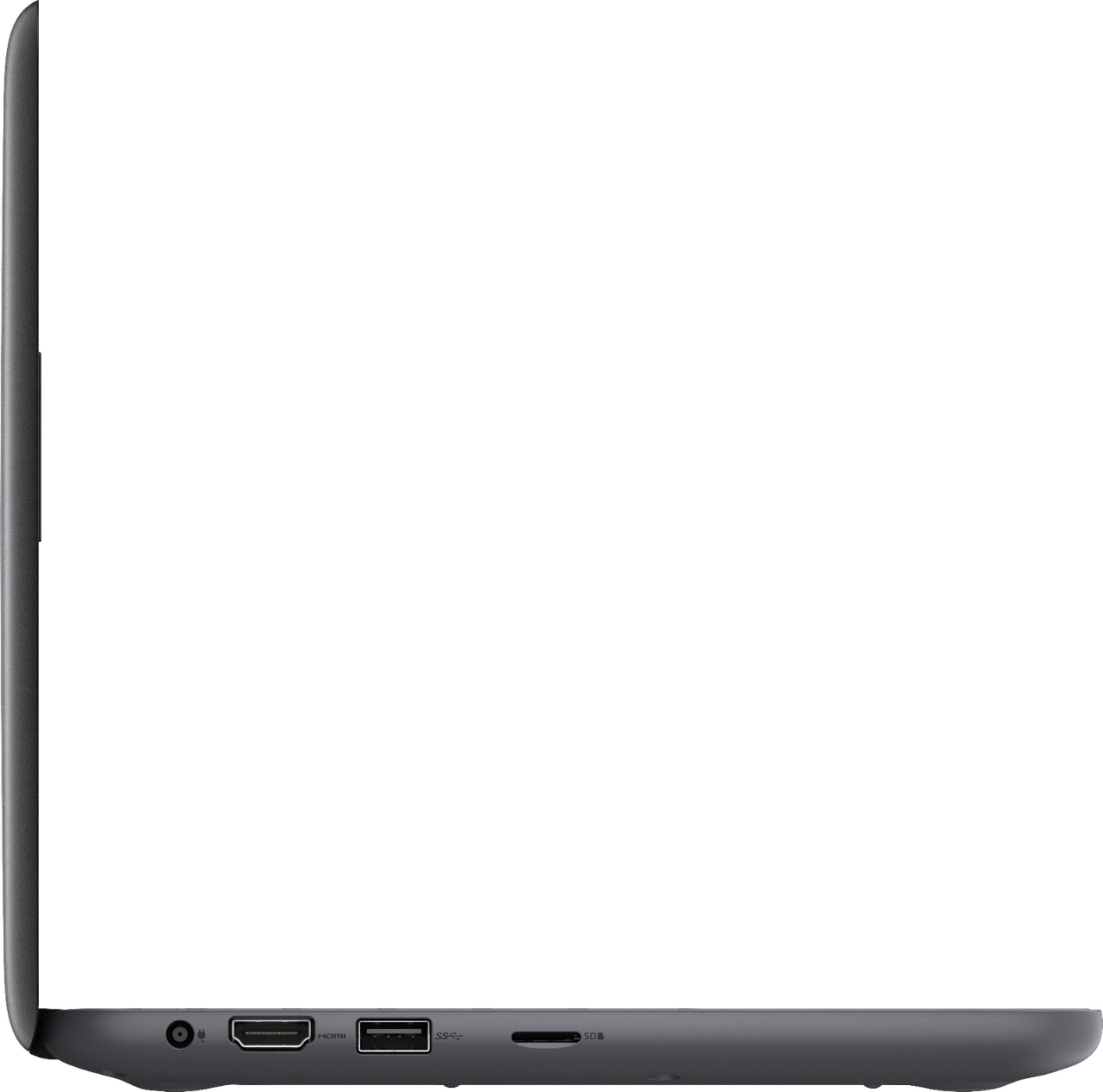
||Posted .This reviewer received promo considerations or sweepstakes entry for writing a review.Definitely a budget item, slow, one USB port, no numeric keypad.
No, I would not recommend this to a friendBrand response from YourDellTeam
Posted .GentleKen,
Thanks for your review. We're sorry to hear that your computer is performing slower than you had hoped it would. We'd recommend running the Windows Performance Troubleshooter by following these steps:
1. Close all open windows.
2. Press the Windows logo key + X key on the keyboard.
3. Click Control Panel.
4. Click System and Security.
5. Under Security and Maintenance, select Troubleshoot common problems.
6. Under System and Security, click Run maintenance tasks.
7. Follow the on-screen instructions and prompts to complete the process.
8. Restart the PC.
You can read the full article here - http://dell.to/2tSulGV.
We hope that you will get some tips that will help your computer run faster for you.
Best,
Bryan
1-800-624-9896
good size to carry, great speed
||Posted .This reviewer received promo considerations or sweepstakes entry for writing a review.crashed 6 days after purchase. hard drive got corrupted. could not revert back.
No, I would not recommend this to a friendBrand response from YourDellTeam
Posted .Hi vida,
Thanks for your review. We're sorry to hear that your computer crashed. We'd recommend running the following diagnostic test to see if there's a solution for your computer:
1. At the desktop, click the Search the web and Windows box and type "problem reports".
2. Select View all problem reports to view a list of errors that have occurred on your computer and possible solutions for them, such as updating drivers, flashing your system BIOS, or checking for updates to the software.
3. Under the Source column, look for Windows and under Summary, look for Shut down unexpectedly.
4. Right-click the line item and select Check for a solution.
We'd also suggest checking to make sure that your software and drivers are up to date on Dell's Product Page - http://dell.to/2om4IeG.
You can read the full article here - http://dell.to/2u98Cct.
Best, Bryan 1-800-624-9896
Sluggish
||Posted .This reviewer received promo considerations or sweepstakes entry for writing a review.First of all the laptop is super slow when I start it up it takes about 30 to 40 seconds when start up google it takes about 20 to 30 seconds Second it said it’s 32gb of storage but when I looked at the storage it had only 29.7gb and most of it was taken up by the system and operation so had only 6gb to myself
No, I would not recommend this to a friendBrand response from YourDellTeam
Posted .Josh,
We appreciate your feedback and we're sorry that you're not more satisfied with your new computer. If your computer is still running slow for you we'd recommend looking through the programs on your computer to see if any pre-installed programs can be removed. Here are the steps to remove those programs:
Uninstalling or removing software or applications that you do not use or do not need from your PC can help speed up your PC. Applications may include background processes, system services, context menu entries and other things that can slow down your PC.
Uninstall applications you no longer need using Programs and Features (previously called Add/Remove Programs). Unnecessary applications occupy space on your hard disk drive.
1. Press the Windows logo key + R on the keyboard.
2. In the Run dialog box, type appwiz.cpl and press the Enter key.
3. In the list, select a program and click Uninstall.
You can read the full article here - http://dell.to/2tSulGV.
We'd also recommend storing files in the cloud using Microsoft's OneDrive in order to free up storage space on your computer.
Best,
Bryan
1-800-624-9896
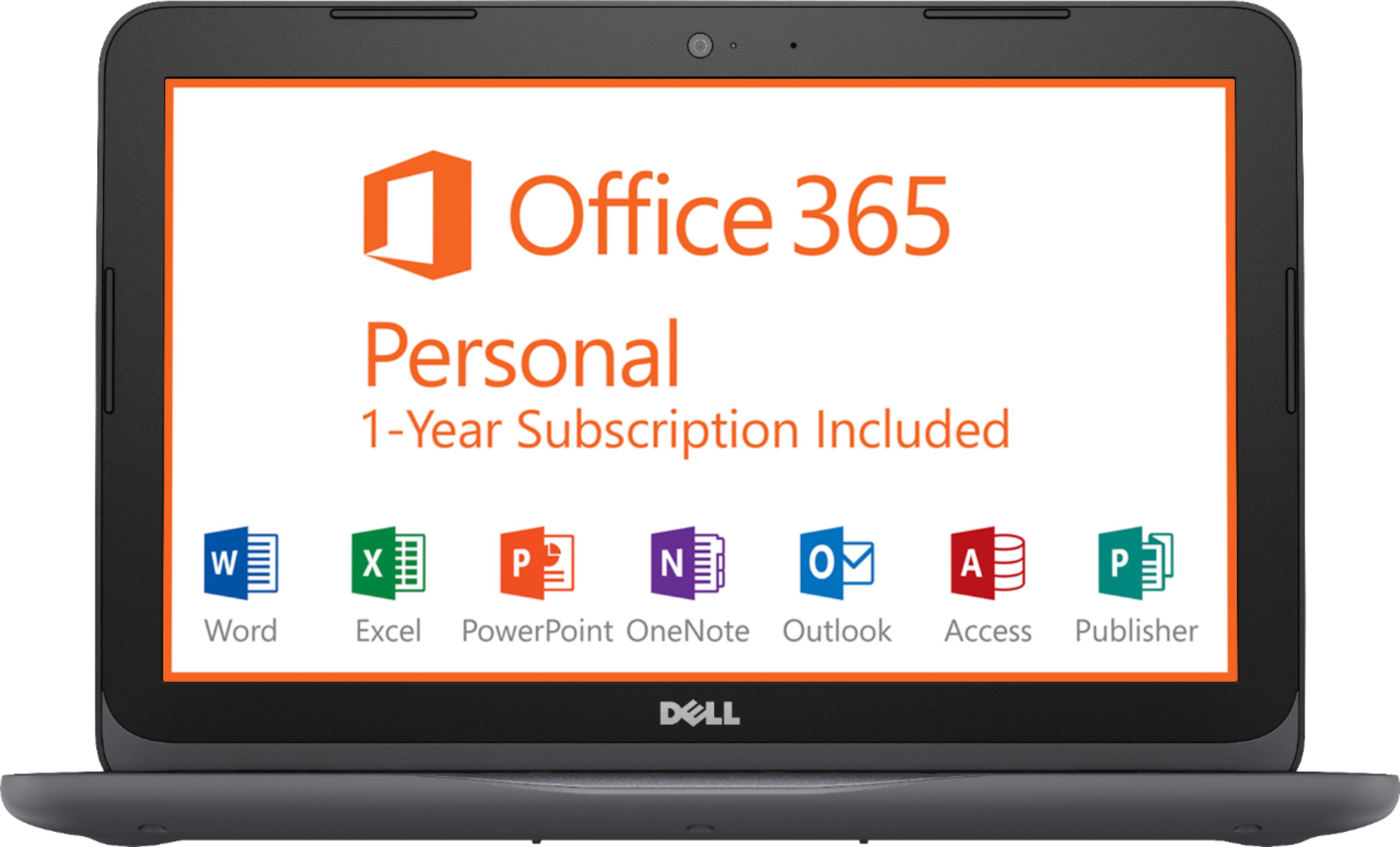
This was supposed to come with Office subscription
||Posted .This reviewer received promo considerations or sweepstakes entry for writing a review.I was assured both by customer service AND by the guy who handed me the computer last night at pick up that my key to one free year of Office would be in the box. Not so. No email with the office download came either. Now I am stuck not getting my report done on time because nobody was available today to help me.
No, I would not recommend this to a friendSlow
||Posted .This reviewer received promo considerations or sweepstakes entry for writing a review.Very cheap but, even taking price into consideration, this computer is slow.
No, I would not recommend this to a friendBrand response from YourDellTeam
Posted .Hi Luke,
Thanks for your honest feedback about your new Dell computer. We'd recommend running the Windows Performance Troubleshooter to see if there are ways that you could speed up your computer:
1. Close all open windows.
2. Press the Windows logo key + X key on the keyboard.
3. Click Control Panel.
4. Click System and Security.
5. Under Security and Maintenance, select Troubleshoot common problems.
6. Under System and Security, click Run maintenance tasks.
7. Follow the on-screen instructions and prompts to complete the process.
8. Restart the PC.
You can read the full article here - http://dell.to/2tSulGV.
We hope these steps help your computer perform better for you.
Best,
Bryan
1-800-624-9896
Dell
||Posted . Owned for 1.5 years when reviewed.This reviewer received promo considerations or sweepstakes entry for writing a review.Computer nice for work families and information much
I would recommend this to a friend