Customer Ratings & Reviews
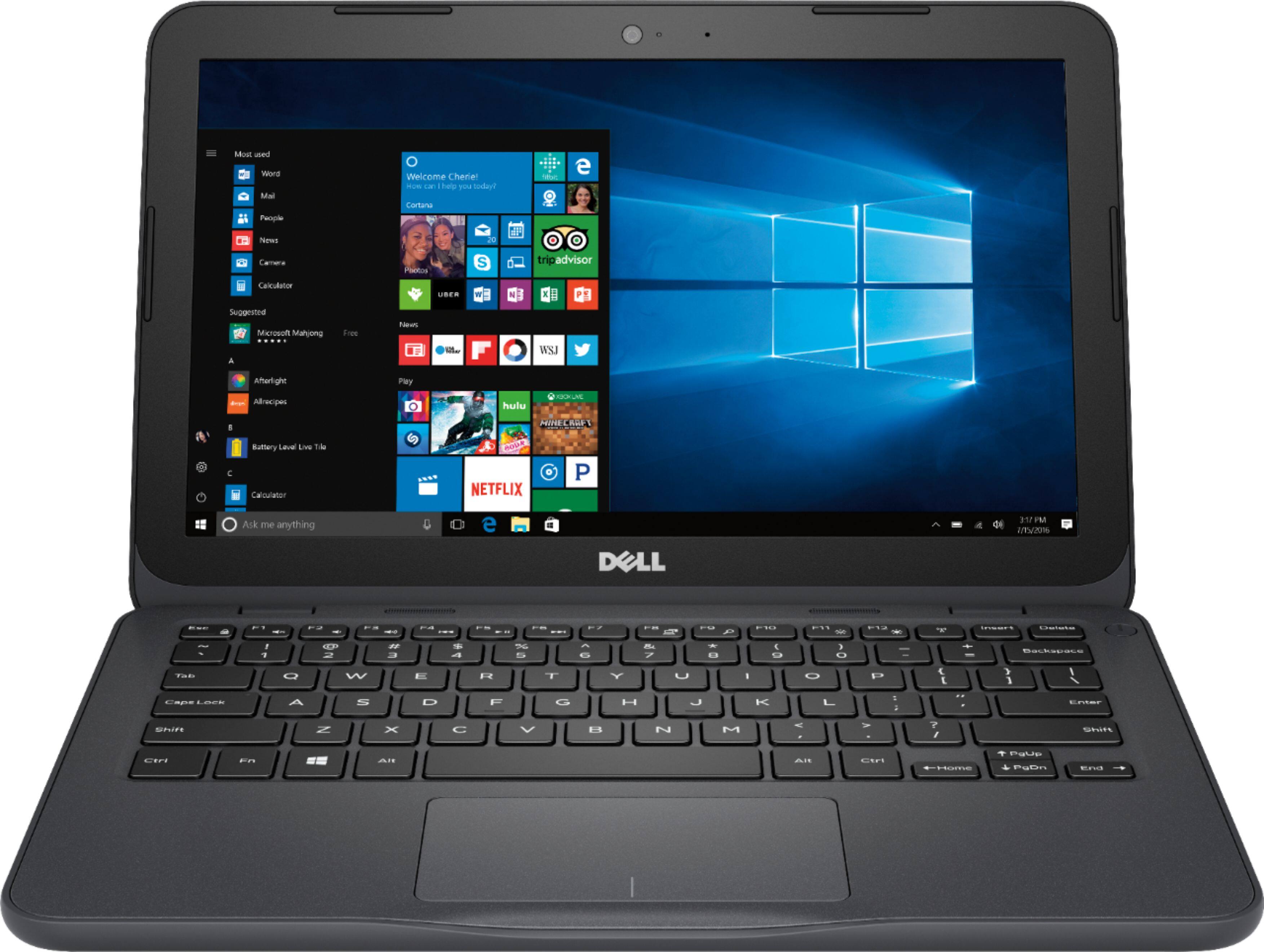
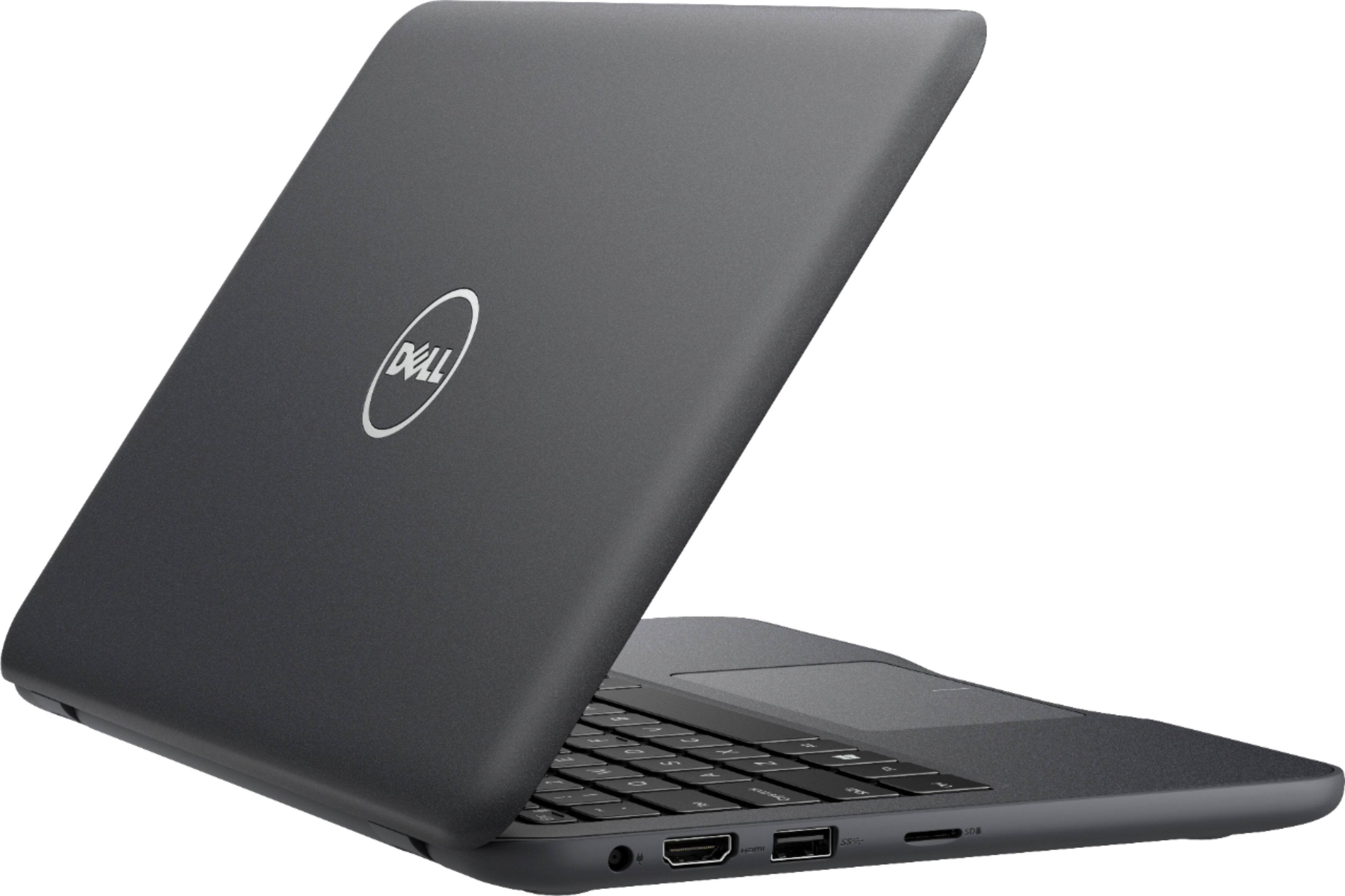
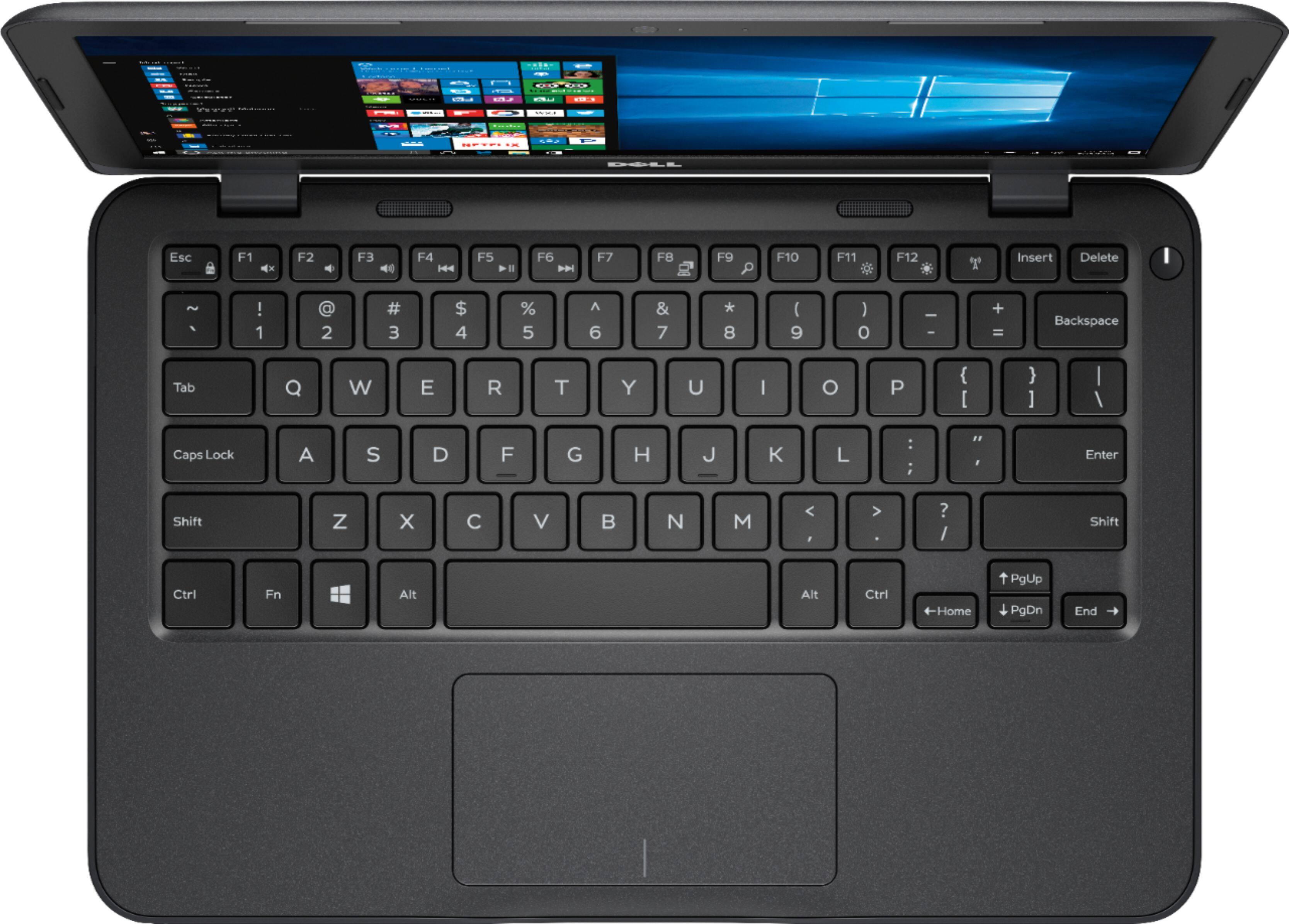

- Model:
- I3180-A361GRY-PUS
- SKU:
- 6188326
Rating by feature
- Value
Rating 3.9 out of 5 stars
- Quality
Rating 3.7 out of 5 stars
- Ease of Use
Rating 3.9 out of 5 stars
Customers are saying
Customers praise the Inspiron 11.6" Laptop for its portability, compact size, and affordable price. Many users find it perfect for students and everyday tasks. However, some customers express concerns about its limited storage space, slow performance, and insufficient memory.
This summary was generated by AI based on customer reviews.
Not used
||Posted .This reviewer received promo considerations or sweepstakes entry for writing a review.I ser up a password on it and I'm locked out usable to sigan in.
No, I would not recommend this to a friendBrand response from YourDellTeam
Posted .Dellnew,
We're sorry to hear about the password and login trouble that you've been having. We'd recommend reaching out to Dell's Technical Support Team here - http://dell.to/2sH7Qlm for additional assistance.
Best,
Bryan
1-800-624-9896
Laptop was ok.
||Posted .This reviewer received promo considerations or sweepstakes entry for writing a review.Laptop was not efficient for me; more suitable for a student.
I would recommend this to a friendBrand response from YourDellTeam
Posted .nello65,
We appreciate your review. We're sorry that your computer is not meeting all of your needs. We'd recommend checking out our Product Support Page here: http://dell.to/2om4IeG if you have additional questions.
Best,
Bryan
1-800-624-9896
Pc
||Posted .This reviewer received promo considerations or sweepstakes entry for writing a review.The first one we got did not do the stuff we wanted it to do
No, I would not recommend this to a friendBrand response from YourDellTeam
Posted .Doodle70,
We're sorry to hear that your computer is not working the way that you had hoped it would. We'd recommend taking a look at our Product Support Page for answers to questions that you may have - http://dell.to/2om4IeG.
We hope that your computer begins to perform the way you'd like it to soon.
Best,
Bryan
1-800-624-9896
Not working well
||Posted .This reviewer received promo considerations or sweepstakes entry for writing a review.Not working will be returned, Not working will be returned,
No, I would not recommend this to a friendNot a very good laptop
||Posted .This reviewer received promo considerations or sweepstakes entry for writing a review.You get what you pay for. It is not a very good laptop.
No, I would not recommend this to a friendBrand response from YourDellTeam
Posted .Danish,
We're sorry that your computer is not performing the way that you intended it to. If you have questions about your computer you can always refer to our Product Support Page here - http://dell.to/2om4IeG. We hope that this helps your computer perform the way that you'd like it to.
Best,
Bryan
1-800-624-9896
Worst laptop ever!
||Posted .This reviewer received promo considerations or sweepstakes entry for writing a review.Do not purchase! This laptop screen turns black in the middle of everything! Worst experience I've ever had with a laptop, ended up breaking it over my knee and throwing it away in frustration! Please save your knee and don't by this garbage.
No, I would not recommend this to a friendBrand response from YourDellTeam
Posted .Jason,
Thanks for your review. We're sorry to hear about the crashes that your computer has gone through. In the future you can diagnose crashes on your computer with the following steps:
1. At the desktop, click the Search the web and Windows box and type "problem reports".
2. Select View all problem reports to view a list of errors that have occurred on your computer and possible solutions for them, such as updating drivers, flashing your system BIOS, or checking for updates to the software.
3. Under the Source column, look for Windows and under Summary, look for Shut down unexpectedly.
4. Right-click the line item and select Check for a solution.
We'd also suggest checking to make sure that your software and drivers are up to date on Dell's Product Page - https://dell.to/2pzl3Nu.
You can read the full article here - http://dell.to/2u98Cct.
Best,
Bryan
1-800-624-9896
Worst computer ever purchased
||Posted .This reviewer received promo considerations or sweepstakes entry for writing a review.Would not recommend anyone getting this laptop.I had to return the first one I bought online.Got a second one from the store.And returned it for a full refund.Wifi connection was the worst. Internet ran super slow
No, I would not recommend this to a friendcomputer OK, but I picked the wrong one
||Posted .This reviewer received promo considerations or sweepstakes entry for writing a review.When trying think of the computer as a travel companion, it is too big! It was to be a replacement for an Acer 10". I'll try returning it tomorrow for a smaller unit. That's my fault, not yours.
No, I would not recommend this to a friendBrand response from YourDellTeam
Posted .Hi Preacher,
Thanks for your feedback and we're sorry that the size of your new computer did not meet your needs. We do have other 11.6" screen size computers that may fit your needs at Best Buy here: http://bit.ly/2IZxWJp.
We hope that you will be able to find something that works for you.
Best,
Bryan
1-800-624-9896
Great for kids
||Posted .This reviewer received promo considerations or sweepstakes entry for writing a review.Not a laptop for anyone wanting to do serious computer work. Screen is too small as is the keyboard. Once the OS updates are installed there is not enough Hdd left for any program.
No, I would not recommend this to a friendBrand response from YourDellTeam
Posted .Jdouglasj,
Thanks for your feedback on your new computer. We're sorry that you are running into some storage issues. We'd recommend that you look through to make sure that you plan to use all of the programs that are installed. If there are any programs that you'd like to remove you can follow these steps: Uninstalling or removing software or applications that you do not use or do not need from your PC can help speed up your PC. Applications may include background processes, system services, context menu entries and other things that can slow down your PC.
Uninstall applications you no longer need using Programs and Features (previously called Add/Remove Programs). Unnecessary applications occupy space on your hard disk drive.
1. Press the Windows logo key + R on the keyboard.
2. In the Run dialog box, type appwiz.cpl and press the Enter key.
3. In the list, select a program and click Uninstall.
You can read the full article here - http://dell.to/2tSulGV.
We'd also recommend using Microsoft's OneDrive to store some of your files.
Best,
Bryan
1-800-624-9896
Does not fit my needs at all maybe a good paperwai
||Posted .This reviewer received promo considerations or sweepstakes entry for writing a review.Maybe good paperwait told salesman what I would be using it for and he said it would be perfect. Now I am very disappointed and have no plans of buying from Best Buy again
No, I would not recommend this to a friendBrand response from YourDellTeam
Posted .Hello Billy,
We're sorry to hear that your new Dell computer is not meeting your needs. We'd recommend running the Windows Performance Troubleshooter to see if there's a way that your computer can run better for you:
1. Close all open windows.
2. Press the Windows logo key + X key on the keyboard.
3. Click Control Panel.
4. Click System and Security.
5. Under Security and Maintenance, select Troubleshoot common problems.
6. Under System and Security, click Run maintenance tasks.
7. Follow the on-screen instructions and prompts to complete the process.
8. Restart the PC.
You can read the full article here - http://dell.to/2tSulGV.
Best,
Bryan
1-800-624-9896
Got what I paid for
||Posted .This reviewer received promo considerations or sweepstakes entry for writing a review.It worked for about a week just fine but after about 10 times of use it it completely stopped working. Kinda disappointed but not surprised it’s cheap
No, I would not recommend this to a friendBrand response from YourDellTeam
Posted .Samm,
We appreciate your feedback and we're sorry that your computer is no longer working correctly for you. If you are having trouble starting up your computer you can follow these steps:
1. If the computer is displaying the Dell logo and does not move past that point, it has probably failed POST.
2. If the power indicator lights up and it is amber or orange, this is usually an indicator that it has failed POST.
3. If you see text on a black screen, the computer is currently performing the POST. If the computer stays in that condition and does not move past it, it has probably failed POST.
4. If the video screen displayed anything at all during the startup process but is now black, this probably indicates that the computer failed POST.
5. If the computer is beeping or if Caps/Num/Scroll Locks are flashing, note if there is a particular pattern in which it beeps or flashes.
6. If the computer is not beeping and caps/num/scroll locks are not flashing, unplug all connections and remove all media communication devices (e.g. external monitors); reconnect one at a time and check if the computer functions.
7. For a notebook, press and hold the Fn key and then press the power button. This starts the pre-boot testing and will launch ePSA. In case you have a Desktop at the Dell logo screen tap the F12 key to enter One Time Boot Menu and use the arrow keys to highlight Diagnostics and press enter.
You can read the full article here - http://dell.to/2uj1Sby.
If you have additional questions about your computer you can check our Product Support Page here - http://dell.to/2om4IeG.
Best,
Bryan
1-800-624-9896
Webroot
||Posted .This reviewer received promo considerations or sweepstakes entry for writing a review.I was told they was out of the virus protector webroot, but as soon as it comes ill know. No one has followed up with me yet it's been over a month
No, I would not recommend this to a friendBrand response from YourDellTeam
Posted .Hello Alvin,
We're sorry to hear that you were unable to receive the Webroot virus protection software when you purchased your new Dell computer. We'd recommend reaching out to Best Buy's Customer Support Team directly to see if there is a way that you can receive this: http://bit.ly/2v2IVhI.
Best,
Bryan
1-800-624-9896
- Pros mentioned:PriceCons mentioned:Storage
Excellent Laptop!
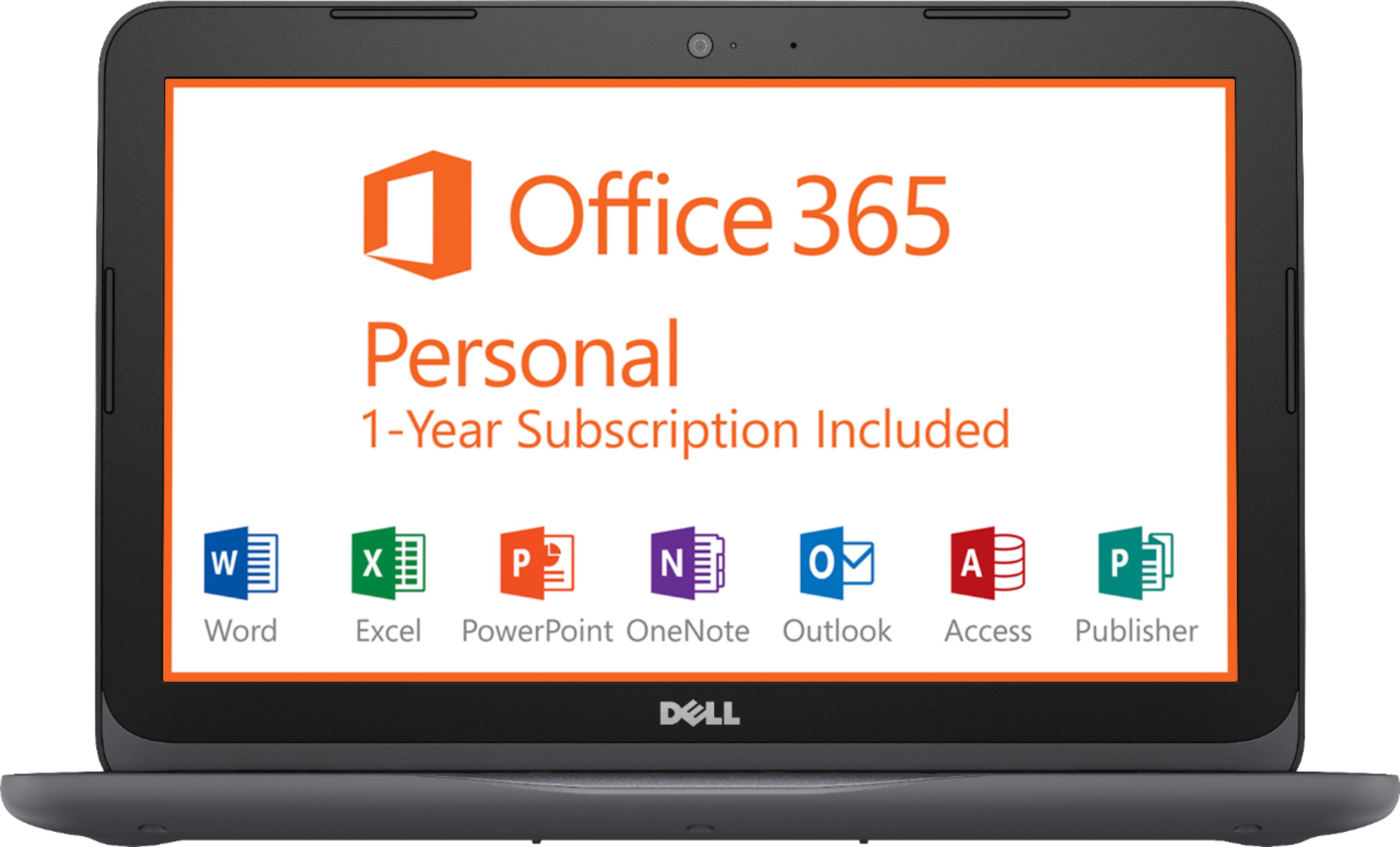
Posted .This reviewer received promo considerations or sweepstakes entry for writing a review.I have been researching laptops for about a month (around $200 range) prior to making my decision, so hopefully my feedback will help someone in a similar position. First and foremost, this laptop is NOT for hardcore gaming or extreme multitasking. If this is your expectation, you will be sorely disappointed. Rather, this laptop is geared for someone looking for basic functionality (i.e. basic word processing / basic web surfing / watching videos) and does a great job at handling these tasks. Is it blazing fast? No. However, I have not encountered any issues with utilizing this laptop in terms of speed. As I write this, I have Microsoft Word open, along with 11 Google Chrome tabs and my desktop email - experiencing zero speed issues. Yes, the memory is low at 4GB and the storage is low at 32GB (I have about 10GB remaining after ALL updates have completed). Regarding the storage, this is easily remedied by a Micro SD card or USB stick. Additionally, you can utilize cloud storage to free up some space. Again though, this laptop is not intended to be a primary computer unless you are only interested in extremely basic functionality. For me, it works great because I have a regular laptop that I use as a "desktop" and if I need to do more resource intensive tasks, I will use my regular laptop instead. However, if, like me, you looking for something extremely portable, you are a student in need of a low cost laptop or prefer not using Chrome OS, I would highly recommend this laptop. As an added bonus, it does come with a free year of Office 365, which is a pretty nice value, especially since you can get all of this (currently) for approx. $160 after tax. Point being - don't expect this thing to be something that it is not. Do your research and know what you are buying before actually buying it.
I would recommend this to a friend Mack
||Posted .This reviewer received promo considerations or sweepstakes entry for writing a review.Do not buy! I have had it less than 3 months. Always have issues with powering on. I now have to replace the power cord as it broke.
No, I would not recommend this to a friendBrand response from YourDellTeam
Posted .Mack,
We're very sorry to hear about the power issues that you've had with your computer. If your computer fails to boot we'd recommend the following:
1. If the computer is displaying the Dell logo and does not move past that point, it has probably failed POST.
2. If the power indicator lights up and it is amber or orange, this is usually an indicator that it has failed POST.
3. If you see text on a black screen, the computer is currently performing the POST. If the computer stays in that condition and does not move past it, it has probably failed POST.
4. If the video screen displayed anything at all during the startup process but is now black, this probably indicates that the computer failed POST.
5. If the computer is beeping or if Caps/Num/Scroll Locks are flashing, note if there is a particular pattern in which it beeps or flashes.
6. If the computer is not beeping and caps/num/scroll locks are not flashing, unplug all connections and remove all media communication devices (e.g. external monitors); reconnect one at a time and check if the computer functions.
7. For a notebook, press and hold the Fn key and then press the power button. This starts the pre-boot testing and will launch ePSA. In case you have a Desktop at the Dell logo screen tap the F12 key to enter One Time Boot Menu and use the arrow keys to highlight Diagnostics and press enter.
You can read the full article here - http://dell.to/2uj1Sby.
Best,
Bryan
1-800-624-9896
Lab top for my home
||Posted . Owned for 10 months when reviewed.This reviewer received promo considerations or sweepstakes entry for writing a review.One of the worst lab tops I ever brought.i had more problems since I purchase.rhe store never suggest a warranty on it.
No, I would not recommend this to a friendHard Drive Crashed within 4 months??????
||Posted .This reviewer received promo considerations or sweepstakes entry for writing a review.So far, no good! Computer can't find the SSD... Looks like I'm going to find out how good the warranty is very quickly...
No, I would not recommend this to a friendBrand response from YourDellTeam
Posted .Hi Roman,
Thanks for your review. We're sorry to hear about the issues that your new computer is having. If you'd like to reach out to Dell's Technical Support Team for additional support you can contact them here: http://dell.to/2sH7Qlm.
For additional information about the warranty you can check our Warranty Policy here: http://dell.to/2tNsVOs.
Best,
Bryan
1-800-624-9896
Sold as new but was used
||Posted .This reviewer received promo considerations or sweepstakes entry for writing a review.Called dell customer service for repair and tried to register the product found the warranty for other buyer.
No, I would not recommend this to a friendnot good
||Posted . Owned for 1.5 years when reviewed.This reviewer received promo considerations or sweepstakes entry for writing a review.I only i send it to the philippines and my my doughter said after 6 months its not working
No, I would not recommend this to a friendRETURNED
||Posted . Owned for more than 2 years when reviewed.This reviewer received promo considerations or sweepstakes entry for writing a review.This item was returned as it was insufficient for the person it was purchased for
No, I would not recommend this to a frienddisapointed in quality
||Posted .This reviewer received promo considerations or sweepstakes entry for writing a review.The laptop worked for about two weeks then stopped working. I returned it and purchased a HP laptop.
No, I would not recommend this to a friend