Customer Ratings & Reviews

- Model:
- I3180-A361GRY-PUS
- SKU:
- 6188326
Rating by feature
- Value
Rating 3.9 out of 5 stars
- Quality
Rating 3.7 out of 5 stars
- Ease of Use
Rating 3.9 out of 5 stars
Customers are saying
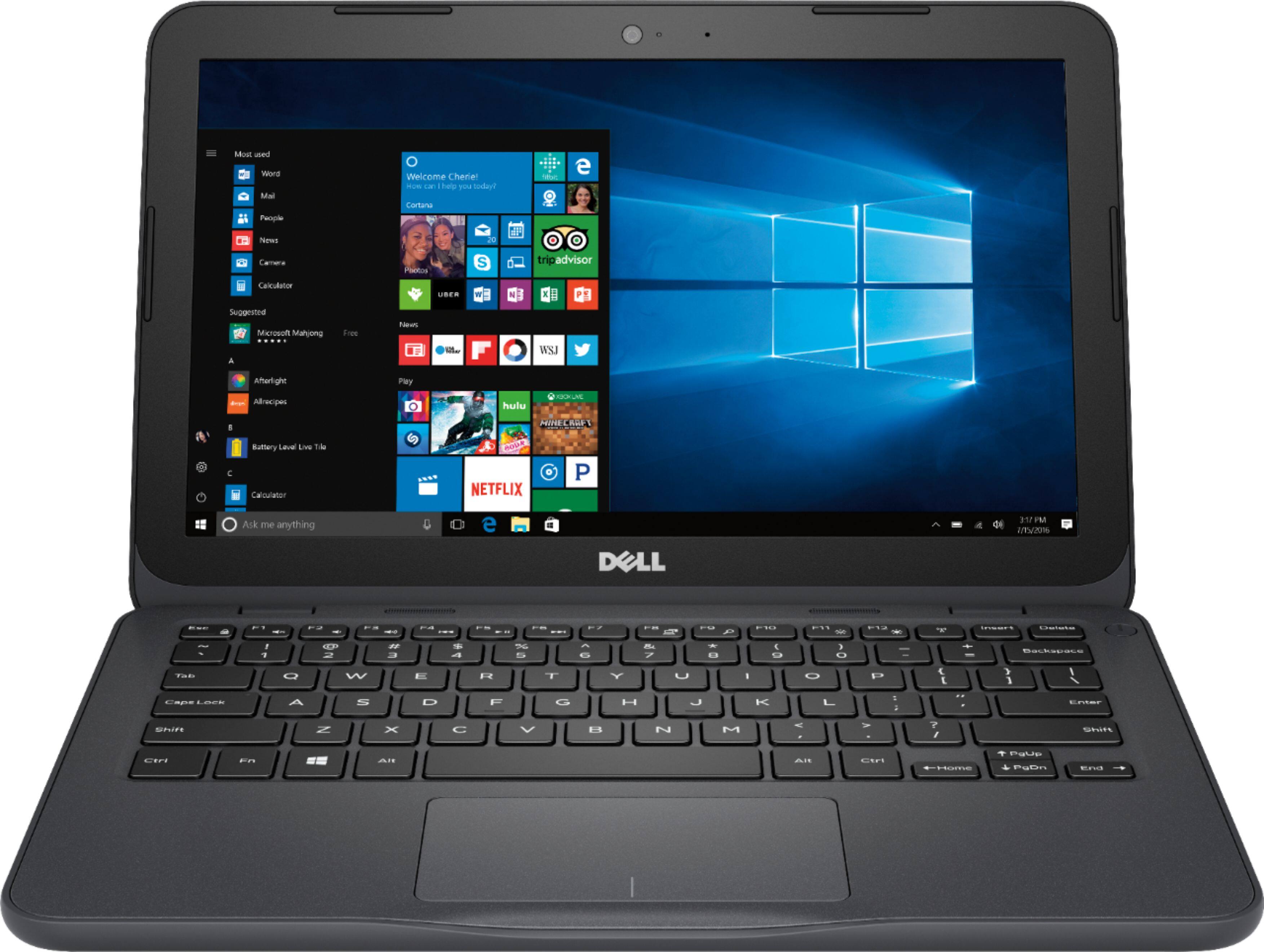
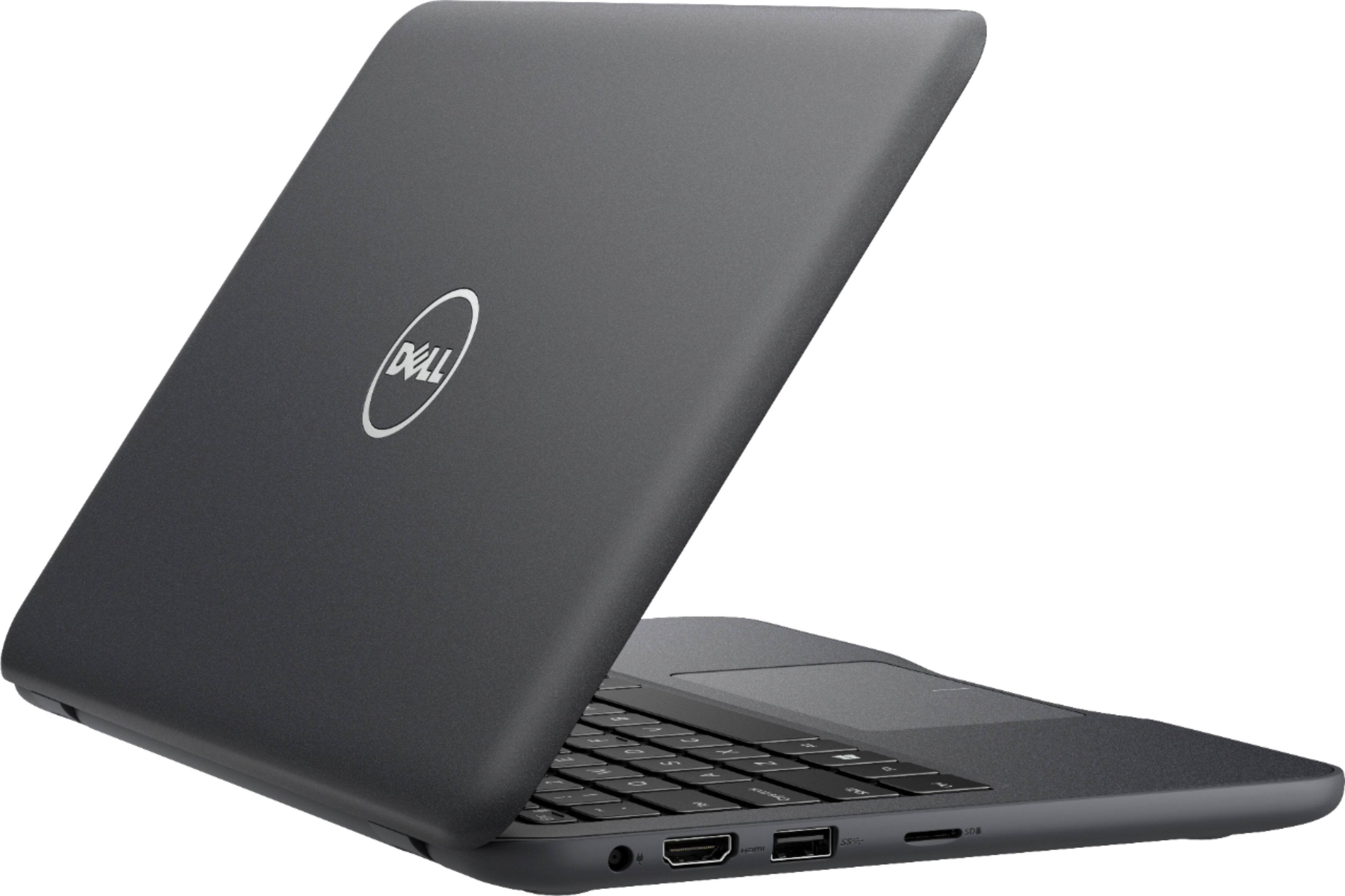
Customers praise the Inspiron 11.6" Laptop for its portability, compact size, and affordable price. Many users find it perfect for students and everyday tasks. However, some customers express concerns about its limited storage space, slow performance, and insufficient memory.
This summary was generated by AI based on customer reviews.
Not the best
||Posted .This reviewer received promo considerations or sweepstakes entry for writing a review.You’re better off paying good make your for a good laptop this one didn’t last 4 months
No, I would not recommend this to a friendBrand response from YourDellTeam
Posted .Estefani,
Thanks for your review. We're sorry that your computer is not performing as well as you had hoped it would. You can always check out our Product Support Page here if you have any questions: http://dell.to/2om4IeG.
We'd also recommend that you reach out to our Technical Support Team if you have additional questions: http://dell.to/2sH7Qlm.
Best,
Bryan
1-800-624-9896
Junk
||Posted . Owned for 1.5 years when reviewed.This reviewer received promo considerations or sweepstakes entry for writing a review.Got it because of price, it sucks in all aspects, return it next day.
No, I would not recommend this to a friendPoor
||Posted .This reviewer received promo considerations or sweepstakes entry for writing a review.It won't update. It is a good size for taking to school but not if it won't update.
No, I would not recommend this to a friendBrand response from YourDellTeam
Posted .Hello ArethaFlowers,
Thanks for your review. We're sorry to hear that your computer is not updating correctly for you. We'd recommend running the Dell Support Assist App in order to see what updates are needed on your computer. If you have additional questions about your computer you can check our Product Support Page here - http://dell.to/2om4IeG.
Best,
Bryan
1-800-624-9896
Couldn't stream Netflix
||Posted .This reviewer received promo considerations or sweepstakes entry for writing a review.I wanted a laptop to stream video. This couldn't do it. Returned it.
No, I would not recommend this to a friendNot worth it
||Posted .This reviewer received promo considerations or sweepstakes entry for writing a review.Even though this laptop is cheap it is not with the money
No, I would not recommend this to a friendBrand response from YourDellTeam
Posted .Valued Customer,
We're sorry that you're not finding more value in your new Dell laptop. If you have specific questions related to your laptop you can visit our Product Support Page here: http://dell.to/2om4IeG.
Best,
Bryan
1-800-624-9896
Hard to use.
||Posted .This reviewer received promo considerations or sweepstakes entry for writing a review.Not easy. Hard to get the hang of it. Won'the recommend.
No, I would not recommend this to a friendBrand response from YourDellTeam
Posted .Hello Baby,
We're sorry that learning your computer has been tough for you. We'd recommend that you check out the manual for your laptop here: https://dell.to/2Ma3sov.
We hope this helps you learn more about using your laptop.
Best,
Bryan
1-800-624-9896
Did not work, returned
||Posted .This reviewer received promo considerations or sweepstakes entry for writing a review.Keyboard did not work and I got no help so returned it.
No, I would not recommend this to a friendDid not Work - Returned
||Posted .This reviewer received promo considerations or sweepstakes entry for writing a review.This laptop did not work. I returned it for another.
No, I would not recommend this to a friendfalling apart
||Posted .This reviewer received promo considerations or sweepstakes entry for writing a review.I am going to Aventura to return very hard to open
No, I would not recommend this to a friendNo office 365 included.
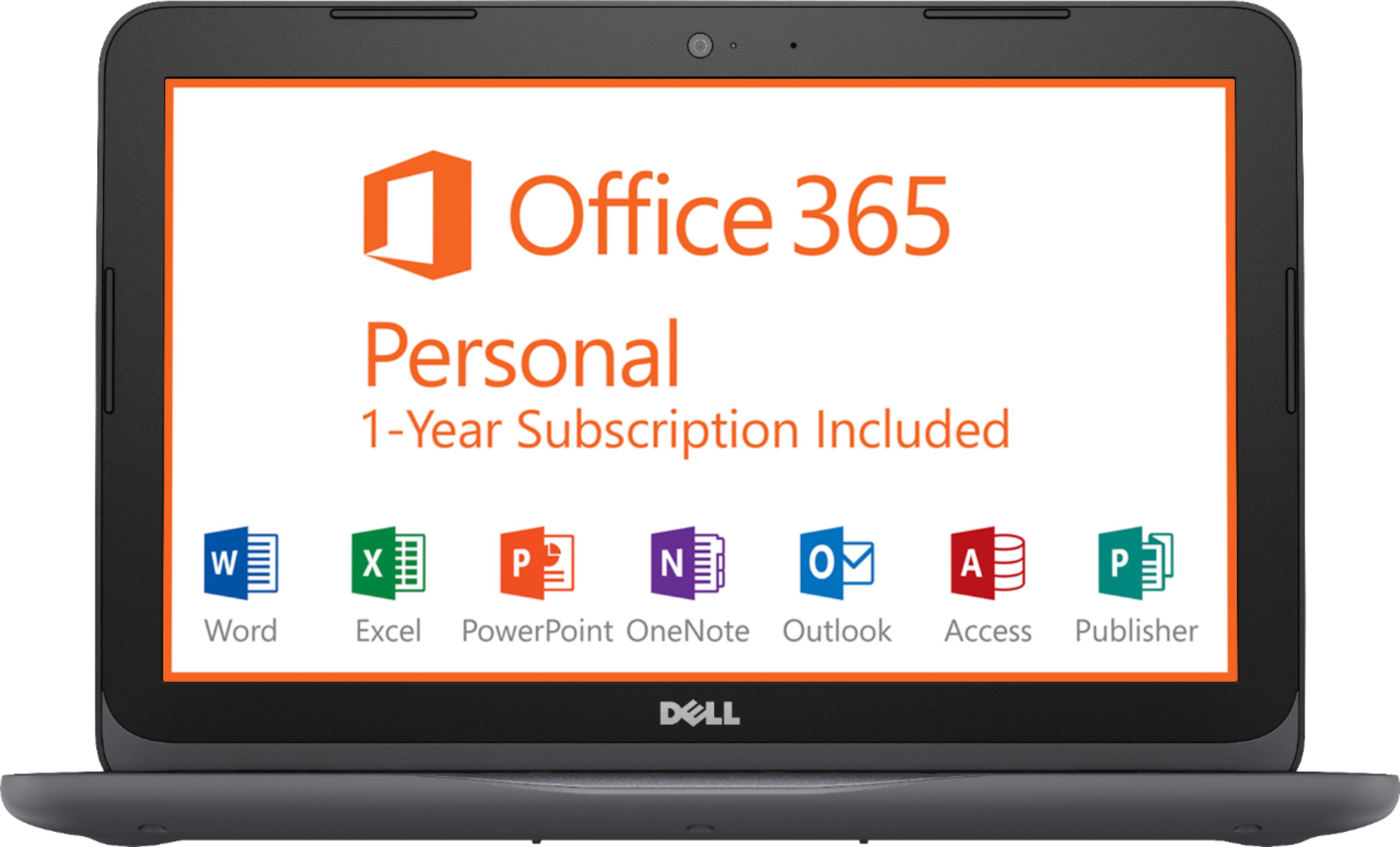
||Posted .This reviewer received promo considerations or sweepstakes entry for writing a review.Ordered online. Advertisedoffice 365 not included!
No, I would not recommend this to a friendBrand response from YourDellTeam
Posted .Hello Valued Customer,
We're sorry that your recent purchase did not include the Office 365 software that you were looking for. We'd recommend that you reach out to Best Buy's Customer Service team here -http://bit.ly/2v2IVhI.
Best,
Bryan
1-800-624-9896
- Cons mentioned:Slow
Let it update then its great.
Posted .This reviewer received promo considerations or sweepstakes entry for writing a review.First theres alot of negative reviews about this being slow, and yes once you take it out of the box it is PAINFULLY slow but thats because this dual core is getting used up 100% getting updates. After I let this fully update it was reasonably quick and responsive. Im going to compare this to the hp stream 11 with the n3060 celeron and the insignia tablet with a z8350 quad core since they are in the same price range and I have used both. If you use this for browsing then youre going to prefer this over those, i would get a score of 18 at browserbench with the hp and 20 with the z8350 insignia tablet. This laptop gets you 45. For comparison my dell 7757 gaming laptop with a core i5 7300hq gets a score of 120. If you're going to be browsing sites and loading up youtube its not going to be slow as the other things in this price range. Gaming This is not a gaming laptop but the reason this got my interest is because I had a gaming laptop back in 2008/9 with a core 2 duo p7450 and an nvidia 9800m gs. The 9220e is slightly better than the core 2 duo and the integrated r4 graphics are about the same as the 9800m gs.Both have 4gb ram This means that if you wanted to play some old games from the ps3 era you will absolutely be able to as long as you can put them on an sd card or some kind of external storage. I played old games like FF13 and even newer less demanding games like cuphead with no issues . Unlike gaming laptops this apu doesnt eat alot of power so i was able to game unplugged for 3 hours. Battery life This is where this shines imo. at 100% brightness browsing websites I get 7 hours of use off a full charge and it charges completely in 2 hours. If I dim the screen I can get about 10 hours of battery. Cons TN panel, The screen isnt that good and im only listing it as a con since the insigina tablet was equipped with an IPS panel . No AC wireless, you cant connect to 5ghz dual band networks only the 2g frequency which results in laggier connections and you cant really stream your desktop to this if you wanted to. 32gb emmc, this is too low to install the updates so it kinda forces you to use a usb stick or an sd card along with this. Bottom line is if you need a portable laptop and are willing to buy an sd card its definitely worth the purchase.
I would recommend this to a friend Pretty good if you take time to set it up . . .
Posted .This reviewer received promo considerations or sweepstakes entry for writing a review.Very good if you -- 1. Be patient and give the device two days to install updates and adjust the update times for convenience. Don't try to use it while this is going on -- it will frustrate you. 2. Consider downloading Chrome and using Google Docs. You can move the Office subscription to another PC by activating it on this device through your Microsoft account and going to your Microsoft Account settings to de-activate it and re-install Office elsewhere. After this then use the Microsoft Easy Fix-It tool to fully uninstall Office from this device. This gives you about 3 GB of additional space. 3. Uninstall McAfee and make sure Windows Defender is activated. McAfee seems to slow this machine down greatly. 4. Uninstall or go through Add/Remove programs to remove unneeded programs. 5. Optimize/de-fragment disk drives and use Disk Cleanup and Storage Sense settings to remove any unnecessary files. You can adjust the storage sense settings to automate the cleaning process thereafter. 6. Add an initial USB and micro-sd card to make storage and updating easier. Probably best to use 32 gb and above for each. It is a good, cheap, lightweight, light-use PC for someone who just needs email, web-browsing and light word processing.
I would recommend this to a friend- Cons mentioned:Storage
Pretty good for the money
Posted .This reviewer received promo considerations or sweepstakes entry for writing a review.Ok so I got this just for writing some short stories on my lunch breaks. When i started it up it took a few minutes to set up but hey that's normal. The laptop starts fast and loads applications reasonable fast for what I expect. To be fair it generally works faster then I thought it would. It feels well built. Light weight and the screen looks great. Reading the reviews is what prompted me to write the review especially when i see people who supposedly work in it yet cannot make it work at a good pace.m. the 32 gig is fast enough but you need to remember that at least one of that is a separate partition for a recovery drive. Then another system reserved partition and then the main one with windows 10 i stalled. This leaves you with about 9 of usable space. So go and buy a 200 g card and all is well. Wifi is terribly slow out the box. However as any IT person should know this is not the hardware. Go to add and remove programs and remove all Instances of SmartBytes. Do that and 60 to 80 Mbps download speeds. Not so slow anymore when you know what you are doing. Then the windows update issue, again any it person can tell you, stop the windows update service, rename the softwaredistribution folder and create a folder on the new ad card. Then simply /j a new SoftwareDistribution folder to a folder on the new card and problem solved. Also go in to storage and set all things like docs and downloads to save to your card. Remember to format that card before use to ntfs. There. Speed it up, freed up system drive memory and this little laptop does a good job. Super happy with it.
I would recommend this to a friend - Pros mentioned:PriceCons mentioned:Storage
Great for what it's designed for
Posted .This reviewer received promo considerations or sweepstakes entry for writing a review.This is a modern example of what was in 2006 or so called a "netbook," so your expectations should factor in both the hardware and the price of this device. Having said that, if what you want is a portable laptop that can perform basic Internet tasks well while running Windows 10, this serves that purpose well. As others have noted, the internal storage is small, and after getting it online and applying all of the latest updates, you are likely to have very little C: drive space left. I happen to work in IT and my solution to that was to use a cheap USB stick (make sure its at least 16GB or larger) to create a fresh Windows 10 install media and start from scratch. That may not be in your repertoire, in which case, you need to be advised the internal storage will need to be kept clean and free for updates. I put Ubuntu 18.04 on it briefly and while it worked flawlessly, and used less disk space than Windows 10, it was more sluggish than my clean Win 10 install so I reverted back to Windows 10 and I'm perfectly happy with the performance. Do some Google searches, know what you're getting into, and if all you need is a budget portable laptop, this should fit the bill perfectly.
I would recommend this to a friend - Pros mentioned:Portable
GREAT AT THE MOMENT
Posted .This reviewer received promo considerations or sweepstakes entry for writing a review.I do not get all of the negative reviews. I own many laptops and desktops. One laptop is over $1,500. It is amazing. My new Dell cost me $102.00 at Best Buy on clearance. It runs really good for one hundred us dollars. What are negative crybabies crying about? It is an inexpensive machine, but it still does the job it was made to do. I bought it to bring with me on trips for emails, the weather, and to check my Nightowl security system on off sight internet places. I am going to install Word Perfect X7 and I will then use a bluetooth keyboard if I want to do some writing. I am watching the GB storage to see how much stuff I can cram into the harddrive storage. I will use this on motorcycle rides, and whenever I leave the house. Why? Because it seems to work and I have some really expensive laptops that I do not want damaged or stolen. Sometimes bigger is better. But sometimes, smaller is better. And if there are no future problems with my new little playtoy and worktoy, I will be happy I spent $102.00 US Dollars on the Dell.
I would recommend this to a friend Good for basic tasks
Posted .This reviewer received promo considerations or sweepstakes entry for writing a review.I like this little laptop, it's not fast but it gets the job done. I couldn't find the exact CPU speed in the specifications so I'm adding it in here it's a Dual-Core 1.6 and I never saw it boost above that even loaded down. I bought this because it had 4 GB of RAM and usually you can't upgrade these and after popping the cover on this one I can confirm it can't be upgraded. Pros: Plays 720p youtube without stutter Plays 10 to 15 year old games fine Surfs the Internet just fine Decent Screen Batterylife is good, been running for 6 hours on battery today but half was on standby but it's still at 40%. Cons: It is quiet with no fans but gets hot Dead pixel on the screen(just 1 so not returning) Lots of Bloatware Overall good little laptop decent power, first thing I did was download windows 10 and put a fresh install on it. This made a huge difference, went from using 2 GB of RAM to using just 1.1 after boot up. Getting rid of the added apps helped with space too. So far I'm happy and it hasn't froze or crashed on me. I think the clean install helped.
I would recommend this to a friend- Pros mentioned:Size
Great notebook for the price
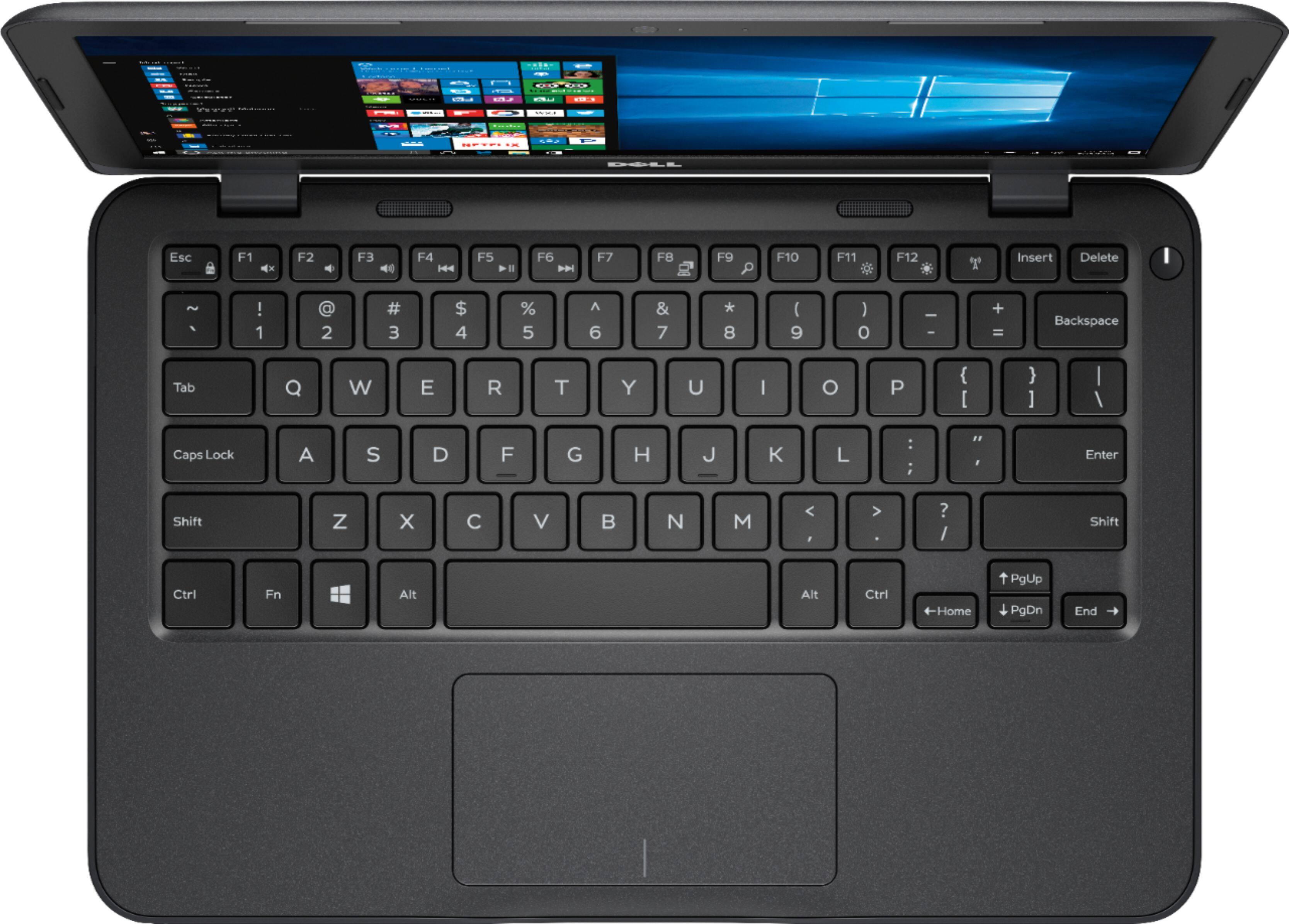
Posted .This reviewer received promo considerations or sweepstakes entry for writing a review.Based on the negative reviews I've read, I almost passed on buying this notebook. But when it was priced at $125 during the Black Friday in July sale, I jumped on it. I wanted a small, light notebook that I can use for writing documents, keeping up on email, and doing some web surfing. This computer is great for those functions. Microsoft Word works fine in the 4GB RAM; so does the MS Mail app and Chrome web browser. There is no issue with speed. The keyboard is comfortable for my hands and the trackpad works fine. And I’ve been pleasantly surprised by how quickly this notebook wakes up from sleep mode; it’s much faster than any PC I’ve used. I have no idea what some people are trying to do with this notebook, that makes them say it's slow. The only thing I don’t like is the slick plastic used on the lid of the notebook. The rougher plastic used on the bottom should cover the full exterior for a better grip. Oh, I also did not like the Dell screen telling me that Office was included. I clicked on the screen and was taken to the Dell website which told me I had to pay $69 to download the software, even though it's pre-installed. Other than that, I'm very happy with this purchase.
I would recommend this to a friend - Pros mentioned:Size
nice, but...
Posted .This reviewer received promo considerations or sweepstakes entry for writing a review.I like the size of this product, but I soon found out that this is no replacement for an andriod tablet. When it comes to the convenience frequent off/on cycles, I'll pick andriod over Windows every time! This was returned, and I am now very happy with my new Galaxy A even though it has only a 10-inch screen.
No, I would not recommend this to a friend - Cons mentioned:Storage
Great basic laptop for teen or secondary for adult
Posted .This reviewer received promo considerations or sweepstakes entry for writing a review.Not sure why negative comments.... On Sale at 149.99 this is a great deal A6, 4gb memory and windows 10. If you are not looking to store your movie collection or itunes on the 32mmc drive you should be fine. For basic browsing, school work, microsoft office inlcuded for a year this is good. Wifi built in a couple USB ports and my son was up an running in less than an hour once I did the microsoft account for him. Display is basic dont expect 4k UHD lol. I am tempted to buy a 2nd one to use around the house and portable. For browsing its fine .....youtube runs adequate. For 150 bucks what are you looking for it does the job its designed for well at a good value.
I would recommend this to a friend - Cons mentioned:Slow
Poorly made netbook, nothing more
Posted .This reviewer received promo considerations or sweepstakes entry for writing a review.I was sent this model as a gift less than three weeks ago from a friend. From the beginning the startup stated there was a problem with the drive--it did some sort of scan to try to fix it; but it didn't. Second, this comes loaded WITHOUT enough memory to download the updates waiting for it. Right off the bat you need at least 20 gigs that aren't there. At purchase you MUST buy a micro sd card or don't bother trying. The L hinges broke (yeah, they did rivets-sheared off) less than a week after I got it. I took it back yesterday and exchanged it for a new one. This one is shutting down (just going black screen, and to get it to turn back on you have to close it, let it set a minute or two and then start it up again). So far today it's done it 6 times in less than two hours. This computer is so slow that you'll get to be nostalgic and feel all the aggravation of once again having dial up. It does NOT run smooth and gets bogged down by the tiniest thing (Mcafee, two windows open). It's the most aggravating computer I've ever owned. It runs worse than my cheap $50 tablet from China that I use as an e reader. Since it was a gift I'm going to do my second exchange today and hope I get one that isn't defective. I'm not holding my breath. My advice is to just save yourself the hassle and buy something better made by someone else. My last computer was a dell i7 core-much more expensive, 16", but the same sloppy, defective workmanship. I've always owned dells, but never again. They don't make quality products anymore. There is absolutely no reason to release a computer made so cheaply that they can't work properly. My replacement I picked up yesterday also had the 'error' at initial startup. It did the scan and repaired it, though. I'm guessing that error had nothing to do with why it suddenly goes dead and does a hard shut down. Imagine being able to buy a product, take it home, set it up, and use it. DON'T COUNT ON IT WITH THIS MODEL. I already despise this thing. If it hadn't been a gift I'd return it for something else. Run far in the other direction, or if you MUST have a dell go with the intel version. It may work better. Or not.
No, I would not recommend this to a friendBrand response from YourDellTeam
Posted .4catsnv,
It sounds like a very frustrating experience that you've had with your new laptop. We're sorry that the storage on your new computer was not sufficient for your setup. If you are having trouble with the storage on your computer we'd recommend looking through the pre-installed programs on your computer to make sure that you plan to use all of them. If you'd like to uninstall anything you can follow these steps: Uninstalling or removing software or applications that you do not use or do not need from your PC can help speed up your PC. Applications may include background processes, system services, context menu entries and other things that can slow down your PC.
Uninstall applications you no longer need using Programs and Features (previously called Add/Remove Programs). Unnecessary applications occupy space on your hard disk drive.
1. Press the Windows logo key + R on the keyboard.
2. In the Run dialog box, type appwiz.cpl and press the Enter key.
3. In the list, select a program and click Uninstall.
You can read the full article here - http://dell.to/2tSulGV.
If you have additional questions you can always contact our Technical Support Team here: http://dell.to/2sH7Qlm.
Best,
Bryan
1-800-624-9896