Customer Ratings & Reviews

- Model:
- I3180-A361GRY-PUS
- SKU:
- 6188326
Rating by feature
- Value
Rating 3.9 out of 5 stars
- Quality
Rating 3.7 out of 5 stars
- Ease of Use
Rating 3.9 out of 5 stars
Customers are saying
Customers praise the Inspiron 11.6" Laptop for its portability, compact size, and affordable price. Many users find it perfect for students and everyday tasks. However, some customers express concerns about its limited storage space, slow performance, and insufficient memory.
This summary was generated by AI based on customer reviews.
- Pros mentioned:Price
EXCELLENT LAPTOP, JUST EXCELLENT !!
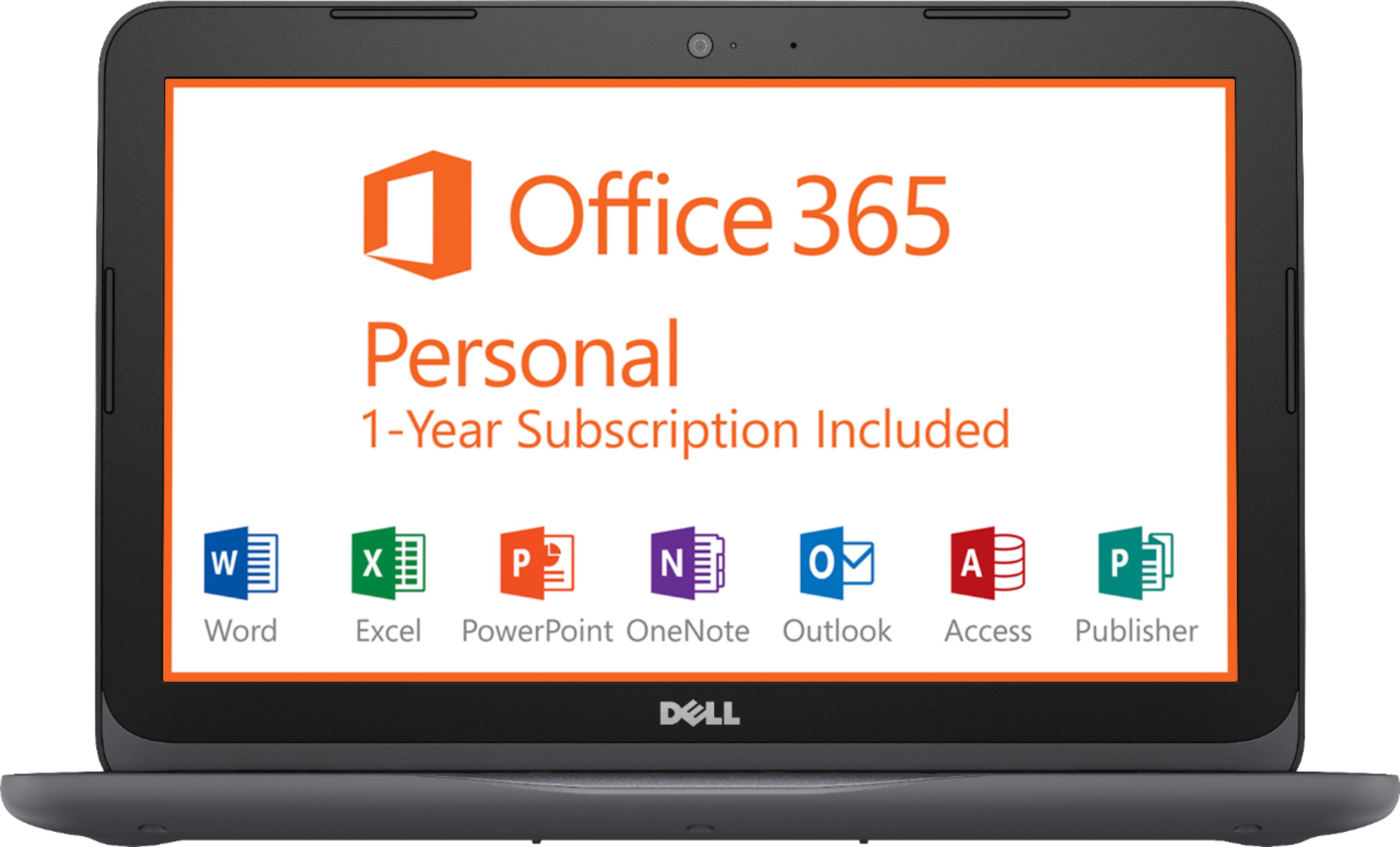
Posted .This reviewer received promo considerations or sweepstakes entry for writing a review.This is a 5 star computer. I'm very very happy! Sure it may be 11.6 inch screen, but it's so so cute and doesn't hurt your eyes. Cute to watch. and the performance is great! I have it attached to my Home Cinema and viewing it on my 200 Inch screen. PERFECT !! Perfect performance perfect everything! Internet my be a tad slow but after you find out what service and processes you don't need. Speed it just fine. And it comes with a $69 subscription of Office 365 a whole year Free! I paid only $139 for this projector when it was on sale here at best buy, But for only $199. It is still well worth it. I am impressed and you will be also. TRUST ME!
I would recommend this to a friend Good with Linux
Posted .This reviewer received promo considerations or sweepstakes entry for writing a review.I only ran it in windows for a short time and it did slow up. Not that bad let's say fixable. But I never remove all the bloatware and max out the settings for performance. The best way is to re-install windows. With 32gb for storage the performance is moot. I think that Windows is just too big. Also way too hard to remove unwanted software. You can't remove Internet explorer and Cortana. You have to use the shell to remove, Maps, People and many more. I installed the biggest (resource using) Linux distro Mint KDE. Runs better and takes up less room on the hard drive than windows. Wayne is correct it runs fine with Linux and an update to the kernel. Thank You Wayne for you review spot on. I tried a number of Linux distros, Bodhi ran out of the box and all good. The fastest distro it tried. Good price, made well, good hard ware. Could be ok with Windows, but why.
I would recommend this to a friendBrand response from YourDellTeam
Posted .Dear jinda - Thanks for the advice that you posted in your review. If you do have any additional questions about your new computer we'd suggest that you check out our Product Support Page here - http://dell.to/2om4IeG. - Bryan

- Cons mentioned:Storage
I wanted to give it more.
Posted .This reviewer received promo considerations or sweepstakes entry for writing a review.I wanted to give this laptop more stars but couldn't. Dell usually make great products but this was not there best. It really needs a larger initial storage size. When updates happen, it hogs a lot of the storage. I wonder if I install W10 from scratch would that help? I don't use a lot of software because this was just a backup. Dell could have done better.
No, I would not recommend this to a friendBrand response from YourDellTeam
Posted .SEVA35911,
We appreciate your feedback and we're sorry to hear that your computer does not have as much storage capacity as you had hoped for. We'd recommend taking a look through the software on your computer and make sure that you plan to use all of the programs that may have been pre-installed. Here's a list of programs to consider uninstalling: https://dell.to/2JruiaG.
If you'd like to remove any programs to free up storage space, here are the steps: Uninstalling or removing software or applications that you do not use or do not need from your PC can help speed up your PC. Applications may include background processes, system services, context menu entries and other things that can slow down your PC.
Uninstall applications you no longer need using Programs and Features (previously called Add/Remove Programs). Unnecessary applications occupy space on your hard disk drive.
1. Press the Windows logo key + R on the keyboard.
2. In the Run dialog box, type appwiz.cpl and press the Enter key.
3. In the list, select a program and click Uninstall.
You can read the full article here - http://dell.to/2tSulGV.
We hope these tips help your computer's performance.
Best,
Bryan
1-800-624-9896
Great Laptop for the Price
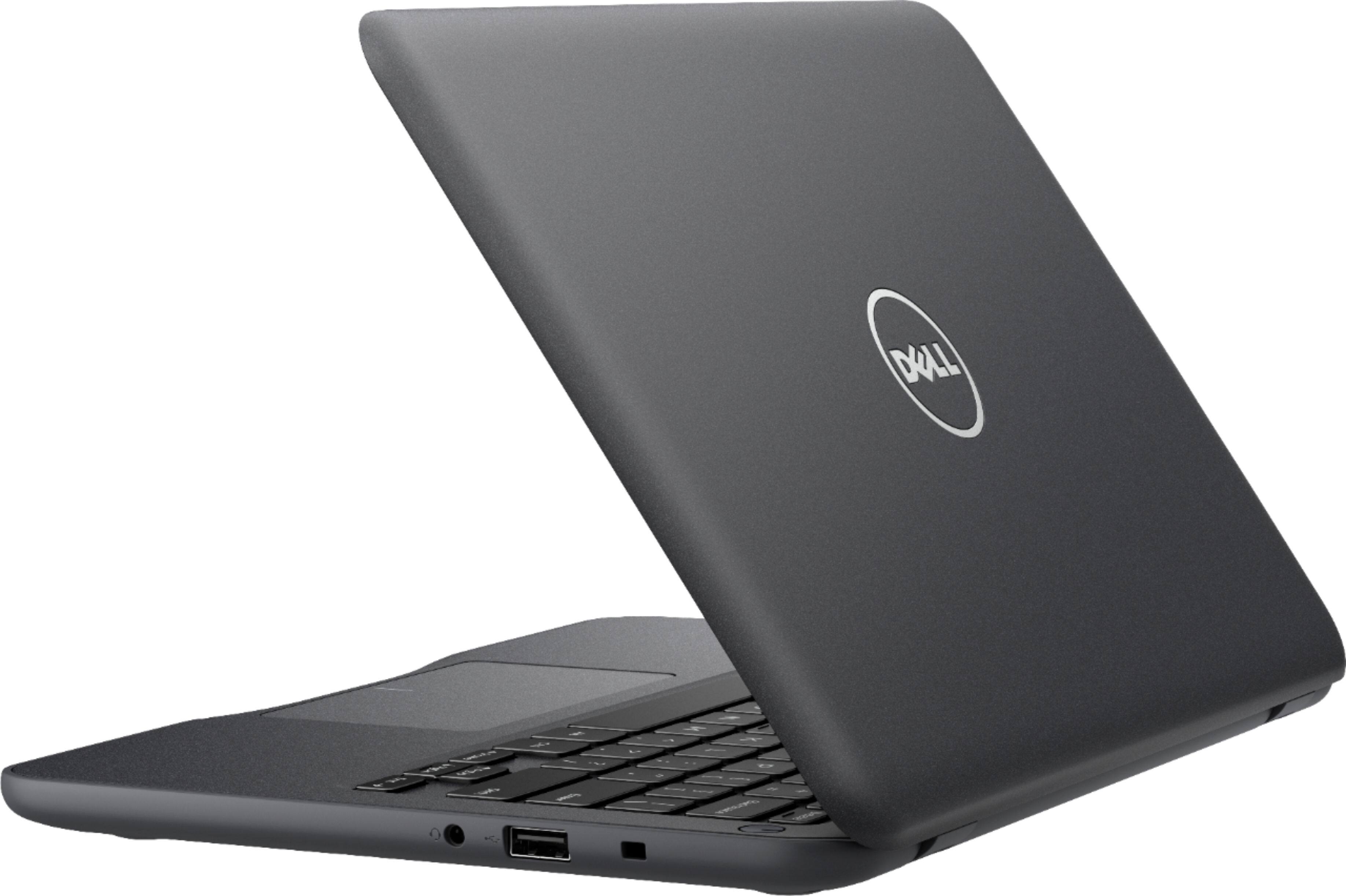
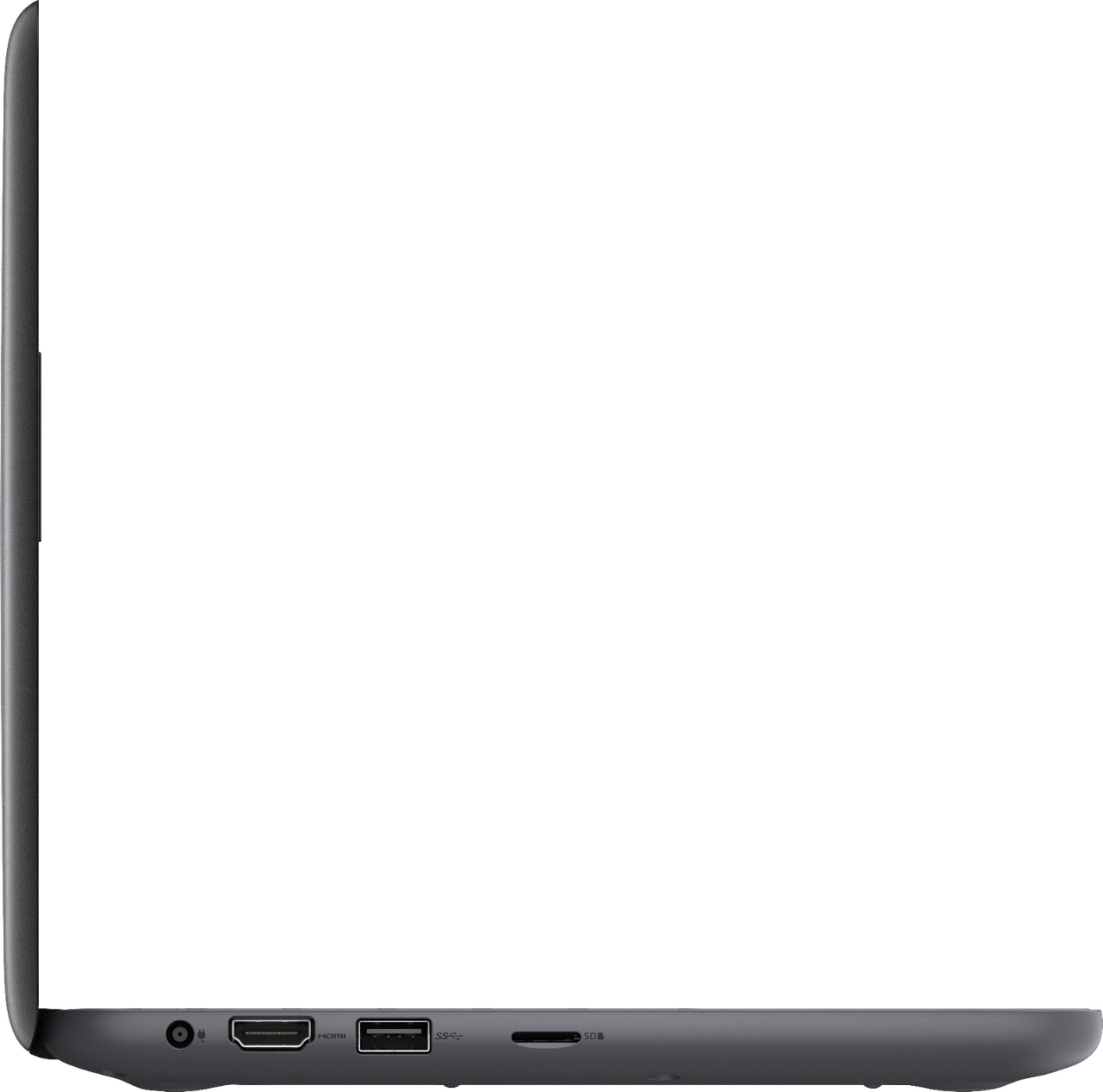
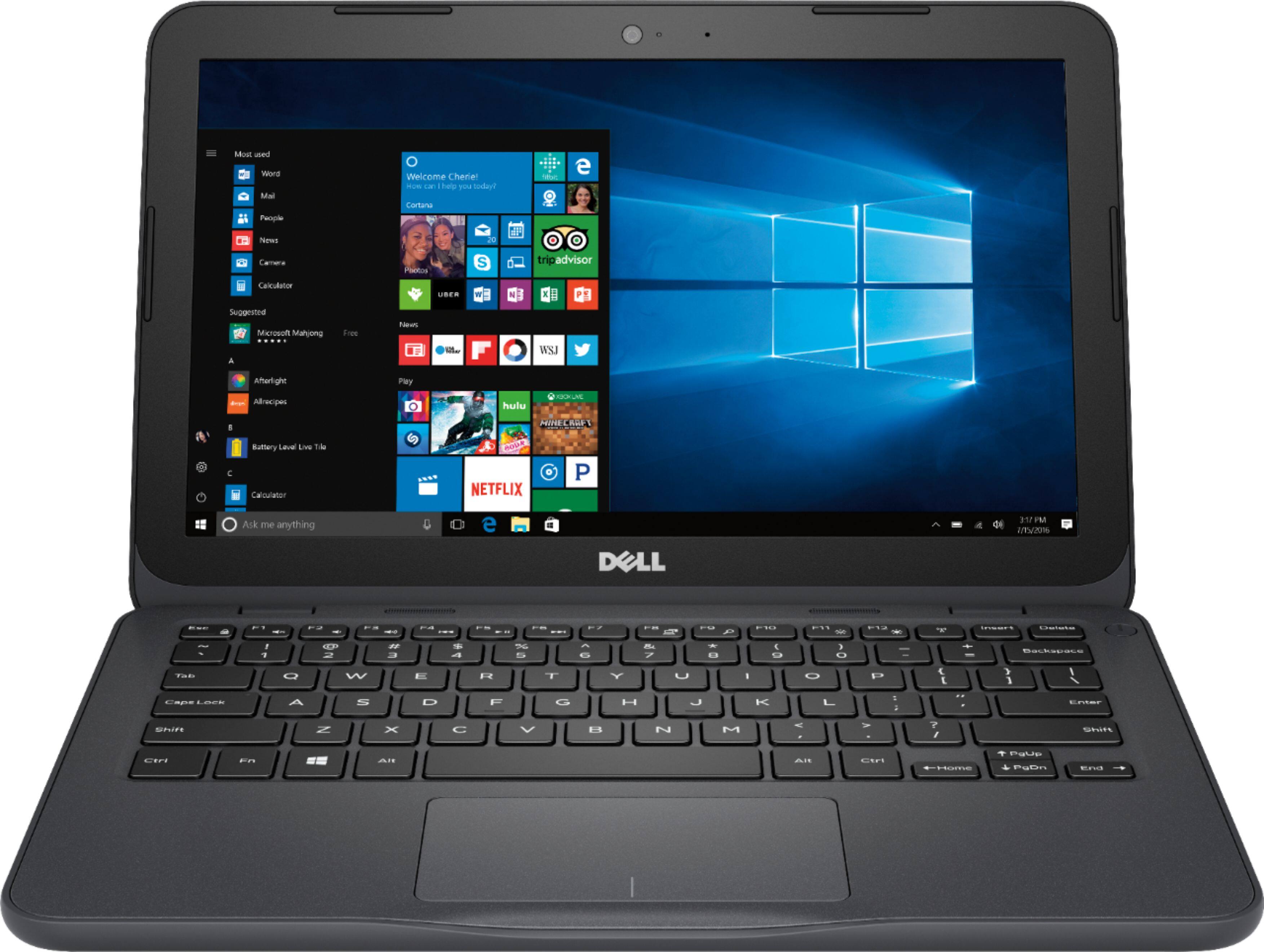
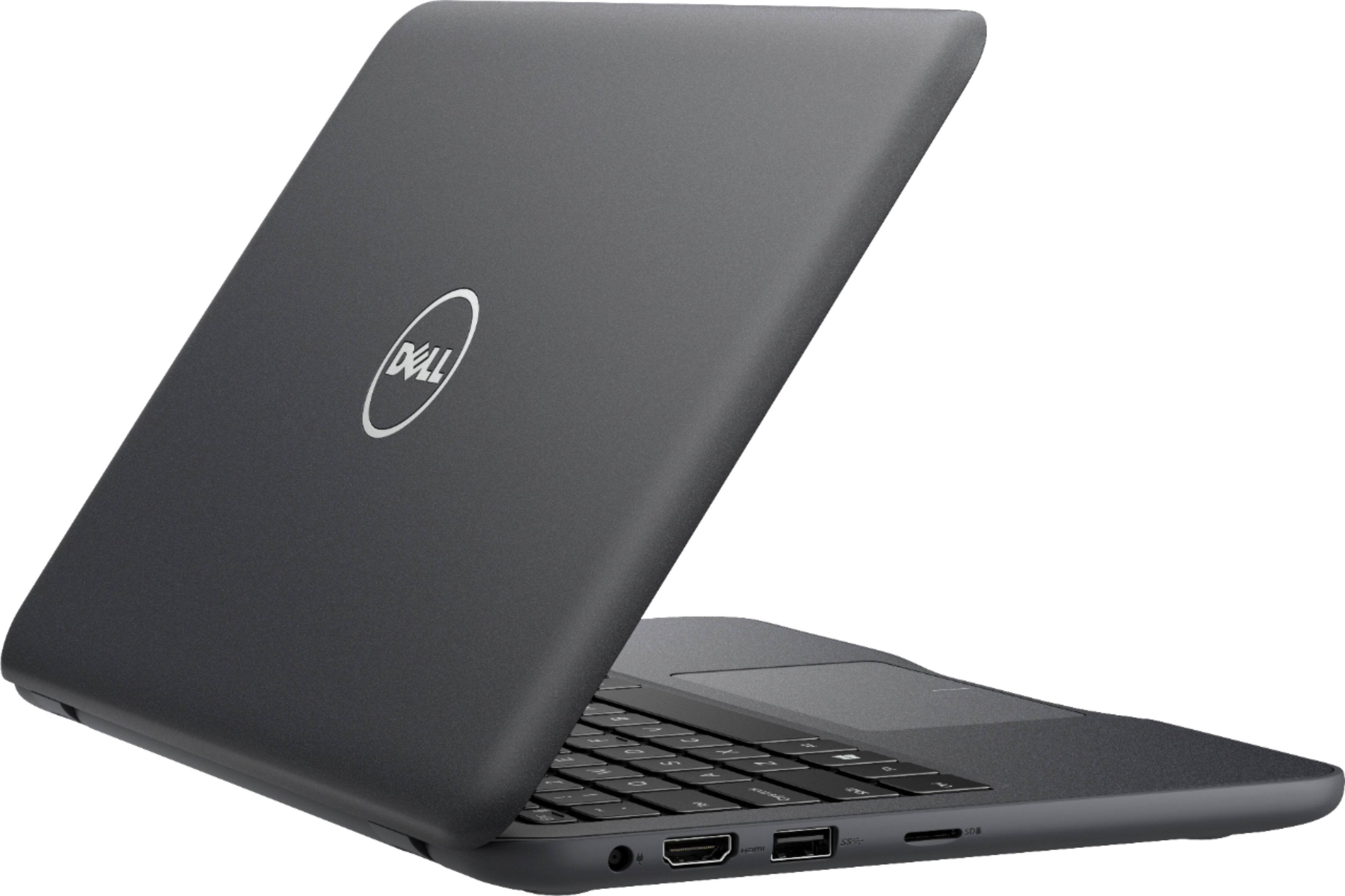
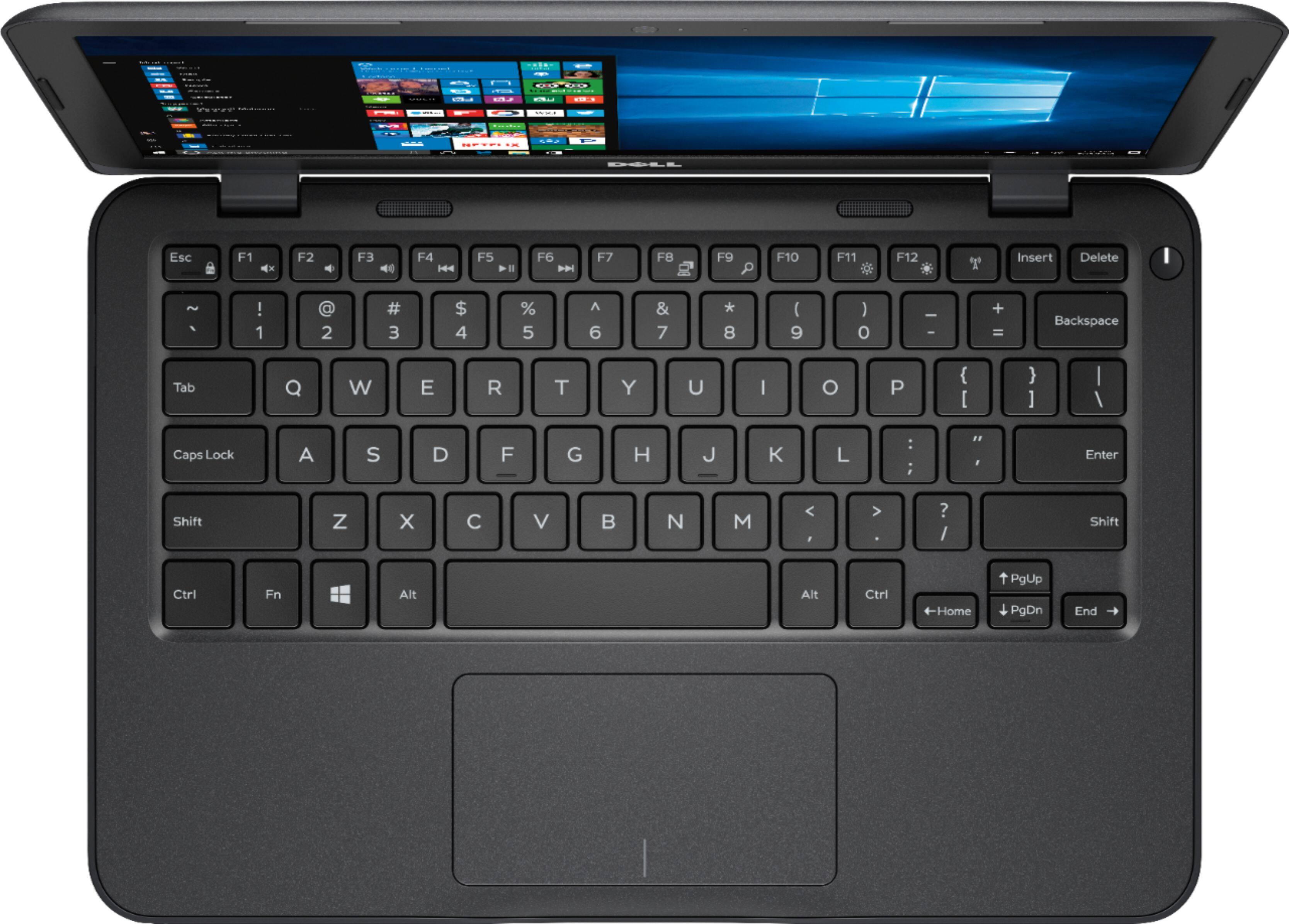
Posted .This reviewer received promo considerations or sweepstakes entry for writing a review.I picked up this laptop with the intention of turning it into a Linux laptop. Upon first booting into windows it will immediately start downloading windows updates. It will be a bit slower during this time period. This is just a fyi if you plan on sticking with Windows, expect the slowdown during update install. The size is compact and lightweight. The screen opens solidly and it is not flimsy. The screen itself has a decent amount of brightness to it. The resolution is lower than other more expensive laptops, but since it's a 11" screen it will look clear. The ports are substantial. Dual USBs, including one 3.0, HDMI, audio/mic and a micro SD card slot. The keyboard has a solid feel without flex. You can type on it fairly well once you get used to it. The trackpad seems ok. Now for Linux. I installed Elementary OS. It went without a hitch. All devices worked out of the box. Note that the trackpad worked after downloading elementary updates the first time. With Linux installed you'll have 20gbs+ free. Plenty of space to work with and it is a lot faster than windows! Overall I'm impressed for the price of this laptop and what you get. Recommend!
I would recommend this to a friend- Cons mentioned:Memory
Worst possible -- buy from another manufacturer
Posted .This reviewer received promo considerations or sweepstakes entry for writing a review.I bought this laptop a few months ago. From the beginning the Windows update was a pain in the neck. Each time it took between half-an-hour to an hour to complete the job. Soon it ran out of memory and kept prompting me for more memory. Well, I put in a micro SD card in the memory slot (oh yea, I used the right slot!), but the laptop won't acknowledge that the memory was in. So I tried to take it out and put it back again. Well, it would not come out. Apparently the slot was defective. I called Dell support. After keeping me waiting for nearly half an hour an agent answered the phone. When I described the problem, they said, "it is a cheap laptop and it does not come with warranty." When I said that the sales person told me that it came with one year warranty, and it is also written on the box, he said that the warranty is only for hardware, such as the CPU, memory and the various cards. He said that I would have to take this up with Best Buy. They will either repair it or .replace it. I already tried this with Best Buy and they said that I would have to take this up with Dell. So, my advice is: Do not ever buy Dell products. No way, I would recommend this to a friend or any one else. --
No, I would not recommend this to a friendBrand response from YourDellTeam
Posted .Hi Babu,
We appreciate your feedback and we're sorry to see the troubles that you've been having with your computer. We'd recommend troubleshooting on our Product Support Page here: http://dell.to/2om4IeG.
If you'd like to read Dell's One Year Limited Warranty for our products you can find it here: http://dell.to/2tNsVOs.
Best,
Bryan
1-800-624-9896
Perfect
Posted .This reviewer received promo considerations or sweepstakes entry for writing a review.Purchased to travel with. Not slow as others have stated. Starts and shuts down fast. I loaded chrome onto it and that is working nicely. Set up was pleasingly easy. Flies through the internet just fine, loads mail quickly. Functions through apps fast. Videos played without issues. Streaming TV on PlaystationVue worked good. Used iphone hot spot linked easily. Box says it comes with Maxx Audio but I looked at my audio settings and there is nothing showing it has it. Puchased Feb 2018 On Sale , very low price, at Best Buy . Has AMD A6-9220e Processor Radean R4 Graphics. There is no case specific to this "Non Chromebook" model but some close matches.
I would recommend this to a friend- Cons mentioned:Slow
Sluggishly slow
Posted .This reviewer received promo considerations or sweepstakes entry for writing a review.Wow. I know we get what we paid for but this was certainly a surprise. I bought this little laptop so that I could easily travel with it and code (C++, Python) on my spare time along with running the basic Microsoft office apps. But wow, the programs take a while just to load up. Granted, I wasn't expecting a lot for $200 but this is a new computer in 2018, I at least expected it to run smoothly (like its advertised) when it comes to the basic software. It's only been a day but I'm debating whether or not I should return it and proceed with a more expensive laptop. If you are going cheap I'd recommend not going too cheap.
No, I would not recommend this to a friendBrand response from YourDellTeam
Posted .Hi Igzz, Thanks for your review. We're very sorry to hear that your new Dell laptop is performing slower than you had hoped it would. Many of our users have found that removing some of the pre-installed programs that come with their computers helps to add speed to their computer and free up space. Here's a video that shows you these steps: http://bit.ly/2ALK0IH. We hope that this tip helps speed up your computer.
If you'd like to read an article related to the issues that you're having you can read this - http://dell.to/2tSulGV.
Lastly, if you have any questions related to your device we'd recommend you check out our Product Support Page here - http://dell.to/2om4IeG. - Bryan
- Cons mentioned:Storage
Not enough memory
Posted .This reviewer received promo considerations or sweepstakes entry for writing a review.This computer should not be sold in a 32 gb version. It worked okay at first, but storage space was quickly consumed by mandatory Windows updates. The machine that I am using has only 1.5 gb of space left on it, after using several different methods to free up space (using disk cleanup utilities to remove unnecessary old files, disabling hibernation, switching to comapct OS, removing all unnecessary software, etc), and I am constantly being shown an update reminder for Windows that will require 8 gb of storage. I thought about wiping Windows off of this machine and running Linux, but it is my wife's, and she is not interested in learning a new OS. Bottom line, Dell doesn't control the bloated installation size of Windows, but they should know enough not to sell a machine with a hard drive too small to support it.
No, I would not recommend this to a friendBrand response from YourDellTeam
Posted .Fletch,
Thanks for your review. We're Sorry to hear that the storage on your new computer is not meeting your needs. We're happy to see that you've already tried many techniques to try to free up additional storage. We'd also recommend using Microsoft OneDrive to store your files in the cloud if they are taking up too much space on your computer.
If you have additional questions about your computer you can view our Product Support Page here - http://dell.to/2om4IeG.
We hope this helps your computer work better for you.
Best,
Bryan
1-800-624-9896
- Pros mentioned:Price
I’m grateful for what I bought
Posted .This reviewer received promo considerations or sweepstakes entry for writing a review.Let me be honest here, I don’t care about high graphics and all of that extra stuff. I learn to be grateful for what I have and what I can afford. Had windows tablets before like a Surface RT Surface Pro 3 Dell avenue 8 Pro had a Dell laptop in 2010, so it’s no biggie/ works fine for me, for my children as well.
I would recommend this to a friend - Pros mentioned:Price
It’s good
Posted .This reviewer received promo considerations or sweepstakes entry for writing a review.Computer runs nicely but what gets me is that to power on the laptop which kinda sucks cause it takes a while but other than that I’m pretty happy with the laptop for the price dnt expect the laptop to be the best out of the best but it does the job
I would recommend this to a friendBrand response from YourDellTeam
Posted .Hello MILC,
Thanks for your review and we're sorry that your computer is starting up slower than you'd like it to. We'd recommend limiting the number of programs that launch at startup. You can do this by following these steps:
1. Close all open windows.
2. Press CTRL + Shift + ESC key together on the keyboard.
3. In the Task Manager window, click Startup tab.
4. Select the program or application that you want to disable from loading during startup.
5. Right-click and select Disable.
6. Repeat Step 4 & 5 for all the programs or applications that you want to disable from loading during startup.
7. Restart your PC.
You can read the full article here - http://dell.to/2tSulGV.
We hope this helps your computer startup smoother for you.
Best,
Bryan
1-800-624-9896
Slow with Windows, perfect with Linux
Posted .This reviewer received promo considerations or sweepstakes entry for writing a review.After a messing around for a few hours I got it to run both Ubuntu 18.04 and Fedora 28 no problems. I ended up staying with Fedora and i3wm. Runs really well for web browsing and running commands in the terminal. First when installing Linux you need a distro with a kernel of 4.15 or higher. Second, disable Secure Boot, TPM, and UEFI in the bios, third you will need to use a USB mouse during the install, because the track pad will not be detected initially. After installation you can re-enable secure boot and everything else and use efibootmgr in a terminal to delete the windows entry in the boot profile. Until then you will need to use F12 at boot while in legacy mode. This thing actually runs really well with Linux, wifi, bluetooth, sound and graphics all work well. Well worth the $139 I spent on it!
I would recommend this to a friend- Cons mentioned:Storage
Save your money
Posted .This reviewer received promo considerations or sweepstakes entry for writing a review.When I first bought this laptop I noticed it was slow when starting up and when loading onto the internet or any other program. From time to time it would pause then completely freeze. Storage space sucks, the settings practically takes up everything. I don't use this laptop anymore due to its complications. Would not recommend this product.
No, I would not recommend this to a friendBrand response from YourDellTeam
Posted .Hi GoldenGal, Thanks for your recent Dell laptop purchase. Hopefully removing some of the pre-installed programs that came with your computer that you do not plan to use will help speed up your computer as well as free up storage space for you. Here's a video that outlines the way to remove programs that you no longer want to have on your computer. - Bryan
Great for the Price
Posted .This reviewer received promo considerations or sweepstakes entry for writing a review.This little laptop does everything I expected for this price. It's pretty snappy when starting with a clean install of Windows 10 (which is somewhat tricky on this machine). It can run 64-bit Windows 10 which isn't common on these budget priced computers.
I would recommend this to a friend- Cons mentioned:Slow, Storage
Horrible Computer - save your money
Posted .This reviewer received promo considerations or sweepstakes entry for writing a review.I have had the computer for a short time, have NO files loaded on it, I mean nothing. Just use for email. Very slow and unresponsive computer. Then it got a Win 10 update and there is not enough hard drive space to load it. Now it is worthless. Could try and do memory upgrades I guess, but will not sink any more money in it. Going to the trash.
No, I would not recommend this to a friendBrand response from YourDellTeam
Posted .Jcar,
We're sorry to hear that your computer is performing slower than you'd like it to. We'd recommend running the Windows Performance Troubleshooter to see if your computer can run faster by making any necessary changes. We hope this helps your computer perform faster for you.
Best,
Bryan
1-800-624-9896
- Cons mentioned:Storage
EMMC Flash Memory will not allow Win10 update
Posted .This reviewer received promo considerations or sweepstakes entry for writing a review.The flash memory is totally inadequate. Even with NO software loaded, beyond the Win10 OS and preloaded Dell programs I cannot get more than 9GB of free space. According to Microsoft support, the Win10 update requires at least 10GB of free space. I spent an hour-and-a-half on the phone with Microsoft support and they, too, could not free up enough flash memory to get the update installed. They also told me manufacturers, like Dell, have been informed of the inadvisability of loading Win10 on a machine with such small storage as the 3180. I first talked to Dell support but the person I talked to was almost surly, especially when I asked about the possibility insufficient storage capability to properly run Win10. I will NOT call back nor will I be inclined to purchase any more Dell product. My wife and I own four of their machines, two laptops and two desktop machines with the 3180 and one of the desktop machines purchased in the last 8 months. It is inexcusable to sell a laptop that cannot adequately handle the operating system with which it is supplied.
No, I would not recommend this to a friend Nice Basic Laptop
Posted .This reviewer received promo considerations or sweepstakes entry for writing a review.I purchased this laptop for general web browsing and email. It works well for these basic tasks. It has a surprising number of features for a very low price.
I would recommend this to a friend- Cons mentioned:Memory
Don't waste your money
Posted .This reviewer received promo considerations or sweepstakes entry for writing a review.It's basically a descent laptop/tablet. Good for browsing. Major drawback is memory. The 32 gb memory does not allow you to store virtually anything on it. Even with removal of extraneous pre-installed software, it does not have sufficient memory to install any Windows10 updates. Since you do not have the space for any anti-virus or firewall software, you are dependent on Windows Defender. Without security updates, this is worthless. FAHGET ABOUT IT. To expand memory after the fact to 256 gb cost more than the initial purchase.
No, I would not recommend this to a friendBrand response from YourDellTeam
Posted .Hello HHRo, Thanks for your review. We'd recommend looking at some storage space that you can use either in the cloud with this computer or on Microsoft's OneDrive. You can also check out our Product Support Page here - http://dell.to/2om4IeG. We hope these tips help free up some space for you and help your computer run faster. - Bryan
- Cons mentioned:Memory
Wasn't thrilled with this laptop
Posted .This reviewer received promo considerations or sweepstakes entry for writing a review.Updated Windows and it's out of memory. I don't think it's going to work for what I needed it for....
No, I would not recommend this to a friendBrand response from YourDellTeam
Posted .DonnaB,
We're sorry that you're experiencing storage issues with your new computer. We'd recommend checking to make sure that you plan to use all of the programs that are installed on your computer. You can remove any unwanted programs by following these steps:
Uninstalling or removing software or applications that you do not use or do not need from your PC can help speed up your PC. Applications may include background processes, system services, context menu entries and other things that can slow down your PC.
Uninstall applications you no longer need using Programs and Features (previously called Add/Remove Programs). Unnecessary applications occupy space on your hard disk drive.
1. Press the Windows logo key + R on the keyboard.
2. In the Run dialog box, type appwiz.cpl and press the Enter key.
3. In the list, select a program and click Uninstall.
You can read the full article here - http://dell.to/2tSulGV.
For a list of suggested programs to remove you can visit here: https://dell.to/2JruiaG.
We'd also recommend using Microsoft's OneDrive to store files in the cloud to save space.
Best,
Bryan
1-800-624-9896
- Pros mentioned:Portable
Great Laptop for traveling
Posted .This reviewer received promo considerations or sweepstakes entry for writing a review.My wife wanted a laptop for traveling. Did some research, and for the price, this laptop is great for what we need.
I would recommend this to a friend Decent
Posted .This reviewer received promo considerations or sweepstakes entry for writing a review.Might work for others but for me it didn't due to requirements on my device.
I would recommend this to a friend