Customer Ratings & Reviews



- Model:
- I31620003BLU
- SKU:
- 5618116
Rating by feature
- Value
Rating 3.6 out of 5 stars
- Quality
Rating 3.6 out of 5 stars
- Ease of Use
Rating 3.5 out of 5 stars
Customers are saying
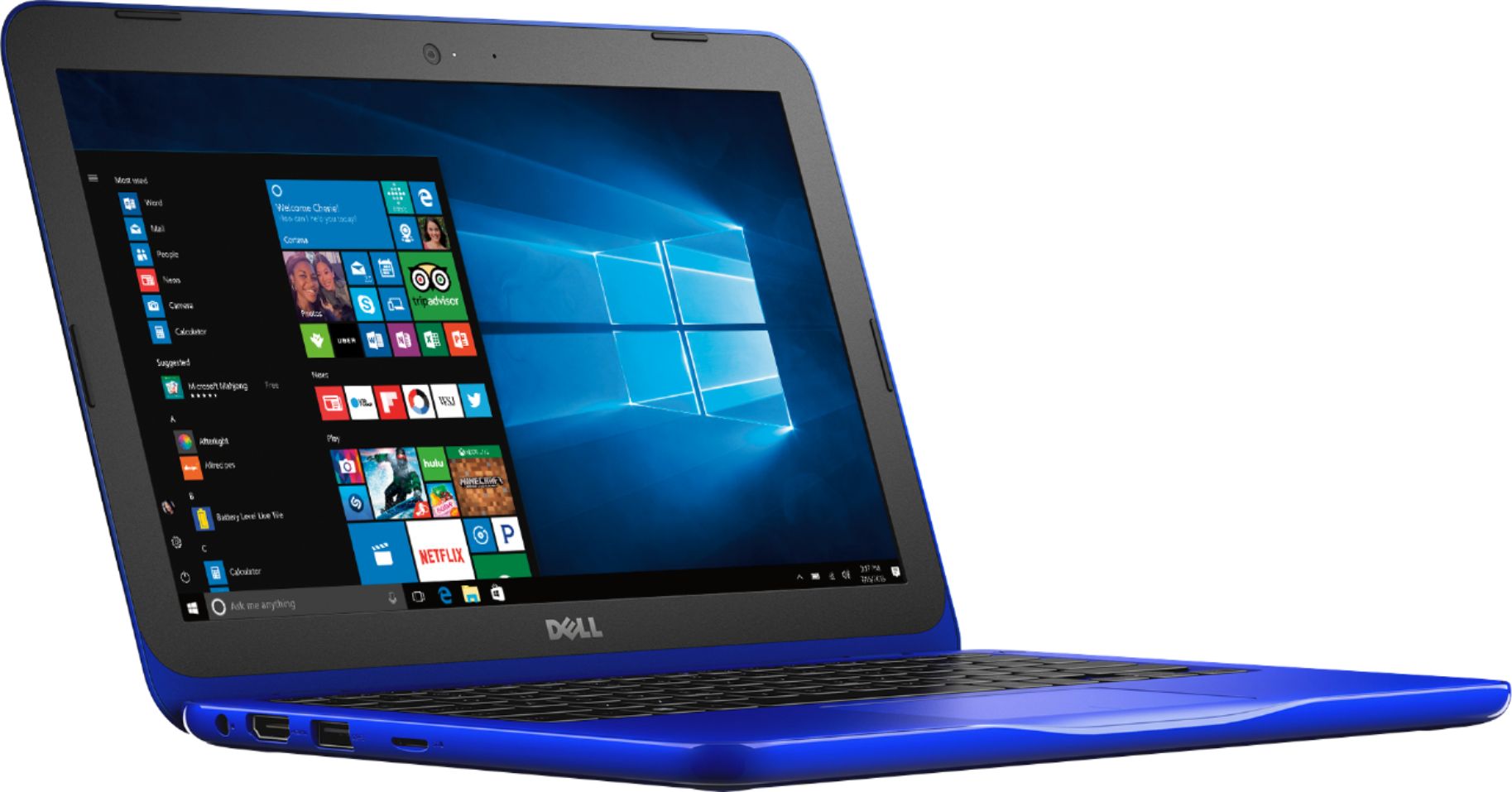
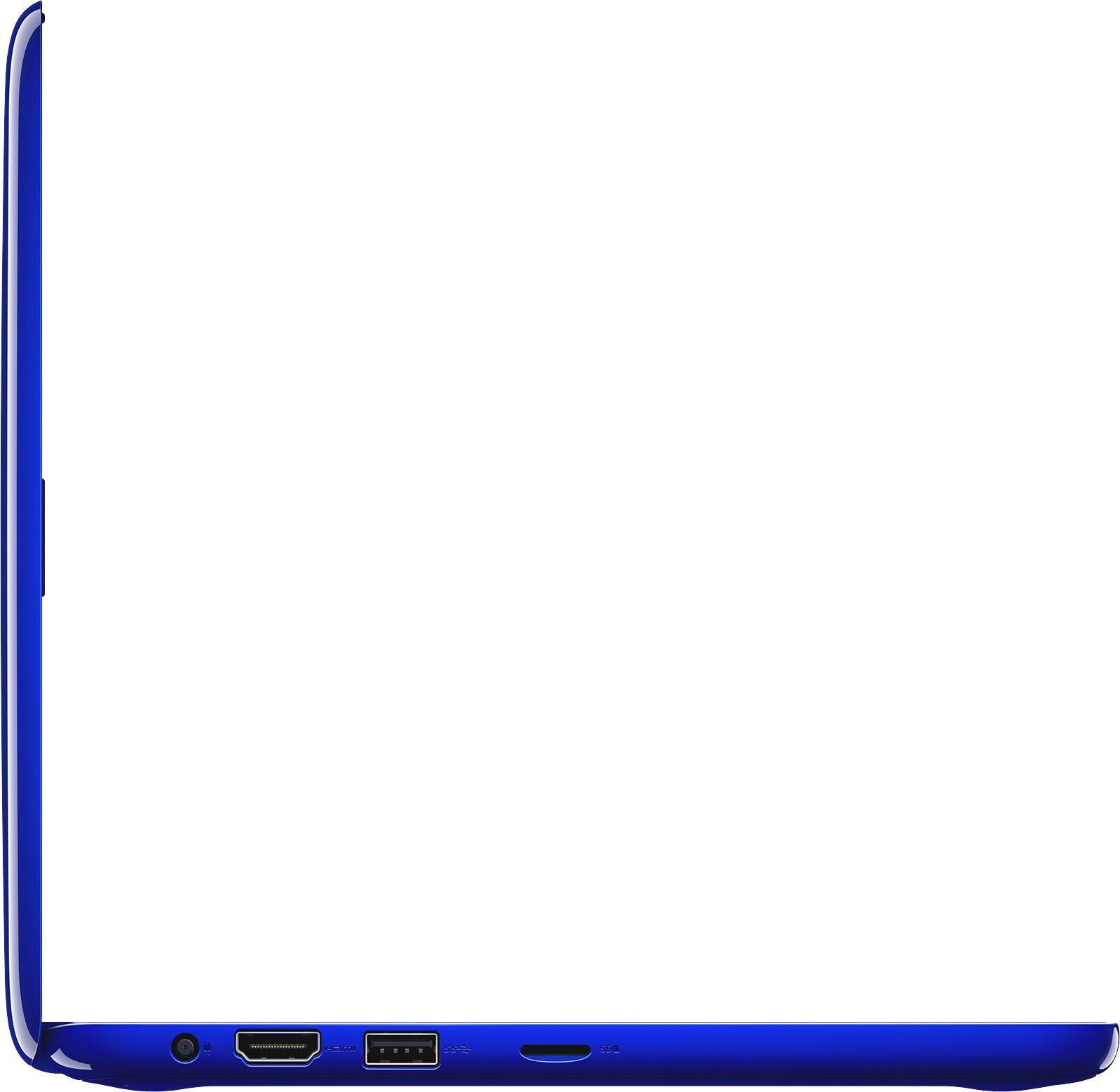
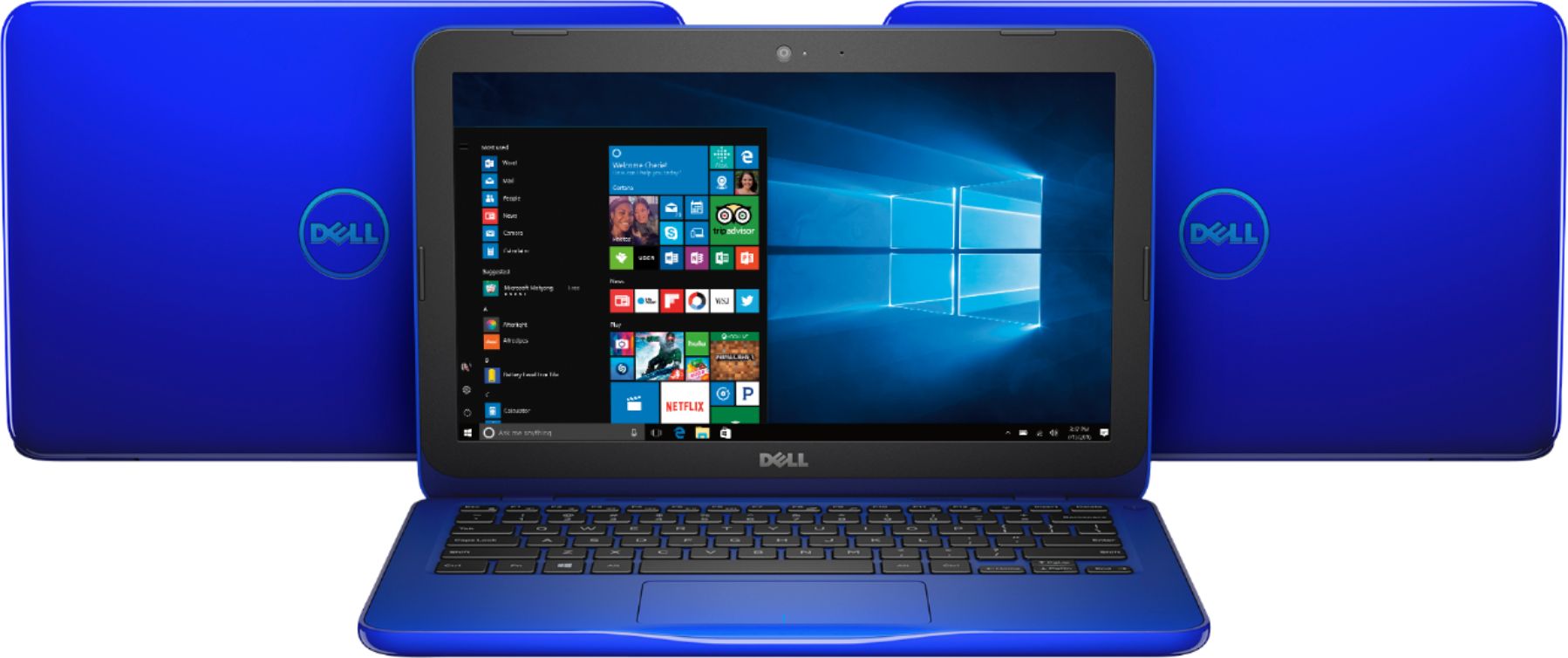
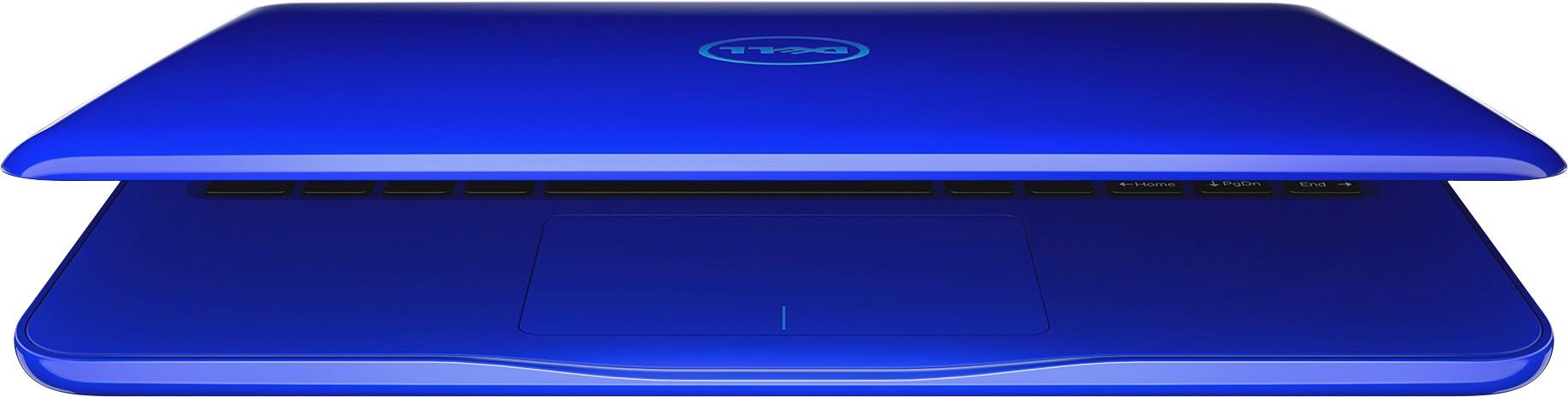
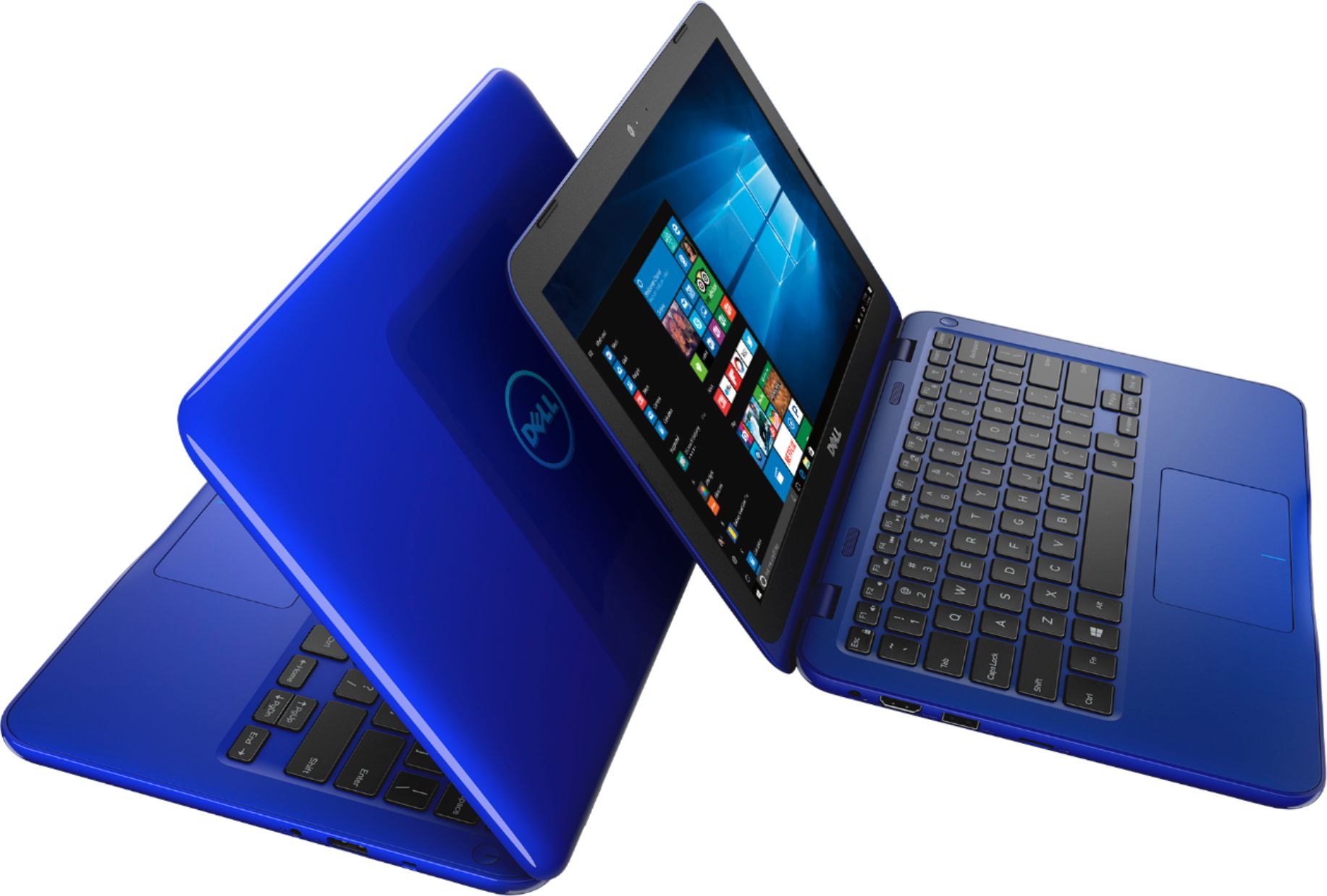
Customers enjoy the Inspiron 11.6" Laptop for its budget-friendly price, portability, and compact size. Many reviewers mentioned that it is perfect for small spaces and easy to carry around. However, some customers expressed concerns about the limited storage and memory, as well as its performance.
This summary was generated by AI based on customer reviews.
- Pros mentioned:Price
Light laptop
||Posted .This reviewer received promo considerations or sweepstakes entry for writing a review.Great laptop for the money. Not a power horse but good for light work or surfing.
I would recommend this to a friend - Pros mentioned:Portable
Great size!
||Posted .This reviewer received promo considerations or sweepstakes entry for writing a review.I absolutely love this laptop. Perfect size to access the internet anywhere.
I would recommend this to a friend - Cons mentioned:Speed
good computer
||Posted .This reviewer received promo considerations or sweepstakes entry for writing a review.I got this computer for my daughter and she seems to be satisfied with it. It's a bit slow but good enough for her.
I would recommend this to a friend - Cons mentioned:Performance, Storage
Horrible computer
||Posted .This reviewer received promo considerations or sweepstakes entry for writing a review.We bought this for my daughter for Christmas to do her kindergarten homework. It was slow from day 1 and now we can’t even click the start menu. It wants to download an update but says there is no space. We have only used this computer to access her school homework website. Nothing else. Now it’s useless.
No, I would not recommend this to a friend Windows 10 cripples this machine
||Posted . Owned for 1.5 years when reviewed.This reviewer received promo considerations or sweepstakes entry for writing a review.Windows 10 will consume the entire hard drive with crap preventing you from installing updates and generally using your computer. Dell doesn’t care and won’t help you unless you pay some Indian money. I deleted Windows and installed Linux Mint. Computer works a dream and has plenty of free hard drive space now. Kid can still play Minecraft since that’s Java based, but Roblox doesn’t play nice with linux. Oh well.
No, I would not recommend this to a friend- Pros mentioned:Portable
Great Buy
||Posted .This reviewer received promo considerations or sweepstakes entry for writing a review.Good computer to have around the house or do projects for school.
I would recommend this to a friend - Cons mentioned:Storage
Not enough memory
||Posted .This reviewer received promo considerations or sweepstakes entry for writing a review.This computer can not be upgraded in any way. After 3 months windows 10 now cannot do any updates because there is not enough space on the hard drive. I only have chrome, irfanview and vlc player installed. I did have Steam installed and 1 game but had to uninstall to do updates. It would have been more useful to have 64GB of hard drive space. just a little wiggle room.
No, I would not recommend this to a friendBrand response from YourDellTeam
Posted .Hello alchemar,
We appreciate your feedback. We're sorry to hear that your computer does not have the space that you were hoping for. We'd recommend running a disk cleanup since you've had the computer for three months. Microsoft Windows includes a built-in tool that deletes temporary files and other unimportant files in an effortless way.
1. Click Start button. In the search box, type Disk Cleanup, and in the list of results, select Disk Cleanup.
2. If prompted, select the drive that you want to clean up and click OK.
This is usually C: drive.
3. Once the scan is complete, select the check boxes for the file types that you want to delete and click OK.
4. Click Delete Files in the confirmation window.
You can read the full article here - http://dell.to/2tSulGV.
We hope that this helps free up some space for you.
Best,
Bryan
1-800-624-9896
- Pros mentioned:Portable
Good P.C.
||Posted .This reviewer received promo considerations or sweepstakes entry for writing a review.It serves the purpose I bought for college,easy to carry around!
I would recommend this to a friend - Pros mentioned:Portable
Good everyday minimal use laptop
||Posted .This reviewer received promo considerations or sweepstakes entry for writing a review.Doesn’t do much other than the basics but it works for email and other functions, very easy to travel with
I would recommend this to a friend - Pros mentioned:Portable
Great laptop
||Posted .This reviewer received promo considerations or sweepstakes entry for writing a review.Compact and easy to use. Wonderful service. Start up was easy to follow.
I would recommend this to a friend - Cons mentioned:Storage
Windows update takes up a lot of space
||Posted .This reviewer received promo considerations or sweepstakes entry for writing a review.Overall, not a bad laptop for the price. Downside is with the first windows update the memory is full.
No, I would not recommend this to a friendBrand response from YourDellTeam
Posted .Hello Greg,
Thanks for your review. We're sorry to see that you're having space issues with your new computer. We'd recommend that you remove any programs from the computer that you may not use:
Uninstalling or removing software or applications that you do not use or do not need from your PC can help speed up your PC. Applications may include background processes, system services, context menu entries and other things that can slow down your PC.
Uninstall applications you no longer need using Programs and Features (previously called Add/Remove Programs). Unnecessary applications occupy space on your hard disk drive.
1. Press the Windows logo key + R on the keyboard.
2. In the Run dialog box, type appwiz.cpl and press the Enter key.
3. In the list, select a program and click Uninstall.
You can read the full article here - http://dell.to/2tSulGV.
We hope this helps free up some storage on your computer.
Best,
Bryan
1-800-624-9896
- Cons mentioned:Performance
School laptop
||Posted .This reviewer received promo considerations or sweepstakes entry for writing a review.Did not last long and had too many issues. Worth spending more money for something more reliable.
No, I would not recommend this to a friend - Pros mentioned:Price
Great computer
||Posted .This reviewer received promo considerations or sweepstakes entry for writing a review.My granddaughter loves her new laptop. Great features and good price
I would recommend this to a friend It’s a great computer
||Posted .This reviewer received promo considerations or sweepstakes entry for writing a review.I am very happy , It’s a amazing computer, easy to handle and use.
I would recommend this to a friend- Pros mentioned:Price
Great serves the purpose
||Posted .This reviewer received promo considerations or sweepstakes entry for writing a review.Good computer for the price. Love it, great for middle school kids
I would recommend this to a friend - Pros mentioned:Portable
Love this light weight Laptop
||Posted .This reviewer received promo considerations or sweepstakes entry for writing a review.Great for everyday tasks on the go. I take this everywhere I go.
I would recommend this to a friend - Cons mentioned:Performance
Stopped working after about 9 months
||Posted . Owned for 1.5 years when reviewed.This reviewer received promo considerations or sweepstakes entry for writing a review.Worked fine until it stopped coming on. That was less than 1 year after purchase.
No, I would not recommend this to a friend - Cons mentioned:Storage
Poor Quality
||Posted .This reviewer received promo considerations or sweepstakes entry for writing a review.It does not hold enough storage for a handful of files. Was a disappointing purchase.
No, I would not recommend this to a friend - Cons mentioned:Memory
P great laptop
||Posted .This reviewer received promo considerations or sweepstakes entry for writing a review.Needs more memory other than that works wonderfully I think it's good buy for the price
No, I would not recommend this to a friend Great Gift
||Posted .This reviewer received promo considerations or sweepstakes entry for writing a review.This was a gift for my 12 year old daughter and she loves it!
I would recommend this to a friend