Customer Ratings & Reviews



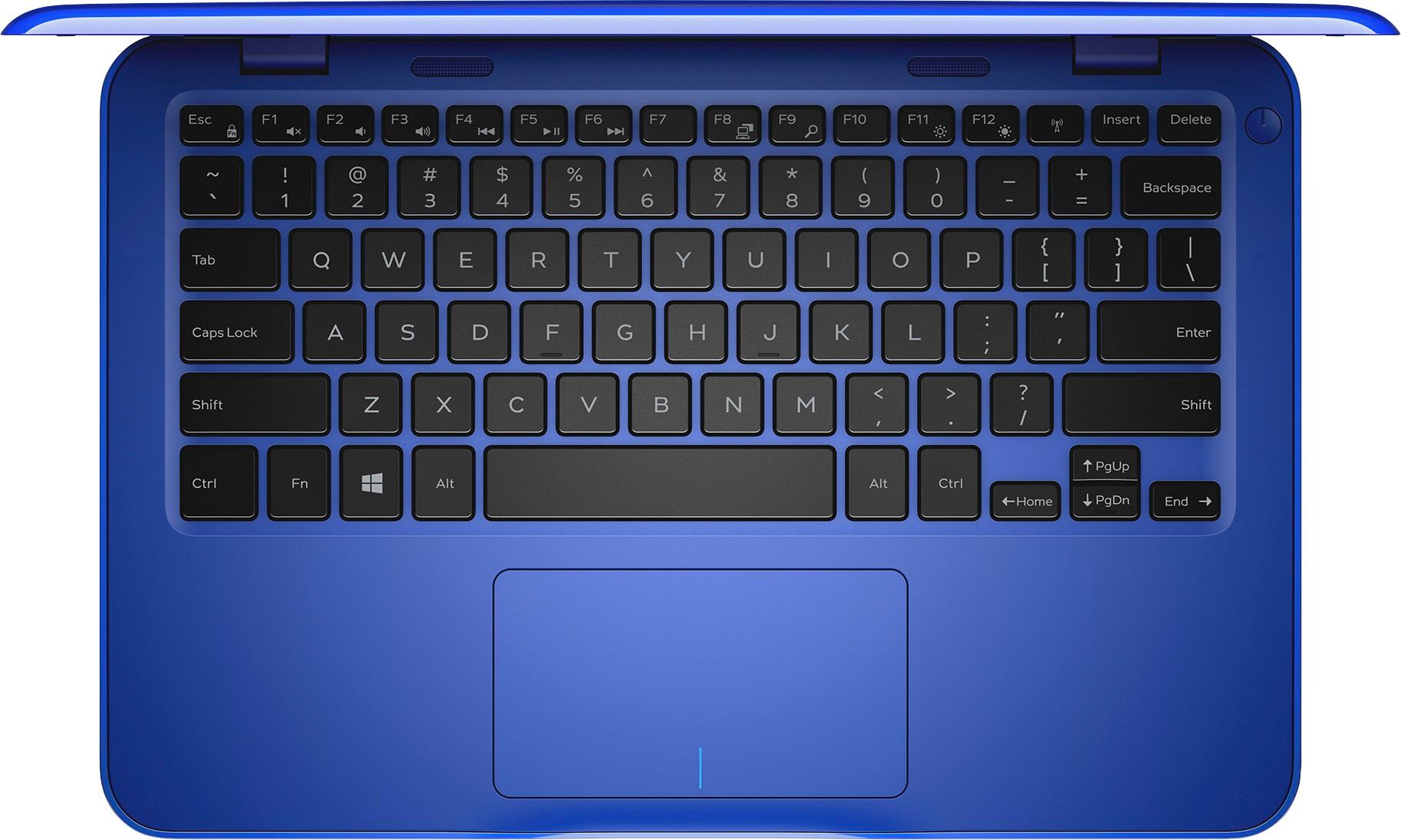
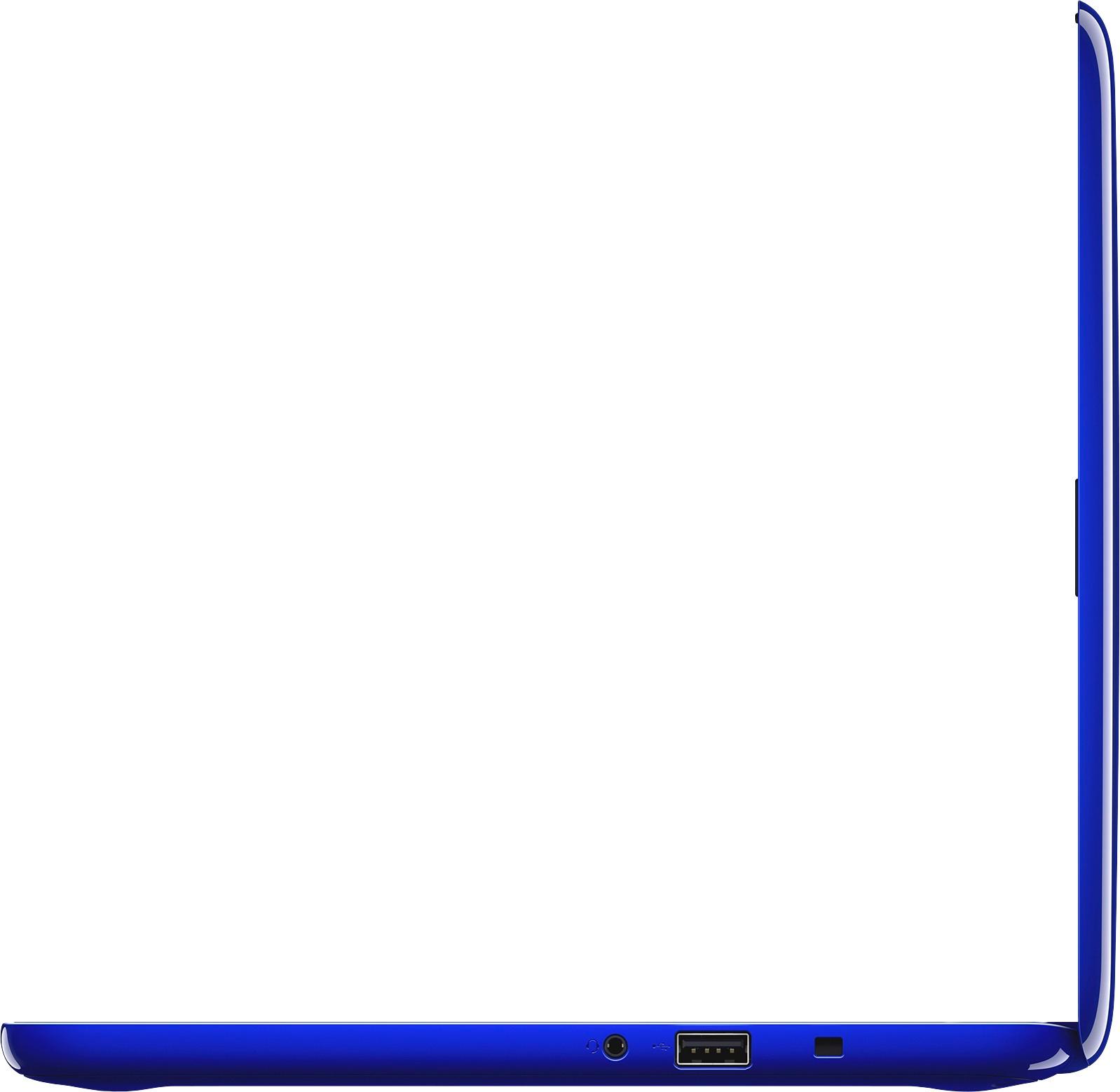
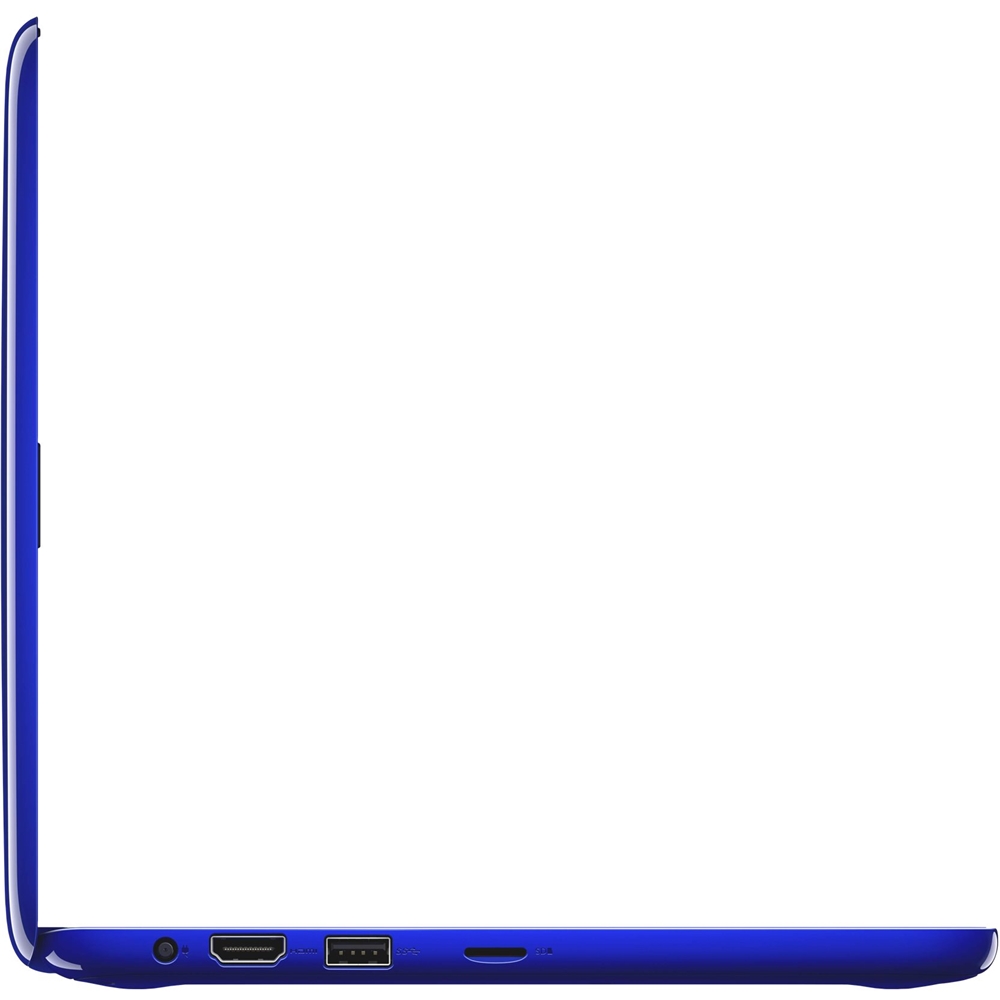
- Model:
- I31620003BLU
- SKU:
- 5618116
Rating by feature
- Value
Rating 3.6 out of 5 stars
- Quality
Rating 3.6 out of 5 stars
- Ease of Use
Rating 3.5 out of 5 stars
Customers are saying
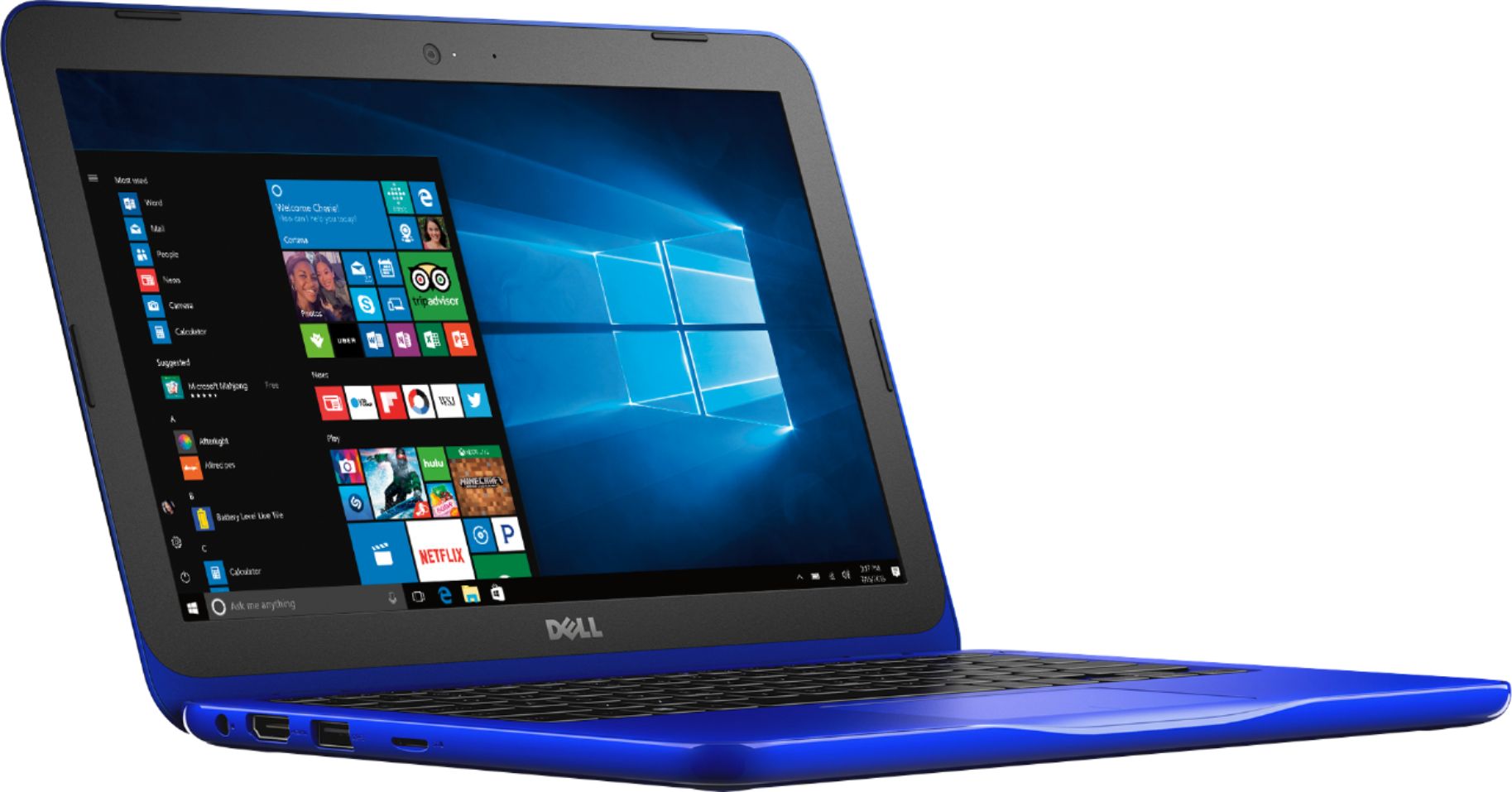
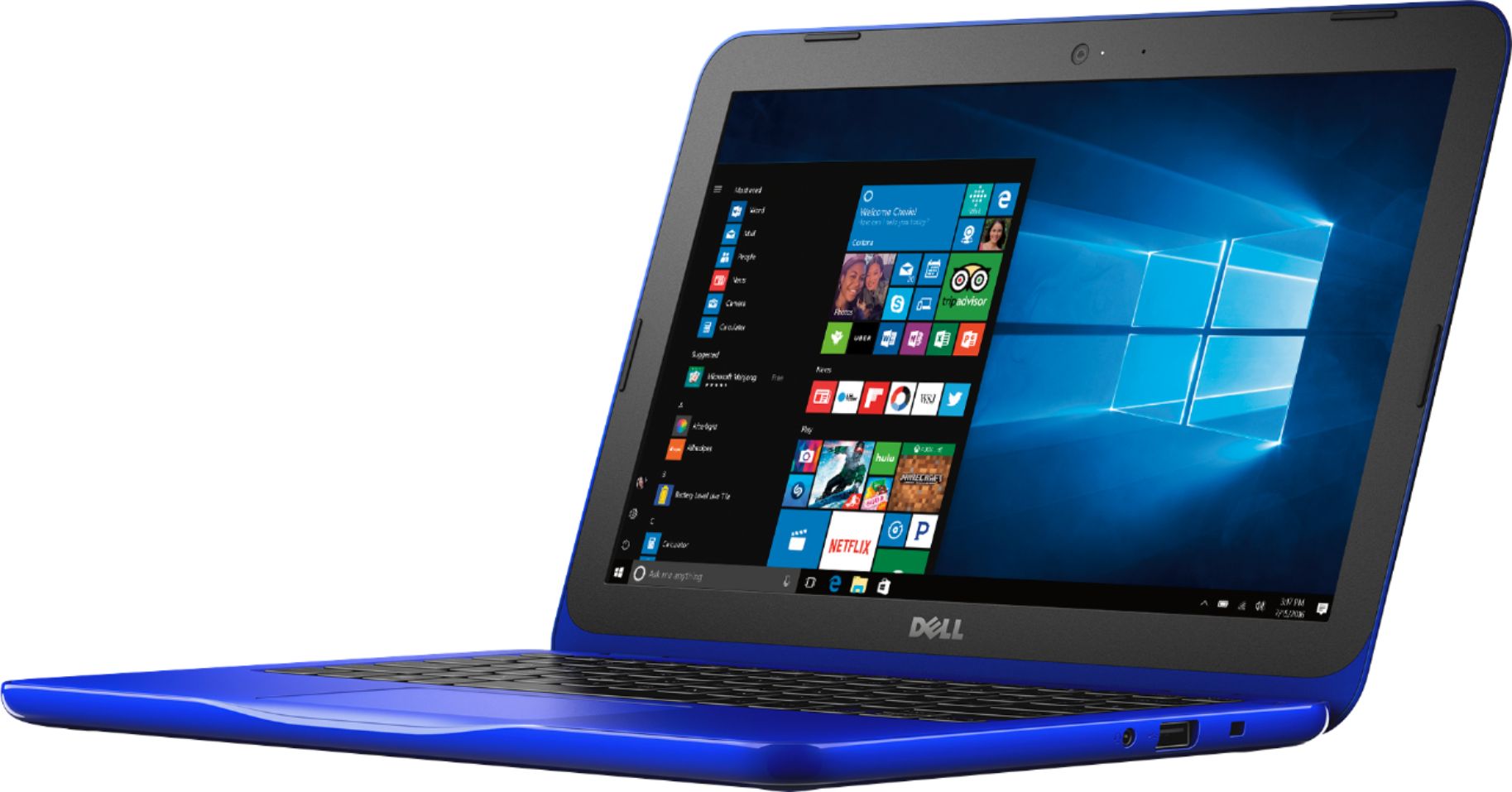
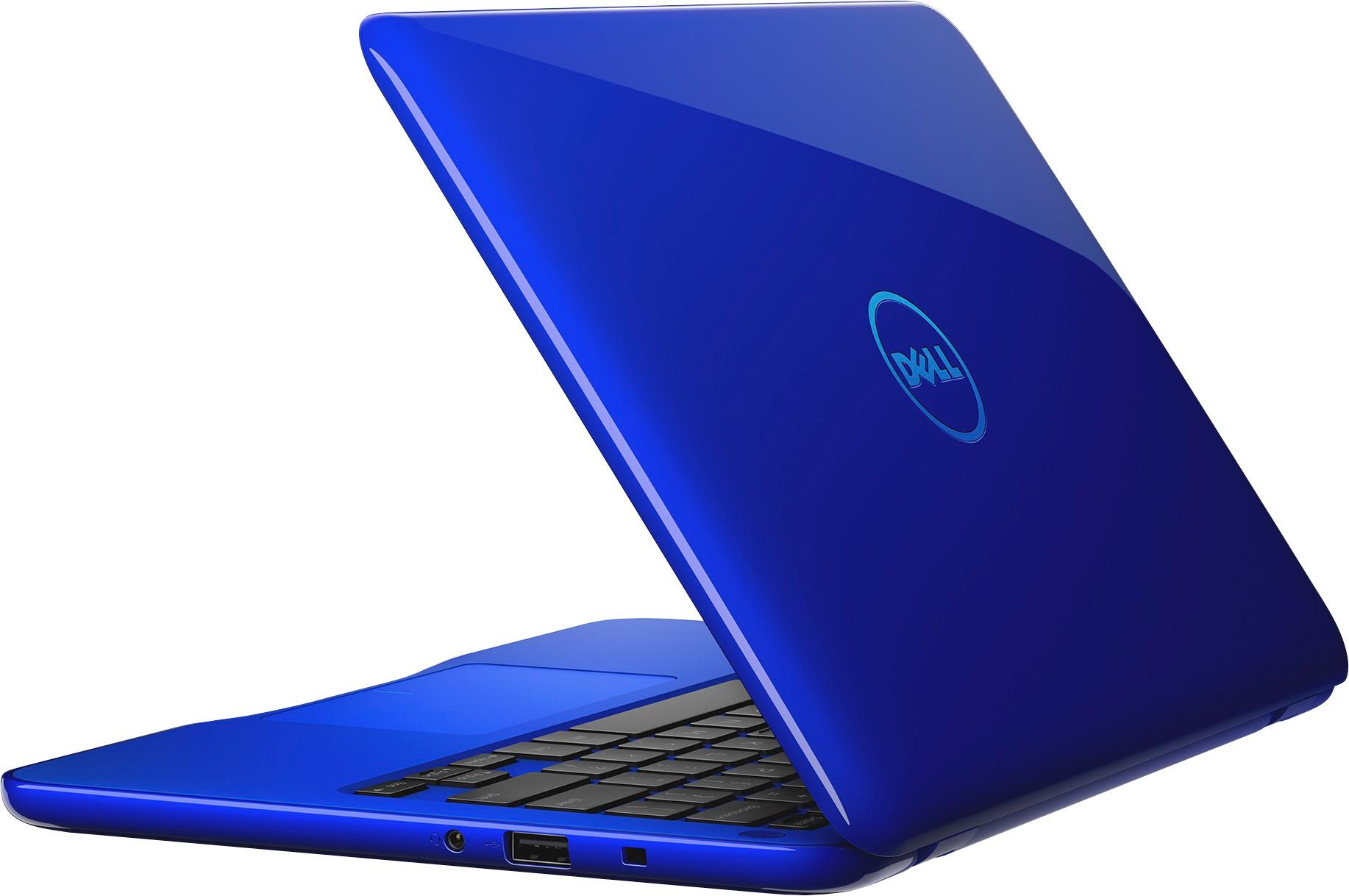
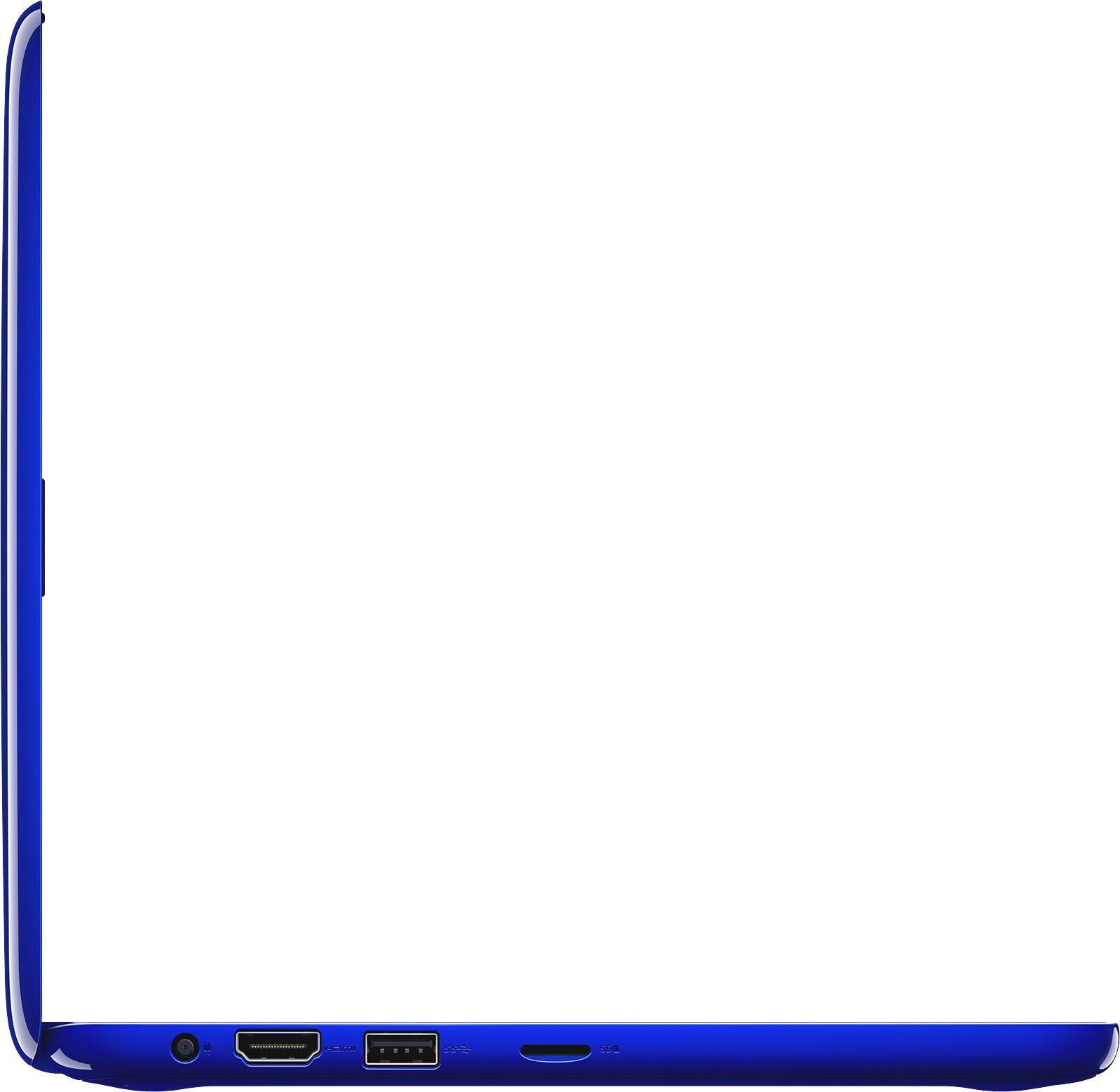
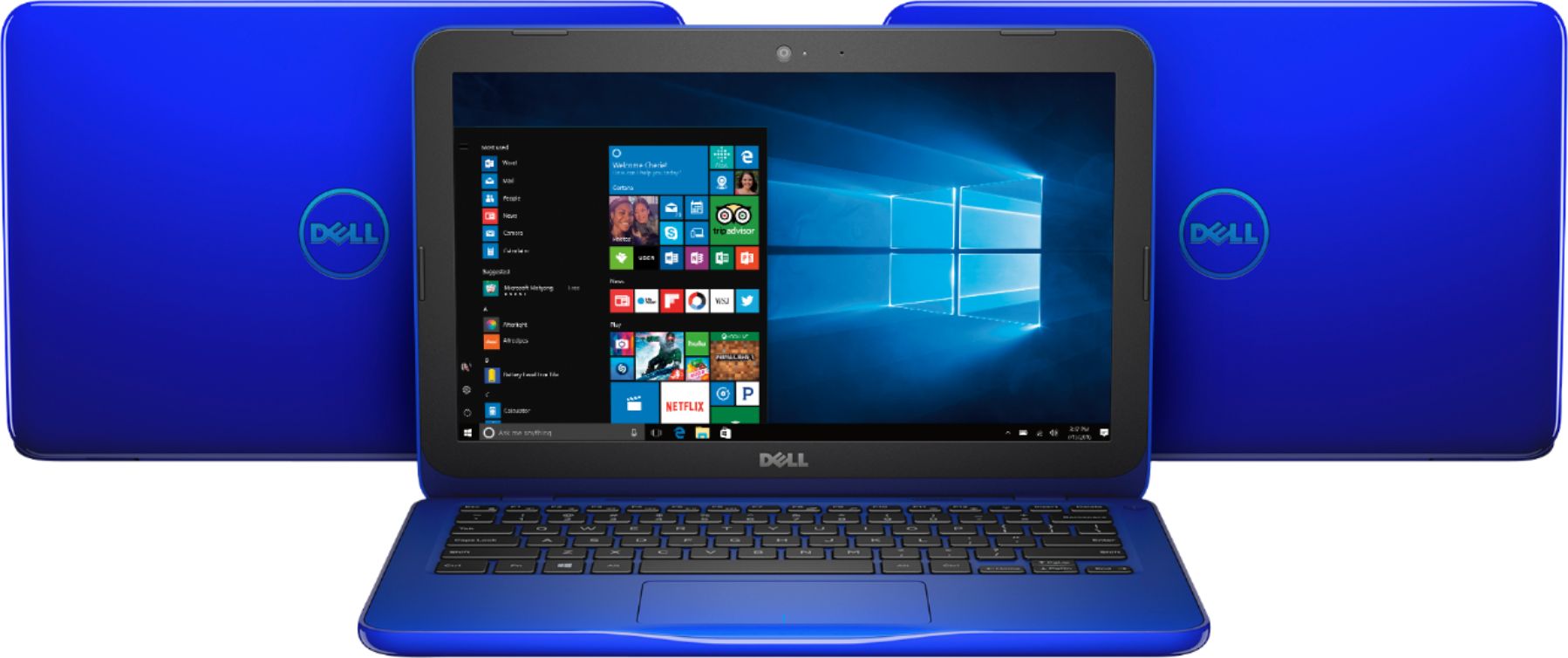
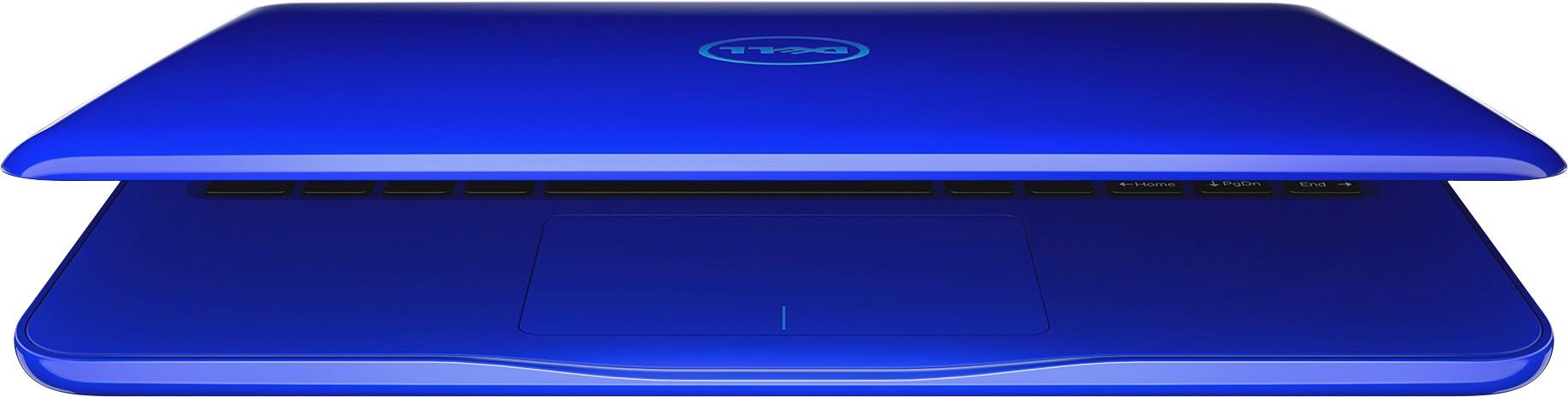
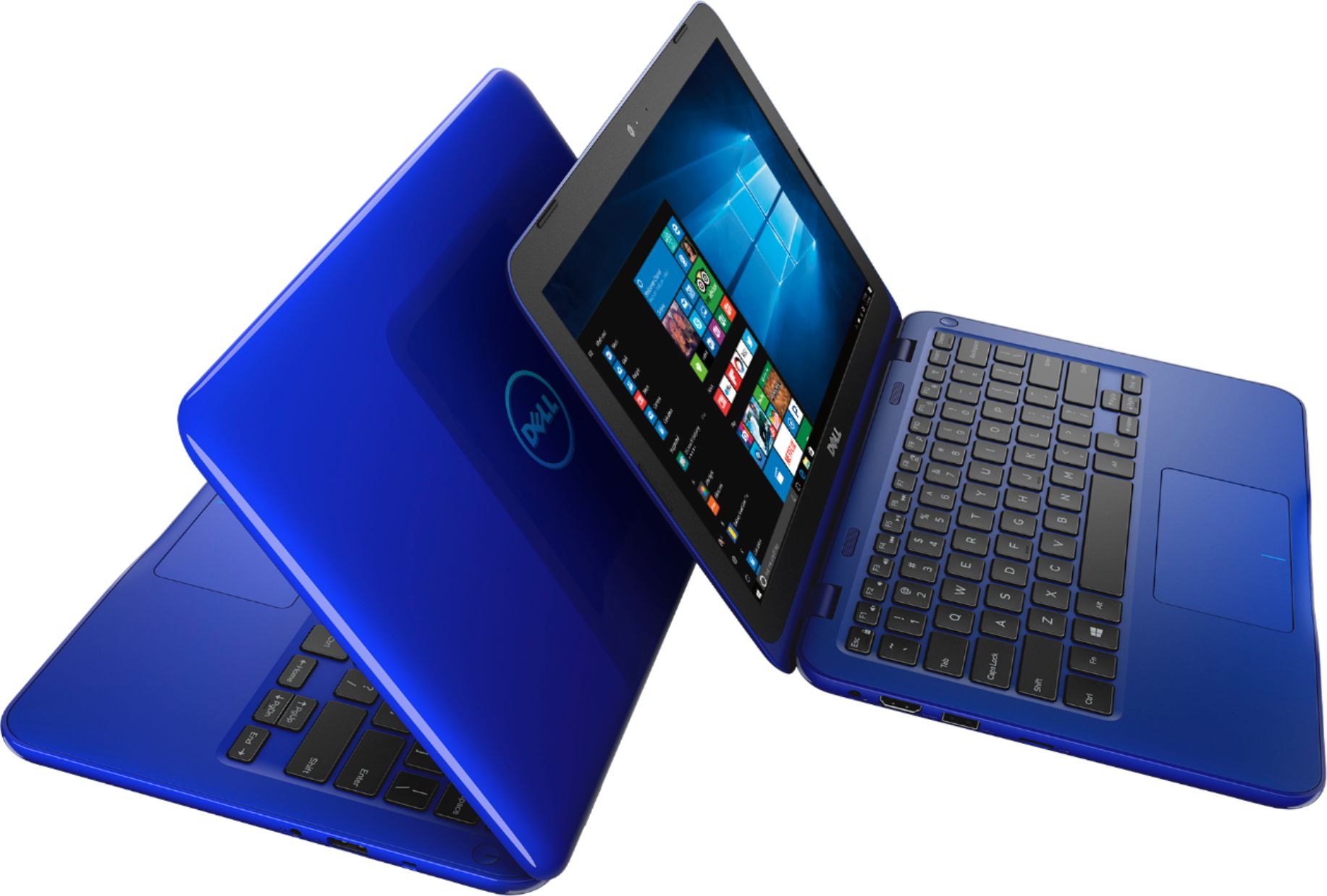
Customers enjoy the Inspiron 11.6" Laptop for its budget-friendly price, portability, and compact size. Many reviewers mentioned that it is perfect for small spaces and easy to carry around. However, some customers expressed concerns about the limited storage and memory, as well as its performance.
This summary was generated by AI based on customer reviews.
- Cons mentioned:Speed
Great for internet browsing
||Posted .This reviewer received promo considerations or sweepstakes entry for writing a review.This would be great for internet browsing. It can be really slow. Wish their was more memory.
No, I would not recommend this to a friendBrand response from YourDellTeam
Posted .Hi Ape1030,
Thanks for your feedback. We hope that your computer starts to get a little faster for you after you run the Windows Performance Troubleshooter:
1. Close all open windows.
2. Press the Windows logo key + X key on the keyboard.
3. Click Control Panel.
4. Click System and Security.
5. Under Security and Maintenance, select Troubleshoot common problems.
6. Under System and Security, click Run maintenance tasks.
7. Follow the on-screen instructions and prompts to complete the process.
8. Restart the PC.
You can read the full article here - http://dell.to/2tSulGV.
If you'd like to free up more space on your computer you can look at programs you could remove.
Uninstalling or removing software or applications that you do not use or do not need from your PC can help speed up your PC. Applications may include background processes, system services, context menu entries and other things that can slow down your PC.
Uninstall applications you no longer need using Programs and Features (previously called Add/Remove Programs). Unnecessary applications occupy space on your hard disk drive.
1. Press the Windows logo key + R on the keyboard.
2. In the Run dialog box, type appwiz.cpl and press the Enter key.
3. In the list, select a program and click Uninstall.
You can read the full article here: http://dell.to/2tSulGV.
We hope these tips help your computer run the way you'd like it to.
Best,
Bryan
1-800-624-9896
- Cons mentioned:Memory
Memory
||Posted .This reviewer received promo considerations or sweepstakes entry for writing a review.Not enough. If you are a student the memory is not sufficient with windows downloaded into it.
No, I would not recommend this to a friendBrand response from YourDellTeam
Posted .Dear techy, Thanks for your review. Please check to make sure that there are not any pre-installed programs on your computer that you could remove in order to free up more space. Here's a video of how to remove these programs - http://bit.ly/2ALK0IH. - Bryan
Excellent
||Posted .This reviewer received promo considerations or sweepstakes entry for writing a review.I love this. Just what I needed. Easy to use and looks great
I would recommend this to a friend- Pros mentioned:Portable
Great little laptop
||Posted .This reviewer received promo considerations or sweepstakes entry for writing a review.Laptop is nice and small and functional. Great for traveling
I would recommend this to a friend - Pros mentioned:Size
Great laptop for my granddaughter
||Posted .This reviewer received promo considerations or sweepstakes entry for writing a review.Its not to large perfect size for her and I love the color
I would recommend this to a friend - Pros mentioned:Price
good
||Posted .This reviewer received promo considerations or sweepstakes entry for writing a review.good laptop but small.good price,i got it on sale.
I would recommend this to a friend good product for the price
||Posted .This reviewer received promo considerations or sweepstakes entry for writing a review.this was a gift for my friend . it works great and does not have any problem so far
I would recommend this to a friendVery slow
||Posted .This reviewer received promo considerations or sweepstakes entry for writing a review.Runs very slow. We have high speed internet with a very good router, still extremely slow. Customer service was awful too
No, I would not recommend this to a friendBrand response from YourDellTeam
Posted .Hello Sarahmomma2boys - If you believe that you're experiencing slowness on your computer because of your connection we'd recommend the following:
1. Run the Network Troubleshooter.
a) Touch and hold or right-click the network icon (Available Networks or Network Icon, located in the lower right-hand corner).
b) Touch or click Troubleshoot problems and then follow the prompts.
You can read the full article here - http://dell.to/2sLtwRh.
We hope these tips help your computer connect the way that it should. - Bryan
Great for homework
||Posted .This reviewer received promo considerations or sweepstakes entry for writing a review.I bought this for my 12 year old daughter for homework. It has plenty of storage and comes ready to use! She loves it!!
I would recommend this to a friendDoes the job
||Posted .This reviewer received promo considerations or sweepstakes entry for writing a review.Needed a budget friendly pc and this one will fit the bill if you are low on funds — not fancy but does the trick
I would recommend this to a friend- Cons mentioned:Speed
Not even for kids
||Posted .This reviewer received promo considerations or sweepstakes entry for writing a review.I bought two of these for my children just for surfing the web. Mind you, I realize these would not be for gaming but you can hardly even surf the web. Even after disabling pre-programed apps and cutting off unnecessary stuff, it is still SLOW and never any room to download anything. Please, don't waste your time.
No, I would not recommend this to a friendBrand response from YourDellTeam
Posted .LadyLinux,
Thanks for your review and we're sorry to hear that you're having storage and performance issues on your new computers. We'd recommend that you run the Windows Performance Troubleshooter to see if there's anything else you can do to improve the performance of your computer:
1. Close all open windows.
2. Press the Windows logo key + X key on the keyboard.
3. Click Control Panel.
4. Click System and Security.
5. Under Security and Maintenance, select Troubleshoot common problems.
6. Under System and Security, click Run maintenance tasks.
7. Follow the on-screen instructions and prompts to complete the process.
8. Restart the PC. You can read the full article here - http://dell.to/2tSulGV.
If you store some files in the cloud with Microsoft's OneDrive hopefully you can free up some space on the computer as well.
Best,
Bryan
1-800-624-9896
Bargain
||Posted .This reviewer received promo considerations or sweepstakes entry for writing a review.Very simple computer for simple tasks. Students it don't expect to play games.
I would recommend this to a friendIt does what I need
||Posted .This reviewer received promo considerations or sweepstakes entry for writing a review.Its perfect for what I needed. I love it. I may buy one for mt granddaughter. She starts in high school next fall.
I would recommend this to a friendGood laptop for pre-teen
||Posted .This reviewer received promo considerations or sweepstakes entry for writing a review.The only complaint my daughter has is the keyboard size is a little small. Other than that it is a good laptop.
I would recommend this to a friendGreat for basic needs
||Posted .This reviewer received promo considerations or sweepstakes entry for writing a review.Great computer for basic needs. Such as internet browsing, streaming video, etc. very good value for the money.
I would recommend this to a friendGreat value for the price
||Posted .This reviewer received promo considerations or sweepstakes entry for writing a review.This was bought as a Christmas gift for my 11 year old. Net Nanny was installed easily and speed does not appear to be diminished. It is used primarily for sending emails and some online games and so far there have been no complaints, which is a great sign from a pre-teen. Very good value for the price!
I would recommend this to a friendGreat small laptop with small pricetag.
||Posted .This reviewer received promo considerations or sweepstakes entry for writing a review.The laptop is a good deal for the cost. Fair amount of memory and drive space. Good quality as well.
I would recommend this to a friend- Cons mentioned:Storage
It was okay
||Posted .This reviewer received promo considerations or sweepstakes entry for writing a review.Not a good choice if you are wanting lots of storage.
No, I would not recommend this to a friend A good laptop for the money
||Posted .This reviewer received promo considerations or sweepstakes entry for writing a review.It's a good laptop for the money. It does take some time to warm up, but will serve the purpose.
I would recommend this to a friendIt’s ok
||Posted .This reviewer received promo considerations or sweepstakes entry for writing a review.My daughter uses it for school helps her a lot because she likes getting on it
I would recommend this to a friend