Customer Ratings & Reviews



- Model:
- I31620003BLU
- SKU:
- 5618116
Rating by feature
- Value
Rating 3.6 out of 5 stars
- Quality
Rating 3.6 out of 5 stars
- Ease of Use
Rating 3.5 out of 5 stars
Customers are saying
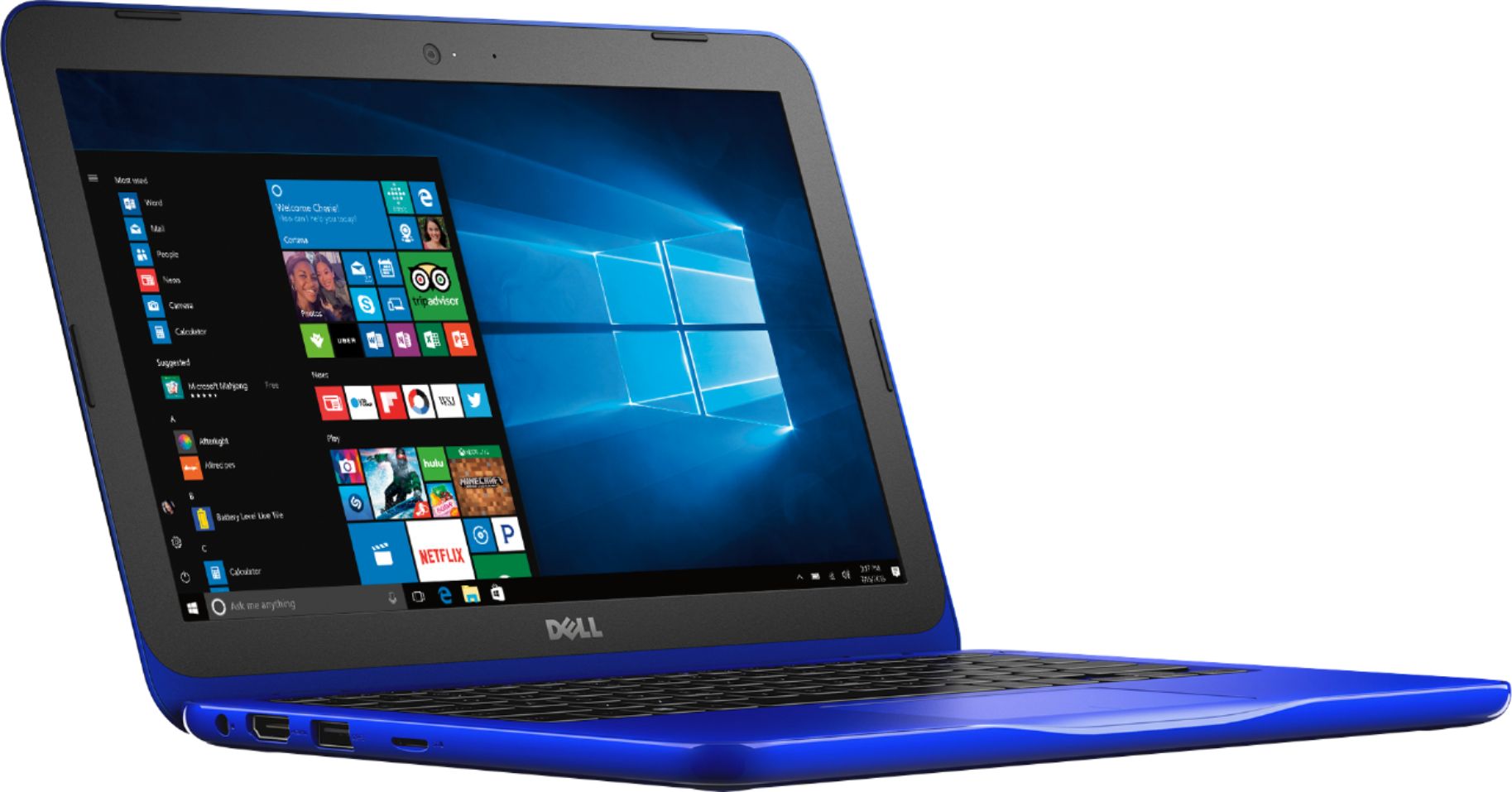
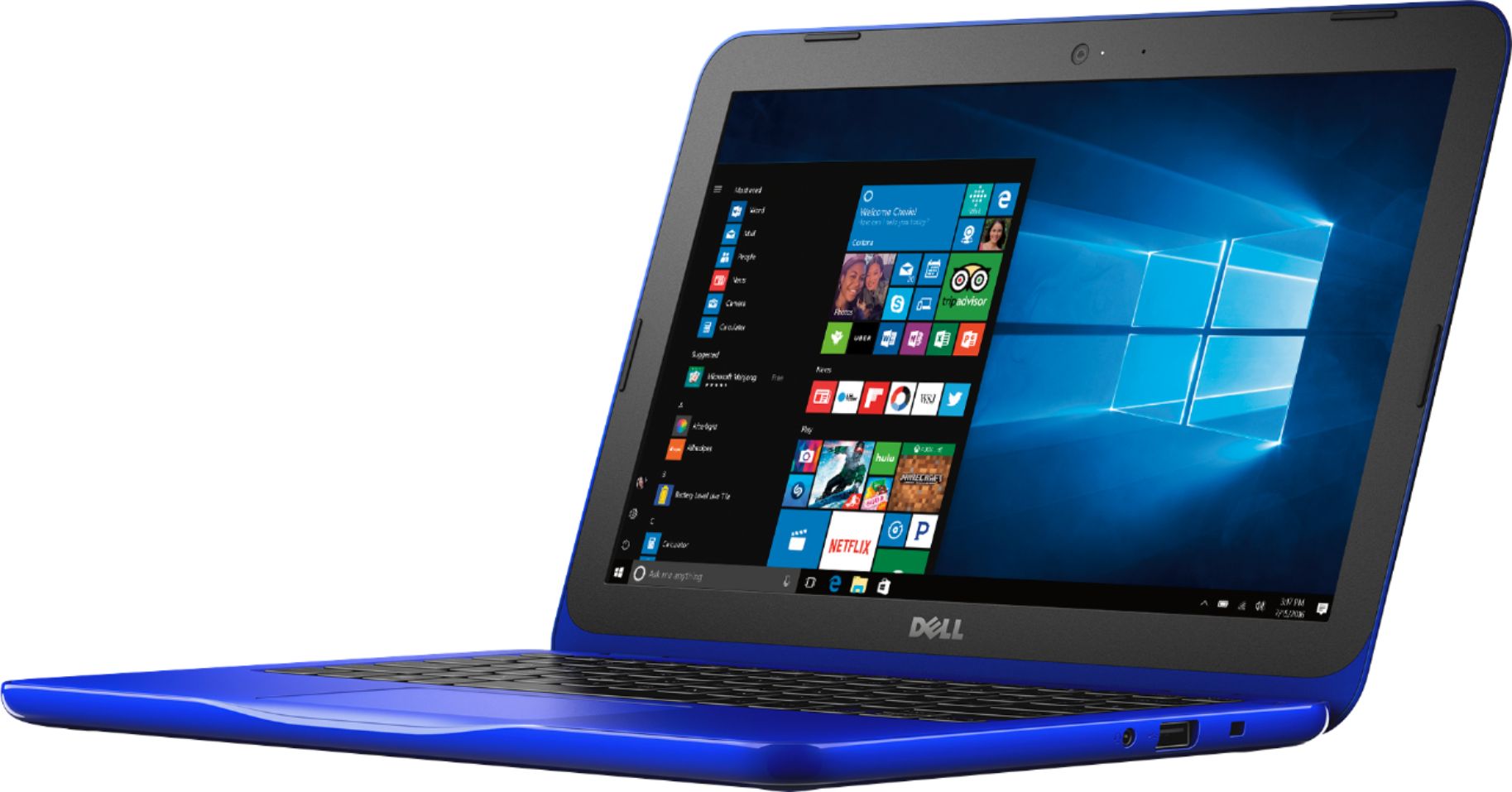
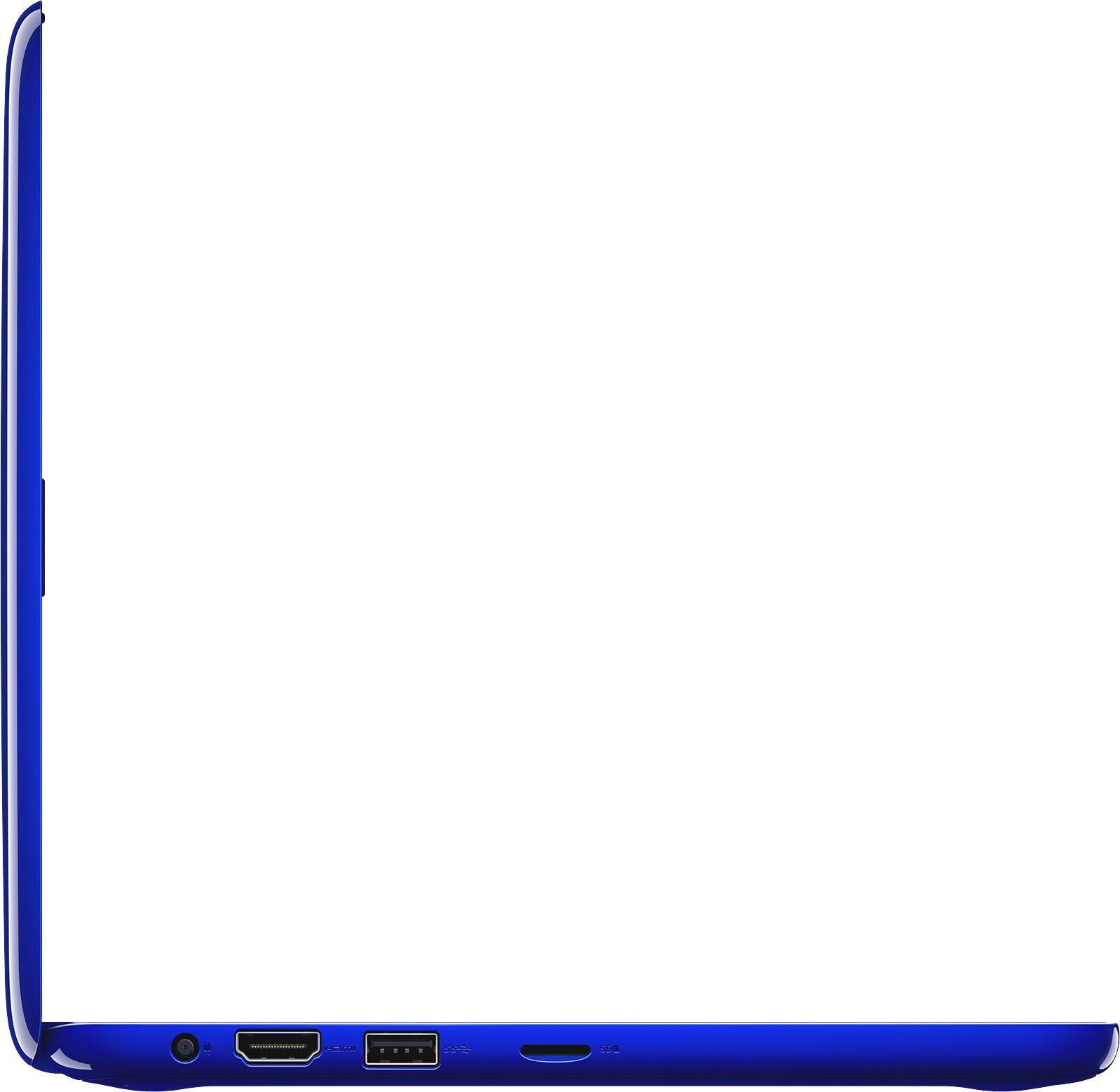
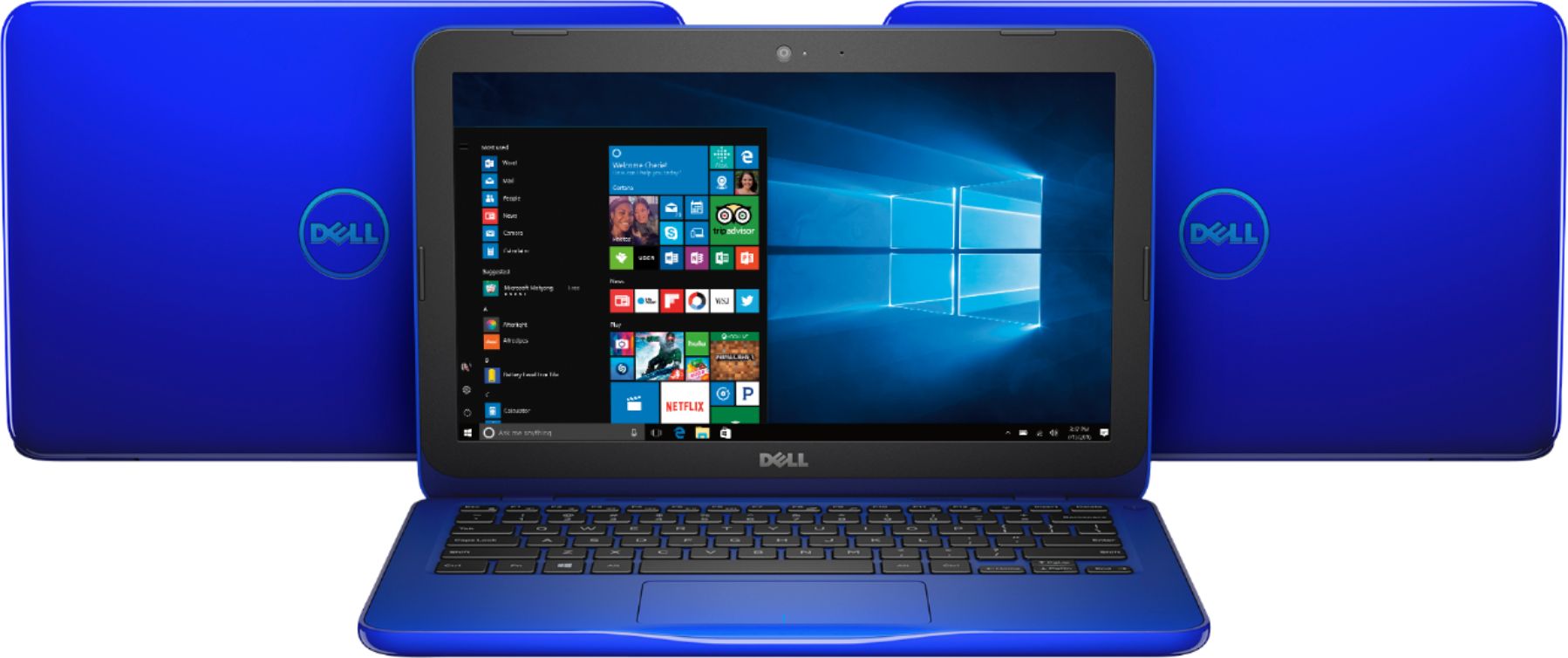
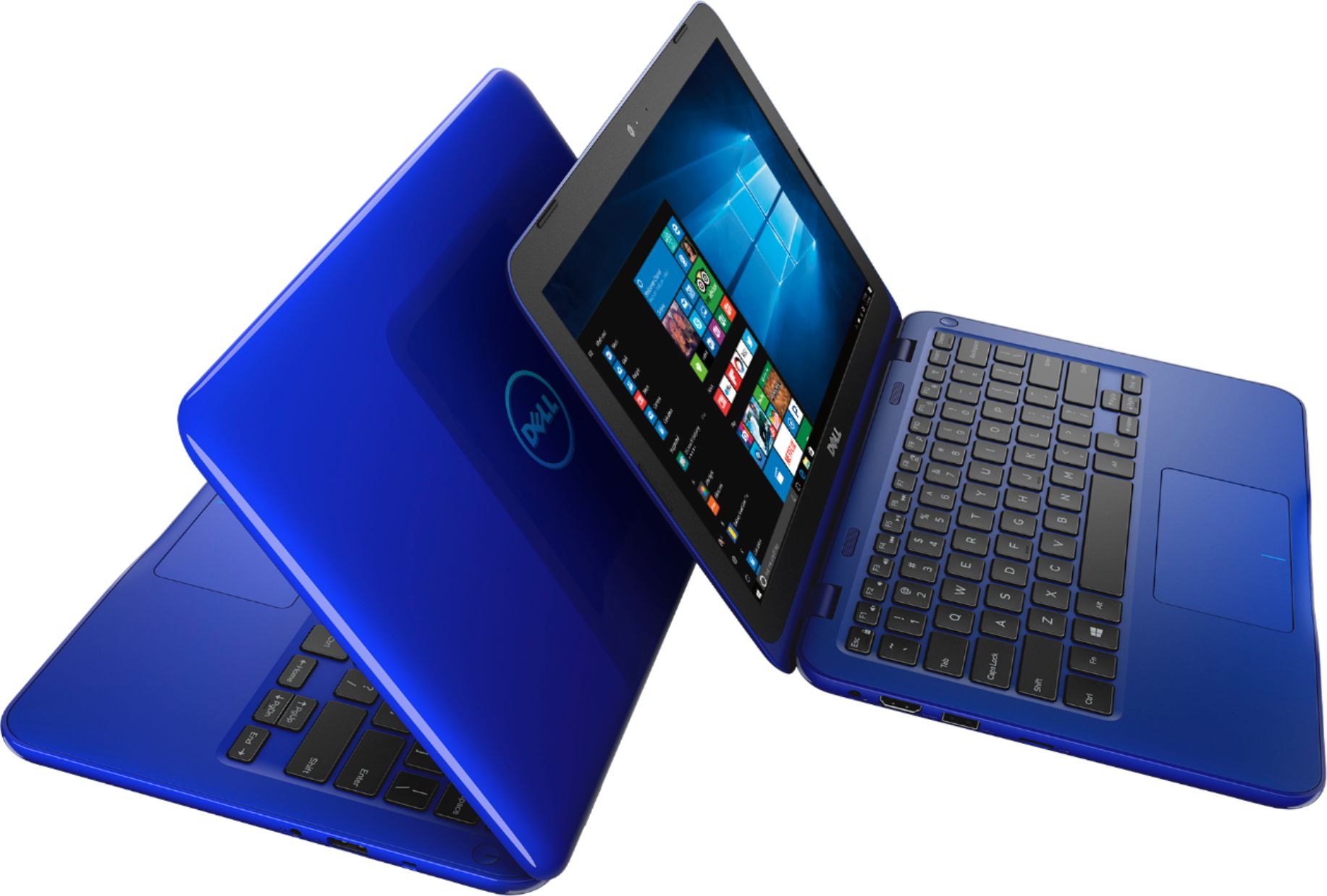
Customers enjoy the Inspiron 11.6" Laptop for its budget-friendly price, portability, and compact size. Many reviewers mentioned that it is perfect for small spaces and easy to carry around. However, some customers expressed concerns about the limited storage and memory, as well as its performance.
This summary was generated by AI based on customer reviews.
Good for a first computer
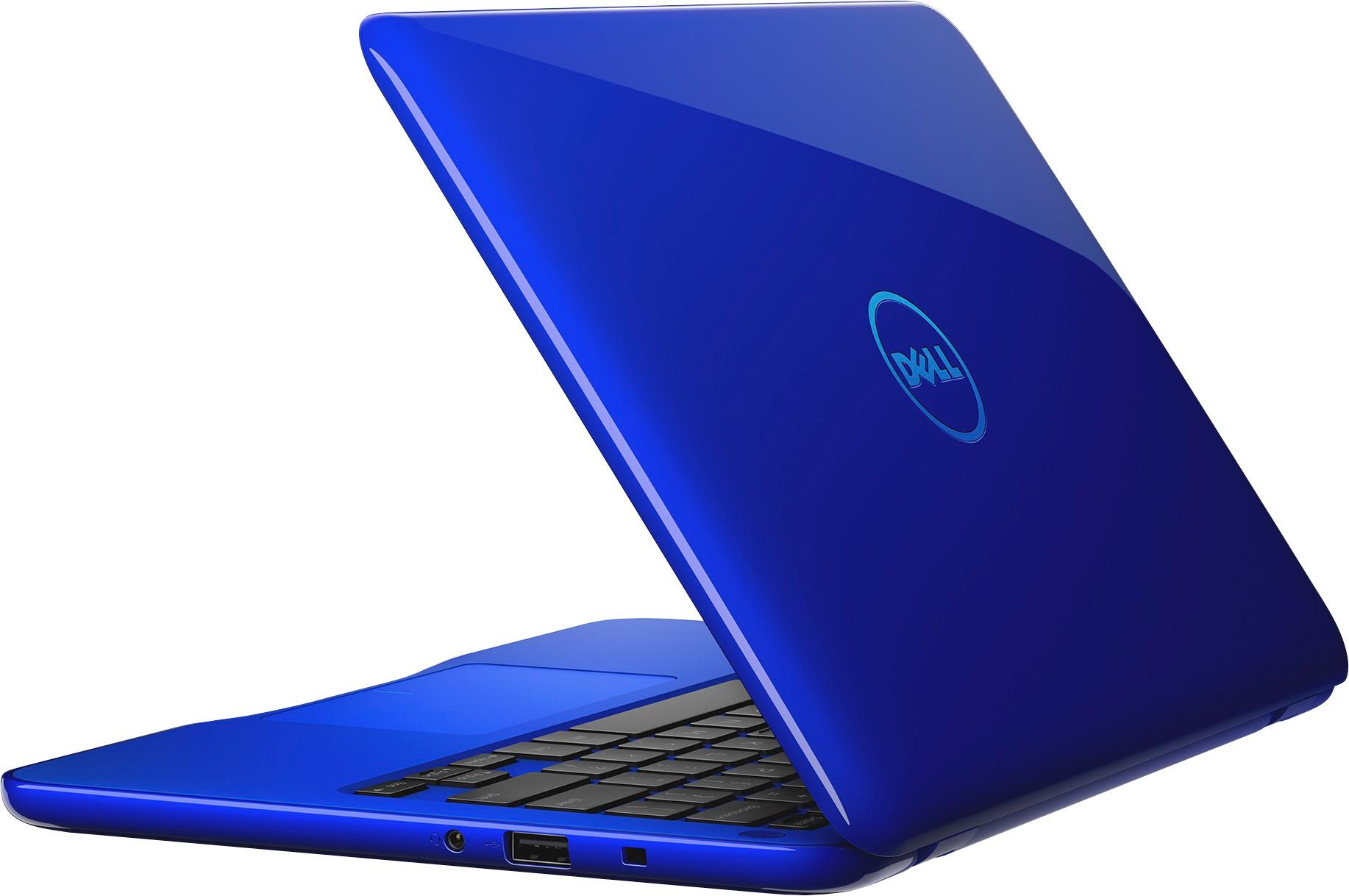
||Posted .This reviewer received promo considerations or sweepstakes entry for writing a review.I bought this laptop for my mother for Christmas. She loves the colbalt blue. When I received it, it was very tiny. It was definitely not what I was expecting. The color was beautiful though. I ended up returning it but I think it would be a great first computer for a teenager.
I would recommend this to a friendPoor
||Posted .This reviewer received promo considerations or sweepstakes entry for writing a review.I bought this for a gift for my daughter on Black Friday. She got it on Xmas. At first, it was fantastic. Exactly what she needed, loaded Netflix and YouTube. Speed was good too. But two weeks later it would not recognize the charger. Had to return it to bestbuy. Disappointed!
No, I would not recommend this to a friendSuper slow.
||Posted .This reviewer received promo considerations or sweepstakes entry for writing a review.Not really even worth $139 that I paid for. Not recommended
No, I would not recommend this to a friendBrand response from YourDellTeam
Posted .Hi Paul - Thanks for your review. We're sorry to hear that your new computer is not performing the way you had hoped it would. If there are any pre-installed programs that you do not plan to use that you could remove, we'd recommend trying that in order to help speed up your computer. You can watch a video here for these steps - http://bit.ly/2ALK0IH.
We hope that your computer does speed up for you and if you have additional questions you can refer to our Product Support Page here - http://dell.to/2fQEShv. - Bryan
A cheap option
||Posted .This reviewer received promo considerations or sweepstakes entry for writing a review.It's good enough, better than a tablet but great for homework
I would recommend this to a friendFor Starter
||Posted .This reviewer received promo considerations or sweepstakes entry for writing a review.Good for beginners. Small and light, easy to carry.
I would recommend this to a friendI can’t review it is a gift
||Posted .This reviewer received promo considerations or sweepstakes entry for writing a review.I can’t review it because it is a Christmas present
No, I would not recommend this to a friendBrand response from YourDellTeam
Posted .Hi KayN - Thanks for your review. We're happy to hear that you purchased this new computer as a gift. If you or the person who the computer is being given to have any questions you can refer to our Product Support Page here - http://dell.to/2fQEShv.
Thanks again and enjoy! - Bryan
Cheap
||Posted .This reviewer received promo considerations or sweepstakes entry for writing a review.Deff not worth the money was really dissapointed!!
No, I would not recommend this to a friend- Cons mentioned:Performance
Laptop for a student
||Posted .This reviewer received promo considerations or sweepstakes entry for writing a review.Purchased this laptop for my granddaughter to do school work on. Less than 1 hour of using, not including set up, the motherboard crashed. Returned with no hassle.
No, I would not recommend this to a friend Gets too hot
||Posted .This reviewer received promo considerations or sweepstakes entry for writing a review.Looks nice and versatile device but once it is turn on starts to warm up at the base and gets very hot, I have to buy a laptop cooling pad to use it.
No, I would not recommend this to a friendnot enough storage
||Posted .This reviewer received promo considerations or sweepstakes entry for writing a review.barely any storage capacity. I bought this for my 10 year old son. Once the anti virus was installed, the memory was full. I would not recommend
No, I would not recommend this to a friendBrand response from YourDellTeam
Posted .stef13,
Thanks for your review. We're sorry to hear that you are experiencing storage issues with your new computer. We'd recommend using Microsoft's OneDrive to store some of your files in the cloud to free up space. If you have additional questions you can check out our Product Support Page here - http://dell.to/2fQEShv.
Best,
Bryan
1-800-624-9896
- Cons mentioned:Speed
Dislike
||Posted .This reviewer received promo considerations or sweepstakes entry for writing a review.This is cheap for a reason. It is slow and does not stand up to use, even basic word processing.
No, I would not recommend this to a friend keyboard issues
||Posted .This reviewer received promo considerations or sweepstakes entry for writing a review.keys near the screen sometimes act in reverse. Power button needs hard prolonged press sometimes to respond. very disappointed
No, I would not recommend this to a friendVery disappointed in DELL
||Posted .This reviewer received promo considerations or sweepstakes entry for writing a review.I purchased this product for a family member as a gift as they started college. Within the first few months, I noticed the many problems this laptop had. It began constantly crashing, or the screen would just go black. It can only open 4 tabs at a time if I open more it will either crash or refuse to show the page. Basically, it is unusable and despite the low price , a huge waste of money.
No, I would not recommend this to a friendSub par laptop
||Posted .This reviewer received promo considerations or sweepstakes entry for writing a review.This laptop is only good if you only want to go online. It can’t even download all the Windows updates.
No, I would not recommend this to a friendNot recommended
||Posted .This reviewer received promo considerations or sweepstakes entry for writing a review.A very inferior product. More suited for simply a web browser. Spend a little more and get something else.
No, I would not recommend this to a friendBrand response from YourDellTeam
Posted .@Bradgates1223 -Thanks for your review. We're sorry to hear that you're not completely satisfied with your new computer. If you have additional questions about your computer and how it can work better for you, you can check out the Product Support Page here - http://dell.to/2fQEShv. We hope this helps. - Bryan
- Pros mentioned:Price
Great little laptop
Posted .This reviewer received promo considerations or sweepstakes entry for writing a review.I needed an inexpensive, lightweight, and small laptop to carry with me for basic web browsing and connecting remotely to work and this laptop has been perfect for that. One thing I liked most about this laptop is the fact is has 4GB of memory. Most laptops in the same price range as this Dell Inspiron only have 2GB of memory. Believe me, you do NOT want to buy any Windows 10 computer with only 2GB of memory. Period! You will thank me later. Some reviews talk about the laptop being slow and not having enough disk space. That's expected! It's not meant to be fast or have enough disk space to store very many programs. I actually think the weaker specs are a benefit of this laptop. The fact it has a low-end Celeron CPU and uses eMMC flash memory instead of a larger HDD (hard drive) results is much less power usage and thefore this laptop has VERY long battery life. To compensate for the lack of disk space, you can always buy a MicroSD card and Windows can be configured to use the SD card to store all your Windows 10 apps and other documents. If you have a large program that can only be installed on the C drive (many Win32 legacy apps have to be) then you may run into disk space issues but this is a limitation of almost any computer in this price range. To help save disk space, I decided to not use 3rd party anti-virus software and uninstalled McAfee which freed up some disk space. Windows 10's built-in anti-virus (Defender) is now a viable option to use instead of installing a 3rd party anti-virus program. If you feel the laptop is very slow, remember that when you first boot up the laptop it will be installing lots and lots of updates the first day or two you have your computer. That will make it feel slower than usual for a while. Overall this laptop does everything you can expect for a laptop to do in this price range. Highly recommended!
I would recommend this to a friend Laptop
||Posted .This reviewer received promo considerations or sweepstakes entry for writing a review.Pretty nice decent laptop, but I would recommend this as a start off laptop for a kid.
No, I would not recommend this to a friendBad purchase. Save your $ for a better purchase!
||Posted .This reviewer received promo considerations or sweepstakes entry for writing a review.I bought this for my son to play games on because the sales person said it had good specs for gaming. This laptop started freezing after 2 months of use. Then the battery stopped charging. Also the port on the charger got bent. 15 day return policy is a joke! This laptop is now just sitting collecting dust because it won’t even turn on now
No, I would not recommend this to a friend- Cons mentioned:Performance
HATED
||Posted .This reviewer received promo considerations or sweepstakes entry for writing a review.This thing was so slow and stopped turning on the first day
No, I would not recommend this to a friendBrand response from YourDellTeam
Posted .Hi MrLman, We appreciate the time that you took to write your review. If your computer is continuing to run slower than you had hoped it would we'd recommend the following tips: Delete temporary files and directories
1. Click Start, then in the search bar type "disk". Disk Cleanup should appear on the menu above the search box.
2. Run disk cleanup and eliminate unneeded temporary files (Search results, Internet Cache and other windows temp files you may no longer need)
3. Select files you want to delete then click OK to start the cleanup process. Uninstall applications you no longer use
1) Open the Programs and Features application in Control Panel.
2) Scan the list of applications installed for ones that you no longer use.
3) Highlight any application you no longer use and then click the uninstall button at the top of the list. Follow the prompts to uninstall.
4. Repeat for each application you want to uninstall.
5. Move large files and/or seldom used files to backup media (Photos, Music you seldom listen to, application downloads after the application has been installed etc.).
6. Empty the Recycle Bin.
You can read the full article here - http://dell.to/2tSulGV.
If you continue to have problems starting up your computer you can try these steps:
1. If the computer is displaying the Dell logo and does not move past that point, it has probably failed POST.
2. If the power indicator lights up and it is amber or orange, this is usually an indicator that it has failed POST.
3. If you see text on a black screen, the computer is currently performing the POST. If the computer stays in that condition and does not move past it, it has probably failed POST.
4. If the video screen displayed anything at all during the startup process but is now black, this probably indicates that the computer failed POST.
5. If the computer is beeping or if Caps/Num/Scroll Locks are flashing, note if there is a particular pattern in which it beeps or flashes.
6. If the computer is not beeping and caps/num/scroll locks are not flashing, unplug all connections and remove all media communication devices (e.g. external monitors); reconnect one at a time and check if the computer functions.
7. For a notebook, press and hold the Fn key and then press the power button. This starts the pre-boot testing and will launch ePSA. In case you have a Desktop at the Dell logo screen tap the F12 key to enter One Time Boot Menu and use the arrow keys to highlight Diagnostics and press enter.
View the full article here - http://dell.to/2uj1Sby.
We hope these tips help your computer perform better for you. - Bryan
Ok for my 8 year old
||Posted .This reviewer received promo considerations or sweepstakes entry for writing a review.I would recommend this product to a 8 maybe nine-year-old child it’s good to do school work
No, I would not recommend this to a friend