Customer Ratings & Reviews

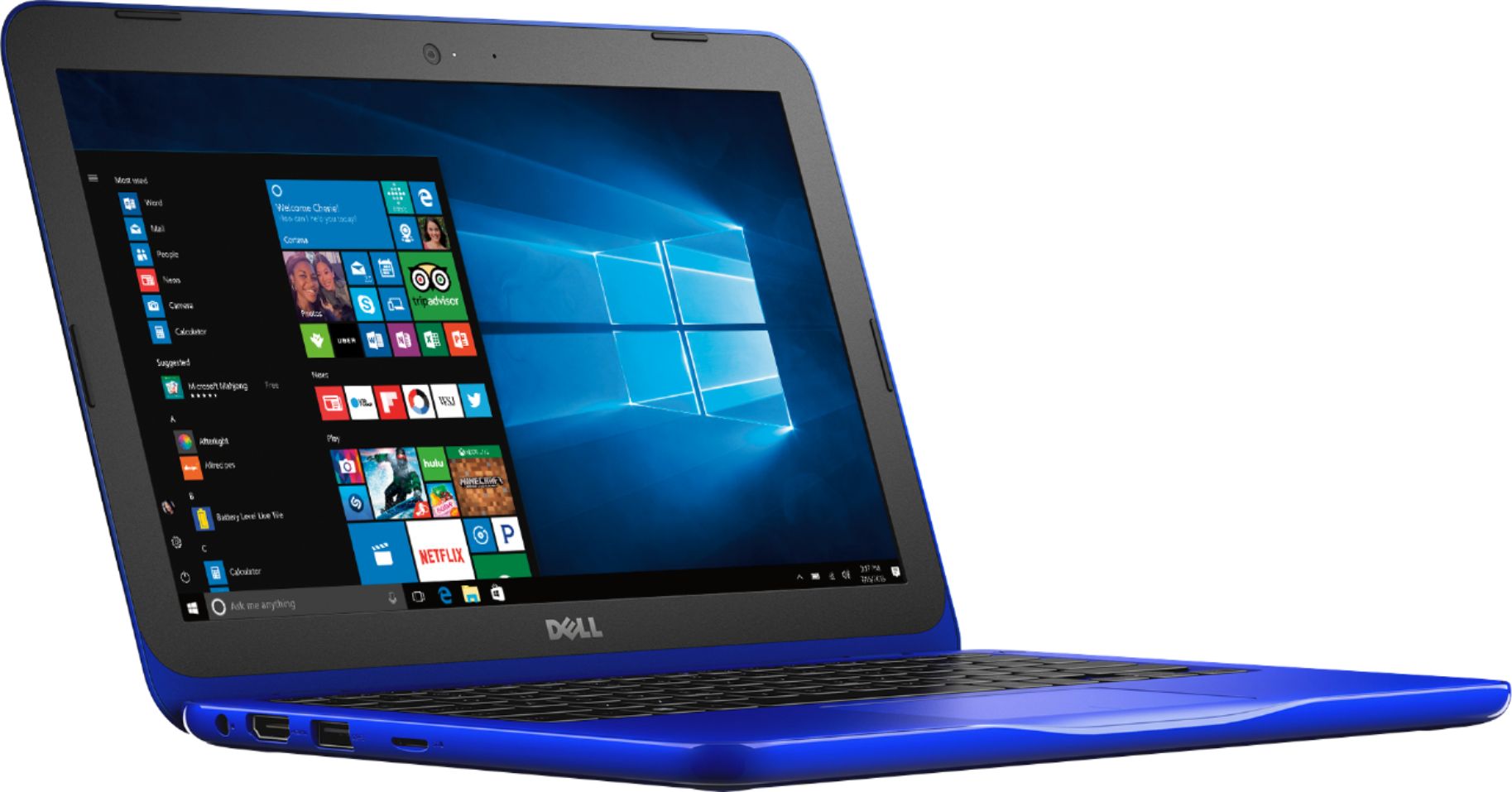
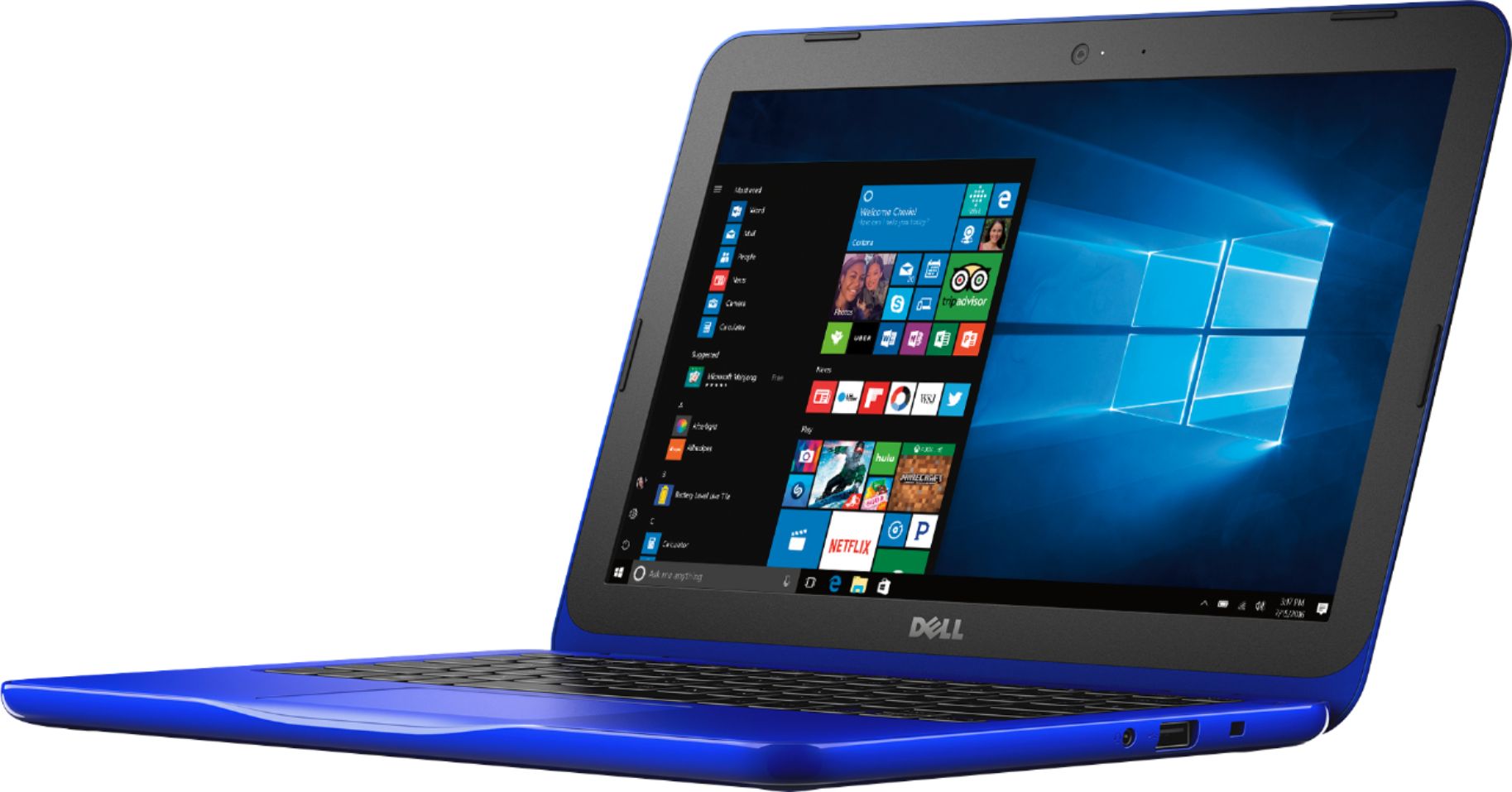
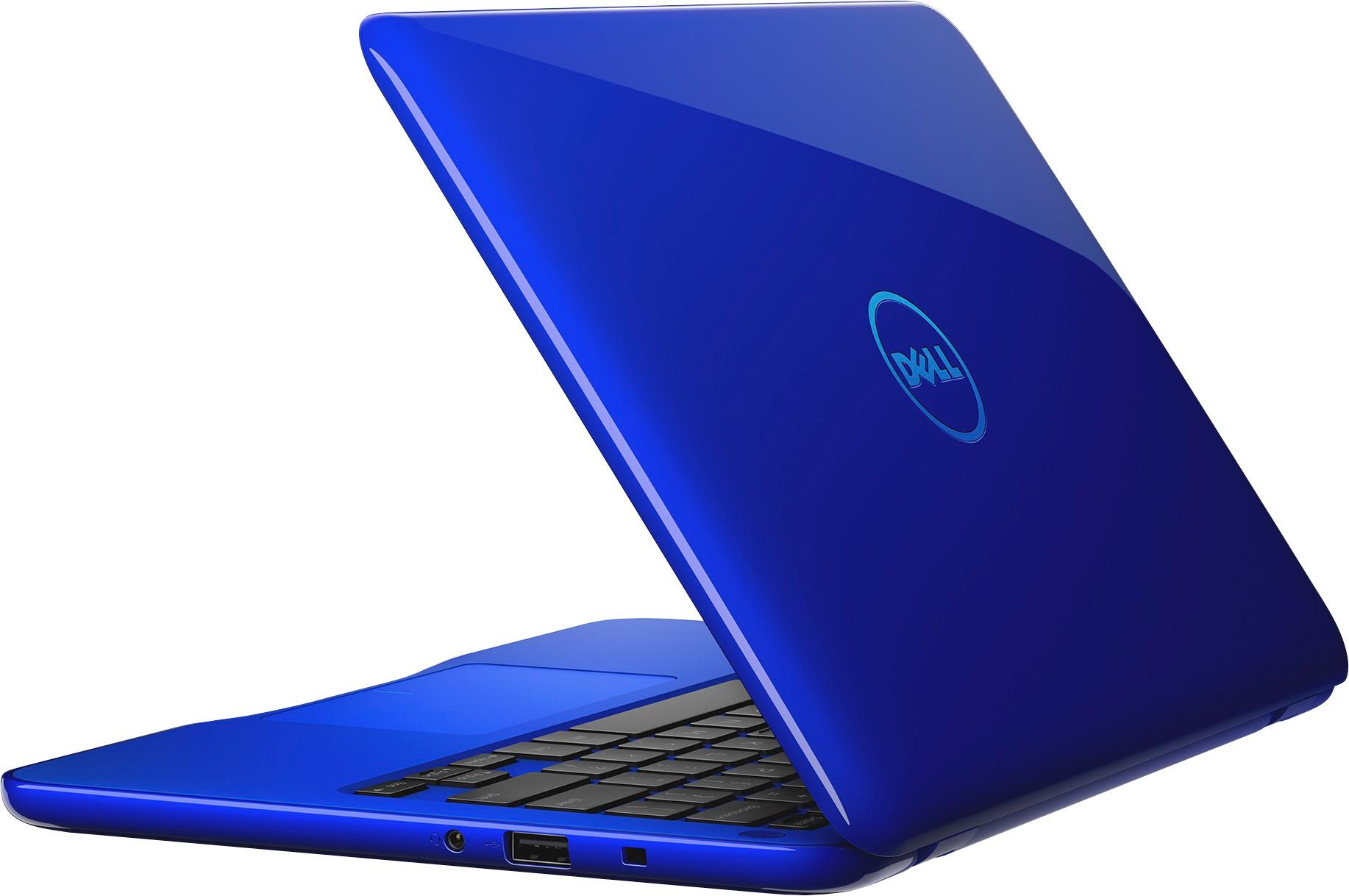
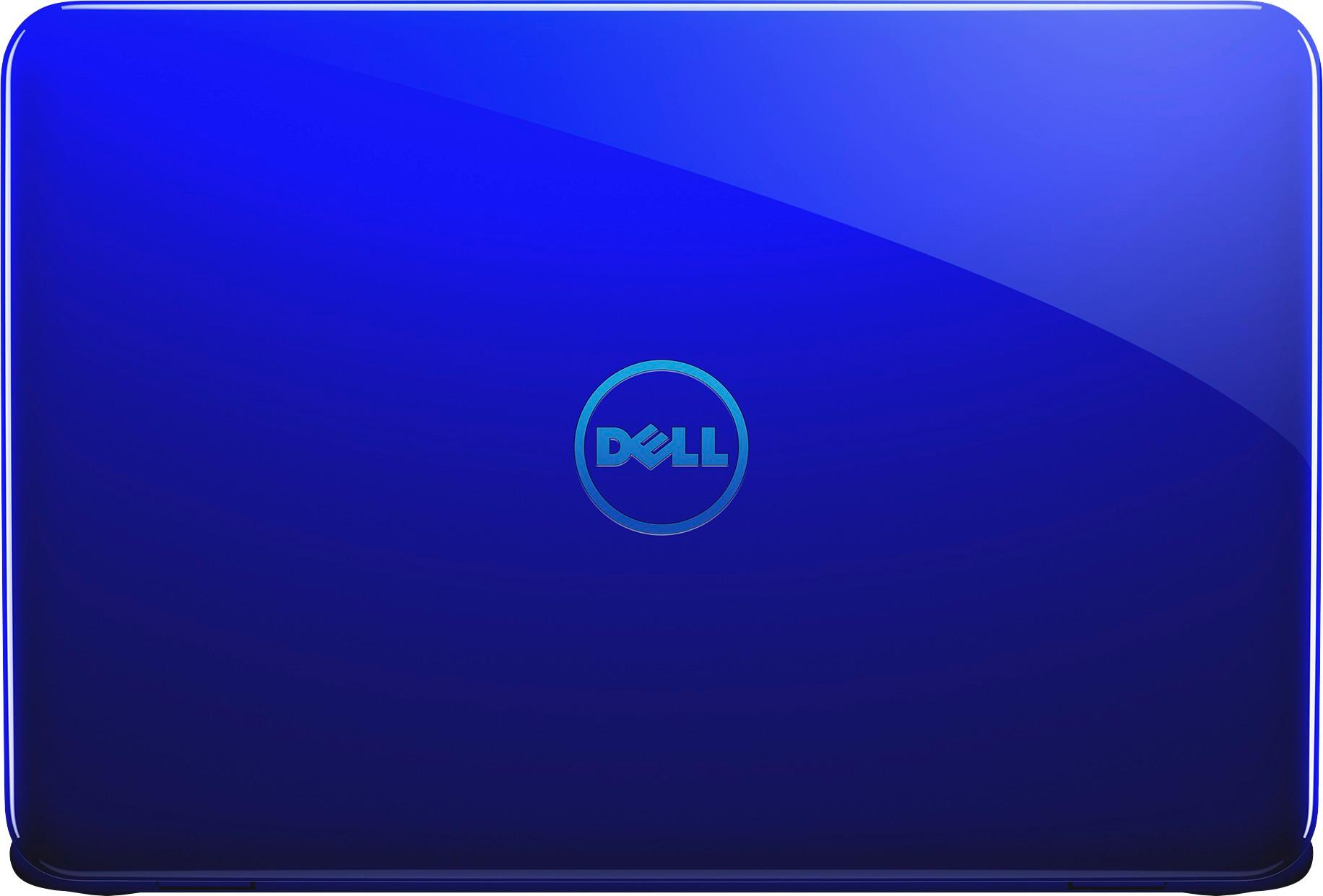


- Model:
- I31620003BLU
- SKU:
- 5618116
Rating by feature
- Value
Rating 3.6 out of 5 stars
- Quality
Rating 3.6 out of 5 stars
- Ease of Use
Rating 3.5 out of 5 stars
Customers are saying
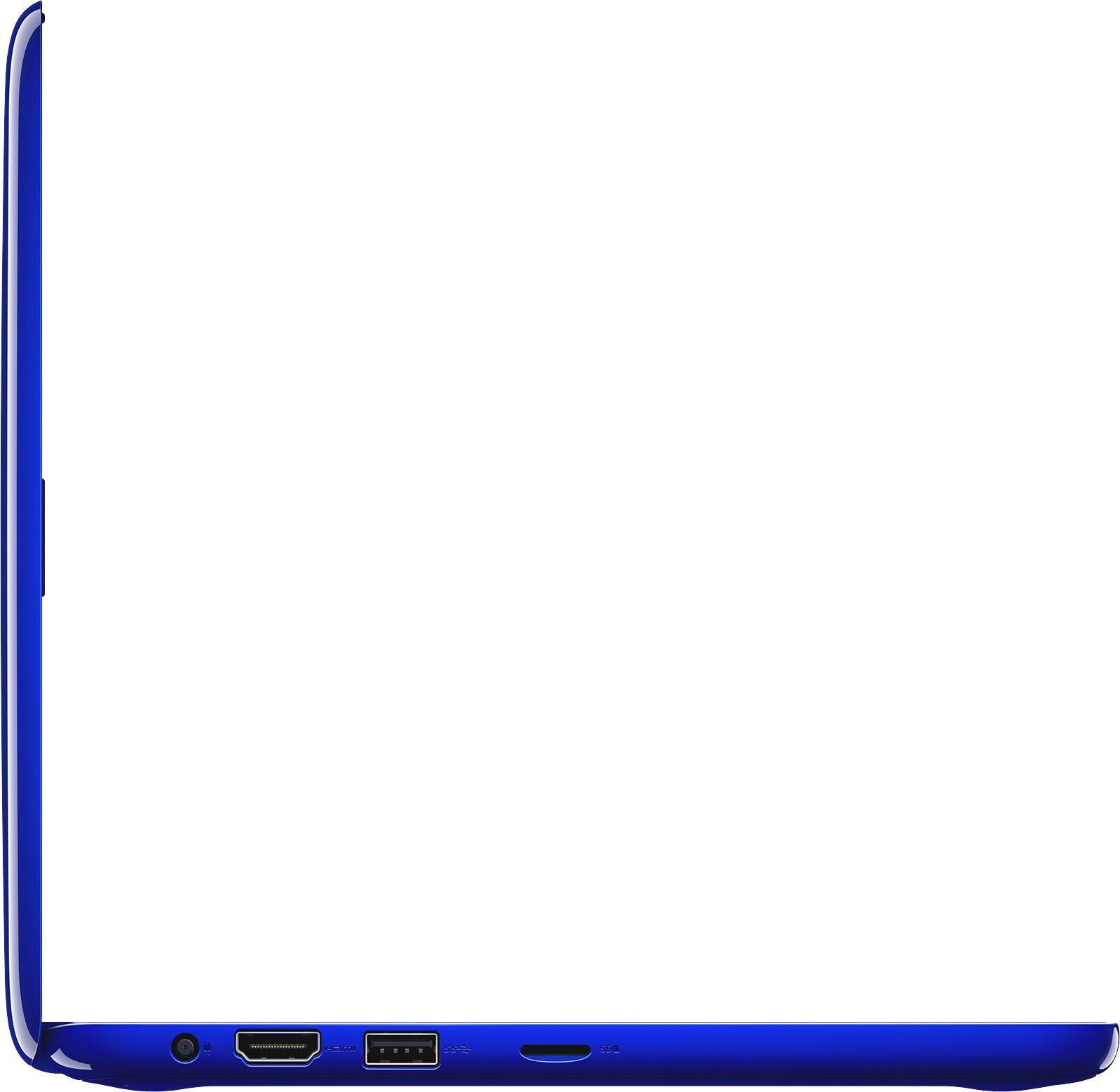
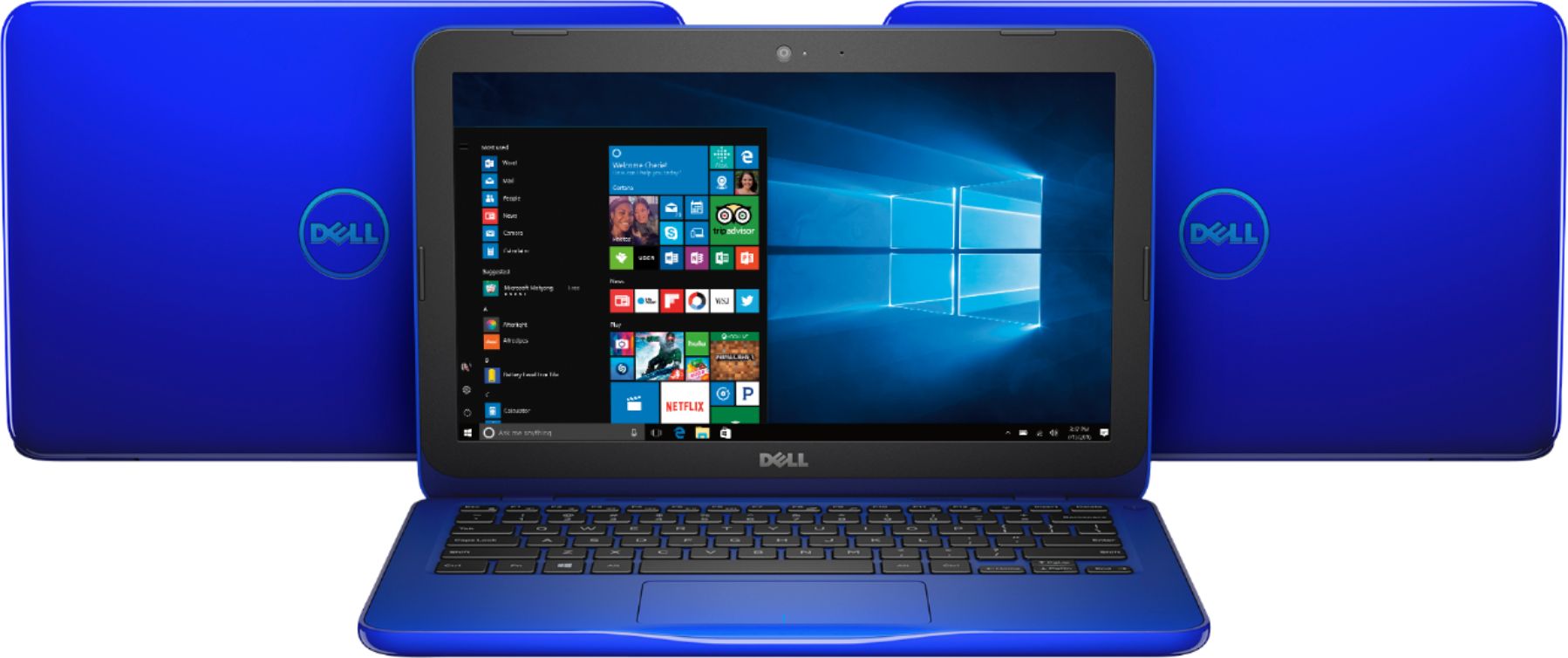
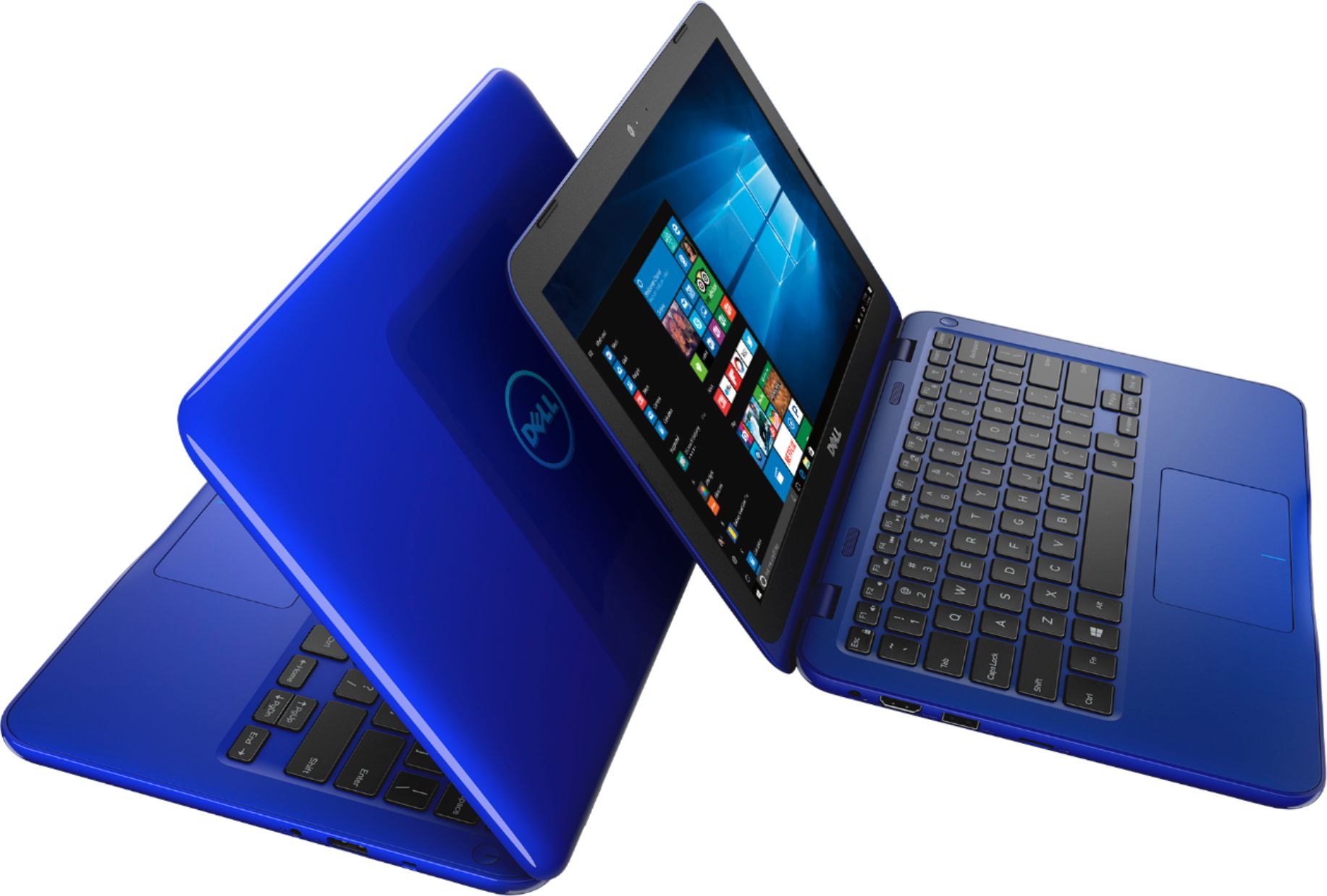
Customers enjoy the Inspiron 11.6" Laptop for its budget-friendly price, portability, and compact size. Many reviewers mentioned that it is perfect for small spaces and easy to carry around. However, some customers expressed concerns about the limited storage and memory, as well as its performance.
This summary was generated by AI based on customer reviews.
- Cons mentioned:Storage
Not bad on the surface...
Posted .This reviewer received promo considerations or sweepstakes entry for writing a review.Not a bad machine for the price, but expect this to be an 'online' only machine. The storage is only 32 GB, and most of that is used by the OS, so you have about 6 GB left. If you remove the pre-installed junk like Candy Crush Saga, and Microsoft Office trial, you can get to just over 7 GB. The problem came almost immediately when Windows 10 wanted to install updates, and needed 8 GB to do so. I called Dell, and they were completely apathetic. They said it's just for working online, to which I replied - what does that have to do with anything, and they had no answer, just silence. I was told that you cannot upgrade the storage, or update windows. I returned it and got an HP. Windows updates may fix bugs or repair security issues, I think that is important. They said it only has 32 GB, like that should have explained everything. Their comment was followed by silence. I am fairly computer savvy, and I did't know how much space Windows needed for itself, or updates. Bottom line, don't waste your money, for $60 more I got an HP with a 15.6" screen, full keyboard, Bluetooth, and a 500 GB hard-drive.
No, I would not recommend this to a friend - Cons mentioned:Speed, Storage
trash
Posted .This reviewer received promo considerations or sweepstakes entry for writing a review.only had this for about 3 days and it caused me so many problems. my mom’s 10 year old laptop works better than this. first, it’s slow. you have to double click everything and the typing is delayed. second, 32 gigs is NOTHING. first minute of using it, it already gave me a low storage warning. third, this is NOT good for gaming or video editing. crashes, low storage warning, freezing, and just shutting off. and it wouldn’t even turn on. so, I can’t use this for anything. waste of money, waste of time. I definitely don’t recommend this to anyone.
No, I would not recommend this to a friendBrand response from YourDellTeam
Posted .Hey ally - Thanks for your review. We're sorry to hear that your new laptop is not meeting all of your needs. If you'd like some tips about your computer freezing we'd suggest the following:
1. Run a Computer Diagnostic. To determine if your computer is experiencing a hardware problem, run the Dell Preboot System Assessment (PSA) Diagnostics. For information on how to run Diagnostics, and to determine the issue, refer to Dell Knowledge Base Article: http://dell.to/2iaiujA.
2. Check Safe Mode for Symptoms. To boot into safe mode, please follow the instructions below:
1) Start the computer.
2) Tap 'F8' on the keyboard immediately and every one second until the Dell logo screen disappears. From there you will see the Windows Advanced Options Menu on the screen. (If the Windows Advanced Options Menu does not appear, restart the system and try again.)
3) Select Safe mode with Networking and press Enter.
4) Log on as the administrator or as a user with administrative access.
5) Open applications and test the computer in safe mode. If the symptoms exist in safe mode, please continue the troubleshooting steps in this article. If the symptoms do not exist in safe mode, the issue is likely related to a driver or software and you may wish to complete steps 6 and 7 to see if you are able to resolve the lock ups or freezing.
3. Check for Malware. Malware (Virus, Spyware, etc.) can definitely cause a Windows system to lock up or appear to hang. To check for malware on your system and to ensure that your computer is up to date on security software, visit Dell Knowledge Base Article: http://dell.to/2wWP1zI.
You can read the full article here - http://dell.to/2tW5m33.
In order to speed up your computer, we'd suggest checking the pre-installed programs to make sure that you plan to use all of them. If there are any programs that you're able to remove, this should help speed up your computer. - Bryan
- Cons mentioned:Performance
computer
Posted .This reviewer received promo considerations or sweepstakes entry for writing a review.computer is long gone. computers never last long..
No, I would not recommend this to a friend - Cons mentioned:Speed
good for the price
Posted .This reviewer received promo considerations or sweepstakes entry for writing a review.Don´t expect too much from this laptop, it´s a liitle slow but ok for basic stuff
I would recommend this to a friend Great Travel Netbook
Posted .This reviewer received promo considerations or sweepstakes entry for writing a review.Bought this netbook to replace a Lenovo 100 that was starting to fail - the extra memory speeds up processing; the size is perfect for airplanes and travel; the blue color makes it easy to spot when leaving a hotel room; the Windows 10 environment is far superior to Chromebook alternative devices; and the Cyber Monday price was extraordinary.
I would recommend this to a friend- Cons mentioned:Storage
32gb flash memory - big problem
Posted .This reviewer received promo considerations or sweepstakes entry for writing a review.I read a few reviews on here about windows 10 and the 32gb internal drive. They are absolutely spot on. This drive is way too small to perform updates to windows 10. Because of that, the machine is absolutely useless. The drive is just about full right out of the box. Deleting apps and programs did not help, and frankly should not be necessary. I am returning to the store today. DO NOT BUY THIS MACHINE
No, I would not recommend this to a friend - Cons mentioned:Memory
not recomended
Posted .This reviewer received promo considerations or sweepstakes entry for writing a review.Almost useless, dont recommended, memory is not enought
No, I would not recommend this to a friend - Cons mentioned:Storage
OK for granddaughter
Posted .This reviewer received promo considerations or sweepstakes entry for writing a review.Bought this for my granddaughter as a word processor. She likes it for that purpose. Since it was a gift, I did the setup before giving it to her. From the other product review warnings about lack of memory space, I was prepared to add an 32GB SD card. The SD card's extra memory was necessary to get the massive Windows 10 updates to successfully install. Also cleaned out the other unnecessary bloatware and added a better anti-virus program.
I would recommend this to a friendBrand response from YourDellTeam
Posted .Hello djgcc,
Thanks for your review and we are happy to hear that you were prepared for what additions may be necessary with this new computer. We hope that it is working the way that you had planned it to. If you have additional questions about this computer you can always refer to our Product Support Page here - http://dell.to/2fQEShv.
Best,
Bryan
1-800-624-9896