Customer Ratings & Reviews
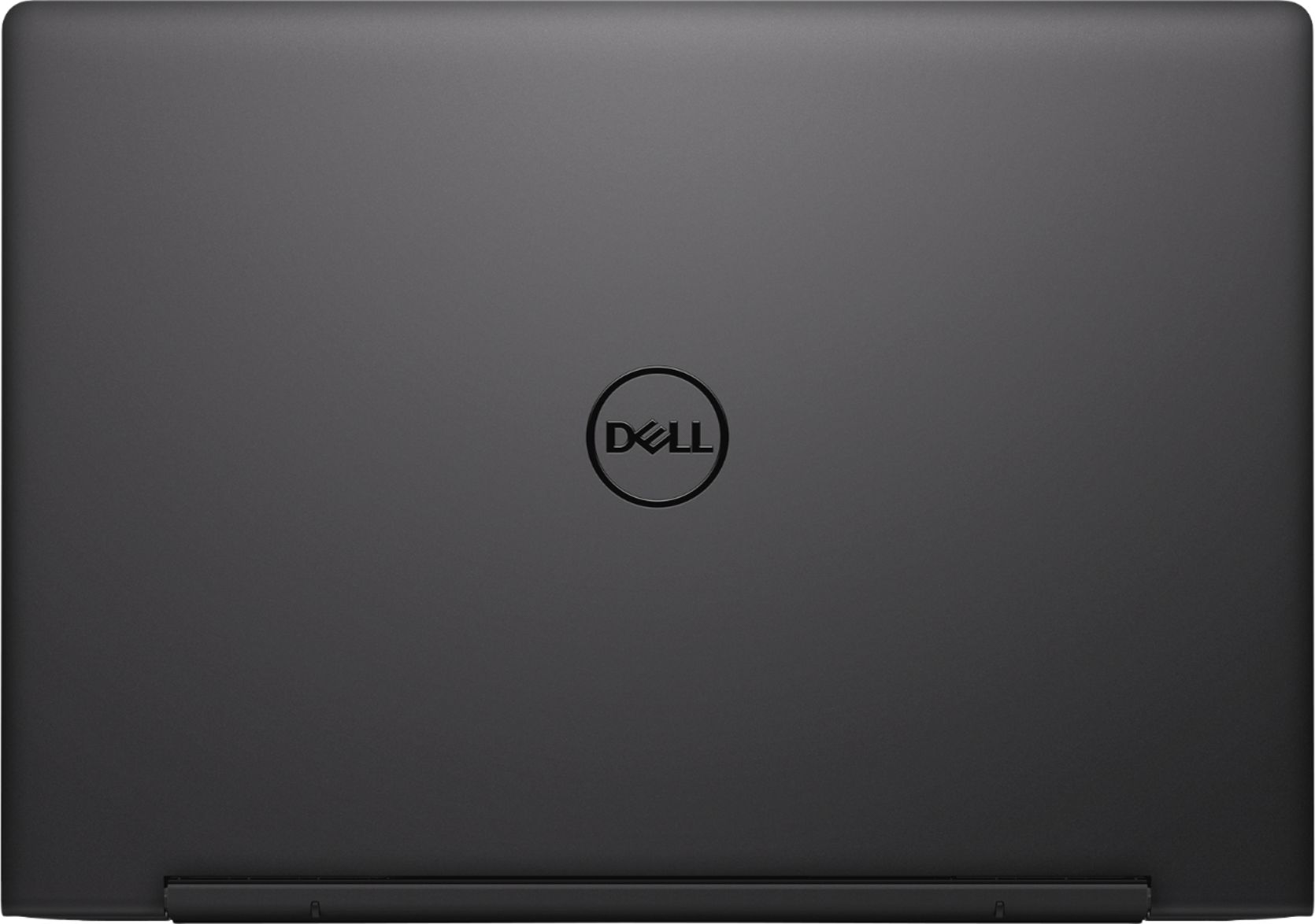
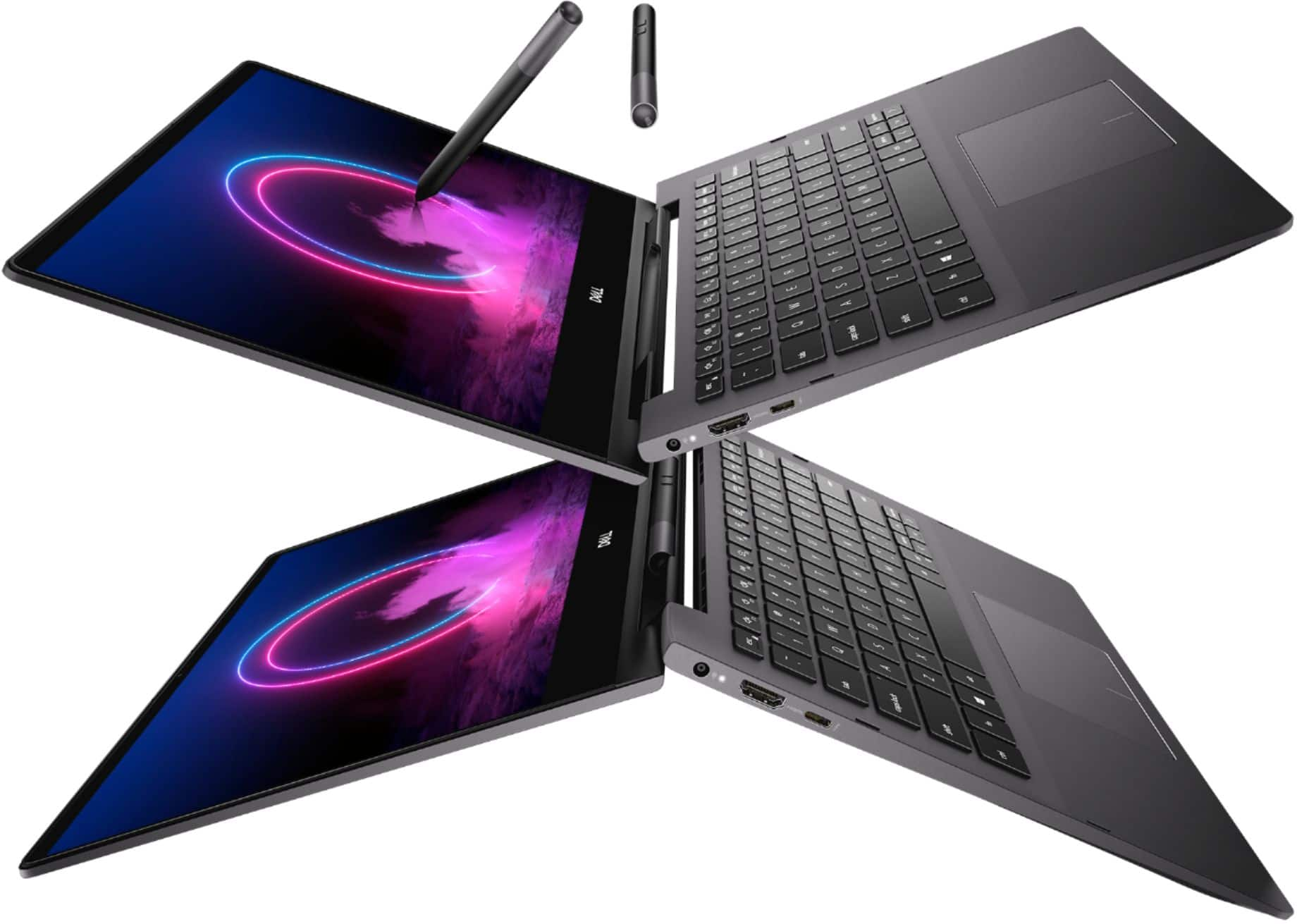
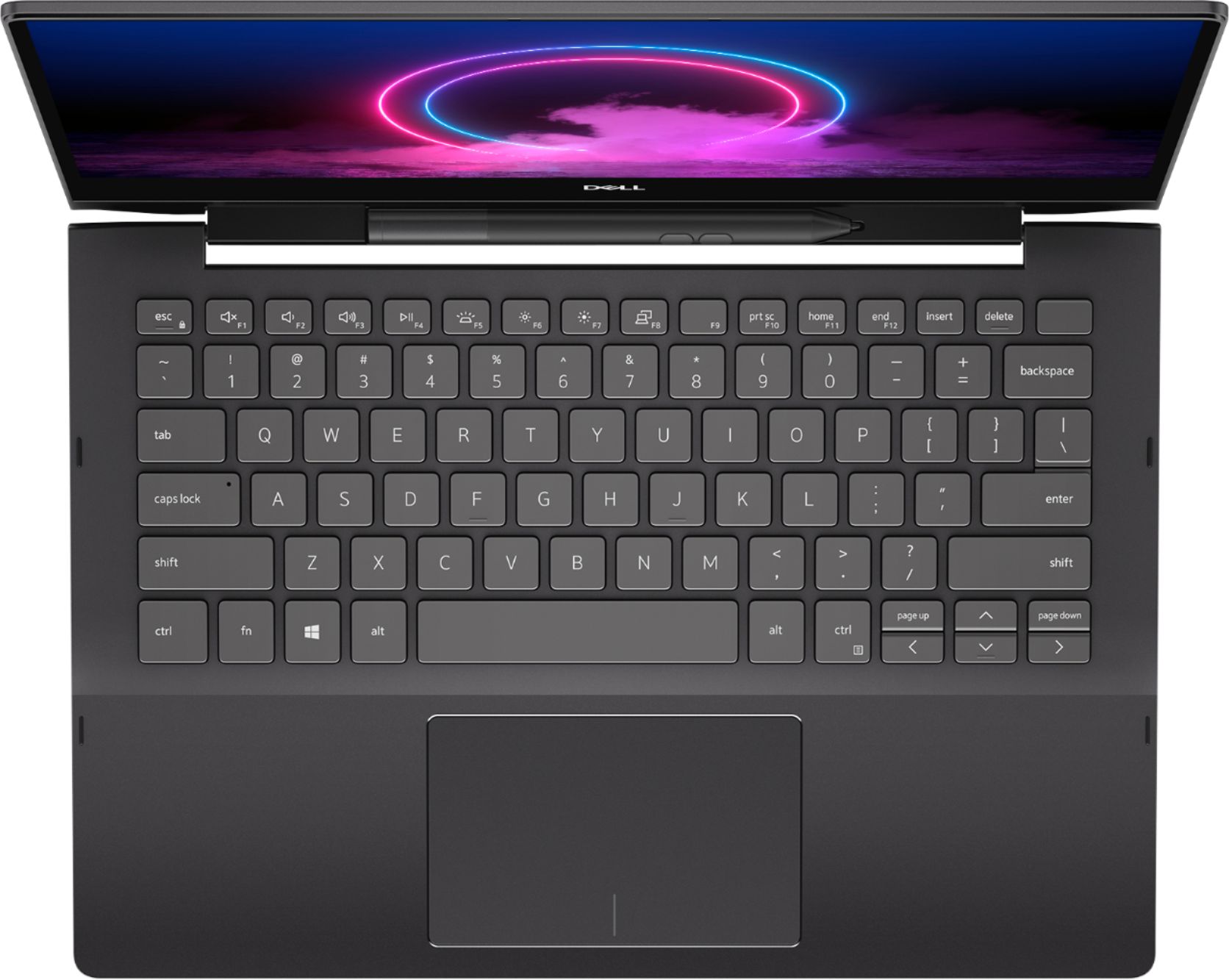
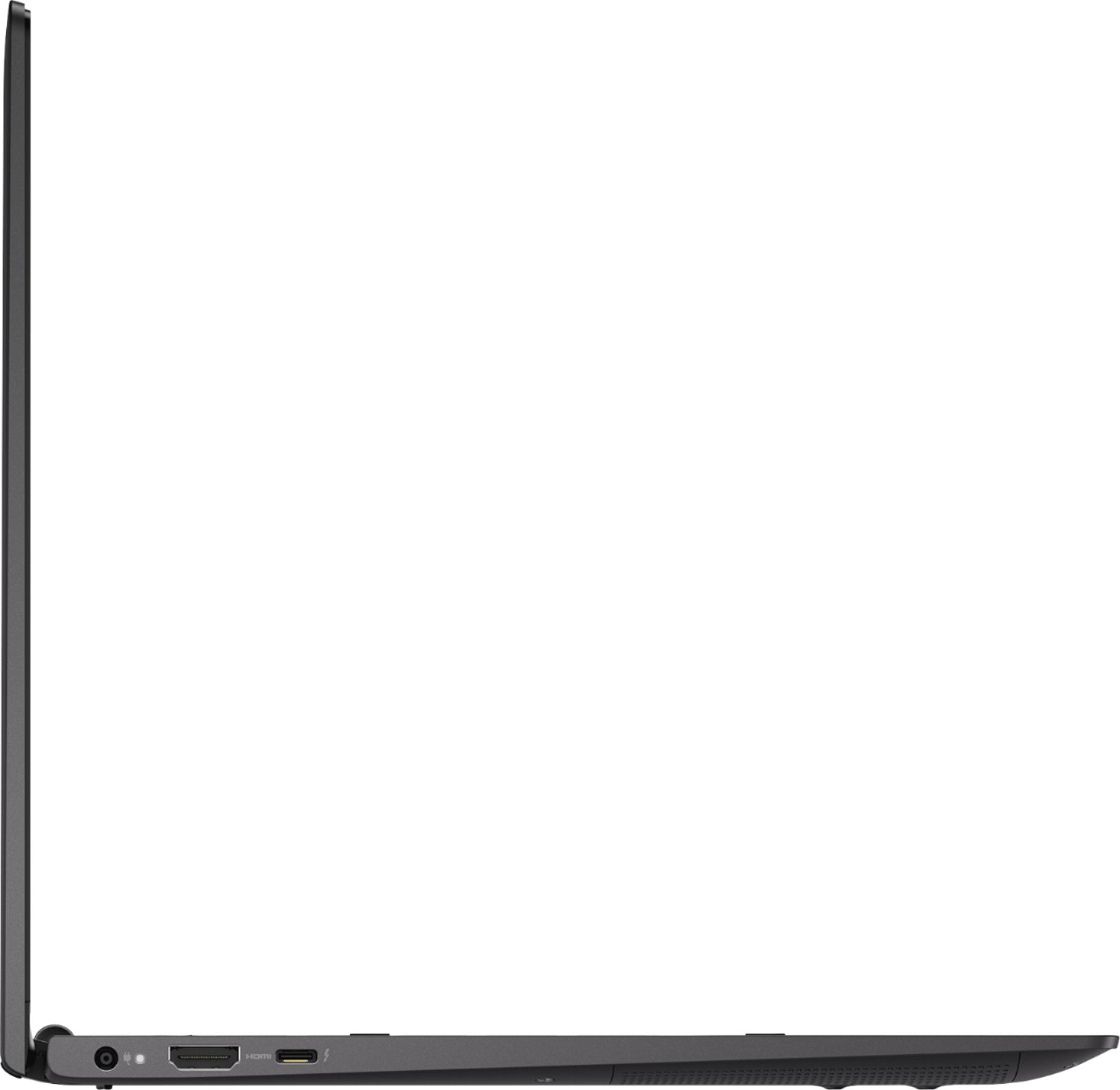







- Model:
- I7391-7520BLK-PUS
- SKU:
- 6373028
Rating by feature
- Battery Life
Rating 3.7 out of 5 stars
- Speed
Rating 4.2 out of 5 stars
- Display
Rating 4.2 out of 5 stars
Customers are saying
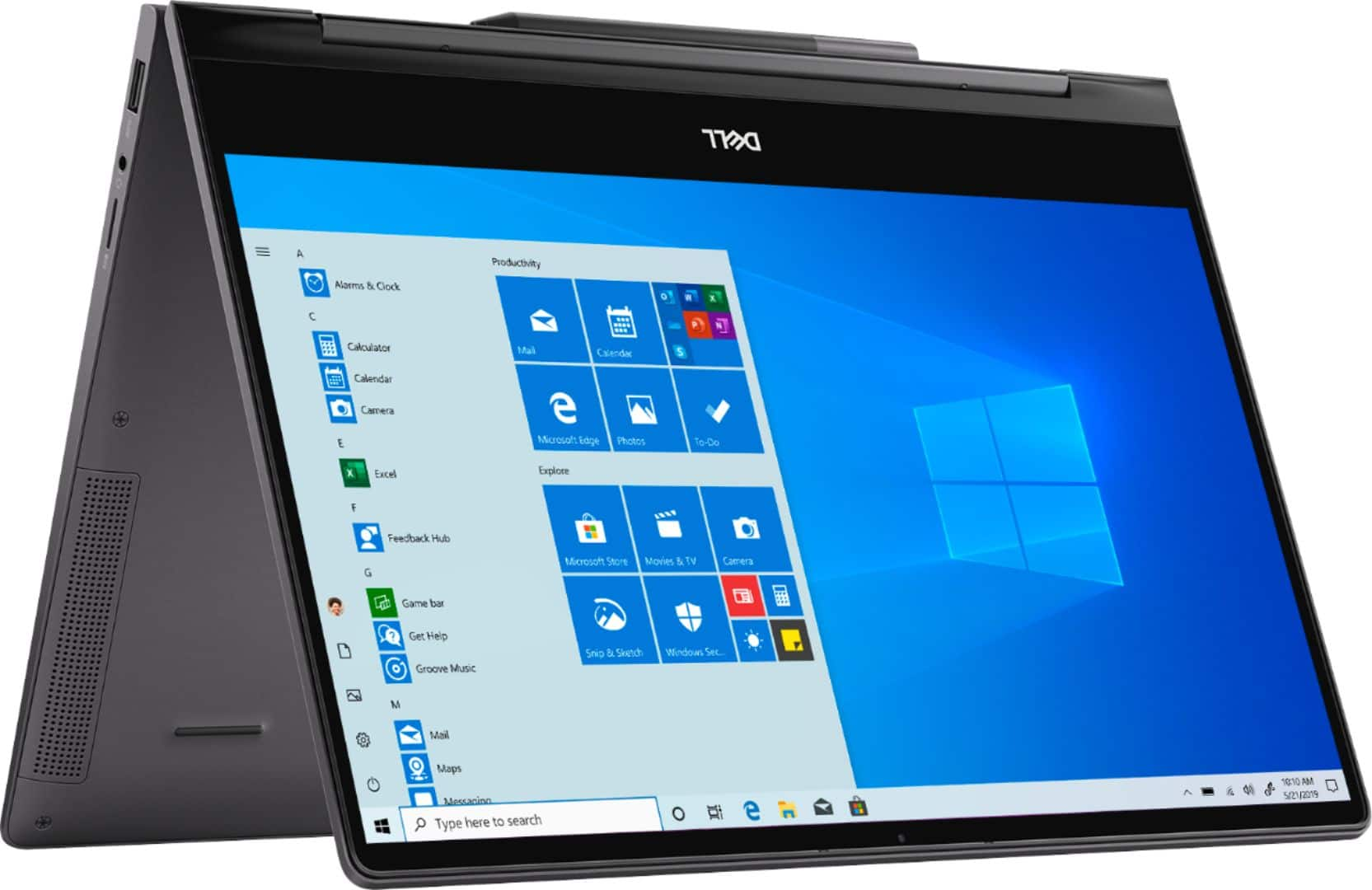
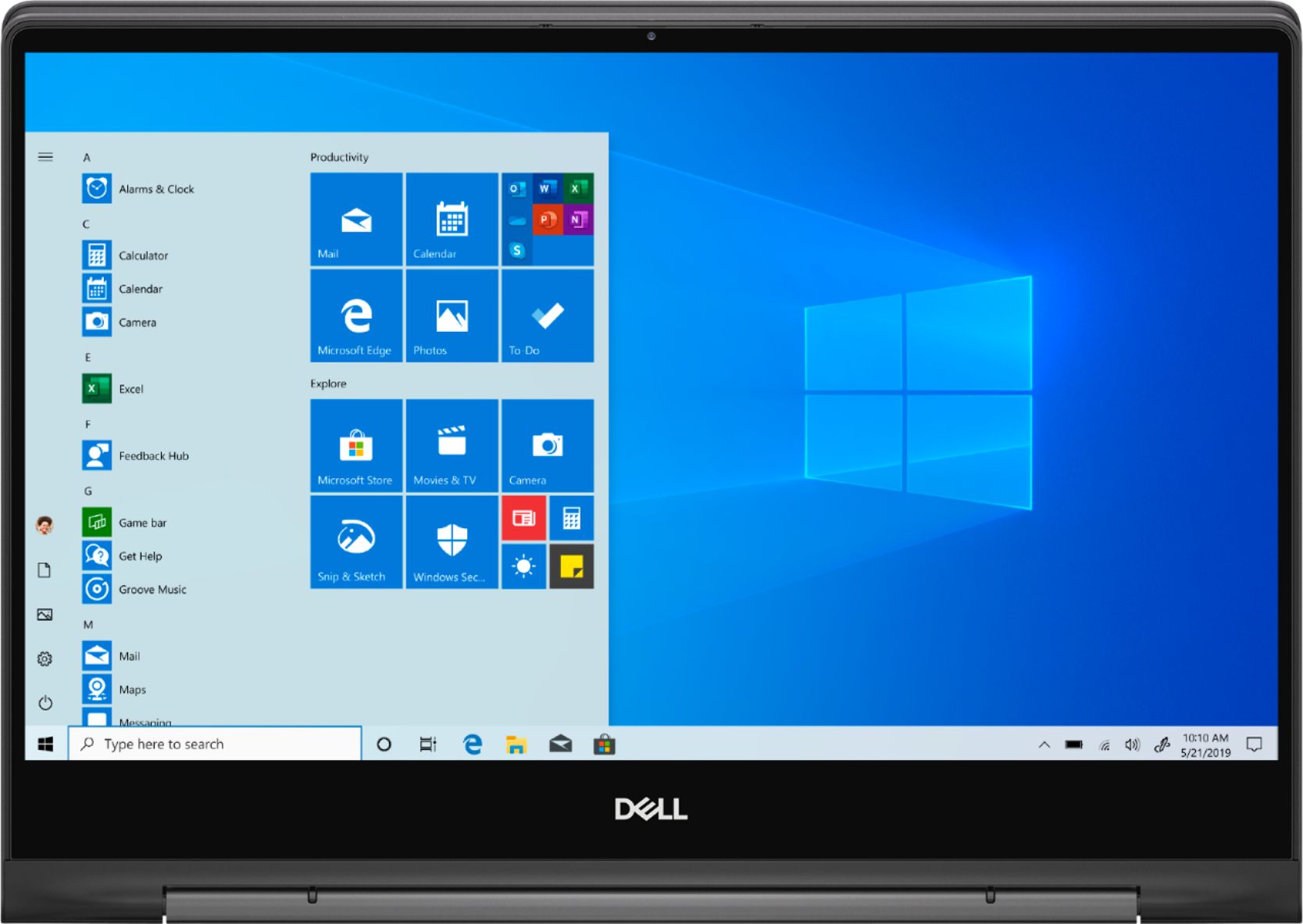
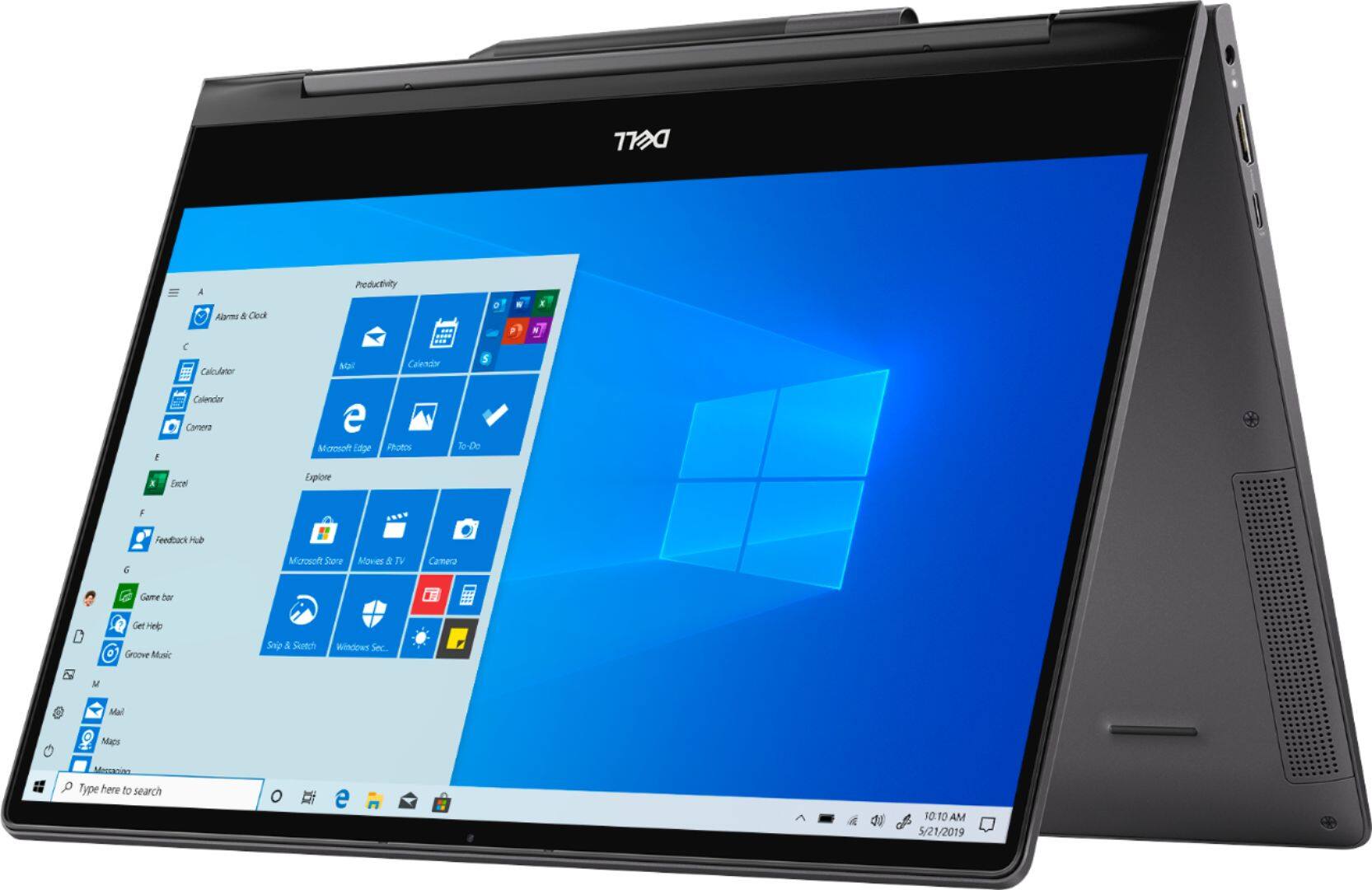
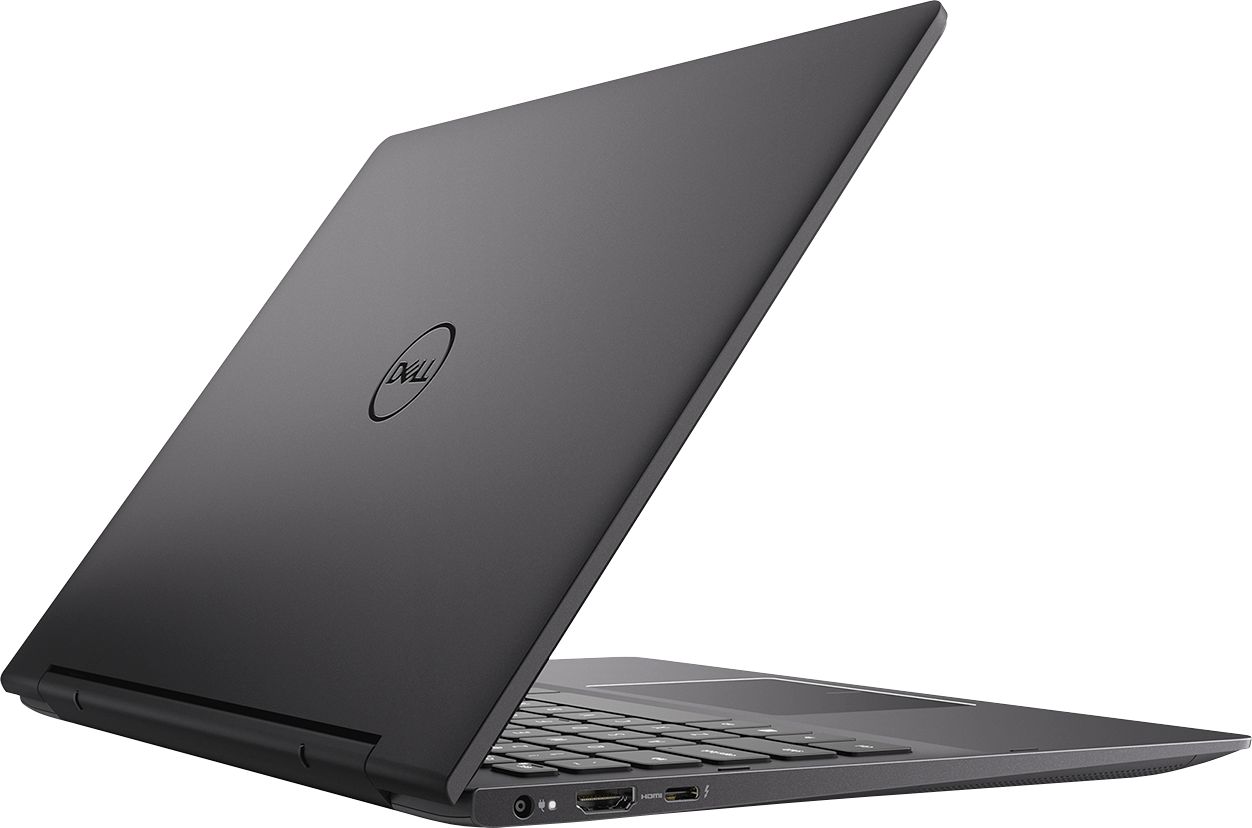
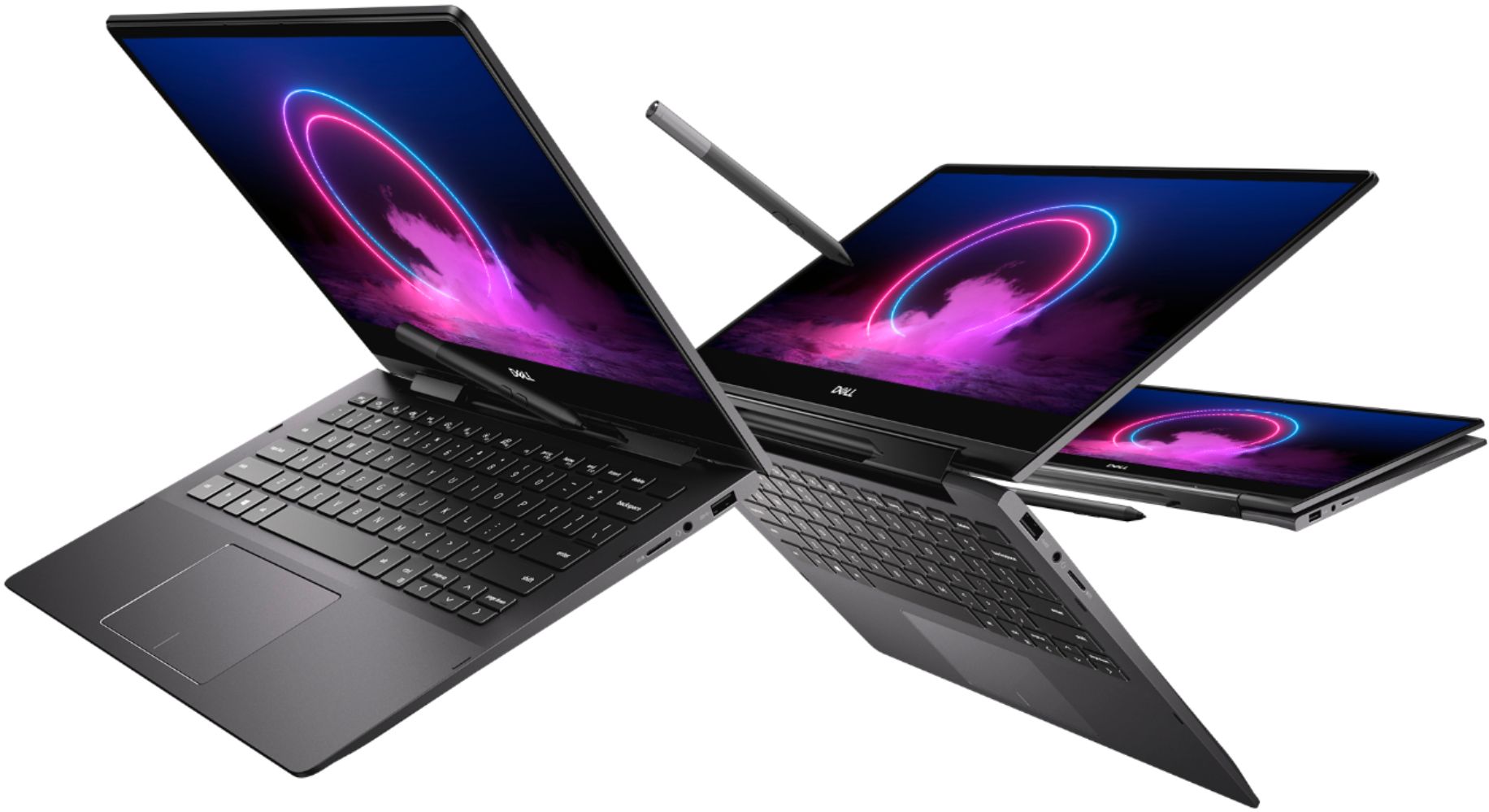
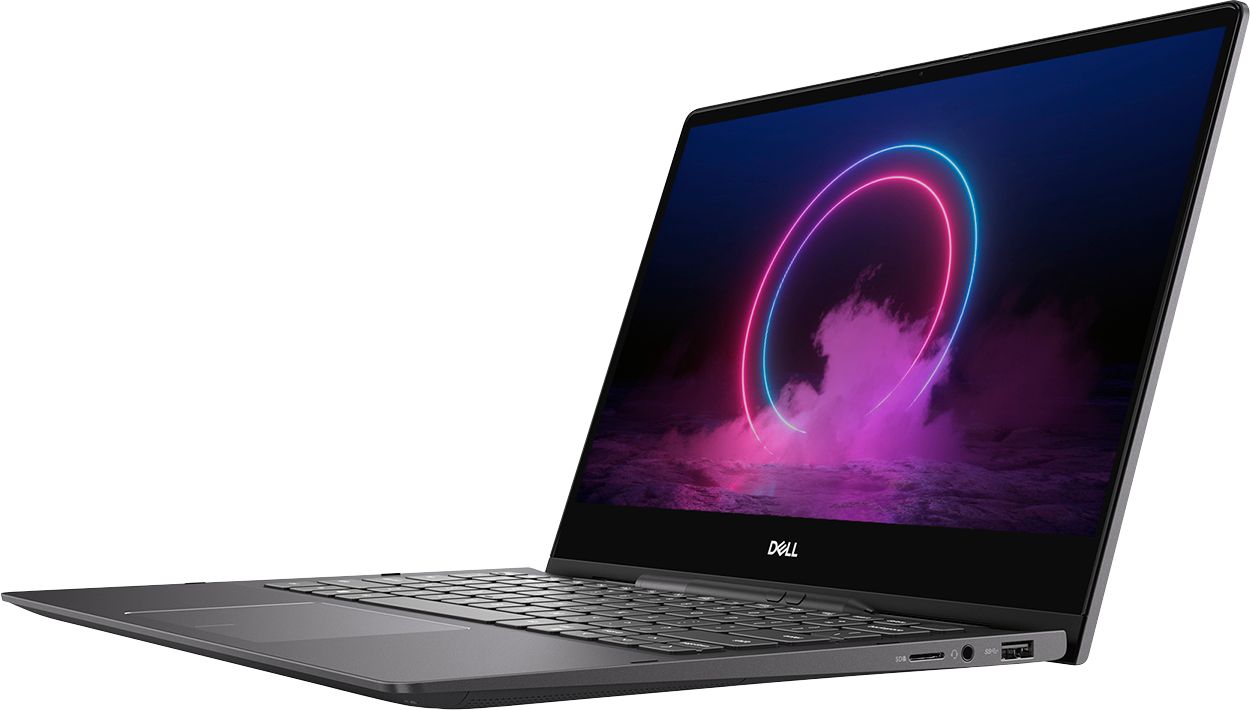
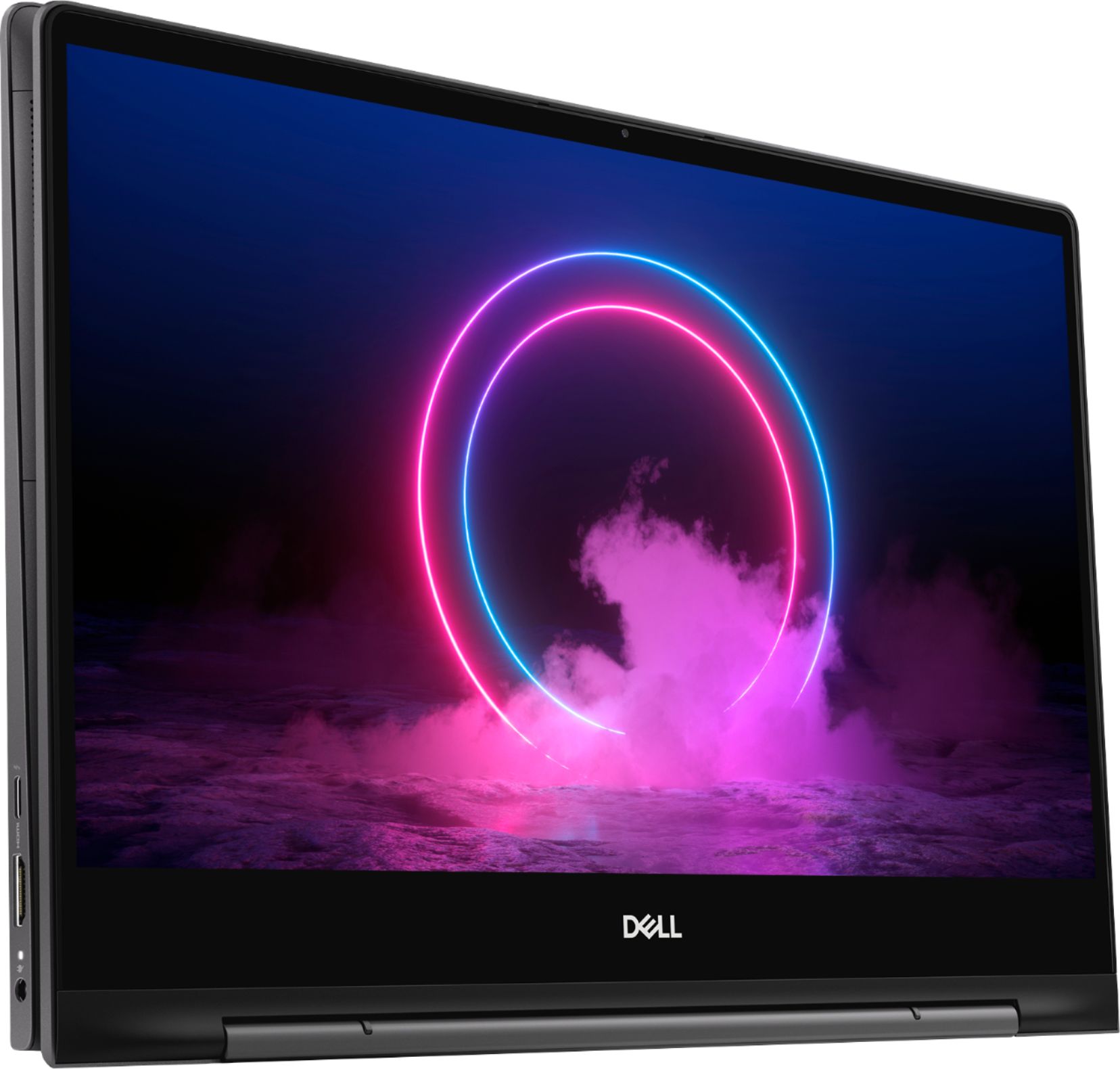
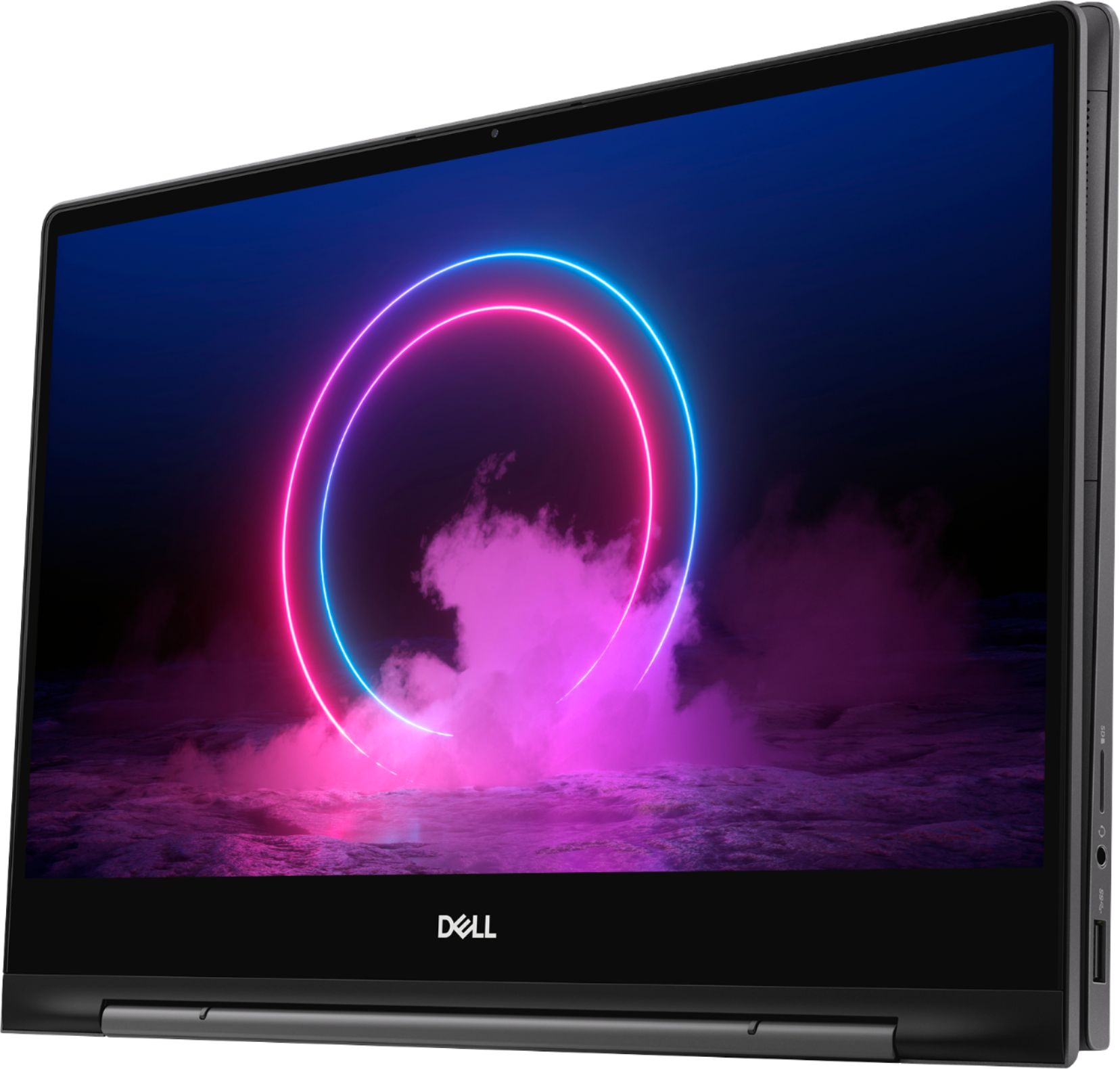
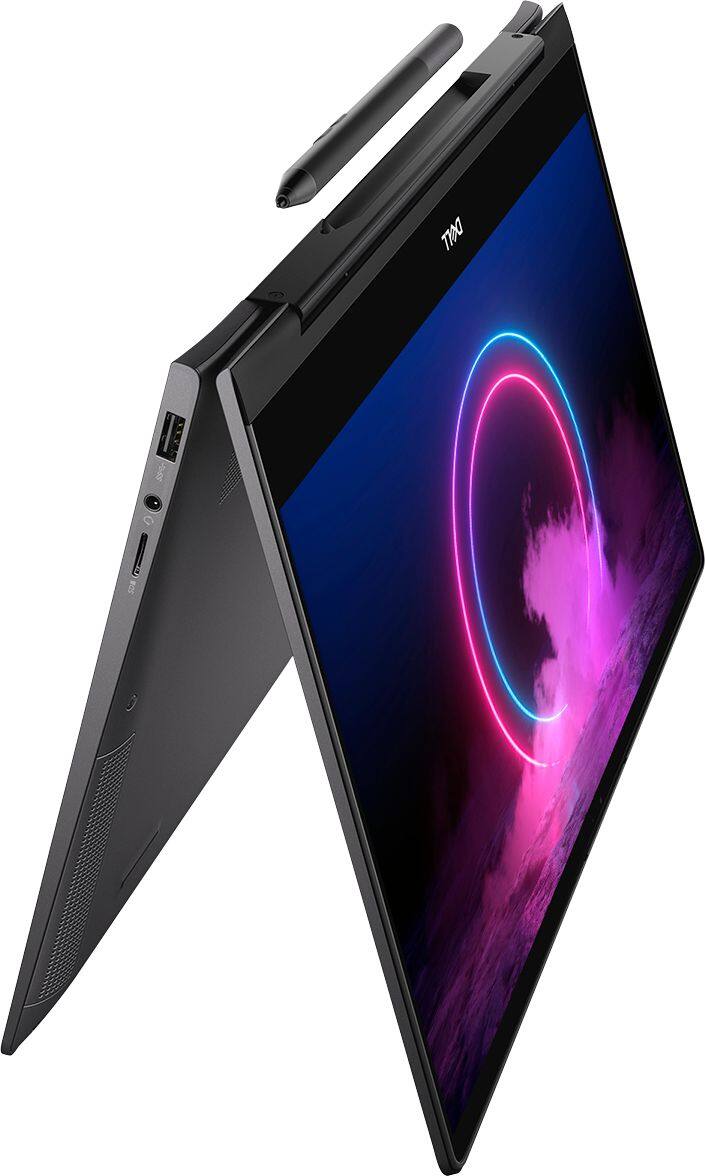
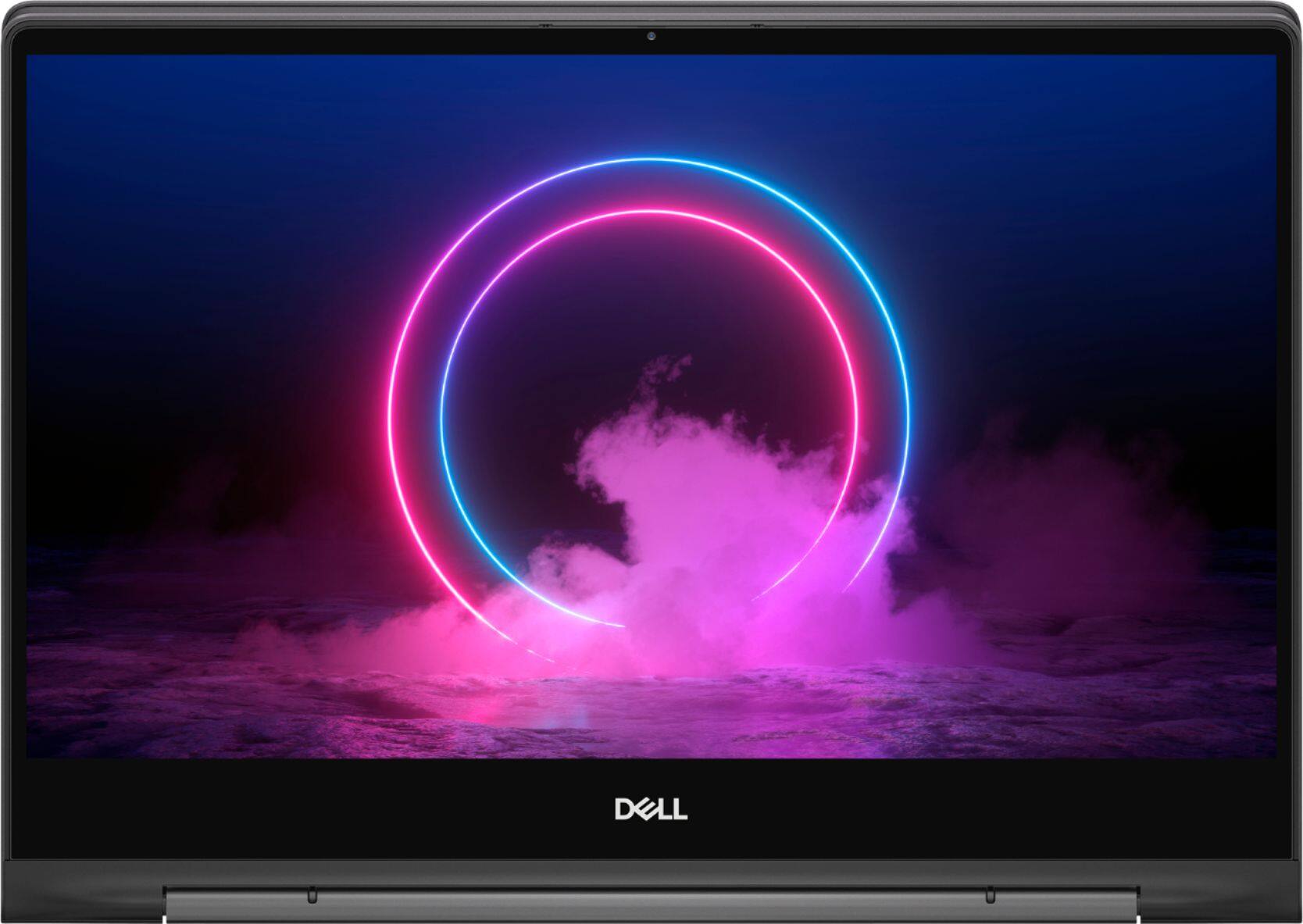
Customers value the Inspiron 13.3" 2-in-1 laptop's performance, touchscreen functionality, light weight, and ease of use. Many appreciate its compact size and the included pen. However, significant concerns exist regarding overheating, battery life, and fan noise. Some users also reported issues with the camera and internet connectivity.
This summary was generated by AI based on customer reviews.
Nice laptop
||Posted . Owned for 2 months when reviewed.This reviewer received promo considerations or sweepstakes entry for writing a review.Great price. Nice computer. Easy to open an reliable to install different kind of programa. I use it almost everyday and never had a single problem. I would highly recommend it for someone who needs to travel because of its small size.
I would recommend this to a friend- Cons mentioned:Heat
Too slow too hot too loud
||Posted . Owned for less than 1 week when reviewed.This reviewer received promo considerations or sweepstakes entry for writing a review.I had this for a day and it was too loud and too noisy. The service pack were taking forever to install. I thank my Stars that Best Buy has generous Return policies without any restocking fees. Won’t even recommend as a beginners laptop since it runs hot all the time. I was lured by the open box price ( which was an awesome deal had it worked even a bit)
No, I would not recommend this to a friend - Pros mentioned:Processor speed
Powerful little computer
||Posted . Owned for 2 months when reviewed.This reviewer received promo considerations or sweepstakes entry for writing a review.Powerful, fast laptop! We needed this to replace a new laptop that just couldn't process the programs needed for work. Everything runs so smoothly and we haven't had any issues. This little thing packs a big punch! #spreadtheHarmony
I would recommend this to a friend - Cons mentioned:Internet connectivity
Disappointing in many ways.
||Posted . Owned for 1 month when reviewed.This reviewer received promo considerations or sweepstakes entry for writing a review.Laptop randomly disconnects from the internet with much greater frequency than any of the other devices in the house. One of the primary reasons I bought a new personal laptop was for zoom workouts. More often than not it disconnects at least once. The fingerprint reader is very picky, frequently not accepting my fingerprint password. After it requires the password to be typed in, which would be fine accept the keyboard randomly doesn’t doesn’t respond. Had I not purchased in the midst of the pandemic I would have returned.
No, I would not recommend this to a friendBrand response from YourDellTeam
Posted .JackieF,
We're sorry to hear about the connectivity issues that you're having. We's recommend the following steps to help improve your computer's connectivity:
1. Download and install the latest Wireless Card driver. (https://dell.to/2th3Tpe) After updating the driver, re-establish the connection with the Wireless Access Point and check the wireless performance.
2. If the issue persists, proceed to step 3.
3. Power-cycle the local network. Shut down the Dell system, the Wireless Access Point/Router and the Modem. Wait a minimum of 60 seconds before powering up the components in the following order:
4. Power ON the Modem, and wait for it to boot fully.
5. Power ON the Wireless Access Point/Router, and wait for it to boot fully.
6. Power ON the Dell system.
7. Open Network and Sharing Center
8. In the left side navigation pane, click on Change Adapter Settings
9. Right click on the wireless connection icon and select Properties followed by the Configure button
10. Under Wireless Options, select the Wireless N mode
11. For Windows 8 or later systems click the Advanced tab and look for 802.11n Mode on the right you will be given the option to Enable or Disable. If the mode is not visible you may need to update your drivers and firmware.
12. From the drop-down menu, choose Disable followed by Ok
13. This should restore the wireless download and upload speed. Internet speed can be tested at http://speedtest.net.
If you'd like to improve your fingerprint reader you can download the following driver: Updating the Goodix fingerprint sensor driver to 3.10.30.110 or newer will fix the issue.
To download and install the latest driver:
1. Browse to the Dell Drivers & Downloads page: Support Site Drivers Page
2. Ensure you have the correct System Type
3. Select the Operating System
4. Under Category, select Security
5. Locate the latest Goodix Fingerprint Sensor Driver (A04 or newer)
6. Click Download and save the file to your computer
7. Open File Explorer and browse to the location where the downloaded file is saved
8. Double-click the Sensor setup file and follow the on-screen instructions to complete the installation process
9. You will need a system restart to finalize this installation.
You can read the full article here: https://dell.to/3dmKGYf.
Best,
Bryan
1-800-624-9896
- Pros mentioned:Ease of use
Great quality laptop, excellent value
||Posted . Owned for 1 month when reviewed.This reviewer received promo considerations or sweepstakes entry for writing a review.Got this for a steal on Deal of the Day. Nice powerful higher end convertible for a midrange price. Love the build quality and backlit keyboard. Handles multitasking easily and is a nice size for portability. Excellent value
I would recommend this to a friend - Cons mentioned:Fan noise, Heat
Fan is loud goes off even on light usage.
||Posted . Owned for 1 month when reviewed.This reviewer received promo considerations or sweepstakes entry for writing a review.Good product however it over heats up too quickly. Even when watching videos online or streaming the fan goes off and it gets pretty loud.
No, I would not recommend this to a friendBrand response from YourDellTeam
Posted .Hello Ulei,
Thanks for your review. If you'd like to try to keep your computer operating at a cooler temperature we'd recommend the following:
Tips for Proper Usage:
1. Dell does not recommend placing portable systems directly on your lap. Due to reductions in the thickness of modern portable systems, heat transfer can be an issue.
2. Using a portable system (Laptop) on a hard, flat, non-cloth surface will increase airflow and reduce heat from underneath and inside the system.
Using the portable system on a blanket, pillow, or other types of cloth will cover up the fan cause the computer to overheat and can cause permanent damage.
3. It is recommended to use the portable system in a Room temperature of 0°C to 35°C (32°F to 95°F) with a Humidity level no greater than 90%.
4. Use compressed air to clean the vents on a regular basis.
5. Using a cooling pad can decrease heat and increase performance.
6. If you want to know the temperature limitations for your system, go to the Dell Support Website, look up your system model then open the user guide under the manuals link.
You can read the full article here - http://dell.to/2uJ8AdG.
If the fans are running too loud, we'd recommend trying to update the BIOS on your computer:
An out-of-date BIOS can cause loud fan noises by having an outdated temperature table for the system. Refer to update BIOS and follow the instructions to update the BIOS on your computer. You can also follow up with our Technical Support Team here - 1-800-624-9896.
You can read the full article here - http://dell.to/2ENlXfz.
Best,
Bryan
1-800-624-9896
- Cons mentioned:Fan noise
Computer Broke Within 2x Months - Best Buy NO HELP
||Posted . Owned for 9 months when reviewed.This reviewer received promo considerations or sweepstakes entry for writing a review.We bought 4x various Inspirons 15 7000's 2-in-1 from Best Buy without warranty for our small business. Best Buy was advertising these as business computers AND the sales person said it would be a good business computer for the programs we we're running. I feel liek Best Buy was falsely advertising. Comes to find out these are CONSUMER grade computers and they aren't made for business. Every single one of them BROKE within 2x months. 3x of them had to have the hard-drive replaced and the other had to have the fan replaced. Do not, under any circumstance buy an Inspiron from Best buy unless you have a warranty. Honestly, I would avoid this product at all cost! Even worse has been Best Buy customer service. We didn't get the warranty that's our fault, but really?! $1,000+ item dies within 2x months. Didn't do anything to help. Might as well flush the $4,000+ down the toilet. I'll never go to best buy ever again.
No, I would not recommend this to a friendBrand response from YourDellTeam
Posted .CustomerService,
Thanks for your review and we're sorry to hear about the issues that you've had with your Dell computers so far. If you'd like to review the terms of Dell's One Year Limited Warranty on our products you can view it here: http://dell.to/2tNsVOs.
We hope that you're able to resolve the issues that you're facing with your computers in a timely manner. Please reach out to Dell's Technical Support Team here: http://dell.to/2sH7Qlm.
Best,
Bryan
1-800-624-9896
- Pros mentioned:Processor speed
Couldn't be more satisfied
||Posted . Owned for 4 months when reviewed.This reviewer received promo considerations or sweepstakes entry for writing a review.Love this laptop! It's small, extremely fast, converts to a tablet and was very affordable. It was recommended by our IT Support Team to meet all of my functionality requests, and I couldn't be more satisfied!
I would recommend this to a friend - Pros mentioned:Performance
Dell laptop
||Posted . Owned for 9 months when reviewed.This reviewer received promo considerations or sweepstakes entry for writing a review.Excellent laptop i use it for regular work as well as broadcast streaming since i host an international radio show cuz im always on the road. Its little expensive but its worth the price... www.kjpower104.com
I would recommend this to a friend So far, so good.
||Posted . Owned for 6 months when reviewed.This reviewer received promo considerations or sweepstakes entry for writing a review.Great computer for distance learning. We bought it for our son. We’ve had it about 6 months now and it’s used strictly for school work. Only problem is that the buttons at the top are not responding but not sure if our son might’ve accidentally caused that.
I would recommend this to a friend- Pros mentioned:Touch screen
Laptop
||Posted .This reviewer received promo considerations or sweepstakes entry for writing a review.Really like the feeling and functionality. Good on battery and touch screen is very handy because we’re so used to phones. Has a stylus which is nice to have don’t know if I’ll really have much use for it.
I would recommend this to a friend It's ok.
||Posted . Owned for 1 month when reviewed.This reviewer received promo considerations or sweepstakes entry for writing a review.Nice and sleek but I found that the computer starts acting wacky after being used for a long period of time. It starts to freeze up or not be responsive. I would have to elevate the front end for better air circulation. I don't use my laptops on a bed because it might block the vents. I use my laptops on hard surfaces like a desk and this laptop still glitched when I'm using it for 7 to 9 hours straight for homework or work. Might be because there's not enough air flow for the vents. I use mine for homework, email and research only. The specs are awesome though.
No, I would not recommend this to a friendBrand response from YourDellTeam
Posted .Jlee,
Thanks for your review and we're sorry to hear about the freezing issues that you're having. Here are some ways that you can troubleshoot computer freezes:
. Run a Computer Diagnostic. To determine if your computer is experiencing a hardware problem, run the Dell Preboot System Assessment (PSA) Diagnostics. For information on how to run Diagnostics, and to determine the issue, refer to Dell Knowledge Base Article: http://dell.to/2iaiujA.
2. Check Safe Mode for Symptoms. To boot into safe mode, please follow the instructions below:
a) Start the computer.
b) Tap 'F8' on the keyboard immediately and every one second until the Dell logo screen disappears. From there you will see the Windows Advanced Options Menu on the screen. (If the Windows Advanced Options Menu does not appear, restart the system and try again.)
c) Select Safe mode with Networking and press Enter.
d) Log on as the administrator or as a user with administrative access.
e) Open applications and test the computer in safe mode. If the symptoms exist in safe mode, please continue the troubleshooting steps in this article. If the symptoms do not exist in safe mode, the issue is likely related to a driver or software and you may wish to complete step 3 to see if you are able to resolve the lockups or freezing.
3. Check for Malware. Malware (Virus, Spyware, etc.) can definitely cause a Windows system to lock up or appear to hang. To check for malware on your system and to ensure that your computer is up to date on security software, visit Dell Knowledge Base Article: http://dell.to/2wWP1zI.
You can read the full article here - http://dell.to/2tW5m33.
Best,
Bryan
1-800-624-9896
- Pros mentioned:Processor speed
Love the blend between a tablet and laptop!
||Posted . Owned for 1 week when reviewed.This reviewer received promo considerations or sweepstakes entry for writing a review.The picture quality is great, the computer is fast and I love how it comes with a stylist that has a home imbedded in it. The speakers aren't the greatest, but so far that has been the only negative we have found!
I would recommend this to a friend - Pros mentioned:Processor speed
Very Happy
||Posted . Owned for 1 month when reviewed.This reviewer received promo considerations or sweepstakes entry for writing a review.After a couple of months of use, I'm happy with this purchase I'm not a computer guru so my use is limited to daily news and other information. I's fast and simple to use. An absolute necessity in our times.
I would recommend this to a friend - Cons mentioned:Battery life
perfect!
||Posted . Owned for 1 week when reviewed.This reviewer received promo considerations or sweepstakes entry for writing a review.Everything is great! Some people complain it gets hot easily! Well, I've just MacBook Pro and had the same problem! I got a cooling pad and problem solved! I got it for under $1k, totally worth the money!
I would recommend this to a friend - Cons mentioned:Heat
Overheating
||Posted . Owned for 8 months when reviewed.This reviewer received promo considerations or sweepstakes entry for writing a review.Overall is good. However, this laptop will become very hot after using a while. Sometimes it will automatically reset because of overheating
No, I would not recommend this to a friendBrand response from YourDellTeam
Posted .allen,
Thanks for your review and we're sorry to hear about the overheating that you're experiencing. We'd recommend the following tips to help your computer perform at a cooler temperature:
Tips for Proper Usage:
1. Dell does not recommend placing portable systems directly on your lap. Due to reductions in the thickness of modern portable systems, heat transfer can be an issue.
2. Using a portable system (Laptop) on a hard, flat, non-cloth surface will increase airflow and reduce heat from underneath and inside the system.
Using the portable system on a blanket, pillow, or other types of cloth will cover up the fan cause the computer to overheat and can cause permanent damage.
3. It is recommended to use the portable system in a Room temperature of 0°C to 35°C (32°F to 95°F) with a Humidity level no greater than 90%.
4. Use compressed air to clean the vents on a regular basis.
5. Using a cooling pad can decrease heat and increase performance.
6. If you want to know the temperature limitations for your system, go to the Dell Support Website, look up your system model then open the user guide under the manuals link.
You can read the full article here - http://dell.to/2uJ8AdG.
Best,
Bryan
1-800-624-9896
- Pros mentioned:Ease of use
Reliable laptop
||Posted .This reviewer received promo considerations or sweepstakes entry for writing a review.Quick to install and easy of use. The integrated pencil is an excellent feature to have. Did a lot of research for 2-1s computers and this came up as a top option for the price and features.
I would recommend this to a friend Good Enough
||Posted . Owned for 1 month when reviewed.This reviewer received promo considerations or sweepstakes entry for writing a review.It’s a good laptop, the problem is all the extra software bundle with it. Dell apps are the worse, freeze the screen, crash or stuck on updating. Windows 10 was not activated . So I received a message related to my copy of windows, activation was not easy.
I would recommend this to a friend- Pros mentioned:Performance
A beast incognito
||Posted . Owned for 3 weeks when reviewed.This reviewer received promo considerations or sweepstakes entry for writing a review.Excellent features and workmanship. This beauty is a beast with its features and high speed capabilities. I can run all the apps I need and it shows no signs of slowing down. Looks great and works even better.
I would recommend this to a friend - Cons mentioned:Heat
Returned with defect
||Posted . Owned for 1 month when reviewed.This reviewer received promo considerations or sweepstakes entry for writing a review.this laptop has good specs and should have been better. Static on headphones and excessive heat. Integrated graphics card was lackluster as well.
No, I would not recommend this to a friendBrand response from YourDellTeam
Posted .gorg,
We're sorry to hear about the issues that you had with your computer. In the future please check to make sure that all of your drivers and software are up to date in order to see if that would help with the static that you were experiencing.
Here are some tips to help keep your computer operating at a cooler temperature:
Tips for Proper Usage:
1. Dell does not recommend placing portable systems directly on your lap. Due to reductions in the thickness of modern portable systems, heat transfer can be an issue.
2. Using a portable system (Laptop) on a hard, flat, non-cloth surface will increase airflow and reduce heat from underneath and inside the system.
Using the portable system on a blanket, pillow, or other types of cloth will cover up the fan cause the computer to overheat and can cause permanent damage.
3. It is recommended to use the portable system in a Room temperature of 0°C to 35°C (32°F to 95°F) with a Humidity level no greater than 90%.
4. Use compressed air to clean the vents on a regular basis.
5. Using a cooling pad can decrease heat and increase performance.
6. If you want to know the temperature limitations for your system, go to the Dell Support Website, look up your system model then open the user guide under the manuals link.
You can read the full article here - http://dell.to/2uJ8AdG.
Best,
Bryan
1-800-624-9896