Customer Ratings & Reviews

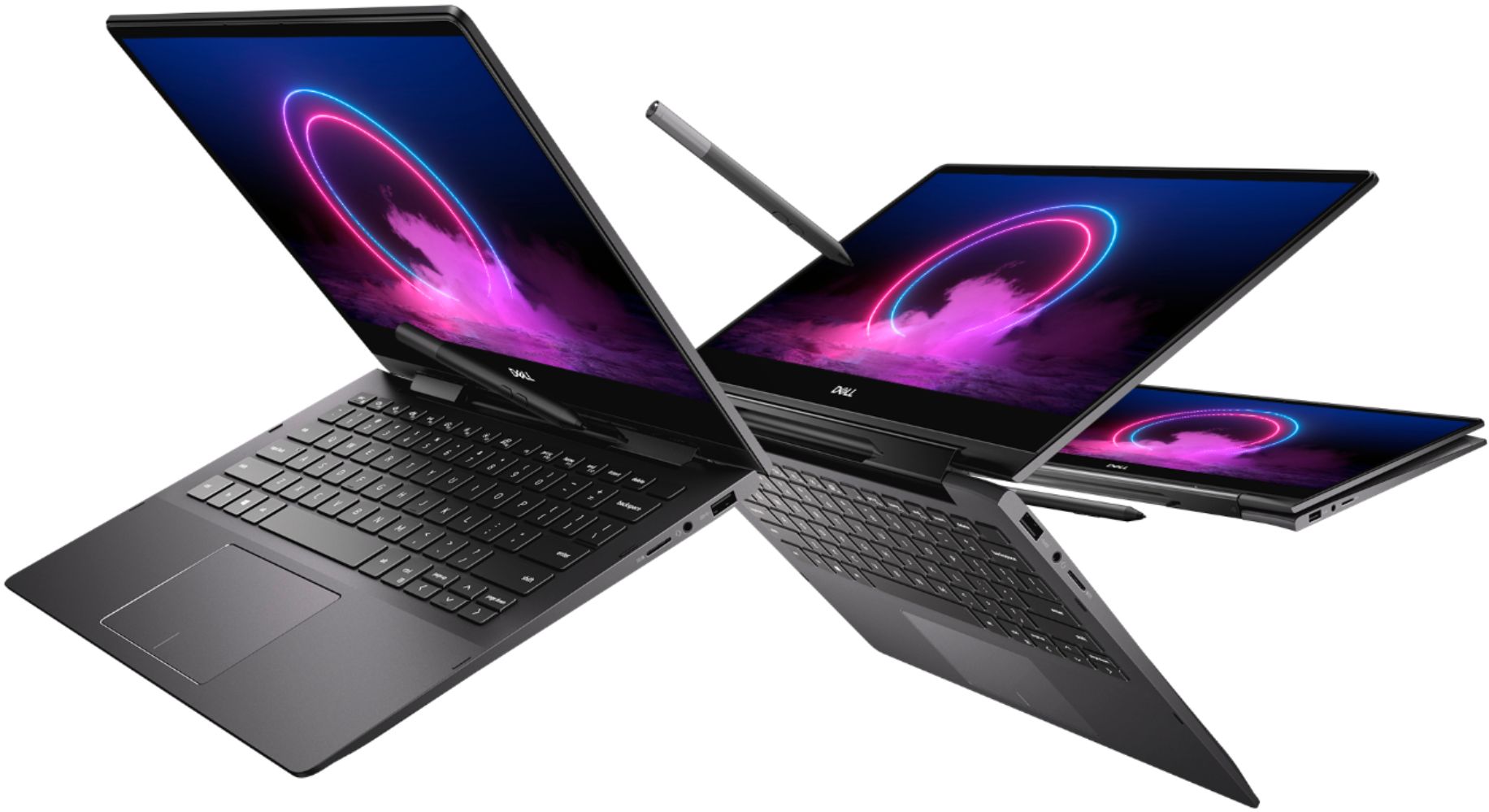
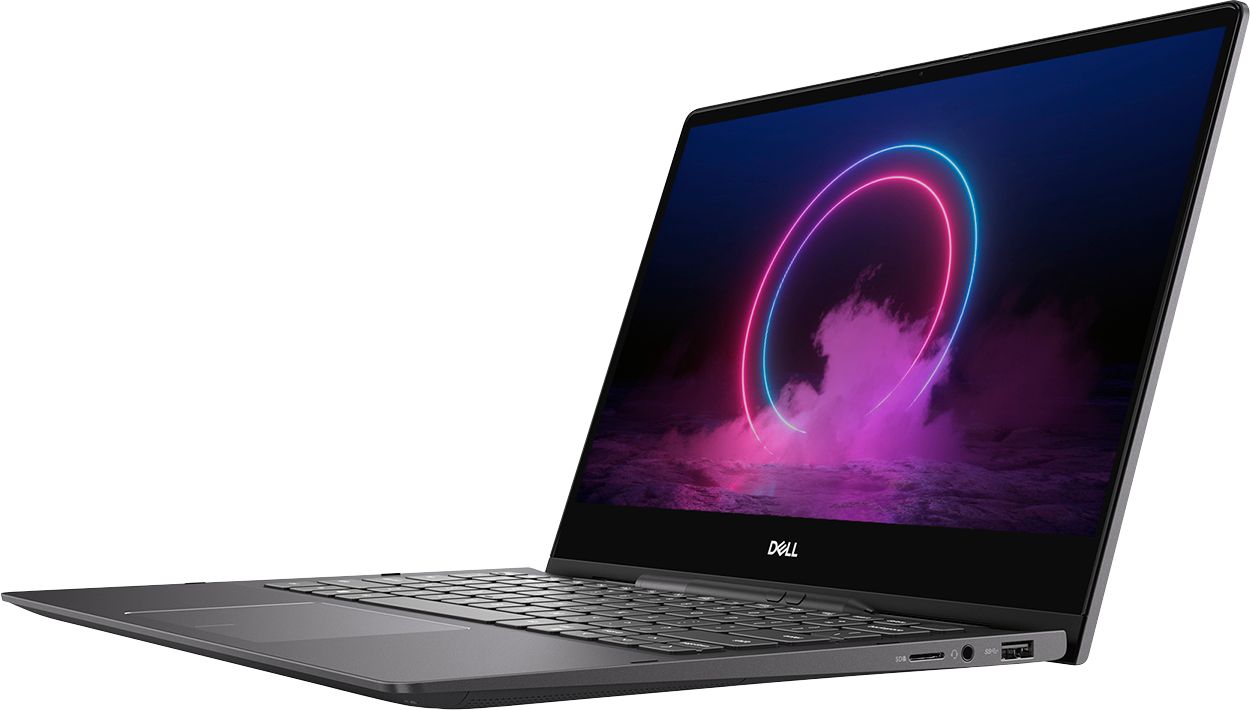

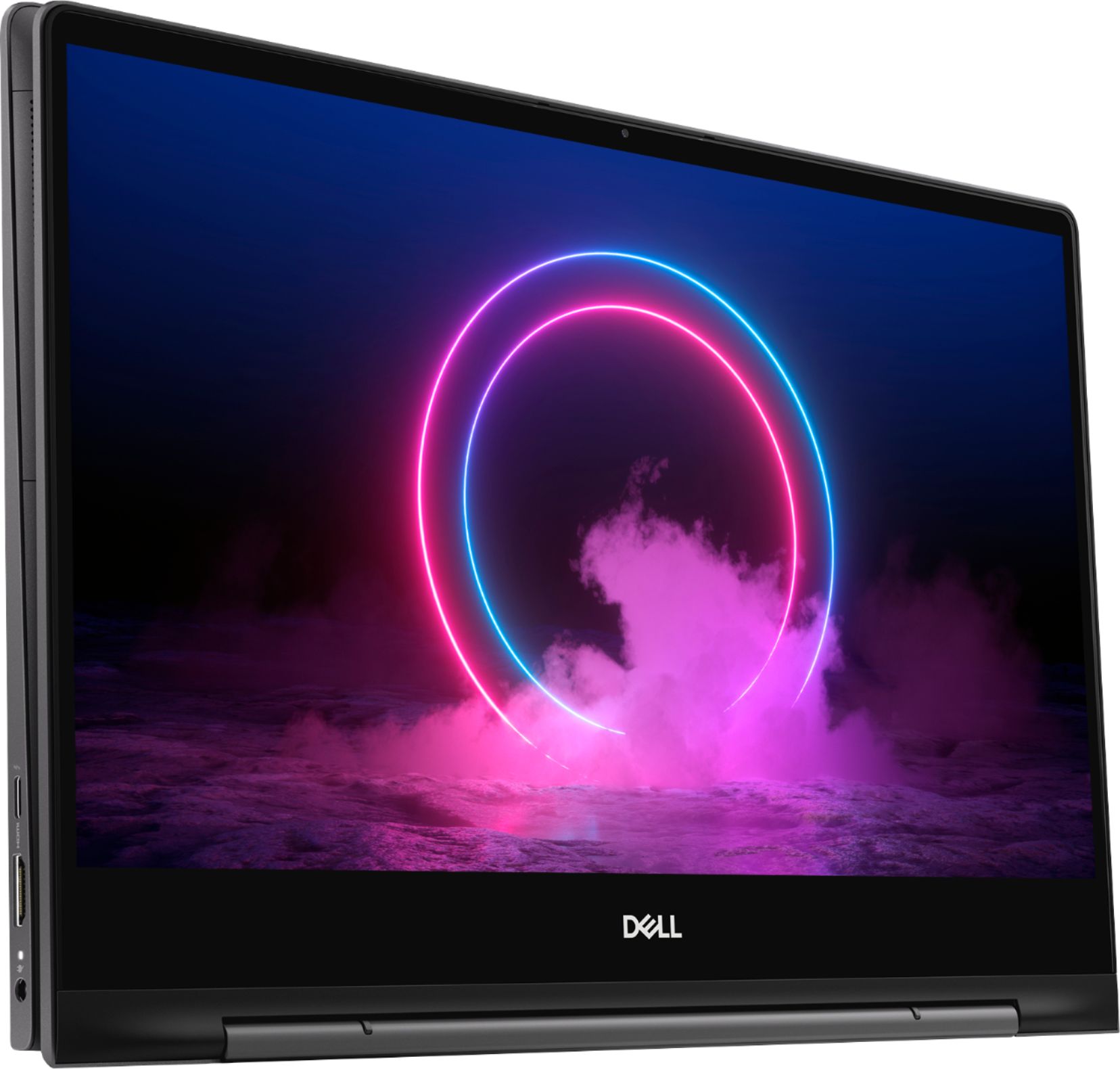
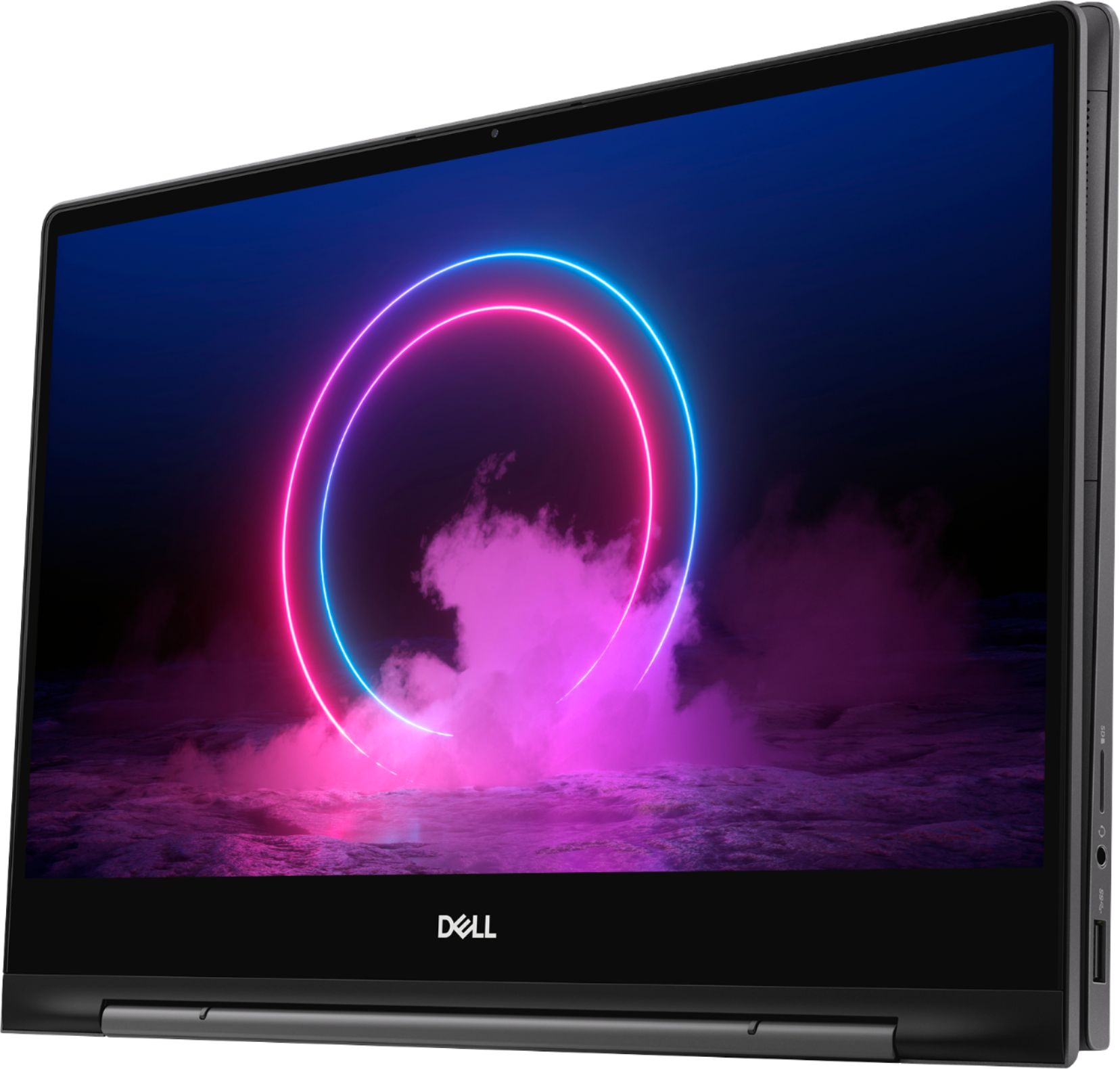





- Model:
- I7391-7520BLK-PUS
- SKU:
- 6373028
Rating by feature
- Battery Life
Rating 3.7 out of 5 stars
- Speed
Rating 4.2 out of 5 stars
- Display
Rating 4.2 out of 5 stars
Customers are saying
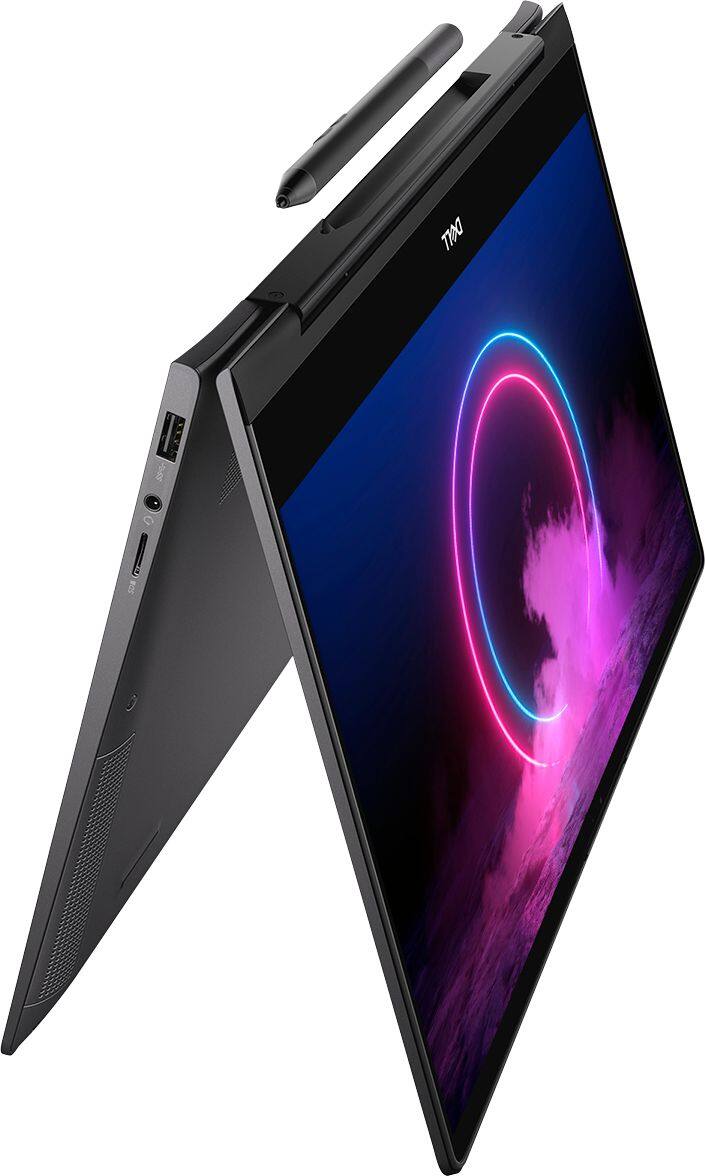
Customers value the Inspiron 13.3" 2-in-1 laptop's performance, touchscreen functionality, light weight, and ease of use. Many appreciate its compact size and the included pen. However, significant concerns exist regarding overheating, battery life, and fan noise. Some users also reported issues with the camera and internet connectivity.
This summary was generated by AI based on customer reviews.
- Cons mentioned:Battery life
Works well
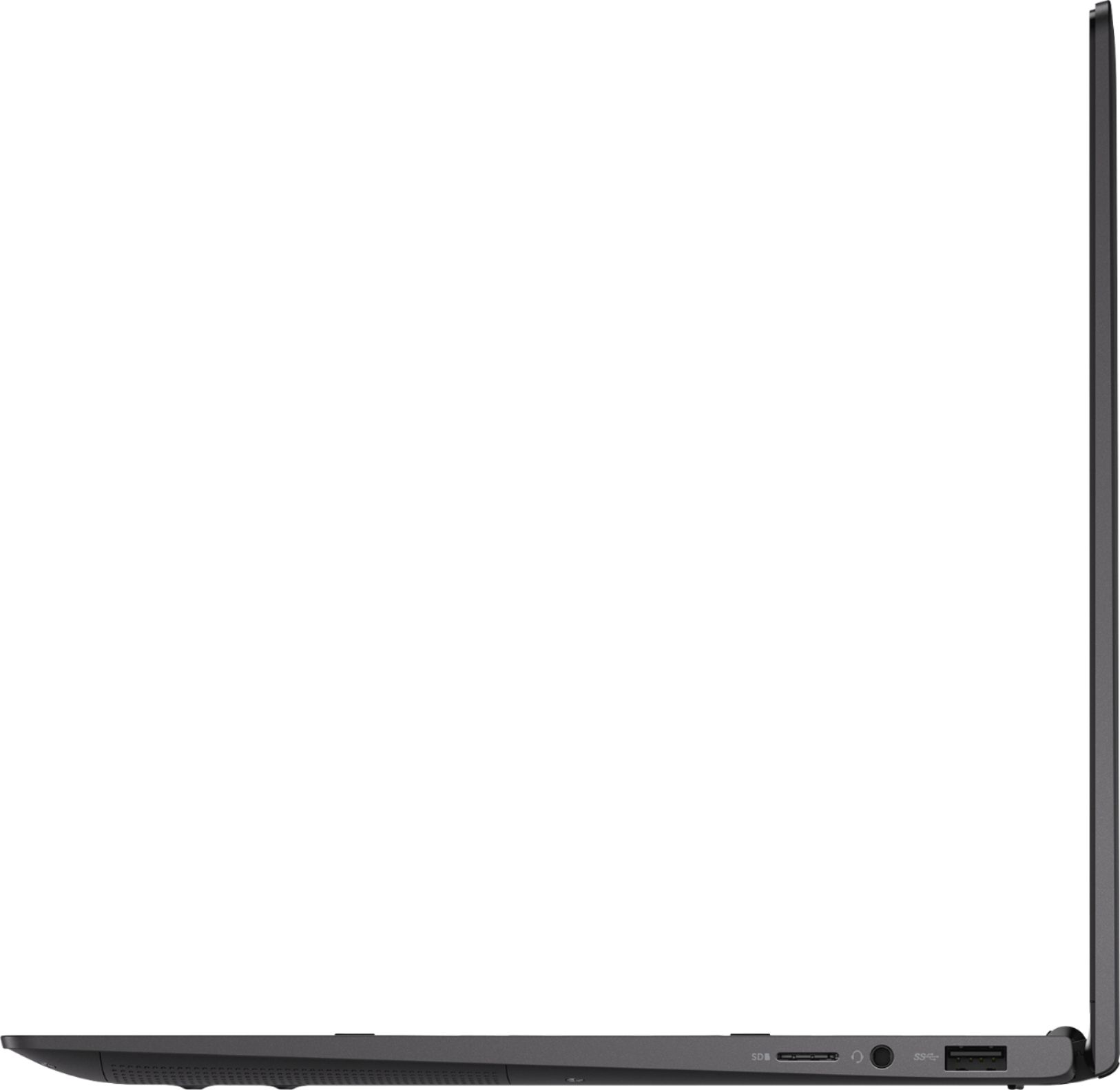
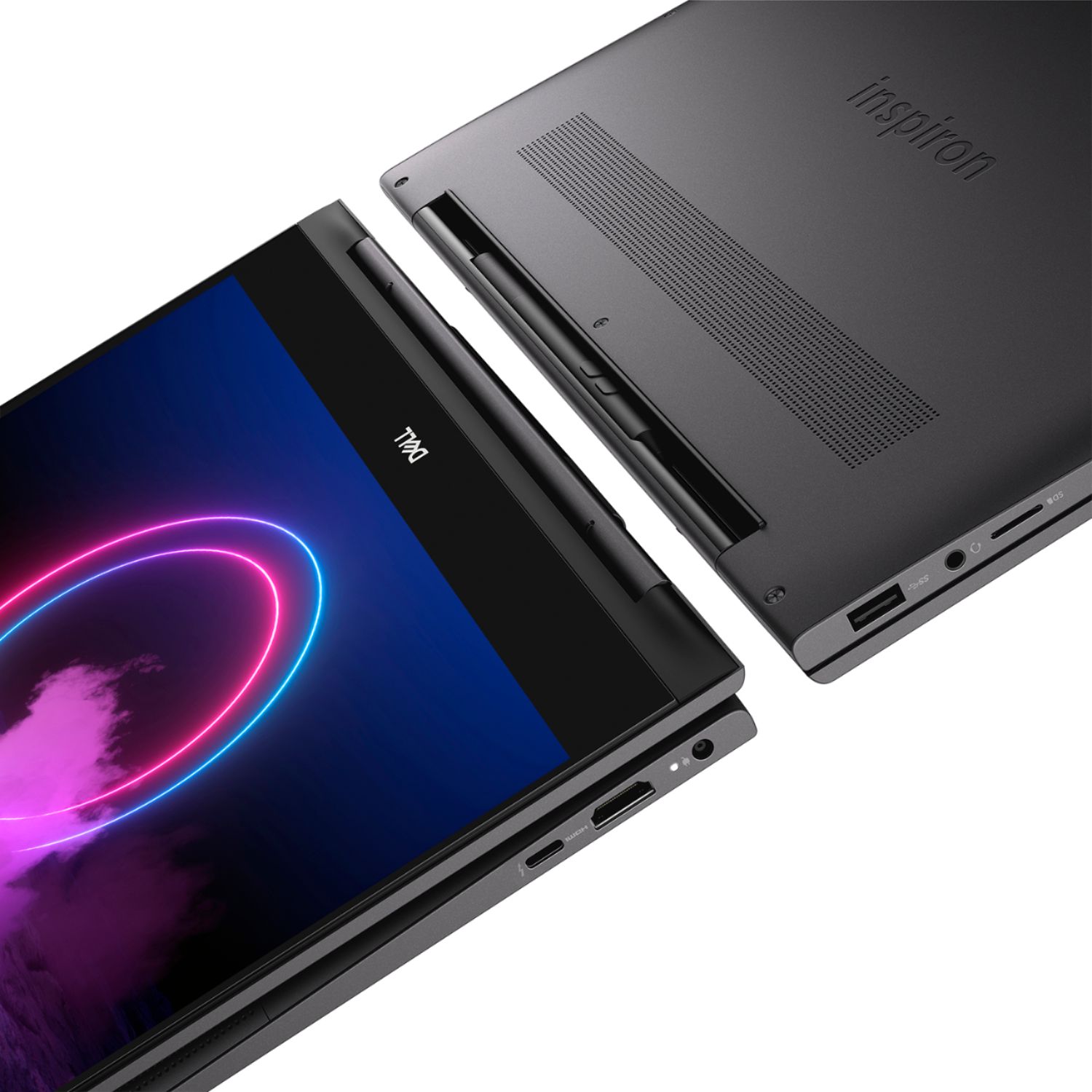
||Posted . Owned for 1 week when reviewed.This reviewer received promo considerations or sweepstakes entry for writing a review.Works well. The pen is included and the pen holder is second to none. Specifications are excellent. The hinge works well. I am a little concerned about battery life but it is easily adjustable.
I would recommend this to a friend - Cons mentioned:Fan noise, Heat
Not good
||Posted . Owned for 2 months when reviewed.This reviewer received promo considerations or sweepstakes entry for writing a review.This machine overheats big time, specially if it is plugged. Sometimes, I even have to shot it down because the fan goes crazy and I fear it will melt. Dell, constantly releases patches to fix it but it does not work....It definitely has faulty hardware. DELL USED TO BE GOOD, BUT NO MORE...IT GOT THE CHINA SYNDROME... DO NOT RECOMMEND ANY ITEM FROM THIS LINE
No, I would not recommend this to a friendBrand response from YourDellTeam
Posted .Danny,
Thanks for your feedback. We're sorry that your computer is operating at a higher temperature than you hoped it would. We'd recommend the following tips to help keep your computer at a lower temperature:
Tips for Proper Usage:
1. Dell does not recommend placing portable systems directly on your lap. Due to reductions in the thickness of modern portable systems, heat transfer can be an issue.
2. Using a portable system (Laptop) on a hard, flat, non-cloth surface will increase airflow and reduce heat from underneath and inside the system.
Using the portable system on a blanket, pillow, or other types of cloth will cover up the fan cause the computer to overheat and can cause permanent damage.
3. It is recommended to use the portable system in a Room temperature of 0°C to 35°C (32°F to 95°F) with a Humidity level no greater than 90%.
4. Use compressed air to clean the vents on a regular basis.
5. Using a cooling pad can decrease heat and increase performance.
6. If you want to know the temperature limitations for your system, go to the Dell Support Website, look up your system model then open the user guide under the manuals link.
You can read the full article here - http://dell.to/2uJ8AdG.
If you'd like to see if you can help the fan noise, we'd recommend updating the BIOS on your computer:
An out-of-date BIOS can cause loud fan noises by having an outdated temperature table for the system. Refer to update BIOS and follow the instructions to update the BIOS on your computer. You can also follow up with our Technical Support Team here - 1-800-624-9896.
You can read the full article here - http://dell.to/2ENlXfz.
Best,
Bryan
1-800-624-9896
- Cons mentioned:Heat
Not happy with the performance.
||Posted . Owned for 3 weeks when reviewed.This reviewer received promo considerations or sweepstakes entry for writing a review.I have decided to return the laptop because it becomes hot while charging which is not good at all.
No, I would not recommend this to a friendBrand response from YourDellTeam
Posted .Kadir,
We're sorry to hear that your computer was overheating while it was charging. Here are some tips to help with overheating in the future:
Tips for Proper Usage:
1. Dell does not recommend placing portable systems directly on your lap. Due to reductions in the thickness of modern portable systems, heat transfer can be an issue.
2. Using a portable system (Laptop) on a hard, flat, non-cloth surface will increase airflow and reduce heat from underneath and inside the system.
Using the portable system on a blanket, pillow, or other types of cloth will cover up the fan cause the computer to overheat and can cause permanent damage.
3. It is recommended to use the portable system in a Room temperature of 0°C to 35°C (32°F to 95°F) with a Humidity level no greater than 90%.
4. Use compressed air to clean the vents on a regular basis.
5. Using a cooling pad can decrease heat and increase performance.
6. If you want to know the temperature limitations for your system, go to the Dell Support Website, look up your system model then open the user guide under the manuals link.
You can read the full article here - http://dell.to/2uJ8AdG.
Best,
Bryan
1-800-624-9896
- Pros mentioned:Ease of use
Dell Laptop
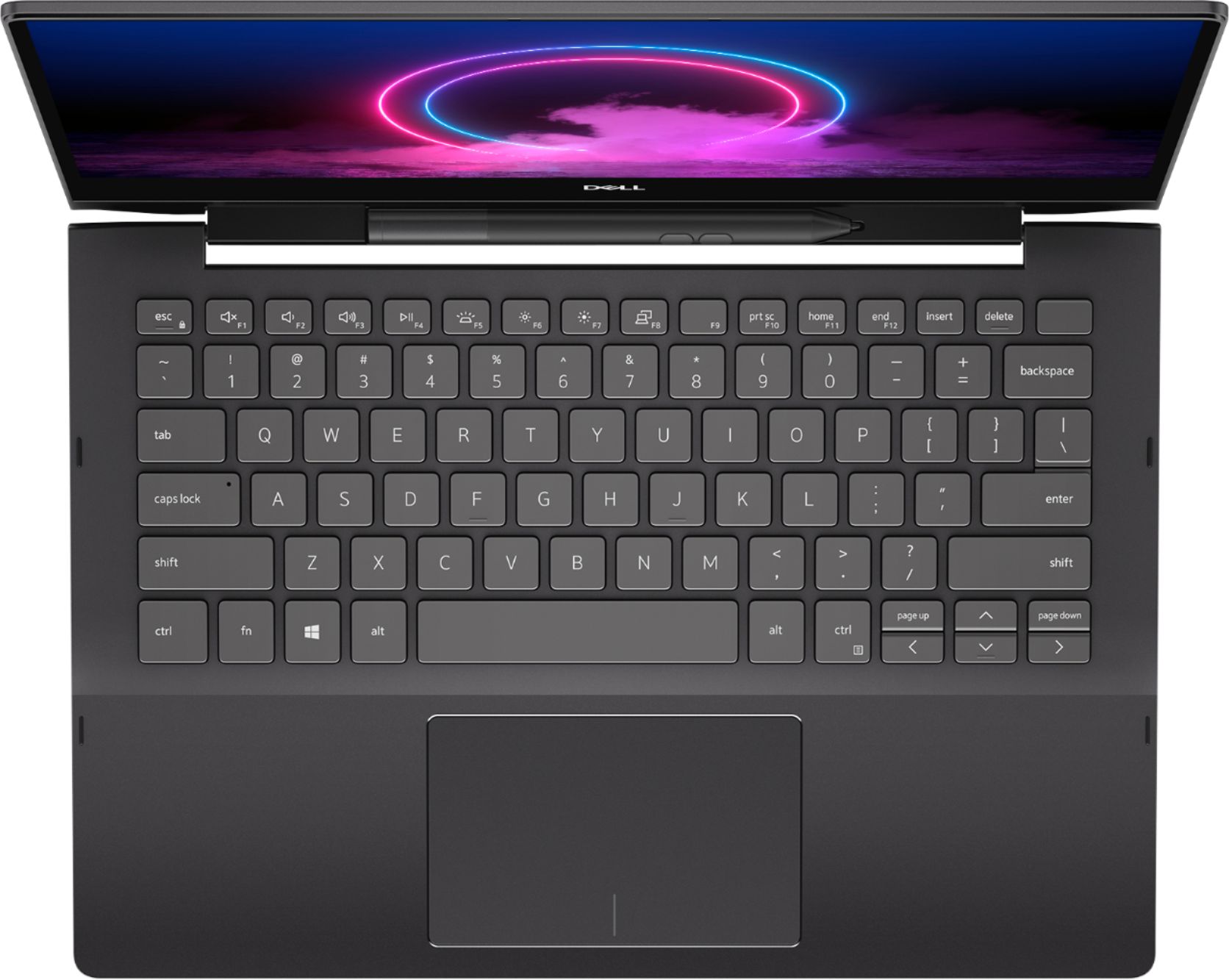
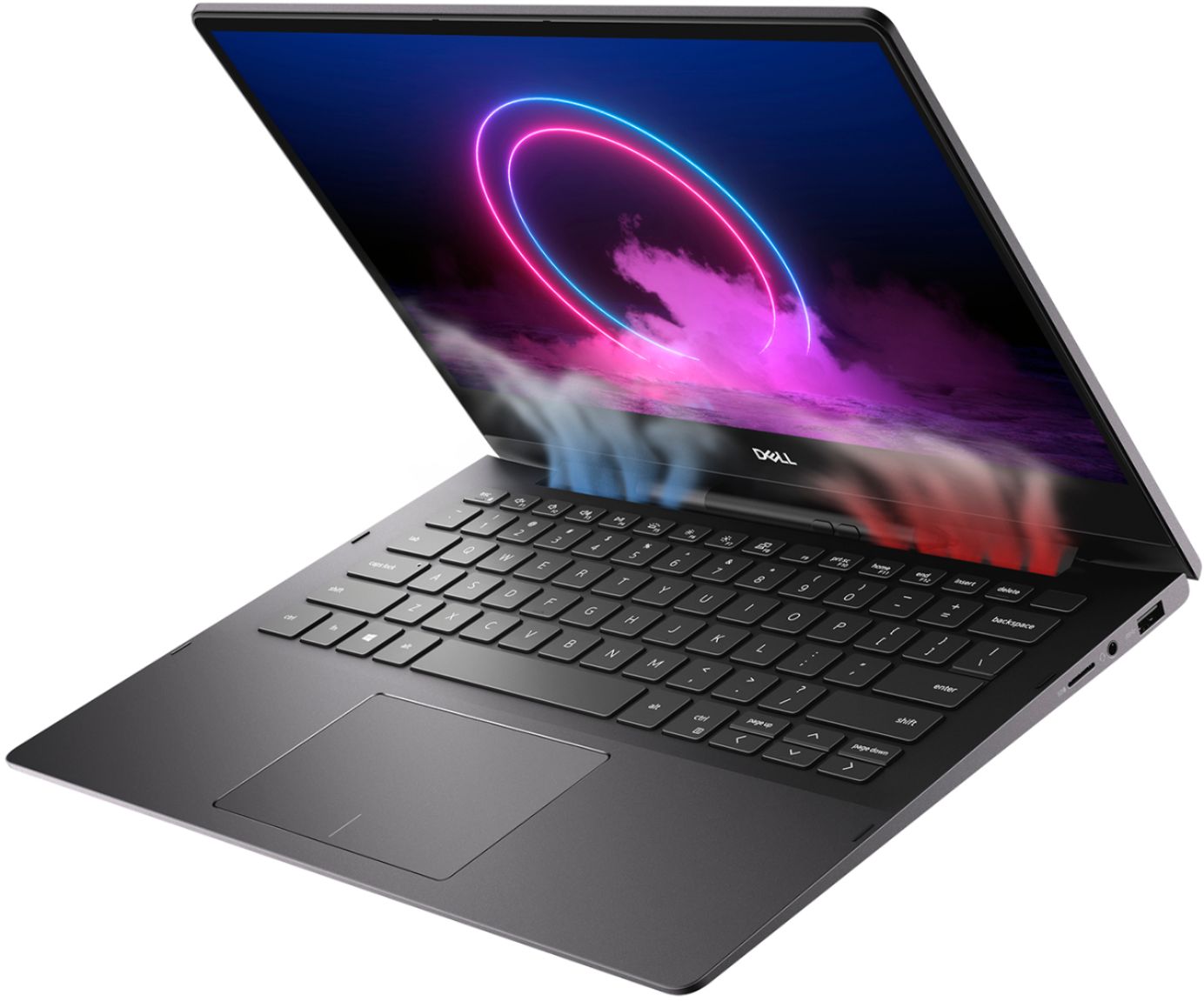
||Posted . Owned for 1 month when reviewed.This reviewer received promo considerations or sweepstakes entry for writing a review.Love it, easy to use, fast set up, touch screen and illuminated key board are a welcome addition also the laptop is light and very portable, battery holds a good charge, very satisfied.
I would recommend this to a friend - Cons mentioned:Fan noise, Heat
Fast performance and super fast heat
||Posted . Owned for less than 1 week when reviewed.This reviewer received promo considerations or sweepstakes entry for writing a review.I had got this for my wife as she does lot of MS office work. It arrived today at 6/29. I immediately set it up. It was pretty quick and smooth. 15 minutes of usage and I can hear the fan kicking in and the bottom of laptop was heating up. Is this is a known defect or faulty hardware. @Dell @BestByy - What am I suppose to do here. This is disappointing.
No, I would not recommend this to a friendBrand response from YourDellTeam
Posted .Kunal,
Thanks for your review. We're sorry that your computer is getting hotter than you expected it to. If you'd like to help improve the performance of your computer and reduce the temperature and fan noise you can check to see if there is an update to the BIOS available:
An out-of-date BIOS can cause loud fan noises by having an outdated temperature table for the system. Refer to update BIOS and follow the instructions to update the BIOS on your computer. You can also follow up with our Technical Support Team here - 1-800-624-9896.
You can read the full article here - http://dell.to/2ENlXfz.
We hope that this helps resolve the issues that you've had.
Best,
Bryan
1-800-624-9896
- Pros mentioned:Touch screen
Inspiron 2 in 1
||Posted . Owned for 2 weeks when reviewed.This reviewer received promo considerations or sweepstakes entry for writing a review.Touch ID is little bit of a struggle.. not as good as MacBook Air. Touch screen is very responsive though. I like the finish too.
I would recommend this to a friendBrand response from YourDellTeam
Posted .User,
Thanks for your review and we're sorry that your computer's fingerprint reader is not working as well as you hoped it would. We'd recommend the following article to help troubleshoot your fingerprint reader concerns: https://dell.to/32bckET.
Best,
Bryan
1-800-624-9896
- Cons mentioned:Heat
Hot! Hot! Hot!
||Posted . Owned for 3 weeks when reviewed.This reviewer received promo considerations or sweepstakes entry for writing a review.This Dell got way to hot for me! Fans would kick on nonstop even when not under pressure. Price was a bit to high for performance and size.
No, I would not recommend this to a friendBrand response from YourDellTeam
Posted .LaceLaRula210,
Thanks for your review. We're sorry that your computer operated a little warmer than you were expecting it to. We'd recommend the following tips to help your computer perform at a cooler temperature:
Tips for Proper Usage:
1. Dell does not recommend placing portable systems directly on your lap. Due to reductions in the thickness of modern portable systems, heat transfer can be an issue.
2. Using a portable system (Laptop) on a hard, flat, non-cloth surface will increase airflow and reduce heat from underneath and inside the system.
Using the portable system on a blanket, pillow, or other types of cloth will cover up the fan cause the computer to overheat and can cause permanent damage.
3. It is recommended to use the portable system in a Room temperature of 0°C to 35°C (32°F to 95°F) with a Humidity level no greater than 90%.
4. Use compressed air to clean the vents on a regular basis.
5. Using a cooling pad can decrease heat and increase performance.
6. If you want to know the temperature limitations for your system, go to the Dell Support Website, look up your system model then open the user guide under the manuals link.
You can read the full article here - http://dell.to/2uJ8AdG.
If you'd like to see if you can adjust the fan noise you can try to update the BIOS on your computer: An out-of-date BIOS can cause loud fan noises by having an outdated temperature table for the system. Refer to update BIOS and follow the instructions to update the BIOS on your computer. You can also follow up with our Technical Support Team here - 1-800-624-9896.
You can read the full article here - http://dell.to/2ENlXfz.
Best,
Bryan
1-800-624-9896
- Pros mentioned:Ease of use
fast, easy to set up,
||Posted . Owned for 2 weeks when reviewed.This reviewer received promo considerations or sweepstakes entry for writing a review.This was one of the easiest computers to set up. Not a hitch down loading data from old computer. Has been working like a charm. Delivery was prompt and on day promised. So far so good.
I would recommend this to a friend Works well comes preloaded with bloatware
||Posted .This reviewer received promo considerations or sweepstakes entry for writing a review.Okay laptop but be warned Dell puts an excessive amount of bloatware on it. Your first step should be to perform a full reset and wipe all there junk off, (MCAfee AV, Dell Support Assist etc..).
I would recommend this to a friend- Pros mentioned:Touch screen
Very fast
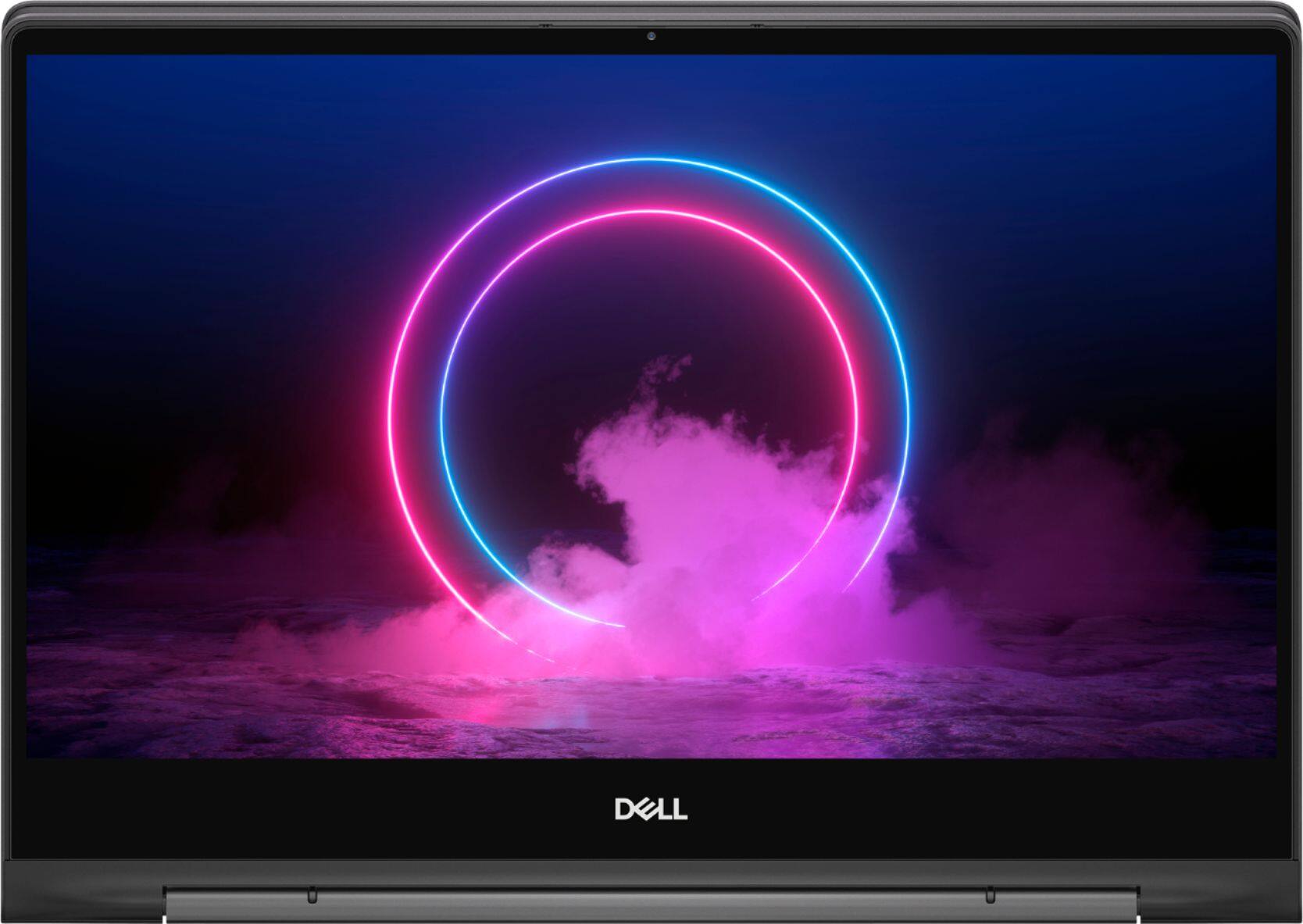
||Posted . Owned for 1 week when reviewed.This reviewer received promo considerations or sweepstakes entry for writing a review.What a joy to use. Got mine on sale and that makes it an even better deal. Great 4K screen. Excellent build quality. This has about every upgrade you need for everyday home use.
I would recommend this to a friend Sent BROKEN Laptop, Horrible Customer Service.
||Posted . Owned for less than 1 week when reviewed.This reviewer received promo considerations or sweepstakes entry for writing a review.This laptop was Open Box Geek Squad Certified. It was also on sale. When it came in I went through the Windows set up. I installed all of my programs. Then I opened Skype and the webcam was not working. So I thought that it needed updated. Did ALL of the updates, both Windows & Driver updates. Went back to the camera app and it STILL says that the camera is not connected. I looked in Device Manager and the camera WAS NOT EVEN LISTED. I factory reset the computer, not once, but TWICE and the camera STILL said that it was not connected. I was even contemplating keeping it without a camera working but I went to the microphone settings and it isn't working either. Called support, which I know will take a long time right now, talked to the rep and they said to call today. Called today and got transferred. The person they transferred me to can't help. He told me to go back to the store and maybe the Manager would help. PROBLEM is that I bought this ON SALE and now any comparable laptop is WAY out of my price range. OH! And I tried to connect to their "@BestBuySupport on twitter, because they said they would respond. Never got a response. Good Job Best Buy. Thanks for the broken Laptop.
No, I would not recommend this to a friend- Pros mentioned:Performance
Great choice for me
||Posted . Owned for 1 month when reviewed.This reviewer received promo considerations or sweepstakes entry for writing a review.I needed something to replace my work machine and this more than met my needs at a great price. It's going to last me a long time ... No problem getting it up and running.
I would recommend this to a friend - Pros mentioned:Performance
Dell - Inspiron 13.3" 7000 2-in-1 4K Ultra HD
||Posted .This reviewer received promo considerations or sweepstakes entry for writing a review.Dell - Inspiron 13.3" 7000 2-in-1 4K Ultra HD Touch-Screen Laptop - Intel Core i7 - 16GB Memory - 512GB SSD + 32GB Optane - Black Excellent laptop, with resources
I would recommend this to a friend - Pros mentioned:Ease of use
Great Laptop
||Posted . Owned for 9 months when reviewed.This reviewer received promo considerations or sweepstakes entry for writing a review.Originally purchased a similar quality HP. The HP was horrible so returned it and purchased this Dell. The Dell works so much better. Very easy to use and great quality
I would recommend this to a friend - Pros mentioned:Touch screen
The crown jewel
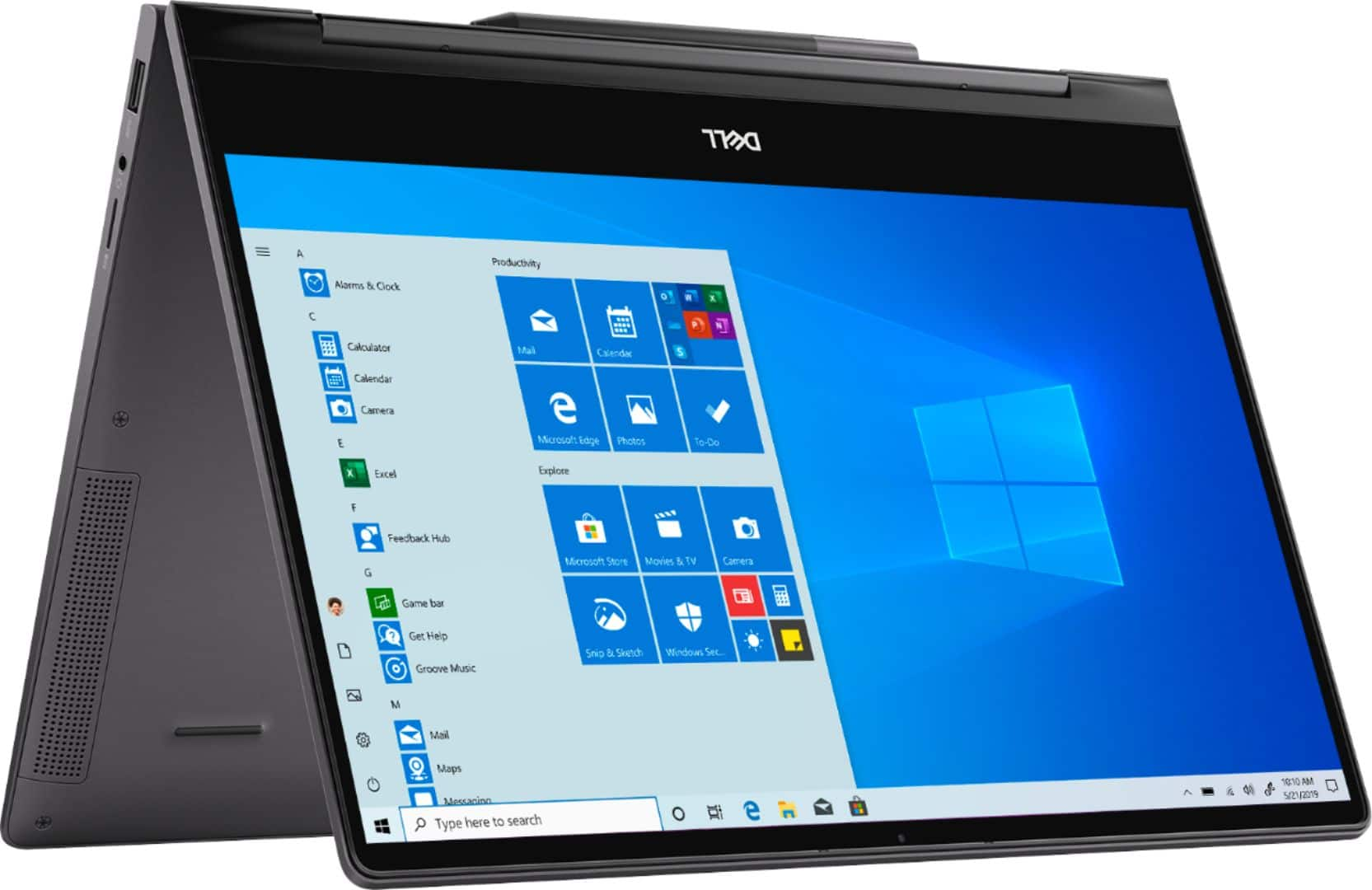
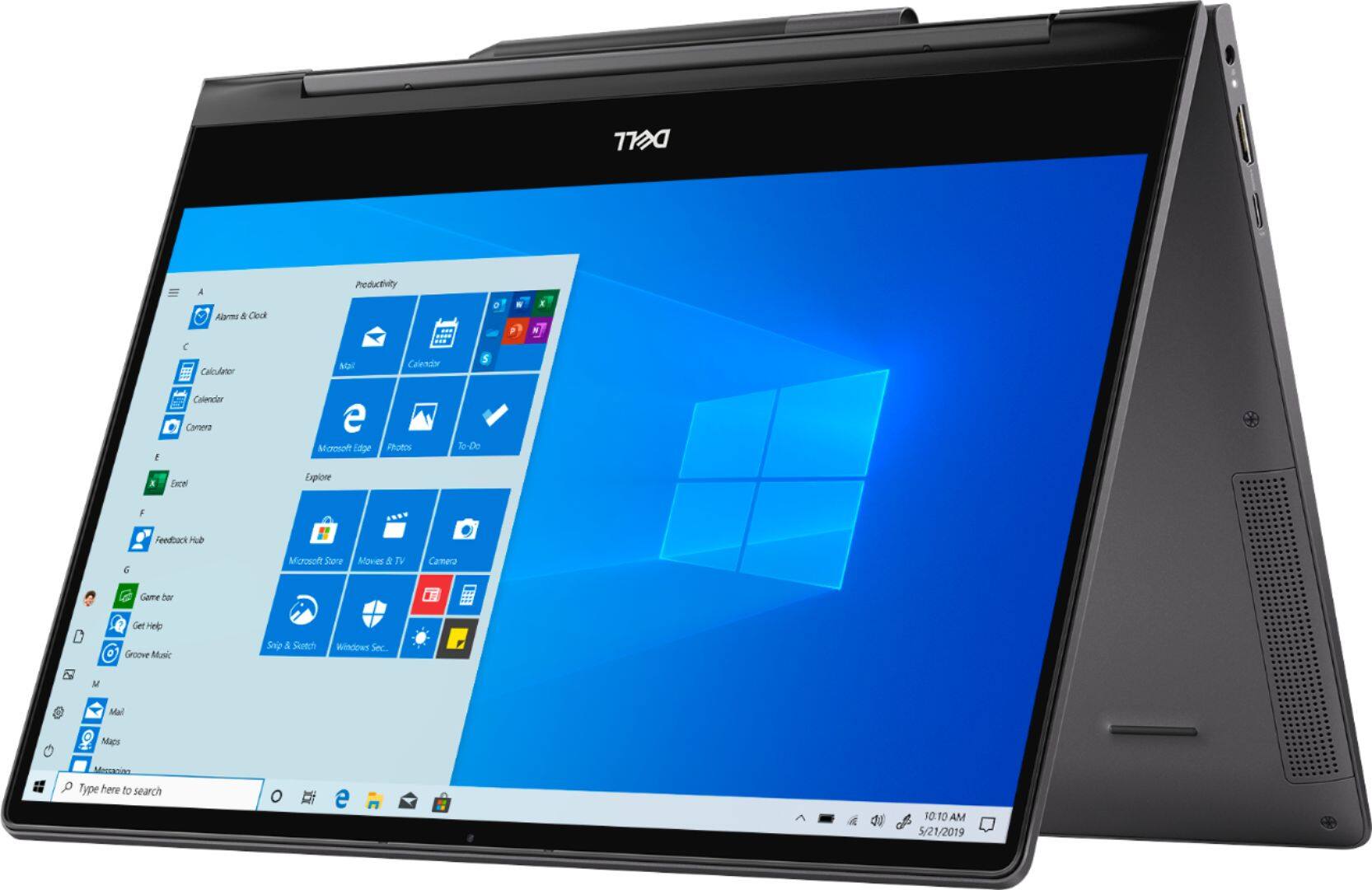
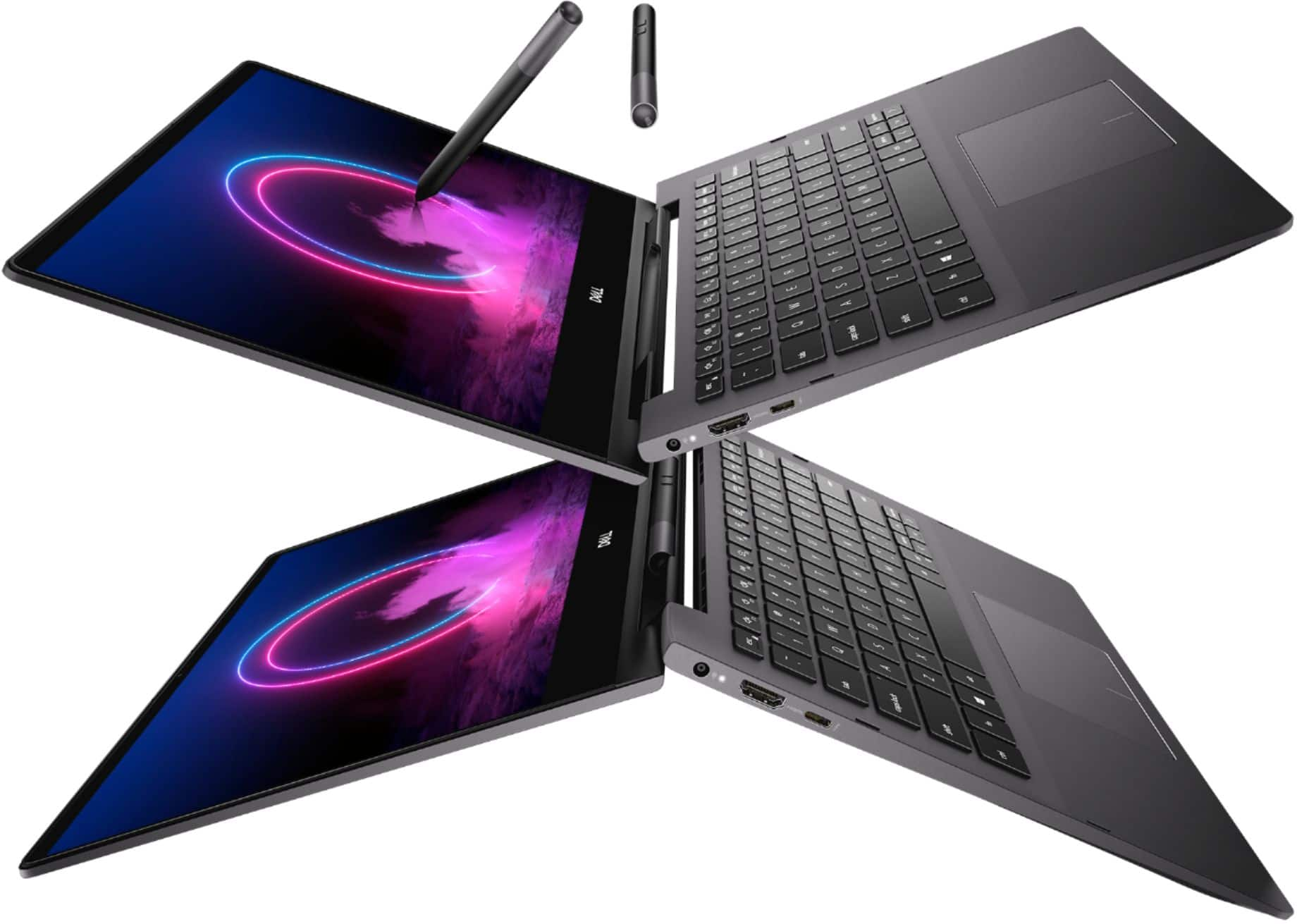
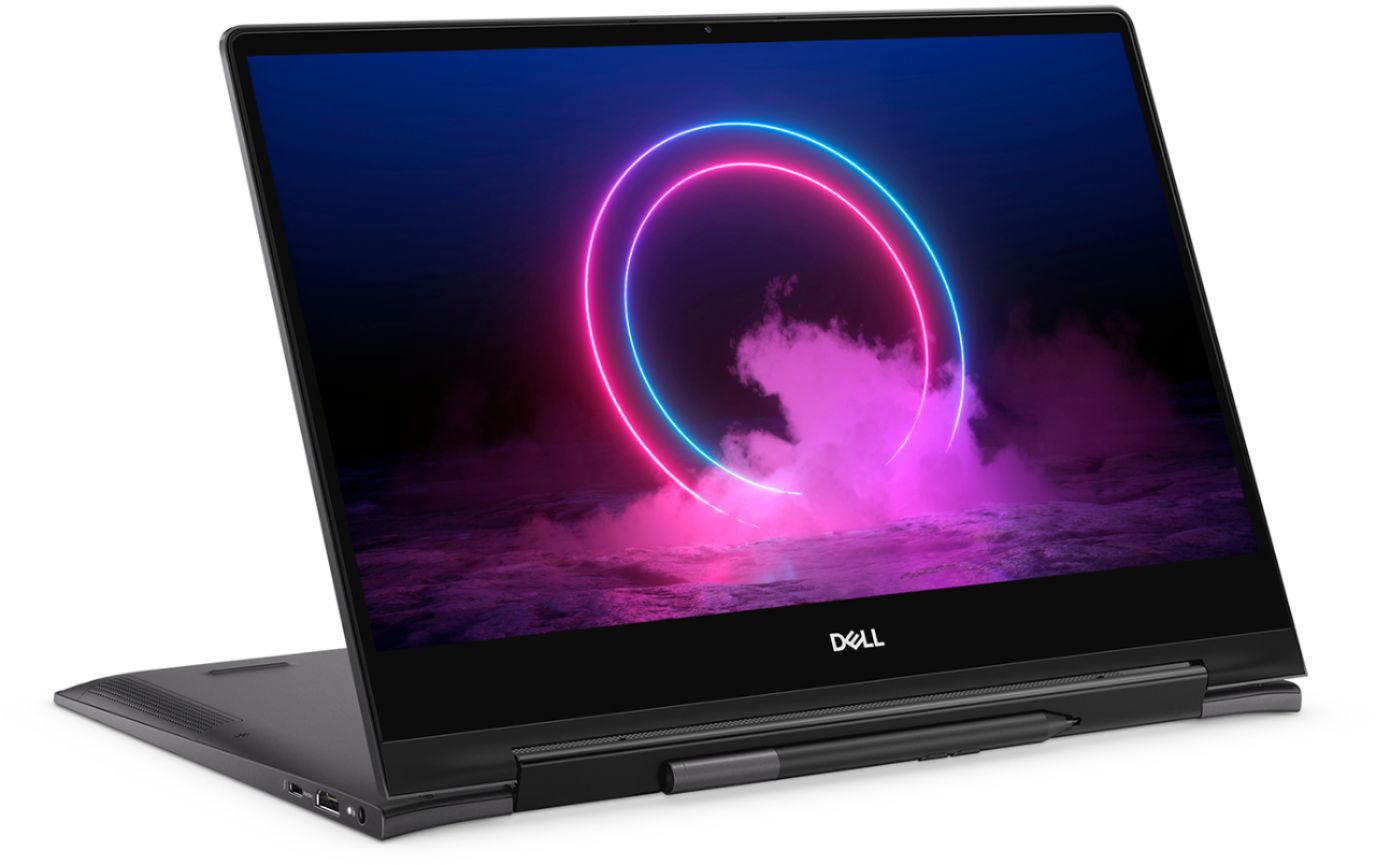
||Posted . Owned for 1 month when reviewed.This reviewer received promo considerations or sweepstakes entry for writing a review.The crown jewel- The ability to flip the laptop over and have it as a rtablet makes my productivity go to the roof I can explain diagrams write a raise very effective
I would recommend this to a friend Fast, great screen, awesome open box price
||Posted . Owned for 1 month when reviewed.This reviewer received promo considerations or sweepstakes entry for writing a review.Lucked out and picked up an open box for over half off @ $602. Couldn’t be happier with purchase. Installed updates immediately to avoid the temperature issues noted in negative posts. With thoughtful power and screen brightness selections I’ve ran for over 9hrs surfing and streaming on battery power.
I would recommend this to a friend- Pros mentioned:Ease of use
Great laptop
||Posted . Owned for 3 weeks when reviewed.This reviewer received promo considerations or sweepstakes entry for writing a review.I purchased this laptop on March 12th because I was going to be working from home. I love it. It is a wonderful laptop to work with. I would recommend it to everyone.
I would recommend this to a friend - Pros mentioned:Touch screen
Worth to buy!
||Posted .This reviewer received promo considerations or sweepstakes entry for writing a review.I ordered online and within 2 days I already received it! This laptop is perfect for students especially it comes with pen which makes it easier to take notes.
I would recommend this to a friend - Cons mentioned:Heat
Bad Purchase
||Posted . Owned for 2 months when reviewed.This reviewer received promo considerations or sweepstakes entry for writing a review.Purchased this laptop a month and a half ago because of the versatility of converting to a tablet. Everything was fine until I noticed recently a small area at the bottom of the screen had cracked. I contacted Dell and they told me the screen was not under the warranty for breakage. They also told me that if something would go wrong with the performance of the screen in the future, it would also not be covered due to the insignificant crack that exists now. I don't believe it was there when I purchased it, but I do know this laptop has not traveled anywhere or been subject to any roughness since purchased. I have worked on tablets for the past several years and have never had a screen crack. This was my first Dell and will be the last. When I suggested I would take it to a trusted local computer store to be replaced because I could not do without for a long period of time, they told me it would void my warranty. Surprise, surprise. On another note, this laptop runs hot, fairly quickly. Not sure if that had anything to do with the crack or not. Very dissatisfied.
No, I would not recommend this to a friendBrand response from YourDellTeam
Posted .Dear Valued Customer,
Thanks for your feedback. We're sorry to hear about the issues that you've had with your computer so far. Here are some tips to help keep your computer running at a cooler temperature:
Tips for Proper Usage:
1. Dell does not recommend placing portable systems directly on your lap. Due to reductions in the thickness of modern portable systems, heat transfer can be an issue.
2. Using a portable system (Laptop) on a hard, flat, non-cloth surface will increase airflow and reduce heat from underneath and inside the system.
Using the portable system on a blanket, pillow, or other types of cloth will cover up the fan cause the computer to overheat and can cause permanent damage.
3. It is recommended to use the portable system in a Room temperature of 0°C to 35°C (32°F to 95°F) with a Humidity level no greater than 90%.
4. Use compressed air to clean the vents on a regular basis.
5. Using a cooling pad can decrease heat and increase performance.
6. If you want to know the temperature limitations for your system, go to the Dell Support Website, look up your system model then open the user guide under the manuals link.
You can read the full article here - http://dell.to/2uJ8AdG.
Best,
Bryan
1-800-624-9896
- Cons mentioned:Heat
Laptop overheats
||Posted . Owned for 1 week when reviewed.This reviewer received promo considerations or sweepstakes entry for writing a review.I like the fit and finish of this laptop, but it overheats when you use it closed clam shell. Read the reviews, other people have had problems with this computer's thermals. I suggest Dell's XPS line of computers...they will probably give you better performance and thermals. Also, the CPU fan failed two weeks after, I purchased this laptop. I took it back and got a MacBook pro.
No, I would not recommend this to a friendBrand response from YourDellTeam
Posted .Deon,
Thanks for your review. We're sorry to hear that your computer has been overheating. Here are some tips that will help your computer run at a cooler temperature:
Tips for Proper Usage:
1. Dell does not recommend placing portable systems directly on your lap. Due to reductions in the thickness of modern portable systems, heat transfer can be an issue.
2. Using a portable system (Laptop) on a hard, flat, non-cloth surface will increase airflow and reduce heat from underneath and inside the system.
Using the portable system on a blanket, pillow, or other types of cloth will cover up the fan cause the computer to overheat and can cause permanent damage.
3. It is recommended to use the portable system in a Room temperature of 0°C to 35°C (32°F to 95°F) with a Humidity level no greater than 90%.
4. Use compressed air to clean the vents on a regular basis.
5. Using a cooling pad can decrease heat and increase performance.
6. If you want to know the temperature limitations for your system, go to the Dell Support Website, look up your system model then open the user guide under the manuals link.
You can read the full article here - http://dell.to/2uJ8AdG.
We're sorry to hear that you decided to return your laptop but we hope that you will consider Dell again in the future.
Best,
Bryan
1-800-624-9896