Customer Ratings & Reviews







- Model:
- I7391-7520BLK-PUS
- SKU:
- 6373028
Rating by feature
- Battery Life
Rating 3.7 out of 5 stars
- Speed
Rating 4.2 out of 5 stars
- Display
Rating 4.2 out of 5 stars
Customers are saying
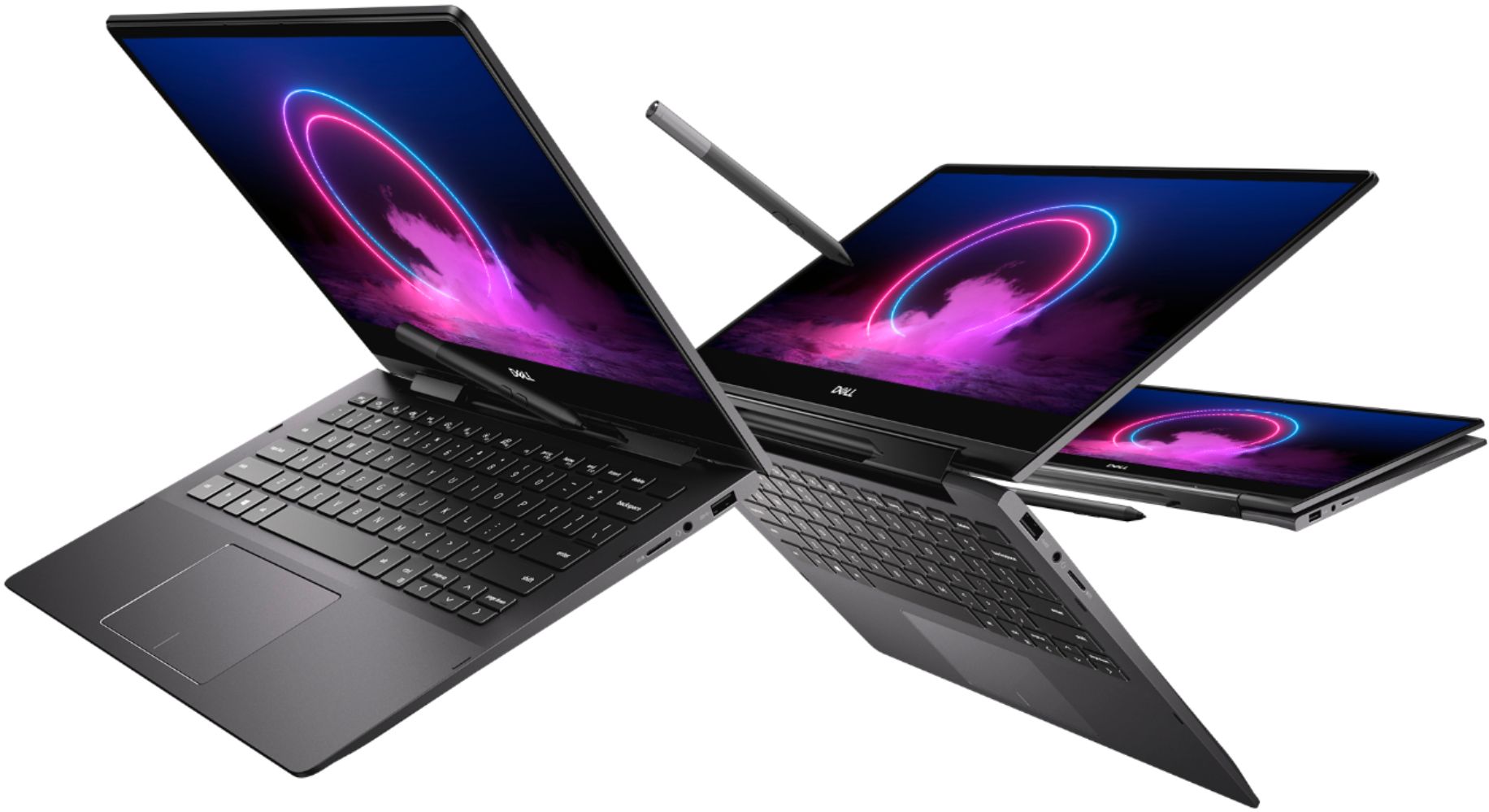
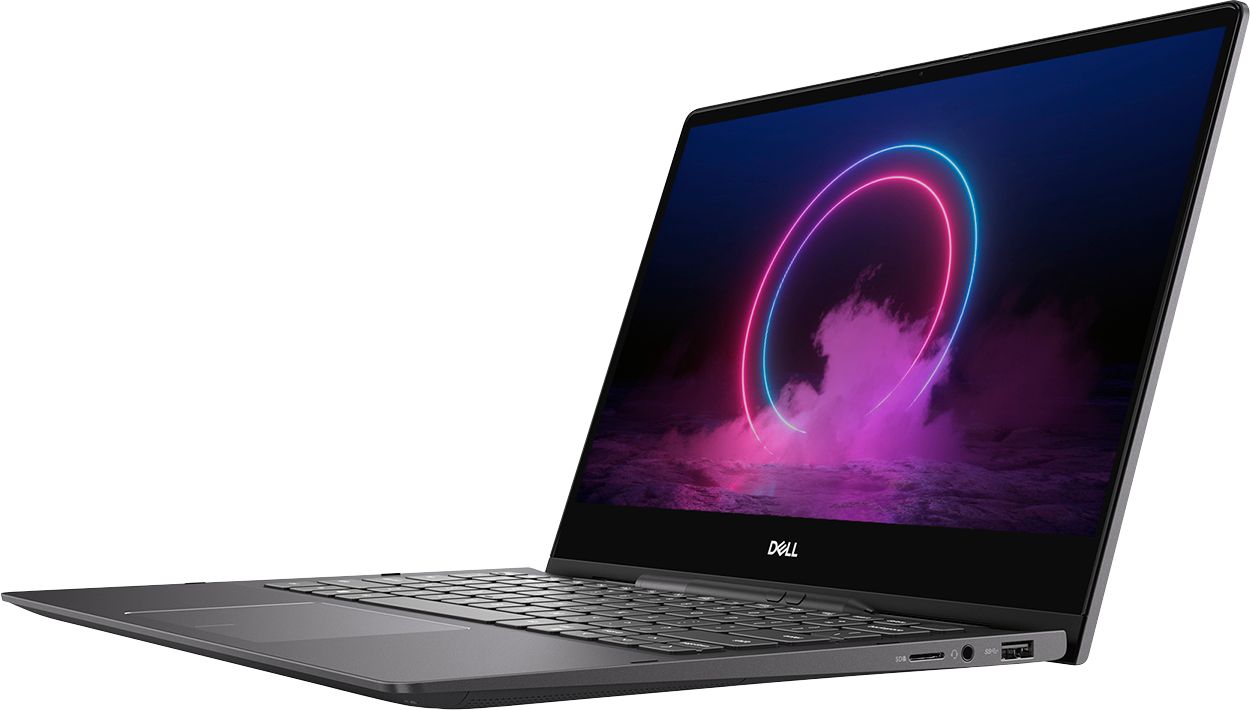
Customers value the Inspiron 13.3" 2-in-1 laptop's performance, touchscreen functionality, light weight, and ease of use. Many appreciate its compact size and the included pen. However, significant concerns exist regarding overheating, battery life, and fan noise. Some users also reported issues with the camera and internet connectivity.
This summary was generated by AI based on customer reviews.
Good.
||Posted . Owned for 11 months when reviewed.This reviewer received promo considerations or sweepstakes entry for writing a review.Good product and works just as expected. No problems.
I would recommend this to a friendgreat laptop
||Posted . Owned for 3 weeks when reviewed.This reviewer received promo considerations or sweepstakes entry for writing a review.I believe my gd is enjoying this computer. It was brought for college.
I would recommend this to a friendGreat for distance learning!
||Posted . Owned for 3 weeks when reviewed.This reviewer received promo considerations or sweepstakes entry for writing a review.I bought this for my son in High School and had liked it so far!
I would recommend this to a friendInnovative
||Posted . Owned for 3 months when reviewed.This reviewer received promo considerations or sweepstakes entry for writing a review.This is a great, innovative machine. Love the built in stylus! <3
I would recommend this to a friendStrong computer
||Posted .This reviewer received promo considerations or sweepstakes entry for writing a review.Excellent computer with strong features, including 4k screen!
I would recommend this to a friendEasy to use!
||Posted . Owned for 1 month when reviewed.This reviewer received promo considerations or sweepstakes entry for writing a review.So far my new computer has been easy to use Had it set up at Best Buy
I would recommend this to a friendVery portable
||Posted . Owned for 2 weeks when reviewed.This reviewer received promo considerations or sweepstakes entry for writing a review.This is good laptop for my teen. It should work well for school.
I would recommend this to a friendGreat laptop !
||Posted . Owned for 3 weeks when reviewed.This reviewer received promo considerations or sweepstakes entry for writing a review.Great laptop to have. My wife really loves it with her cricket.
I would recommend this to a friendGreat touchscreen laptop.
||Posted . Owned for 2 weeks when reviewed.This reviewer received promo considerations or sweepstakes entry for writing a review.I will definitely be buying it again for my family members.
I would recommend this to a friendNot Worth It
||Posted . Owned for 1 month when reviewed.This reviewer received promo considerations or sweepstakes entry for writing a review.Despite the specs, there are way better computers for the money. The Microsoft Surface 3 has almost double the ratings from Passmark and CPU Benchmarks. Not nearly as fast as you would expect from those types of specs.
No, I would not recommend this to a friendBrand response from YourDellTeam
Posted .NCTraveler,
Thanks for your review and we're sorry that your computer's performance is not meeting your needs. If you'd like to see if your computer can perform faster we'd recommend running the Windows Performance Troubleshooter to see if there are ways to speed up your computer:
1. Close all open windows.
2. Press the Windows logo key + X key on the keyboard.
3. Click Control Panel.
4. Click System and Security.
5. Under Security and Maintenance, select Troubleshoot common problems.
6. Under System and Security, click Run maintenance tasks.
7. Follow the on-screen instructions and prompts to complete the process.
8. Restart the PC.
You can read the full article here - http://dell.to/2tSulGV.
Best,
Bryan
1-800-624-9896
Perfect for my needs
||Posted . Owned for 1 week when reviewed.This reviewer received promo considerations or sweepstakes entry for writing a review.Laptop is perfect for my needs as a student with online classes.
I would recommend this to a friendGreat!
||Posted .This reviewer received promo considerations or sweepstakes entry for writing a review.Great Laptop. Versatile and lightweight. Does the job!
I would recommend this to a friendDell 7000
||Posted . Owned for 3 weeks when reviewed.This reviewer received promo considerations or sweepstakes entry for writing a review.Great laptop bought an open box and saved about 50%
I would recommend this to a friendGreat purchase
||Posted . Owned for 1 month when reviewed.This reviewer received promo considerations or sweepstakes entry for writing a review.It was a on open box purchase, and no regrets . It works good.
I would recommend this to a friendNice and easy to use
||Posted . Owned for 2 weeks when reviewed.This reviewer received promo considerations or sweepstakes entry for writing a review.I realy like this computer it nice and soft best i ever had
I would recommend this to a friend- Cons mentioned:Battery life
Garbage
||Posted . Owned for 3 weeks when reviewed.This reviewer received promo considerations or sweepstakes entry for writing a review.I purchased the laptop on 5/5/20. It’s only 6/1/20 and I have to replace the battery.
No, I would not recommend this to a friendBrand response from YourDellTeam
Posted .DesireeC,
We're sorry to hear that the battery on your computer did not last as long as it should. We'd recommend the following tips to help extend the life of your computer's battery:
Change the Power Plan:
1. On the notification area of the taskbar, right-click the Battery icon.
2. On the options list, click Power Options.
3. Select a power plan on the battery meter, such as Power Saver or Balanced. Windows 10 has a built in 'Battery Saver' mode that can be activated to extend your system's battery life. The Battery Saver mode will monitor and limit background activity and other features such as push notifications. You do have the option to enable or disable this mode within settings or within advanced Battery Saver settings, you can customize the mode to best suit your needs.
a) Click on the Action Center icon in the taskbar and select the tile for Battery Saver.
b) If running Cortana then type Battery Saver into the search box and select from the results.
Within the Battery Saver settings page, you will be able to turn on and off the feature and customize the feature to best meet your needs.
c) Turn Battery Saver On or Off.
d) Additional settings available via the Battery use and Battery saver settings links.
e) Battery use shows further info on apps and their power usage.
f) Battery Saver Settings screen allows you to customize further Battery Saver feature.
You can read the full article here - http://dell.to/2vfXWf4.
Best,
Bryan
1-800-624-9896
Good Product!
||Posted . Owned for 1 month when reviewed.This reviewer received promo considerations or sweepstakes entry for writing a review.Timely delivery, good quality - specs as advertised!
I would recommend this to a friendAmazing
||Posted . Owned for 1 month when reviewed.This reviewer received promo considerations or sweepstakes entry for writing a review.This laptop si great. I love it and the price worth it!!!!
I would recommend this to a friendLight and fast
||Posted . Owned for 1 month when reviewed.This reviewer received promo considerations or sweepstakes entry for writing a review.feels very sturdy bright keyboard 4k display is nice
I would recommend this to a friend- Cons mentioned:Fan noise
Overheating and Loud Fan Noise
||Posted . Owned for less than 1 week when reviewed.This reviewer received promo considerations or sweepstakes entry for writing a review.With just a browser open, the laptop heats up pretty quickly. The fan noise is loud and disturbing. Had to return.
No, I would not recommend this to a friendBrand response from YourDellTeam
Posted .Hemant,
We're sorry to hear that you had some issues with your laptop. In the future, here are some tips to help with overheating:
Tips for Proper Usage:
1. Dell does not recommend placing portable systems directly on your lap. Due to reductions in the thickness of modern portable systems, heat transfer can be an issue.
2. Using a portable system (Laptop) on a hard, flat, non-cloth surface will increase airflow and reduce heat from underneath and inside the system.
Using the portable system on a blanket, pillow, or other types of cloth will cover up the fan cause the computer to overheat and can cause permanent damage.
3. It is recommended to use the portable system in a Room temperature of 0°C to 35°C (32°F to 95°F) with a Humidity level no greater than 90%.
4. Use compressed air to clean the vents on a regular basis.
5. Using a cooling pad can decrease heat and increase performance.
6. If you want to know the temperature limitations for your system, go to the Dell Support Website, look up your system model then open the user guide under the manuals link.
You can read the full article here - http://dell.to/2uJ8AdG.
If you experience fan noise with another computer in the future we'd recommend trying to update the BIOS on the computer.
Best,
Bryan
1-800-624-9896