Customer Ratings & Reviews

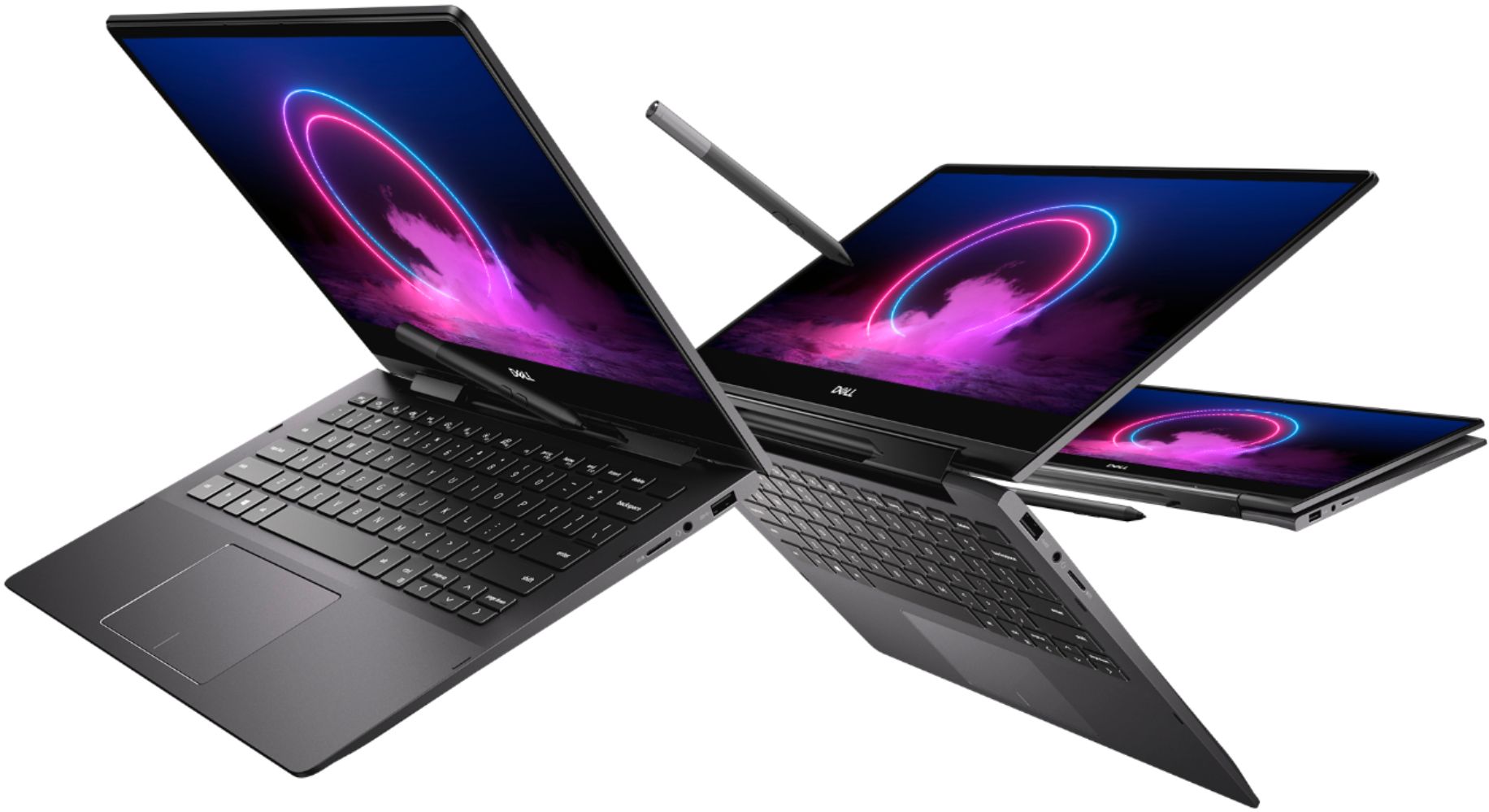
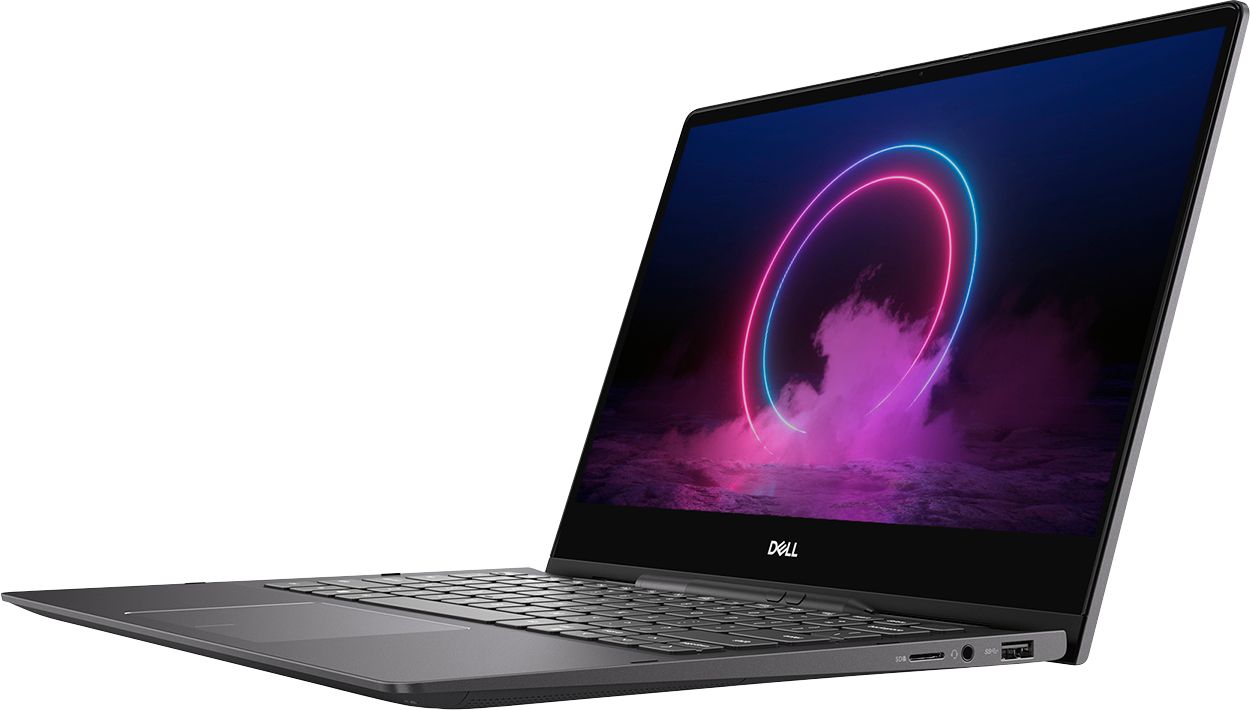

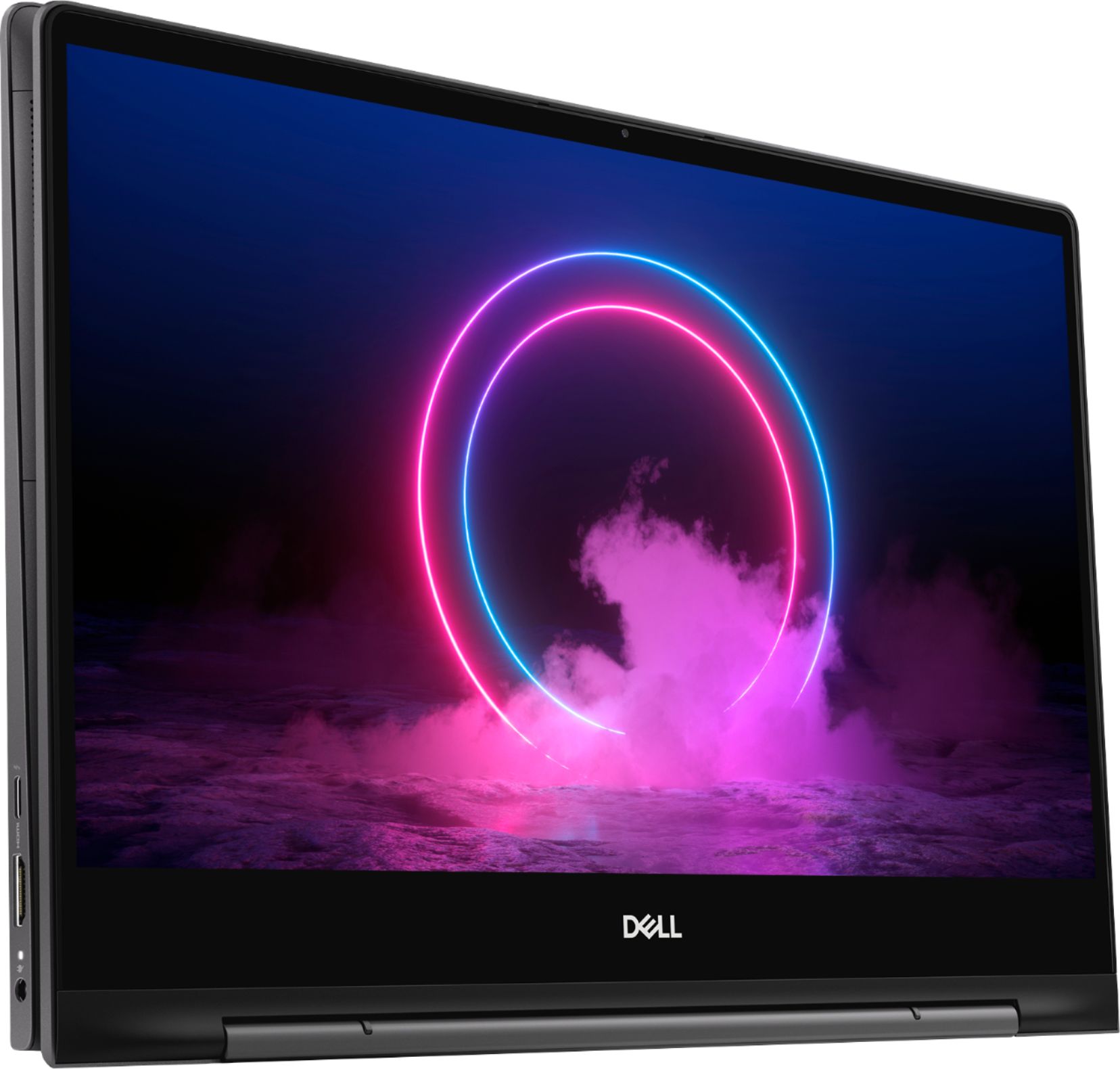
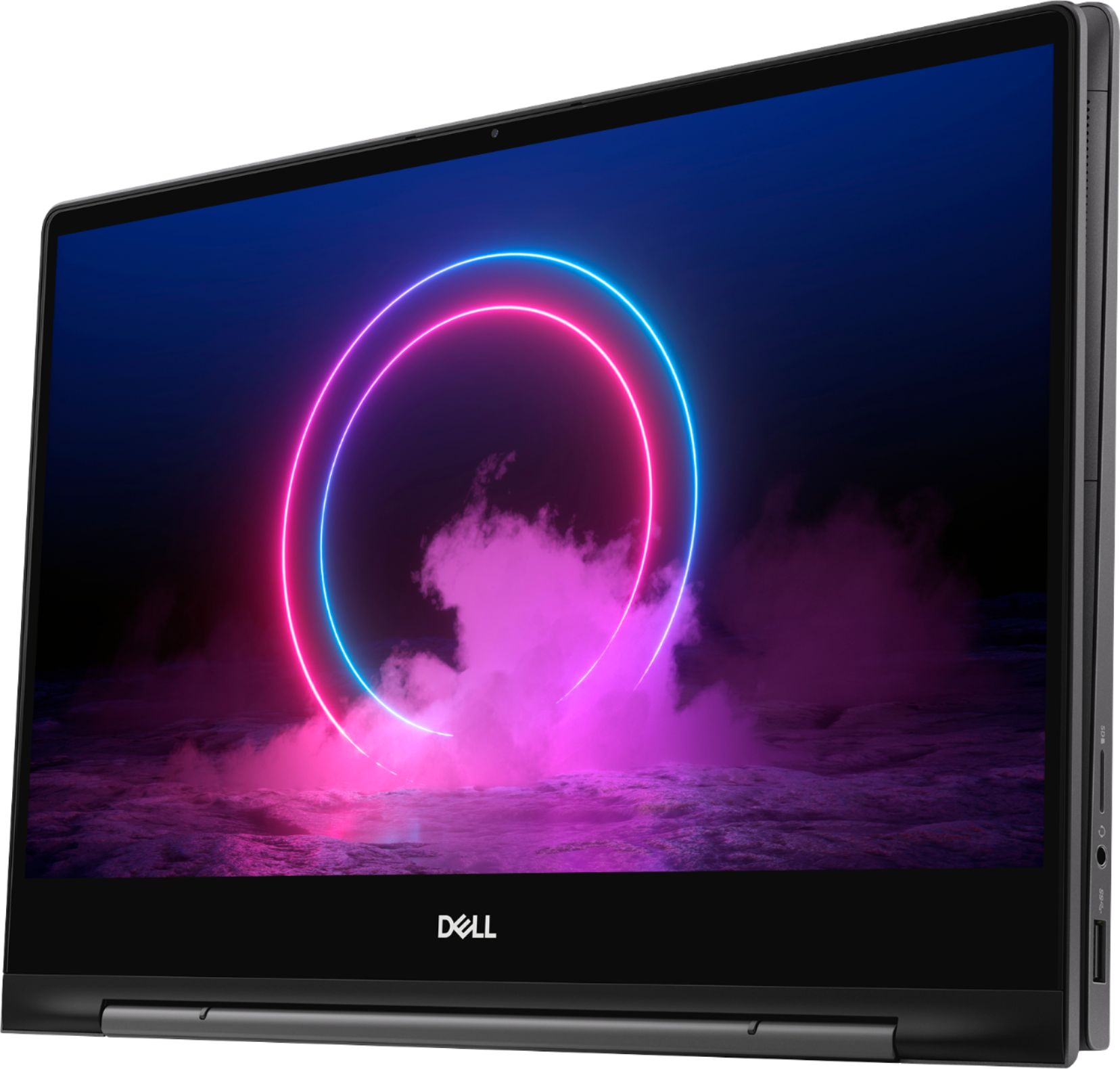





- Model:
- I7391-7520BLK-PUS
- SKU:
- 6373028
Rating by feature
- Battery Life
Rating 3.7 out of 5 stars
- Speed
Rating 4.2 out of 5 stars
- Display
Rating 4.2 out of 5 stars
Customers are saying
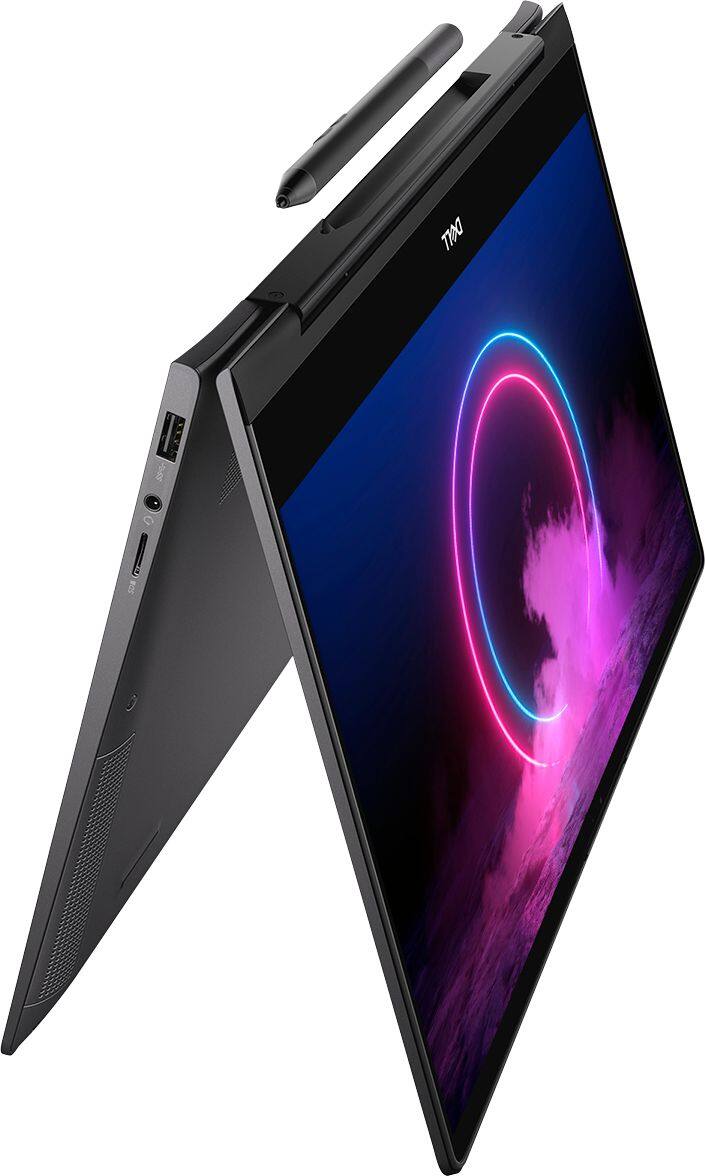
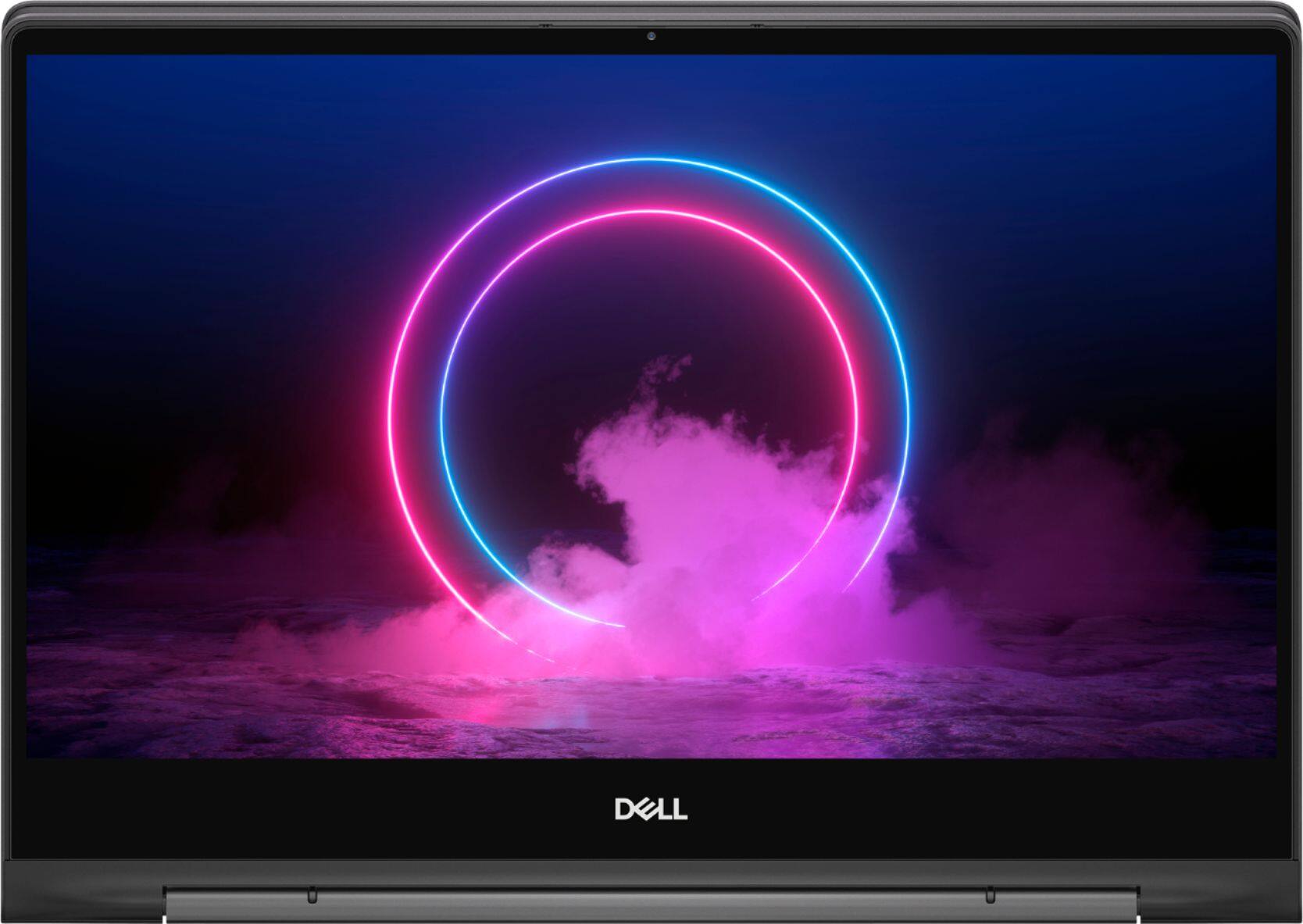
Customers value the Inspiron 13.3" 2-in-1 laptop's performance, touchscreen functionality, light weight, and ease of use. Many appreciate its compact size and the included pen. However, significant concerns exist regarding overheating, battery life, and fan noise. Some users also reported issues with the camera and internet connectivity.
This summary was generated by AI based on customer reviews.
Excellent
||Posted . Owned for 2 weeks when reviewed.This reviewer received promo considerations or sweepstakes entry for writing a review.Perfect for my kids for school works and for gaming
I would recommend this to a friendNo quality control here
||Posted . Owned for less than 1 week when reviewed.This reviewer received promo considerations or sweepstakes entry for writing a review.Bought it new, opened it and there's a portion of red masking tape on the lower end of the display. Weird. This is new? The keyboard had a lame letter "T" key, meaning I had to press extra hard on it for a letter "T" to show. The audio also cut out abruptly after each sound. So maybe it's not new; maybe it's flat out poorly constructed? Returning.
No, I would not recommend this to a friendBrand response from YourDellTeam
Posted .4to25characters,
Thanks for your feedback on your computer. If you'd like to see if there is an updated audio driver available for your computer we'd recommend checking our Product Support Page here: https://dell.to/2PPb4BI.
Thank you for bringing your other concerns to our attention, these have been shared with our product and quality teams.
Best,
Bryan
1-800-624-9896
Good
||Posted . Owned for 6 months when reviewed.This reviewer received promo considerations or sweepstakes entry for writing a review.It’s is having better features. I like the product.
I would recommend this to a friendvery good system
||Posted . Owned for 1 week when reviewed.This reviewer received promo considerations or sweepstakes entry for writing a review.the 32GB Optane is a plus, make it faster to process.
I would recommend this to a friendPowerful little laptop
||Posted . Owned for 3 weeks when reviewed.This reviewer received promo considerations or sweepstakes entry for writing a review.best value with a 512gb ssd with optane and 4k screen
I would recommend this to a friendA lemon of a laptop
||Posted .This reviewer received promo considerations or sweepstakes entry for writing a review.I purchased a refurbished, Best Buy certified "Excellent" Dell Inspiron laptop. When it arrived, the keyboard, touchpad and touchscreen did not work. After almost 4 hours on the phone with Dell, I sent it back to them, which they fixed quickly and for free. When it returned to me, we learned that the wi-fi network driver was not working. I have sent it to Dell once again for diagnosis and repair, and waiting again for it to be returned. I have not been able to use this product yet. What person at Best Buy declared this product to be in "excellent" condition? They failed.
No, I would not recommend this to a friendPerfect work laptop!
||Posted . Owned for 3 weeks when reviewed.This reviewer received promo considerations or sweepstakes entry for writing a review.Love this computer - exactly what I needed for work!
I would recommend this to a friendGreat price
||Posted . Owned for 2 months when reviewed.This reviewer received promo considerations or sweepstakes entry for writing a review.Great quality laptop. Absolutely love it. Good buy!
I would recommend this to a friendGreat speed w/i7 processor, excellent touch screen
||Posted . Owned for 3 weeks when reviewed.This reviewer received promo considerations or sweepstakes entry for writing a review.Great buy during President Day Sale..........,,,,,,
I would recommend this to a friendLight weight for easy carrying
||Posted . Owned for 1 month when reviewed.This reviewer received promo considerations or sweepstakes entry for writing a review.I love my new laptop and would recommend it to others
I would recommend this to a friendGreat laptop
||Posted . Owned for 3 weeks when reviewed.This reviewer received promo considerations or sweepstakes entry for writing a review.This laptop is great ha the memory capacita i needed
I would recommend this to a friendGave issues within one week
||Posted . Owned for 1 month when reviewed.This reviewer received promo considerations or sweepstakes entry for writing a review.Wouldn't start no matter what. Spoke with Dell support and they had me shipped the laptop to them.They told me few parts needed replacement- which are out of stock. Disappointed.
No, I would not recommend this to a friendBrand response from YourDellTeam
Posted .Sharon18,
We're sorry to hear about your experience with your new Dell 2-In-1. If you need to follow-up with Dell about your computer you can contact Dell Support here: http://dell.to/2sH7Qlm.
If you have any technical questions once you receive your computer back you can check our Product Support Page here: https://dell.to/2Qk5Uh7.
Best,
Bryan
1-800-624-9896
- Cons mentioned:Fan noise
Fan broke after a few months of using it
||Posted .This reviewer received promo considerations or sweepstakes entry for writing a review.Fan broke after a few months of using it. Would not recommend. Seems to be a common problem.
No, I would not recommend this to a friendBrand response from YourDellTeam
Posted .bigal,
Thanks for your review and we're sorry to hear that the fan on your computer broke. Please take a moment to review Dell's One Year Limited Warranty policy to see if your computer qualifies: http://dell.to/2tNsVOs.
You can reach out to Dell Support for any assistance: http://dell.to/2sH7Qlm.
Best,
Bryan
1-800-624-9896
This was returned
||Posted . Owned for 1 month when reviewed.This reviewer received promo considerations or sweepstakes entry for writing a review.Screen way to small, not anything like my original tablet. Was not satisfied at all and all of a sudden in 20 days of having this tablet Bluetooth disappeared. I returned this.
I would recommend this to a friendGeek Squad Certified means nothing!
||Posted .This reviewer received promo considerations or sweepstakes entry for writing a review.Just purchases an Geek Squad Certified Open Box, which mean that nothing should be damaged and no accessories are missing, product is cleaned and in original packaging (in some cases a replacement box). Well open up my package to no original packaging or care how it was repackaged and the Active Pen is missing... you know the MAIN ACCESSORY. Keep trying to call and they wont even pick up the phone, just keep putting people on hold without the decency of picking up and asking to please hold. Worst experience ever.
No, I would not recommend this to a friend- Cons mentioned:Fan noise
Fan issues
||Posted . Owned for more than 2 years when reviewed.This reviewer received promo considerations or sweepstakes entry for writing a review.Not good, fan issues and noisy. Main board amd fan replaced and the same problem.
No, I would not recommend this to a friend - Cons mentioned:Heat
overheated first day
||Posted . Owned for 2 weeks when reviewed.This reviewer received promo considerations or sweepstakes entry for writing a review.out of the box overheated then stopped charging... had to return and choose a better quality brand. Best Buy made it easy.
No, I would not recommend this to a friend Not great
||Posted . Owned for 3 weeks when reviewed.This reviewer received promo considerations or sweepstakes entry for writing a review.This computer has a very hard time to set up also doesn't stay connected to wifi. So Dell needs to work a little harder on making this a customer friendly product.
No, I would not recommend this to a friendBrand response from YourDellTeam
Posted .Faquer,
Thanks for your review. We're sorry that your computer is not setting up as easy as you hoped it would. Please consider running the Dell Support Assist App for help with your set up and to ensure that you have the most up to date drivers and software.
We'd also recommend following these steps for your WIFI connectivity issues:
1. Download and install the latest Wireless Card driver. (https://dell.to/2th3Tpe) After updating the driver, re-establish the connection with the Wireless Access Point and check the wireless performance.
2. If the issue persists, proceed to step 3.
3. Power-cycle the local network. Shut down the Dell system, the Wireless Access Point/Router and the Modem. Wait a minimum of 60 seconds before powering up the components in the following order:
4. Power ON the Modem, and wait for it to boot fully.
5. Power ON the Wireless Access Point/Router, and wait for it to boot fully.
6. Power ON the Dell system.
7. Open Network and Sharing Center
8. In the left side navigation pane, click on Change Adapter Settings
9. Right click on the wireless connection icon and select Properties followed by the Configure button
10. Under Wireless Options, select the Wireless N mode
11. For Windows 8 or later systems click the Advanced tab and look for 802.11n Mode on the right you will be given the option to Enable or Disable. If the mode is not visible you may need to update your drivers and firmware.
12. From the drop-down menu, choose Disable followed by Ok
13. This should restore the wireless download and upload speed. Internet speed can be tested at http://speedtest.net.
Best,
Bryan
1-800-624-9896
- Cons mentioned:Heat
Would not recommend
||Posted . Owned for 5 months when reviewed.This reviewer received promo considerations or sweepstakes entry for writing a review.Over heats, cpu overload for no reason 4k isn't as good as it should be. Touch pad worse ive never had.
No, I would not recommend this to a friendBrand response from YourDellTeam
Posted .Orozco,
Thanks for your review and and we're sorry to hear about the issues that you're facing with your computer so far. We'd recommend the following tips to help with the overheating that you're experiencing:
Tips for Proper Usage:
1. Dell does not recommend placing portable systems directly on your lap. Due to reductions in the thickness of modern portable systems, heat transfer can be an issue.
2. Using a portable system (Laptop) on a hard, flat, non-cloth surface will increase airflow and reduce heat from underneath and inside the system.
Using the portable system on a blanket, pillow, or other types of cloth will cover up the fan cause the computer to overheat and can cause permanent damage.
3. It is recommended to use the portable system in a Room temperature of 0°C to 35°C (32°F to 95°F) with a Humidity level no greater than 90%.
4. Use compressed air to clean the vents on a regular basis.
5. Using a cooling pad can decrease heat and increase performance.
6. If you want to know the temperature limitations for your system, go to the Dell Support Website, look up your system model then open the user guide under the manuals link.
You can read the full article here - http://dell.to/2uJ8AdG.
If you'd like to adjust the settings on your display to make it better we'd recommend this article: https://dell.to/2CLF6yC.
If you'd like to re-calibrate your touch pad you can follow these steps: Some Notebooks and Tablets with Keyboards have added gesture features to the touchpad hardware and drivers. A few of these features are two or three finger scrolling, pinch zoom, circle zoom, rotate and swiping. These new features may be the reason for the erratic cursor movement since most are turned on by default. You can disable or modify the way the features work in the touchpad driver properties. Here are some tips to modify these settings:
1. In the Search box, type main.cpl.
2. Touch or click main.cpl in the list of programs.
3. Touch or click the Dell Touchpad tab.
4. Touch or click on the picture of the touchpad.
5. Touch or click Gestures (depending on your computer there may not be a Gestures option).
6. Change the options as preferred.
7. Touch or click Save.
8. Touch or click the X in the upper-right corner to close the Dell Touchpad Utility.
9. Touch or click OK on the Mouse Properties window.
10. If the touchpad still does not work after following the preceding steps, refer to Dell Knowledge Base article - http://dell.to/2iaiujA.
You can read the full article here - http://dell.to/2tqmS02.
Best,
Bryan
1-800-624-9896
- Cons mentioned:Heat
disappointed
||Posted . Owned for less than 1 week when reviewed.This reviewer received promo considerations or sweepstakes entry for writing a review.Am soo disappointed the i got my laptop on Wednesday and it looks very old and dirty. i got hot within 5 mins
No, I would not recommend this to a friendBrand response from YourDellTeam
Posted .Nancy,
Thanks for your review and we're sorry about the condition that you received your laptop in. We'd recommend that you reach out directly to Best Buy to see what your return or exchange options are: http://bit.ly/2v2IVhI.
Best,
Bryan
1-800-624-9896