Customer Ratings & Reviews

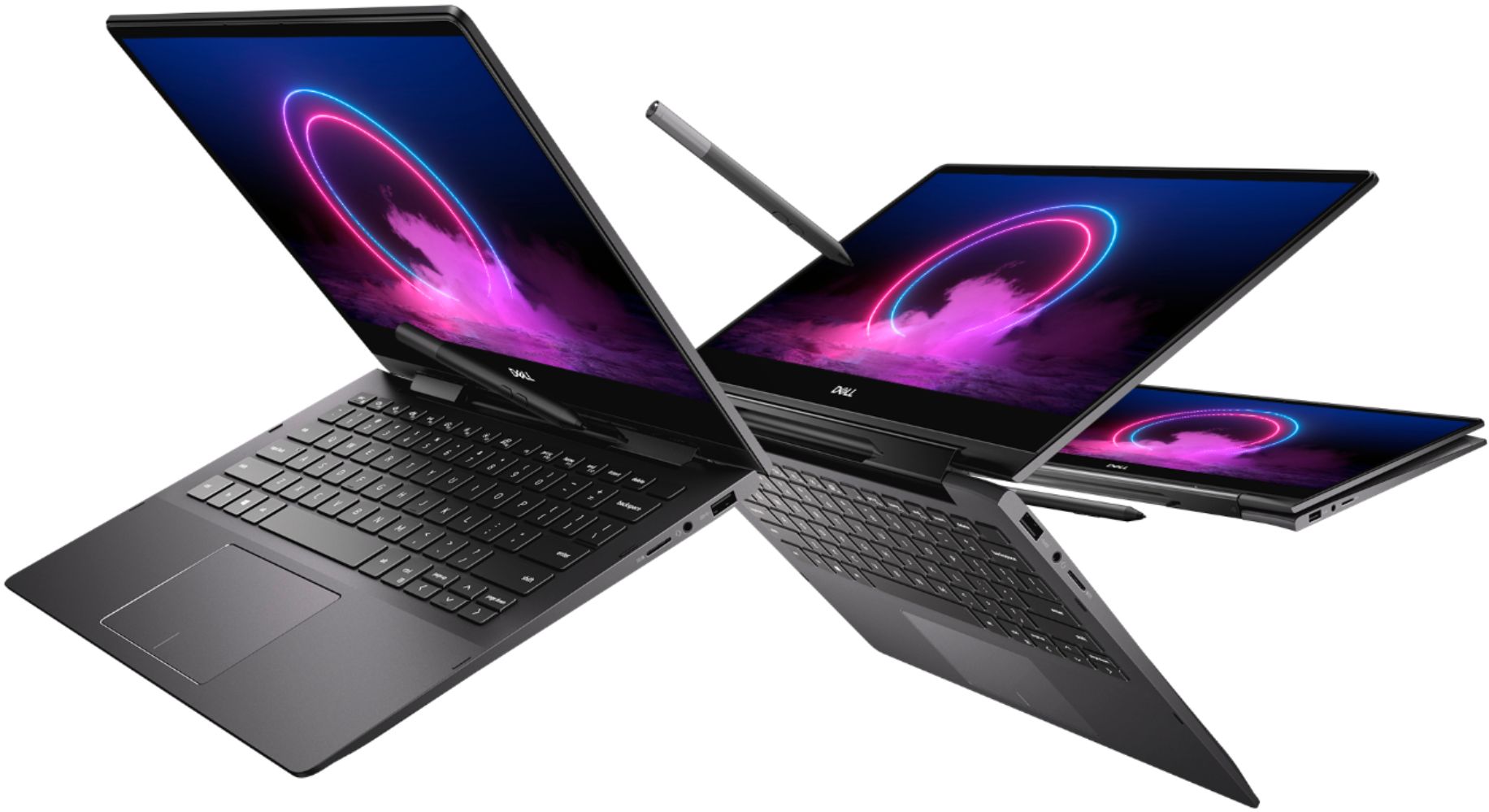
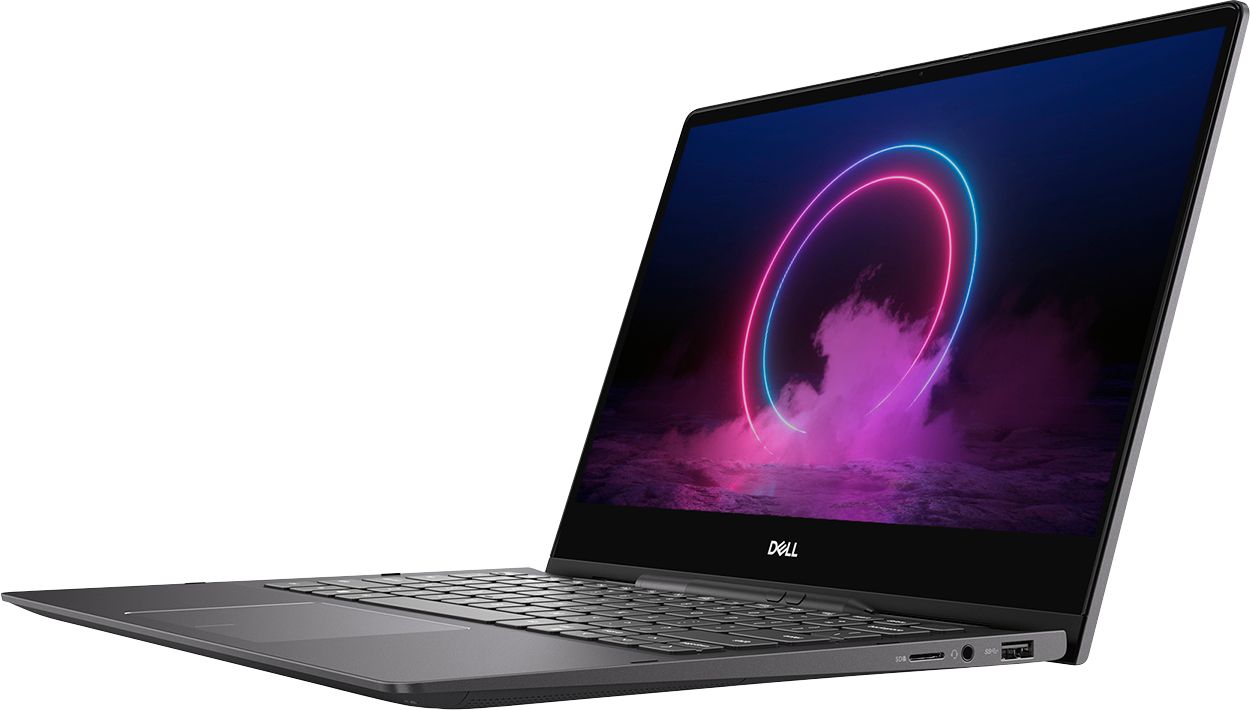

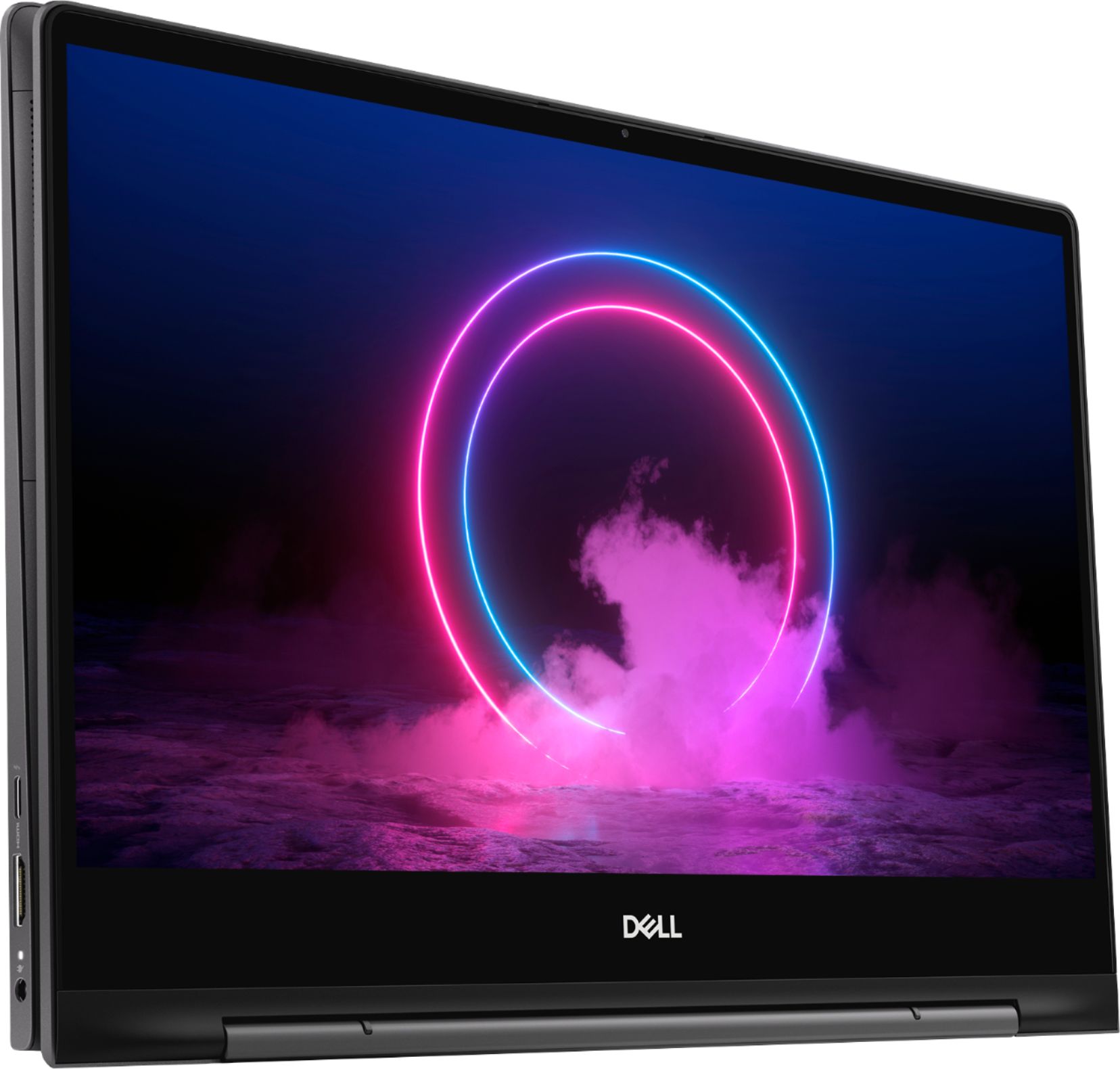
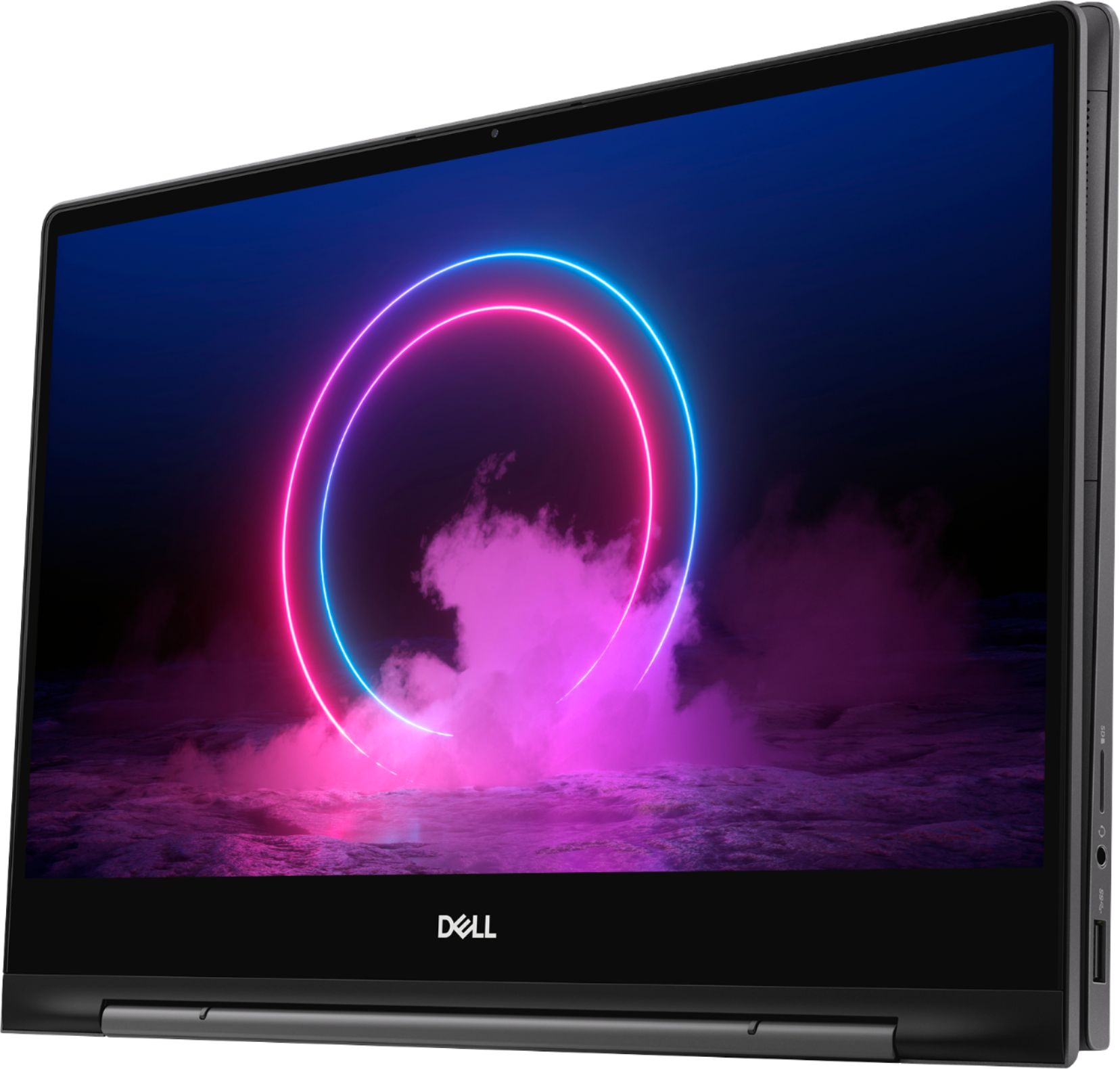





- Model:
- I7391-7520BLK-PUS
- SKU:
- 6373028
Rating by feature
- Battery Life
Rating 3.7 out of 5 stars
- Speed
Rating 4.2 out of 5 stars
- Display
Rating 4.2 out of 5 stars
Customers are saying
Customers value the Inspiron 13.3" 2-in-1 laptop's performance, touchscreen functionality, light weight, and ease of use. Many appreciate its compact size and the included pen. However, significant concerns exist regarding overheating, battery life, and fan noise. Some users also reported issues with the camera and internet connectivity.
This summary was generated by AI based on customer reviews.
- Pros mentioned:WeightCons mentioned:Heat
Excellent Value and Portability with Long-Term Dur
Posted .This reviewer received promo considerations or sweepstakes entry for writing a review.This laptop offers excellent value for its price. It's lightweight and easy to carry, making it convenient for everyday use. After about three years of use, I noticed it tends to get hot during extended hours of work. So, I got a cooling pad, which solved the issue effectively. Overall, I've been very satisfied with its performance and portability!
I would recommend this to a friend - Pros mentioned:Weight
Great Laptop for Business work
||Posted . Owned for 1 month when reviewed.This reviewer received promo considerations or sweepstakes entry for writing a review.Good laptop for daily use and work. Light and easy to carry! I would suggest it to everyone!!
I would recommend this to a friendBrand response from YourDellTeam
Posted .AyushSingh080809070605,
We're happy to hear that your new computer is meeting your needs. If you have any questions about your computer you can always check our Product Support Page here: https://dell.to/2Qk5Uh7.
Best,
Bryan
1-800-624-9896
- Pros mentioned:Processor speed
Price different of same laptop
||Posted . Owned for less than 1 week when reviewed.This reviewer received promo considerations or sweepstakes entry for writing a review.I purchased this laptop aweek ago $1299 but I found the same laptop in this app just $1148 why ?
No, I would not recommend this to a friendBrand response from YourDellTeam
Posted .Sanjeel,
Thanks for your review. Many times Best Buy will offer a price match for an identical product if you find a lower price an the product is available product at another retailer. You can read the terms of their Price Match Guarantee here: http://bit.ly/3ale7cM.
Best,
Bryan
1-800-624-9896
- Cons mentioned:Fan noise
Broken already
||Posted . Owned for 4 months when reviewed.This reviewer received promo considerations or sweepstakes entry for writing a review.Terrible laptop. The fan broke in 2 months. Regret buying it.
No, I would not recommend this to a friendBrand response from YourDellTeam
Posted .Tami,
Thanks for your review and we're sorry to hear about your computer's fan. Please read the terms of Dell's One Year Limited Warranty to see if your computer qualifies: https://dell.to/39iwZuX.
Best,
Bryan
1-800-624-9896
Too hot and the fan is too loud :(
||Posted . Owned for 2 weeks when reviewed.This reviewer received promo considerations or sweepstakes entry for writing a review.I was so happy to get a laptop for the first time. I also read the reviews that it gets hot a lot but I ignored that since it costs like around $1,000, so I thought it might actually be good! But, it wasn’t. I’m going to return it this week, but I’m actually depressed that my first laptop turned out to be horrible... It’s so hot, it makes my hand burn.
No, I would not recommend this to a friend- Cons mentioned:Battery life
Slow
||Posted . Owned for 1 month when reviewed.This reviewer received promo considerations or sweepstakes entry for writing a review.Battery does not last. 2-3 hour max charge. Small keyboard
No, I would not recommend this to a friendBrand response from YourDellTeam
Posted .Bryan,
Thanks for your review and we're sorry to hear that your computer's battery is not lasting as long as you'd like it to. We'd recommend the following tips to help extend the life of your computer's battery:
Change the Power Plan:
1. On the notification area of the taskbar, right-click the Battery icon.
2. On the options list, click Power Options.
3. Select a power plan on the battery meter, such as Power Saver or Balanced. Windows 10 has a built in 'Battery Saver' mode that can be activated to extend your system's battery life. The Battery Saver mode will monitor and limit background activity and other features such as push notifications. You do have the option to enable or disable this mode within settings or within advanced Battery Saver settings, you can customize the mode to best suit your needs.
a) Click on the Action Center icon in the taskbar and select the tile for Battery Saver.
b) If running Cortana then type Battery Saver into the search box and select from the results.
Within the Battery Saver settings page, you will be able to turn on and off the feature and customize the feature to best meet your needs.
c) Turn Battery Saver On or Off.
d) Additional settings available via the Battery use and Battery saver settings links.
e) Battery use shows further info on apps and their power usage.
f) Battery Saver Settings screen allows you to customize further Battery Saver feature.
You can read the full article here - http://dell.to/2vfXWf4.
Best,
Bryan
1-800-624-9896
Constantly shuts off by itself
||Posted . Owned for 1 week when reviewed.This reviewer received promo considerations or sweepstakes entry for writing a review.One of the worst computers I have ever owned. It randomly shuts off while typing. If the screen is moved at all the computer shuts down. The power/fingerprint button doesn’t work. The only way to get the computer to turn back on is by closing the lid then opening back up. Worst purchase I have ever made.
No, I would not recommend this to a friendBrand response from YourDellTeam
Posted .Foodie,
Thank you for your feedback. There was a new driver released that should help with the Fingerprint Reader issues that you're having:
Updating the Goodix fingerprint sensor driver to 3.10.30.110 or newer will fix the issue.
To download and install the latest driver:
1. Browse to the Dell Drivers & Downloads page: Support Site Drivers Page
2. Ensure you have the correct System Type
3. Select the Operating System
4. Under Category, select Security
5. Locate the latest Goodix Fingerprint Sensor Driver (A04 or newer)
6. Click Download and save the file to your computer
7. Open File Explorer and browse to the location where the downloaded file is saved
8. Double-click the Sensor setup file and follow the on-screen instructions to complete the installation process
9. You will need a system restart to finalize this installation.
You can read the full article here: https://dell.to/3dmKGYf.
Please feel free to reach out to Dell's Technical Support Team for further assistance with the shut down issues that you're having: http://dell.to/2sH7Qlm.
Best,
Bryan
1-800-624-9896
arrived late and with hardwawre issues.
||Posted . Owned for 2 weeks when reviewed.This reviewer received promo considerations or sweepstakes entry for writing a review.Arrived late and has hardware issues that both dell and best buy agree on.
No, I would not recommend this to a friendBrand response from YourDellTeam
Posted .Hi,
Thank you for your feedback. I am sorry to hear about the issues you have had with your purchase. I can imagine how frustrating this can be. Here is a link to the product page that offers you troubleshooting solutions,
https://dell.to/2Yhoc6j
If you need further troubleshooting needs, please feel free to reach out to Dell Support directly.
http://dell.to/2sH7Qlm
Best,
Meridith 1-800-624-9896
technicians as beginners
||Posted . Owned for 1 week when reviewed.This reviewer received promo considerations or sweepstakes entry for writing a review.I bought this laptop as an open box supposedly as an excellent product and certified by the bestbuy technicians, but when I opened the box it looked as if children played with it, the pen does not have the battery and a speaker is not heard well. my question is: what is this technical group for?
No, I would not recommend this to a friendnot good
||Posted . Owned for 8 months when reviewed.This reviewer received promo considerations or sweepstakes entry for writing a review.mother board crashed and lot's of issues with geek squad
No, I would not recommend this to a friendBrand response from YourDellTeam
Posted .bigdog,
We're sorry to hear about the issues that you've had with your new Dell 2-in-1. We hope that once you receive your computer back that it performs the way that you intended it to. We'd recommend checking out our Product Support Page if you have any questions: https://dell.to/2Qk5Uh7.
Best,
Bryan
1-800-624-9896
After using for approx 2 weeks it crashed
||Posted . Owned for 3 weeks when reviewed.This reviewer received promo considerations or sweepstakes entry for writing a review.Was asking me to reinstall windows after using for only 2 weeks. I didn’t have access or the knowledge to do that, and would not expect a brand new computer to need reinstalls and tech help. I returned it as I did not have time to deal with a faulty computer.
No, I would not recommend this to a friendBrand response from YourDellTeam
Posted .Lalala,
We're sorry to hear that you had trouble setting up your new computer. In the future we would recommend reaching out directly to Microsoft with any Windows activation or re-installation questions that you may have: http://bit.ly/2KBOM4c.
Best,
Bryan
1-800-624-9896
4th time repair for over-heating.
||Posted . Owned for 1.5 years when reviewed.This reviewer received promo considerations or sweepstakes entry for writing a review.Many many issues. Currently awaiting for "lemon" approval. I can't say this is typical of all Dell laptops but I have had a history of issues with them. I won't buy a Dell again.
No, I would not recommend this to a friend- Pros mentioned:Touch screenCons mentioned:Fan noise, Heat
Had a lot of promise, but failed.
Posted .This reviewer received promo considerations or sweepstakes entry for writing a review.It was between this and the Lenovo c940 14" What I thought I'd like about this that the lenovo didn't have were the extra ports and micro sd card slot. Purchased both to try them out side by side. Lenovo had a much better build feel, solid. Size were about the same with Lenovo being a bit longer due to the screen size being wider. Sound was so much better on the Lenovo and the colors seem to pop so much more. Keyboard was also bigger on the Lenovo probably due to the wider footprint being a 14" vs 13" screen. Dell's keyboard was tolerable, typical cramped style that you see normally on laptops that size. The pen takes a AAAA battery so you would need to carry a spare perhaps. Lenovo's pen charges in it's holster. I thought I liked Dell's pen placement, but when you flip it to tablet mode, there's a chance of the pen being knocked out as there's only the magnet to keep it from falling out. Dell also missed integrating a privacy screen for it's video camera. With such a narrow bezel, it would not accommodate the typical add on privacy screen that slides across. Minor, but more and more are incorporating this privacy feature which in the past I used post it note or painters tape. Lenovo has a built in privacy screen. The biggest issue though was the constant fan and overheating that the laptop did even at rest with nothing loaded. Just turning the power on had the fan running and heat generated. Out of the box, this should not be the case. The Lenovo on the other hand was silent, remained cool, even when the fan did kick on, heat was very minimal. Yes, Dell was a bit cheaper $150, but Lenovo's build quality, sound, pen design and the fact it remains cool was a win. Also the surface of the Lenovo hid the finger prints. Something that Dell's surface magnified. I'm returning the Dell and keeping the Lenovo for $1,445. Yes a bit expensive, but cheaper than macbook for the processor, memory and storage. Wish Lenovo had more ports and card reader, but figure I will need a dongle anyway, so I've already purchased an all in one travel hub that has ports for multiple monitors, network port, card reader and additional usb ports. I'd stay away from this Dell model due to the consistent overheating and fans constantly running right out of the box. I was looking forward to Dell's mobile syncing software that links your phone to your laptop, which Lenovo doesn't have. Lenovo's build just seems so much more premium, sound is much better. I like Lenovo's pen storage and design better, but that's more a personal preference.
No, I would not recommend this to a friendBrand response from YourDellTeam
Posted .Technurse,
Thanks for your review. We're sorry to hear about the trouble that you had with your Dell laptop. In the future the fan noise that you experienced can usually be resolved by updating the BIOS on your computer.
We also have several tips on how to keep your computer operating at a cooler temperature:
Tips for Proper Usage:
1. Dell does not recommend placing portable systems directly on your lap. Due to reductions in the thickness of modern portable systems, heat transfer can be an issue.
2. Using a portable system (Laptop) on a hard, flat, non-cloth surface will increase airflow and reduce heat from underneath and inside the system.
Using the portable system on a blanket, pillow, or other types of cloth will cover up the fan cause the computer to overheat and can cause permanent damage.
3. It is recommended to use the portable system in a Room temperature of 0°C to 35°C (32°F to 95°F) with a Humidity level no greater than 90%.
4. Use compressed air to clean the vents on a regular basis.
5. Using a cooling pad can decrease heat and increase performance.
6. If you want to know the temperature limitations for your system, go to the Dell Support Website, look up your system model then open the user guide under the manuals link.
You can read the full article here - http://dell.to/2uJ8AdG.
We're sorry to hear that you decided to return your computer but we hope that you'll consider Dell again in the future.
Best,
Bryan
1-800-624-9896
Bad laptop
||Posted . Owned for 3 months when reviewed.This reviewer received promo considerations or sweepstakes entry for writing a review.Purchased the computer as a open box . The price was great but little did I know that it was going to go bad on me within 2 months of the purchase . I’m currently waiting on the laptop to get returned from the manufacturer.
No, I would not recommend this to a friendBrand response from YourDellTeam
Posted .Awesome,
Thanks for your review and we're sorry to hear that your new computer is not working as well as you hoped it would. Once you get your computer back if you have any technical questions you can check with our Product Support Page here: https://dell.to/2Qk5Uh7.
Best,
Bryan
1-800-624-9896
Bad laptop
||Posted . Owned for 4 months when reviewed.This reviewer received promo considerations or sweepstakes entry for writing a review.I bought it as a brand new item but It stopped working several times and now it is not working at all. I do not know if it is the mistake of the manufacturer (DELL) or Best buy has sold their bad ones in a sale?
No, I would not recommend this to a friendBrand response from YourDellTeam
Posted .Serapion,
We're sorry that your computer is no longer working the way that it should. We'd recommend checking out the Product Support Page for this computer here: https://dell.to/2zkbkT7.
You can also reach out to Dell's Technical Support Team for additional assistance: http://dell.to/2sH7Qlm.
Best,
Bryan
1-800-624-9896
Do NOT EVER buy an open box item from Best Buy
||Posted . Owned for 8 months when reviewed.This reviewer received promo considerations or sweepstakes entry for writing a review.Do NOT EVER buy an open box item from Best Buy, Dell will not respect the purchase date as the beginning of the warranty and Best Buy refuses to go to Dell to transfer ownership to the consumer purchaser.
No, I would not recommend this to a friendDifficult to set up,had to buy peripherals
||Posted . Owned for 3 weeks when reviewed.This reviewer received promo considerations or sweepstakes entry for writing a review.I bought this over the phone, believing the Local store was closed due to state lockdown and after my old computer died. This is much smaller than my old one. I have to buy a CD reader since it doesn't have one.
No, I would not recommend this to a friendBrand response from YourDellTeam
Posted .Rebond,
Thanks for your review. We're sorry that your computer is not meeting all of your needs. We'd recommend purchasing this external CD / DVD drive from Best Buy for your computer: http://bit.ly/2N8c7bq.
If you have any questions about your computer you can check our Product Support Page here: https://dell.to/2Qk5Uh7.
Best,
Bryan
1-800-624-9896
Second device failed 10 days out of warranty.
||Posted . Owned for 3 months when reviewed.This reviewer received promo considerations or sweepstakes entry for writing a review.We have returned one of these already (failed within return period, overheating) and now have a second one that died roughly 10 days after the return period ended -- no track pad control. Do not buy!
No, I would not recommend this to a friendBrand response from YourDellTeam
Posted .marioaldayuz,
We're sorry to hear about the issues that you've had with your touchpad. Here are the steps to re-calibrate your touchpad:
Some Notebooks and Tablets with Keyboards have added gesture features to the touchpad hardware and drivers. A few of these features are two or three finger scrolling, pinch zoom, circle zoom, rotate and swiping. These new features may be the reason for the erratic cursor movement since most are turned on by default. You can disable or modify the way the features work in the touchpad driver properties. Here are some tips to modify these settings:
1. In the Search box, type main.cpl.
2. Touch or click main.cpl in the list of programs.
3. Touch or click the Dell Touchpad tab.
4. Touch or click on the picture of the touchpad.
5. Touch or click Gestures (depending on your computer there may not be a Gestures option).
6. Change the options as preferred.
7. Touch or click Save.
8. Touch or click the X in the upper-right corner to close the Dell Touchpad Utility.
9. Touch or click OK on the Mouse Properties window.
10. If the touchpad still does not work after following the preceding steps, refer to Dell Knowledge Base article - http://dell.to/2iaiujA.
You can read the full article here - http://dell.to/2tqmS02.
Best,
Bryan
1-800-624-9896
Worst packing
||Posted . Owned for less than 1 week when reviewed.This reviewer received promo considerations or sweepstakes entry for writing a review.Best buy sent me the dell box... not even packed in other seperate box and the box was very dusty and in very poor condition so i returned it without even opening the box.
No, I would not recommend this to a friendBlue Screen of Death
||Posted .This reviewer received promo considerations or sweepstakes entry for writing a review.I had to go through the set-up twice but still received the blue screen of death. Maybe this one just happened to be a lemon. Promptly returned this to the store.
No, I would not recommend this to a friend