Customer Ratings & Reviews
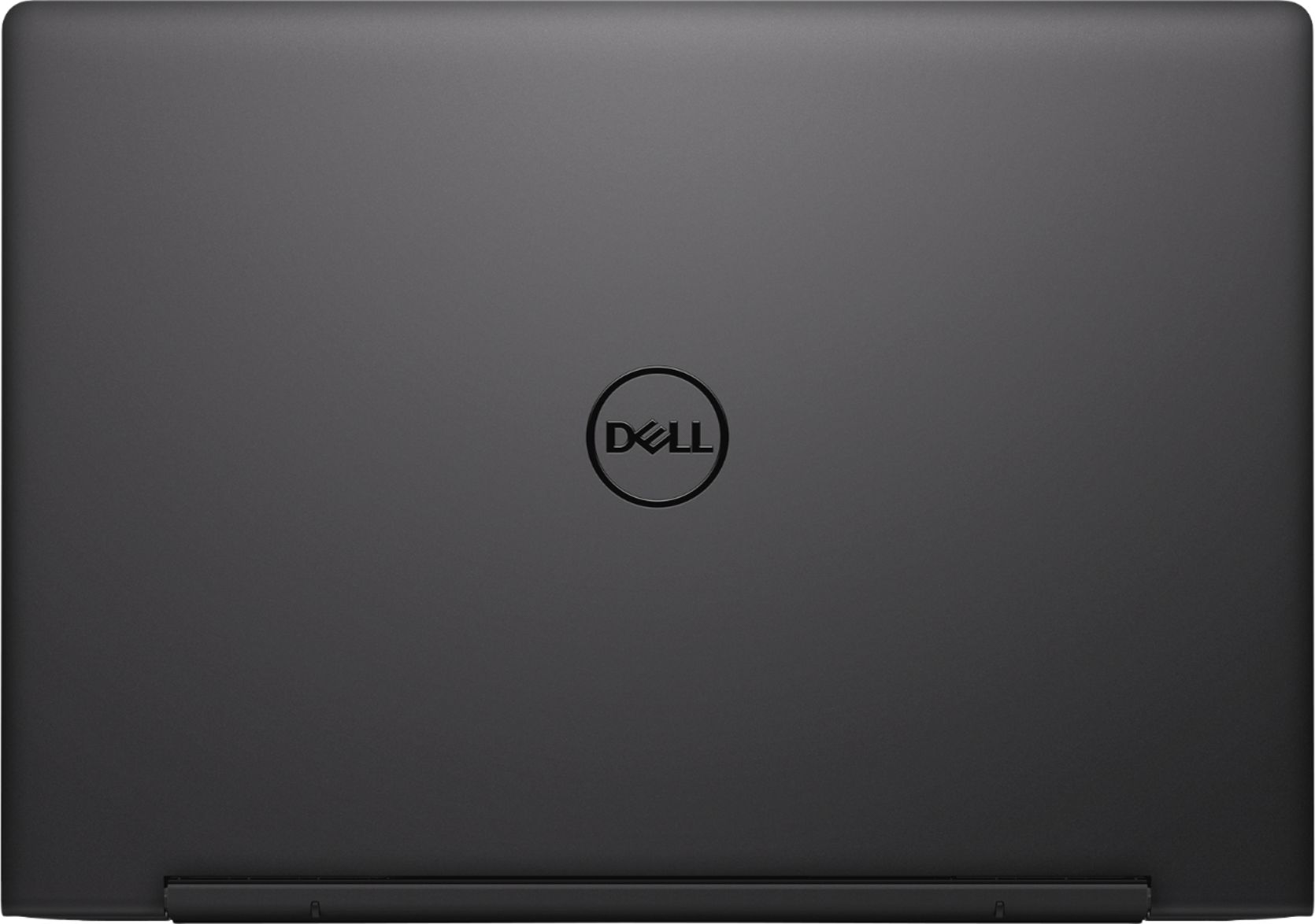
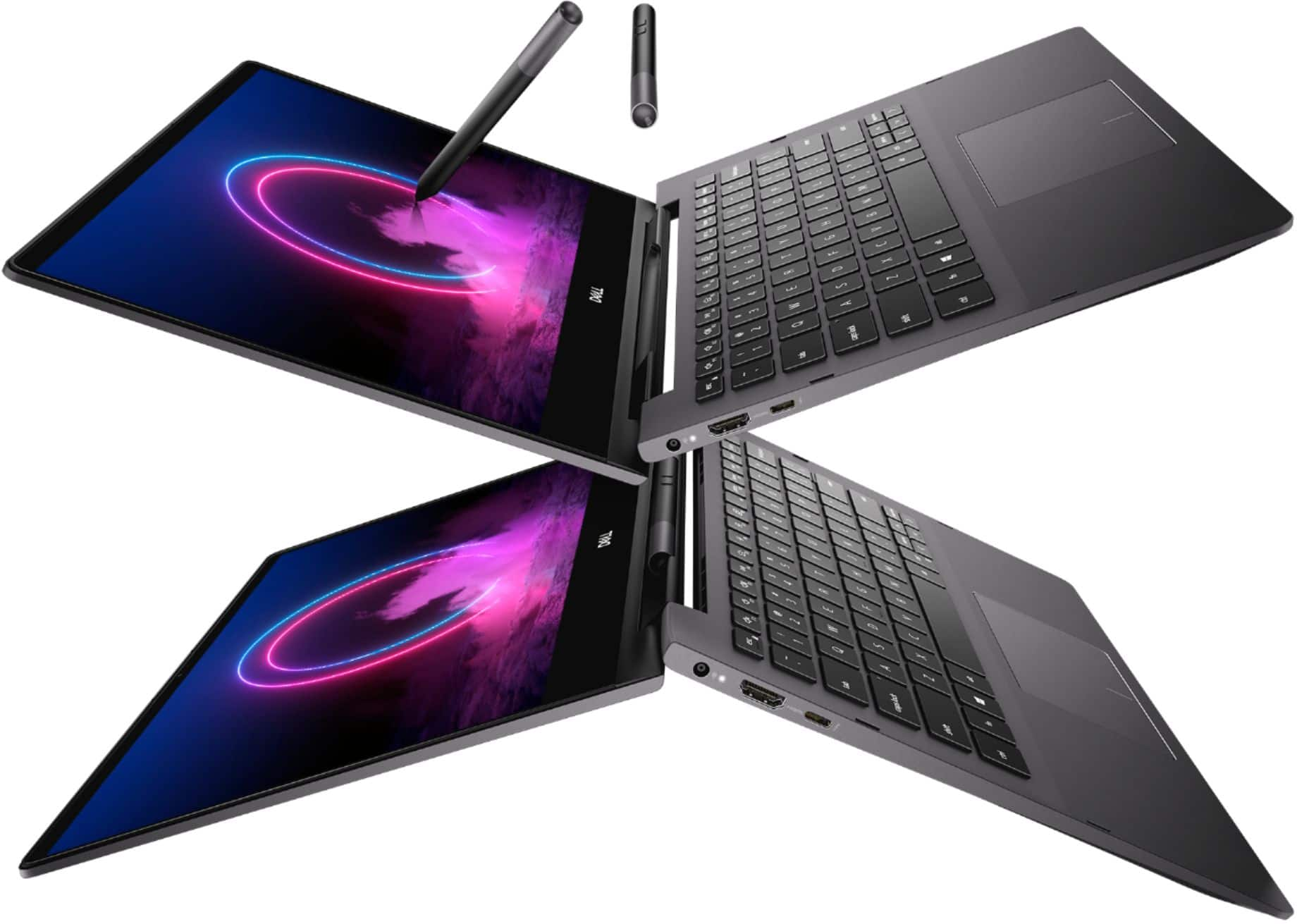
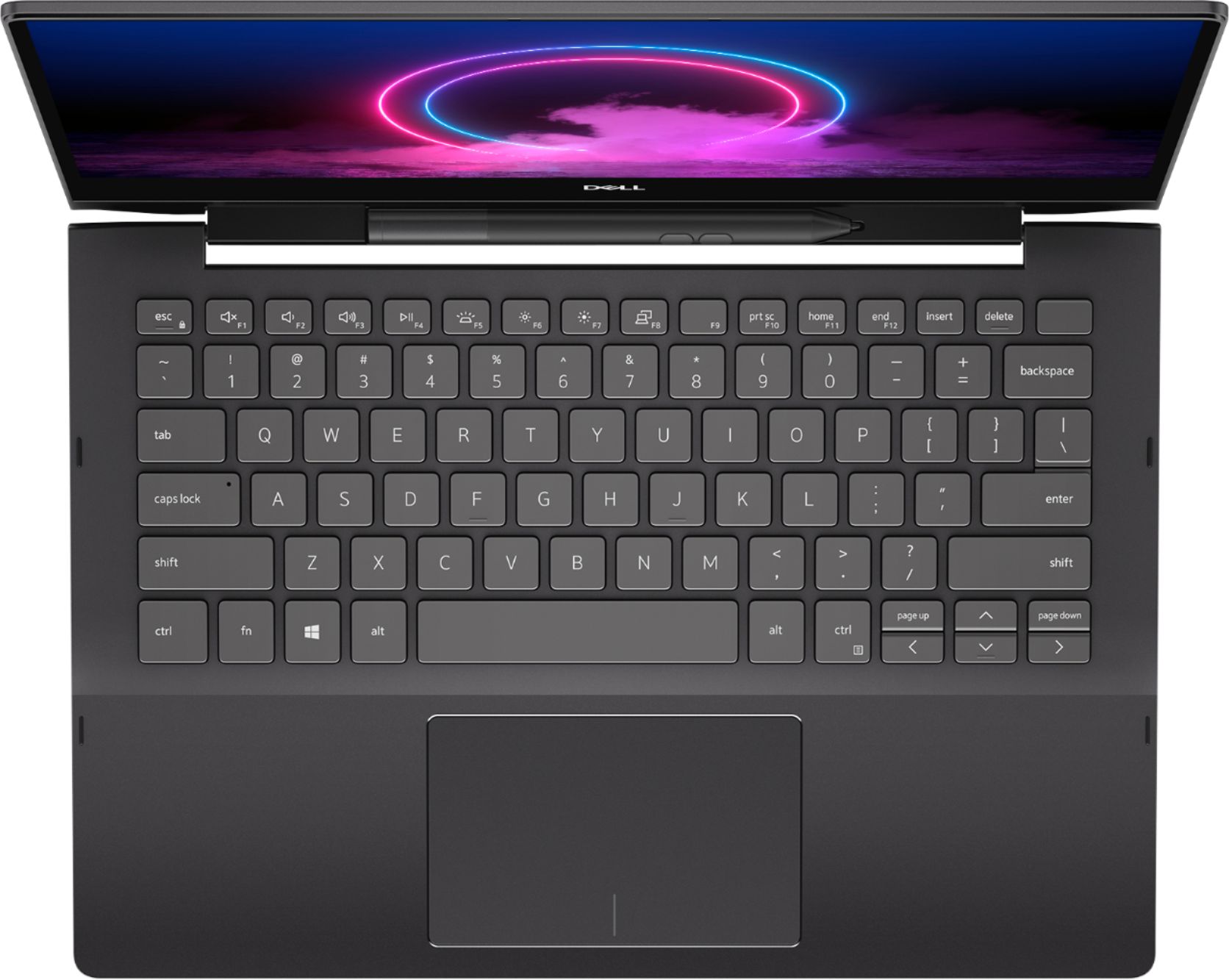
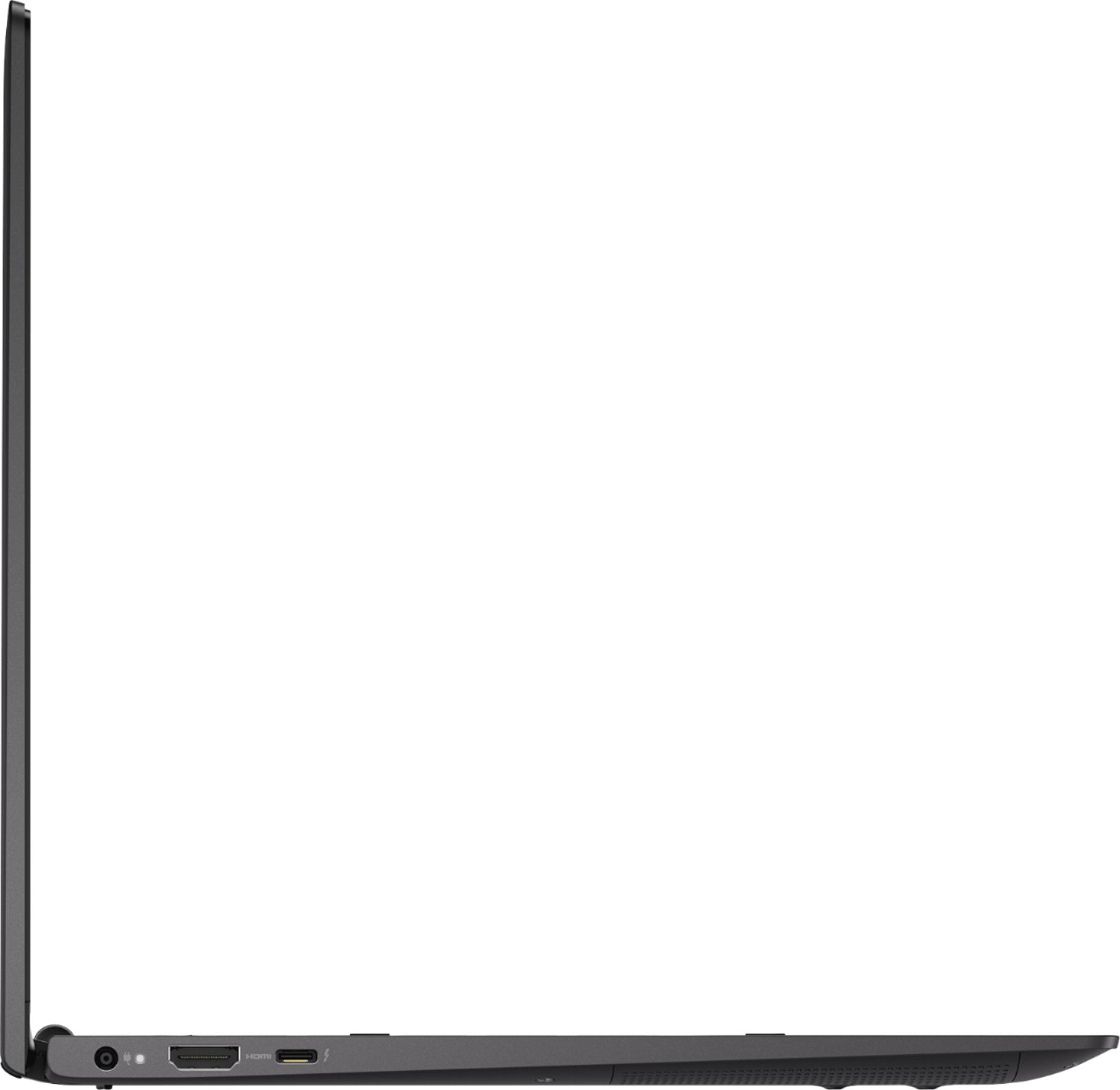







- Model:
- I7391-7520BLK-PUS
- SKU:
- 6373028
Rating by feature
- Battery Life
Rating 3.7 out of 5 stars
- Speed
Rating 4.2 out of 5 stars
- Display
Rating 4.2 out of 5 stars
Customers are saying
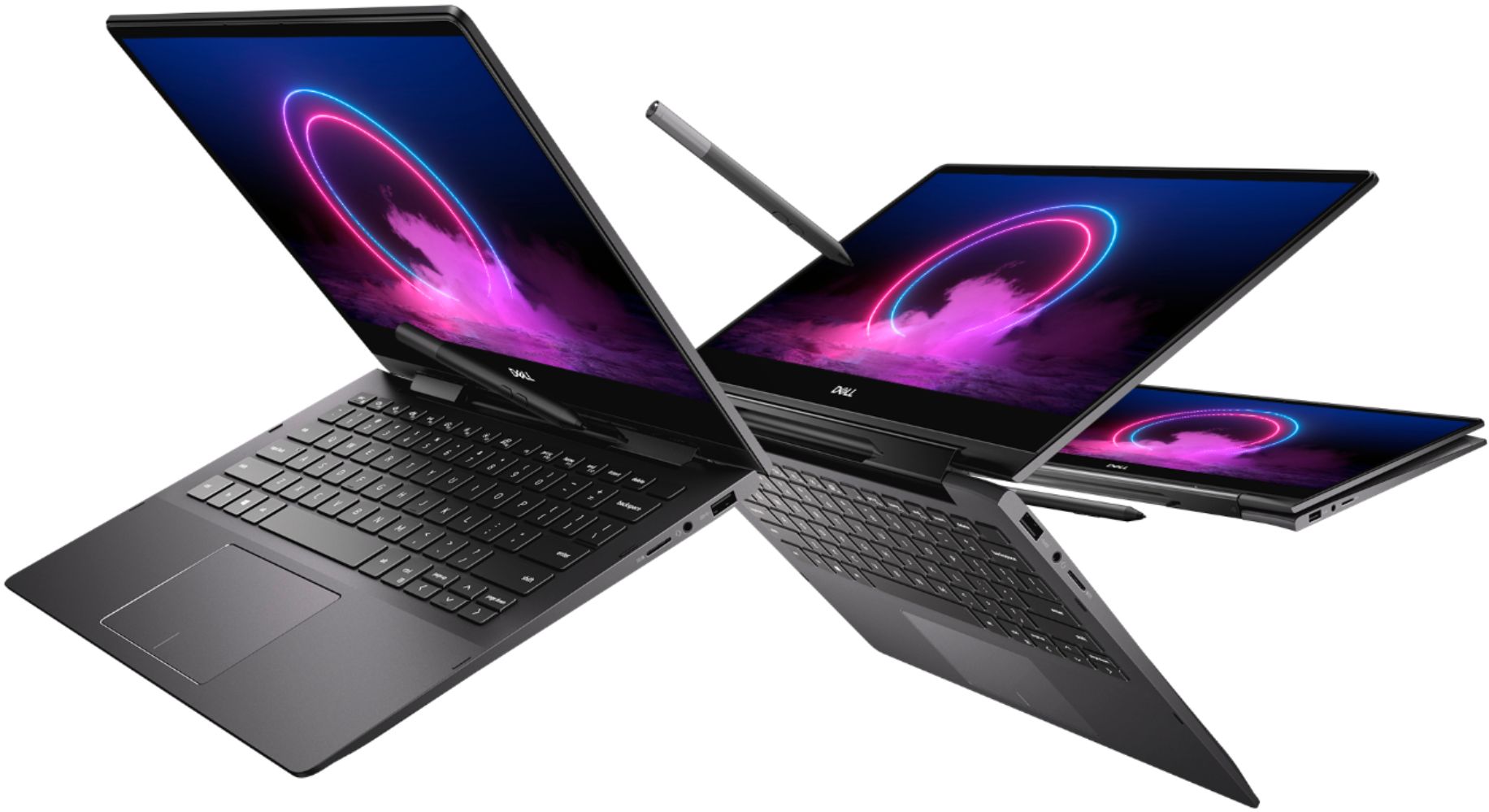
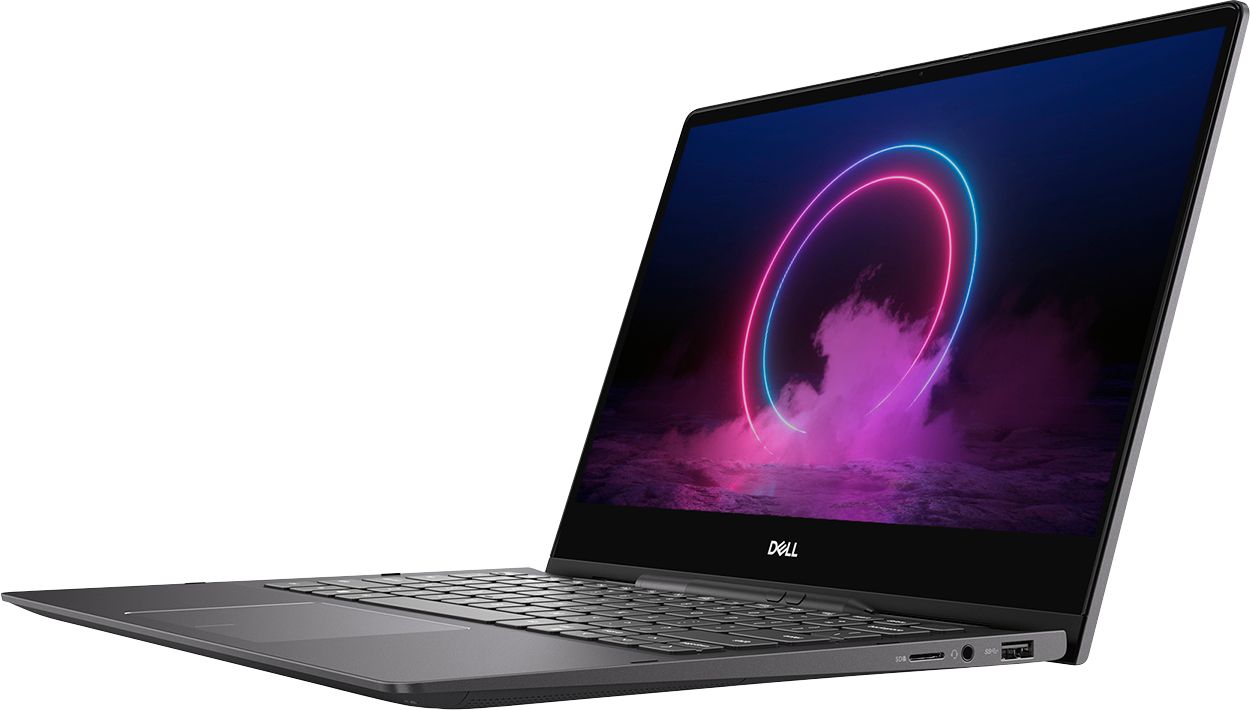
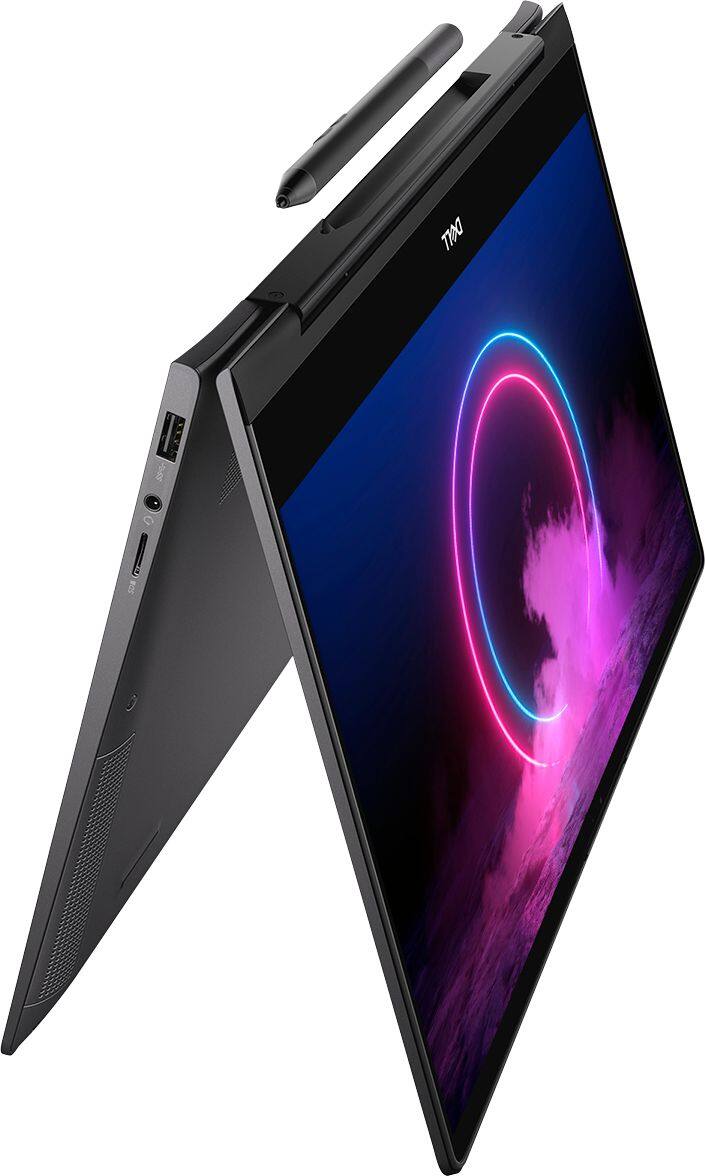
Customers value the Inspiron 13.3" 2-in-1 laptop's performance, touchscreen functionality, light weight, and ease of use. Many appreciate its compact size and the included pen. However, significant concerns exist regarding overheating, battery life, and fan noise. Some users also reported issues with the camera and internet connectivity.
This summary was generated by AI based on customer reviews.
Worst computer save ur money
||Posted . Owned for 8 months when reviewed.This reviewer received promo considerations or sweepstakes entry for writing a review.Worst computer you can buy don’t buy since I got I have taken it twice and also got manufacture of the laptop involved and nobody wants to help me resolve this
No, I would not recommend this to a friendNo
||Posted . Owned for more than 2 years when reviewed.This reviewer received promo considerations or sweepstakes entry for writing a review.Computer broken less than 2 years, spent another $250 sending it back for repairs at least three times, still broken
No, I would not recommend this to a friendOverheats. Bad design
||Posted . Owned for 1 month when reviewed.This reviewer received promo considerations or sweepstakes entry for writing a review.The cooling fans lasted one month. Now I have to send it in for warranty. Poor design.
No, I would not recommend this to a friendBrand response from YourDellTeam
Posted .MrCornerstone,
We're sorry to hear that your cooling fans did not last as long as they should have. When you receive your computer back we'd recommend the following steps to keep your computer operating at a cooler temperature:
Tips for Proper Usage:
1. Dell does not recommend placing portable systems directly on your lap. Due to reductions in the thickness of modern portable systems, heat transfer can be an issue.
2. Using a portable system (Laptop) on a hard, flat, non-cloth surface will increase airflow and reduce heat from underneath and inside the system.
Using the portable system on a blanket, pillow, or other types of cloth will cover up the fan cause the computer to overheat and can cause permanent damage.
3. It is recommended to use the portable system in a Room temperature of 0°C to 35°C (32°F to 95°F) with a Humidity level no greater than 90%.
4. Use compressed air to clean the vents on a regular basis.
5. Using a cooling pad can decrease heat and increase performance.
6. If you want to know the temperature limitations for your system, go to the Dell Support Website, look up your system model then open the user guide under the manuals link.
You can read the full article here - http://dell.to/2uJ8AdG.
Best,
Bryan
1-800-624-9896
Best Buy Geek Squad
||Posted . Owned for 3 months when reviewed.This reviewer received promo considerations or sweepstakes entry for writing a review.I have been on the phone for 2 hours I have been disconnected 5 times Next time i buy a computer i am going to buy it directly from the manufacturer
No, I would not recommend this to a friendBrand response from YourDellTeam
Posted .are28724,
Thanks for your review and we're sorry that you've had trouble getting in touch with Best Buy's support team. Please reach out to Dell's Technical Support Team if you have a chance to see if they are able to help answer the questions that you have about your new computer: http://dell.to/2sH7Qlm.
If you'd like to check out your computer's Product Support Page you can find it here: https://dell.to/2Qk5Uh7.
Best,
Bryan
1-800-624-9896
Dell the worst company in the tech space.
||Posted . Owned for 1 year when reviewed.This reviewer received promo considerations or sweepstakes entry for writing a review.Dell service the worst, nobody speaks English and lies and promises, please do not support Dell.
No, I would not recommend this to a friendBrand response from YourDellTeam
Posted .Max11,
We're sorry to hear about the experience that you had with Dell Support. Please check to see if any of your questions can be answered on our Product Support Page: https://dell.to/2Qk5Uh7.
Best,
Bryan
1-800-624-9896
The worst
||Posted . Owned for 1 month when reviewed.This reviewer received promo considerations or sweepstakes entry for writing a review.Computer was broken and they refused to replace it. Horrible experience
No, I would not recommend this to a friendBrand response from YourDellTeam
Posted .Hi,
Thank you for your feedback. I am so sorry to hear about the experience you have had purchasing your computer. I understand how upsetting this can be. Please feel free to reach out to Best Buy Support directly to determine their return or exchange policy.
http://bit.ly/2v2IVhI
If you would like to troubleshoot the unit further you are welcome to reach out to Dell Support directly, we would love to help.
http://dell.to/2sH7Qlm
Best,
Meridith 1-800-624-9896
it was a open box satisfactory... charger missing
||Posted .This reviewer received promo considerations or sweepstakes entry for writing a review.it was a open box satisfactory... found that charger missing
No, I would not recommend this to a friendDon’t buy
||Posted . Owned for 8 months when reviewed.This reviewer received promo considerations or sweepstakes entry for writing a review.Temperatures too high for comfort. Immediately returned.
No, I would not recommend this to a friendBrand response from YourDellTeam
Posted .Link,
Thanks for your review and we're sorry to hear about the high temperatures that you've experienced with your 2-in-1. Here are some tips to troubleshoot overheating with systems that you may have in the future:
Tips for Proper Usage:
1. Dell does not recommend placing portable systems directly on your lap. Due to reductions in the thickness of modern portable systems, heat transfer can be an issue.
2. Using a portable system (Laptop) on a hard, flat, non-cloth surface will increase airflow and reduce heat from underneath and inside the system.
Using the portable system on a blanket, pillow, or other types of cloth will cover up the fan cause the computer to overheat and can cause permanent damage.
3. It is recommended to use the portable system in a Room temperature of 0°C to 35°C (32°F to 95°F) with a Humidity level no greater than 90%.
4. Use compressed air to clean the vents on a regular basis.
5. Using a cooling pad can decrease heat and increase performance.
6. If you want to know the temperature limitations for your system, go to the Dell Support Website, look up your system model then open the user guide under the manuals link.
You can read the full article here - http://dell.to/2uJ8AdG.
Best,
Bryan
1-800-624-9896
CPU fan failed within 2 weeks
||Posted . Owned for 1 week when reviewed.This reviewer received promo considerations or sweepstakes entry for writing a review.Purchased on 2/17, CPU fan failed on 2/24, returning for refund
No, I would not recommend this to a friend- Pros mentioned:Touch screenCons mentioned:Camera quality, Heat
I'm obsessed
Posted .This reviewer received promo considerations or sweepstakes entry for writing a review.4/5 for two reasons. 1. It gets EXTREMELY hot while using. 2. The camera isn't good quality. Other than that, its amazing. I love the backlit keyboard, touchscreen option, and stylus. I got it on sale which makes it even better.
I would recommend this to a friend - Cons mentioned:Heat
Overheats and fries!
Posted .This reviewer received promo considerations or sweepstakes entry for writing a review.The hardware becomes burning hot when plugged in. This was consistent throughout the life of the product. The metal frame was flimsy to the point where the trackpad wouldn’t work unless i pushed on the frame. In the end, less than 3 years into ownership, the hard drive fried and its worthless now. Dell was trying to be Apple with this one and it failed. Now, I’m going back to Apple.
No, I would not recommend this to a friend - Cons mentioned:Battery life
Bad battery life.
Posted .This reviewer received promo considerations or sweepstakes entry for writing a review.Great 2 in 1 BUT battery life 2.75 after a full charge and normal use. This was an open box...excellent condition certified. Returning it tomorrow.
No, I would not recommend this to a friendBrand response from YourDellTeam
Posted .saint22,
We're sorry to hear about your computer's battery runtime. Here are some suggested ways to help extend your computer's battery:
Change the Power Plan:
1. On the notification area of the taskbar, right-click the Battery icon.
2. On the options list, click Power Options.
3. Select a power plan on the battery meter, such as Power Saver or Balanced. Windows 10 has a built in 'Battery Saver' mode that can be activated to extend your system's battery life. The Battery Saver mode will monitor and limit background activity and other features such as push notifications. You do have the option to enable or disable this mode within settings or within advanced Battery Saver settings, you can customize the mode to best suit your needs.
a) Click on the Action Center icon in the taskbar and select the tile for Battery Saver.
b) If running Cortana then type Battery Saver into the search box and select from the results.
Within the Battery Saver settings page, you will be able to turn on and off the feature and customize the feature to best meet your needs.
c) Turn Battery Saver On or Off.
d) Additional settings available via the Battery use and Battery saver settings links.
e) Battery use shows further info on apps and their power usage.
f) Battery Saver Settings screen allows you to customize further Battery Saver feature.
You can read the full article here - http://dell.to/2vfXWf4.
Best,
Bryan
1-800-624-9896
- Cons mentioned:Internet connectivity
Started having problems after less than two months
Posted .This reviewer received promo considerations or sweepstakes entry for writing a review.Bought this for an affordable solution that was versatile. Was disappointed when it stopped connecting to the internet after less than two months of owning it. Also, when I did something as simple as try to adjust the brightness it could take up to 10 minutes before it decided to notice that the button had been pushed. Not worth the hassle, I returned it for my money back.
No, I would not recommend this to a friend - Cons mentioned:Fan noise
Fan quit working in less than two weeks
Posted .This reviewer received promo considerations or sweepstakes entry for writing a review.I've owned this computer for less than two weeks and the fan went out- error code 0511. Dell says send it to us a you might get it back in 2-3 weeks. I purchased this as I really need a computer at home right now. We'll see what BB has to say since it practically new. Now wish I had bought the HP.
No, I would not recommend this to a friendBrand response from YourDellTeam
Posted .JimBob,
We're sorry to hear that your fan has stopped working. Please reach out to Best Buy to see what your return or exchange options may be: http://bit.ly/2v2IVhI.
Best,
Bryan
1-800-624-9896
- Cons mentioned:Battery life
Battery life is the worst!
Posted .This reviewer received promo considerations or sweepstakes entry for writing a review.Good laptop, good performance. However, battery life is so bad. It lasts about 1 hours on high performance and about 2 hours with 35% brightness and on battery saving mode. I would not recommend this product unless you want to keep it plugged in all the time.
No, I would not recommend this to a friendBrand response from YourDellTeam
Posted .Regin4ik,
Thanks for your review and for trying different ways to help your computer's battery last longer. Here are some additional tips to help extend your laptop's battery life:
Change the Power Plan:
1. On the notification area of the taskbar, right-click the Battery icon.
2. On the options list, click Power Options.
3. Select a power plan on the battery meter, such as Power Saver or Balanced. Windows 10 has a built in 'Battery Saver' mode that can be activated to extend your system's battery life. The Battery Saver mode will monitor and limit background activity and other features such as push notifications. You do have the option to enable or disable this mode within settings or within advanced Battery Saver settings, you can customize the mode to best suit your needs.
a) Click on the Action Center icon in the taskbar and select the tile for Battery Saver.
b) If running Cortana then type Battery Saver into the search box and select from the results.
Within the Battery Saver settings page, you will be able to turn on and off the feature and customize the feature to best meet your needs.
c) Turn Battery Saver On or Off.
d) Additional settings available via the Battery use and Battery saver settings links.
e) Battery use shows further info on apps and their power usage.
f) Battery Saver Settings screen allows you to customize further Battery Saver feature.
You can read the full article here - http://dell.to/2vfXWf4.
Best,
Bryan
1-800-624-9896
Cracked Screen
Posted .This reviewer received promo considerations or sweepstakes entry for writing a review.We haven't even had this laptop a week. We used it 3X. On the 3rd use, we closed it, put it in its case, opened it later, the screen was cracked. We tried to return to BB and was told that we didn't insert the pen correctly. That we had done something wrong. We DID NOT insert the pen incorrectly. We placed the pen in its holder. There is no other way to shut the computer unless the pen is in its slot. We contacted Dell and were told that this isn't under warranty. After reviewing the Dell Community discussions over this laptop, there are pages of people who have had the same complaint. They used the laptop, close it up, open it later, and have a cracked screen. This is a design, quality issue, not an abuse, neglect issue. BB refused to exchange. Dell wants us to pay $69 to ship it to one of their repair centers for an estimate. We are disappointed in Dell and BB for their lack of concern.
No, I would not recommend this to a friend- Cons mentioned:Battery life
Battery is garbage
Posted .This reviewer received promo considerations or sweepstakes entry for writing a review.Battery is garbage. It's just 1 year old and not giving me even 1 hour backup. Think before buy. It's make me very disappointed. Never expected this from Dell.
No, I would not recommend this to a friendBrand response from YourDellTeam
Posted .Deekay,
We're sorry to hear that your battery is not performing as long as you'd like it to. We'd recommend the following tips to help extend the life of your computer's battery:
Change the Power Plan:
1. On the notification area of the taskbar, right-click the Battery icon.
2. On the options list, click Power Options.
3. Select a power plan on the battery meter, such as Power Saver or Balanced. Windows 10 has a built in 'Battery Saver' mode that can be activated to extend your system's battery life. The Battery Saver mode will monitor and limit background activity and other features such as push notifications. You do have the option to enable or disable this mode within settings or within advanced Battery Saver settings, you can customize the mode to best suit your needs.
a) Click on the Action Center icon in the taskbar and select the tile for Battery Saver.
b) If running Cortana then type Battery Saver into the search box and select from the results.
Within the Battery Saver settings page, you will be able to turn on and off the feature and customize the feature to best meet your needs.
c) Turn Battery Saver On or Off.
d) Additional settings available via the Battery use and Battery saver settings links.
e) Battery use shows further info on apps and their power usage.
f) Battery Saver Settings screen allows you to customize further Battery Saver feature.
You can read the full article here - http://dell.to/2vfXWf4.
Best,
Bryan
1-800-624-9896
What just happened
Posted .This reviewer received promo considerations or sweepstakes entry for writing a review.Listen to me..... this is a Dell Inspiron.....do not pay a grand.... or even over a grand for one. Dell inspirons we’re always the cheapest of the cheap for Dell. It’s one the throw device for Dell. If you ever used one... you know what I’m talking about. It either died or became so slow you threw it across the street before the laptop even knew what hit it. Enough said. This is worth $99.99.
No, I would not recommend this to a friendBrand response from YourDellTeam
Posted .tstalletti,
We're sorry to hear your thoughts about Dell's Inspiron line of products. If you'd like ways to improve the performance of your computer you can always run the Windows Performance Troubleshooter.
If you're looking for help with your specific model you can check our Product Support Page here: https://dell.to/2Qk5Uh7.
Best,
Bryan
1-800-624-9896
open box
Posted .This reviewer received promo considerations or sweepstakes entry for writing a review.I order Open-Box Satisfactory end return after I see scratched and damaged plastic on the back of the display, I drove 20 miles to pick up the laptop. The BEST BUY description of Open-Box Satisfactory (A Satisfactory product does not include dents, chips, cracks or deep scratches.) BEST BUY need to make serious quality control system when selling open-box items.
No, I would not recommend this to a friendTerrible Keyboards
Posted .This reviewer received promo considerations or sweepstakes entry for writing a review.Keyboards do not do well after continuous use. My daughter uses the laptop for college and has had the laptop for 15 months. I absolutely do not recommend this computer or the BB protection plan.
No, I would not recommend this to a friend