Customer Ratings & Reviews





- Model:
- i7300-7319BLK-PUS
- SKU:
- 6409063
Rating by feature
- Battery Life
Rating 3.7 out of 5 stars
- Speed
Rating 4.0 out of 5 stars
- Display
Rating 4.3 out of 5 stars
Customers are saying
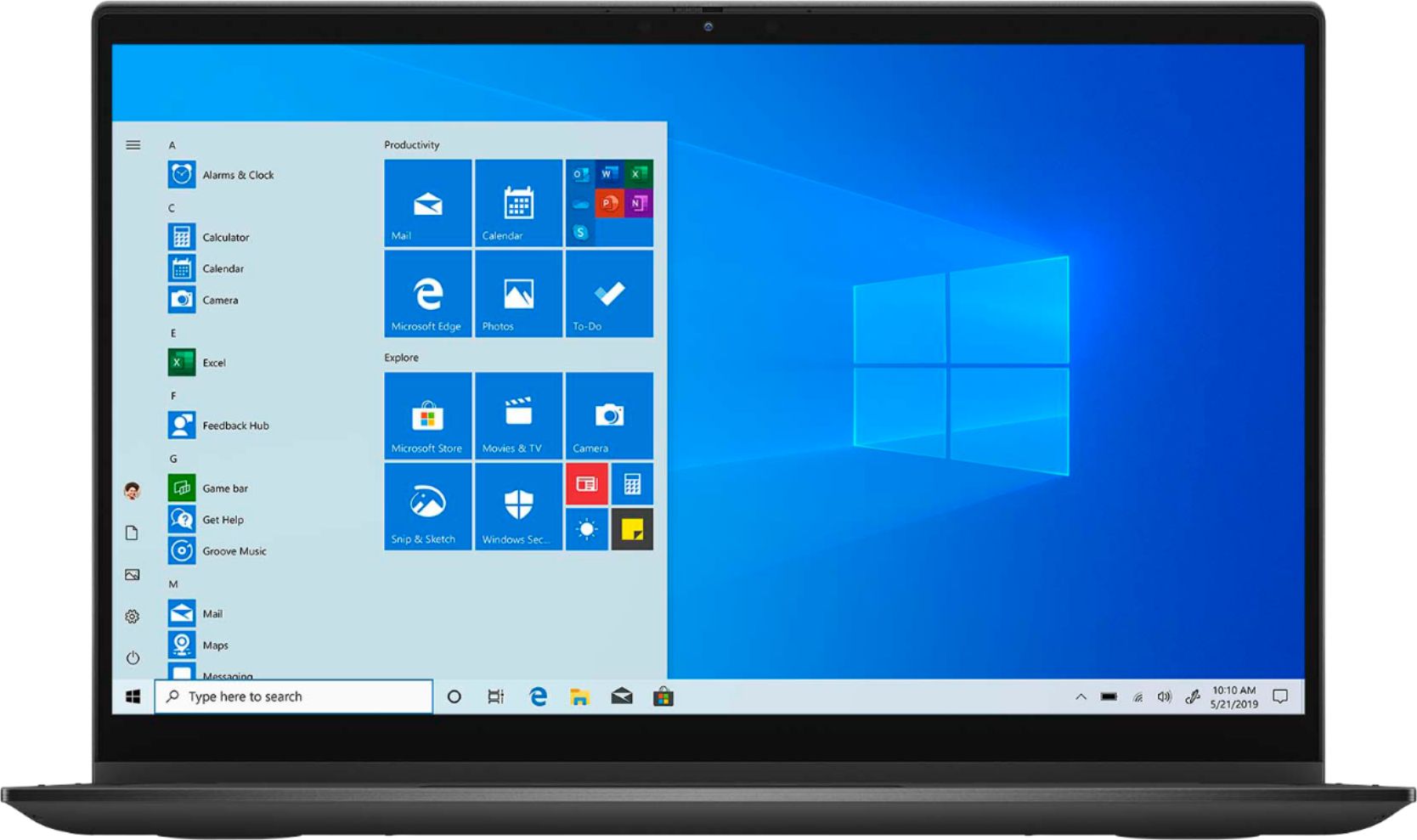
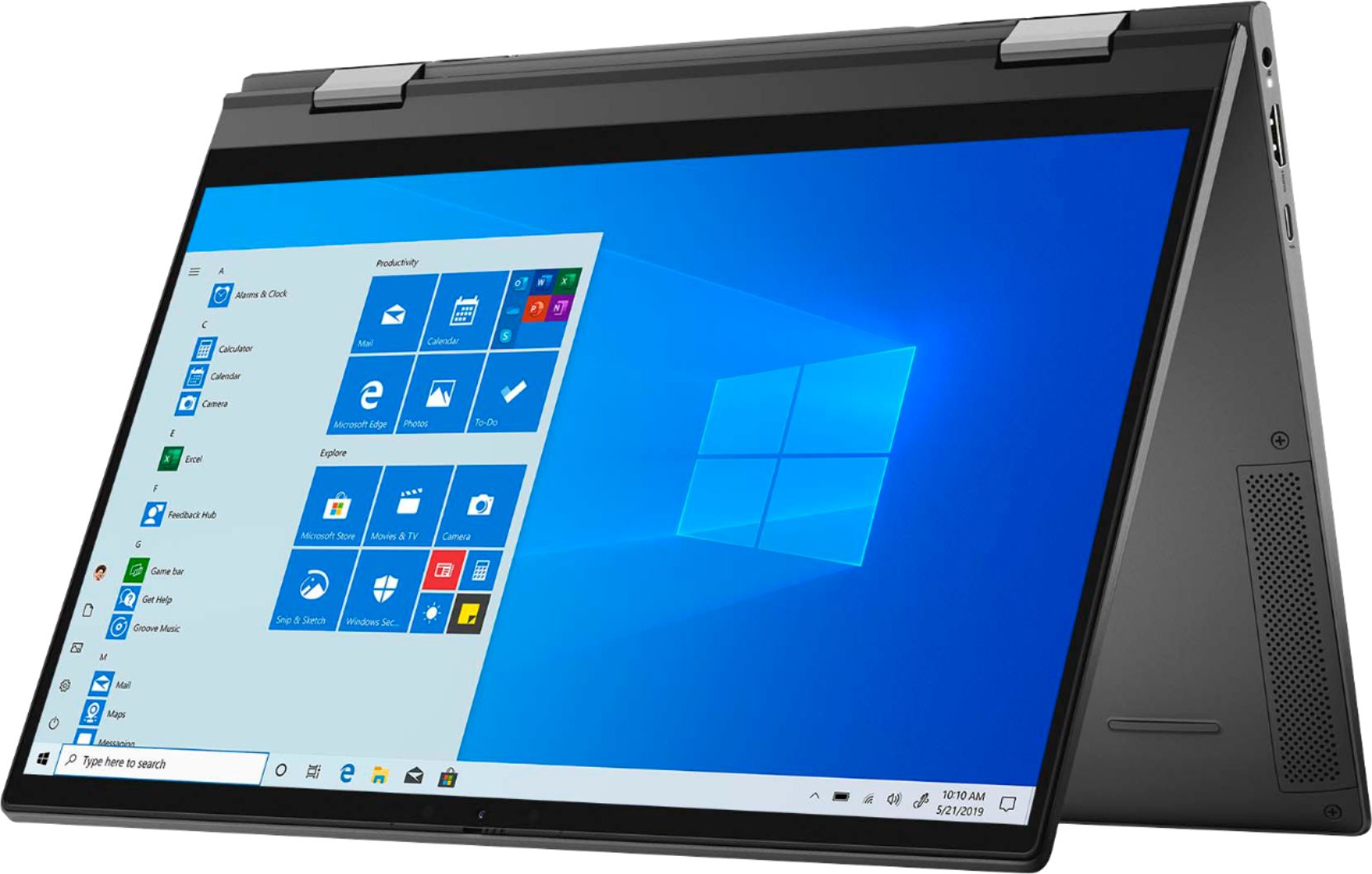
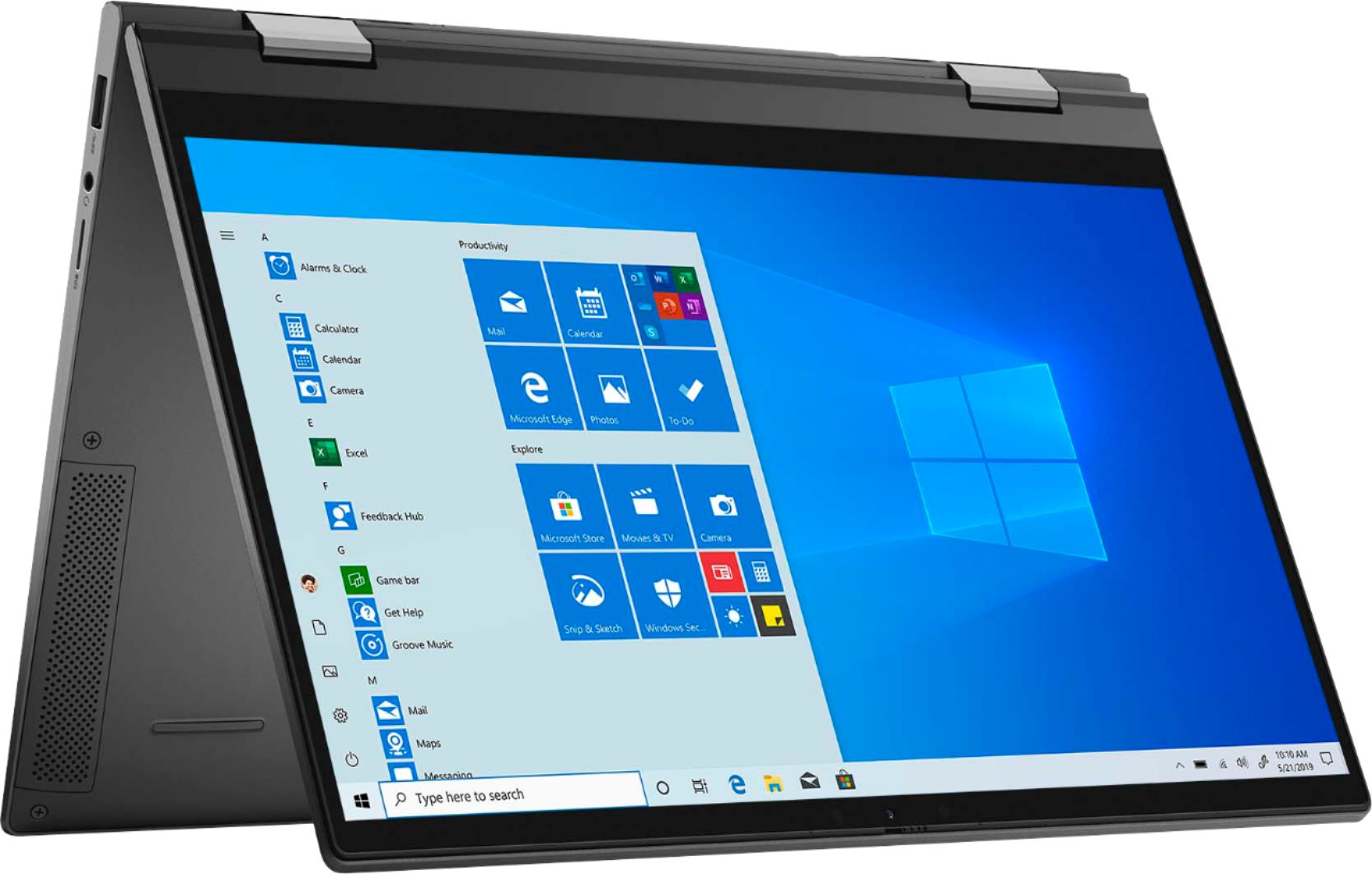
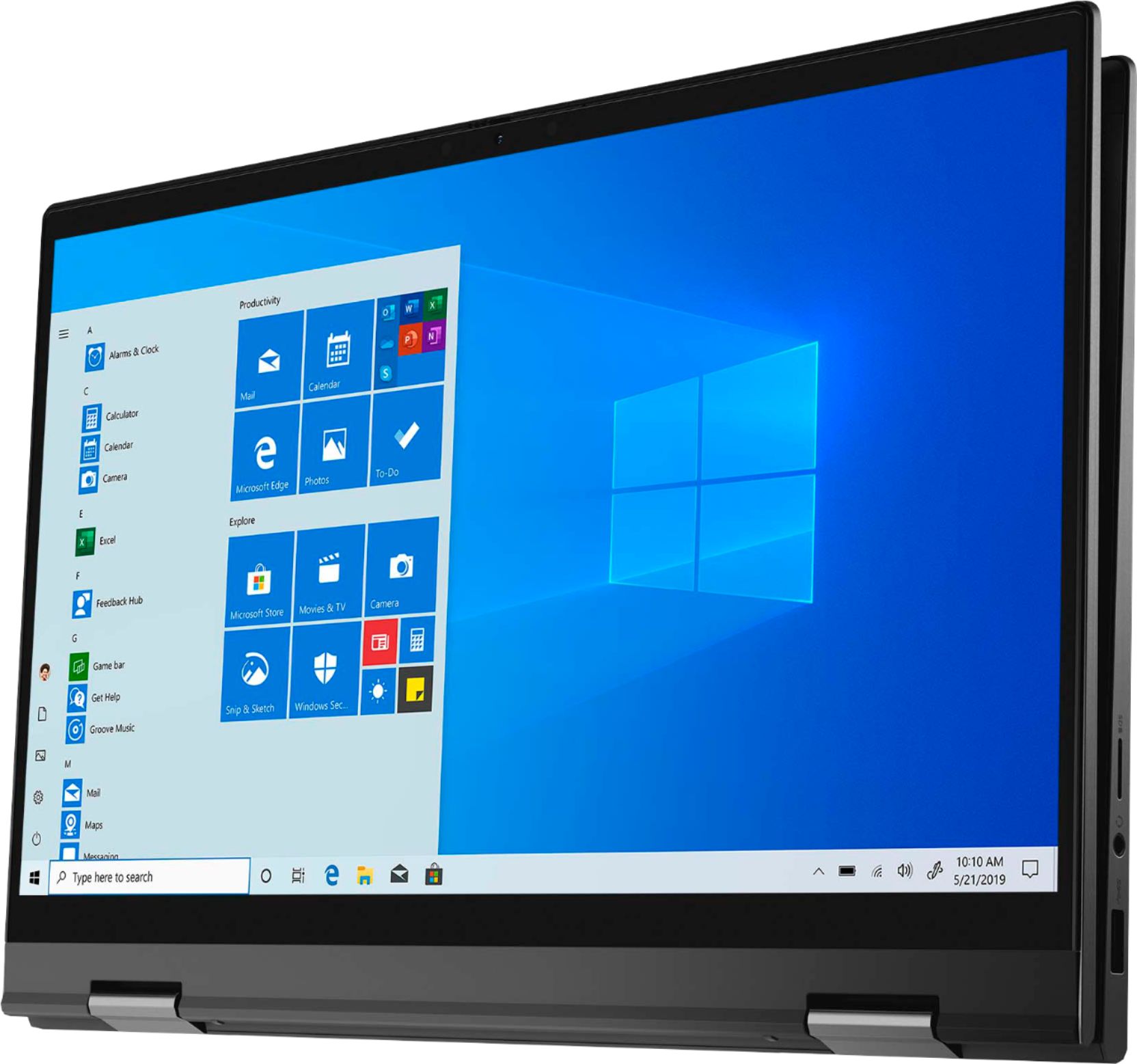
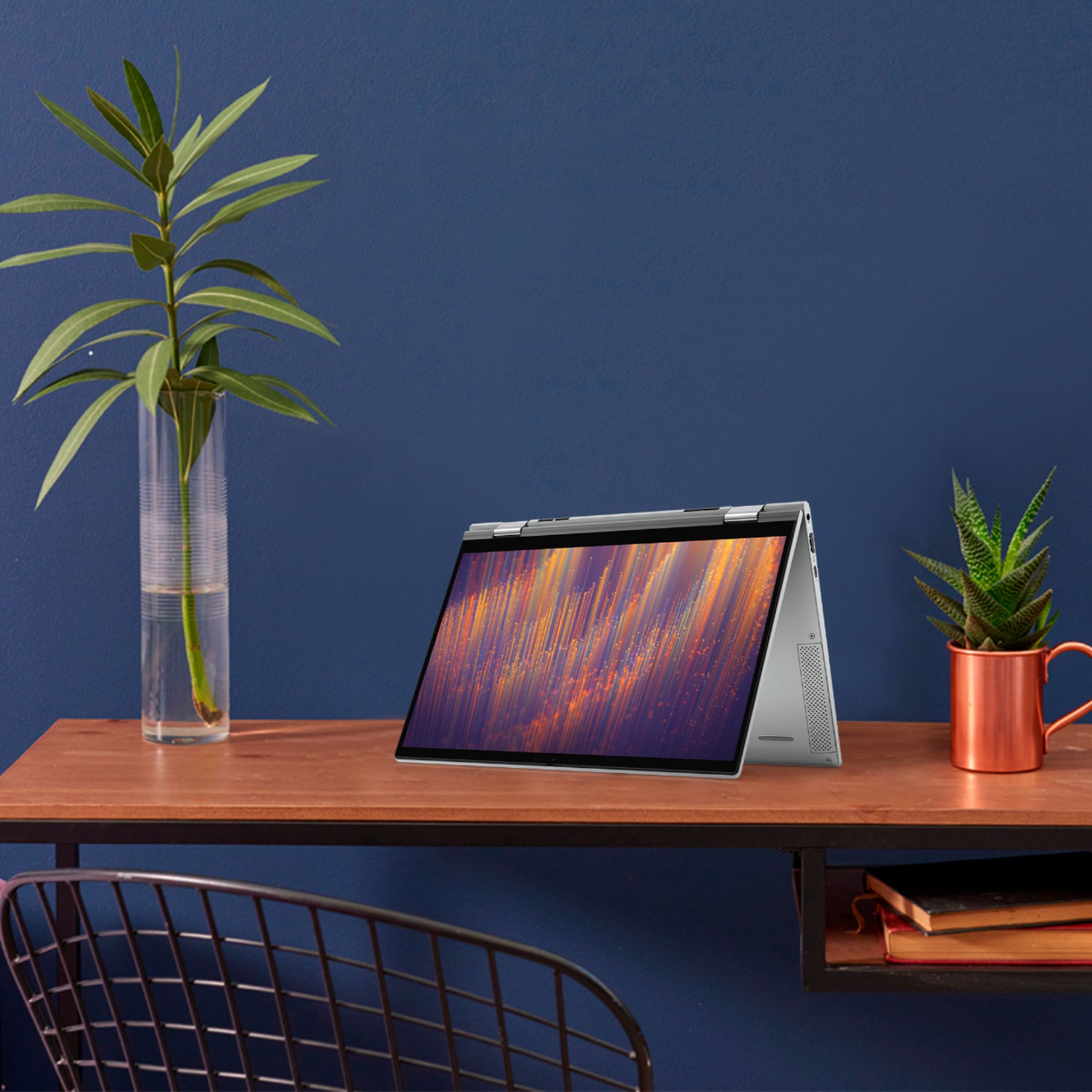
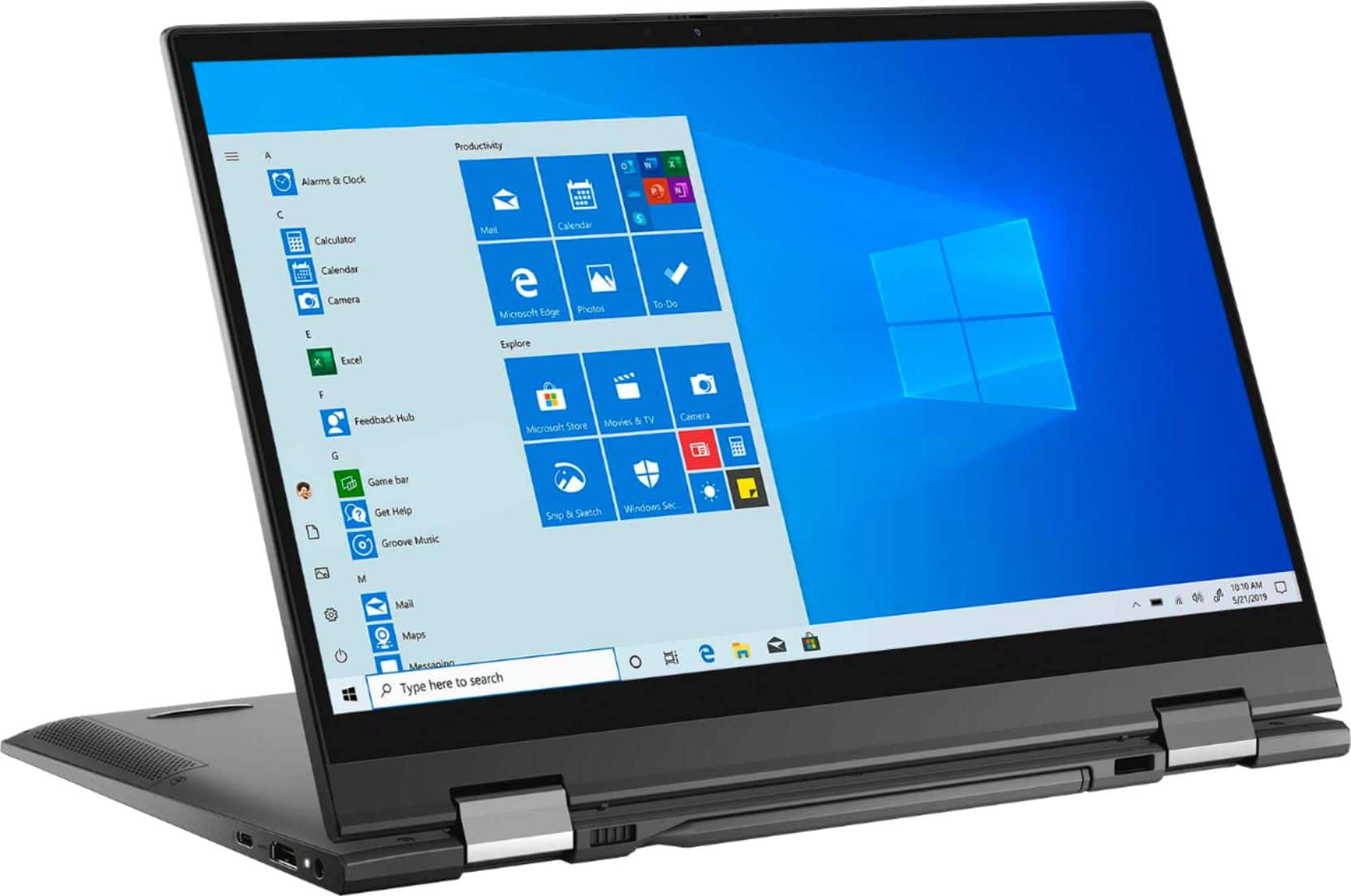
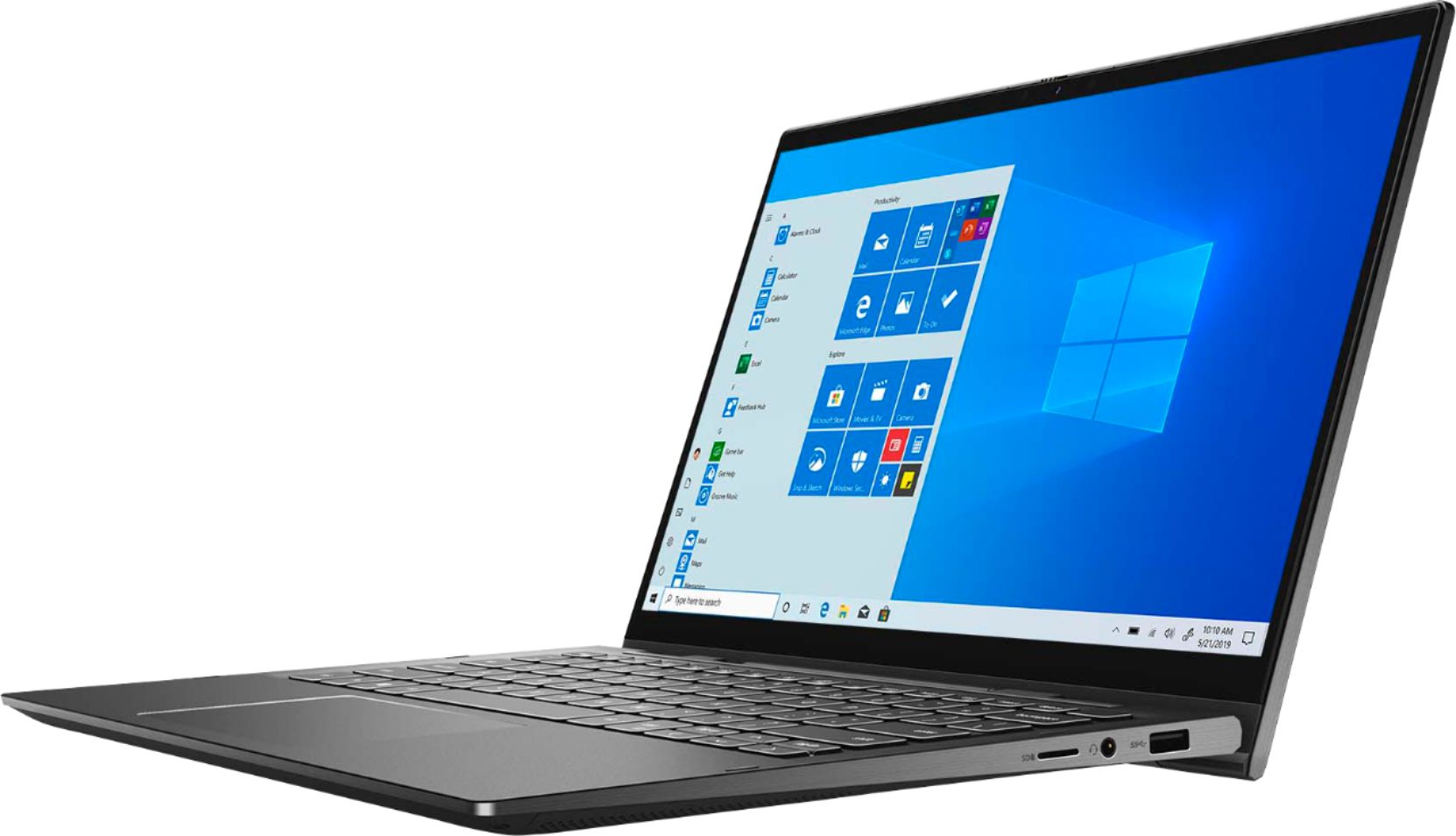
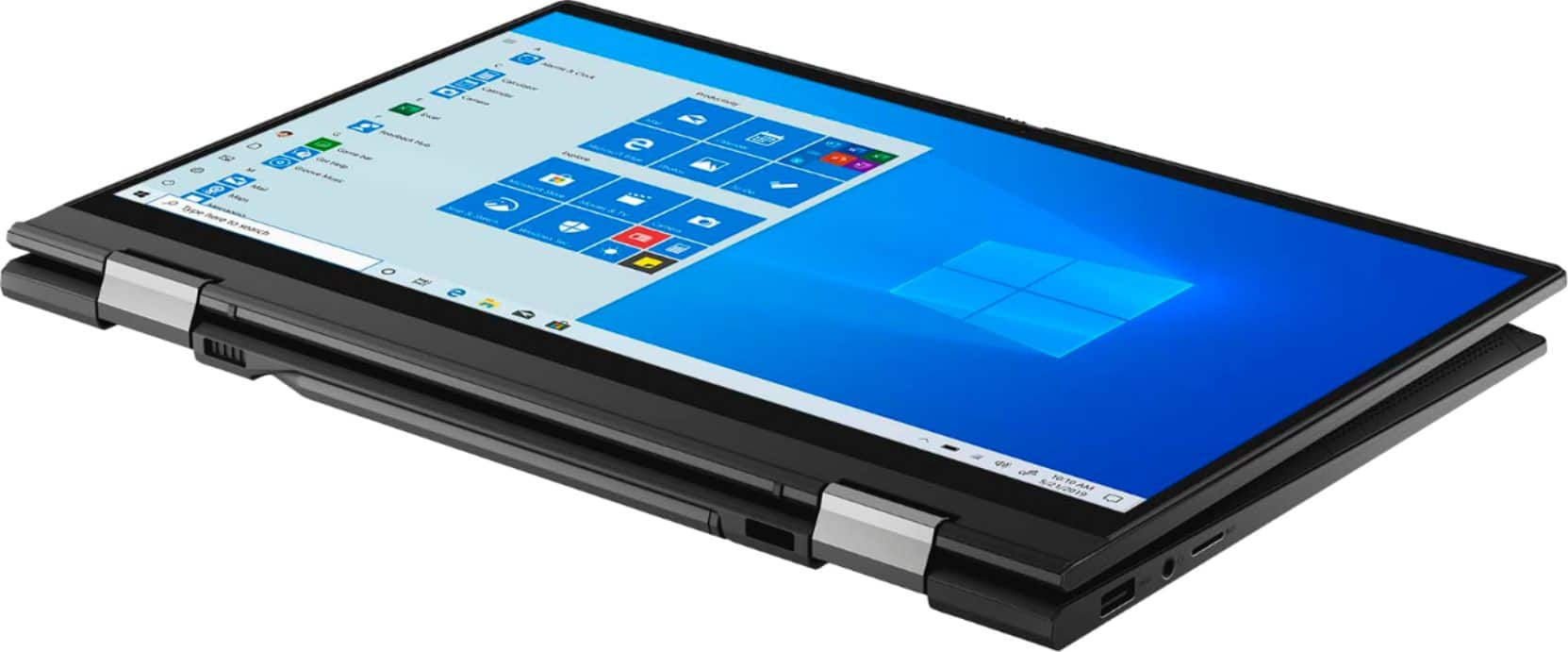
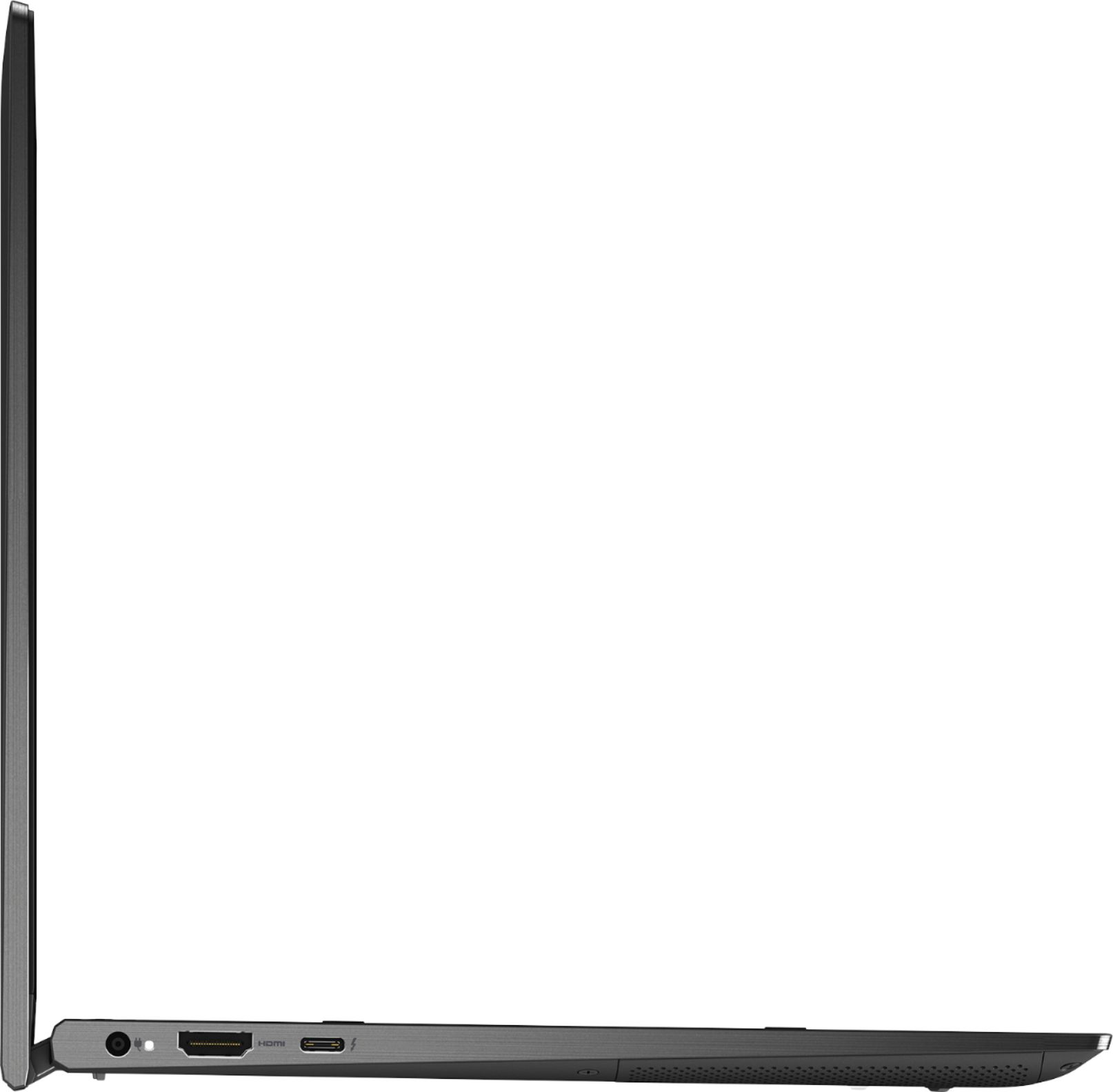
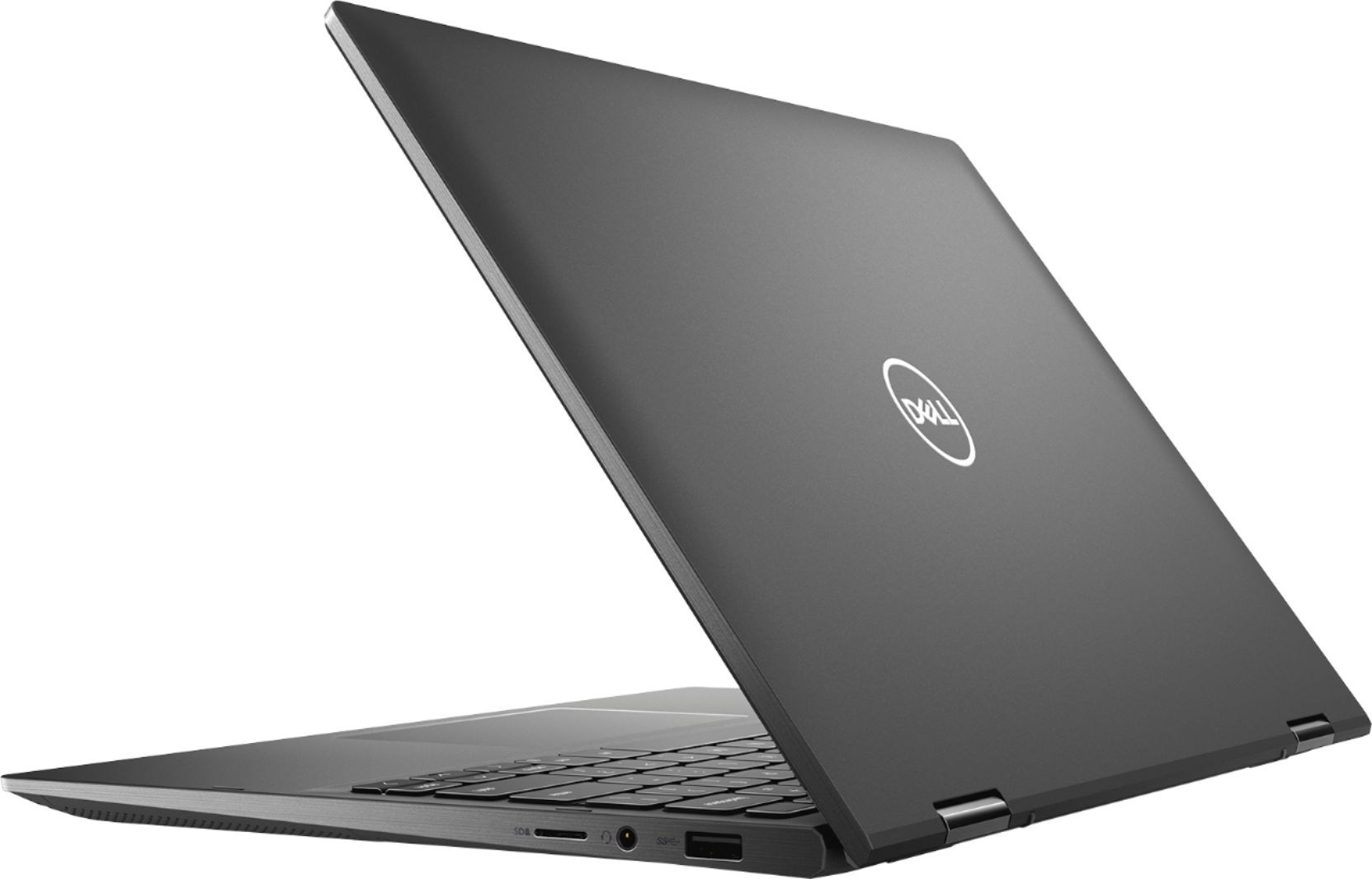
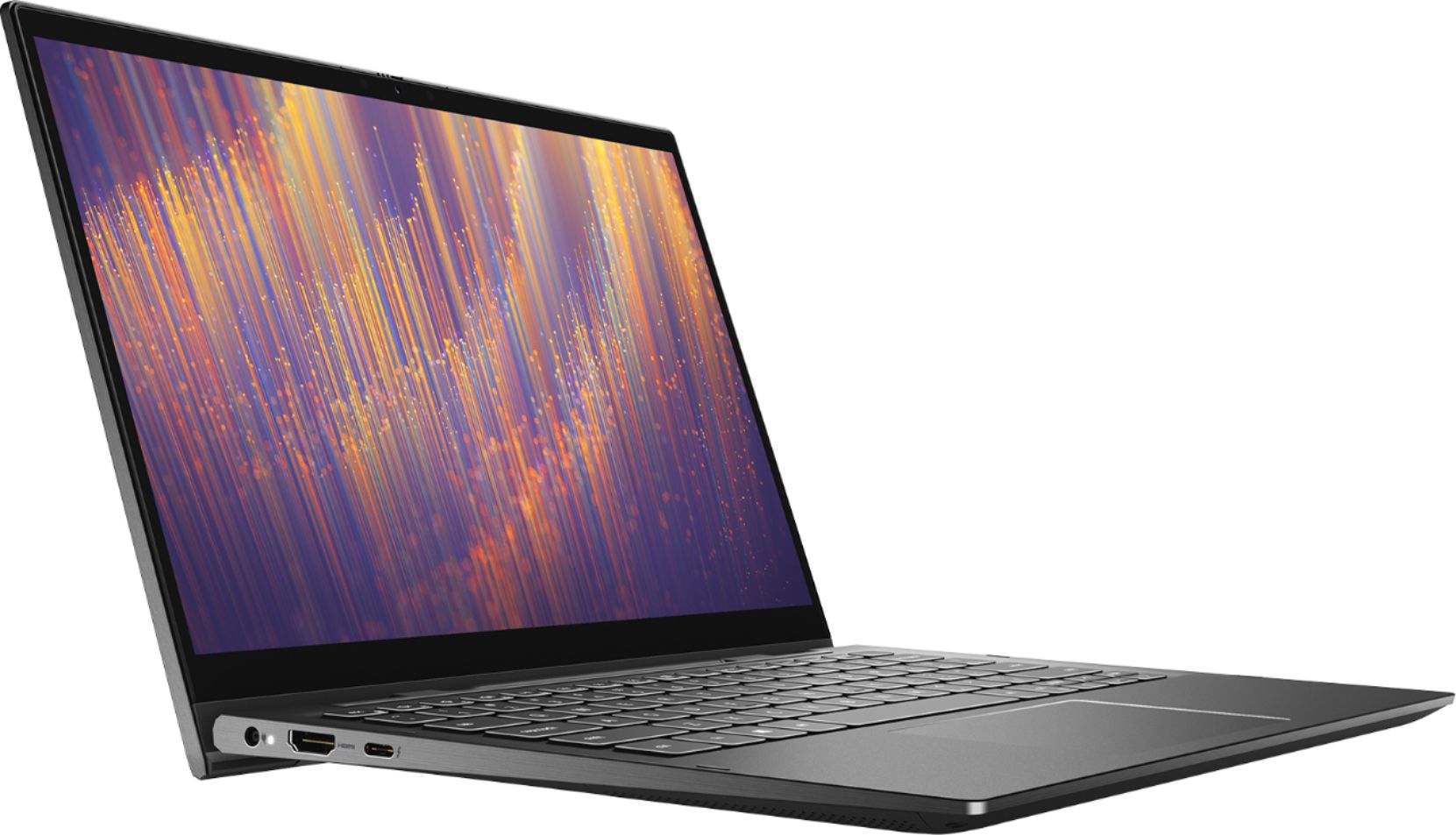
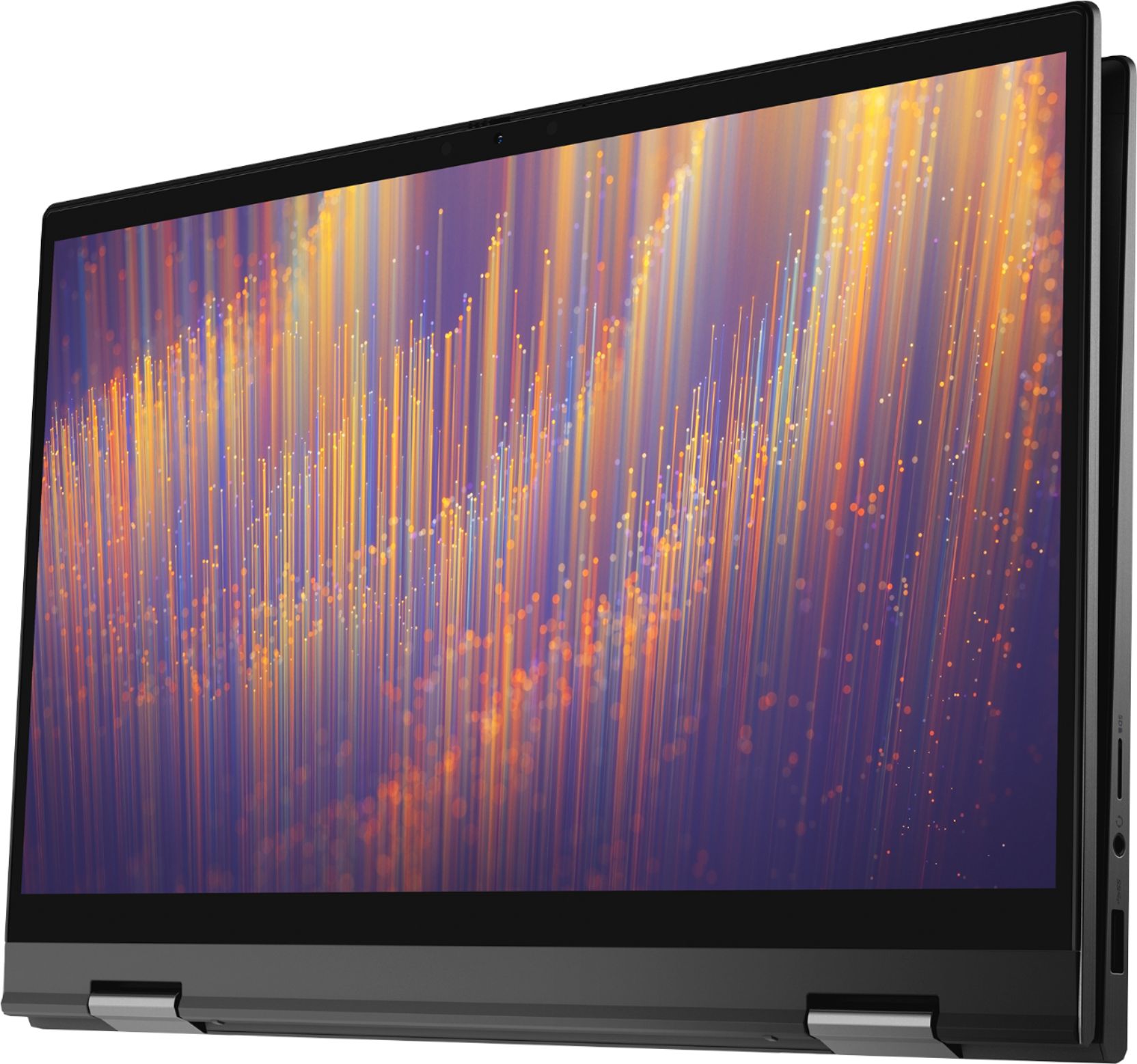
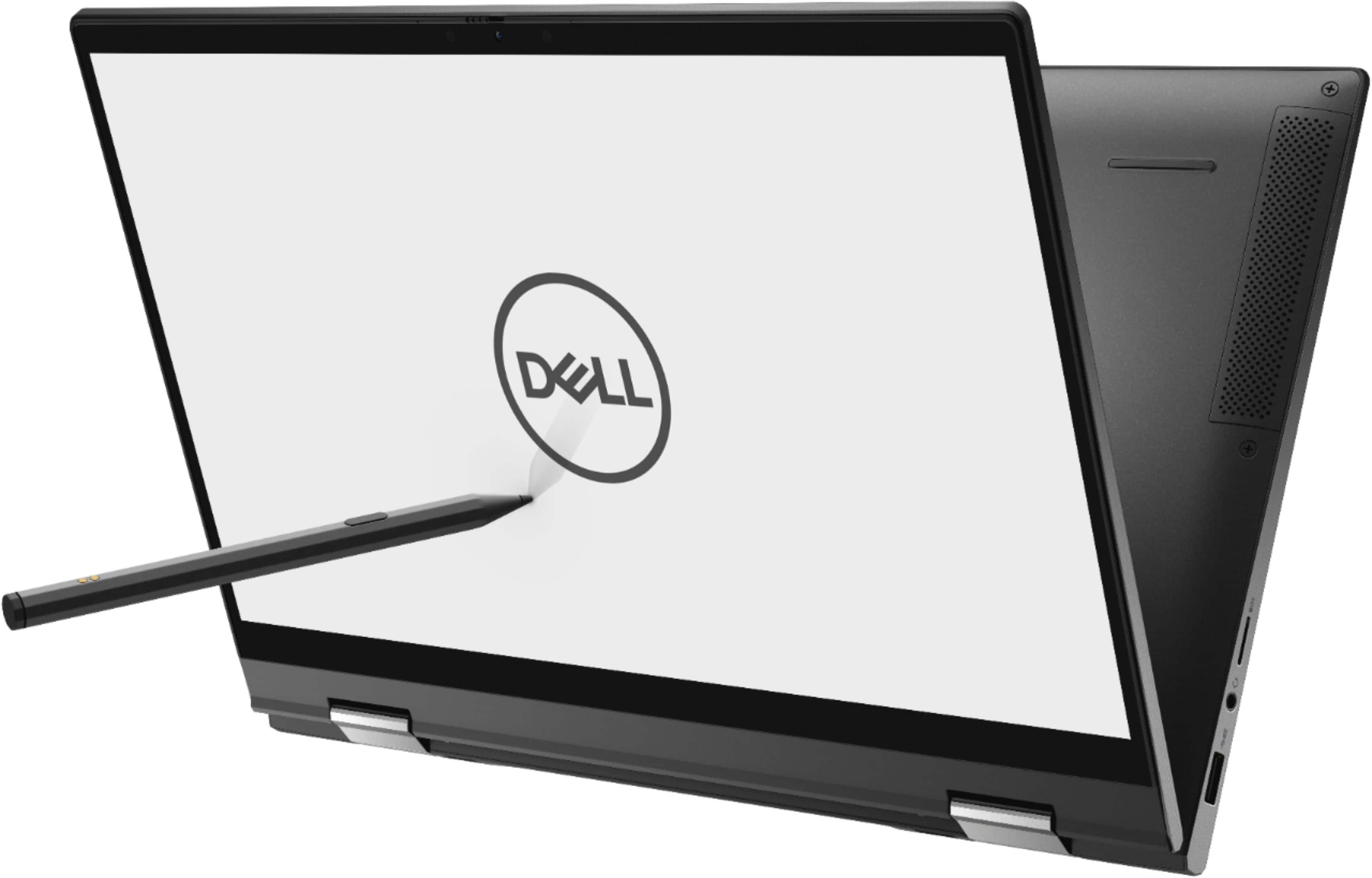
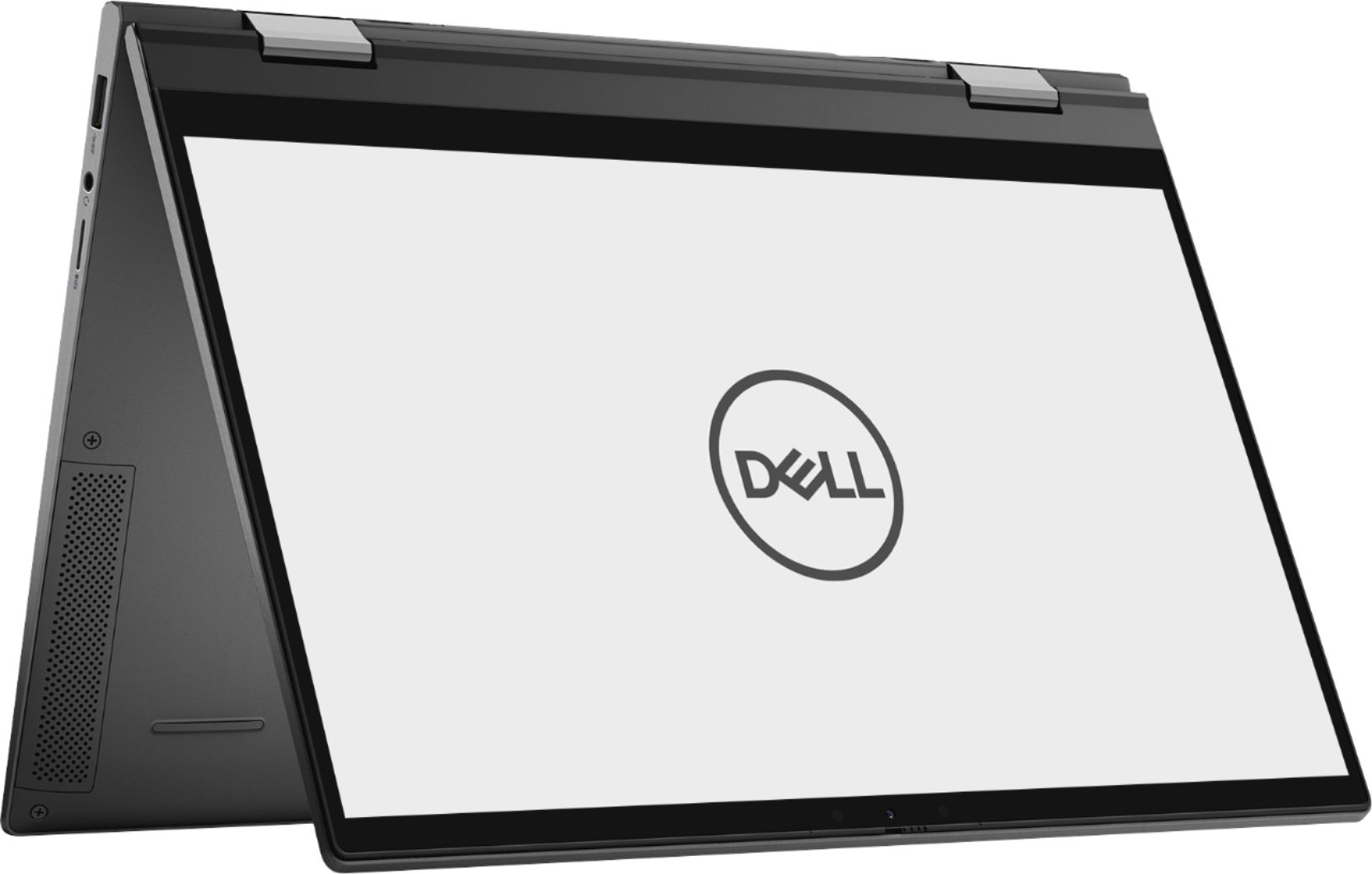
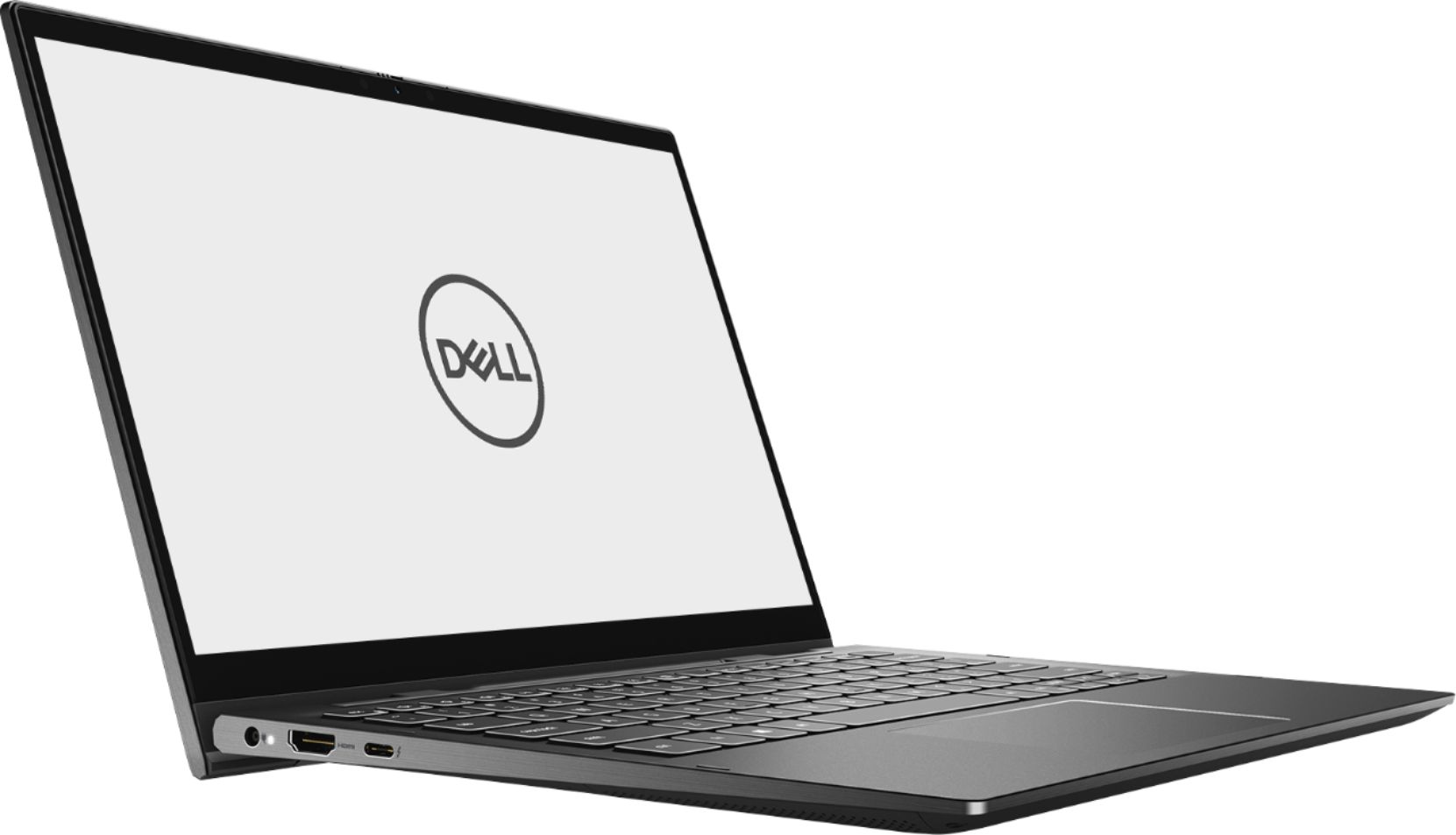
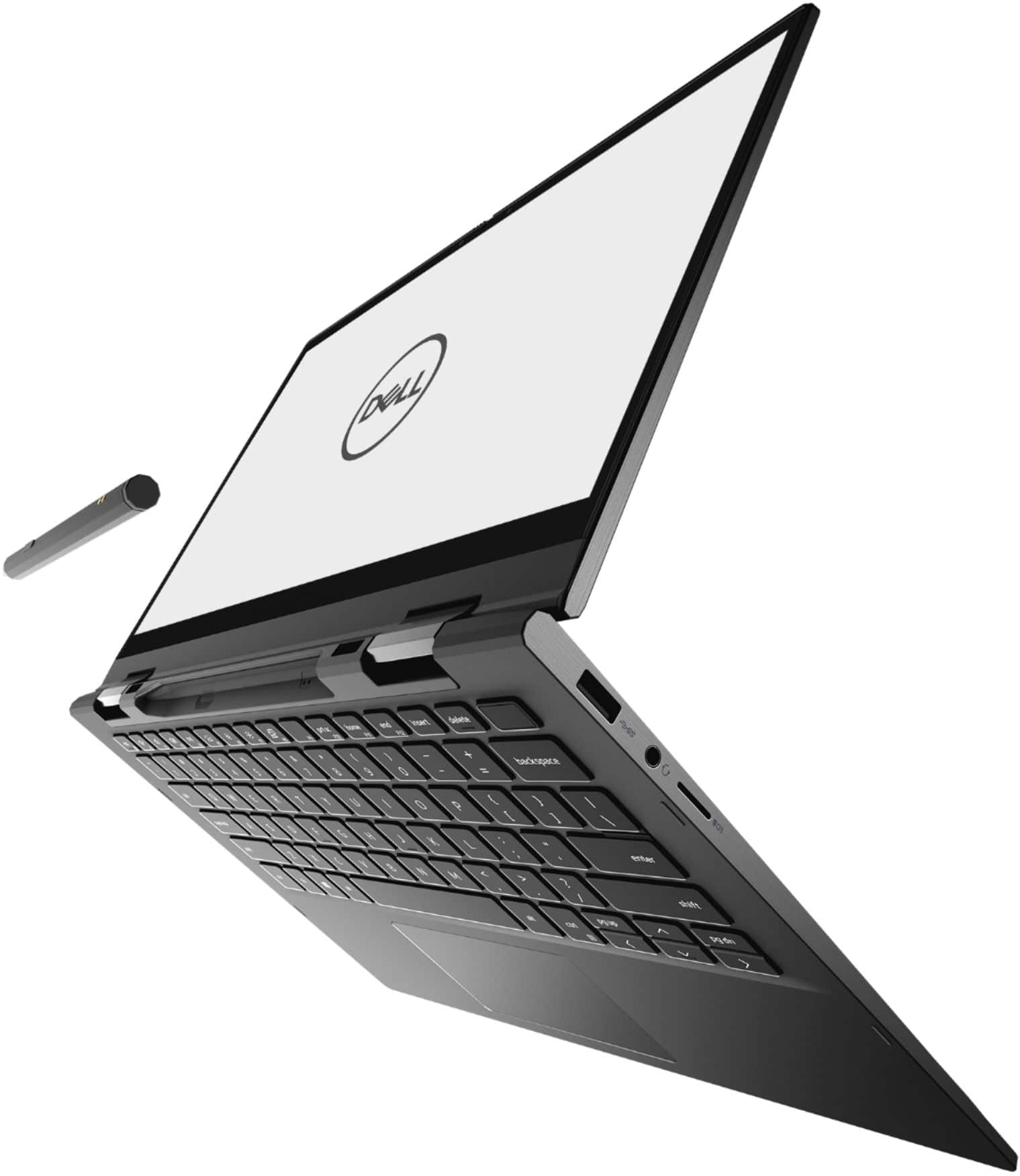
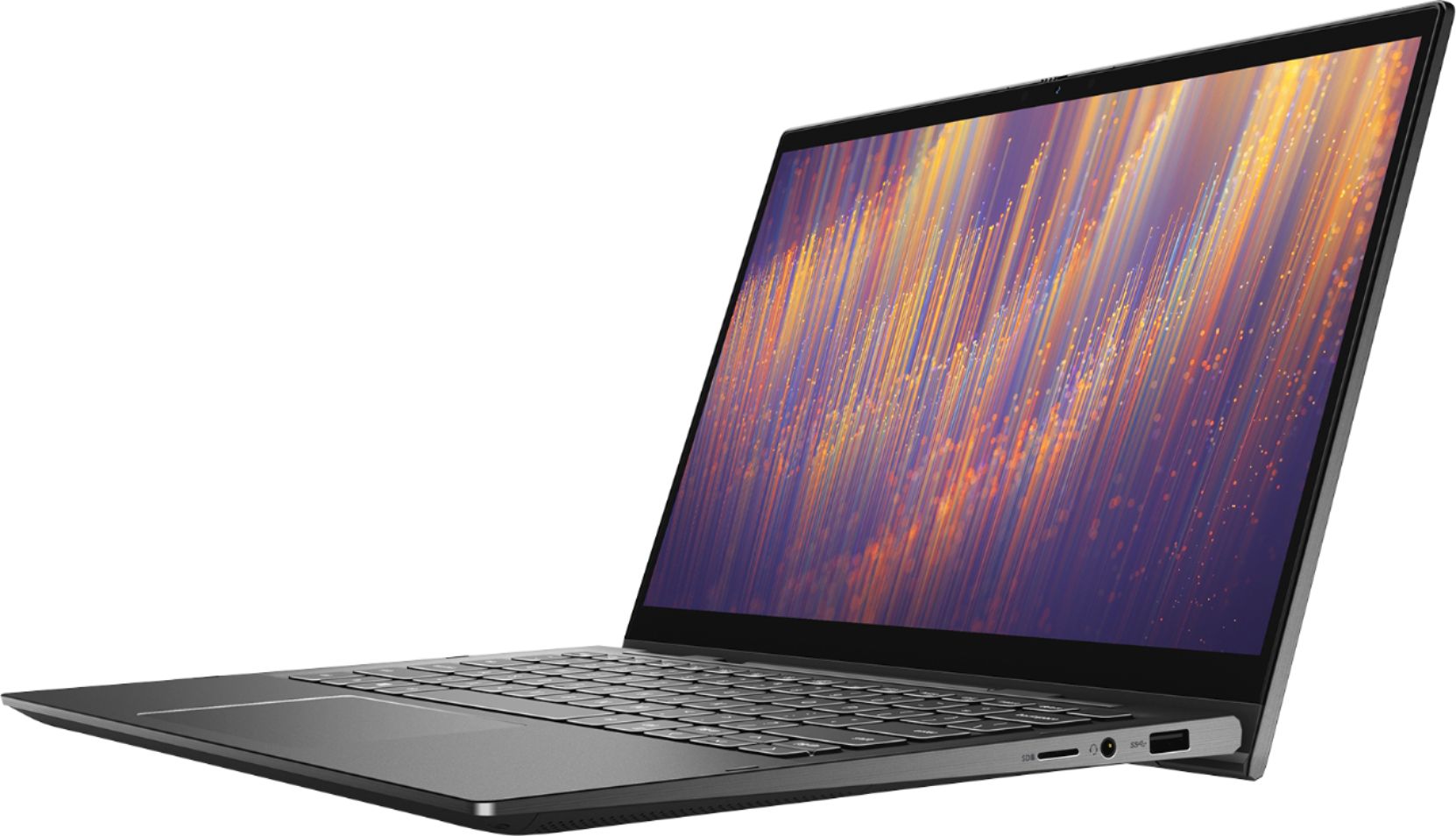
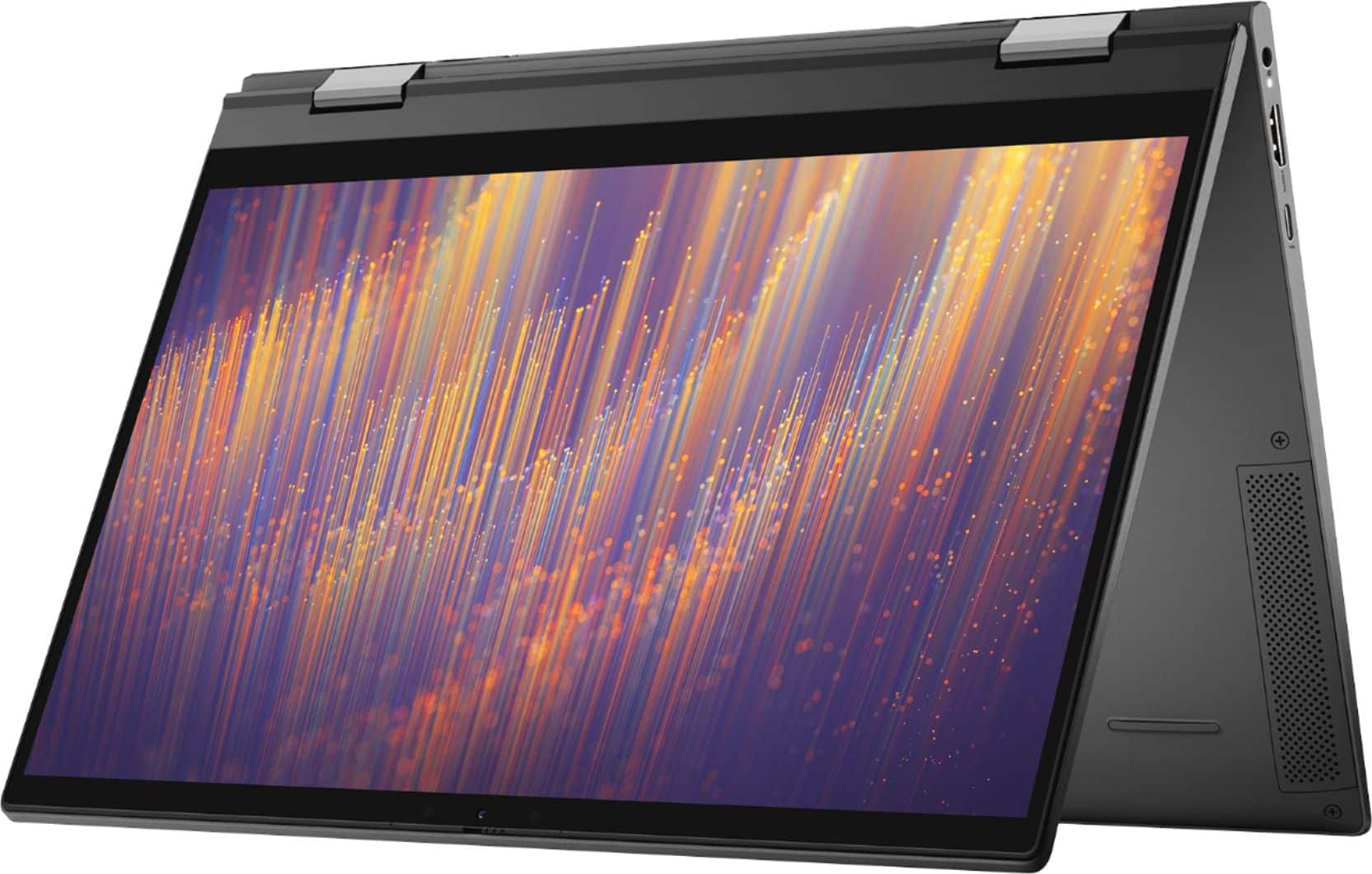
Customers enjoy the fast performance, touch screen, and affordable price of the Inspiron 13 7000 2-in-1 laptop. They appreciate its compact size, portability, and lightweight design, as well as the beautiful 4K display. However, some users have concerns about the battery life, overheating issues, and fan noise.
This summary was generated by AI based on customer reviews.
- Pros mentioned:Touch screen
Dell
||Posted .This reviewer received promo considerations or sweepstakes entry for writing a review.Es my rápida , potentes pequeñas y pantallas touch
I would recommend this to a friend - Pros mentioned:Price
Dell7000
||Posted . Owned for 1 month when reviewed.This reviewer received promo considerations or sweepstakes entry for writing a review.Very good for the price. Easy to use and very light
I would recommend this to a friend - Pros mentioned:Fast
Faster computer
||Posted . Owned for 1 week when reviewed.This reviewer received promo considerations or sweepstakes entry for writing a review.It’s awesome and fast. It’s newer than any other laptop
I would recommend this to a friend - Pros mentioned:Fast
Great laptop for college
||Posted . Owned for 1 month when reviewed.This reviewer received promo considerations or sweepstakes entry for writing a review.Good size. Lightweight. Has plenty storage & is fast.
I would recommend this to a friend Excellent for work and play
||Posted . Owned for 9 months when reviewed.This reviewer received promo considerations or sweepstakes entry for writing a review.I’ve used this laptop for my “daily driver” over the course of the last few months. I’ve been deeply impressed. Over Christmas, I did some video editing. If I turned my resolution down to regular HD (1080p), the laptop was surprisingly a workhorse in allowing me to create virtual choir videos.
I would recommend this to a friend- Cons mentioned:Overheating
Great Powerhouse Ultrabook with MAJOR Design Flaw
||Posted . Owned for less than 1 week when reviewed.This reviewer received promo considerations or sweepstakes entry for writing a review.I really wanted to love this laptop. Has top of the line CPU, memory, SSD and 4k Screen. So light way and great to use. Down side, the track pad. These seem to have a common issue where trackpad will get stuck or double left click ever time you click with it and it drove me up the wall. I am also right handed so if I use my left hand to hold the laptop and right had on the track pad, it will not let the trackpad click due to flex in chassis . If you use an external mouse then not a big deal but for me for how much I spent, make a good trackpad. Dell you have had issues with this before yet you still put the same pad in your laptop. Also other downside is heat. These get hot. Its i7 in ultra book. Soem people have had issues with overheating and dell says they recommend not using this in your lap due to blocking the cooling fans intake. Again great laptop just for me the trackpad killed it but you can steal 1 of these now so I would recommend giving it a try and see what you think.
No, I would not recommend this to a friendBrand response from YourDellTeam
Posted .Adamelitemember,
Thanks for your review. We're sorry to hear that your touchpad has been giving you issues. You can try to re-calibrate your touchpad with these steps: Some Notebooks and Tablets with Keyboards have added gesture features to the touchpad hardware and drivers. A few of these features are two or three finger scrolling, pinch zoom, circle zoom, rotate and swiping. These new features may be the reason for the erratic cursor movement since most are turned on by default. You can disable or modify the way the features work in the touchpad driver properties. Here are some tips to modify these settings:
1. In the Search box, type main.cpl.
2. Touch or click main.cpl in the list of programs.
3. Touch or click the Dell Touchpad tab.
4. Touch or click on the picture of the touchpad.
5. Touch or click Gestures (depending on your computer there may not be a Gestures option).
6. Change the options as preferred.
7. Touch or click Save.
8. Touch or click the X in the upper-right corner to close the Dell Touchpad Utility.
9. Touch or click OK on the Mouse Properties window.
10. If the touchpad still does not work after following the preceding steps, refer to Dell Knowledge Base article - http://dell.to/2iaiujA.
You can read the full article here - http://dell.to/2tqmS02.
If you'd like your computer to operate at a cooler temperature, here are some tips:
1. Dell does not recommend placing portable systems directly on your lap. Due to reductions in the thickness of modern portable systems, heat transfer can be an issue.
2. Using a portable system (Laptop) on a hard, flat, non-cloth surface will increase airflow and reduce heat from underneath and inside the system.
Using the portable system on a blanket, pillow, or other types of cloth will cover up the fan cause the computer to overheat and can cause permanent damage.
3. It is recommended to use the portable system in a Room temperature of 0°C to 35°C (32°F to 95°F) with a Humidity level no greater than 90%.
4. Use compressed air to clean the vents on a regular basis.
5. Using a cooling pad can decrease heat and increase performance.
6. If you want to know the temperature limitations for your system, go to the Dell Support Website, look up your system model then open the user guide under the manuals link.
You can read the full article here - http://dell.to/2uJ8AdG.
Best,
Bryan
1-800-624-9896
Good
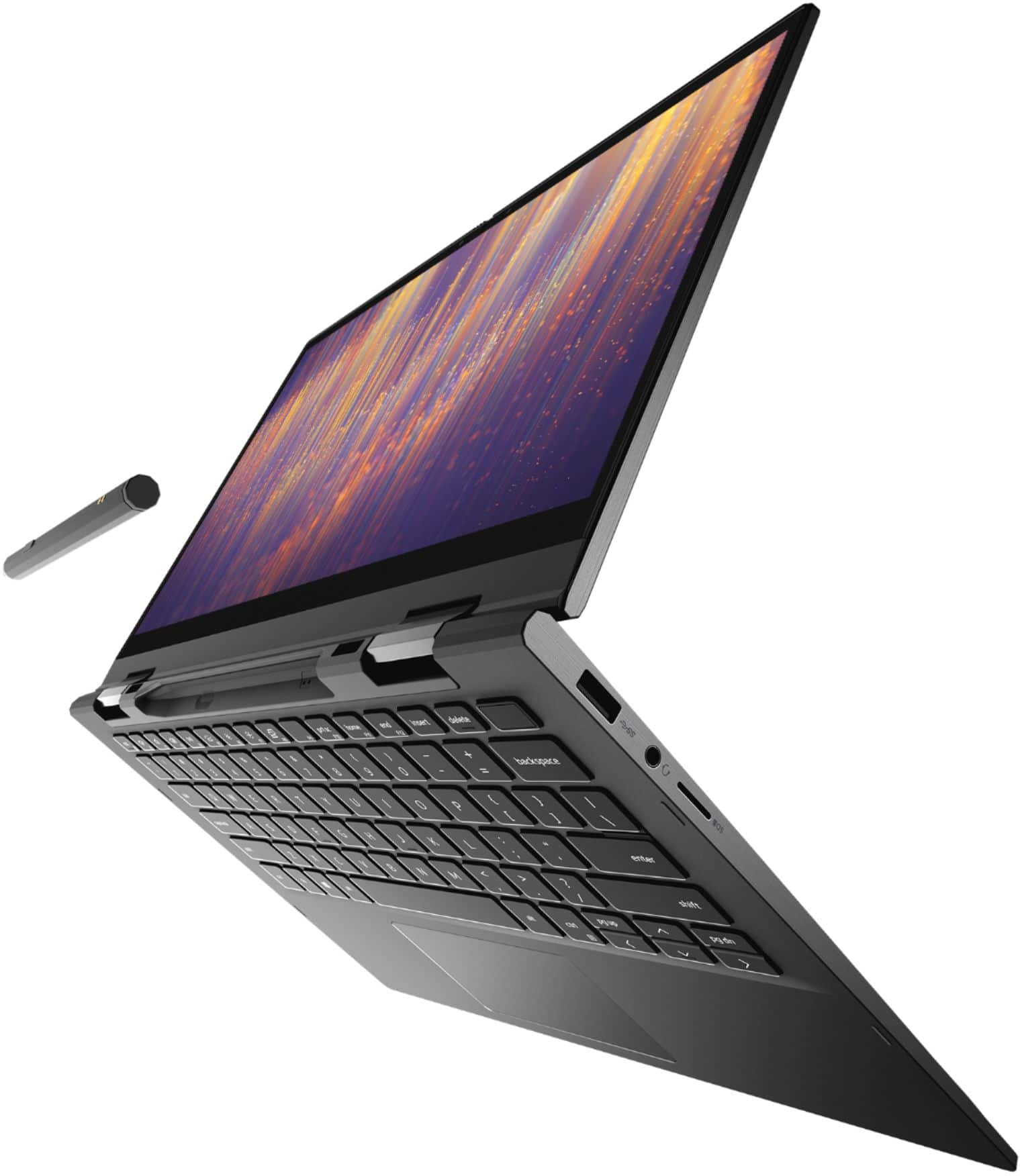
||Posted . Owned for 1 week when reviewed.This reviewer received promo considerations or sweepstakes entry for writing a review.Touch screen is not as great as I was expecting. Overall a good laptop. I love how strong the pen magnet is, I don't worry about losing it!
I would recommend this to a friend- Pros mentioned:Price
Solid laptop
||Posted . Owned for 1 week when reviewed.This reviewer received promo considerations or sweepstakes entry for writing a review.No complaints yet, good price for all that it does
I would recommend this to a friend Never buying Dell again
||Posted . Owned for more than 2 years when reviewed.This reviewer received promo considerations or sweepstakes entry for writing a review.Never will I buy Dell again. Required three repairs, and thankfully I had Geek Squad Protection. I also did not enjoy using it, trackpad was difficult to use. The only good thing was the ability to fold back the keyboard and use it like a tablet.
No, I would not recommend this to a friendInspiron 13
||Posted . Owned for 10 months when reviewed.This reviewer received promo considerations or sweepstakes entry for writing a review.It's great. Can't complain. If it still makes sense today, get it! It has been awhile though and I have not reassessed.
I would recommend this to a friend- Pros mentioned:Touch screenCons mentioned:Overheating
Already in the shop
||Posted . Owned for 1 month when reviewed.This reviewer received promo considerations or sweepstakes entry for writing a review.Bought this for my daughter to use for college. Paid quite a bit for it. It started running too hot to touch and froze up a few times. After only three weeks, she had to take it to Geek Squad and they had to send it to the mainland from Hawaii for diagnostics. Should’ve bought an HP.
No, I would not recommend this to a friendBrand response from YourDellTeam
Posted .Donna,
Thanks for your review and we're sorry to hear about the overheating that you're experiencing with your computer. Here are some suggestions to help your computer run cooler:
Tips for Proper Usage:
1. Dell does not recommend placing portable systems directly on your lap. Due to reductions in the thickness of modern portable systems, heat transfer can be an issue.
2. Using a portable system (Laptop) on a hard, flat, non-cloth surface will increase airflow and reduce heat from underneath and inside the system.
Using the portable system on a blanket, pillow, or other types of cloth will cover up the fan cause the computer to overheat and can cause permanent damage.
3. It is recommended to use the portable system in a Room temperature of 0°C to 35°C (32°F to 95°F) with a Humidity level no greater than 90%.
4. Use compressed air to clean the vents on a regular basis.
5. Using a cooling pad can decrease heat and increase performance.
6. If you want to know the temperature limitations for your system, go to the Dell Support Website, look up your system model then open the user guide under the manuals link.
You can read the full article here - http://dell.to/2uJ8AdG.
Best,
Bryan
1-800-624-9896
So Easy to Use
||Posted . Owned for 1 month when reviewed.This reviewer received promo considerations or sweepstakes entry for writing a review.My old laptop was about 10 yrs. I couldn't use it without having it plugged in, except maybe to follow a recipe. This is so quick. Easy to fill out spreadsheets and use the active pen to complete forms online. The resolution is great for streaming shows. I just hope it holds up as long as my last one!
I would recommend this to a friendPerfect for school on the go.
||Posted . Owned for 1 week when reviewed.This reviewer received promo considerations or sweepstakes entry for writing a review.Easy for school on the go during Covid 19. Has a lot of cool features that definitely help while doing school online and on zoom.
I would recommend this to a friendLittle pricy
||Posted . Owned for 1 month when reviewed.This reviewer received promo considerations or sweepstakes entry for writing a review.I am using this from past two months and I love using this laptop as its very flexible as both notebook and as well as laptop
I would recommend this to a friendThanks Dell!
||Posted .This reviewer received promo considerations or sweepstakes entry for writing a review.Dell inspiron is a great device with plenty of memory and function for small business and personal use.
I would recommend this to a friendExperience
||Posted . Owned for 1 month when reviewed.This reviewer received promo considerations or sweepstakes entry for writing a review.The salesman was the best. He was so helpful to my son and I. If I ever have to buy anything from best buy again I will make sure he is there so I can have his opinion and support. I’ve never been so satisfied with a salesperson as I have this gentleman. Thank you so much for your help!!
I would recommend this to a friendAlmost Too Small
||Posted . Owned for 1 week when reviewed.This reviewer received promo considerations or sweepstakes entry for writing a review.Dell has a good product, but the screen is very small for any large amount of content and the keyboard is poor lighting.
No, I would not recommend this to a friendSmall but Efficient
||Posted . Owned for 1 month when reviewed.This reviewer received promo considerations or sweepstakes entry for writing a review.It’s a very good dependable little laptop. We wanted a Dell as we’ve found it to be a reliable product. Needed a laptop for zoom meetings and it’s worked great. The screen is a little smaller than I’d hoped for but it’s what was available and we feel happy with our purchase.
I would recommend this to a friend- Cons mentioned:Battery life
Lot of Issues
||Posted . Owned for 2 months when reviewed.This reviewer received promo considerations or sweepstakes entry for writing a review.Battery will last only for 3 - 4 hrs. per charge. It is a 4K display, changed the resolution and it did not help in battery improvement. Ordered a battery replacement and did not receive in over a month. Getting Blue screen error often and I had to pay $99 since it is software issue. Had to return the device.
No, I would not recommend this to a friendBrand response from YourDellTeam
Posted .SSMY,
Thanks for your review and we're sorry to hear about the battery performance on your computer. In the future we'd recommend trying the following tips:
Change the Power Plan:
1. On the notification area of the taskbar, right-click the Battery icon.
2. On the options list, click Power Options.
3. Select a power plan on the battery meter, such as Power Saver or Balanced. Windows 10 has a built in 'Battery Saver' mode that can be activated to extend your system's battery life. The Battery Saver mode will monitor and limit background activity and other features such as push notifications. You do have the option to enable or disable this mode within settings or within advanced Battery Saver settings, you can customize the mode to best suit your needs.
a) Click on the Action Center icon in the taskbar and select the tile for Battery Saver.
b) If running Cortana then type Battery Saver into the search box and select from the results.
Within the Battery Saver settings page, you will be able to turn on and off the feature and customize the feature to best meet your needs.
c) Turn Battery Saver On or Off.
d) Additional settings available via the Battery use and Battery saver settings links.
e) Battery use shows further info on apps and their power usage.
f) Battery Saver Settings screen allows you to customize further Battery Saver feature.
You can read the full article here - http://dell.to/2vfXWf4.
Best,
Bryan
1-800-624-9896
Work computer
||Posted . Owned for 1 month when reviewed.This reviewer received promo considerations or sweepstakes entry for writing a review.I like the computer and use it for work but the camera is not very good and I need to use the camera a lot zoom.
I would recommend this to a friend