Customer Ratings & Reviews





- Model:
- i7300-5395SLV-PUS
- SKU:
- 6409064
Rating by feature
- Battery Life
Rating 4.4 out of 5 stars
- Speed
Rating 4.4 out of 5 stars
- Display
Rating 4.6 out of 5 stars
Customers are saying
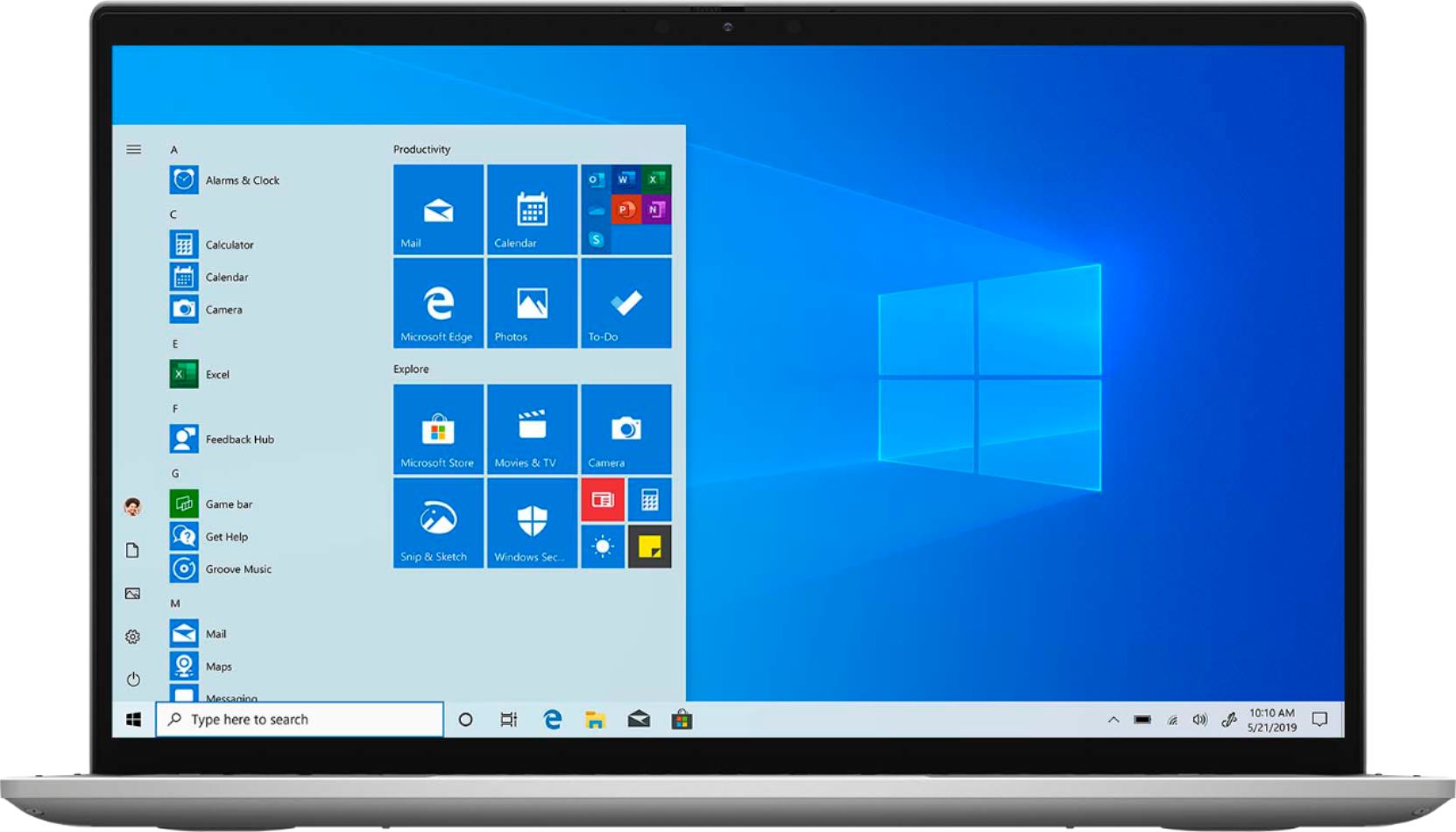
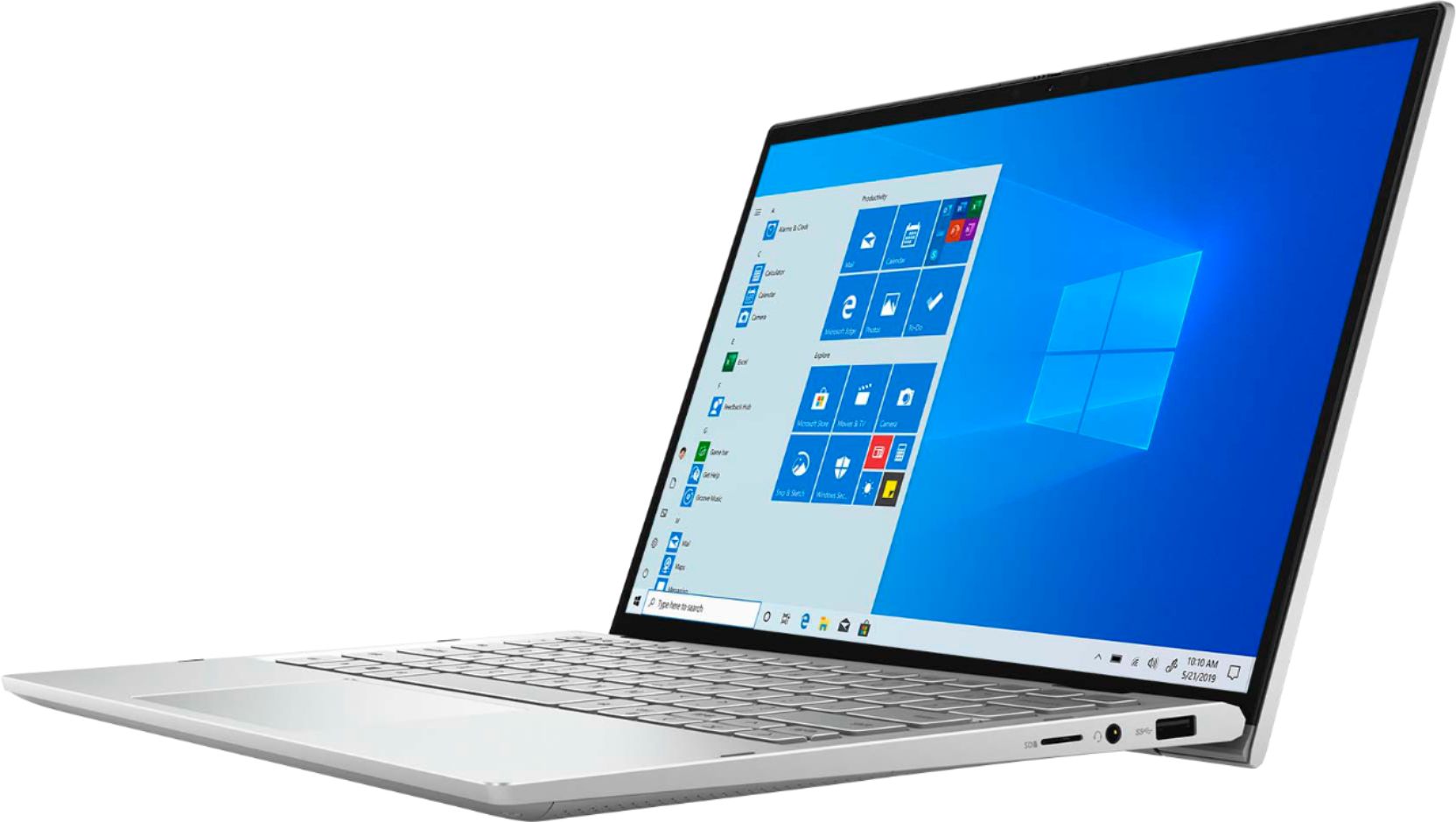
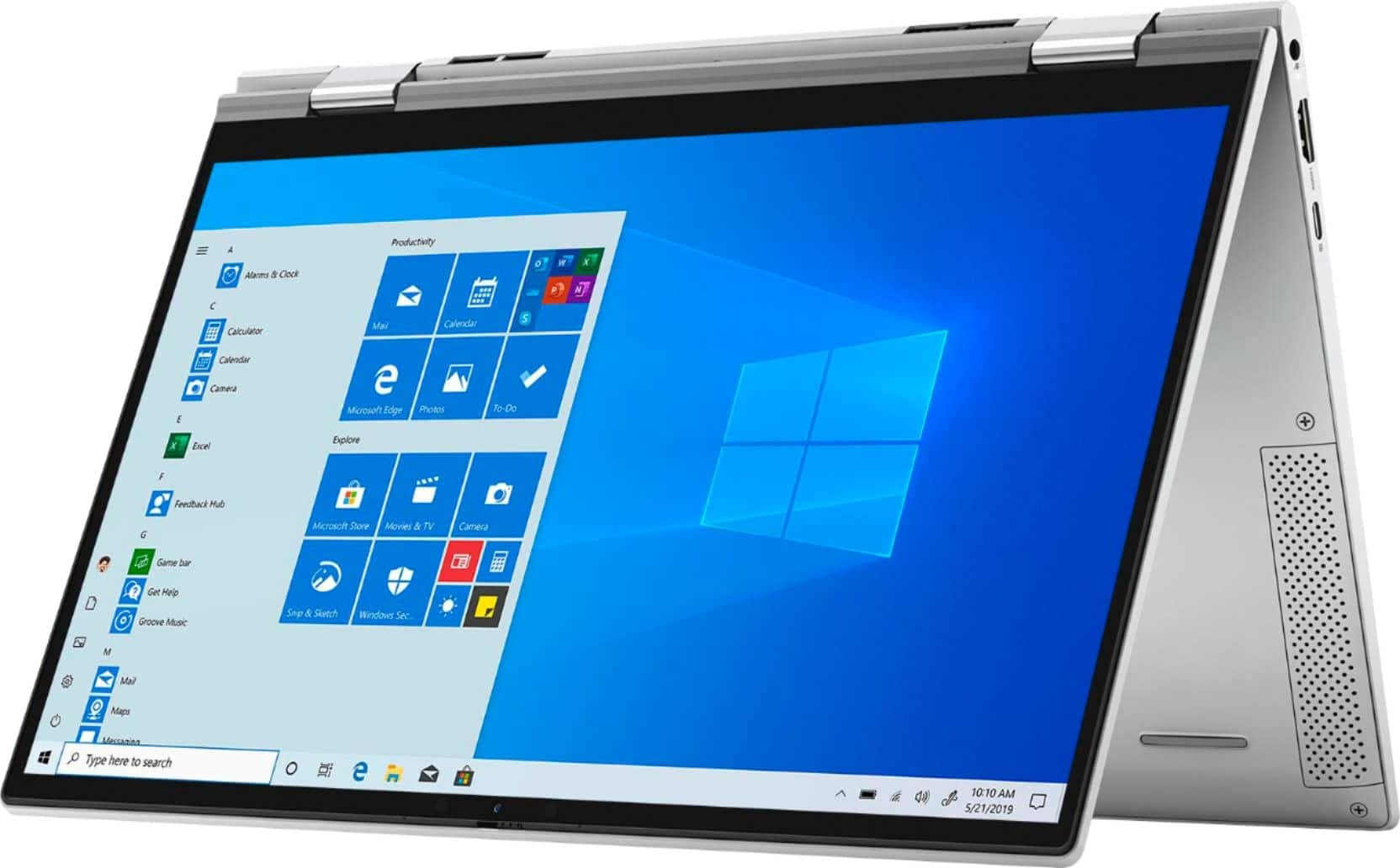
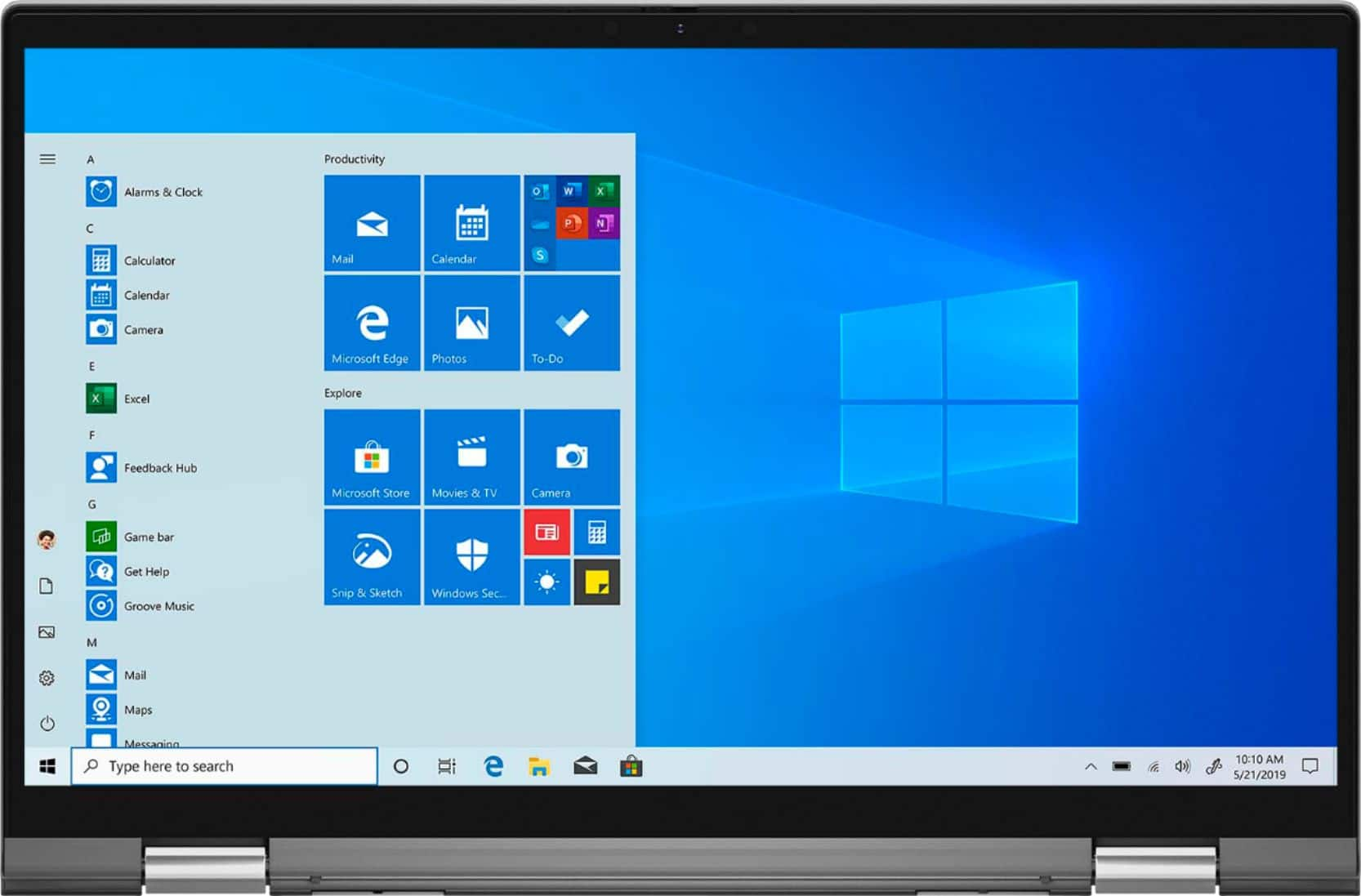
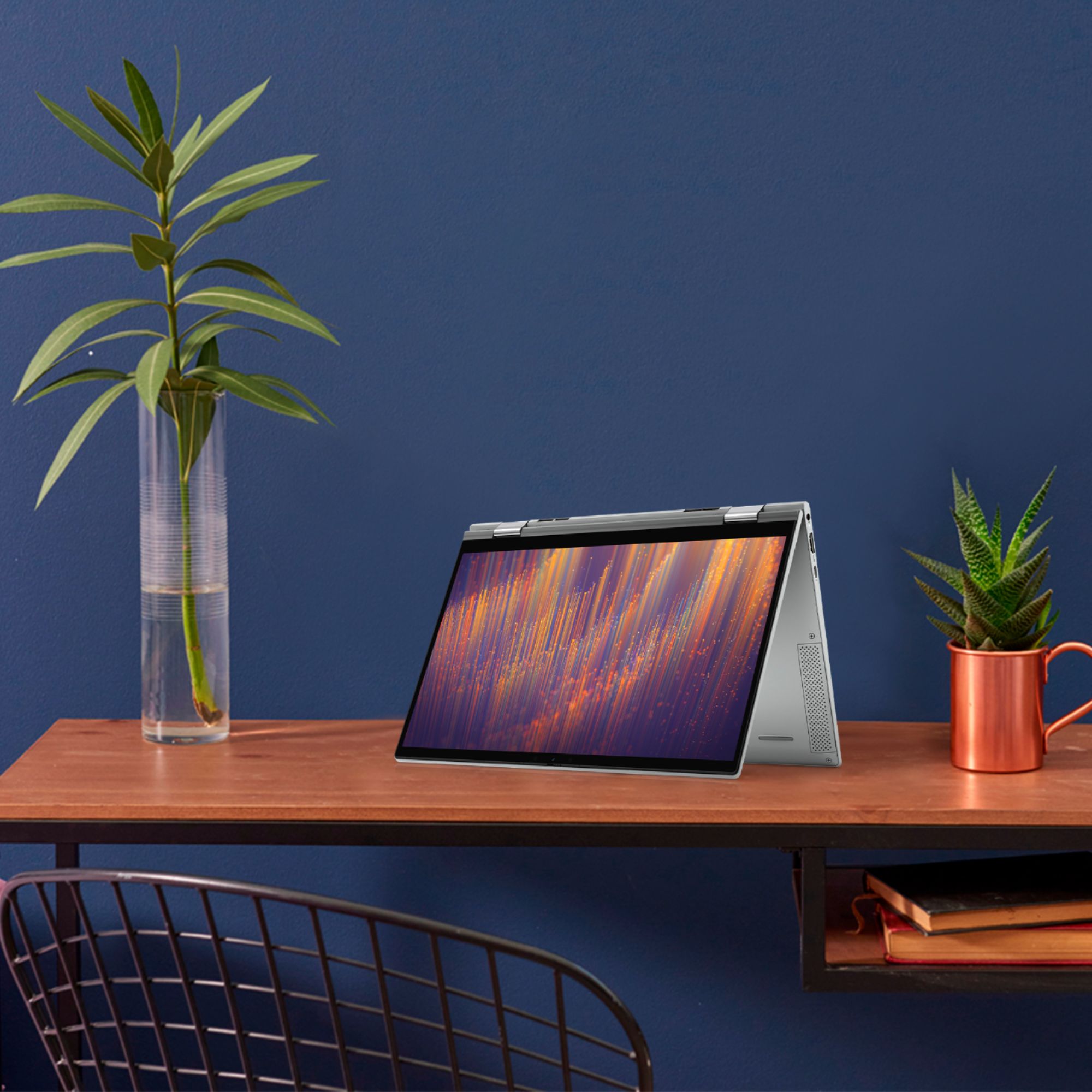
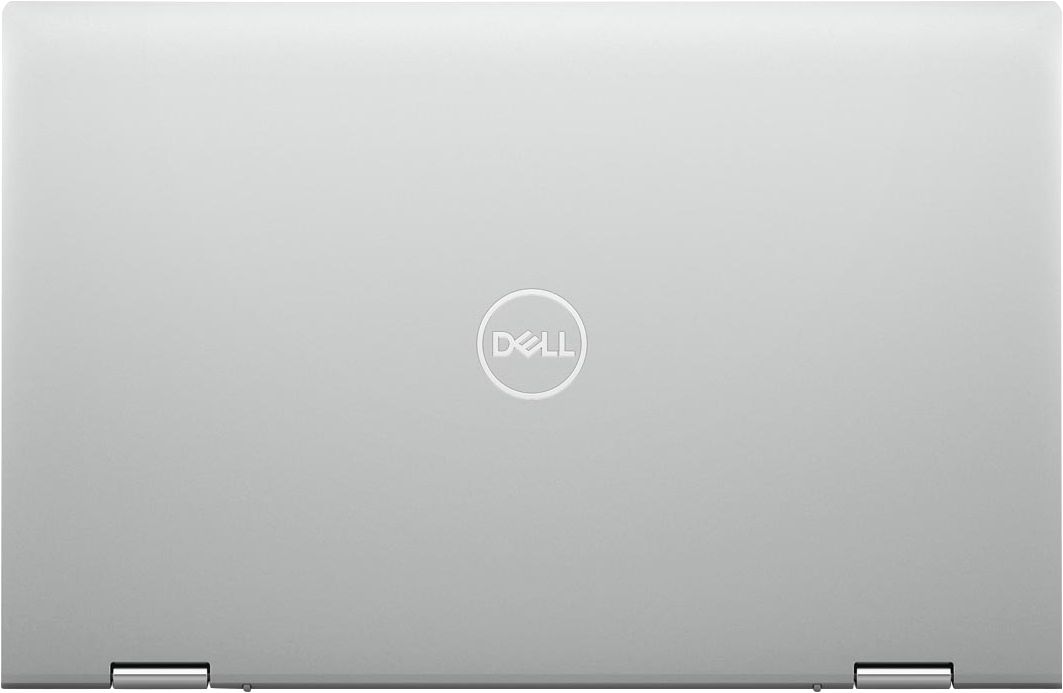
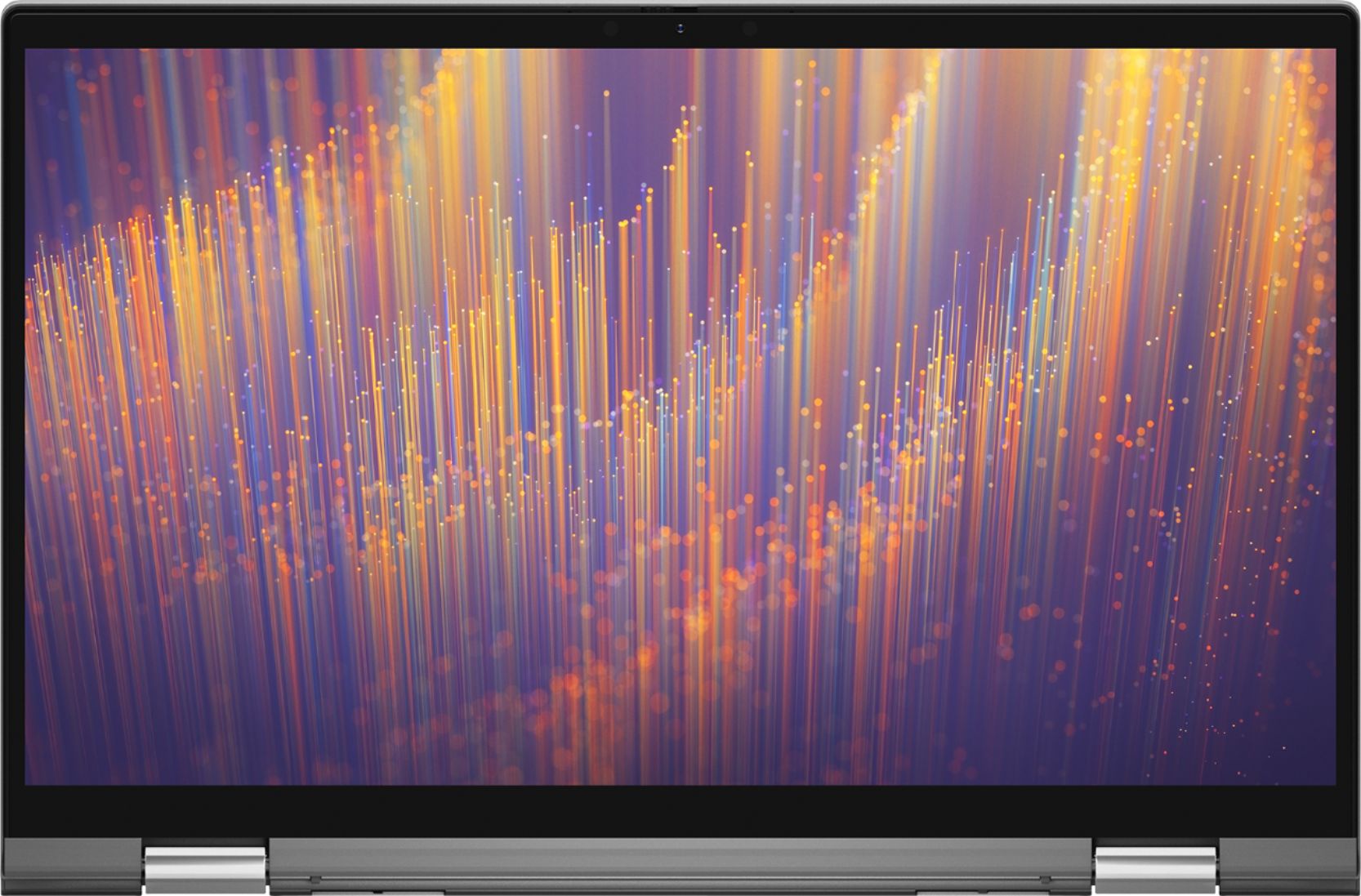
Customers are enthusiastic about the Inspiron 13 7000 2-in-1 laptop's portability, touch screen, speed, and lightweight design. They appreciate its compact size, fast performance, and reasonable price. However, some customers have concerns about its battery life, overheating issues, limited number of USB ports, and its unsuitability for gaming.
This summary was generated by AI based on customer reviews.
Good computer but too expensive
||Posted . Owned for 1 week when reviewed.This reviewer received promo considerations or sweepstakes entry for writing a review.Forced to buy one out of my desired price range due to lack of store inventory. My HP had to be sent to company and I would be without a computer for 4-6 weeks, so I had to buy another laptop.
I would recommend this to a friendBrand response from YourDellTeam
Posted .Bill,
Thanks for your review and for choosing Dell for your new computer. If you have any questions about your computer you can check our Product Support Page here: https://dell.to/2EnNQyT.
Best,
Bryan
1-800-624-9896
Disappointed with this laptop
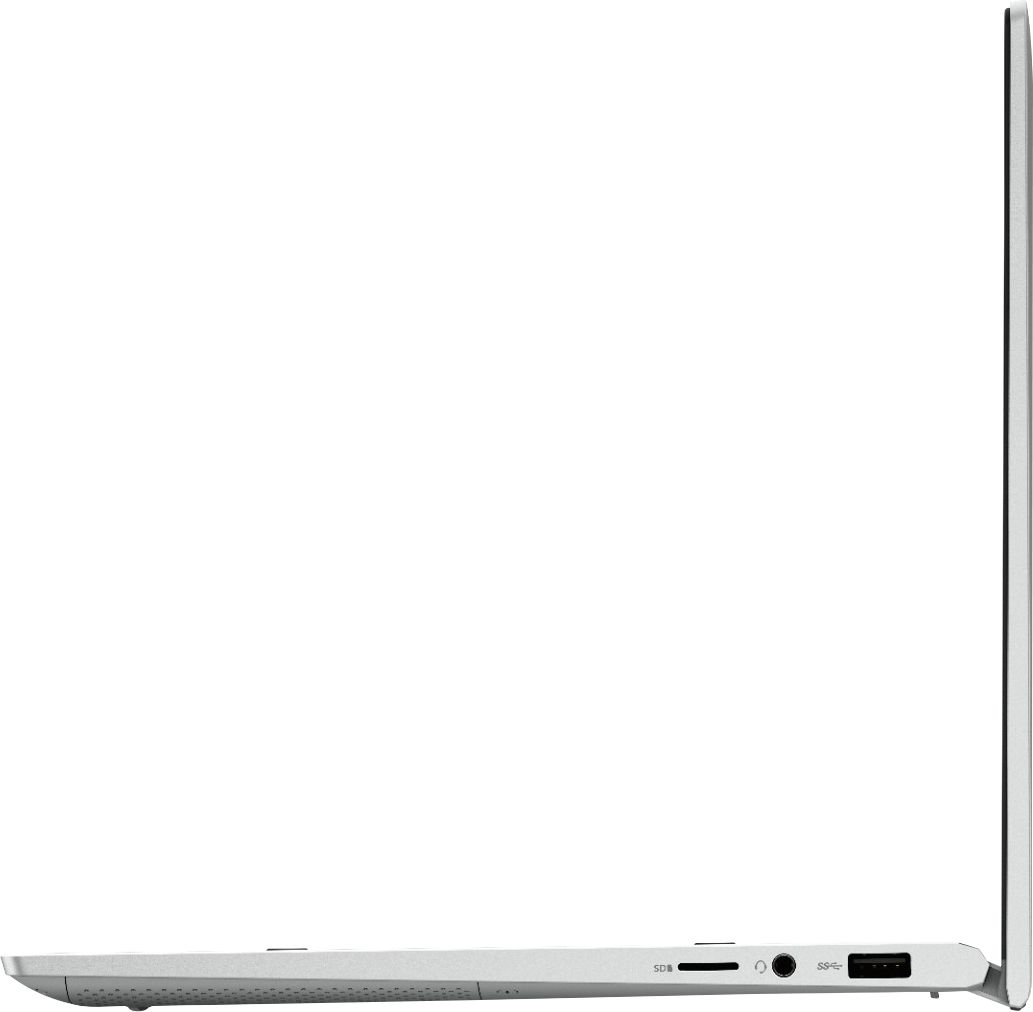
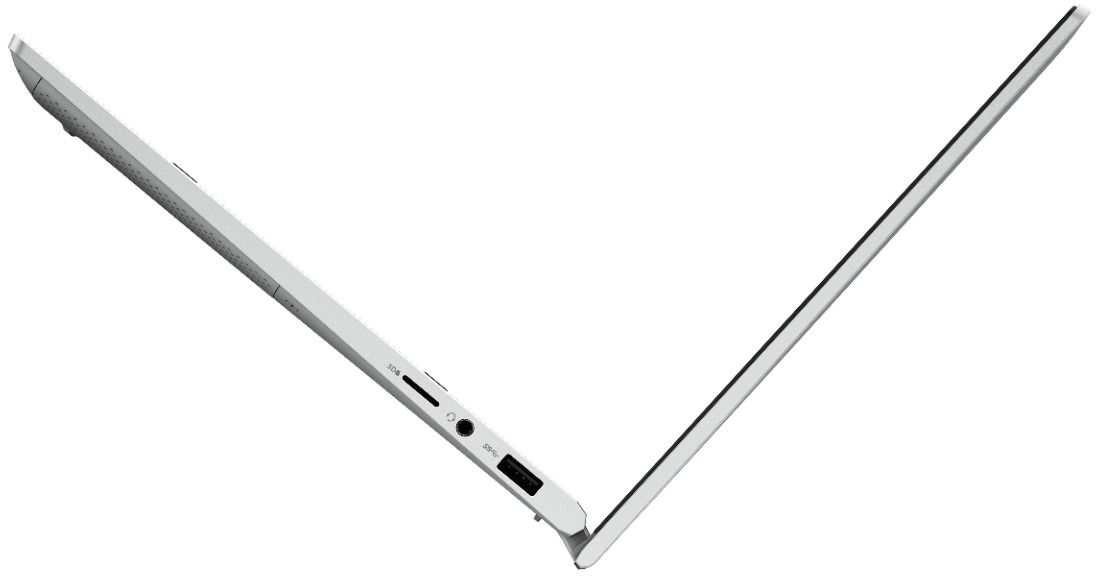
||Posted . Owned for 1 month when reviewed.This reviewer received promo considerations or sweepstakes entry for writing a review.I was disappointed with this purchase. The speed is good. I like the touch screen. The screen size is okay but I wish I had selected a laptop with a 15" screen. The thing I like the least is the fact that the laptop has only 1 usb port. When you plug in the external receiver for the mouse there are no extra ports for anything else such as an external hard drive or dvd drive. I wish I had passed on purchasing this laptop. Also, the back lighting keyboard is difficult to see the keys in parts of the keyboard.
No, I would not recommend this to a friendBrand response from YourDellTeam
Posted .dano,
Thanks for your review and we're sorry that your computer does not have as many ports as you'd like. You can always purchase an adapter for your USB port that will allow you to increase the number of USB ports available for your computer.
If you'd like to adjust or turn off the keyboard backlighting on your keyboard you can read this article: https://dell.to/3bOZUV2.
Best,
Bryan
1-800-624-9896
Good for students
||Posted . Owned for 1 month when reviewed.This reviewer received promo considerations or sweepstakes entry for writing a review.Nice look.Good to use.Sometimes it gets too hot. If you don’t put the device on power saving mode then quickly runs out of battery. Specially good for students.
I would recommend this to a friendBrand response from YourDellTeam
Posted .Anika,
Thanks for your review. We're sorry to hear that your computer has gotten a little too hot for you. Here are some tips to help with the temperature:
Tips for Proper Usage:
1. Dell does not recommend placing portable systems directly on your lap. Due to reductions in the thickness of modern portable systems, heat transfer can be an issue.
2. Using a portable system (Laptop) on a hard, flat, non-cloth surface will increase airflow and reduce heat from underneath and inside the system.
Using the portable system on a blanket, pillow, or other types of cloth will cover up the fan cause the computer to overheat and can cause permanent damage.
3. It is recommended to use the portable system in a Room temperature of 0°C to 35°C (32°F to 95°F) with a Humidity level no greater than 90%.
4. Use compressed air to clean the vents on a regular basis.
5. Using a cooling pad can decrease heat and increase performance.
6. If you want to know the temperature limitations for your system, go to the Dell Support Website, look up your system model then open the user guide under the manuals link.
You can read the full article here - http://dell.to/2uJ8AdG.
If your battery continues to run out quicker than you'd like you can try these tips:
Change the Power Plan:
1. On the notification area of the taskbar, right-click the Battery icon.
2. On the options list, click Power Options.
3. Select a power plan on the battery meter, such as Power Saver or Balanced. Windows 10 has a built in 'Battery Saver' mode that can be activated to extend your system's battery life. The Battery Saver mode will monitor and limit background activity and other features such as push notifications. You do have the option to enable or disable this mode within settings or within advanced Battery Saver settings, you can customize the mode to best suit your needs.
a) Click on the Action Center icon in the taskbar and select the tile for Battery Saver.
b) If running Cortana then type Battery Saver into the search box and select from the results.
Within the Battery Saver settings page, you will be able to turn on and off the feature and customize the feature to best meet your needs.
c) Turn Battery Saver On or Off.
d) Additional settings available via the Battery use and Battery saver settings links.
e) Battery use shows further info on apps and their power usage.
f) Battery Saver Settings screen allows you to customize further Battery Saver feature.
You can read the full article here - http://dell.to/2vfXWf4.
Best,
Bryan
1-800-624-9896
Inferior product
||Posted . Owned for 1 week when reviewed.This reviewer received promo considerations or sweepstakes entry for writing a review.This was a replacement because the first laptop was a the 15.6 version. It started doing the same thing which was randomly crashing and saying windows didn't shut down properly and saying it didn't load cleanly when you turned it back on. I made sure everything was updated. Customer service had me load a factory copy of windows. It was good for two days, then all of a sudden it wouldn't allow certain programs to be open. If you opened ms word, the search bar, setting and system functions, it would close instantly. If you tried to boot with f12 it would go the menu and instantly restart computer. The computer tech took control of my system and said it was probably a bad copy of windows. She said it wasn't covered and I would have to pay to have it fixed. This computer was 5 days old, I am not paying to have it worked on. I took it back to best buyt. This was the second dell that this happened with within 10 days. I loved the old Dell I had but I never buy a Dell again. If anyone I know ever considers buying a Dell, I will surely talk them out of it.
No, I would not recommend this to a friendToo small for me
||Posted . Owned for 1 month when reviewed.This reviewer received promo considerations or sweepstakes entry for writing a review.It was fast but too small so had to return it. Also power button was in weird place on keyboard, easily to accidentally touch. Nice looking screen
I would recommend this to a friendGreat other than finger print scanner!
||Posted . Owned for 1 month when reviewed.This reviewer received promo considerations or sweepstakes entry for writing a review.Everything is great except fingerprint scanner. It does not work for login. True bummer!! Would be 5 stars, but this is a hassle!
I would recommend this to a friendBrand response from YourDellTeam
Posted .UKDennis,
We're sorry to hear that your fingerprint scanner is not working the way that it should. We'd recommend reading the following article to help troubleshoot your fingerprint reader: https://dell.to/32bckET.
We hope that this helps it work better for you.
Best,
Bryan
1-800-624-9896
Microphone did not work
||Posted . Owned for 1 month when reviewed.This reviewer received promo considerations or sweepstakes entry for writing a review.Computer was cool looking but microphone would not work on Microsoft Teams. Did not work well with Zoom either so took it back
No, I would not recommend this to a friendDid not live up to expectations.
||Posted . Owned for 3 months when reviewed.This reviewer received promo considerations or sweepstakes entry for writing a review.I bought this laptop but ended up returning it. I really liked the price and the specs but when I finally had it in my hands it felt poor in quality. The laptop also crashed a few times when left on and closed. It was really disappointing. The laptop did not feel like a seamless two in one. The hinge took so much effort when turning it. Overall I was not happy with it and I ended getting a different laptop.
No, I would not recommend this to a friendDOesn't handle updates well
||Posted . Owned for 2 weeks when reviewed.This reviewer received promo considerations or sweepstakes entry for writing a review.Within 3 weeks of using it, the computer got the "blue" screen because it didn't update correctly.
No, I would not recommend this to a friendBrand response from YourDellTeam
Posted .RLBSRB,
Thanks for your review and we're sorry about the errors that your computer is having when you try to update it. Here's the best way to diagnose your Blue Screen Errors:
1. At the desktop, click the Search the web and Windows box and type "problem reports".
2. Select View all problem reports to view a list of errors that have occurred on your computer and possible solutions for them, such as updating drivers, flashing your system BIOS, or checking for updates to the software.
3. Under the Source column, look for Windows and under Summary, look for Shut down unexpectedly.
4. Right-click the line item and select Check for a solution.
We'd also suggest checking to make sure that your software and drivers are up to date on Dell's Product Page - https://dell.to/2G21dFy.
You can read the full article here - http://dell.to/2u98Cct.
We'd also recommend running Dell's SupportAssist App to ensure that you have all of the latest drivers and software installed.
Best,
Bryan
1-800-624-9896
- Cons mentioned:Expensive
Not that great
||Posted .This reviewer received promo considerations or sweepstakes entry for writing a review.I gave it a one star, because I had to return it back twice first time was because the touchscreen and volume stop working. I got a replacement and had to return that one as well, the camera stop working. I didn’t even have the computer for a month. And it’s not a cheap computer.
No, I would not recommend this to a friend It was ok
||Posted . Owned for 1 month when reviewed.This reviewer received promo considerations or sweepstakes entry for writing a review.It was ok had to rrturn it because the windows hello didn't work and it was too small
No, I would not recommend this to a friendDisappointed laptop
||Posted . Owned for 3 weeks when reviewed.This reviewer received promo considerations or sweepstakes entry for writing a review.Disappointed. Not what was represented Kids not happy. Keeps on stopping.
No, I would not recommend this to a friendBrand response from YourDellTeam
Posted .Yoni,
Thanks for your review and we're sorry that your computer is not performing the way that you hoped it would. We'd recommend downloading the latest driver updates for your computer that you can find here: https://dell.to/2G21dFy.
Best,
Bryan
1-800-624-9896
Laptop
||Posted .This reviewer received promo considerations or sweepstakes entry for writing a review.Camera stopped working after 5 days which is needed for virtual classes.
No, I would not recommend this to a friendBrand response from YourDellTeam
Posted .Laptop,
Thanks for your review and we're sorry to hear that your camera has stopped working. There have been several new drivers released for your computer that may be able to help. You can check your drivers to make sure that everything is up to date here: https://dell.to/2G21dFy.
Best,
Bryan
1-800-624-9896
Not happy with the purchase
||Posted . Owned for 4 months when reviewed.This reviewer received promo considerations or sweepstakes entry for writing a review.Nice laptop but it gets too hot on the bottom! Very disappointed.
No, I would not recommend this to a friendLaptop
||Posted . Owned for 5 months when reviewed.This reviewer received promo considerations or sweepstakes entry for writing a review.Bought this on impulse. Big mistake because it is Microsoft
No, I would not recommend this to a friendGood personal computer
||Posted . Owned for 1 month when reviewed.This reviewer received promo considerations or sweepstakes entry for writing a review.The biggest issue with this laptop is that it gets really hot
I would recommend this to a friendBrand response from YourDellTeam
Posted .Jall,
Thanks for your review and we're sorry that your computer is operating hotter than you hoped it would. Here are some tips to help your computer operate at a cooler temperature:
Tips for Proper Usage:
1. Dell does not recommend placing portable systems directly on your lap. Due to reductions in the thickness of modern portable systems, heat transfer can be an issue.
2. Using a portable system (Laptop) on a hard, flat, non-cloth surface will increase airflow and reduce heat from underneath and inside the system.
Using the portable system on a blanket, pillow, or other types of cloth will cover up the fan cause the computer to overheat and can cause permanent damage.
3. It is recommended to use the portable system in a Room temperature of 0°C to 35°C (32°F to 95°F) with a Humidity level no greater than 90%.
4. Use compressed air to clean the vents on a regular basis.
5. Using a cooling pad can decrease heat and increase performance.
6. If you want to know the temperature limitations for your system, go to the Dell Support Website, look up your system model then open the user guide under the manuals link.
You can read the full article here - http://dell.to/2uJ8AdG.
Best,
Bryan
1-800-624-9896
Review
||Posted . Owned for 1 month when reviewed.This reviewer received promo considerations or sweepstakes entry for writing a review.It’s a good first computer but the speakers are very low
I would recommend this to a friendBrand response from YourDellTeam
Posted .MAC123,
Thanks for your review. We're sorry to hear about the audio issues that you're experiencing with your new computer. A few weeks ago Dell released a new RealTek High Definition Audio Driver that we'd recommend that you download for your computer to help with the sound: https://dell.to/2G21dFy.
Best,
Bryan
1-800-624-9896
Dell
||Posted . Owned for less than 1 week when reviewed.This reviewer received promo considerations or sweepstakes entry for writing a review.Purchased but not what was needed. So it was returned.
I would recommend this to a friendHinge broke in less than 2 months of light usage
||Posted . Owned for 2 months when reviewed.This reviewer received promo considerations or sweepstakes entry for writing a review.Aesthetically good. Lightweight. But, physically laptop is not strong. Hinge broke in less than 8 weeks of light usage. Closing the laptop is causing the screen to come out and eventually will crack the screen. Called Dell for support
No, I would not recommend this to a friendBrand response from YourDellTeam
Posted .Xxpp,
We're sorry to hear that the hinge on your new computer is broken. We can assure you that our products endure rigorous testing to ensure that they can hold up for thousands of openings and closings over time. If you have any technical questions about your computer you can check our Product Support Page here: https://dell.to/2EnNQyT.
Best,
Bryan
1-800-624-9896
Not recommended unless it's only temporary
||Posted . Owned for 1 year when reviewed.This reviewer received promo considerations or sweepstakes entry for writing a review.I've only had this laptop for a little over a year and already it is causing me problems. It restarts without warning, erases all the work and applications I have on it when it restarts and overheats easily.
No, I would not recommend this to a friend