Customer Ratings & Reviews
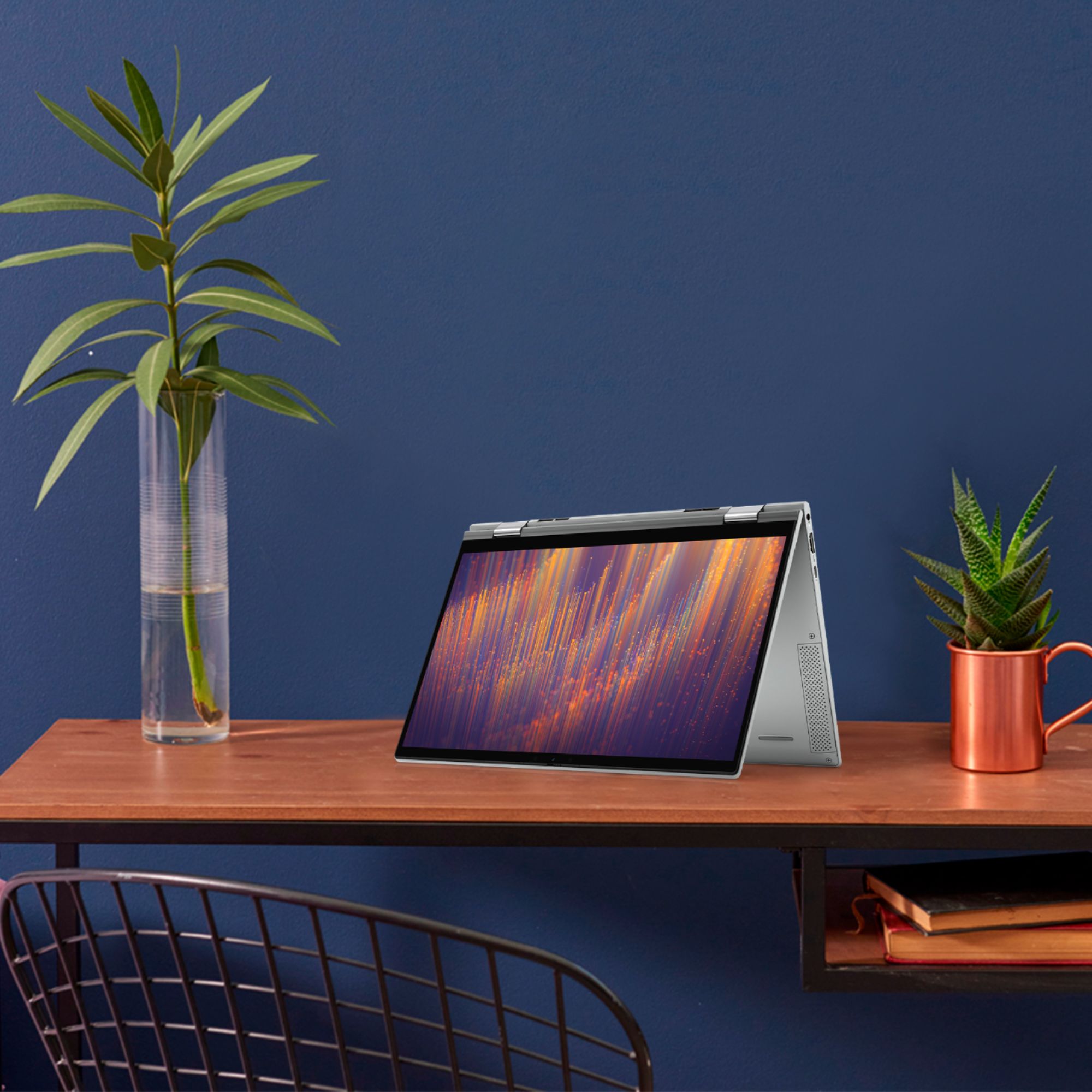

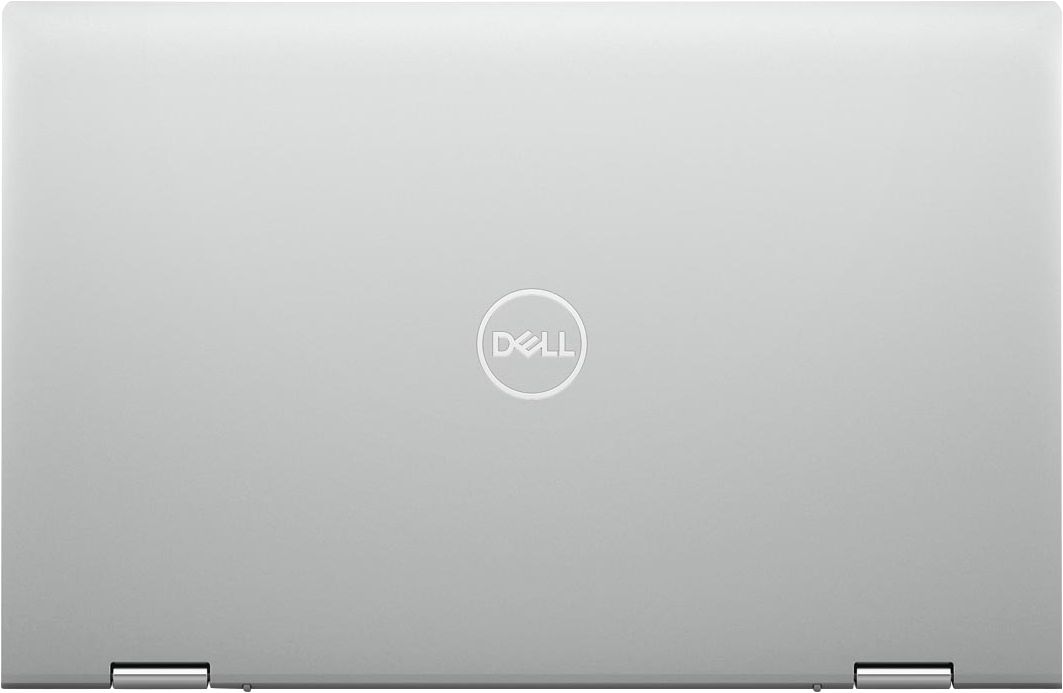
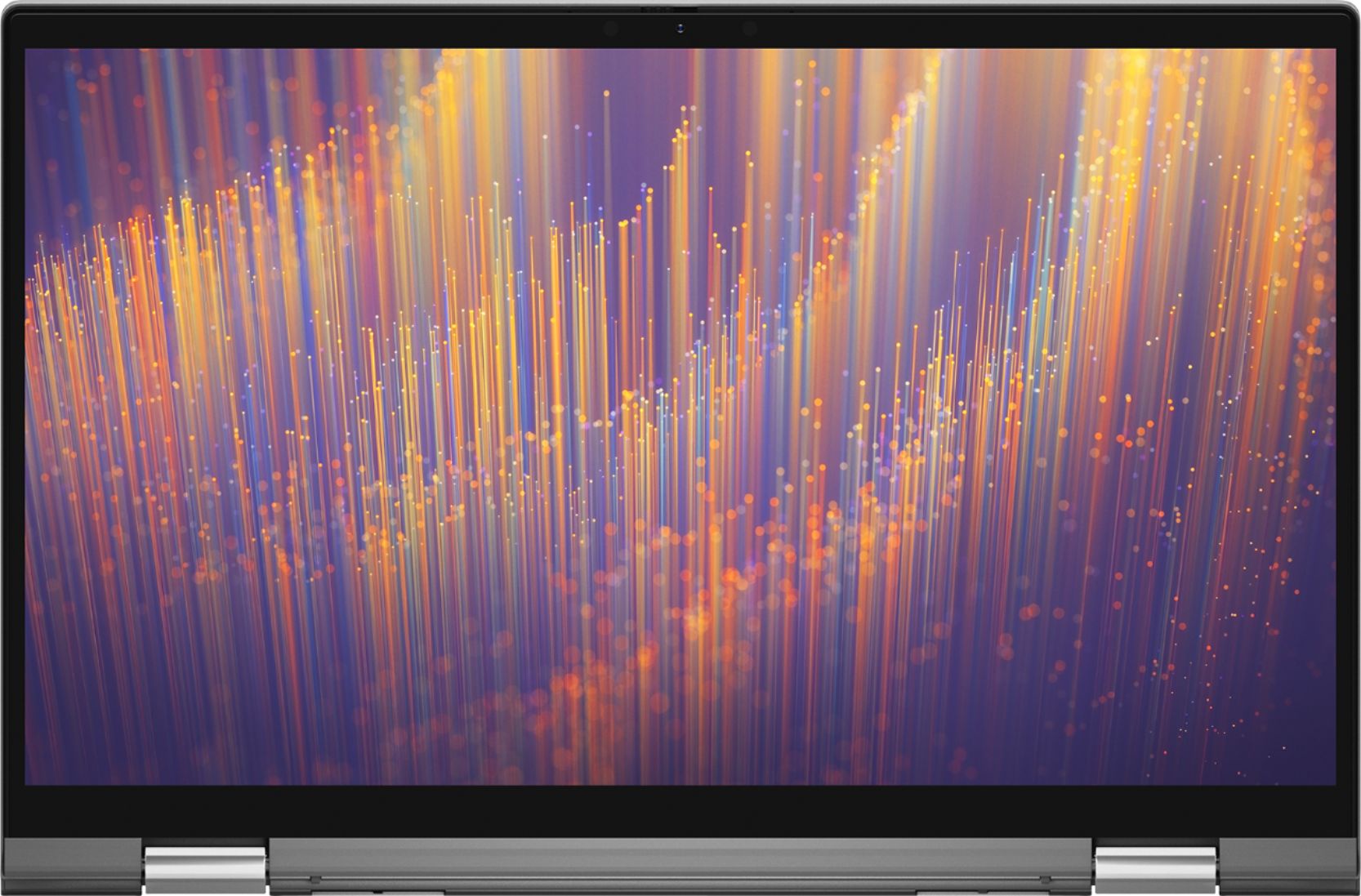
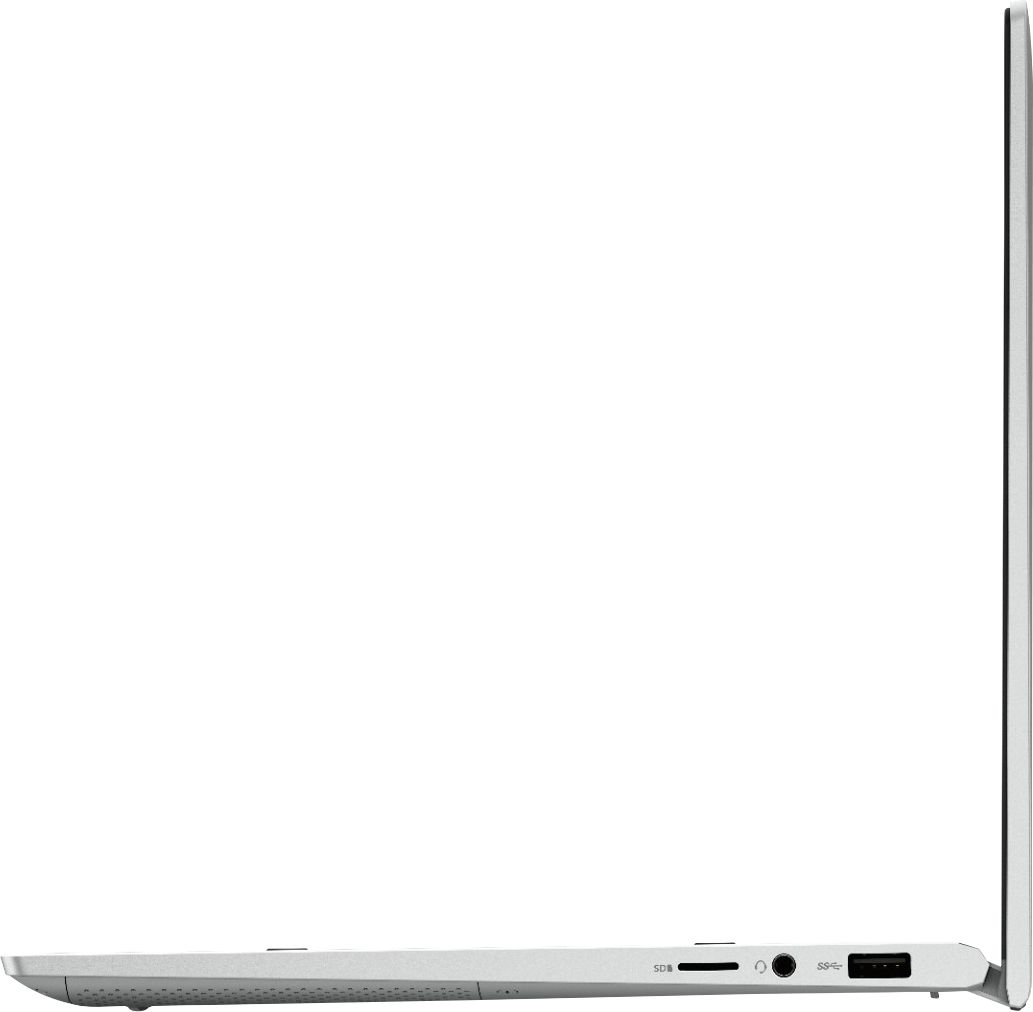
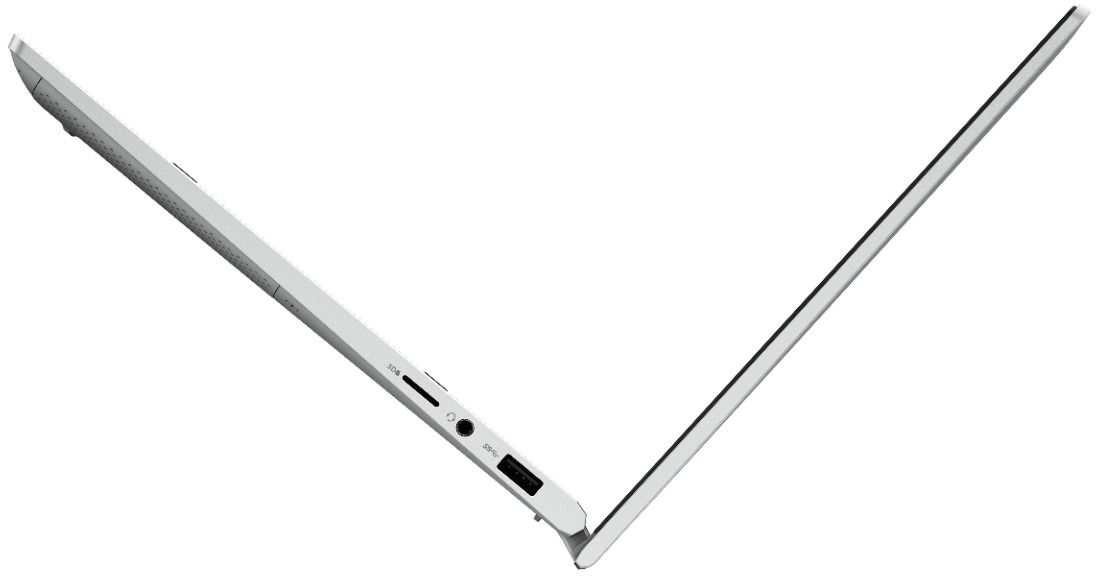




- Model:
- i7300-5395SLV-PUS
- SKU:
- 6409064
Rating by feature
- Battery Life
Rating 4.4 out of 5 stars
- Speed
Rating 4.4 out of 5 stars
- Display
Rating 4.6 out of 5 stars
Customers are saying
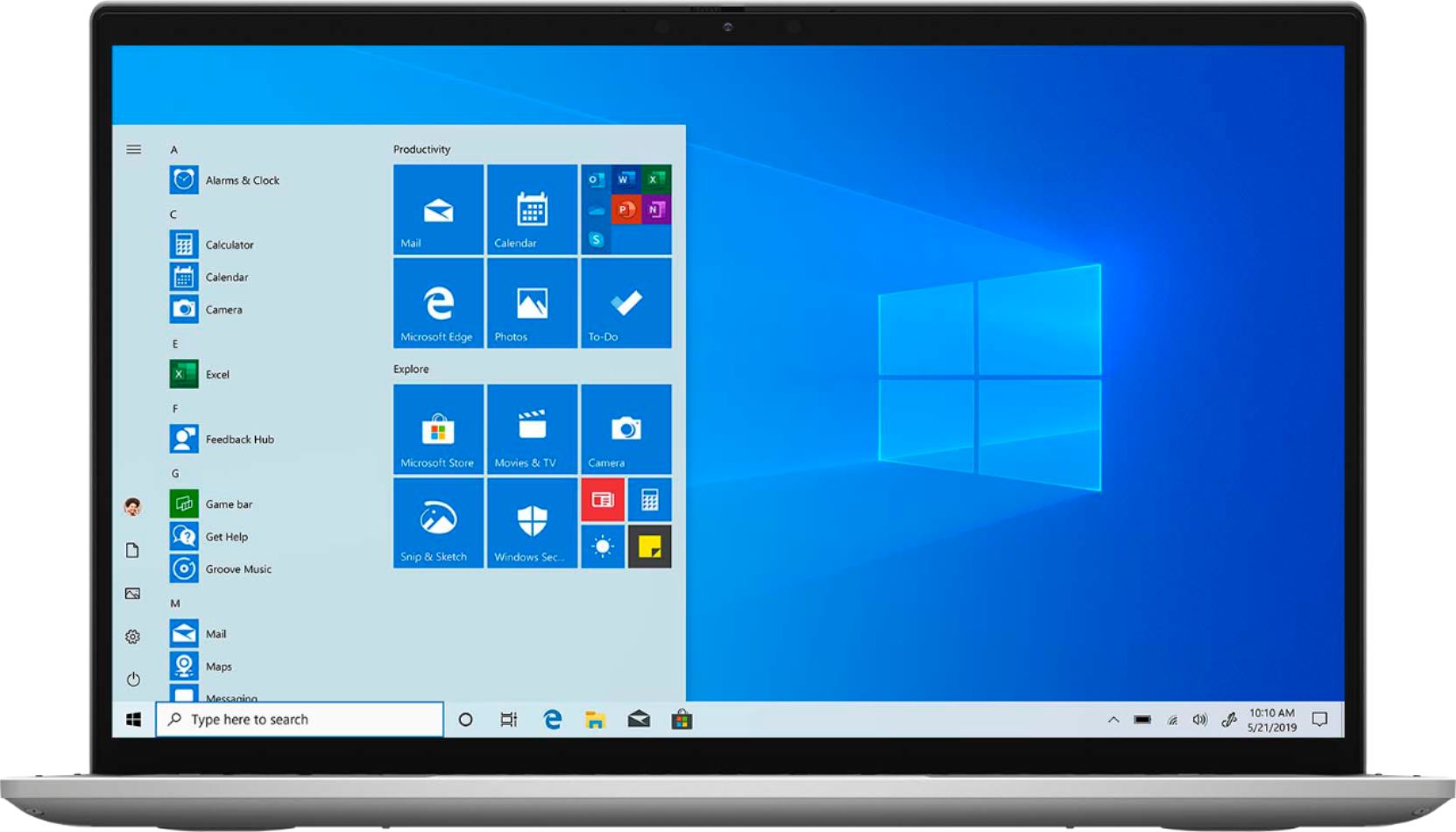
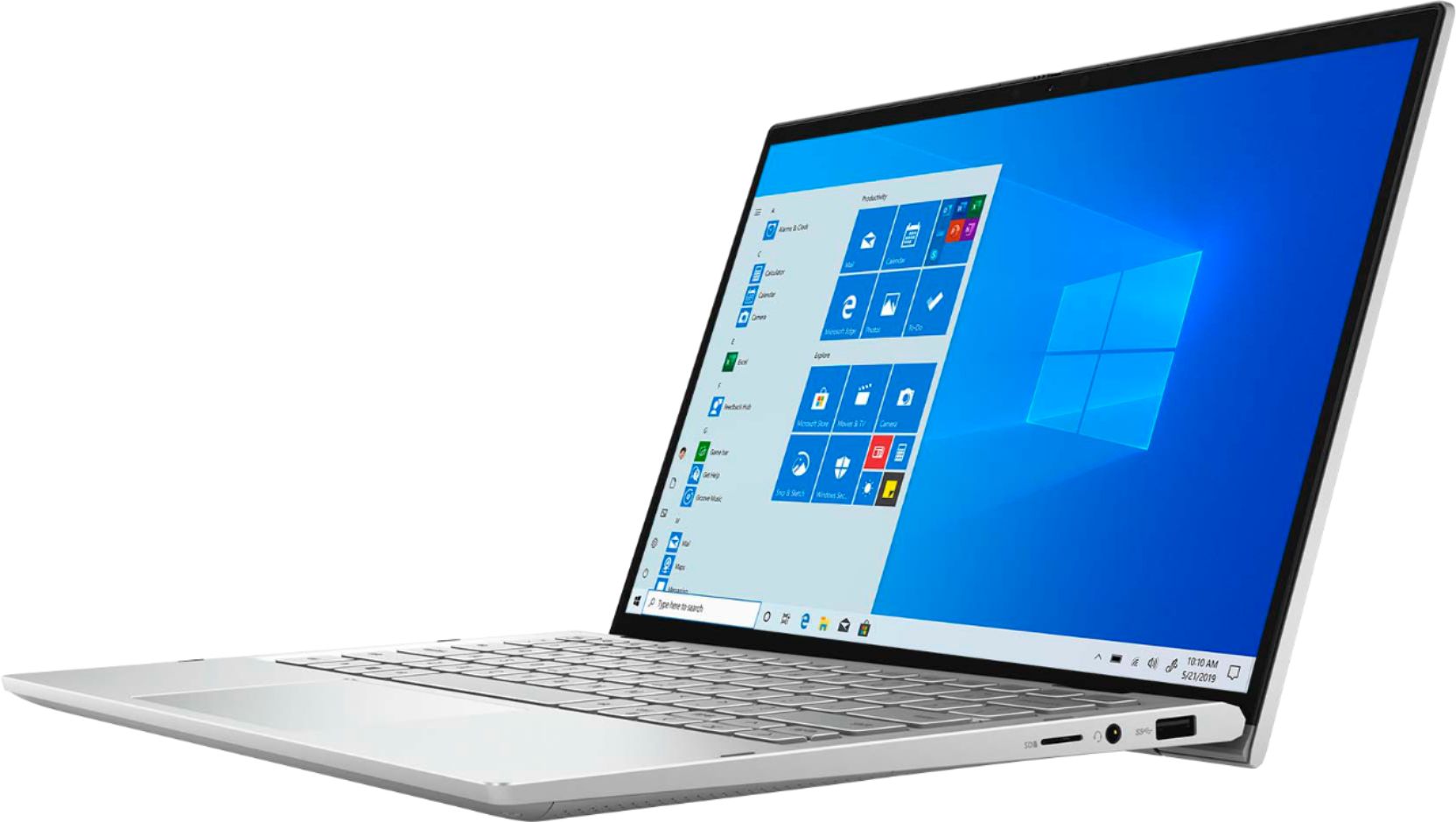
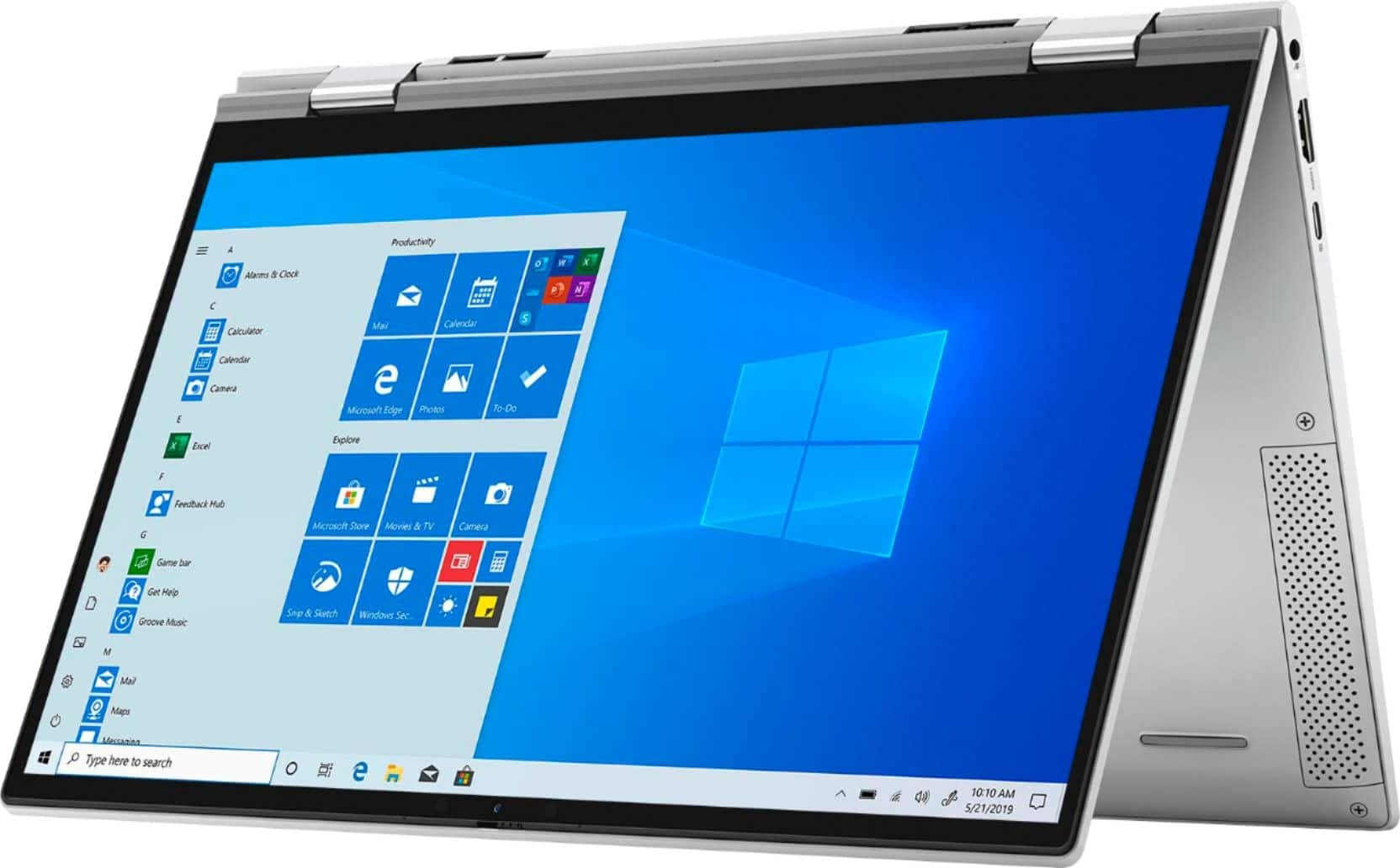
Customers are enthusiastic about the Inspiron 13 7000 2-in-1 laptop's portability, touch screen, speed, and lightweight design. They appreciate its compact size, fast performance, and reasonable price. However, some customers have concerns about its battery life, overheating issues, limited number of USB ports, and its unsuitability for gaming.
This summary was generated by AI based on customer reviews.
- Cons mentioned:Battery life
2 in 1 screen will not turn off with power button
Posted .This reviewer received promo considerations or sweepstakes entry for writing a review.i don't have a good power on and off experience with this laptop. it turns off with the power button shutting down. once i open the lid it automatically starts up with out me manually powering it on i don't like this feature. i want to turn my computer off and on manually not with a touch screen this was the only laptop left as it is on the pricy side and not for regular use as the battery is constantly draining. i always have to keep it plugged in on a charge. this is the longest setup i have ever had its got to go. this has wasted my days in using it to see it's performance which isn't all that good due to the distractions of a sloppy store and apps that can't be removed. i contacted support and was told the store can't be removed. what happened to the windows internet explorer 10 without chrome built into it this is not authentic microsoft windows software i've been deceived.
No, I would not recommend this to a friendBrand response from YourDellTeam
Posted .Lb10,
Thanks for your review and we're sorry to hear about the issues that you're having with your computer so far. We'd recommend reading the following article and considering un-checking the box that's mentioned at the bottom of the article that allows the computer to turn off in order to save power. We hope that this helps you be able to manage your computer's power and connections better in the future: https://intel.ly/2BlmpED.
If you'd like help extending the life of your computer's battery you can follow some of these tips:
Change the Power Plan:
1. On the notification area of the taskbar, right-click the Battery icon.
2. On the options list, click Power Options.
3. Select a power plan on the battery meter, such as Power Saver or Balanced. Windows 10 has a built in 'Battery Saver' mode that can be activated to extend your system's battery life. The Battery Saver mode will monitor and limit background activity and other features such as push notifications. You do have the option to enable or disable this mode within settings or within advanced Battery Saver settings, you can customize the mode to best suit your needs.
a) Click on the Action Center icon in the taskbar and select the tile for Battery Saver.
b) If running Cortana then type Battery Saver into the search box and select from the results.
Within the Battery Saver settings page, you will be able to turn on and off the feature and customize the feature to best meet your needs.
c) Turn Battery Saver On or Off.
d) Additional settings available via the Battery use and Battery saver settings links.
e) Battery use shows further info on apps and their power usage.
f) Battery Saver Settings screen allows you to customize further Battery Saver feature.
You can read the full article here - http://dell.to/2vfXWf4.
Lastly, if you want to make sure that your computer is fully setup and that you have all of the most up to date drivers and software you can use the Dell SupportAssist app.
We hope that these tips will help your computer run better for you.
Best,
Bryan
1-800-624-9896
- Cons mentioned:Battery life
Battery issue
Posted .This reviewer received promo considerations or sweepstakes entry for writing a review.My brother got it for me on October 15-16 and then sent the laptop to me in Nepal. I got the laptop on October 19. I had fully charged the laptop and used it for max 2.5 hours until today. Everything was going great. I had 54% battery left. Today I decided to use for more about an hour. My batter fell down to 40%. After that, i got a message to charge my laptop as the battery was running low. I checked the battery and it said 6%. I don’t know how the battery fell to 6% from 40% within a minute. Did I get a defective laptop? I can’t even return it as I am in Nepal.
No, I would not recommend this to a friendBrand response from YourDellTeam
Posted .Rakshya,
We're sorry to hear about the battery runtime issues that you're having with your new computer. There have been several new driver updates for your computer released in the past few weeks. We'd recommend that you check this site to make sure that everything is up to date on your computer that may be affecting your battery life: https://dell.to/2G21dFy.
Best,
Bryan
1-800-624-9896
- Cons mentioned:Customer service
Defective - Don't Buy
Posted .This reviewer received promo considerations or sweepstakes entry for writing a review.I have had nothing but problems with this laptop. Every time I start up I get the error, "The operating system did not shutdown cleanly." I have spent hours and hours of my life on the Dell customer service to fix this very simple problem (I called Geek Squad and they were no help at all). At one point an agent hung up on me. If you want to waste hours of your life on a defective laptop, buy an Inspiron.
No, I would not recommend this to a friendBrand response from YourDellTeam
Posted .James,
Thanks for your review and we're sorry to hear about the trouble that you're having with your new computer. Many people have found that updating the BIOS on their computer helps resolve this issue. You can find the latest BIOS and any other updates for your computer here: https://dell.to/2G21dFy.
Best,
Bryan
1-800-624-9896