Customer Ratings & Reviews













- Model:
- i7440-7304BLU-PUS
- SKU:
- 12616656
Rating by feature
- Battery Life
Rating 4.6 out of 5 stars
- Speed
Rating 4.7 out of 5 stars
- Display
Rating 4.7 out of 5 stars
to a friend
Don't buy
Posted .This reviewer received promo considerations or sweepstakes entry for writing a review.For a brand new laptop with a intel 7 chip I was expecting a nice fast computer, Instead I got one that is buggy and extremely slow loading websites
No, I would not recommend this to a friendDell Make Cheap Defective Laptops
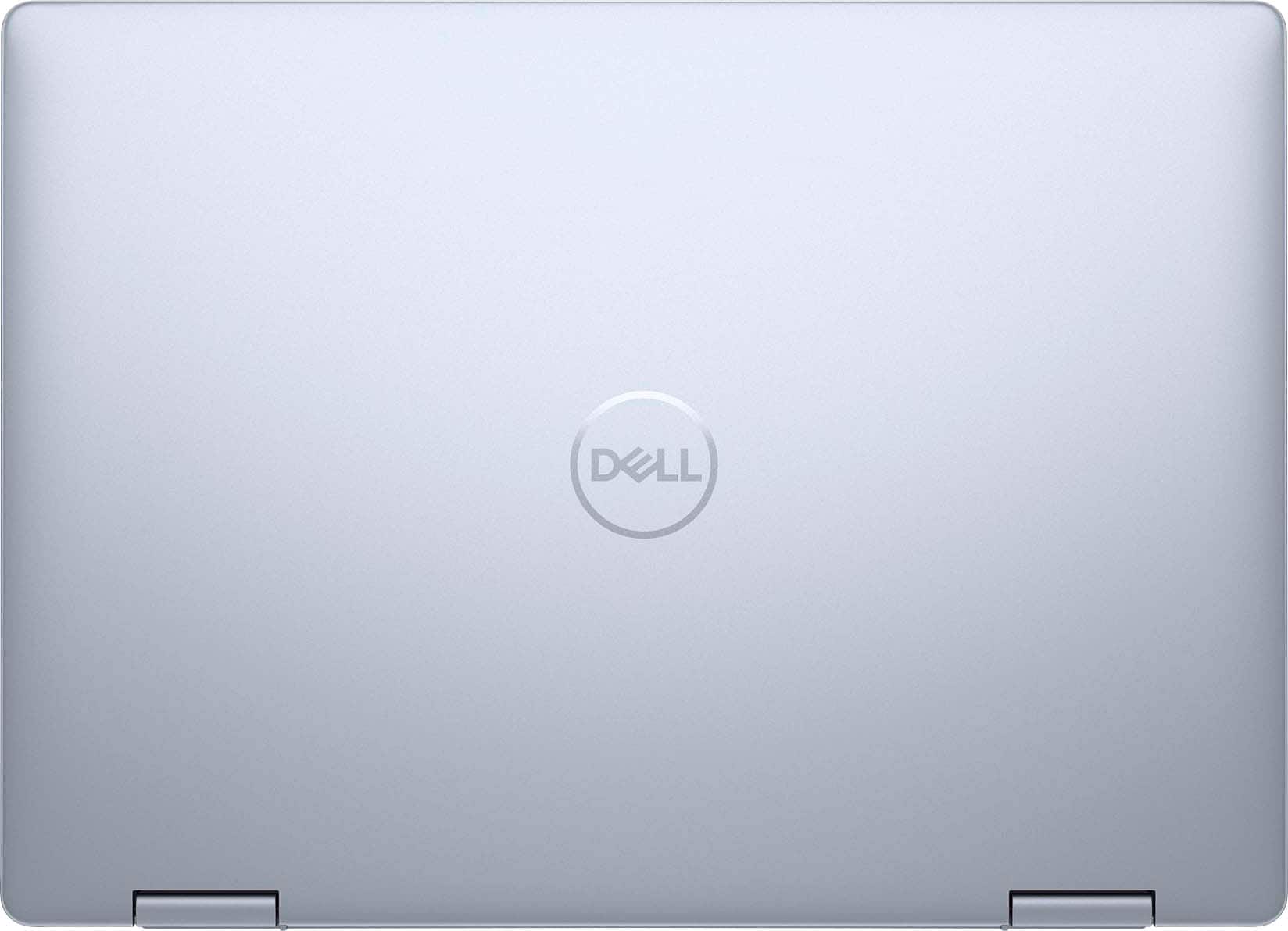
Posted .This reviewer received promo considerations or sweepstakes entry for writing a review.My First and Last Dell Laptop. Here's why: After a year my Dell laptop started making creaking sounds, which puzzled me. I didn’t see anything visible and just brushed it off. Today the right hing which attached the screen to the keyboard broke off and shattered into small pieces. I Googled the issues and found that this is a very common manufacturer defects with all Dell laptops which the company refuses to address.
No, I would not recommend this to a friendBrand response from YourDellTeam
Posted .Hello Valued Customer,
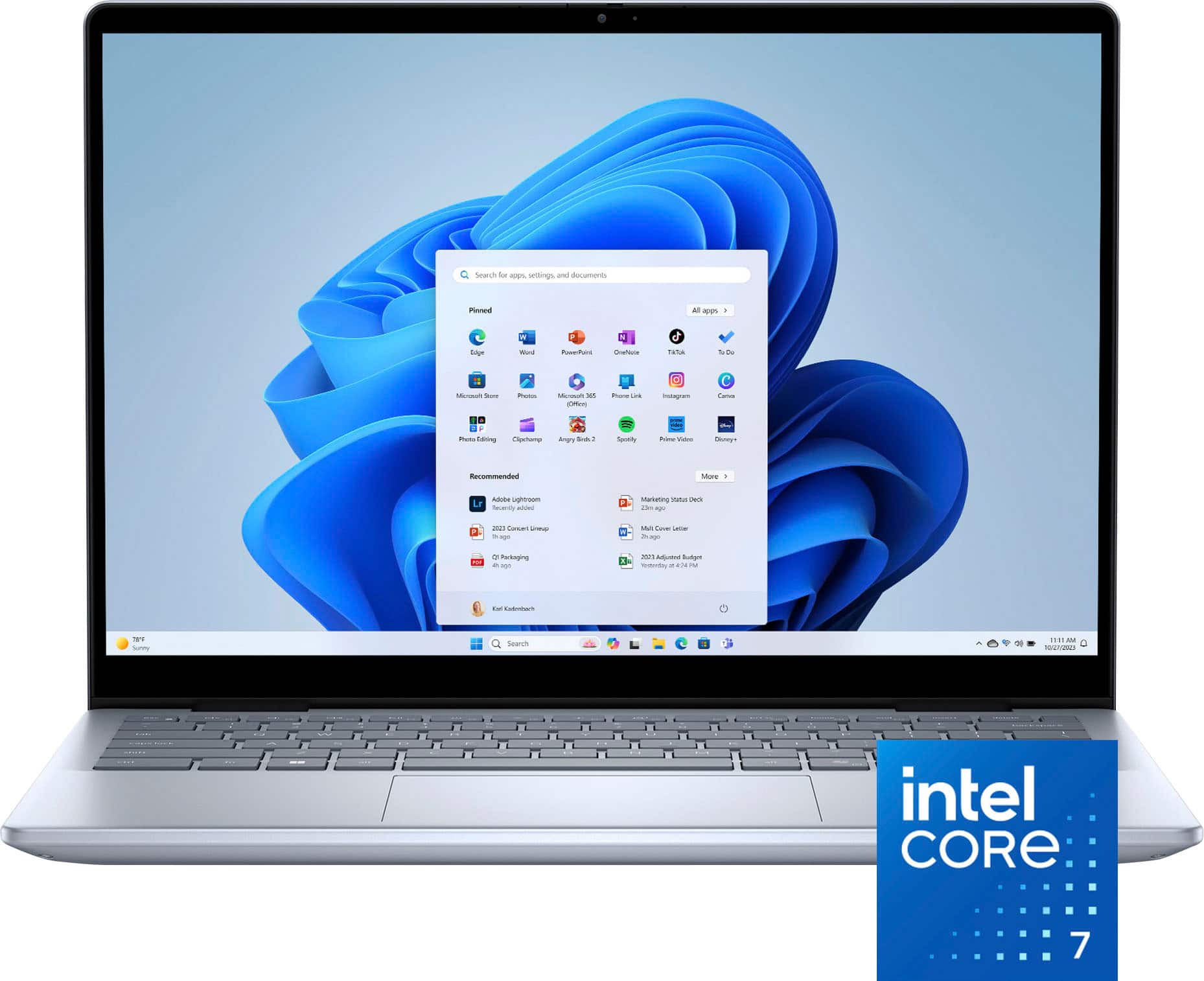
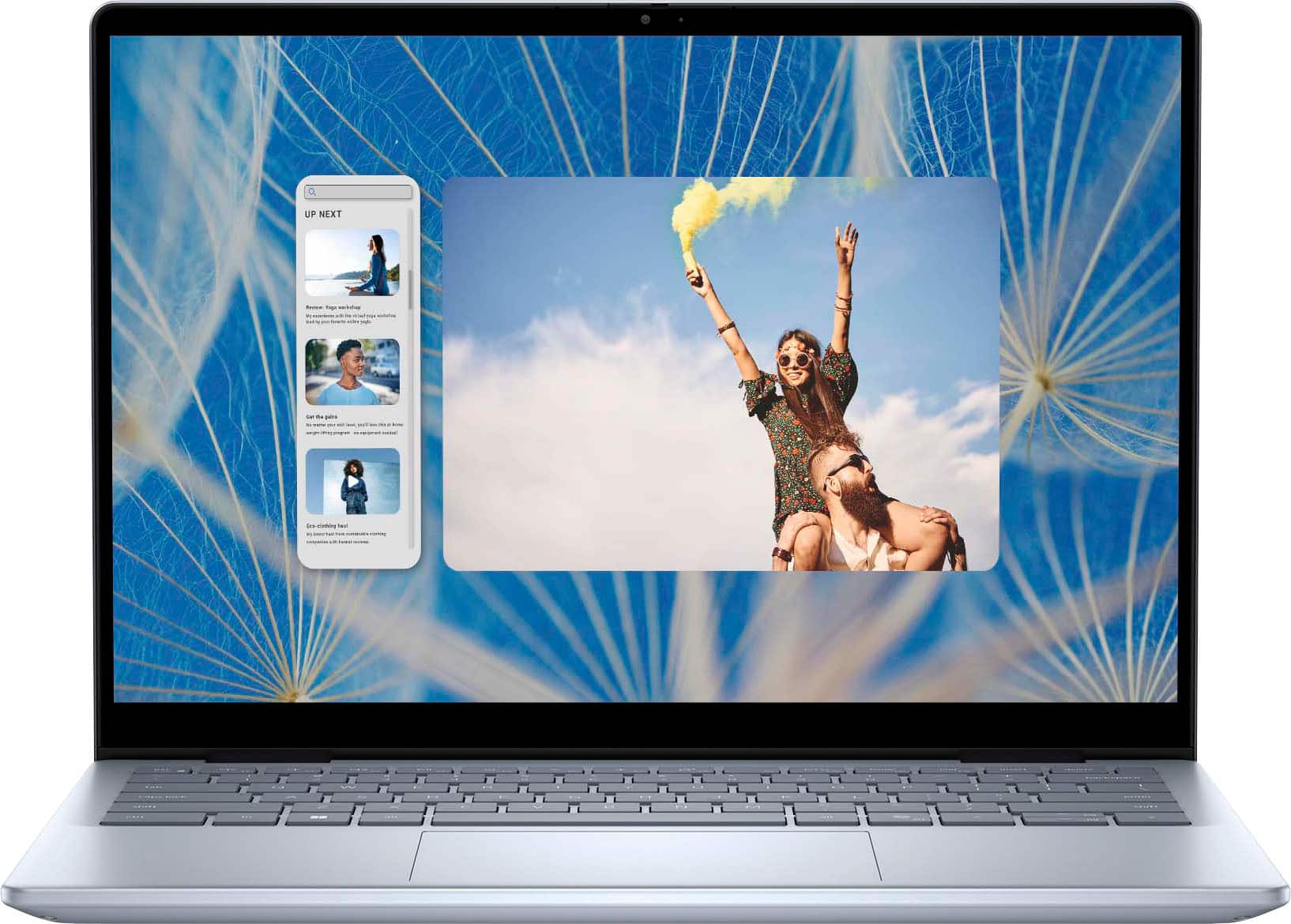
Thank you for taking the time to leave us your review. We sincerely apologize for the trouble you have encountered with your Dell Inspiron 14 2-in-1 Touch Laptop. This is certainly not the experience we like to hear from our valued customers, or the type of product Dell intends to deliver.
Your feedback will be shared with our quality team for consideration in future enhancements in products and services.
With a little more information from you, we would like to help you resolve issues you may be facing to your satisfaction. Please do not hesitate to get in touch with a Dell representative using the information provided below.
Chat or call: https://bit.ly/DellSupportTeam
Phone number to Dell: 1-800-624-9896
Best,
Minhaj@Dell
Don’t Buy
Posted .This reviewer received promo considerations or sweepstakes entry for writing a review.I have had constant problems with my Inspiron! I’ve had it maybe 7-8 months. Currently the screen is frozen with a recycle bin error message. I can’t do a thing! Numerous times the screen opens upside down and I can’t use it. I highly recommend you do not buy this computer!
No, I would not recommend this to a friendBrand response from YourDellTeam
Posted .Hello DouglasE,
Thank you for taking the time to leave us your review. We regret to learn that you are not best pleased with the Dell Inspiron 14 2-in-1 Touch Laptop due to the performance issue. This is certainly not the experience we like to hear from our valued customers. We strive to ensure that all our customers have a positive experience with both our products. We will share your review with our quality team, so improvements can be made in the future.
Below, I have provided troubleshooting instructions with the full article that can help resolve this issue.
1. Search for Windows Error Codes.
2. Run a Computer Diagnostic.
3. Run Routine System Maintenance.
4. Update Drivers and BIOS.
5. Check Air Vents.
6. Check Safe Mode Symptoms.
7. Update Windows.
8. Uninstall, Reinstall and Update Software.
9. Look for Multiple Anti-Virus Programs.
10. Check for Malware.
11. Use System Restore.
12. Factory Install or Reinstall Microsoft Windows.
You can read the full article on solving freezing issues here: https://dell.to/33Y2KFn
I have also added a video link for additional troubleshooting: https://bit.ly/3qzpXZg
If you have any concerns or questions, Please do not hesitate to get in touch with a Dell representative using the information provided below.
Chat or call: https://bit.ly/DellSupportTeam
Phone number to Dell: 1-800-624-9896
Best,
Minhaj@Dell