Customer Ratings & Reviews









- Model:
- i7440-7304BLU-PUS
- SKU:
- 6576386
Rating by feature
- Battery Life
Rating 4.6 out of 5 stars
- Speed
Rating 4.7 out of 5 stars
- Display
Rating 4.7 out of 5 stars
Customers are saying
Customers find value in the Inspiron laptop's overall performance, processor speed, and convenient touchscreen. Its portability, good battery life, and light weight are also appreciated. The ample RAM and storage, along with the comfortable size, contribute to a positive user experience, though some users have noted fan noise.
This summary was generated by AI based on customer reviews.
Service
||Posted . Owned for 2 weeks when reviewed.This reviewer received promo considerations or sweepstakes entry for writing a review.Ordered laptop while in store. I was been told that the laptop is available in warehouse. After completing payment process, they went to search for the items. After 20 mins of fanatic search, came the news that it’s not available but will be made available in couple of days. It’s exactly 15th day now, still waiting
No, I would not recommend this to a friendDidn’t work for conferencing
||Posted . Owned for 1 week when reviewed.This reviewer received promo considerations or sweepstakes entry for writing a review.Wouldn’t hold a Zoom conference call, kept freezing and dropping in connection. This was why I purchased the computer. Returned it for a different brand
No, I would not recommend this to a friendBrand response from YourDellTeam
Posted .Hello CarolL,
Thank you for taking the time to leave us your review. We sincerely apologize for the trouble you have encountered with your Dell Inspiron 14 2-in-1 Touch Laptop due to which you opted to return it. This is certainly not the type of feedback we like to hear from our valued customers, or the type of product Dell intends to deliver.
Furthermore, we always strive to get better and reviews like yours help us develop products our customers love. Your feedback will be shared with our quality team for consideration in future enhancements in products.
We really hope that you would give Dell an opportunity when making your next purchase
If you are still experiencing any issues, we would like to help you resolve issues you may be facing to your satisfaction. Please do not hesitate to get in touch with a Dell representative using the information provided below.
Chat or call: https://bit.ly/DellSupportTeam
Phone number to Dell: 1-800-624-9896
Best,
Minhaj@Dell
Screen got cracked.
||Posted . Owned for 2 months when reviewed.This reviewer received promo considerations or sweepstakes entry for writing a review.The screen got cracked easily. I didn’t even know when it got damaged. It was just attached to my display and was using it as a system.
No, I would not recommend this to a friend- Pros mentioned:Battery life, Touch screen

Portable workstation with great battery life
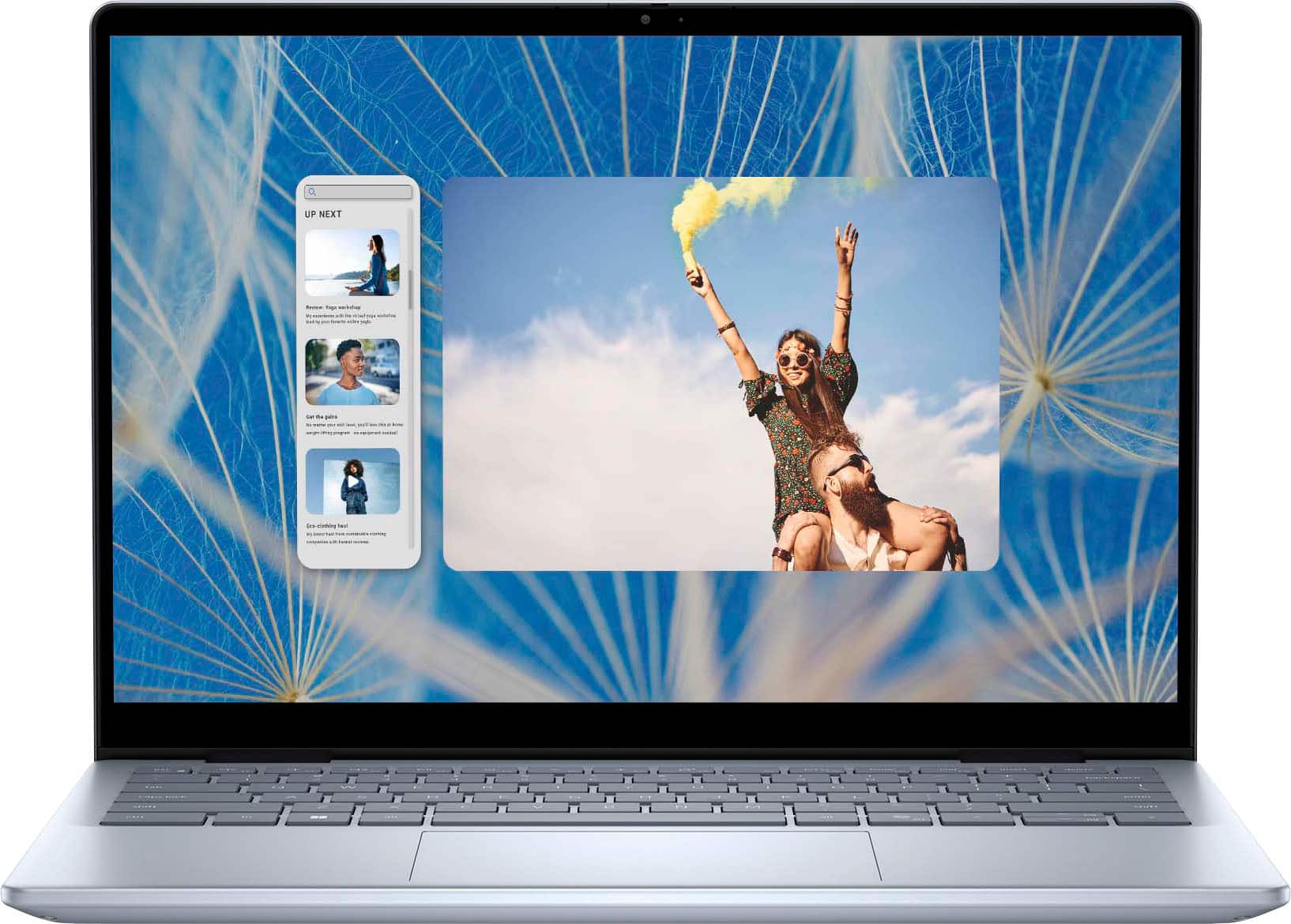
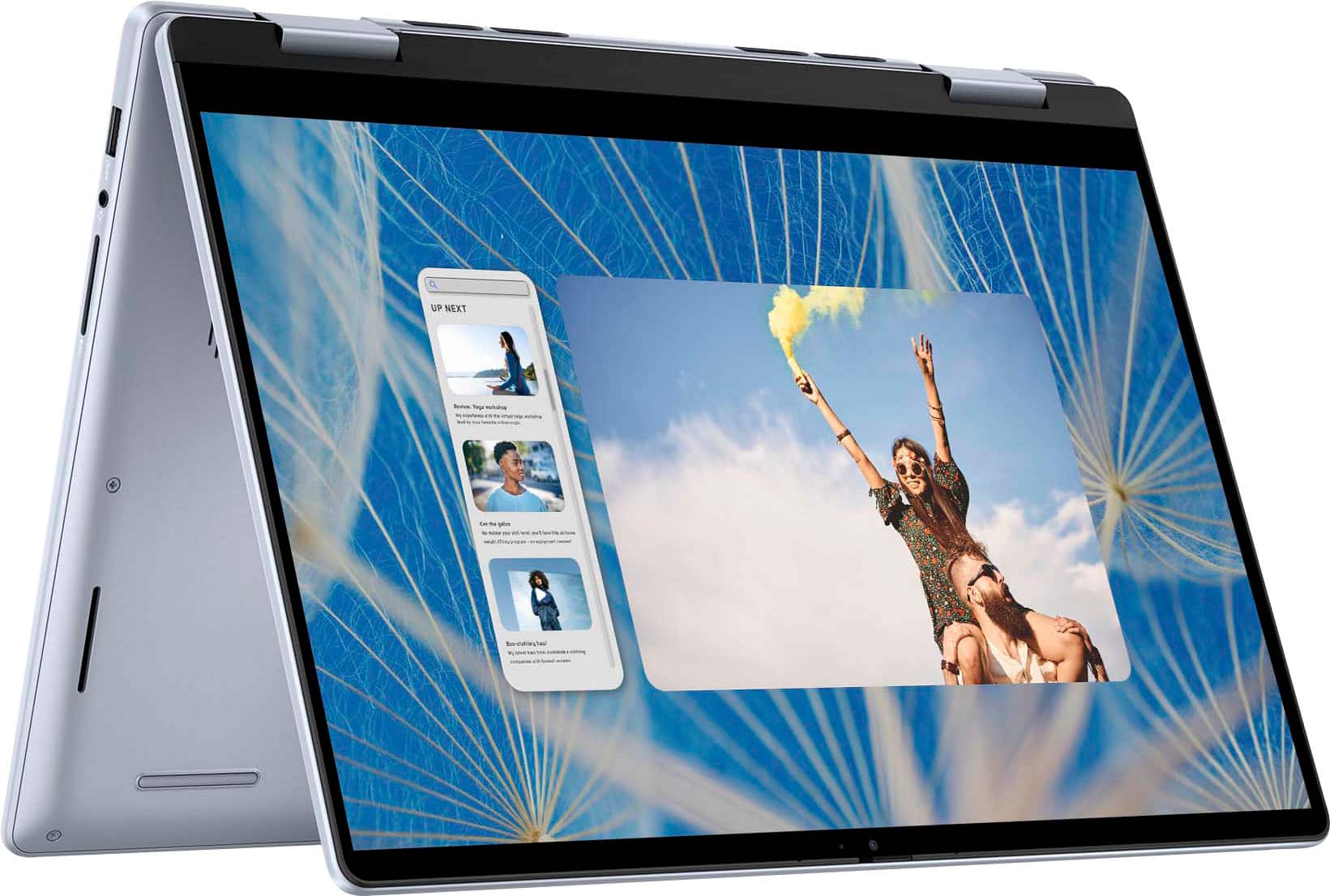
|Posted .This reviewer received promo considerations or sweepstakes entry for writing a review.The Dell Inspiron 14 2-in-1 is a great on-the-go laptop. The 14 inch screen is small enough to not take up too much space but large enough to be useable. The weight makes it light enough for me to use one had to carry while tapping away with my other. Battery life estimates on Windows shows just under 11hrs under my usage which was mostly web browsing and a little content watching. Nothing too strenuous. The shortest estimate that Windows displayed was under 4hrs during updates, but updates didn't take the full 4 hours for me to verify that. I check to see if they might have slipped in Windows Ink support in the 2-in-1 but seems the specs are correct - no pen support. It would been nice using the 14" screen for some artwork and handwritten note taking. The biggest irritation, as with so many computer mfgs, is the bloatware. Weird thing is that MS's own office apps take longer to uninstall than McAfee. Not only is the entire Office suite installed, but there are threed laguage versions that need to be removed. I could have done 4 clean installs faster than it took to remove Office. Other than the bloatware annoyance, the Inspiron 14 2-in-1 offers a wonderful experience with enough horsepower and battery life to take you through a day's (or most of a day's) work.
I would recommend this to a friend Very Disappointed
||Posted . Owned for 1 week when reviewed.This reviewer received promo considerations or sweepstakes entry for writing a review.Thought it would be a great laptop with the given configuration but the battery drains really fast and even performance is not so great.
No, I would not recommend this to a friendBrand response from YourDellTeam
Posted .Hello Scarlet,
We would like to thank you for taking the time to leave us your review. We regret to learn of the issues you're experiencing with your Dell Inspiron 14 2-in-1 Touch laptop, particularly concerning the system and battery performance. This is certainly not the type of feedback we like to hear from our valued customers, or the type of product Dell intends to deliver.
We continually aim to improve, and reviews such as yours are instrumental in developing products that our customers adore. Rest assured, your feedback will be conveyed to our quality team for potential incorporation into future product improvements.
There are several ways to help improve the performance of your computer if it is running slower than you expected it to. We'd recommend the following steps to help improve your computer's overall performance and speed:
1. Restart your computer regularly.
2. Run the automated tools provided in the SupportAssist Tool.
3. Run a complete hardware diagnostic test.
4. Scan your computer for malware.
5. Restore your Dell computer using Windows System Restore.
6. Reinstall Microsoft Windows.
You can read the full steps associated with each of these recommendations here: https://dell.to/3n29QjE
How to Improve the Performance of a Dell Laptop Battery: http://dell.to/2vfXWf4
Should you continue to encounter any issues or have questions or concerns, we are eager to assist you in resolving any problems to your satisfaction. Feel free to reach out to a Dell representative using the contact information provided below.
Chat or call: https://bit.ly/DellSupportTeam
Phone number to Dell: 1-800-624-9896
Best,
Minhaj@Dell
Worst Product
||Posted . Owned for 1 month when reviewed.This reviewer received promo considerations or sweepstakes entry for writing a review.One star is also waste. Web Cam is not working, Bluetooth is not working and getting issues with Wi-fi. Connect to support and did updates and settings for up to 5 hours but nothing change.
No, I would not recommend this to a friend- Pros mentioned:Portability, Processor speed
1TB Laptop and Tablet. Light, fast, and powerful.
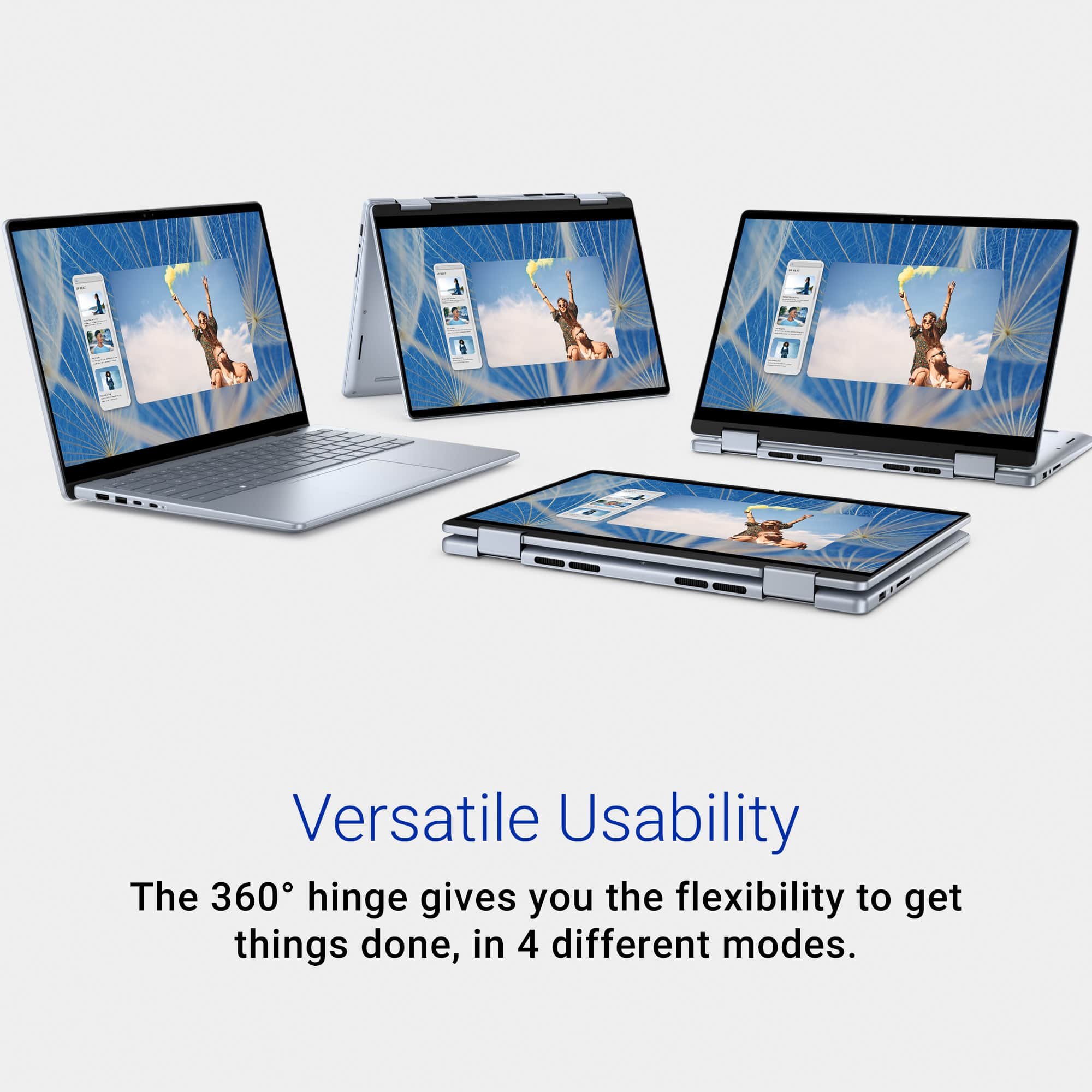
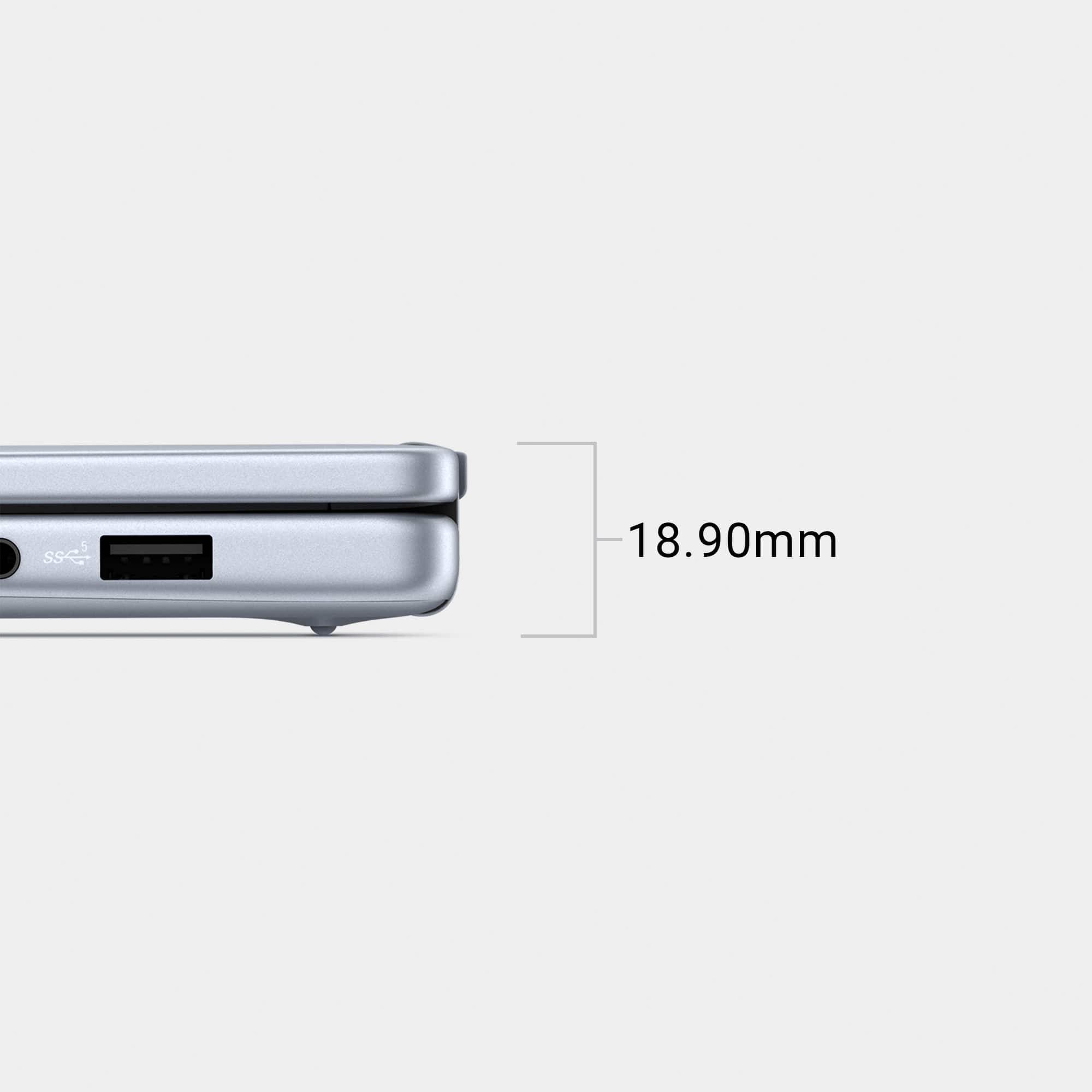
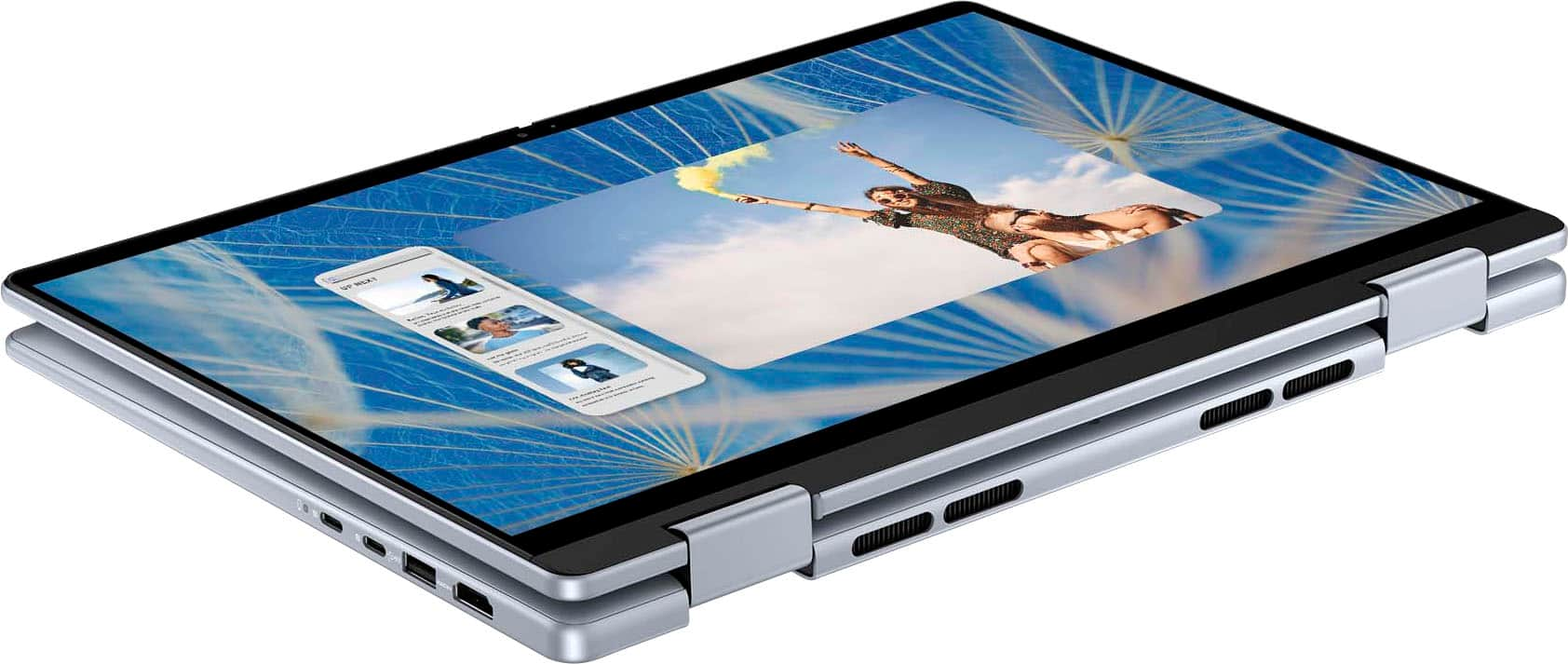
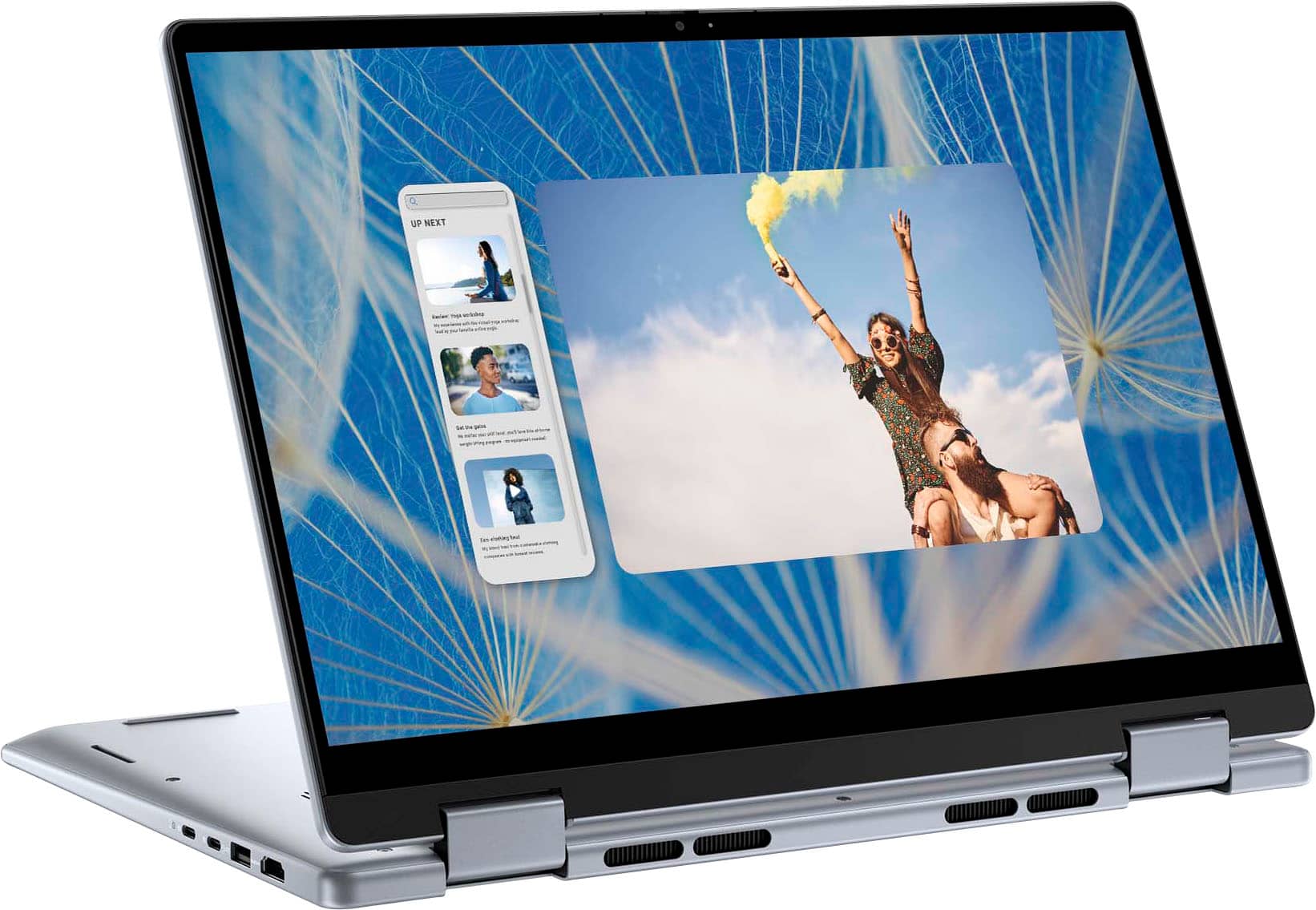
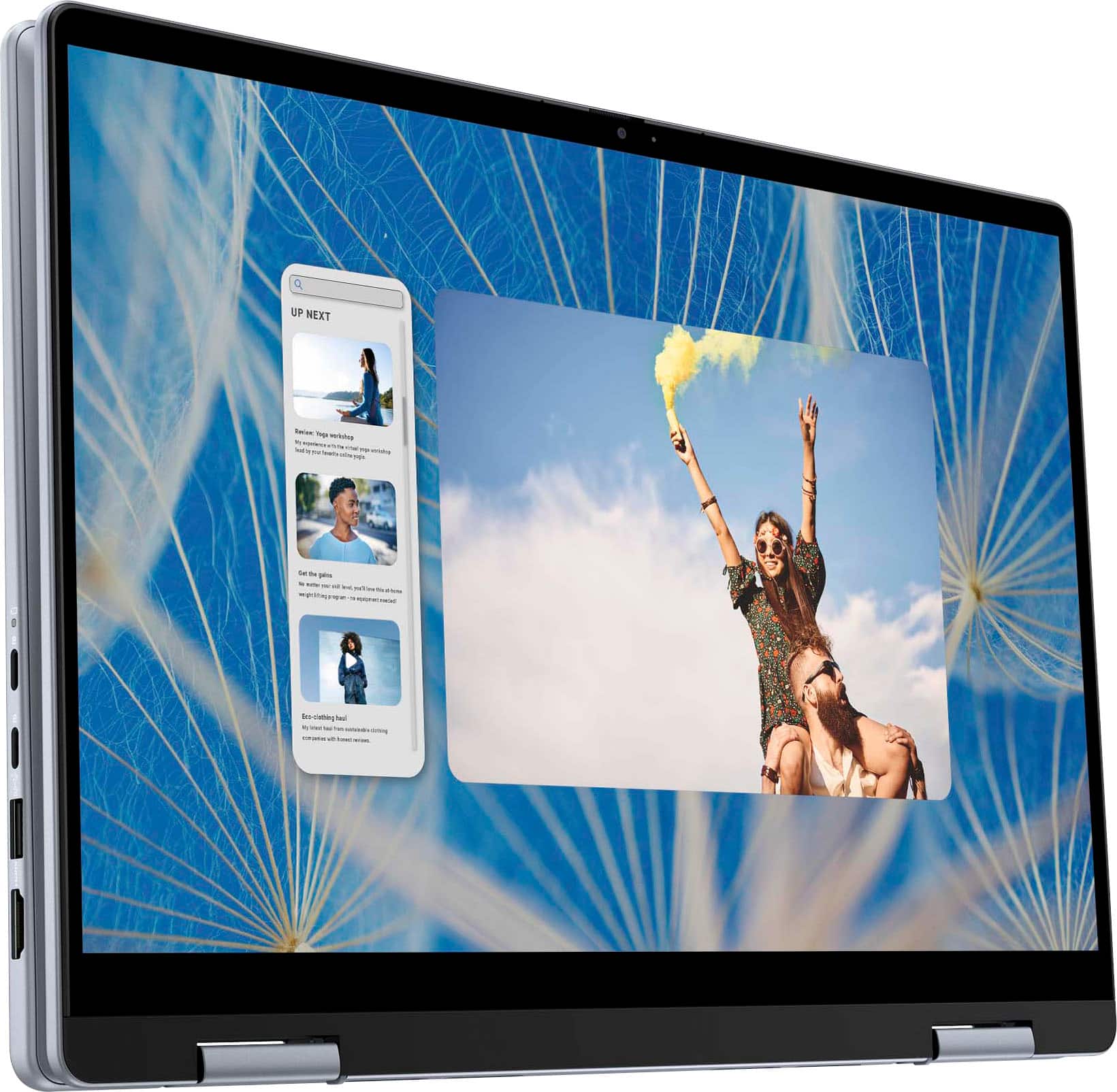
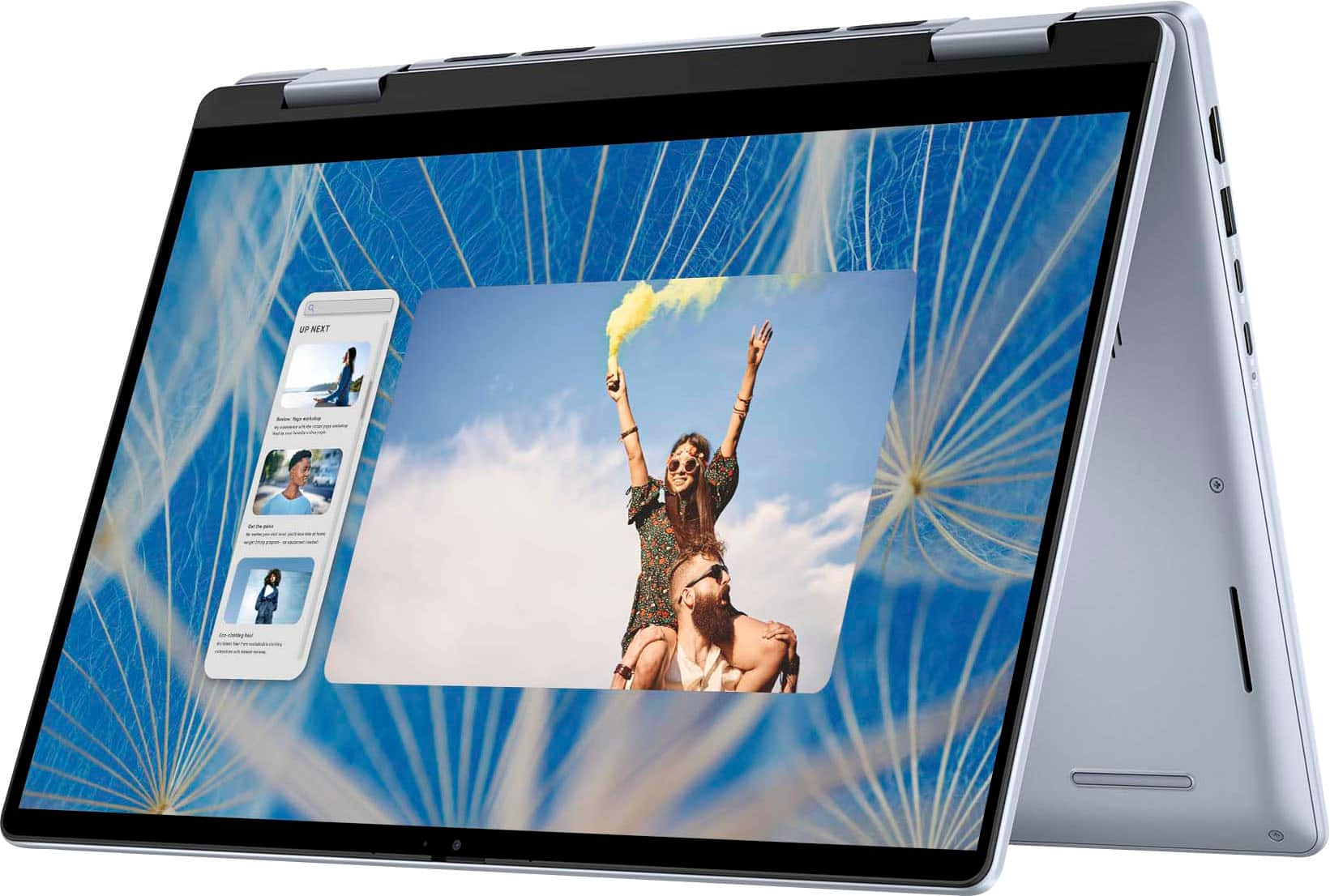
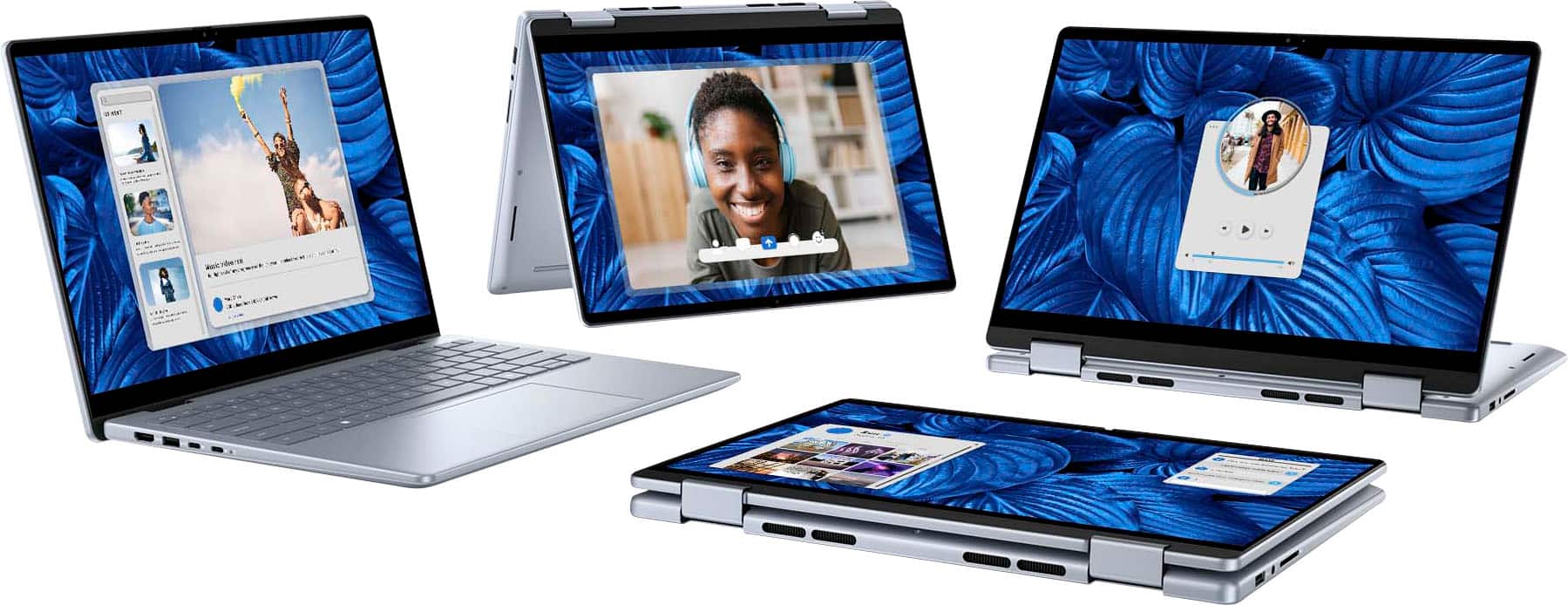
|Posted .This reviewer received promo considerations or sweepstakes entry for writing a review.I was upgrading from another Dell laptop so the transfer sequence was easy. I didn't lose any information stored on the cloud and the transition was seamless. That being said this new laptop is way lighter and compact (no number pad on the side). The responsiveness of the keys are really quick and feels really good when typing. The fact that the memory is 1TB is not as wild to me as it is starting to be more common in laptops. However, the processor that keeps the laptop functioning properly and efficiently is quite impressive. Dell has worked out a lot of kinks with the Intel core i7 much so that it has become the standard to guarantee top performance to casual computer users. Even for gamers, that's the minimum requirement for optimum results. The laptop is thin and easy to carry and has all the necessary ports for media entertainment and extra peripherals. It also folds and functions as a tablet! Great for mobility and ease of access to certain apps. This laptop has awesome versatility!
I would recommend this to a friend Don't buy if you produce music
||Posted . Owned for 3 months when reviewed.This reviewer received promo considerations or sweepstakes entry for writing a review.Purchased for my son as a gift. He does music production and there is an issue with sound latency that Dell can not fix. Useless laptop
No, I would not recommend this to a friendDONT BUY,not recommended
||Posted . Owned for 1 month when reviewed.This reviewer received promo considerations or sweepstakes entry for writing a review.little more of a month using it ,lots of issues,not starting properlu,freezing up
No, I would not recommend this to a friendBrand response from YourDellTeam
Posted .Dear Ra123,
We value your feedback and want to thank you for taking the time to leave a review of your Dell Inspiron 14 2-in-1 Touch Laptop. We sincerely apologize for the numerous issues you have encountered with your laptop. This is not the type of feedback we like to hear from our customers, or the type of product Dell intends to deliver. Feedback like yours helps us improve our current and future products.
Below I have provided troubleshooting instructions with the full article that can help resolve this issue.
1. Search for Windows Error Codes.
2. Run a Computer Diagnostic.
3. Run Routine System Maintenance.
4. Update Drivers and BIOS.
5. Check Air Vents.
6. Check Safe Mode Symptoms.
7. Update Windows.
8. Uninstall, Reinstall and Update Software.
9. Look for Multiple Anti-Virus Programs.
10. Check for Malware.
11. Use System Restore.
12. Factory Install or Reinstall Microsoft Windows.
You can read the full article on solving freezing issues here: https://dell.to/33Y2KFn
I have also added a video link for additional troubleshooting: https://bit.ly/3qzpXZg
We would love the opportunity to help you but will need a little more information. Please take a moment to call or chat to speak with a Dell representative at your earliest convenience using the information provided below so that we can help you resolve the issue to your satisfaction.
Chat or call: https://bit.ly/DellSupportTeam
Phone number to Dell 1-800-624-9896
We look forward to making this right for you!
Best,
Minhaj@Dell
Terrible Delivery and Customer Service
||Posted .This reviewer received promo considerations or sweepstakes entry for writing a review.It took me 26 days to receive my order and 6 calls
I would recommend this to a friendLooking for refund or replace
||Posted . Owned for 3 months when reviewed.This reviewer received promo considerations or sweepstakes entry for writing a review.I just took it 3 months back its hanged and not working from yesterday
No, I would not recommend this to a friend- Pros mentioned:Overall performance, Processor speed
Inspired with Versatility
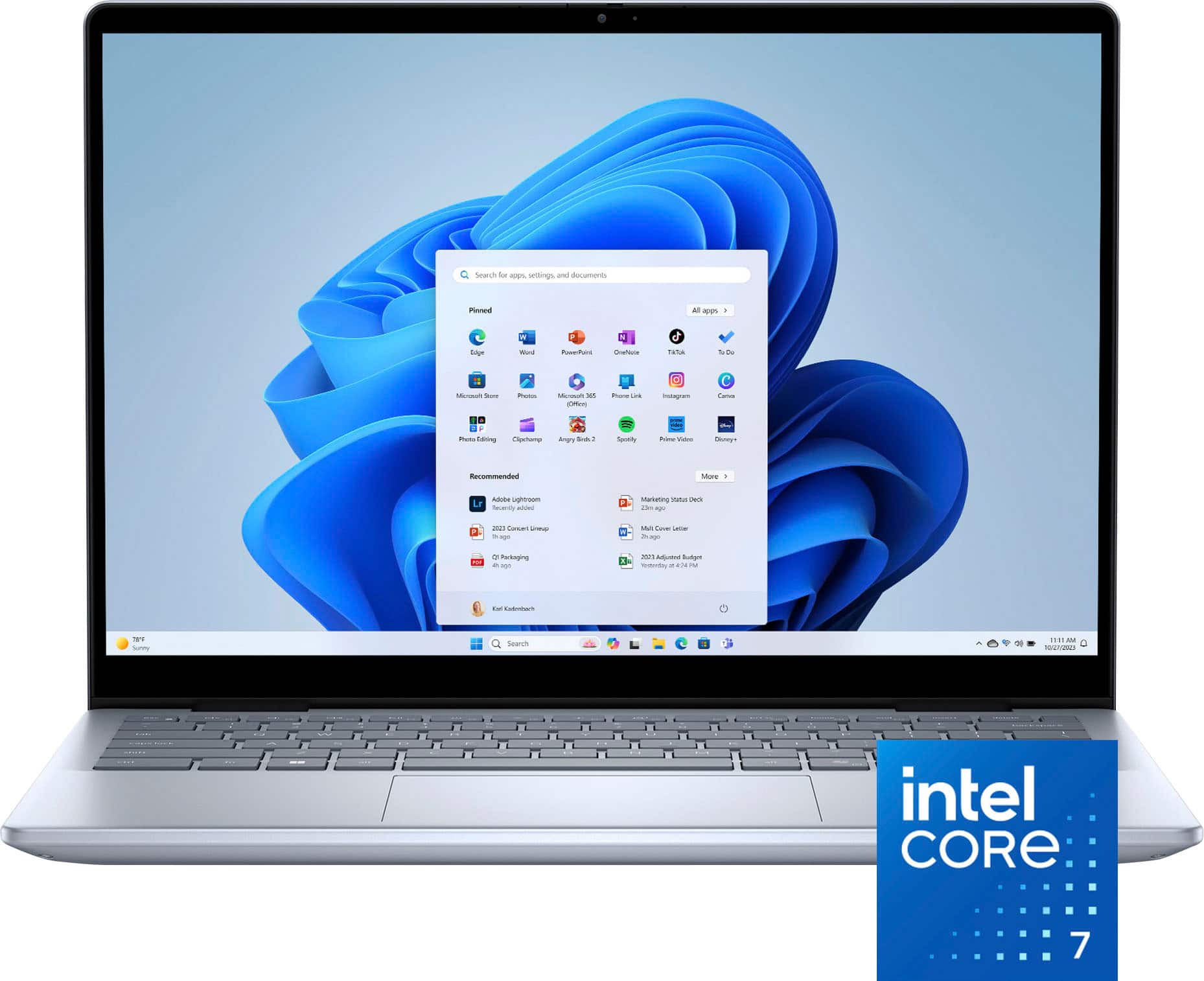
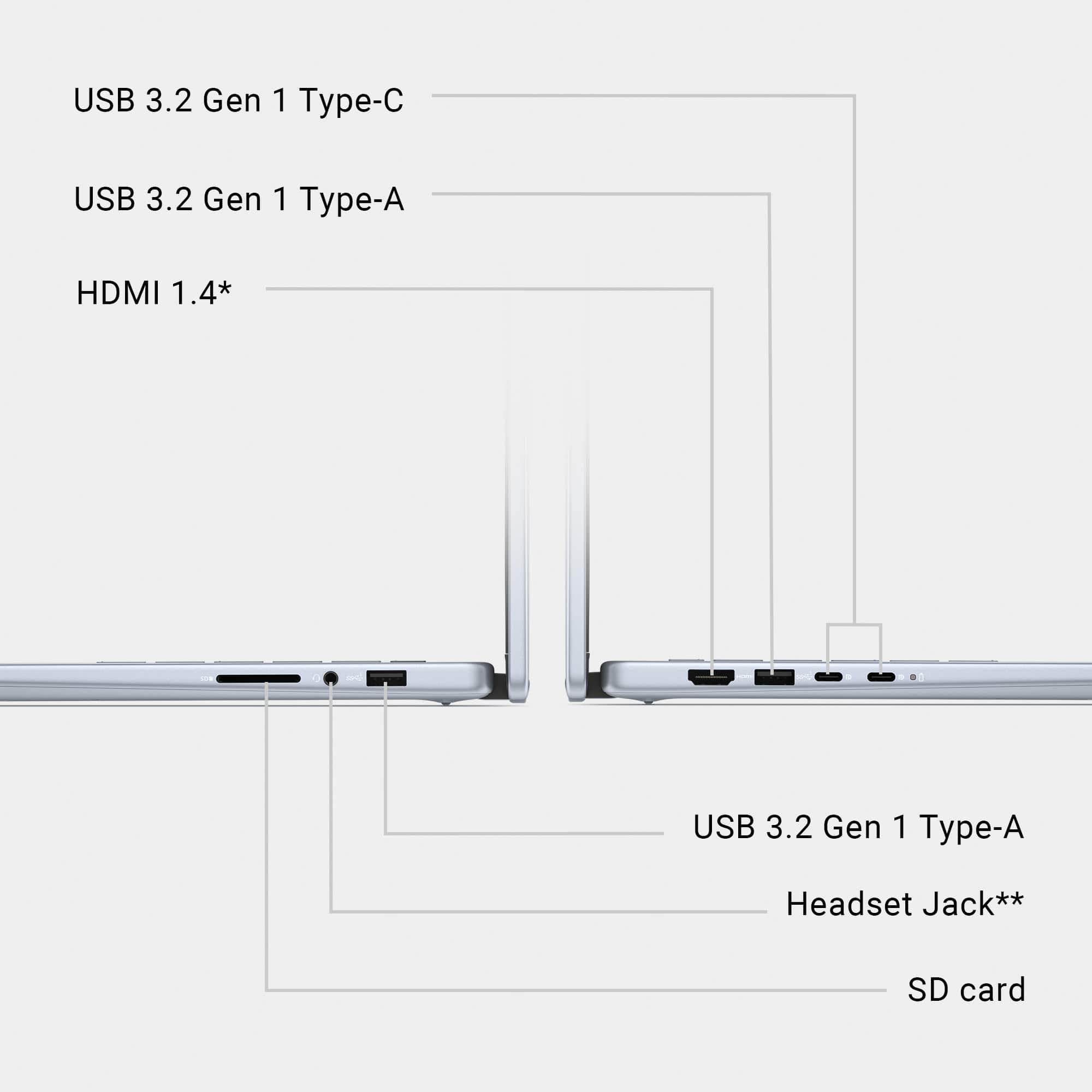
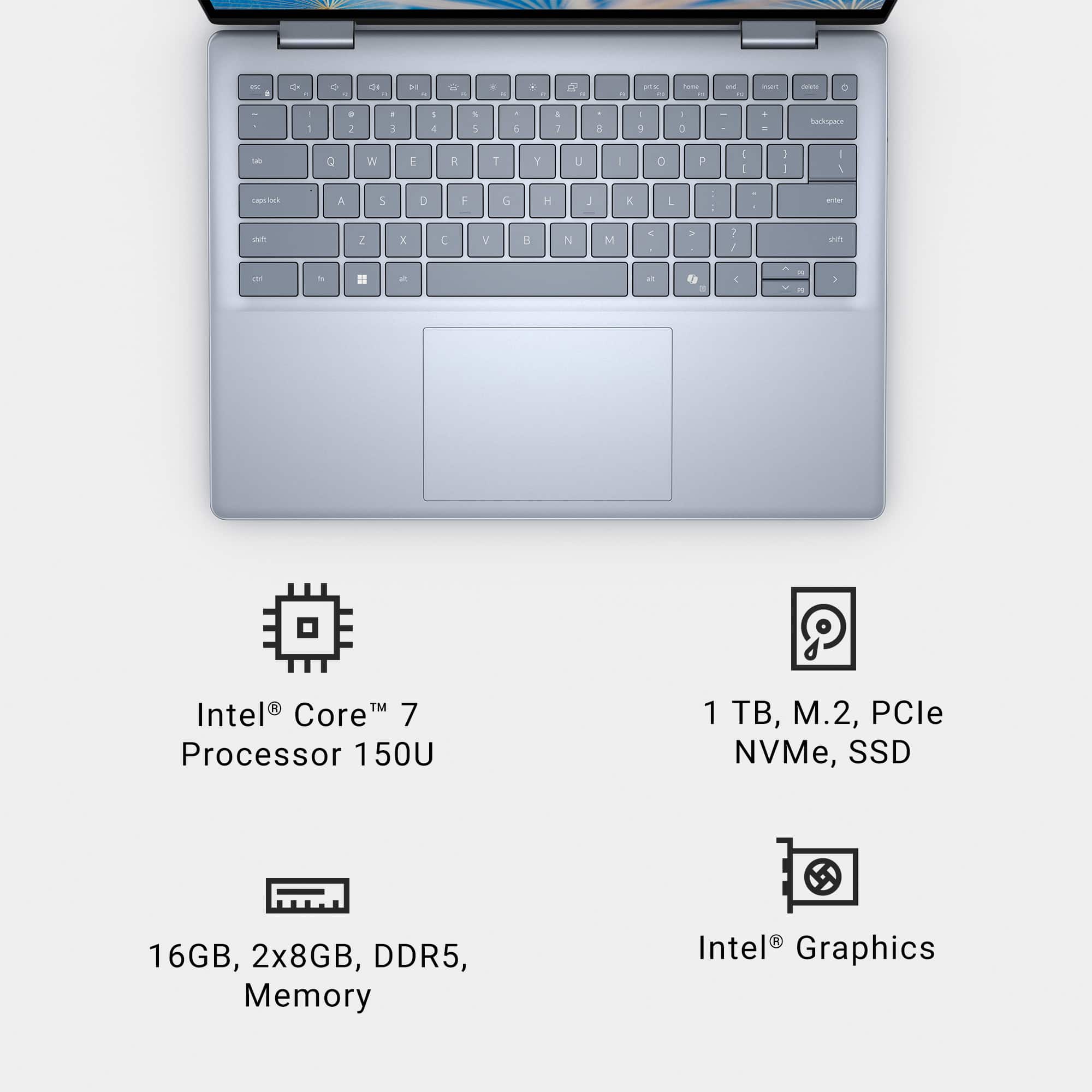
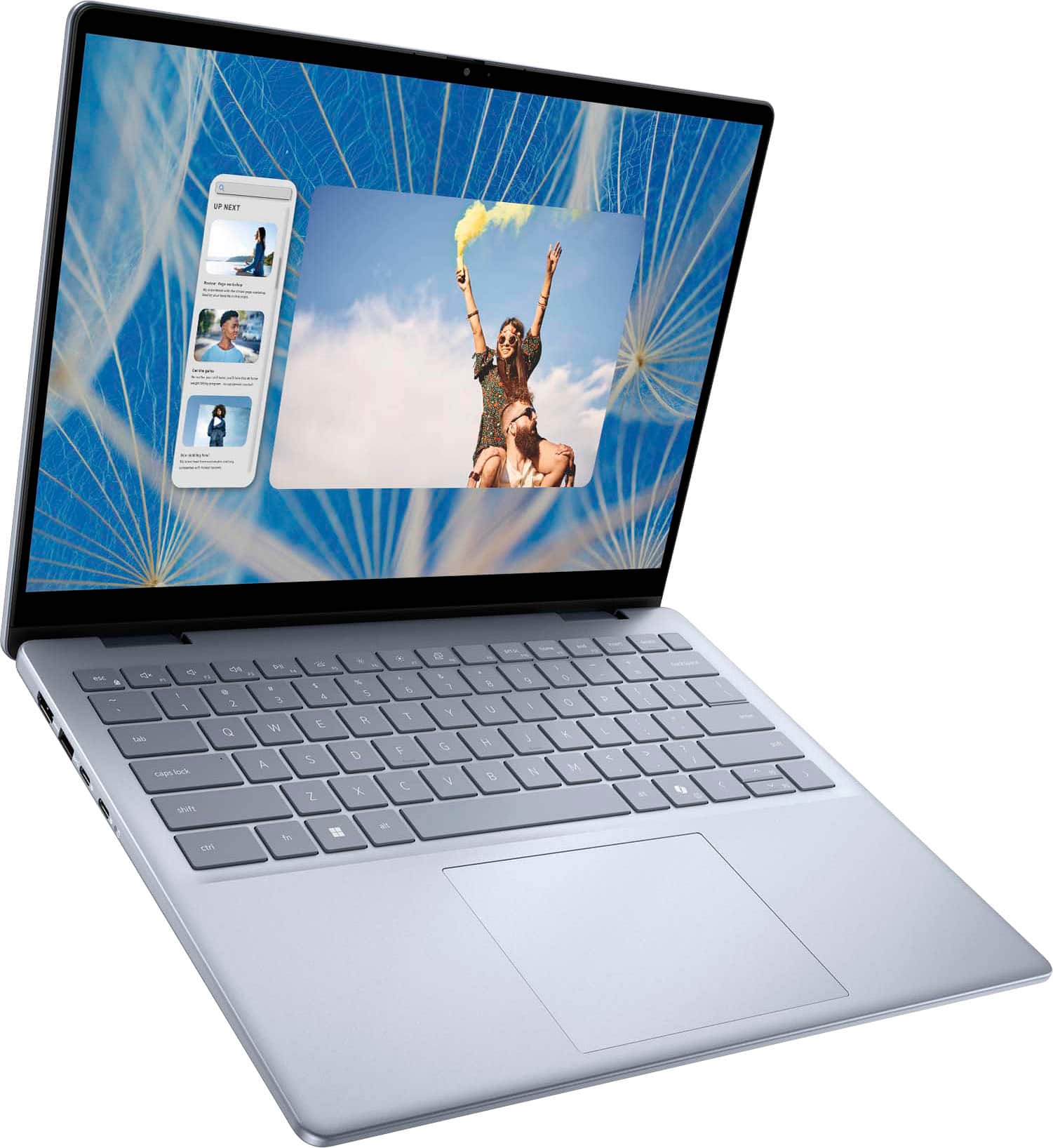
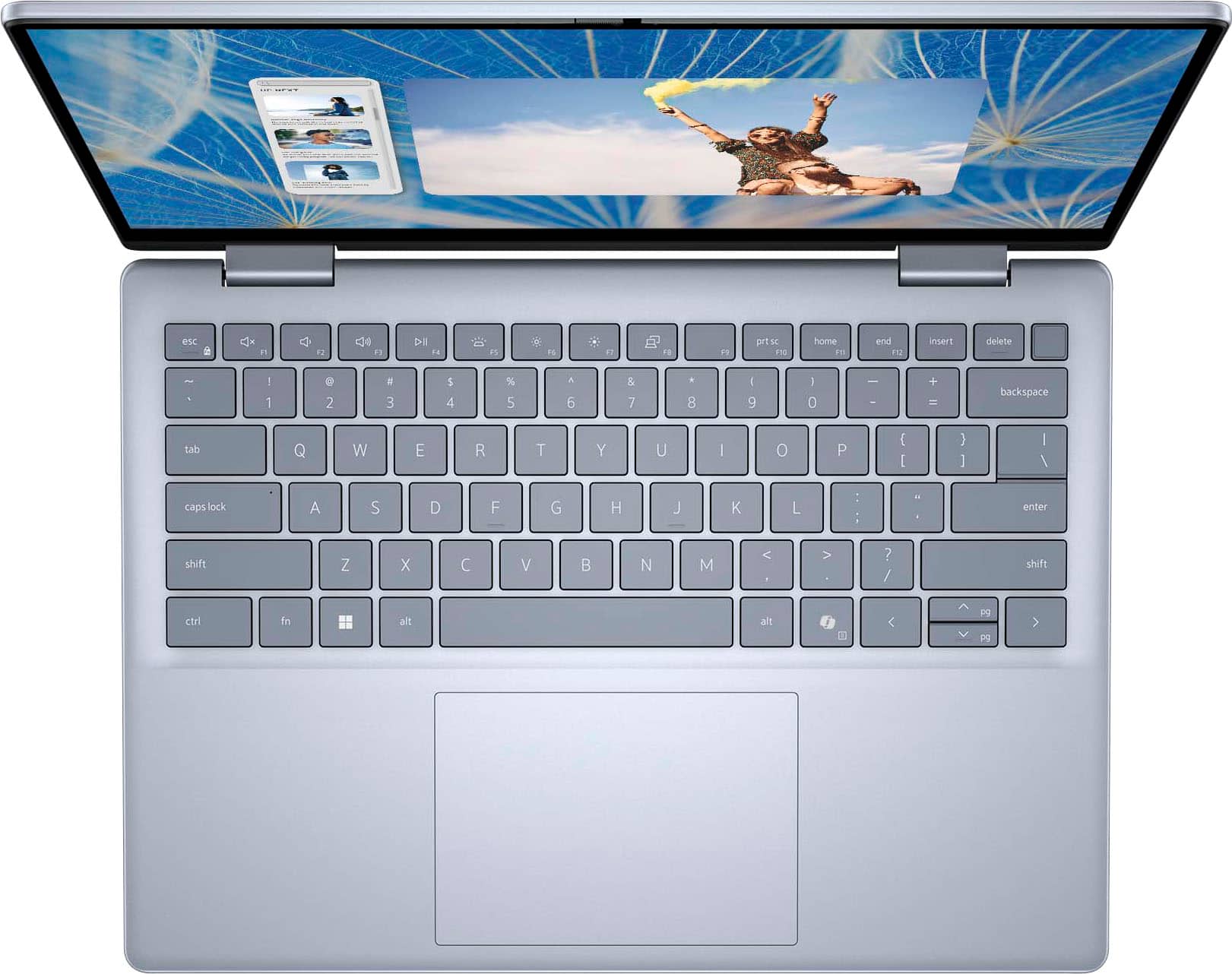
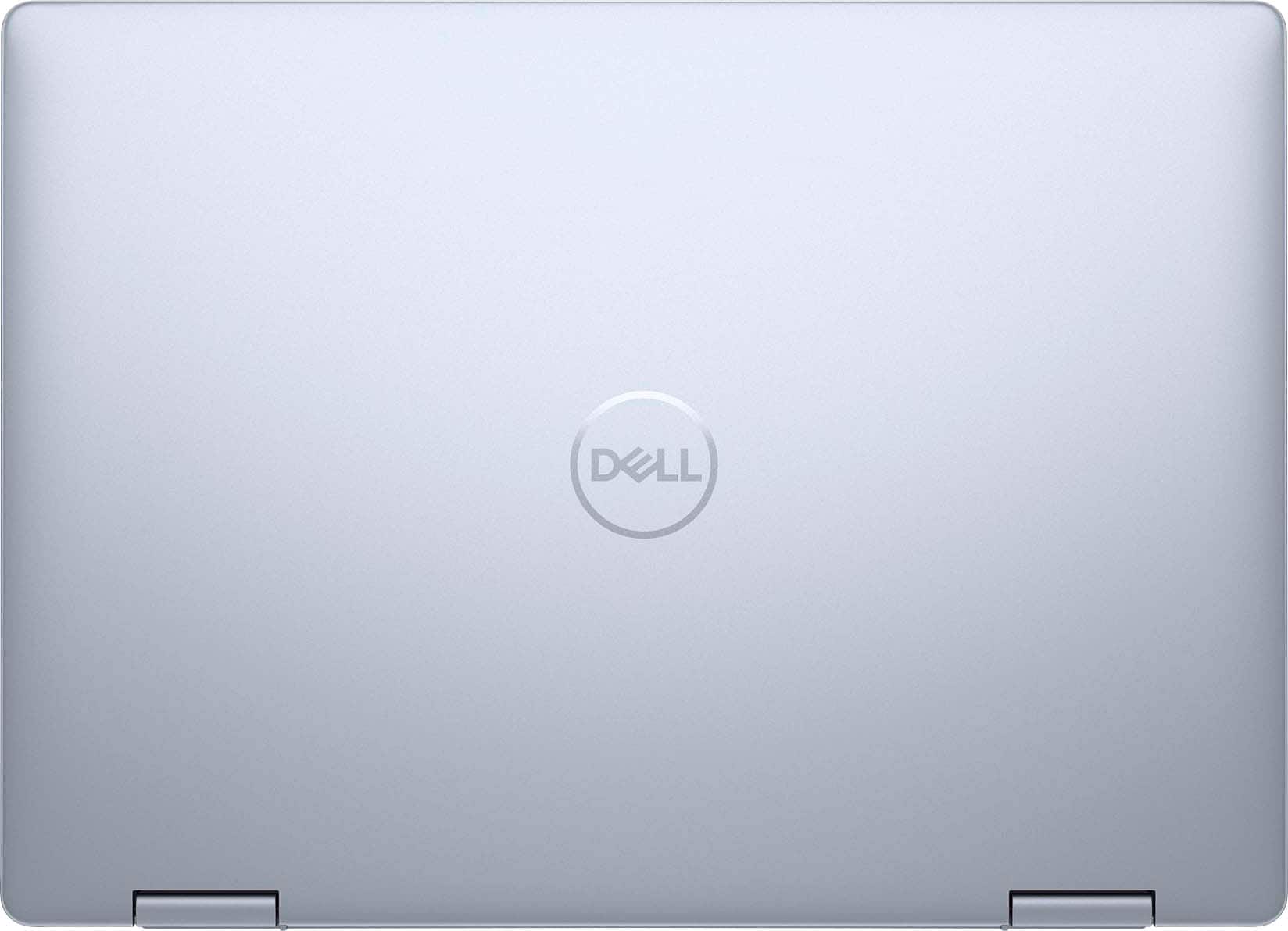
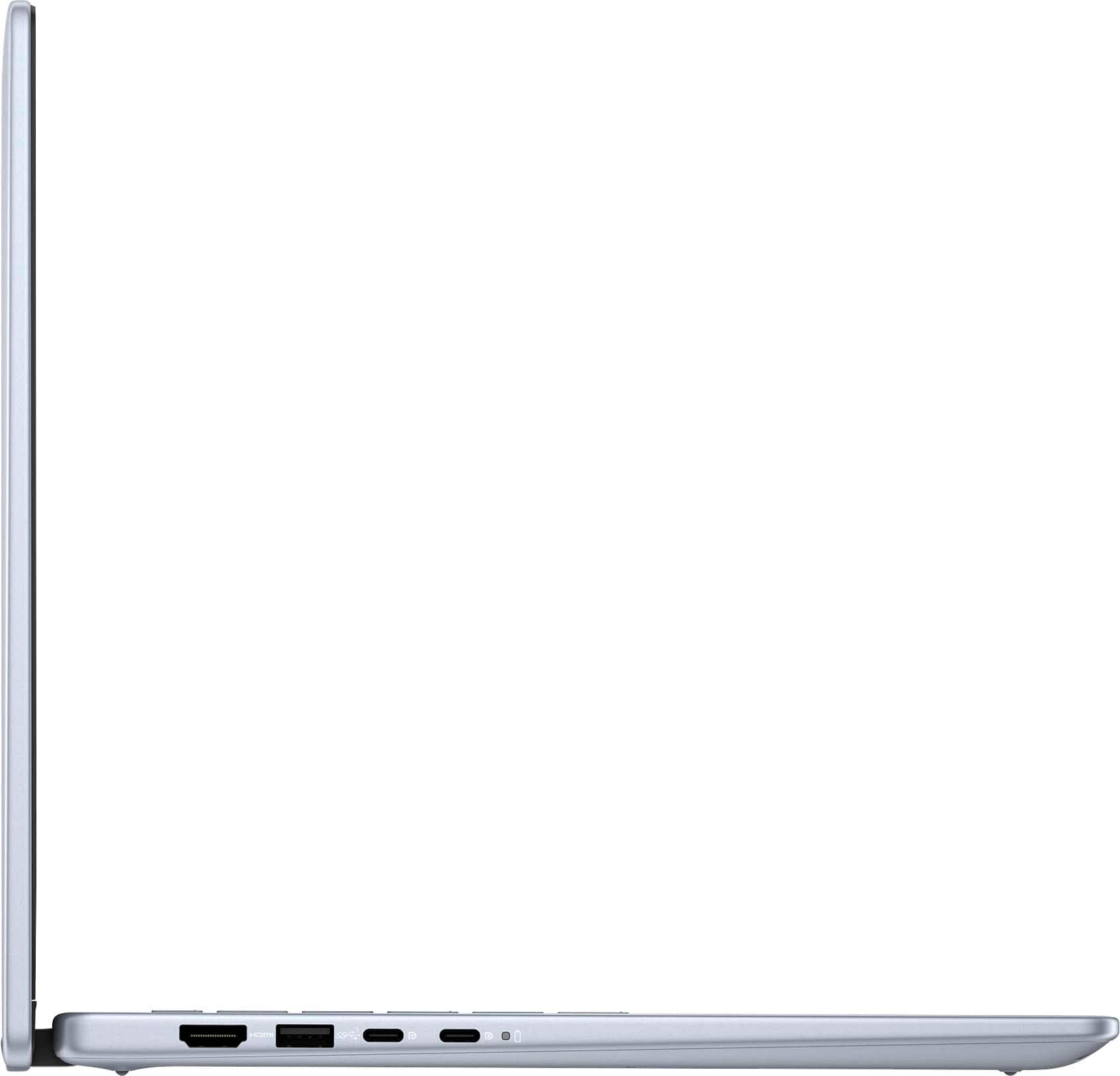
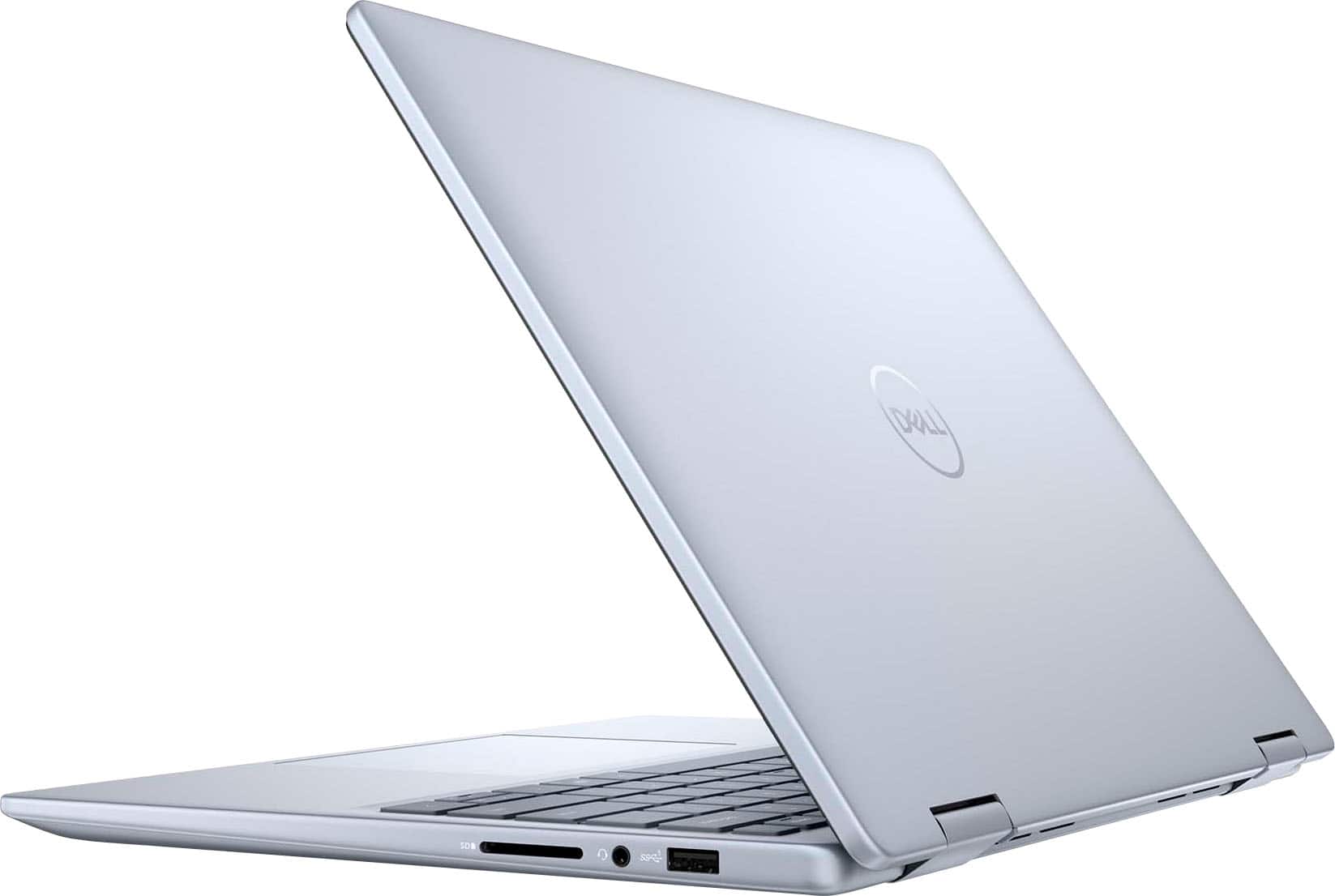
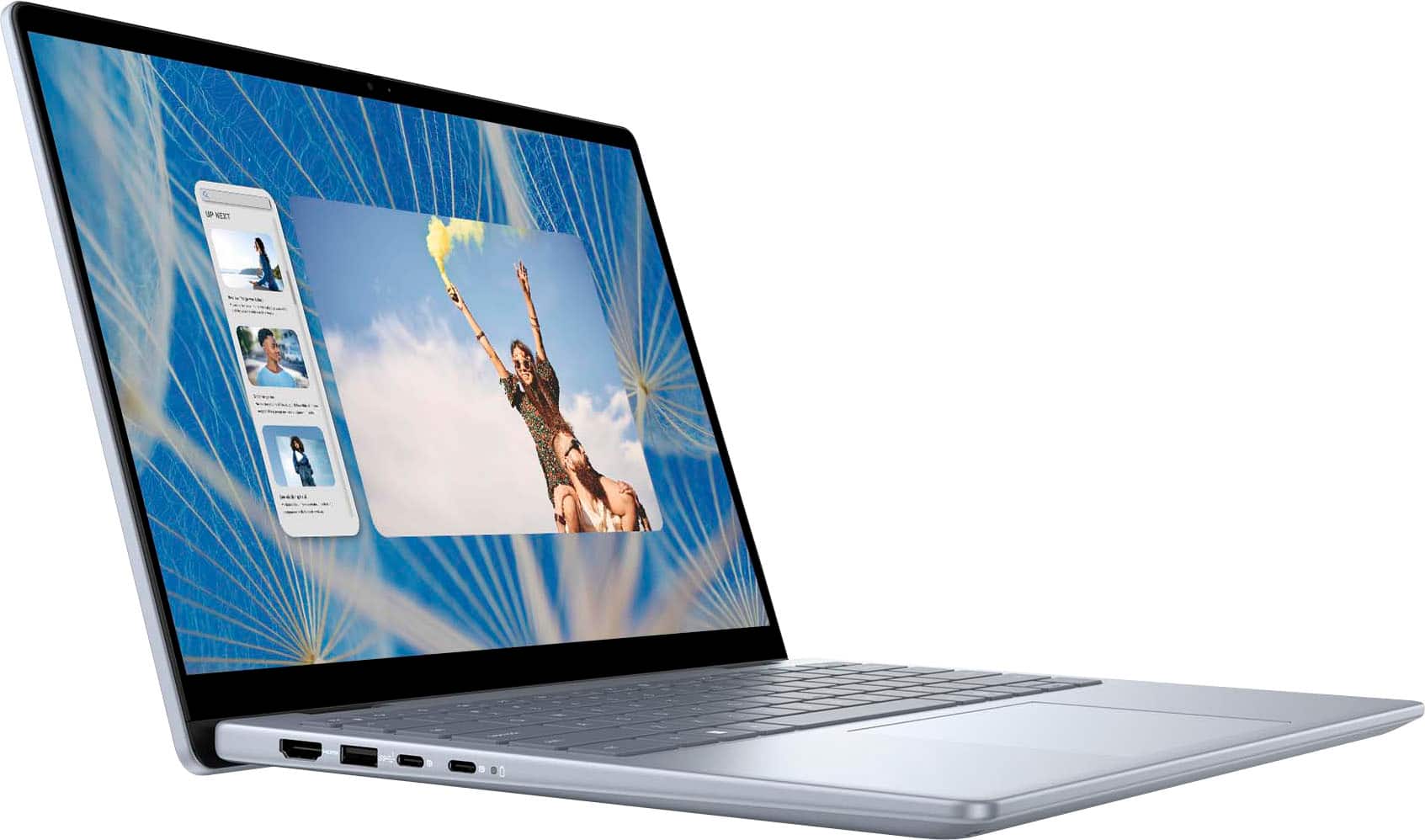
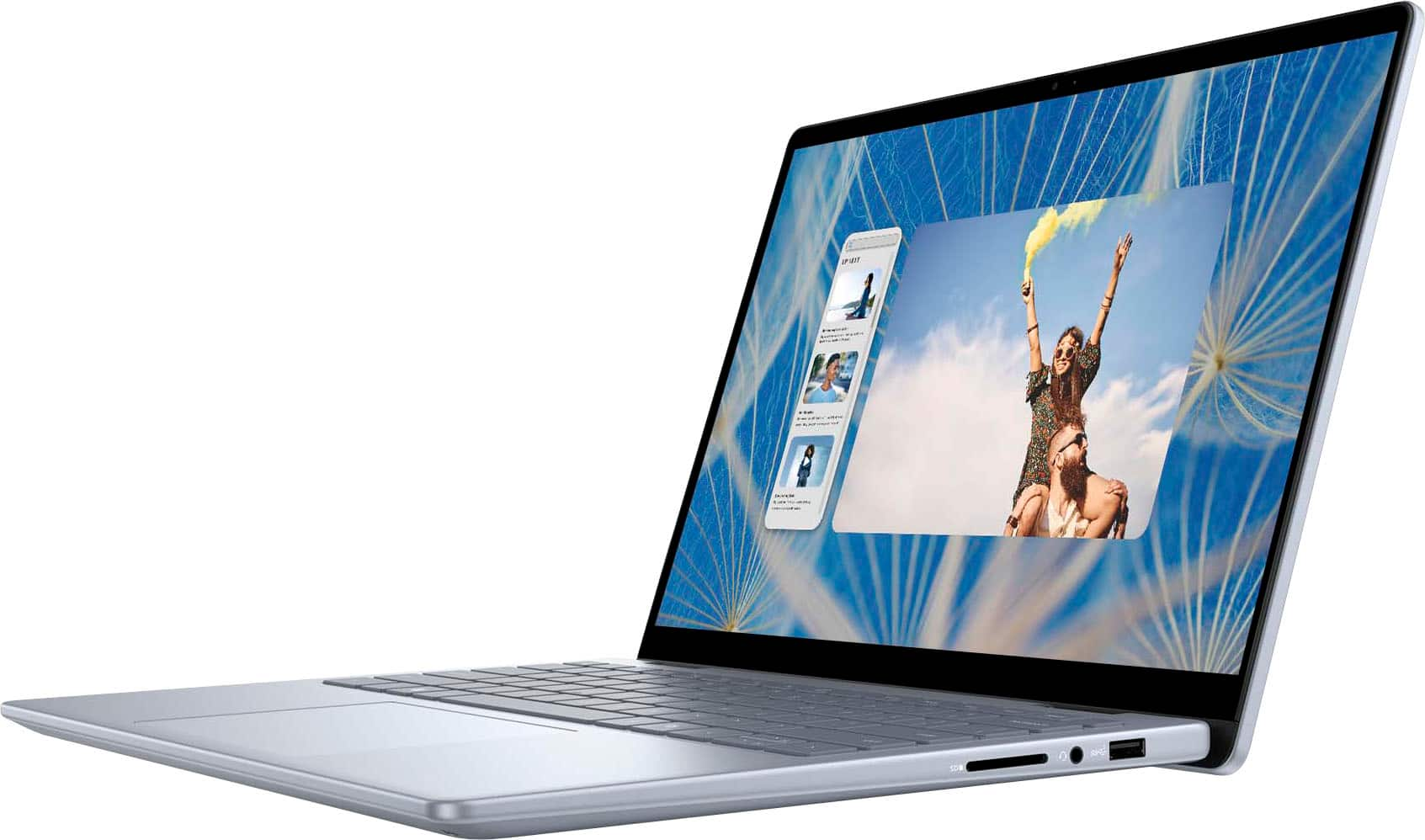
|Posted .This reviewer received promo considerations or sweepstakes entry for writing a review.The Dell - Inspiron 14 2-in-1 Touch Laptop in Ice Blue appears beautiful upon unboxing. The packaging is simple yet protective and in the box comes the laptop and the charging cord with a pamphlet containing a quick plug and go picture with a QR code for additional set-up info. The charging block in 2-piece, with a 90 degree angle on the charging brick, which I find intriguing as it would allow to easily be tucked away behind a desk without the cord being suspended in air. Set up for the laptop from start to finish took a total of less than 10-minutes. Being a Windows device you need an account to be used for login, if you do not already have one it is easy to set up as prompted. The power button is also a fingerprint scanner for log-in, which I find nifty and quick for device log-in. I prefer the fingerprint option over a webcam/facial recognition as those sometimes struggle if one is a contact/glasses wearer. I have had no issues with the fingerprint scanner working so far - you are able to upload one fingerprint to the device. The Intel Core 7 processor, 16GB Memory with 1TB SDD runs smoothly. Boot-up from powered down takes a few seconds, screen on from being closed takes no time at all and flipping between laptop to tablet mode is quick and efficient. I am using this laptop primarily for work and one can easily have multiple tabs open and toggle between tasks without appreciable lag - something that in my previous work computer would be quite frequent. The functionality of the 2-in-1 Touch is what prompted me to obtain this device, I wanted something that was versatile between tasks and able to be used at full capacity when needed. I was surprised at the device weight, with being a 2-in-1 I expected the device would be more lightweight than it is. It is not to the point of being too heavy, but there is effort required to flip the screen back and forth and to carry it around. This is not a deal breaker, just worth mentioning. I am glad I went with the 14" screen size as I imagine anything larger would be bulky to carry. Overall, the device is well designed for work/office or home tasks. The 2-in-1 functionality allows for diversity in tasks with the touch screen having a more leisurely approach to use. There is an HDMI connector to allow for display, 2 USB-C and 2 USB-A which allows for use of accessories both past and present. The system is able to tolerate the daily use that I have expected from it and also stream video without issue of delay or poor quality. I am happy with this device and once again, my biggest downfall to point out is the product weight of 3.77lbs. This device does not boast a lightweight/feather design; however, it is worth mentioning. An acceptable tradeoff for myself given functionality.
I would recommend this to a friend Scam by BestBuy
||Posted . Owned for 3 weeks when reviewed.This reviewer received promo considerations or sweepstakes entry for writing a review.I didn't receive my order yet today is 25-december, and I order on 30th November
No, I would not recommend this to a friendLaptop
||Posted .This reviewer received promo considerations or sweepstakes entry for writing a review.Brand new product came with broken camera. Very disappointing.
No, I would not recommend this to a friendNo directions
||Posted . Owned for 1 month when reviewed.This reviewer received promo considerations or sweepstakes entry for writing a review.No paperwork showing what port is what, no help what so ever
No, I would not recommend this to a friend- Pros mentioned:Processor speed
Perfect balance of performance and value
|Posted .This reviewer received promo considerations or sweepstakes entry for writing a review.I have the previous generation of this laptop and I gave it a 5 star rating and this one is even better. Dell is my preferred laptop brand for work because they work great, are thoughtfully designed and use premium components. I find that Dell put's less bloatware on their PC's and since I have a giant Dell monitor so I prefer their laptops with Dell Screen Manager. This laptop is a workhorse and has all of the specs and ports I need. 2 USB-C ports along with a USB-A port is a lot for a laptop these days and it has an HDMI port as well. When I visit my mother in Florida and work from there, I use a Dell monitor plus 1 or 2 portable screens so I need ports and this laptop brings it. The new i7 processor is a beast, everything loads at lightning speed. 16gb of ram and plenty of hard drive space make this laptop a bargain at it's price point. Windows 11 shines on this machine. It also has a dedicated Co-Pilot key on the keyboard which I've been using more and more lately. Having quick access to an AI application is a cool feature. The keyboard and trackpad feel great and it has a nice camera. The speakers are not bad, but I don't really use the built in speakers anyway. The screen could be a little brighter for me, but it does produce a very nice picture. Battery life is good, but I have mine plugged into my monitor for power and video most of the time so battery life is not important to me. If you're looking for a powerful machine with specs that will keep you running for years, this is a great option, especially at the price point.
I would recommend this to a friend - Pros mentioned:Processor speed
Solid Choice for Most Users
|Posted .This reviewer received promo considerations or sweepstakes entry for writing a review.While I was hoping for a lighter laptop, I really expected it to be even heavier due to the good specs and performance it provides. Please be aware that I’m very tech savvy and somewhat critical about computers in general, but I will try to make it simple by breaking it down into likes and dislikes: Likes: • Webcam with privacy shutter: Having a built-in privacy shutter for the webcam is a nice touch, ensuring your privacy when not in use. Believe me, hackers can turn your camera on, but the main concern is to start a video conference with the camera inadvertently turned on when not intended. Just remember to always turn it off after you use it, and you will save yourself from embarrassing situations. • Polished look: While not premium looking, it has a modern and professional appearance. • Tablet mode allows you to switch between laptop and tablet modes effortlessly. • Drawing capabilities. Although I wish the screen was better for fine drawing, it has enough power for that, especially when paired with an active stylus/pen. It would be great with Procreate, which unfortunately isn’t available for Windows, • Fingerprint Reader. Convenient security feature for quick logins. I prefer face recognition, but anything that is not entering your password every time is good enough for me. • Ample storage: With 1TB of storage, you won’t run out of space anytime soon. Unless you use it for video editing or something heavy like that. • WiFi 6E: future-proof connectivity for faster wireless speeds akin to wired and even better in some cases. Of course, you need a compatible router/modem which I’m lucky to won one. • 10-Core Intel i7 processor: Impressive processing power for multitasking and demanding applications. The performance is commendable for spreadsheets, even video editing although it falls short of being excellent due to the GPU (graphics card) • Comfortable backlit keyboard: Useful for working in low-light environments. • USB-C ports: Two USB-C ports provide versatility for connecting and charging highspeed peripherals. There are two older ports in case your peripheral doesn’t support USB-C. I still wish it had two extra USB-C ports. Dislikes: • 1080p resolution output to second Monitor: If you’re using an external monitor, the limited resolution might be a drawback. • Non-IPS display: An IPS display would offer better color accuracy and wider viewing angles. • Heavier than expected: At 3.46 lbs, it’s not the lightest 14-inch laptop. • Graphics Cards not ideal for professional video editing or drawing: Despite the fast processor, the integrated graphics might not meet the needs of professional video editing or intensive drawing tasks. You can do it, but you will want to review your work on a more powerful computer. That’s what I usually do. As a side note, if you want to use it for writing or drawing like me, I recommend a pen with 4096 levels of pressure such as Dell Active Pen, but there are other non-Dell pens that work just as well although they may not come with the 3-year warranty. Overall, the Dell Inspiron 14 2-in-1 strikes a balance between portability, performance, and features. While it has some limitations, it’s a solid choice even for many professional users like me. The main reason for my sticking to 4 stars is because there is no option for 4.5, and because the lack of IPS monitor is a bit disappointing. Also, 1080p output to my external IPS monitor doesn’t help either.
- Pros mentioned:Processor speed, Touch screen
Checks the Boxes !
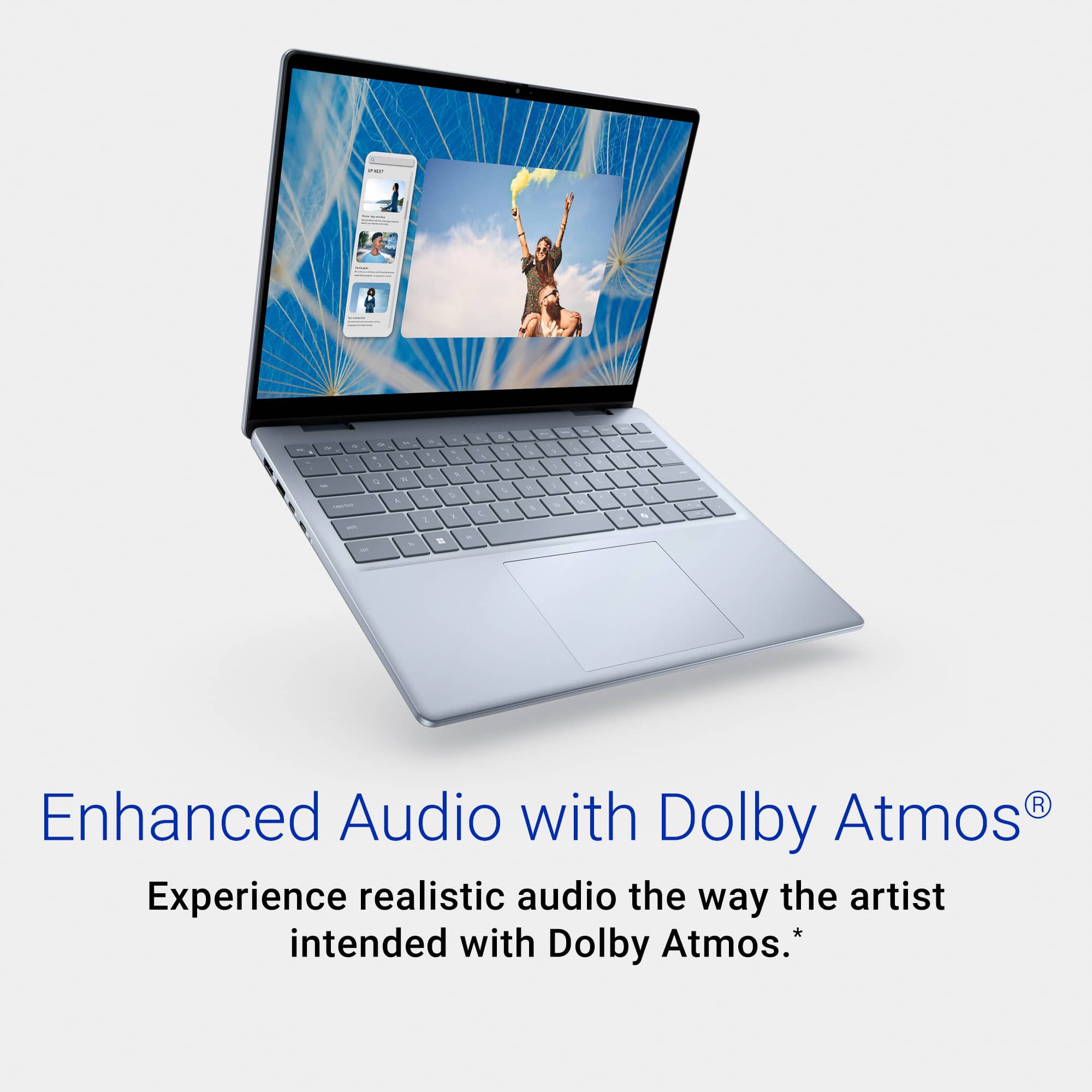
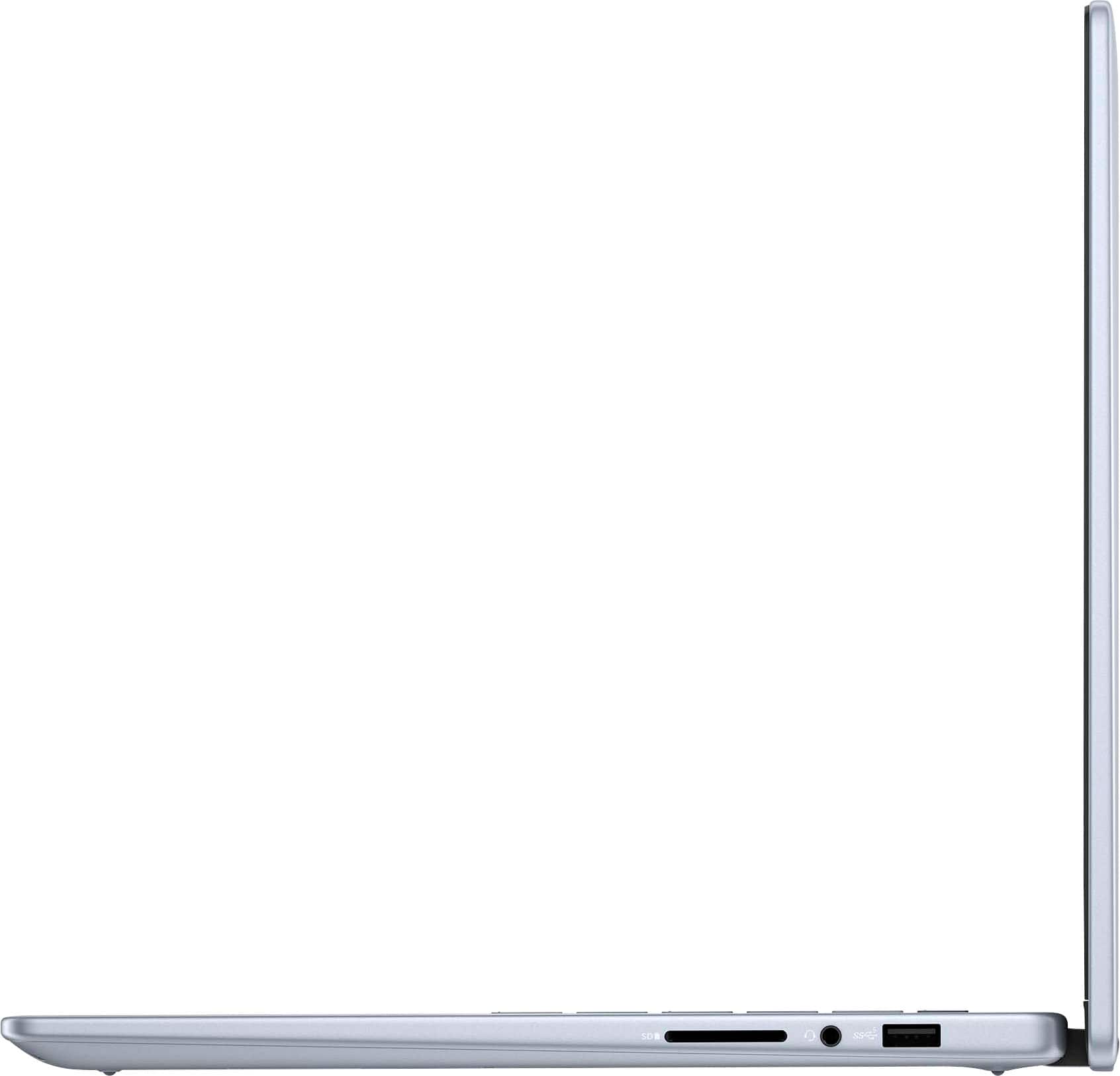
|Posted .This reviewer received promo considerations or sweepstakes entry for writing a review.Computer is silver in color with rounded edges and decent simple design. Its not the lightest but the size is good and has an excellent feel. The fit and finish is good. The computer is very loaded, and includes a finger print sensor in the power switch, USC C charging and an excellent bright touch screen. It is fast (i7 processor, so its expected) and smooth. The touch pad is large and accurate. The fan noise is minimum, and the back lit keyboard fells really good. The sound is excellent, even though it is an unbranded sound system- speakers appear to be on the bottom sides. Ports are on both side and includes 2 USB C and a micro SD card reader amongst others. Using the laptop was a pleasure. It was fast, responsive with a bright vivid screen and impressive sound. There was no lag hesitation in any function, and it just felt good to use. I think my only fault I can find is the weight. It is not crazy heavy but it certainly isn't light, but all things being equal, I like it ! Has 1tb of storage memory. I think I have found my favorite laptop and may even help me build some muscles !!
I would recommend this to a friend - Pros mentioned:Processor speedCons mentioned:Fan noise
Great Specs, Horrible Fan!
Posted .This reviewer received promo considerations or sweepstakes entry for writing a review.Alright. This laptop is great. Bought the last one in my area. Super great specs for almost half the price. I thought I found gold. And I (partially) did. I love the speed, love the graphics, love the way it games and plays videos and BOY OH BOY do I love the way it SOUNDS! But...Dell's whole "cooling" and "fan" system on this laptop....! TRASH. The minute I got my laptop, there was INTENSE fan noise. And though it turns off during a light load of work, as soon as I ever so OPEN a game...VROOMMM! Would've thought I was on my way to Mars to start a colony! But yeah, great laptop but the fan noise is awful. And if that's something that bothers you, do yourself a favor and STEER CLEAR!
I would recommend this to a friend - Pros mentioned:Battery life
All around solid
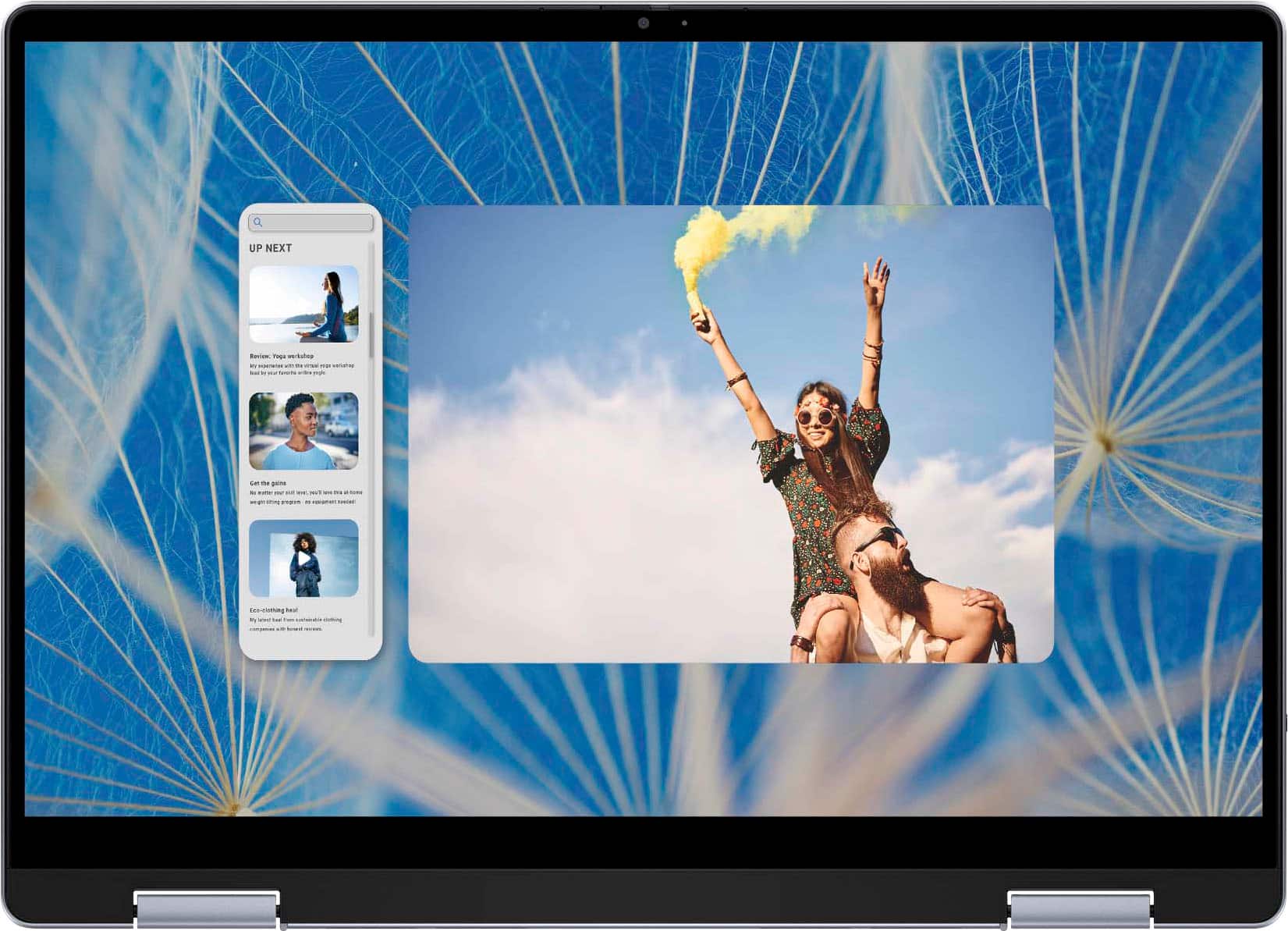
|Posted .This reviewer received promo considerations or sweepstakes entry for writing a review.The Dell Inspiron 14 i7440-7304BLU is just a really solid all-around laptop. First off, it's so versatile. Whether I'm working on spreadsheets, binge-watching shows, or even doing some light gaming, it handles it all smoothly. No complaints about lag or anything. The design is nice and simple. It's not trying too hard to be flashy, which I appreciate. Plus, it's slim and lightweight, so it's easy to carry around. The screen is decent too. It's not the most mind-blowing display out there, but it gets the job done. Colors look good, and everything's pretty clear. Battery life is solid. I can usually get through a whole day without needing to plug in, which is huge and would be a great plus for students. Granted if I do more gaming or streaming, the battery probably won’t make it a full day without any charging but if you’re a student or use it for business, this does get the job done. Typing on the keyboard feels comfortable, and the touchpad works fine. Nothing fancy, but they do what they're supposed to. It's got all the ports I need too, like USB-A, USB-C, HDMI, and an SD card reader. So connecting stuff is never a hassle. Sound-wise, it's alright. The speakers get loud enough, but they're nothing to write home about. Overall, the Dell Inspiron 14 i7440-7304BLU is just a good, reliable laptop. It's not trying to be the best at anything, but it gets the job done without breaking the bank. If you're looking for something that covers all the bases, this is it.
I would recommend this to a friend