Customer Ratings & Reviews
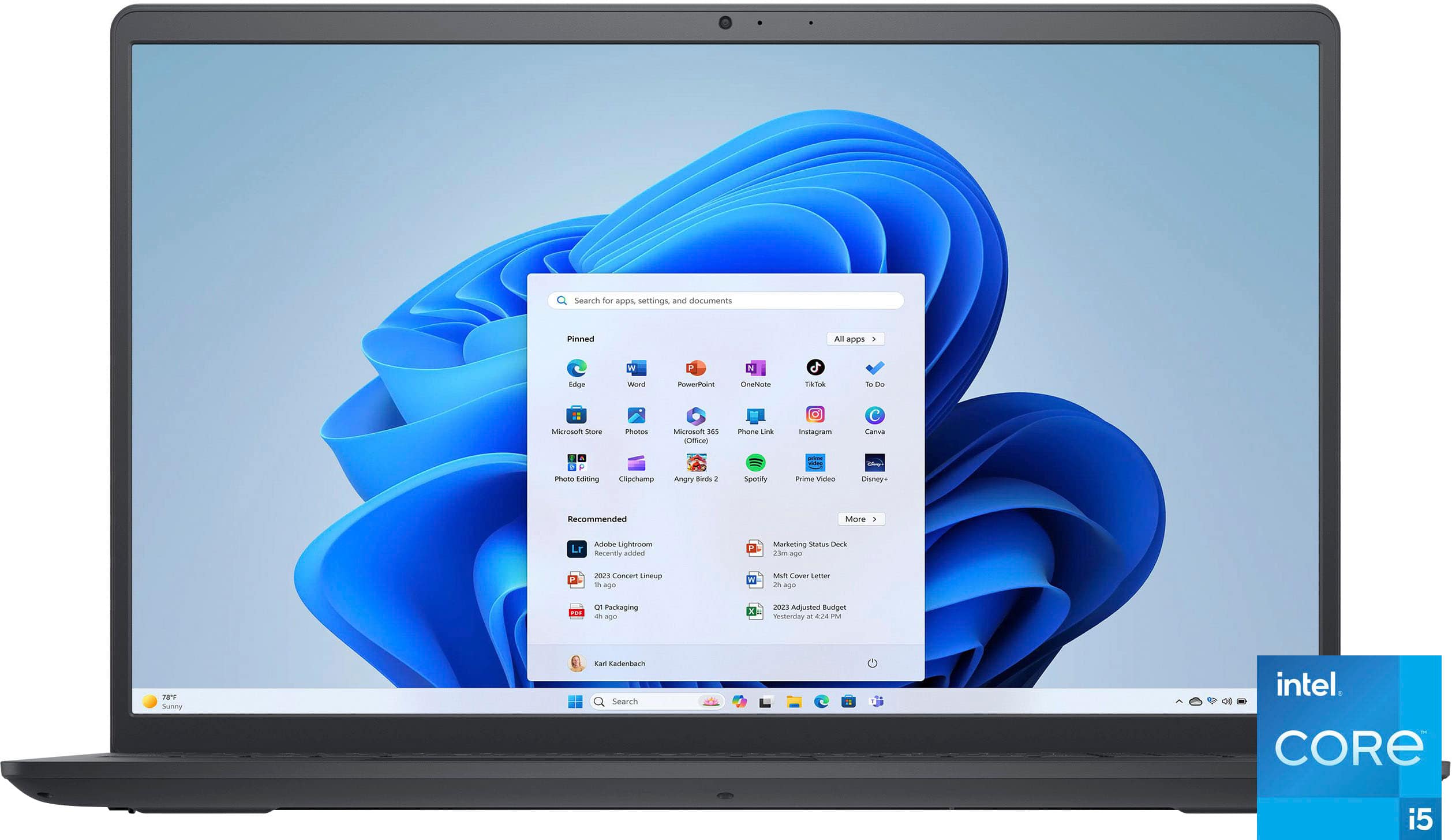
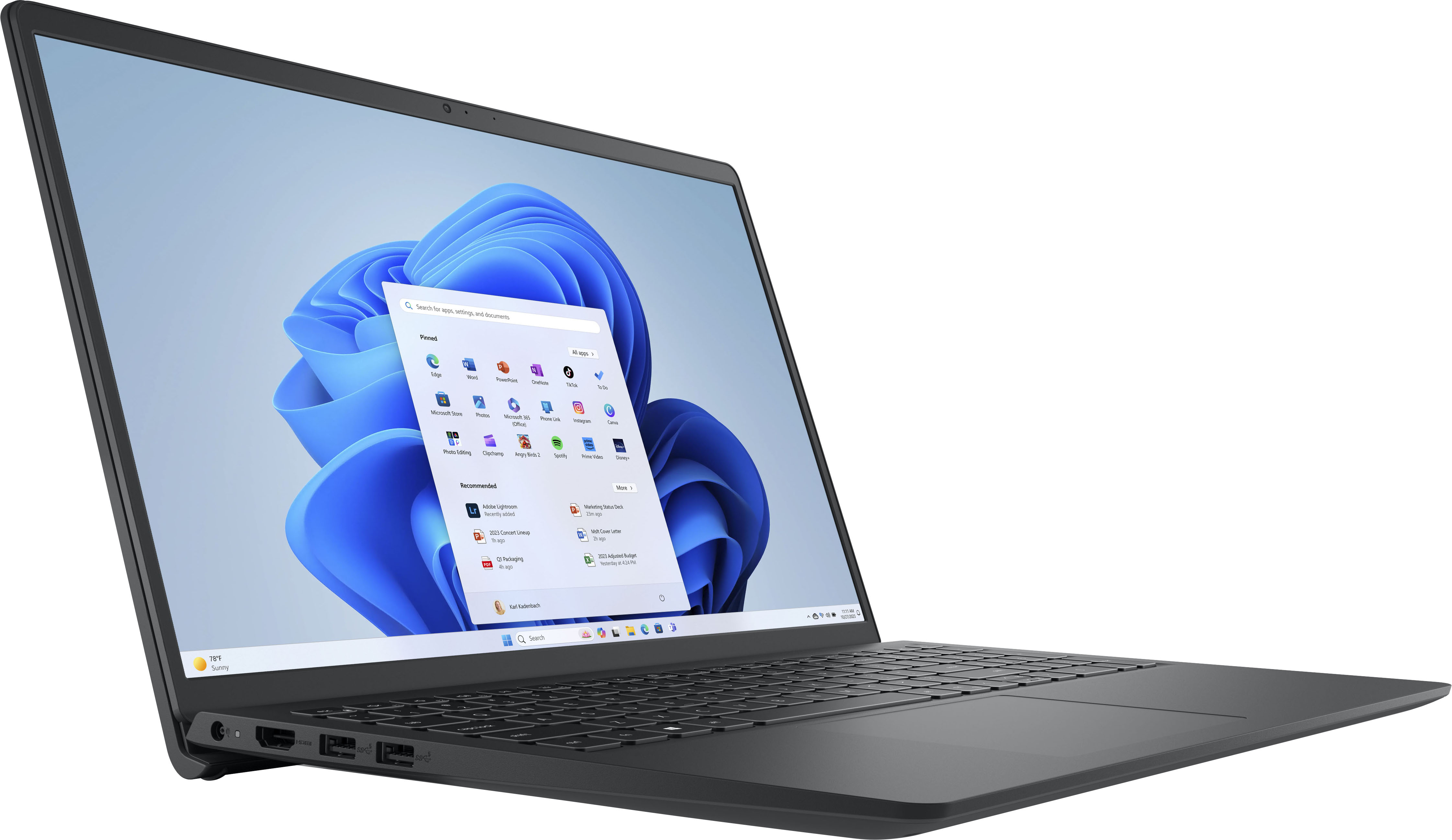
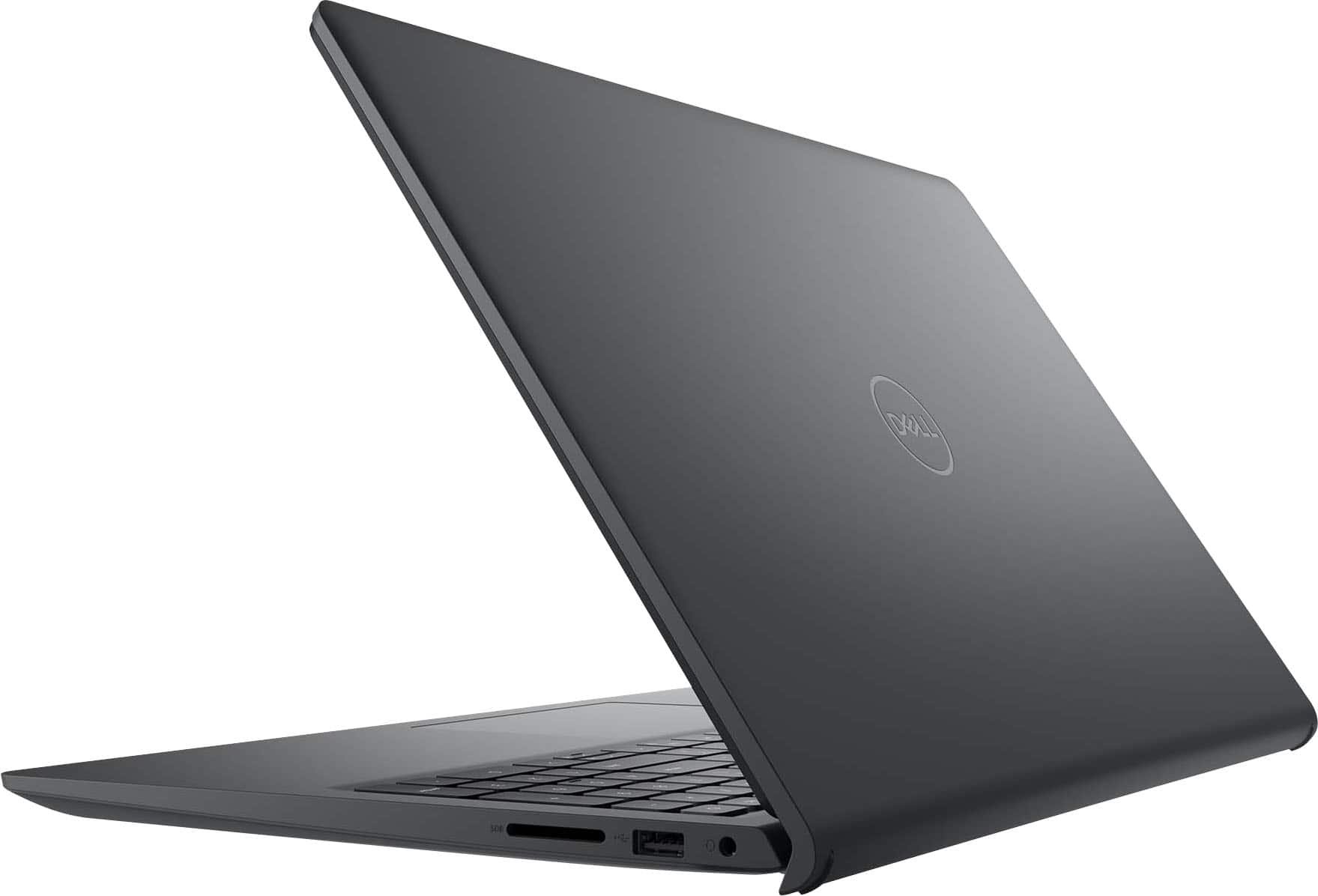
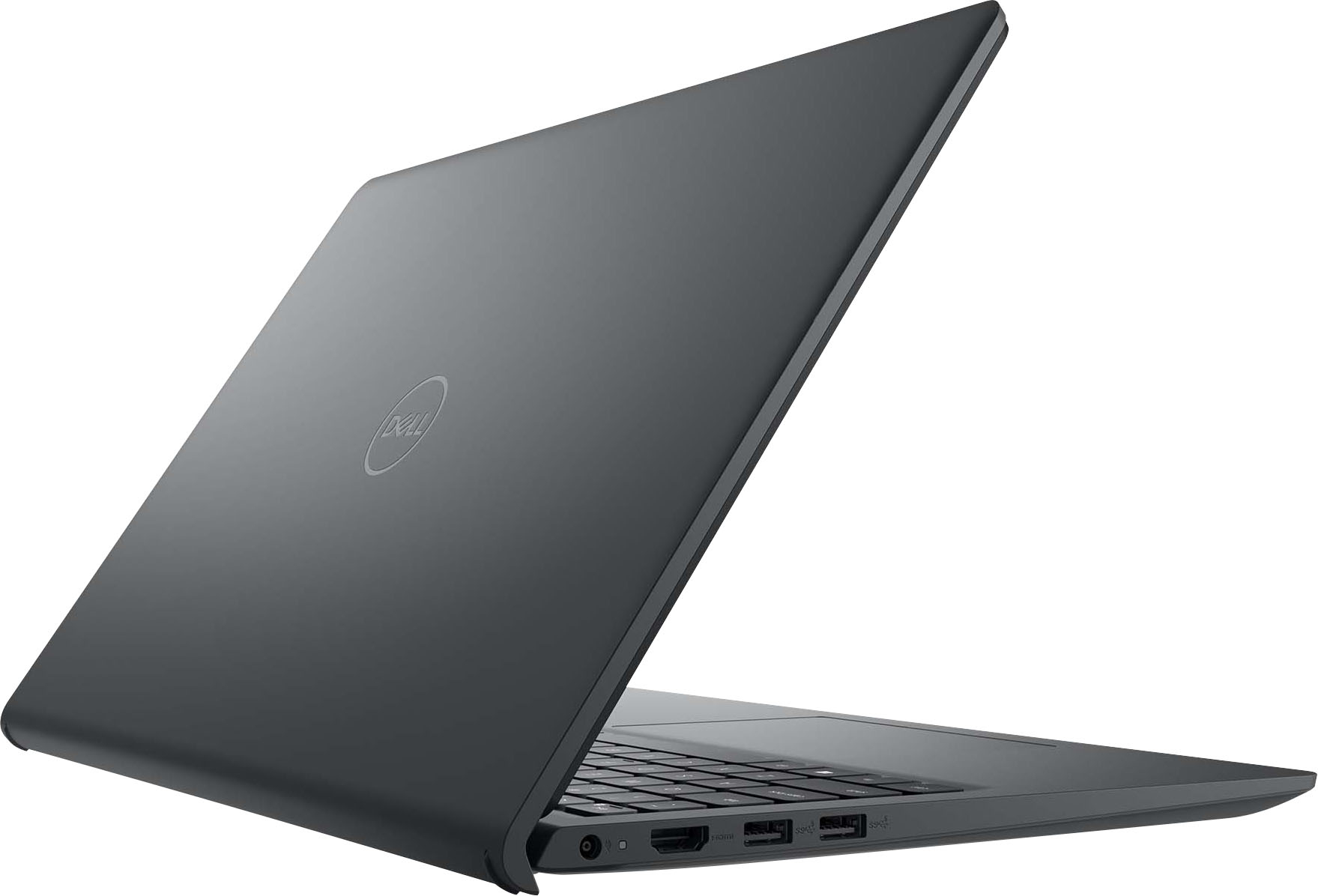
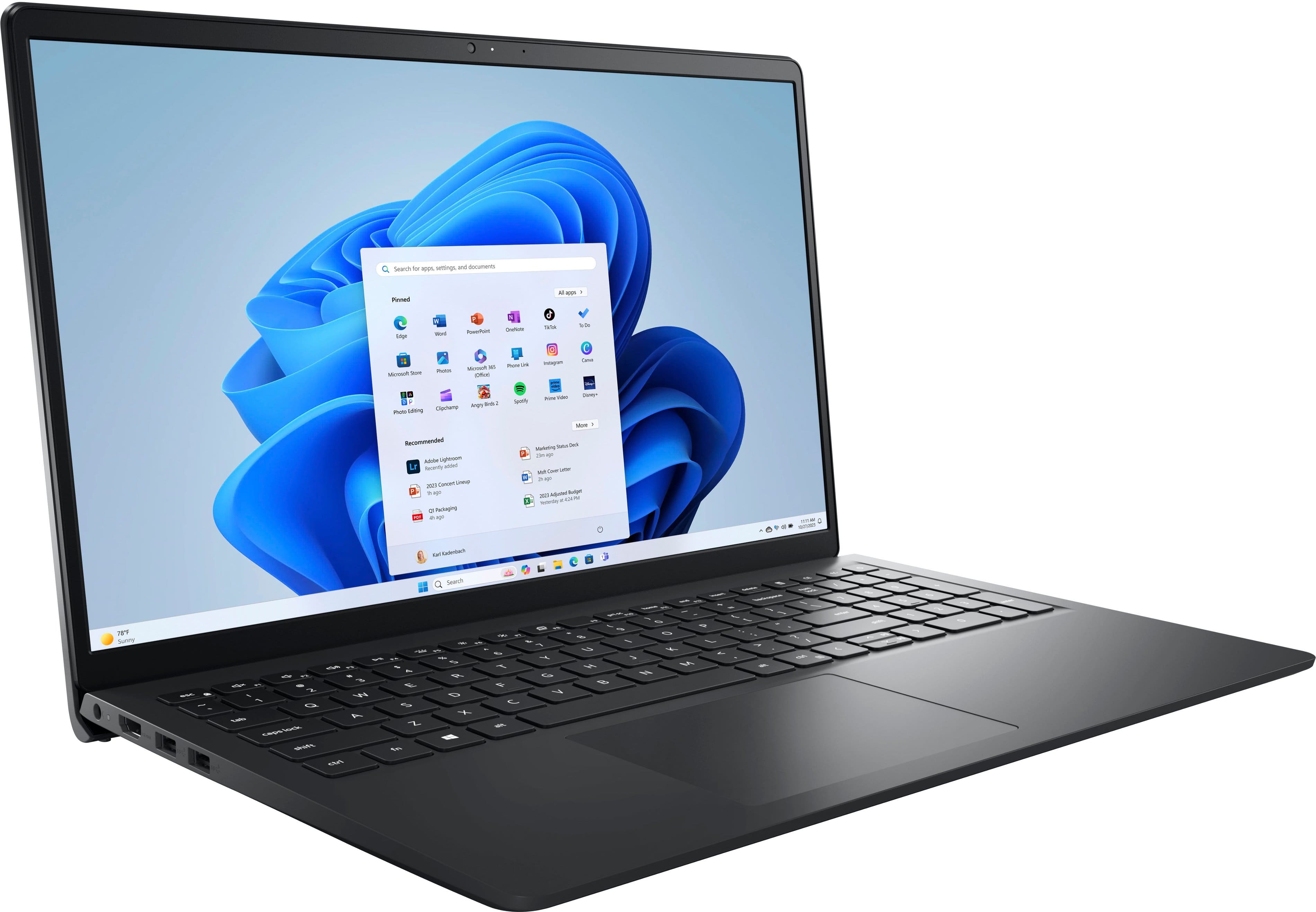
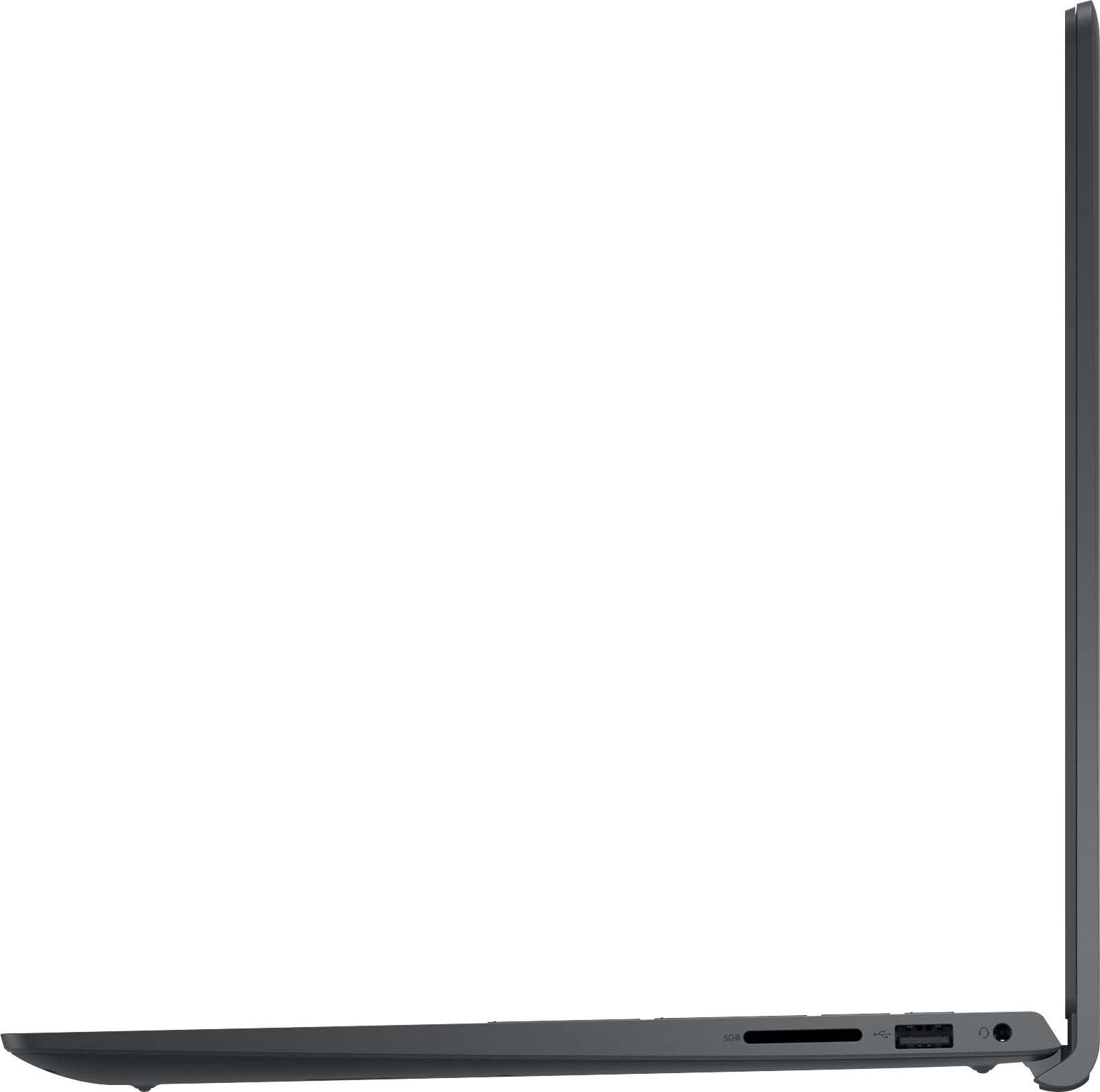
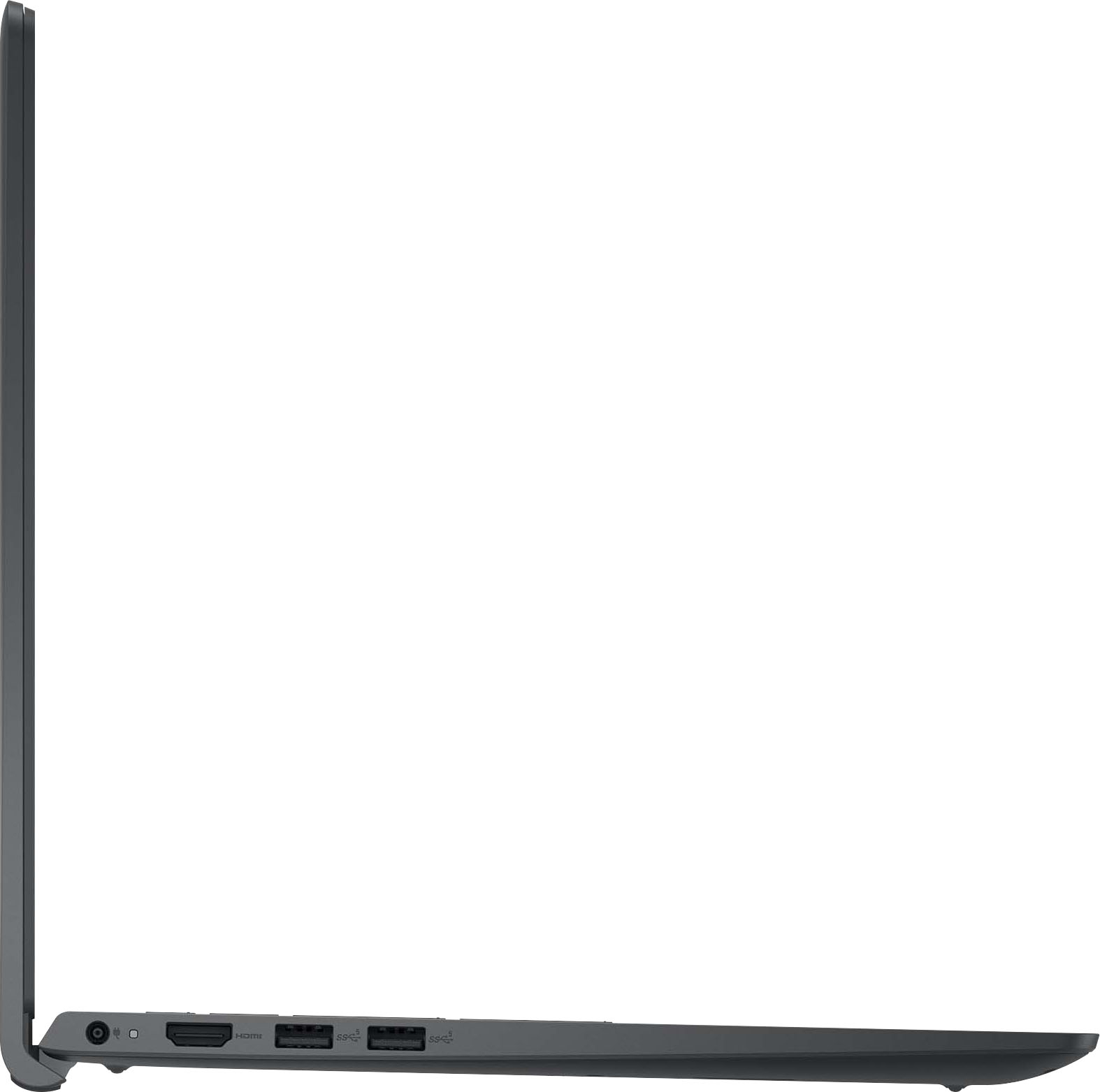


- Model:
- i3520-5810BLK-PUS
- SKU:
- 10460847
Rating by feature
- Battery Life
Rating 4.5 out of 5 stars
- Speed
Rating 4.6 out of 5 stars
- Display
Rating 4.6 out of 5 stars
Laptop returned
||Posted . Owned for 1 month when reviewed.This reviewer received promo considerations or sweepstakes entry for writing a review.New laptop, my camera didn’t work. Had dell in past thought better made than this model. Returned it.
No, I would not recommend this to a friendBrand response from YourDellTeam
Posted .Hello MarieT,
We value your feedback and want to thank you for taking the time to leave a review of your Inspiron 3520 touch laptop. We are sorry to hear that your camera was not functioning properly, and you made the decision to return your device. That is not the type of feedback we like to hear from our customers, or the type of product Dell intends to deliver. We have noted the details of your statement and will use them to improve current and future products.
If you need further assistance, we recommend using the toll-free number or chat link below to reach a member of our Dell Support Team.
Chat or call: https://bit.ly/DellSupportTeam
Phone number to Dell: 1-800-624-9896
Best,
Summer@Dell
Total let down
||Posted . Owned for 2 months when reviewed.This reviewer received promo considerations or sweepstakes entry for writing a review.Horrible payed over $400 only to have this laptop stop powering up in less then 6 months can’t afford a new one and they won’t do a exchange horrible experience and do y have a bunch of money to spend on repairs horrible experience
No, I would not recommend this to a friendBrand response from YourDellTeam
Posted .Dear Valued Customer,
Thank you for taking the time to leave a review of your Inspiron 15 3520 laptop. We are sorry to hear that you are experiencing an issue with your device powering up. That is not the type of feedback we like to hear from our customers, or the type of product Dell intends to deliver. We have noted the details of your statement and will use them to improve current and future products. We would love to help you resolve your issue. At your convenience we recommend using the toll-free number or chat link below to reach a member of our Dell Support Team.
If you continue to experience issues, please reach out to Dell Support directly by using the information provided below.
Chat or call: https://bit.ly/DellSupportTeam
Phone number to Dell: 1-800-624-9896
Best,
Summer@Dell
Good but needs some help
||Posted . Owned for 2 weeks when reviewed.This reviewer received promo considerations or sweepstakes entry for writing a review.It’s a very good computer only problem is it glitches and I’ve tried everything to fix the glitch.
No, I would not recommend this to a friendBrand response from YourDellTeam
Posted .Dear StephanieL,
Thank you for taking the time to leave a review of your Inspiron 3520. We are sorry to hear that your system is glitching. That is not the type of feedback we like to hear from our customers, or the type of product Dell intends to deliver. We have noted the details of your statement and will use them to improve current and future products. We would love to help you but will need a little more information. At your convenience we recommend using the toll-free number or chat link below to reach our Dell Support Team.
If you continue to experience issues, please reach out to Dell Support directly by using the information provided below.
Chat or call: https://bit.ly/DellSupportTeam
Phone number to Dell: 1-800-624-9896
Best,
Summer@Dell
Inspiron 15
||Posted . Owned for 3 weeks when reviewed.This reviewer received promo considerations or sweepstakes entry for writing a review.No backlit keyboard plus laptop is plastic and not durable . Battery also drains very easily
No, I would not recommend this to a friendBrand response from YourDellTeam
Posted .Hi Nadial,
Thank you for taking the time to leave a review. We are sorry your Inspiron 15 3520 Touch Laptop did not meet your expectations and for the batter performance issues you are experiencing. It's important for us to hear about inconsistencies in our products for consideration of future development. Below I have provided steps with the full article that can help you improve the battery performance of your laptop.
Here's the steps to help improve the battery performance of your laptop:
1. On the notification area of the taskbar, right-click the Battery icon.
2. On the options list, click Power Options.
3. Select a power plan on the battery meter, such as Power Saver or Balanced. Windows 11 has a built in 'Battery Saver' mode that can be activated to extend your system's battery life. The Battery Saver mode will monitor and limit background activity and other features such as push notifications. You do have the option to enable or disable this mode within settings or within advanced Battery Saver settings, you can customize the mode to best suit your needs.
a) Click on the Action Center icon in the taskbar and select the tile for Battery Saver.
b) If running Cortana then type Battery Saver into the search box and select from the results.
Within the Battery Saver settings page, you will be able to turn on and off the feature and customize the feature to best meet your needs.
c) Turn Battery Saver On or Off.
d) Additional settings available via the Battery use and Battery saver settings links.
e) Battery use shows further info on apps and their power usage.
f) Battery Saver Settings screen allows you to customize further Battery Saver feature.
How to Improve the Performance of a Dell Laptop Battery: http://dell.to/2vfXWf4
If you continue to experience issues, please reach out to Dell Support directly by using the information provided below.
Chat or call: https://bit.ly/DellSupportTeam
Phone number to Dell: 1-800-624-9896
Best,
Jay@Dell
Buyer Beware only last 3.5 months
||Posted . Owned for 4 months when reviewed.This reviewer received promo considerations or sweepstakes entry for writing a review.Do not buy this laptop. After using this laptop for 3.5 months, the screen suddenly burst and bled. I it back to Best Buy as it is still under warranty. They said unfortunately since it was working fine when I used it initially there is nothing they can do. Manufacturer will not do anything either.
No, I would not recommend this to a friendBrand response from YourDellTeam
Posted .Hi There TiffanyT,
We appreciate you taking the time to leave us your review. We are sorry you are experiencing display issues with your Inspiron 15 3520 touch laptop. It's important for us to hear about discrepancies in our products for consideration of future development. To help you with the display that you are experiencing, I have provided troubleshooting steps with the full article that can resolve the issue.
Here's the steps to help resolve your issue:
1. Verify display or video issues on an external monitor.
2. Check for physical damage on the LCD screen.
3. Run hardware diagnostics on the LCD screen.
4. Verify the display or video issue in Windows Safe Mode.
5. Update the video card (GPU) driver, monitor driver, chipset driver, and BIOS.
6. Download and install Microsoft Windows Updates.
7. Change the video or display settings, and adjust the brightness.
8. Touch screen troubleshooting.
9. Run a Video Stress Test using Dell SupportAssist.
10. Perform a Windows System Restore.
11. Restore the computer to factory defaults.
You can read the full article on solving display issues here: https://dell.to/2Sx1VkZ
If you continue to experience issues, please reach out to Dell Support directly by using the information provided below.
Chat or call: https://bit.ly/DellSupportTeam
Phone number to Dell: 1-800-624-9896
Best,
Summer@Dell
No good
||Posted . Owned for 3 months when reviewed.This reviewer received promo considerations or sweepstakes entry for writing a review.This laptop started coming apart only 3 months after purchase.
No, I would not recommend this to a friendBrand response from YourDellTeam
Posted .Hi AmandaR,
Thank you for taking the time to leave us a review of your Inspiron 15 3520. We are sorry to hear that your device started coming apart shortly after your purchase. That is not the type of feedback we like to hear from our customers, or the type of product Dell intends to deliver. We have noted the details of your statement and will use them to improve current and future products.
If you need further assistance, please reach out to us at: https://bit.ly/DellSupportTeam.
Chat or call: https://bit.ly/DellSupportTeam
Phone number to Dell: 1-800-624-9896
Best,
Summer@Dell
Don't waste your time purchasing!
||Posted . Owned for 2 months when reviewed.This reviewer received promo considerations or sweepstakes entry for writing a review.We purchased this laptop for our daughter for xmas upon opening and charging to review the device we decides to use the laptop to shop for a new one! The quality of this laptop was very low. Dont waste your money on this! It was returned and we went with Samsung instead!
No, I would not recommend this to a friendBrand response from YourDellTeam
Posted .Hello Valued Customer,
We are sorry to hear that you have decided to return your Inspiron 15 3520 Touch Laptop. We can assure you that Dell takes pride in manufacturing quality products. Even if this particular product was not the right fit for you we hope that you will consider Dell in the future when you make your next purchase.
If you require further assistance, please reach out to Dell Support directly by using the toll-free number or chat link provided below.
Chat or call: https://bit.ly/DellSupportTeam
Phone number to Dell: 1-800-624-9896
Best,
Jay@Dell
Charging Issue after 1 month of use
||Posted . Owned for 1 month when reviewed.This reviewer received promo considerations or sweepstakes entry for writing a review.This computer died after 1 month of using. It was not taking charge and not turning on. I returned it. I am glad I had the geek squad membership. Otherwise, I would have lost my money on this laptop,
No, I would not recommend this to a friendBrand response from YourDellTeam
Posted .Hey There VivianF,
Thank you for taking the time to leave a review of your Inspiron 15 3520 touch laptop. We are sorry to hear that your battery would not charge, and your device would not power on and you made the decision to return it. It is feedback like yours that helps us improve our current and future products.
If you need further assistance, we recommend using the toll-free number or chat link below to reach a member of our Dell Support Team.
Chat or call: https://bit.ly/DellSupportTeam
Phone number to Dell: 1-800-624-9896
Best,
Summer@Dell
Count me as dissatisfied !
||Posted . Owned for 1 week when reviewed.This reviewer received promo considerations or sweepstakes entry for writing a review.I was totally dissatisfied with this item . It was way too complicated to use and I did not want to sign onto my computer and go through Microsoft. I returned it and cancelled my membership because I was misled about the benefits of the membership.
No, I would not recommend this to a friendBrand response from YourDellTeam
Posted .Hi JosephR,
We are sorry to hear that you have decided to return your Inspiron 15 3520 Touch Laptop. We can assure you that Dell takes pride in manufacturing quality products. Even if this particular product was not the right fit for you we hope that you will consider Dell in the future when you make your next purchase.
Should you need further assistance, please reach out to our Support Team by using the information provided below.
Chat or call: https://bit.ly/DellSupportTeam
Phone number to Dell: 1-800-624-9896
Best,
Jay@Dell
Poor customer service fo
||Posted . Owned for 3 weeks when reviewed.This reviewer received promo considerations or sweepstakes entry for writing a review.didnt even get to use the computer on 3rd week from purchase. could not log in and geek squad is charging $180 to fix. had to return and paid an additional $50 to return
No, I would not recommend this to a friendBrand response from YourDellTeam
Posted .Hi Madizon,
We value your feedback and want to thank you for taking the time to leave a review of your Inspiron 3520 touch laptop. We are sorry to hear that you were experiencing an issue with your device and had to make the decision to return it. That is not the type of feedback we like to hear from our customers, or the type of product Dell intends to deliver. We have noted the details of your statement and will use them to improve current and future products.
If you continue to experience issues, please reach out to Dell Support directly by using the information provided below.
Chat or call: https://bit.ly/DellSupportTeam
Phone number to Dell: 1-800-624-9896
Best,
Summer@Dell
Would not buy from best buy
||Posted . Owned for 1 week when reviewed.This reviewer received promo considerations or sweepstakes entry for writing a review.I am not able to connect to the Internet and when I took it into the store the people were extremely rude. I tried connecting to the Internet at three different locations. I have it set up and I still can't connect to the Internet.
No, I would not recommend this to a friendBrand response from YourDellTeam
Posted .Hello There KellyW,
We appreciate you for taking the time to leave us your review. We apologize for the Wi-Fi connection issues you are experiencing with your Inspiron 3520 touch laptop. Your feedback about discrepancies in our products helps us improve with future developments. Below I have provided troubleshooting instructions with the full article that can help resolve this issue.
Here are the steps to help resolve your wifi connection issue:
1. Download and install the latest Wireless Card driver. After updating the driver, re-establish the connection with the Wireless Access Point and check the wireless performance.
2. If the issue persists, proceed to step 3.
3. Power-cycle the local network. Shut down the Dell system, the Wireless Access Point/Router, and the Modem. Wait a minimum of 60 seconds before powering up the components in the following order:
4. Power ON the Modem, and wait for it to boot fully.
5. Power ON the Wireless Access Point/Router, and wait for it to boot fully.
6. Power ON the Dell system.
7. Open Network and Sharing Center
8. In the left-side navigation pane, click on Change Adapter Settings
9. Right-click on the wireless connection icon and select Properties followed by the Configure button
10. Under Wireless Options, select the Wireless N mode.
11. For Windows 8 or later systems click the Advanced tab and look for 802.11n Mode on the right you will be given the option to Enable or Disable. If the mode is not visible you may need to update your drivers and firmware.
12. From the drop-down menu, choose Disable followed by Ok
13. This should restore the wireless download and upload speed. Internet speed can be tested at http://speedtest.net.
Wireless Networking Usage and Troubleshooting Guide: https://dell.to/2RefLVN
If you still experience any issues, please reach out to us at: https://bit.ly/DellSupportTeam
Chat or call: https://bit.ly/DellSupportTeam
Phone number to Dell: 1-800-624-9896
Best,
Summer@Dell
Bad computer
||Posted . Owned for 1 month when reviewed.This reviewer received promo considerations or sweepstakes entry for writing a review.The computer glitches, we have tried calling the store multiple times and was told they don’t have a direct number for the store! Very strange poor customer service!
No, I would not recommend this to a friendBrand response from YourDellTeam
Posted .Hi Jackson,
Thank you for taking the time to leave a review of your Inspiron 3520. We are sorry to hear that you are experiencing an issue with your system glitching. That is not the type of feedback we like to hear from our customers, or the type of product Dell intends to deliver. We have noted the details of your statement and will use them to improve current and future products. We would love to help you resolve your issue at your convenience we recommend using the toll-free number or chat link below to reach a member of our support team.
If you continue to experience issues, please reach out to Dell Support directly by using the information provided below.
Chat or call: https://bit.ly/DellSupportTeam
Phone number to Dell: 1-800-624-9896
Best,
Summer@Dell
bad.
||Posted . Owned for 2 months when reviewed.This reviewer received promo considerations or sweepstakes entry for writing a review.computer started glitching out of nowhere. never dropped it or anything at all. just started showing lines in the screen
No, I would not recommend this to a friendBrand response from YourDellTeam
Posted .Hello india,
Thank you for taking the time to leave us your review. We are sorry to hear that you are experiencing display issues with your Dell Inspiron 15 3520 Touch Laptop. This is not the type of feedback we like to hear from our customers, or the type of product Dell intends to deliver. Your feedback is extremely important as it enables us to continually improve our products and services.
To help you with the display issues that you are experiencing, I have provided troubleshooting steps with the full article that can resolve the issue.
1. Verify display or video issues on an external monitor.
2. Check for physical damage on the LCD screen.
3. Run hardware diagnostics on the LCD screen.
4. Verify the display or video issue in Windows Safe Mode.
5. Update the video card (GPU) driver, monitor driver, chipset driver, and BIOS.
6. Download and install Microsoft Windows Updates.
7. Change the video or display settings, and adjust the brightness.
8. Touch screen troubleshooting.
9. Run a Video Stress Test using Dell SupportAssist.
10. Perform a Windows System Restore.
11. Restore the computer to factory defaults.
How to Troubleshoot Display or Video Issues: https://dell.to/2Sx1VkZ
If you are still experiencing issues or have any concerns or questions, Please do not hesitate to get in touch with Dell using the information provided below so that we can help you resolve the issue to your satisfaction.
Chat or call: https://bit.ly/DellSupportTeam
Phone number to Dell: 1-800-624-9896
Best,
Minhaj@Dell
Not so good!
||Posted . Owned for 1 month when reviewed.This reviewer received promo considerations or sweepstakes entry for writing a review.It was a Christmas gift had to take it back now missing a part. Should give me a new one instead of waiting on a part.
No, I would not recommend this to a friendBrand response from YourDellTeam
Posted .Greetings Zakk,
Thank you for taking the time to leave a review of your Inspiron 15 3520 touch laptop. We are sorry to hear that your device was a missing a part upon arrival. That is not the type of feedback we like to hear from our customers, or the type of product Dell intends to deliver. We have noted the details of your statement and will use them to improve current and future products. If you need further assistance we recommend using the toll-free number or chat link below to reach a member of our support team.
If you continue to experience issues, please reach out to Dell Support directly by using the information provided below.
Chat or call: https://bit.ly/DellSupportTeam
Phone number to Dell: 1-800-624-9896
Best,
Summer@Dell
One of the worst laptop ever made
||Posted . Owned for 4 months when reviewed.This reviewer received promo considerations or sweepstakes entry for writing a review.The part was loose. Which made the screen broken. It was purchased 4 months earlier
No, I would not recommend this to a friendBrand response from YourDellTeam
Posted .Hello Varun,
Thank you for taking the time to leave a review of your Dell Inspiron 15 3520 touch laptop. We are sorry to hear that your screen was broken. That is not the type of feedback we like to hear from our customers, or the type of product Dell intends to deliver. We have noted the details of your statement and will use them to improve current and future products.
If you need further assistance, please reach out to us at: https://bit.ly/DellSupportTeam.
Chat or call: https://bit.ly/DellSupportTeam
Phone number to Dell: 1-800-624-9896
Best,
Summer@Dell
Donotbuy
||Posted . Owned for 8 months when reviewed.This reviewer received promo considerations or sweepstakes entry for writing a review.Dont buy even if its affordable its cheap quality didnt even last the 6 months broken hardware.
No, I would not recommend this to a friendVery slow
||Posted . Owned for less than 1 week when reviewed.This reviewer received promo considerations or sweepstakes entry for writing a review.For over $300 it shouldn’t be this slow. It’s probably one if the slowest laptops ive ever used.
No, I would not recommend this to a friendBrand response from YourDellTeam
Posted .Hi Pettry2012
Thank you for taking the time to leave us your review. We apologize for the slow performance of your Inspiron 15 3520 Touch Laptop. It's important for us to hear about inconsistencies in our products for consideration of future development. Below I have provided steps with the full article that can help you improve the performance of your laptop.
Here's the steps to help you with slow performance issues:
1. Run the automated tools in SupportAssist to ensure that the drivers are up to date and your computer is optimized.
2. Restart the computer
3. Run a hardware diagnostic test
4. Scan your computer for malware
5. Restore the computer using Windows System Restore
6. Restore the computer to factory default settings
You can read the article that can help you with slow performance issues here: https://dell.to/3yqre8r
If you continue to experience issues, please reach out to Dell Support directly by using the information provided below.
Chat or call: https://bit.ly/DellSupportTeam
Phone number to Dell: 1-800-624-9896
Best,
Jay@Dell
Battery not holding charge
||Posted . Owned for 5 months when reviewed.This reviewer received promo considerations or sweepstakes entry for writing a review.Battery is not holding charge within 3 months of purchasing
No, I would not recommend this to a friendI returned it.
||Posted . Owned for 1 week when reviewed.This reviewer received promo considerations or sweepstakes entry for writing a review.returned it. Wouldn't let be download Chrome. Bought a Chromebook instead.
No, I would not recommend this to a friendBrand response from YourDellTeam
Posted .Hey There RobertaB,
Thank you for taking the time to leave a review of your Inspiron 3520 touch laptop. We are sorry to hear that you were not satisfied with your device and made the decision to return it. That is not the type of feedback we like to hear from our customers, or the type of product Dell intends to deliver. We have noted the details of your statement and will use them to improve current and future products.
If you need further assistance, we recommend using the toll-free number or chat link below to reach a member of our Dell Support Team.
Chat or call: https://bit.ly/DellSupportTeam
Phone number to Dell: 1-800-624-9896
Best,
Summer@Dell
Don’t buy.
||Posted . Owned for 1 week when reviewed.This reviewer received promo considerations or sweepstakes entry for writing a review.Cheap garbage. The fell of the lap top is awful. The mouse pad is sadly I have to click it like 3 times before it works.
No, I would not recommend this to a friendBrand response from YourDellTeam
Posted .Hi There KarenS,
We value your feedback and want to thank you for taking the time to leave a review of your Inspiron 15 3520 touch laptop. We are sorry to hear that you are not completely satisfied with the build quality of your device and the touchpad. That is not the type of feedback we like to hear from our customers, or the type of product Dell intends to deliver. We would love to help you at your convenience. We recommend reaching out to our Dell Support Team with the toll-free number and chat link provided below.
If you continue to experience issues, please reach out to Dell Support directly by using the information provided below.
Chat or call: https://bit.ly/DellSupportTeam
Phone number to Dell: 1-800-624-9896
Best,
Summer@Dell