Customer Ratings & Reviews




- Model:
- i3593-7644BLK-PUS
- SKU:
- 6430662
Rating by feature
- Battery Life
Rating 3.9 out of 5 stars
- Speed
Rating 4.3 out of 5 stars
- Display
Rating 4.2 out of 5 stars
Customers are saying
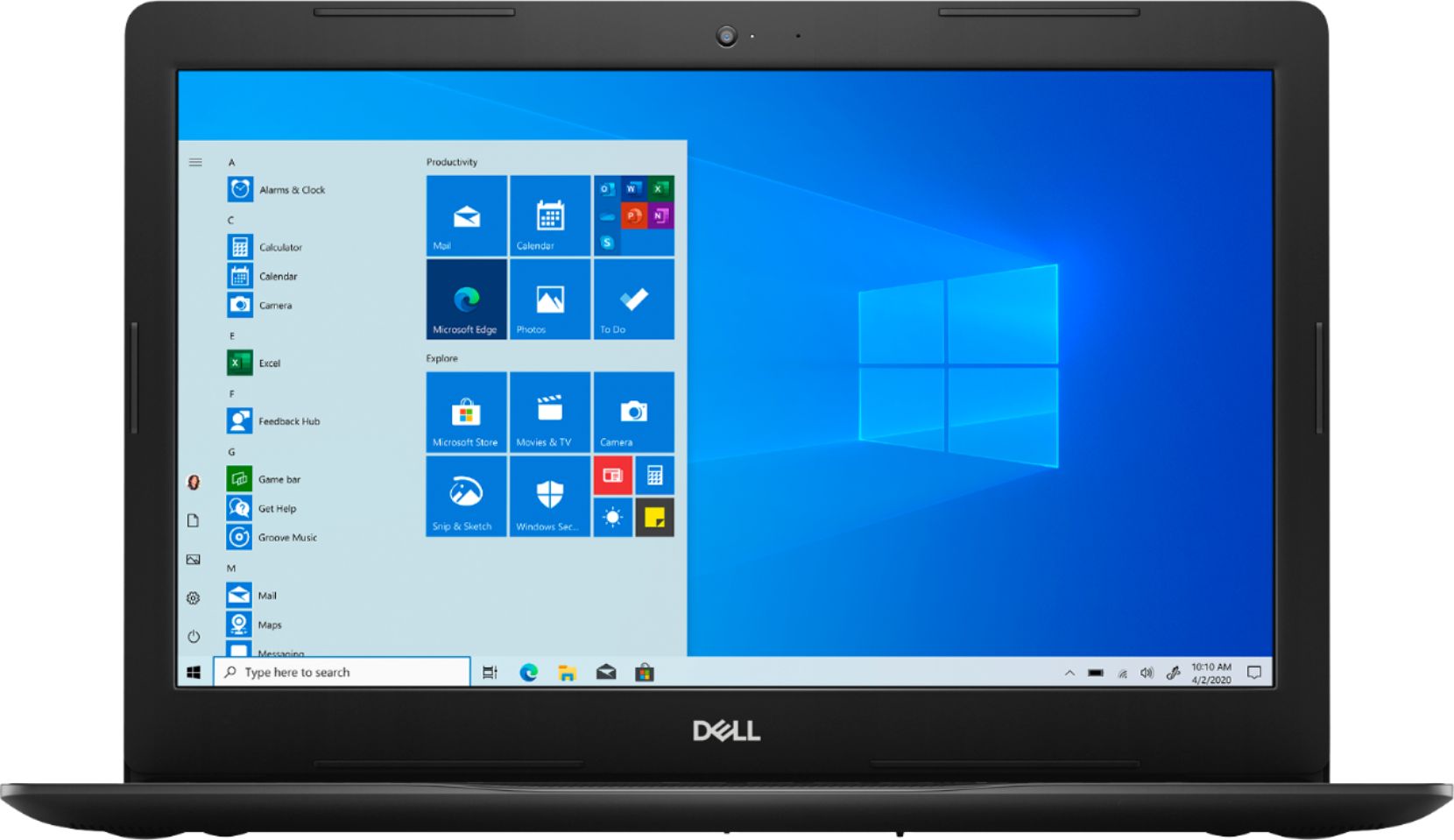
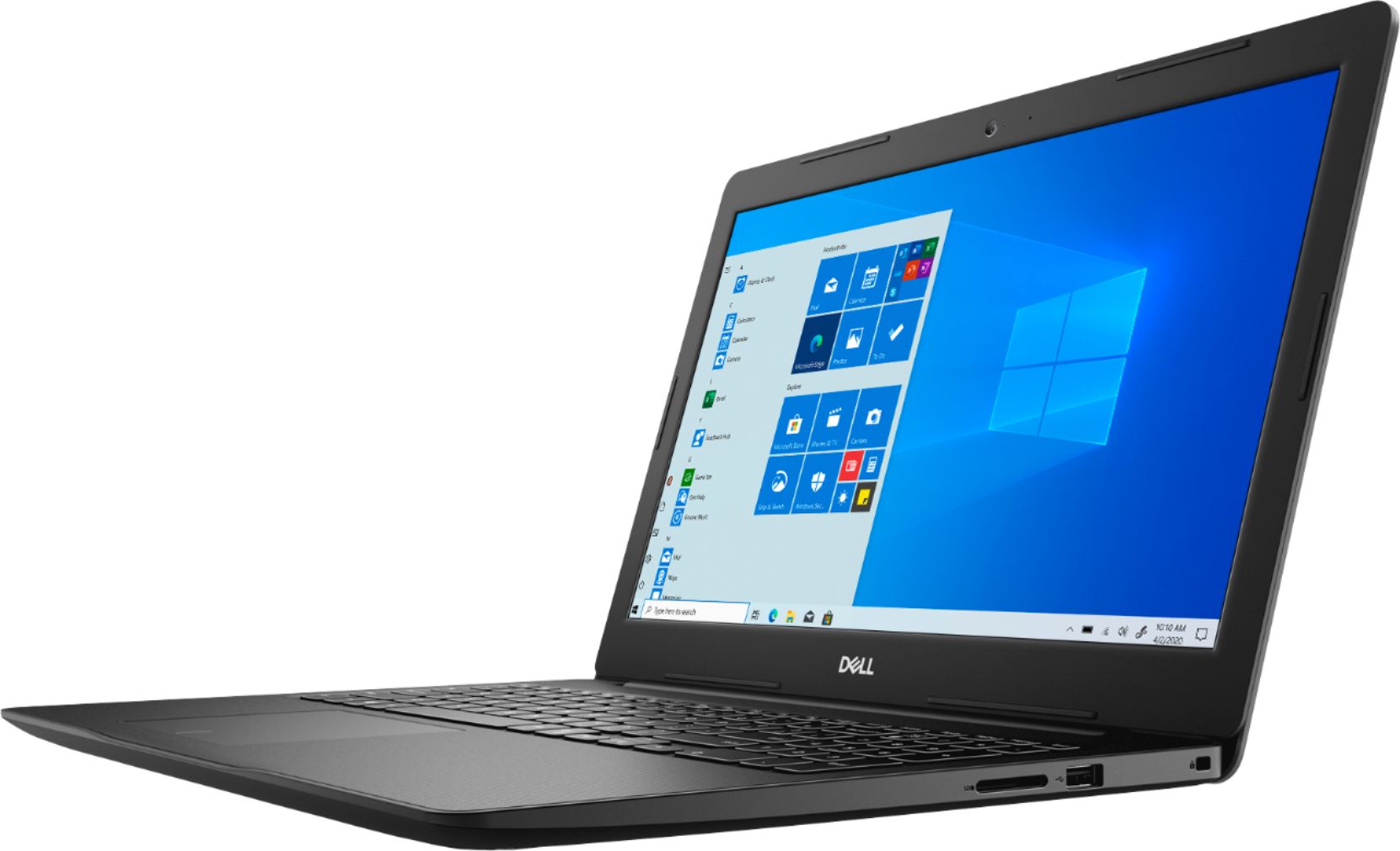
Customers are enthusiastic about the Inspiron 15 3593 laptop's affordability, touchscreen display, user-friendly interface, and impressive performance. Many users appreciate its value for the price, while others highlight the convenience of the touchscreen and the laptop's lightweight design. While some users wish for longer battery life, overall, customers are pleased with the laptop's features and capabilities.
This summary was generated by AI based on customer reviews.
DELL
||Posted . Owned for 1 month when reviewed.This reviewer received promo considerations or sweepstakes entry for writing a review.Nice and low price easy to use and good color ok//
I would recommend this to a friendGreat Computer
||Posted . Owned for 3 weeks when reviewed.This reviewer received promo considerations or sweepstakes entry for writing a review.Great Computer and it gets the job done with ease.
I would recommend this to a friendSpeaker busted after one month
||Posted .This reviewer received promo considerations or sweepstakes entry for writing a review.After one month of receiving this laptop, one of the speakers busted. Unfortunately I live out of the country so I could not "ship" it back to get it fixed under warranty.
No, I would not recommend this to a friendRaghuram
||Posted . Owned for 1 month when reviewed.This reviewer received promo considerations or sweepstakes entry for writing a review.Nice laptop, its worth full for the money paid.
I would recommend this to a friendOkay
||Posted . Owned for 2 weeks when reviewed.This reviewer received promo considerations or sweepstakes entry for writing a review.This product is okay for the price we are spending
No, I would not recommend this to a friendOwner
||Posted .This reviewer received promo considerations or sweepstakes entry for writing a review.Great Value........................................
I would recommend this to a friendNew Laptop review
||Posted . Owned for 1 week when reviewed.This reviewer received promo considerations or sweepstakes entry for writing a review.Great buy, great money value....very easy to use...
I would recommend this to a friendDell
||Posted . Owned for 1 month when reviewed.This reviewer received promo considerations or sweepstakes entry for writing a review.Good and reliable,so fast when powered on and cute
I would recommend this to a friendAwesome
||Posted . Owned for 3 weeks when reviewed.This reviewer received promo considerations or sweepstakes entry for writing a review.Good computer for students and for doing homework.
I would recommend this to a friendToo Much noice
Posted .This reviewer received promo considerations or sweepstakes entry for writing a review.It's one of the worst laptops ever. Don't buy it. it's making too much noise. I brought it from Best buy on 12-7-2020. I will return it.
No, I would not recommend this to a friendBrand response from YourDellTeam
Posted .SujithMony,
Thanks for your review. We're sorry that your laptop is making too much noise for you. Most times customers can reduce the noise in their computers by updating their BIOS:
An out-of-date BIOS can cause loud fan noises by having an outdated temperature table for the system. Refer to update BIOS and follow the instructions to update the BIOS on your computer. You can also follow up with our Technical Support Team here - 1-800-624-9896.
You can read the full article here - http://dell.to/2ENlXfz.
Best,
Bryan
1-800-624-9896
JC
||Posted .This reviewer received promo considerations or sweepstakes entry for writing a review.Returned Dell Inspiron laptop in unopened box as HP offered on Cyber Monday a better configured system (larger Memory and SS Hard Drive) for approximately the same price
No, I would not recommend this to a friendNot that impressed.
||Posted . Owned for 1 month when reviewed.This reviewer received promo considerations or sweepstakes entry for writing a review.So far I haven't been that impressed with this computer. The screened has locked up on me a few times. Also the graphics aren't nearly as good as my previous laptop.
No, I would not recommend this to a friendBrand response from YourDellTeam
Posted .JNEEL,
Thanks for your review. If your computer continues to freeze on you we'd recommend trying the following steps:
1. Run a Computer Diagnostic. To determine if your computer is experiencing a hardware problem, run the Dell Preboot System Assessment (PSA) Diagnostics. For information on how to run Diagnostics, and to determine the issue, refer to Dell Knowledge Base Article: http://dell.to/2iaiujA.
2. Check Safe Mode for Symptoms. To boot into safe mode, please follow the instructions below:
a) Start the computer.
b) Tap 'F8' on the keyboard immediately and every one second until the Dell logo screen disappears. From there you will see the Windows Advanced Options Menu on the screen. (If the Windows Advanced Options Menu does not appear, restart the system and try again.)
c) Select Safe mode with Networking and press Enter.
d) Log on as the administrator or as a user with administrative access.
e) Open applications and test the computer in safe mode. If the symptoms exist in safe mode, please continue the troubleshooting steps in this article. If the symptoms do not exist in safe mode, the issue is likely related to a driver or software and you may wish to complete step 3 to see if you are able to resolve the lockups or freezing.
3. Check for Malware. Malware (Virus, Spyware, etc.) can definitely cause a Windows system to lock up or appear to hang. To check for malware on your system and to ensure that your computer is up to date on security software, visit Dell Knowledge Base Article: http://dell.to/2wWP1zI.
You can read the full article here - http://dell.to/2tW5m33.
If you'd like to see if there are any adjustments that you can make to your display, you can read this article for some tips: https://dell.to/2CLF6yC.
Best,
Bryan
1-800-624-9896
Laptop
||Posted . Owned for 1 month when reviewed.This reviewer received promo considerations or sweepstakes entry for writing a review.Not very pleased with this laptop but I've only had it for 5 weeks and still getting used to the keyboard. The lightest touch can change what you're typing.
No, I would not recommend this to a friendBrand response from YourDellTeam
Posted .Bean,
Thanks for your review and we're sorry to hear that you keyboard has taken some getting used to. We'd recommend re-calibrating your touchpad in order to decrease the sensitivity:
Some Notebooks and Tablets with Keyboards have added gesture features to the touchpad hardware and drivers. A few of these features are two or three finger scrolling, pinch zoom, circle zoom, rotate and swiping. These new features may be the reason for the erratic cursor movement since most are turned on by default. You can disable or modify the way the features work in the touchpad driver properties. Here are some tips to modify these settings:
1. In the Search box, type main.cpl.
2. Touch or click main.cpl in the list of programs.
3. Touch or click the Dell Touchpad tab.
4. Touch or click on the picture of the touchpad.
5. Touch or click Gestures (depending on your computer there may not be a Gestures option).
6. Change the options as preferred.
7. Touch or click Save.
8. Touch or click the X in the upper-right corner to close the Dell Touchpad Utility.
9. Touch or click OK on the Mouse Properties window.
10. If the touchpad still does not work after following the preceding steps, refer to Dell Knowledge Base article - http://dell.to/2iaiujA.
You can read the full article here - http://dell.to/2tqmS02.
We hope this helps your keyboard and touchpad perform better for you.
Best,
Bryan
1-800-624-9896
Dell Inspiron Black Friday Special
||Posted . Owned for 1 month when reviewed.This reviewer received promo considerations or sweepstakes entry for writing a review.The product was not backlite and I found the resolution was not what I had thought it was. I returned the product.
No, I would not recommend this to a friendBrand response from YourDellTeam
Posted .Software,
We're sorry that this laptop did not meet your needs. In the future we'd recommend this article to troubleshoot poor resolution settings: https://dell.to/2CLF6yC.
We hope that you will consider Dell again in the future.
Best,
Bryan
1-800-624-9896
- Cons mentioned:Battery life
Worst battery ever
||Posted . Owned for 5 months when reviewed.This reviewer received promo considerations or sweepstakes entry for writing a review.I never thought I would be so upset with a Dell product . I have issues with battery from day one of my purchase . I contacted dell support multiple times and they changed the battery still I see the issue with battery. Battery drains with in an hour. I wasted my money buying this product.
No, I would not recommend this to a friendBrand response from YourDellTeam
Posted .Hello Mouni,
Thank you for your feedback and review. We are sorry to hear that you're still having issues with your battery life. We would love to help right away! Below are steps that can assist with maximizing and troubleshooting any possible issues with your battery.
1. Press the Windows key + R on the keyboard.
2. In the Run dialog box, type Control and press the Enter key on the keyboard.
3. On the top-right corner, in the Search box of Control Panel, type Troubleshooter and then click Troubleshooting.
4. Under System and Security item, click Power.
If you still have issues with your battery life this link can be used to help with power: http://dell.to/34UUp6t.
Best regards,
Wendy C.
If the issue persists, you can contact Dell directly with the information below Chat or Call:
https://bit.ly/DellSupportTeam.
Phone number to Dell: 1-800-264-9896.
jcml
||Posted . Owned for 3 months when reviewed.This reviewer received promo considerations or sweepstakes entry for writing a review.I ordered two of these for my kids, one of these have i little problems to start go slows
I would recommend this to a friendBrand response from YourDellTeam
Posted .Hello jcml,
There are a number of ways to help improve the performance of your computer if it is running slower than you expected it to. We'd recommend the following steps to help improve your computer's overall performance and speed:
1. Restart your computer regularly.
2. Run the automated tools provided in the SupportAssist Tool.
3. Run a complete hardware diagnostic test.
4. Scan your computer for malware.
5. Restore your Dell computer using Windows System Restore.
6. Reinstall Microsoft Windows.
With the latest firmware installed, you should expect the most stable up-to-date experience. If the issues persists, you are more than welcome to contact Dell support for further assistance.
Best Regards,
Anthony P.
Disappointed
||Posted . Owned for 2 weeks when reviewed.This reviewer received promo considerations or sweepstakes entry for writing a review.Specs are great... but the screen is absolutely awful. I plan on exchanging it as soon as I get a chance. I bought online, and never would have in person.
No, I would not recommend this to a friendBrand response from YourDellTeam
Posted .ROBIN,
Thanks for your review. We're sorry to hear about your screen's quality. We'd recommend checking some of the troubleshooting tips in this article to see if they help improve your screen's quality: https://dell.to/2CLF6yC.
Best,
Bryan
1-800-624-9896
No M Office
||Posted .This reviewer received promo considerations or sweepstakes entry for writing a review.I did not see any Microsoft office package, Iam stuck today not able to open documents
No, I would not recommend this to a friendBrand response from YourDellTeam
Posted .Hello,
Thank you for your review. We are sorry to hear you are experiencing issues with Microsoft. Below I have provided a link that goes over activation, installation and additional support you may need.
Microsoft: https://dell.to/34zkBlX
For additional support, please call Dell directly at 1-800-624-9896
Best,
Lexy
fast for facebook
||Posted . Owned for 5 months when reviewed.This reviewer received promo considerations or sweepstakes entry for writing a review.not for gaming. perfect for everything else. got this last thanksgiving.
I would recommend this to a friendBrand response from YourDellTeam
Posted .Hello venomdiealot,
Thank you for your feedback and review. We really do appreciate it and will use it to help improve our current and future products. If you come across any further questions, issues, or concerns, please visit the Support Page of your product.
Best regards,
Wendy C.
For further assistance, you can contact Dell directly with the information below Chat or Call:
https://bit.ly/DellSupportTeam.
Phone number to Dell: 1-800-264-9896.
Nice computer at a great price.
||Posted .This reviewer received promo considerations or sweepstakes entry for writing a review.Light weight fast computer. Not to bulky. Large, bright screen.
I would recommend this to a friendBrand response from YourDellTeam
Posted .Tiger,
We're glad that you're satisfied with your new computer. If you do have anything that you'd like to research about your computer you can check our Product Support Page here: https://dell.to/2MqIRPg.
Best,
Bryan
1-800-624-9896