Customer Ratings & Reviews
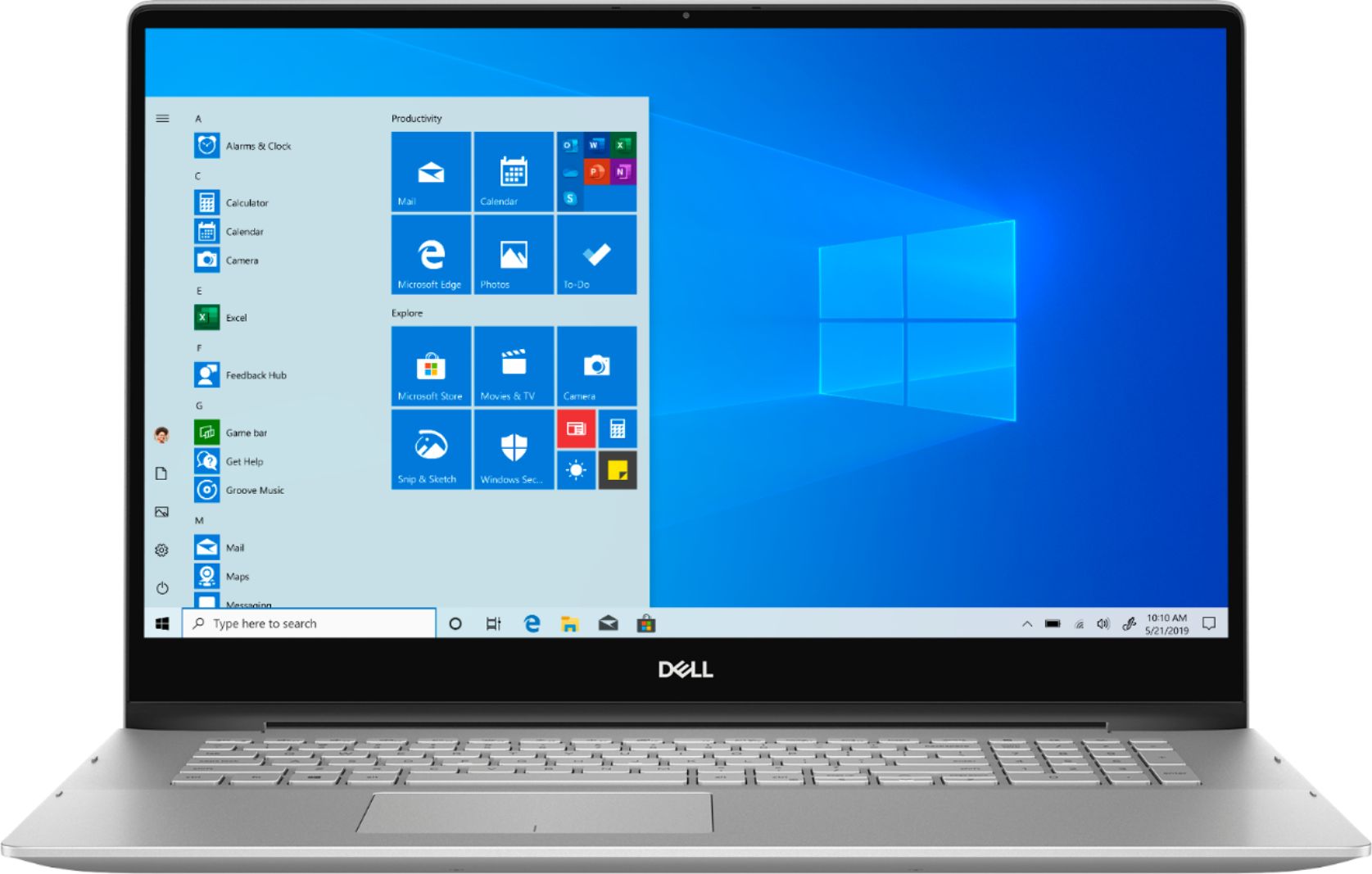
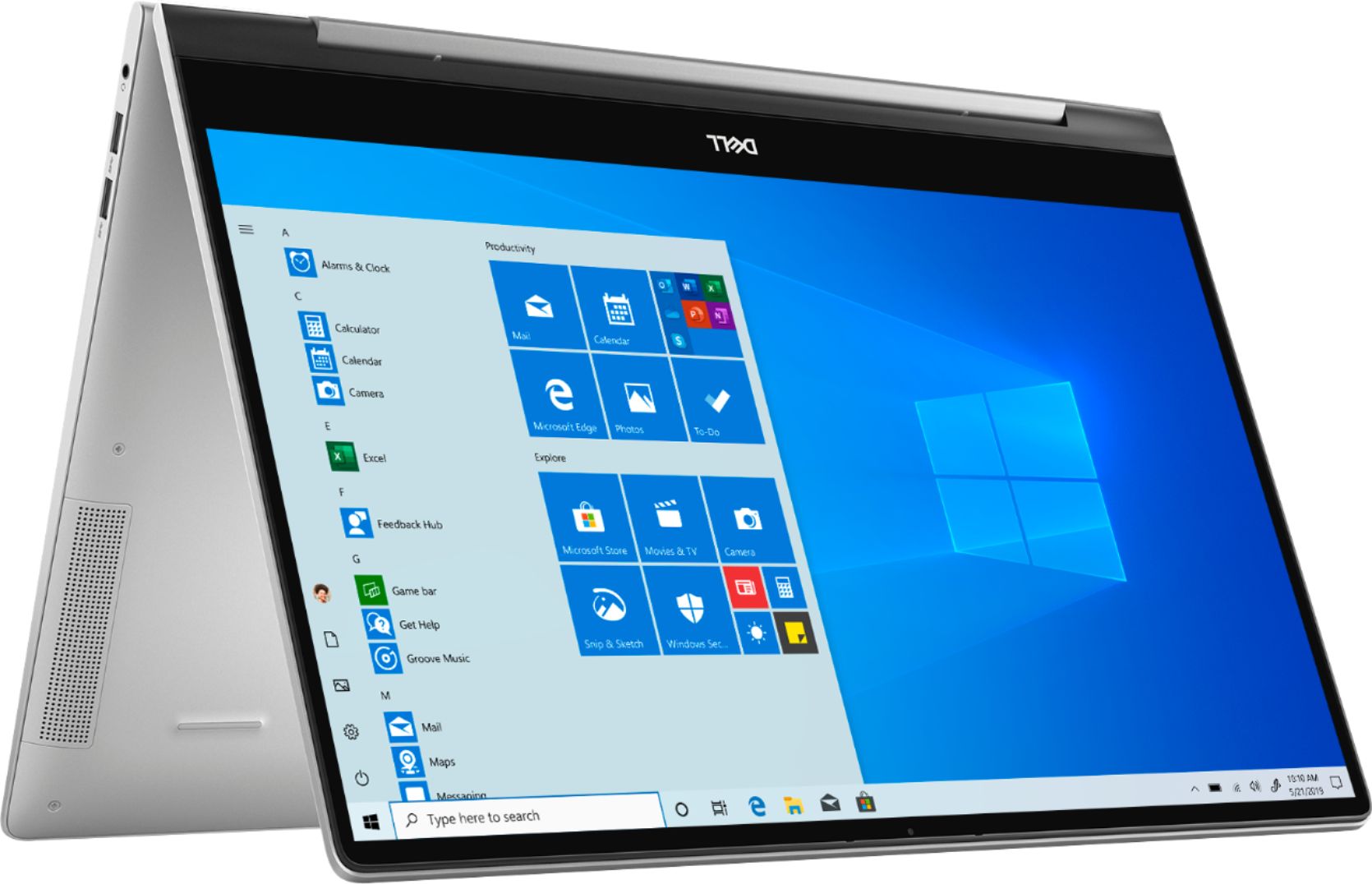


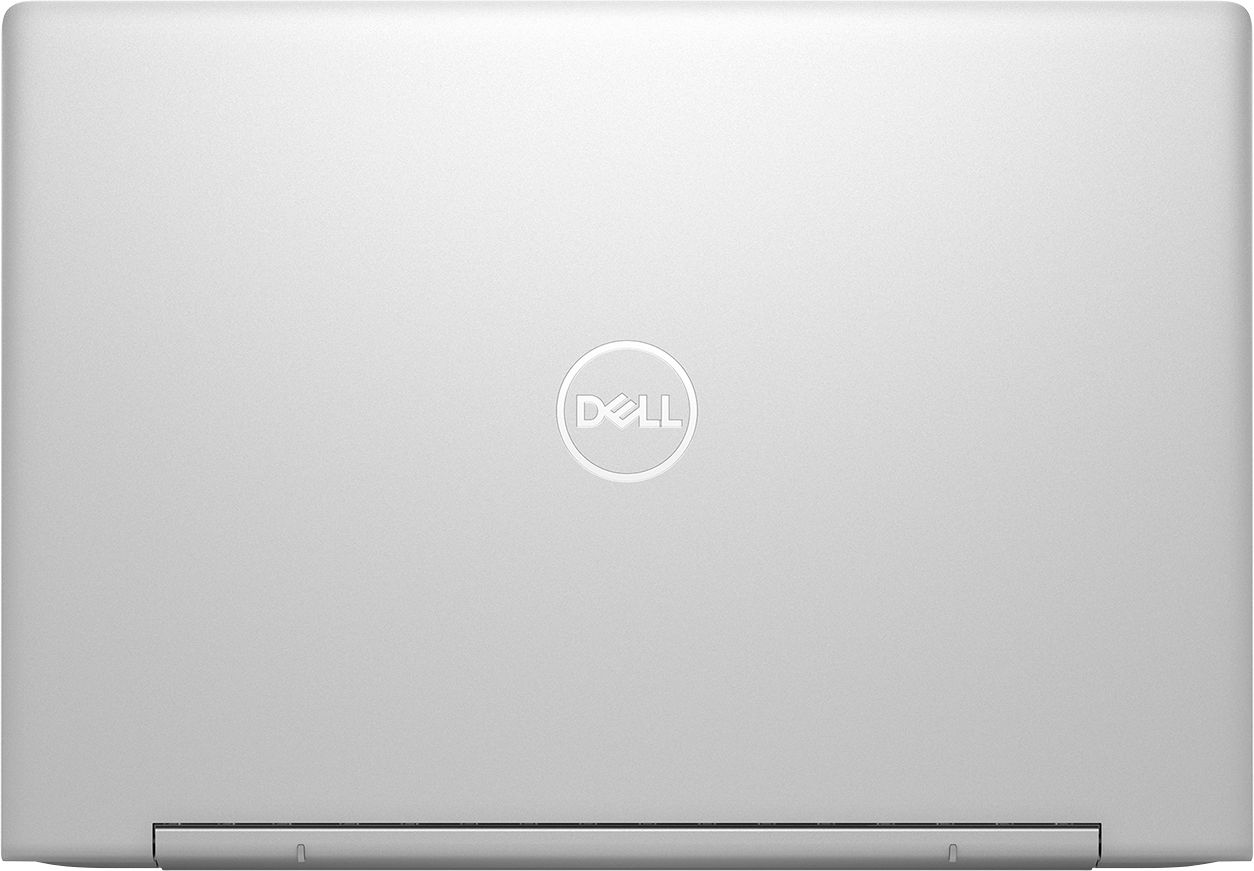
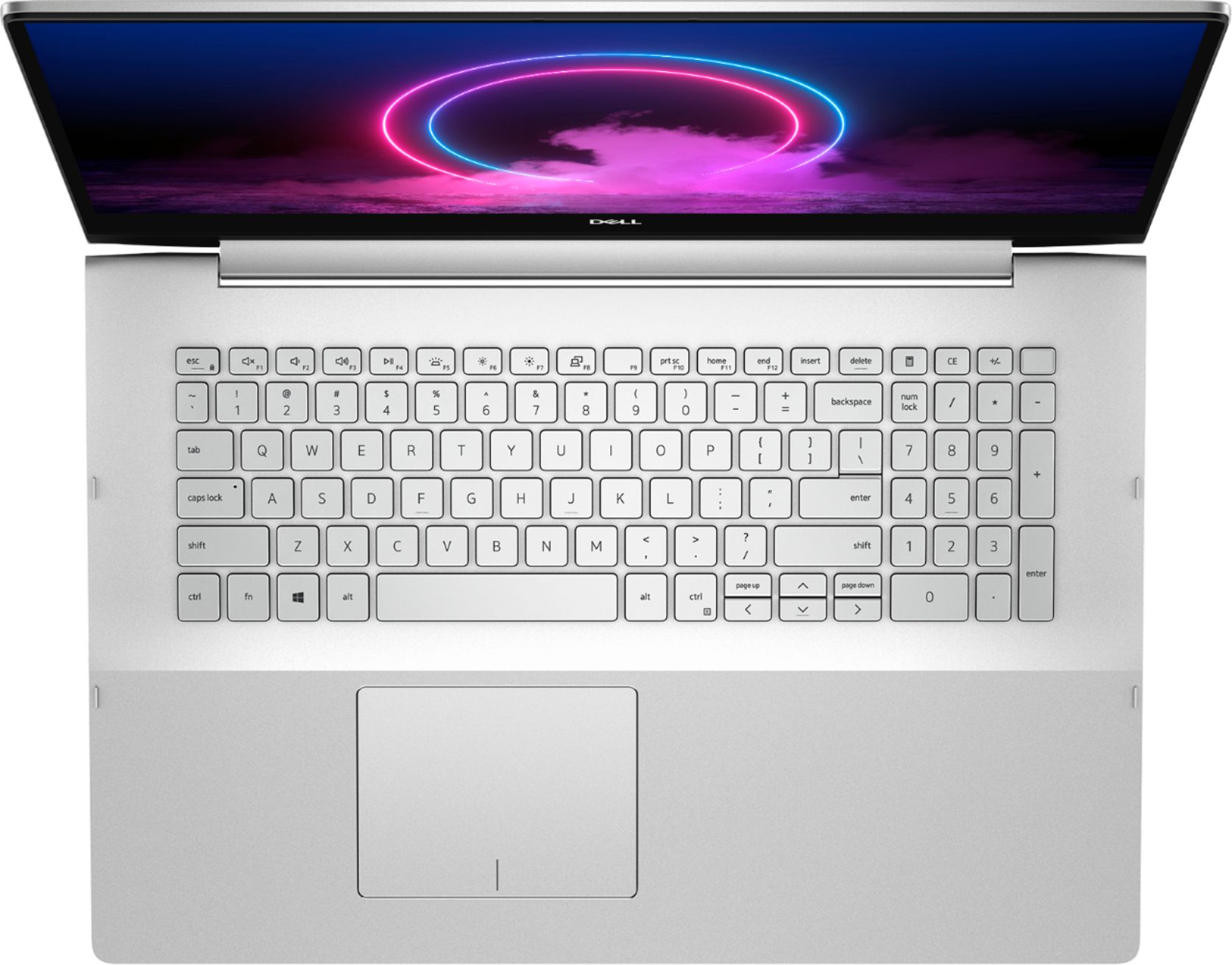


- Model:
- I7591-7469SLV-PUS
- SKU:
- 6373039
Rating by feature
- Value
Rating 4.3 out of 5 stars
- Quality
Rating 4.5 out of 5 stars
- Ease of Use
Rating 4.4 out of 5 stars
Customers are saying
Customers frequently mention the Inspiron 15.6" laptop's strong performance, especially for tasks like music and photo editing, as well as its large, responsive touchscreen and ease of setup and use. Its lightweight design is also a plus for many users, making it portable and convenient. However, some customers have expressed concerns regarding the battery life, reporting issues with charging and overall longevity.
This summary was generated by AI based on customer reviews.
Great Product
||Posted . Owned for 1 month when reviewed.This reviewer received promo considerations or sweepstakes entry for writing a review.Great Product Easy to setup Will recommend to friends
I would recommend this to a friendPerfect
||Posted . Owned for 3 weeks when reviewed.This reviewer received promo considerations or sweepstakes entry for writing a review.Perfect. .
I would recommend this to a friendDell laptop
||Posted . Owned for 3 weeks when reviewed.This reviewer received promo considerations or sweepstakes entry for writing a review.So far so good. The laptop does everything I need.
I would recommend this to a friendgreat machine but would like 16g RAM
||Posted . Owned for 3 weeks when reviewed.This reviewer received promo considerations or sweepstakes entry for writing a review.comes with 12 g RAM. Like the extra numeric key pad.
I would recommend this to a friendDisappointment upon disappointment
||Posted . Owned for 8 months when reviewed.This reviewer received promo considerations or sweepstakes entry for writing a review.This laptop is a big disappointment, and Dell's customer service is even more disappointing. There are too many issues to mention here, but the main problem is that it freezes constantly. How would you like it if your video call is interrupted because the laptop randomly freezes? Well, I don't like it at all! What a waste of money. :-(
No, I would not recommend this to a friendBrand response from YourDellTeam
Posted .Dear Valued Customer,
We're sorry to hear about the issues that you've had with your computer freezing. We'd recommend diagnosing these freezes with the following steps:
1. Run a Computer Diagnostic. To determine if your computer is experiencing a hardware problem, run the Dell Preboot System Assessment (PSA) Diagnostics. For information on how to run Diagnostics, and to determine the issue, refer to Dell Knowledge Base Article: http://dell.to/2iaiujA.
2. Check Safe Mode for Symptoms. To boot into safe mode, please follow the instructions below:
a) Start the computer.
b) Tap 'F8' on the keyboard immediately and every one second until the Dell logo screen disappears. From there you will see the Windows Advanced Options Menu on the screen. (If the Windows Advanced Options Menu does not appear, restart the system and try again.)
c) Select Safe mode with Networking and press Enter.
d) Log on as the administrator or as a user with administrative access.
e) Open applications and test the computer in safe mode. If the symptoms exist in safe mode, please continue the troubleshooting steps in this article. If the symptoms do not exist in safe mode, the issue is likely related to a driver or software and you may wish to complete step 3 to see if you are able to resolve the lockups or freezing.
3. Check for Malware. Malware (Virus, Spyware, etc.) can definitely cause a Windows system to lock up or appear to hang. To check for malware on your system and to ensure that your computer is up to date on security software, visit Dell Knowledge Base Article: http://dell.to/2wWP1zI.
You can read the full article here - http://dell.to/2tW5m33.
Best,
Bryan
1-800-624-9896
Wouldn't buy this again
||Posted .This reviewer received promo considerations or sweepstakes entry for writing a review.Whoever decided that silver keys on a silver-metal background wasn't too smart or has a share in a rubber keyboard cover. Besides having a keyboard that's difficult to see, the cooling unit has to run almost constantly.
No, I would not recommend this to a friendBrand response from YourDellTeam
Posted .Dear Valued Customer,
We're sorry that the contrast in your keyboard is not easy for you to see. We have shared this feedback with our product team.
If you'd like to see if you can reduce the fan noise on your computer, you can try to update the BIOS:
An out-of-date BIOS can cause loud fan noises by having an outdated temperature table for the system. Refer to update BIOS and follow the instructions to update the BIOS on your computer. You can also follow up with our Technical Support Team here - 1-800-624-9896.
You can read the full article here - http://dell.to/2ENlXfz.
Best,
Bryan
1-800-624-9896
Dandrade
||Posted . Owned for 3 weeks when reviewed.This reviewer received promo considerations or sweepstakes entry for writing a review.Terrible computer keeps Beeping the fan is So loud and cannot be changed even if yiu change it
No, I would not recommend this to a friendBrand response from YourDellTeam
Posted .Dandrade,
Thanks for your review and we're sorry to hear about the fan noise on your computer. We'd recommend updating the BIOS on your computer to see if it helps lessen the noise:
An out-of-date BIOS can cause loud fan noises by having an outdated temperature table for the system. Refer to update BIOS and follow the instructions to update the BIOS on your computer. You can also follow up with our Technical Support Team here - 1-800-624-9896.
You can read the full article here - http://dell.to/2ENlXfz.
Best,
Bryan
1-800-624-9896
Never again for Dell or Best Buy
||Posted .This reviewer received promo considerations or sweepstakes entry for writing a review.Start with the terrible keyboard and go from there. Loaded with adware Slowest and worst laptop I've ever purchased.
No, I would not recommend this to a friendBrand response from YourDellTeam
Posted .AndyR,
Thanks for your feedback. We're sorry that everything is not working the way that you hoped it would. If you'd like to see if your computer can run better for you we'd recommend running the Windows Performance Troubleshooter:
1. Close all open windows.
2. Press the Windows logo key + X key on the keyboard.
3. Click Control Panel.
4. Click System and Security.
5. Under Security and Maintenance, select Troubleshoot common problems.
6. Under System and Security, click Run maintenance tasks.
7. Follow the on-screen instructions and prompts to complete the process.
8. Restart the PC.
You can read the full article here - http://dell.to/2tSulGV.
Best,
Bryan
1-800-624-9896
Very poor performance
||Posted . Owned for 2 months when reviewed.This reviewer received promo considerations or sweepstakes entry for writing a review.Bad performance! Said to replace a hard drive within 2 months of use.
No, I would not recommend this to a friendBrand response from YourDellTeam
Posted .Hello Dell,
We're sorry to hear about your new laptop's performance. If you have questions about your computer you can always check our Product Support Page here: https://dell.to/2WwLt1J.
Best,
Bryan
1-800-624-9896
Heavy
||Posted . Owned for 1 month when reviewed.This reviewer received promo considerations or sweepstakes entry for writing a review.Not worth comparatively Keyboard difficult with out lights
No, I would not recommend this to a friendBrand response from YourDellTeam
Posted .Njast,
Thanks for your review and we're sorry that your new laptop is not meeting your needs. If you have any technical questions about your computer you can check our Product Support Page here: https://dell.to/2WwLt1J.
Best,
Bryan
1-800-624-9896
- Pros mentioned:Performance
Great
Posted .This reviewer received promo considerations or sweepstakes entry for writing a review.Good machine are working great, I’ll recommend if you looking for laptop for work
I would recommend this to a friend - Pros mentioned:Screen size, Weight
Holy
Posted .This reviewer received promo considerations or sweepstakes entry for writing a review.This is the best computer on the planet no doubt best
I would recommend this to a friend Not recommendable product!
Posted .This reviewer received promo considerations or sweepstakes entry for writing a review.Don't buy this model it has so many issues. Among them, unexpected shutdown and restarting is the main issue. Electrostatic shock is another issue. I understood that block Friday selling items are defect goods? but I am not sure.
No, I would not recommend this to a friendStay away from dell please.
Posted .This reviewer received promo considerations or sweepstakes entry for writing a review.Stay away from dell period. The customer service is horrendous. Bought an Inspiron 2 in 1 for my daughter for school and I can’t even begin to describe the nightmare and money pit it has become. I am on my 4th charger after only a year and a half. Had to buy their over priced chargers off their website because it only accept genuine dell power adapters. There are several imitations out there that can screw up your computer. Not to mention mother board that went going out. There is a documented history of those going out and also need a brand new screen, power jack, and still only a year and one half old. Absolute nightmare. I cannot stress enough.... stay away from dell. You’ll be on the phone for hours with their customer service and still need not get anything done. Best Buy should be ashamed for putting such garbage on their shelves.
No, I would not recommend this to a friend