Customer Ratings & Reviews
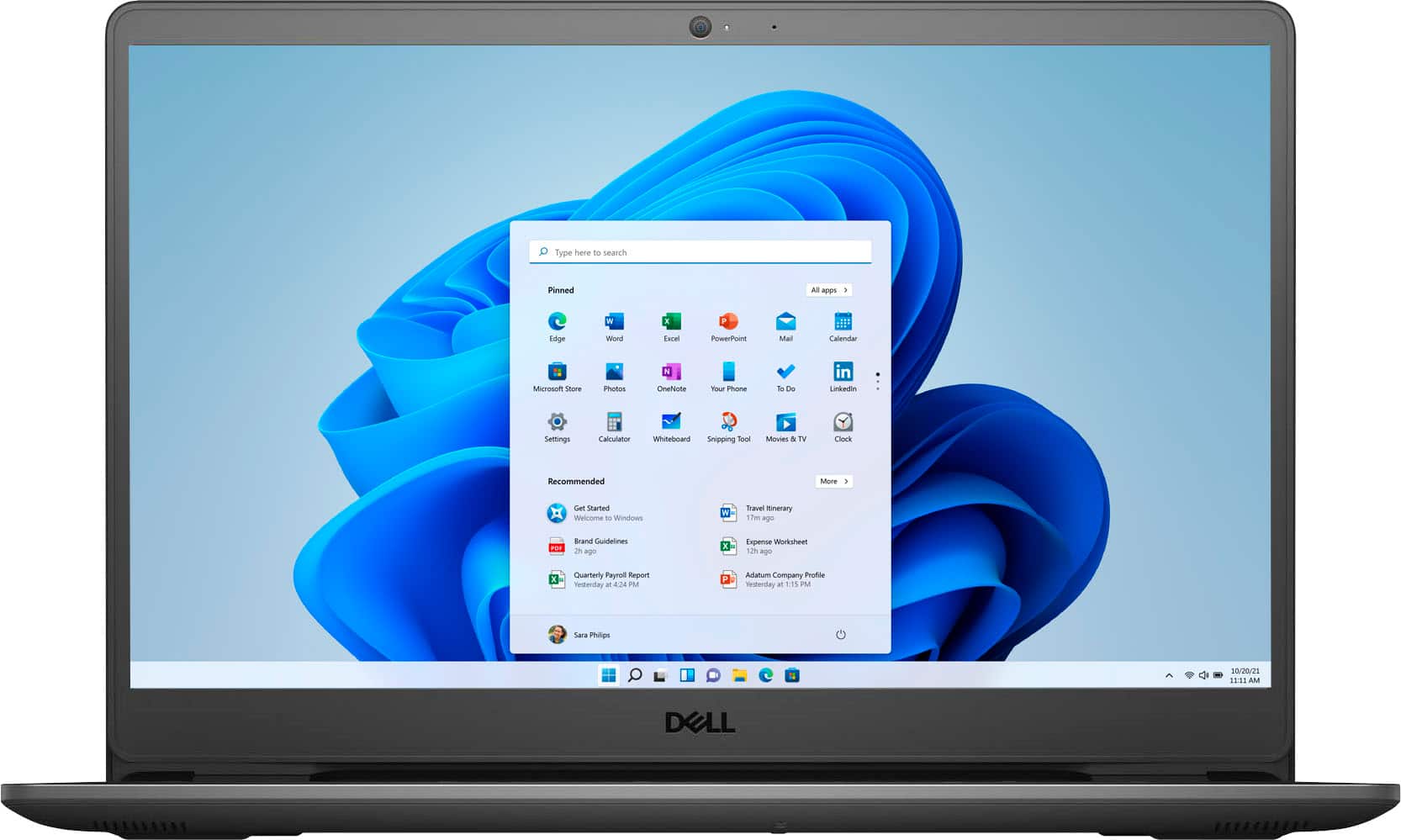
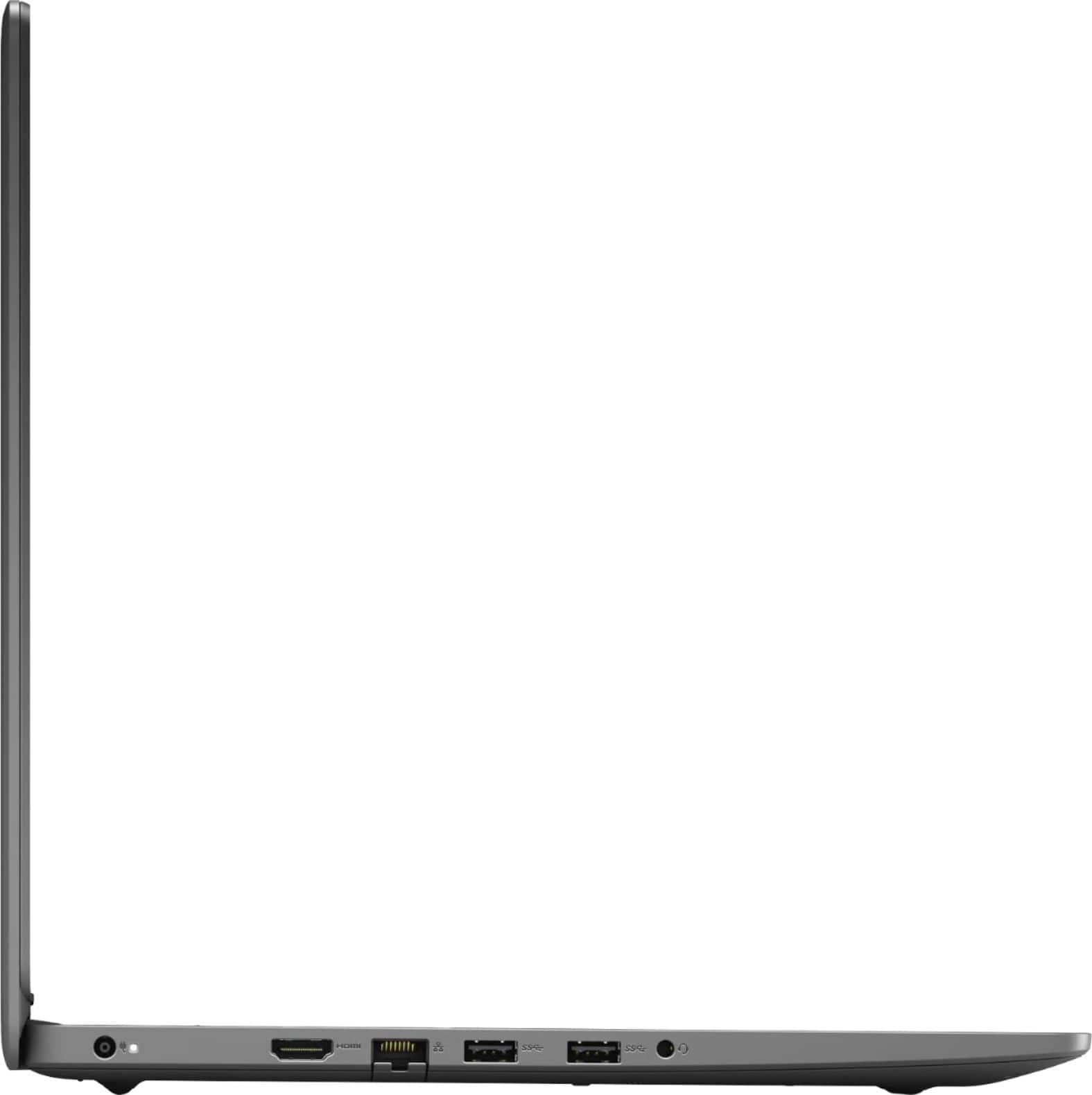
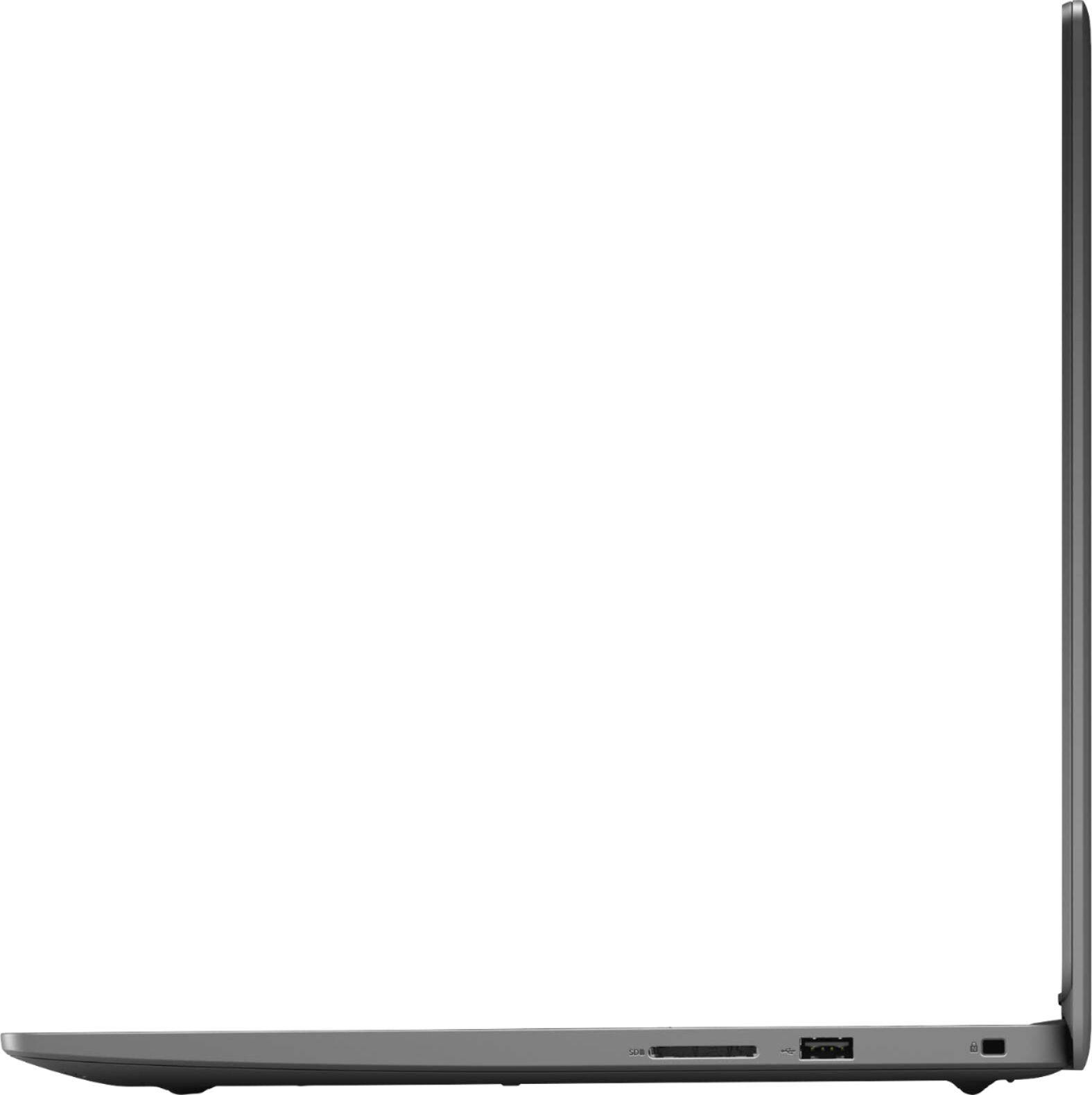
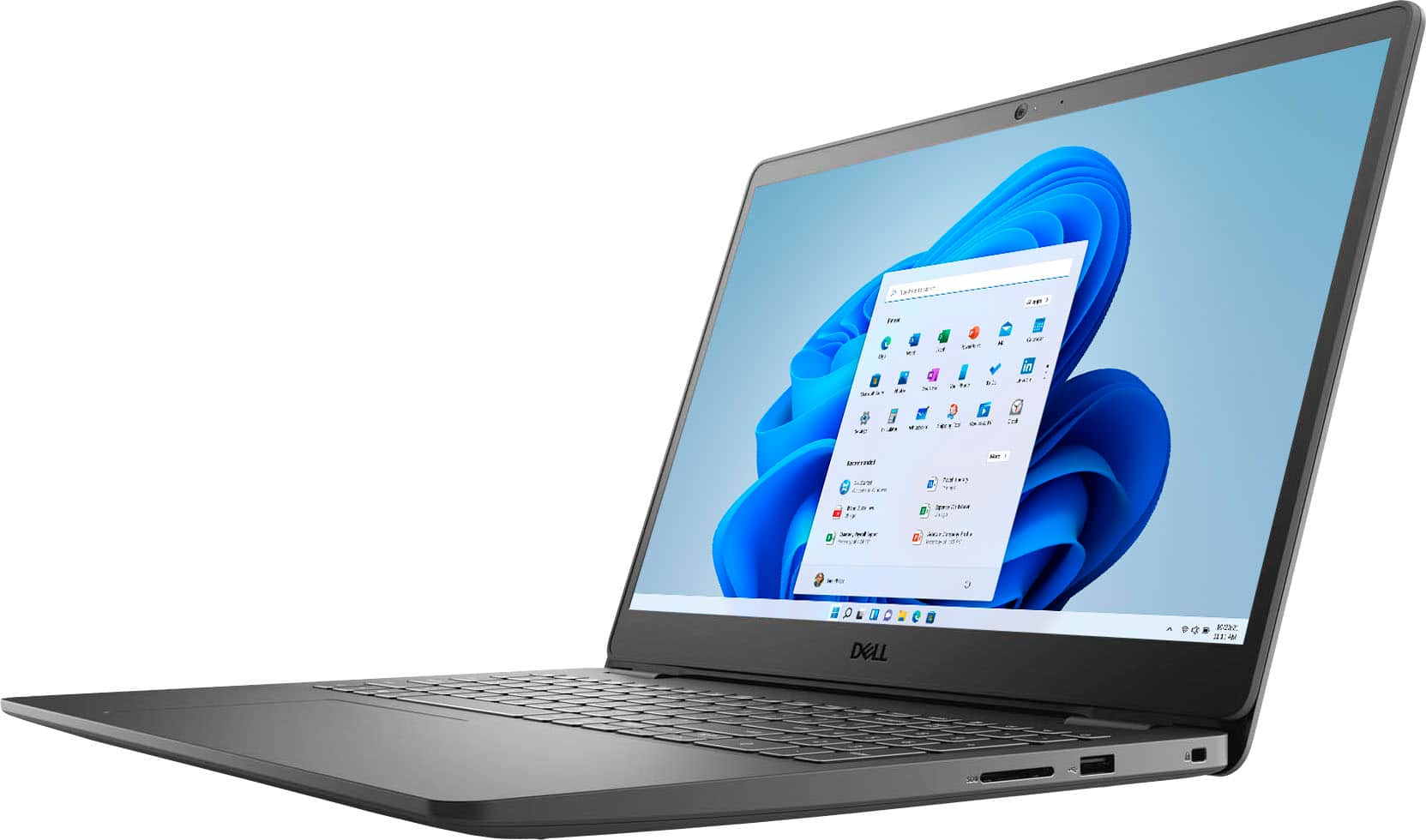

- Model:
- i3505-A542BLK-PUS
- SKU:
- 6447112
Rating by feature
- Battery Life
Rating 4.4 out of 5 stars
- Speed
Rating 4.5 out of 5 stars
- Display
Rating 4.5 out of 5 stars
Customers are saying
Customers appreciate the Inspiron 15.6" laptop for its budget-friendly price, touchscreen display, and user-friendly interface. Many users also find that it performs well for basic tasks and even gaming. While some users wish it had a longer battery life and more RAM, overall, customers are pleased with its performance and value.
This summary was generated by AI based on customer reviews.
Abc123
||Posted . Owned for 1 month when reviewed.This reviewer received promo considerations or sweepstakes entry for writing a review.Bought for student. Worked correctly out of the box. Set up by geek squad was correct. Was completed upon set time.
I would recommend this to a friendBrand response from YourDellTeam
Posted .Hello,
Thank you for taking a moment to share your feedback and response. We appreciate your kind words and are happy to know you're enjoying your product and the installation process. The contents of your review will be used to help improve now and future Dell products. If you come across any questions, issues, or concerns, please visit the Support Page of your Inspiron.
Best regards,
Wendy C.
https://bit.ly/DellSupportTeam.
Phone number to Dell: 1-800-264-9896.
It’s okay
||Posted . Owned for 1 year when reviewed.This reviewer received promo considerations or sweepstakes entry for writing a review.HD it for over a year it was fine could have been better don’t recommend ryzen though
I would recommend this to a friendgreat but
||Posted . Owned for 3 weeks when reviewed.This reviewer received promo considerations or sweepstakes entry for writing a review.I really appreciate the quality and the price. Bummer is the headphones jack quit work in first month.
I would recommend this to a friendBrand response from YourDellTeam
Posted .Hello Jeffer,
Thank you for taking the time to share your experience. While we are glad to hear you are pleased with the quality and price of your Inspiron. We are sorry to hear that the headphones jack quit working. Provided the issue is hardware-related, it may be repaired/replaced if covered under its limited warranty. We strongly encourage you to visit the Dell Limited Hardware Warranty page to explore coverage options: https://dell.to/39iwZuX.
Best regards,
Wendy C.
For further assistance, you can contact Dell directly with the information below Chat or Call:
https://bit.ly/DellSupportTeam.
Phone number to Dell: 1-800-264-9896.
NO FRILLS
||Posted . Owned for 3 weeks when reviewed.This reviewer received promo considerations or sweepstakes entry for writing a review.Gets the job done! I use it for basic activities like shopping and streaming movies and shows.
No, I would not recommend this to a friendBrand response from YourDellTeam
Posted .Hello,
Thank you for taking the time to share your feedback and review. We appreciate your kind words and are happy to know you're pleased with various aspects of your Inspiron. The contents of your review will be used to help improve now and future Dell products. If you come across any questions, issues, or concerns, please contact our support team here: https://bit.ly/DellSupportTeam.
Best,
Wendy C.
https://bit.ly/DellSupportTeam.
Phone number to Dell: 1-800-264-9896.
returned
||Posted . Owned for 3 weeks when reviewed.This reviewer received promo considerations or sweepstakes entry for writing a review.would not connect with external display via hdmi. 2 other window 10 computers did
No, I would not recommend this to a friendBrand response from YourDellTeam
Posted .Hi Bruno,
We want to thank you for taking the time to leave us your valued feedback. We are sorry to hear you had difficulties connecting a monitor to your Inspiron 3505 and ultimately decided to return it. We can assure you that Dell takes pride in manufacturing quality products. Even if this particular product was not the right fit for you we hope that you will consider Dell in the future when you make your next system purchase. I have provided a link to help connect a monitor to your next Dell system for future reference.
If you require further assistance, you can contact Dell directly with the information below.
Chat or call: https://bit.ly/DellSupportTeam
Phone number to Dell 1-800-624-9896
Best,
Ashley@Dell
How to connect a monitor to your Dell computer: https://dell.to/3pS6Fji
Don't have photos
||Posted . Owned for 2 weeks when reviewed.This reviewer received promo considerations or sweepstakes entry for writing a review.Brought the laptop back. Software is more for gaming which I don't use.
I would recommend this to a friendNot the greatest but I needed something quick
||Posted . Owned for 3 weeks when reviewed.This reviewer received promo considerations or sweepstakes entry for writing a review.Scratches on the top easily feels cheap but works decently.
No, I would not recommend this to a friendBrand response from YourDellTeam
Posted .Hello Indyreview,
Thank you for your input and review. We are glad to hear that your laptop is working as expected. We are sorry to hear that the top was scratched easily after some use. Your feedback is sincerely appreciated and will surely be taken into consideration when designing future products. If you have any other questions, feel free to visit the support page for your Inspiron.
Sincerely,
Wendy C.
https://bit.ly/DellSupportTeam.
Phone number to Dell: 1-800-264-9896.
Ok
||Posted . Owned for 3 weeks when reviewed.This reviewer received promo considerations or sweepstakes entry for writing a review.It's ok...........................................
No, I would not recommend this to a friendBrand response from YourDellTeam
Posted .Hello,
Thank you for your review. We really value our customers feedback. If you come across any further questions, issues or concerns, we invite you to visit the Support Page of your product.
Sincerely,
Wendy C.
https://bit.ly/DellSupportTeam.
Phone number to Dell: 1-800-264-9896.
Disappointed.
||Posted .This reviewer received promo considerations or sweepstakes entry for writing a review.The laptop makes too much sound and get usually hot. I have been using for almost 10-11 months already it's sound's system creating issues.
No, I would not recommend this to a friendDisappointed
||Posted . Owned for 2 weeks when reviewed.This reviewer received promo considerations or sweepstakes entry for writing a review.Disappointed with this Dell model, ended returning it. The screen was to big and cheap quality with the design. It looked like a lap top from back in the day.
No, I would not recommend this to a friendBrand response from YourDellTeam
Posted .Hello,
Thank you for taking the time to share your feedback and response. We sorry to hear that the build quality and screen's size have not met all of your expectations. We really value your feedback and the contents of your review will be used to help improve now and future Dell products. If you come across any questions, issues, or concerns, please contact our support team here: https://bit.ly/DellSupportTeam.
Best,
Wendy C.
https://bit.ly/DellSupportTeam.
Phone number to Dell: 1-800-264-9896.
Would not buy it again
||Posted .This reviewer received promo considerations or sweepstakes entry for writing a review.Lots of problems. I am a geek squad member and after 3 attempts of remotely working on it I finally had to take it back to Best Buy to have them fix w
No, I would not recommend this to a friendBrand response from YourDellTeam
Posted .Dear BUTCH,
We want to thank you for your valued feedback. We sincerely apologize for your experience. We want to help with any issues you may be having with your Inspiron 3505. The best way for us to help would be to follow up with our support team.
You can contact Dell directly with the information below.
Chat or call: https://bit.ly/DellSupportTeam
Phone number to Dell 1-800-624-9896
Best,
Ashley@Dell
Charging port broke after 3 weeks of use
||Posted . Owned for 1 month when reviewed.This reviewer received promo considerations or sweepstakes entry for writing a review.I bought this computer for my daughter to use at school. It worked fine for a few weeks, but then it stopped charging. I am told it will cost $200-$320 to fix, for a $500 computer. My only other option is to send it to Dell and have it fixed under the basic warranty, which will take approximately 2 weeks. Not happy with this purchase at all.
No, I would not recommend this to a friendBrand response from YourDellTeam
Posted .Hello Hans,
Thanks for taking the time to share your feedback and review. We are sorry to hear that you are experiencing difficulties with your battery. Provided the issue is hardware related, it may be repaired/replaced if covered under its limited warranty. We strongly encourage you to visit the Dell Limited Hardware Warranty page to explore coverage options: https://dell.to/39iwZuX.
If you come across any questions, issues, or concerns, please contact Dell Support for further assistance at 1-800-264-9896.
Best,
Wendy C.
https://bit.ly/DellSupportTeam.
Phone number to Dell: 1-800-264-9896.
New
||Posted .This reviewer received promo considerations or sweepstakes entry for writing a review.Good laptop no click click sound when typing. Only thing is mt tab button came up so I had to buy a cordless keyboard
I would recommend this to a friendBrand response from YourDellTeam
Posted .Dear Valued Customer,
Thank you very much for your valued feedback. We are glad you like your Inspiron 3505 laptop but we are sorry to hear that you are having trouble with its tab key because it came off and it is not working. We will share our review with our quality team so future improvements can be made.
Please contact Dell Support Team at the information provided below at your earliest convenience, so we can help you to resolve this issue.
Best,
Katarina@Dell
Should you need further assistance, you can contact Dell directly with the information below.
Chat or call: https://bit.ly/DellSupportTeam
Phone number to Dell 1-800-624-9896
con
||Posted .This reviewer received promo considerations or sweepstakes entry for writing a review.not enough volume,, cant get free webroot without paying. offered but you have to pay,, thats a ripoff
No, I would not recommend this to a friendBrand response from YourDellTeam
Posted .Hello Ricka,
Thank you for taking the time to share your review. We apologize for the issues you have encountered with your audio volume. To make sure we can help, this link can also help when identifying and troubleshooting your audio issues: http://bit.ly/3gnBhT3.
We greatly appreciate your feedback and looked further into this for you. It seems like this Antivirus software is typically purchased separately. We invite you to review the product Support Page if any other questions or concerns arise.
Best,
Wendy C.
https://bit.ly/DellSupportTeam.
Phone number to Dell: 1-800-264-9896.
Not impressed
||Posted . Owned for 1 month when reviewed.This reviewer received promo considerations or sweepstakes entry for writing a review.Bare minimums. It even FEELS cheap. I guess it’s okay if you’re only looking for the basics.
No, I would not recommend this to a friendBrand response from YourDellTeam
Posted .Hello,
Thank you for taking a moment to share your feedback and review. We are sorry to hear that the build quality of this Inspiron has not met all of your expectations. The contents of your review will be used to help improve now and future Dell products. If you come across any questions, issues, or concerns, please contact Dell Support here: https://bit.ly/DellSupportTeam.
Best,
Wendy C.
https://bit.ly/DellSupportTeam.
Phone number to Dell: 1-800-264-9896.
Laptpp
||Posted . Owned for 1 month when reviewed.This reviewer received promo considerations or sweepstakes entry for writing a review.Just okay. Not as good as the old one and not as easy to use. Screen is a little small.
No, I would not recommend this to a friendBrand response from YourDellTeam
Posted .Hello Sunny1,
Thank you for sharing your feedback and review. We are sorry to hear that you're having difficulties with using your Inspiron. We greatly appreciate your feedback on the screen size of your laptop not meeting all your expectations. Your feedback is sincerely appreciated and will surely be taken into consideration when designing future products. To make sure that we can help, here is a link to your Product Support Page: https://dell.to/2XLc284. It can be used to provide more in-depth information about your Inspiron. If you have any other questions, feel free to visit the support page for your Inspiron.
Best regards,
Wendy C.
https://bit.ly/DellSupportTeam.
Phone number to Dell: 1-800-264-9896.
STAY AWAY
||Posted . Owned for 2 weeks when reviewed.This reviewer received promo considerations or sweepstakes entry for writing a review.I will never buy a dell product again. I bought and returned THREE of these with the last one completely dying out on me and not even turn on. I wouldn't take one of these for FREE stay away from this!
No, I would not recommend this to a friendBrand response from YourDellTeam
Posted .Hello Canesfan13,
Thank you for taking the time to leave us your valued feedback. We sincerely apologize for your experience. This is certainly not what we like to hear from our loyal customers. We can assure you that Dell takes pride in manufacturing quality products. Even if this particular product was not the right fit for you we hope that you will consider Dell in the future when you make your next purchase.
If you require further assistance, you can contact Dell directly with the information below.
Chat or call: https://bit.ly/DellSupportTeam
Phone number to Dell 1-800-624-9896
Best,
Ashley@Dell
DONE WITH DELL
||Posted . Owned for 5 months when reviewed.This reviewer received promo considerations or sweepstakes entry for writing a review.In less than a year I had to get Best Buy’s total thing to cover a repair and replacement of the charging port. Never buying a Dell again. I tried calling Dell and couldn’t talk to anyone. I emailed them with no response.
No, I would not recommend this to a friendDo Not Recommend
||Posted . Owned for 1 month when reviewed.This reviewer received promo considerations or sweepstakes entry for writing a review.Needed a laptop for personal use. I had this 2 days and all it did was freeze or lock up. Not user friendly in my opinion. I am far from being a computer expert and we have owned Dell products before but this one was a LEMON!!!
No, I would not recommend this to a friendBrand response from YourDellTeam
Posted .Hello,
Thank you for taking the time to share your review and for being a loyal Dell customer. We would like to apologize for the freezing and lockups issues you're experiencing with your new Inspiron. We would like to assist you as soon as possible and we have provided a few troubleshooting steps below to address this issue.
Here are the recommended steps for your freezing issues:
1. Run a Computer Diagnostic. To determine if your computer is experiencing a hardware problem, run the Dell Preboot System Assessment (PSA) Diagnostics. For information on how to run Diagnostics, and to determine the issue, refer to Dell Knowledge Base Article: http://dell.to/2iaiujA.
2. Check Safe Mode for Symptoms. To boot into safe mode, please follow the instructions below:
a) Start the computer.
b) Tap 'F8' on the keyboard immediately and every one second until the Dell logo screen disappears. From there you will see the Windows Advanced Options Menu on the screen. (If the Windows Advanced Options Menu does not appear, restart the system and try again.)
c) Select Safe mode with Networking and press Enter.
d) Log on as the administrator or as a user with administrative access.
e) Open applications and test the computer in safe mode. If the symptoms exist in safe mode, please continue the troubleshooting steps in this article. If the symptoms do not exist in safe mode, the issue is likely related to a driver or software and you may wish to complete step 3 to see if you are able to resolve the lockups or freezing.
3. Check for Malware. Malware (Virus, Spyware, etc.) can definitely cause a Windows system to lock up or appear to hang. To check for malware on your system and to ensure that your computer is up to date on security software, visit Dell Knowledge Base Article: http://dell.to/2wWP1zI.
4. You can read the full article here - http://dell.to/2tW5m33.
We recommend following the steps above to resolve your freezing issue. If you come across any questions, issues, or concerns, please contact Dell Support at your earliest convenience at 1-800-264-9896.
Best regards,
Wendy C.
https://bit.ly/DellSupportTeam.
Phone number to Dell: 1-800-264-9896.
Issues out of the box.
||Posted . Owned for 2 weeks when reviewed.This reviewer received promo considerations or sweepstakes entry for writing a review.Had issues right out of the box. Kept shutting down on its own. After several attempts of trying to get it registered, I decided to return it. Ended up getting a iMac instead.
No, I would not recommend this to a friendBrand response from YourDellTeam
Posted .Hello,
Thank you for your review. We are sorry to hear about your laptop crashing so soon. We understand how frustrating that can be. If needed in the future, we have provided steps below that can assist with system crashes.
1. On the laptop, click the Search the web and Windows box and type "problem reports".
2. Select View all problem reports to view a list of errors that have occurred on your computer and possible solutions for them, such as updating drivers, flashing your system BIOS, or checking for updates to the software.
3. Under the Source column, look for Windows and under Summary, look for Shut down unexpectedly.
4. Right-click the line item and select Check for a solution.
5. We'd also suggest checking to make sure that your software and drivers are up to date on Dell's Product Page - http://dell.to/3hmUpRy.
This article contains more detail in regard to blue screen and performance issues - http://dell.to/2u98Cct.
Best,
Wendy C.
https://bit.ly/DellSupportTeam.
Phone number to Dell: 1-800-264-9896.