Customer Ratings & Reviews
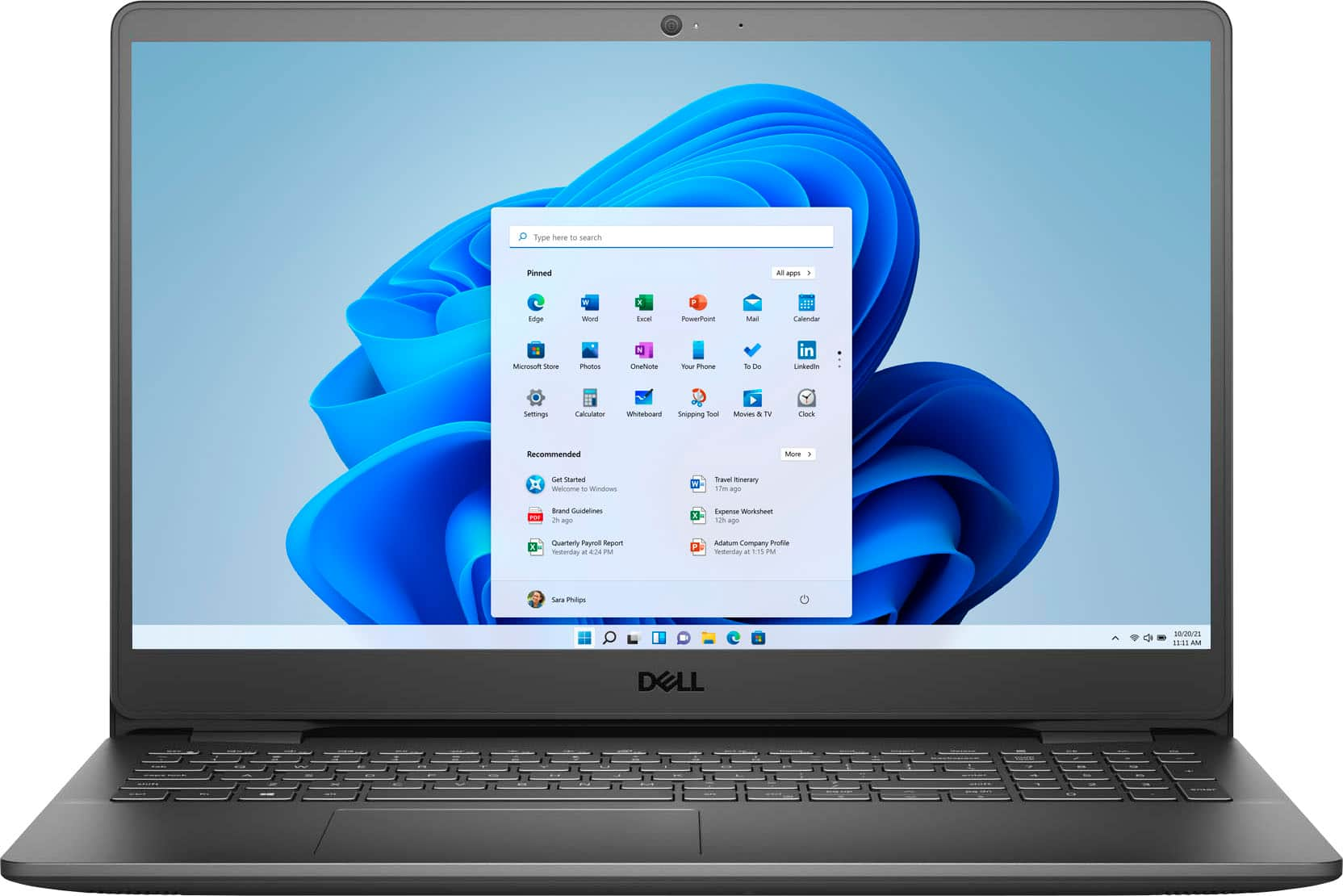


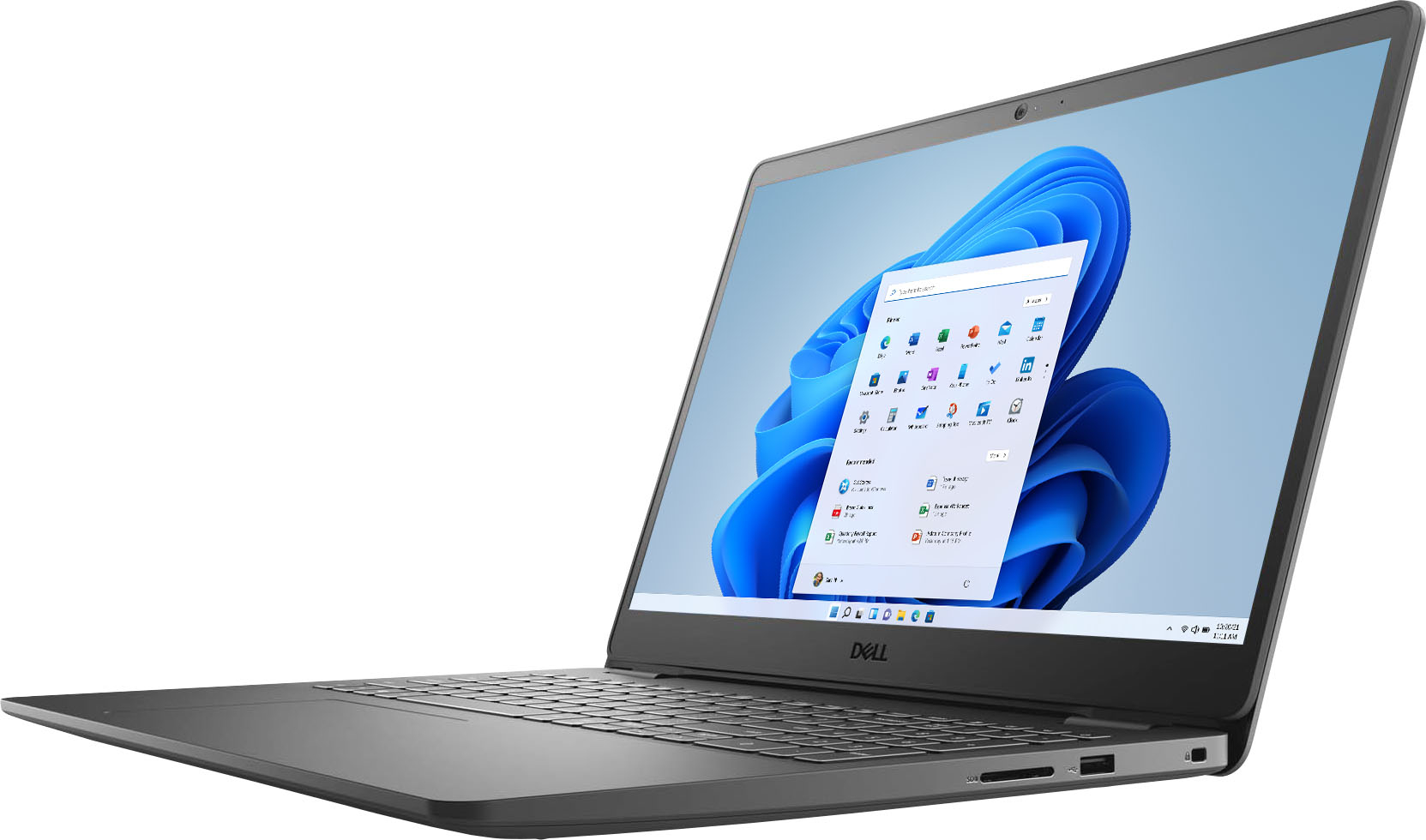
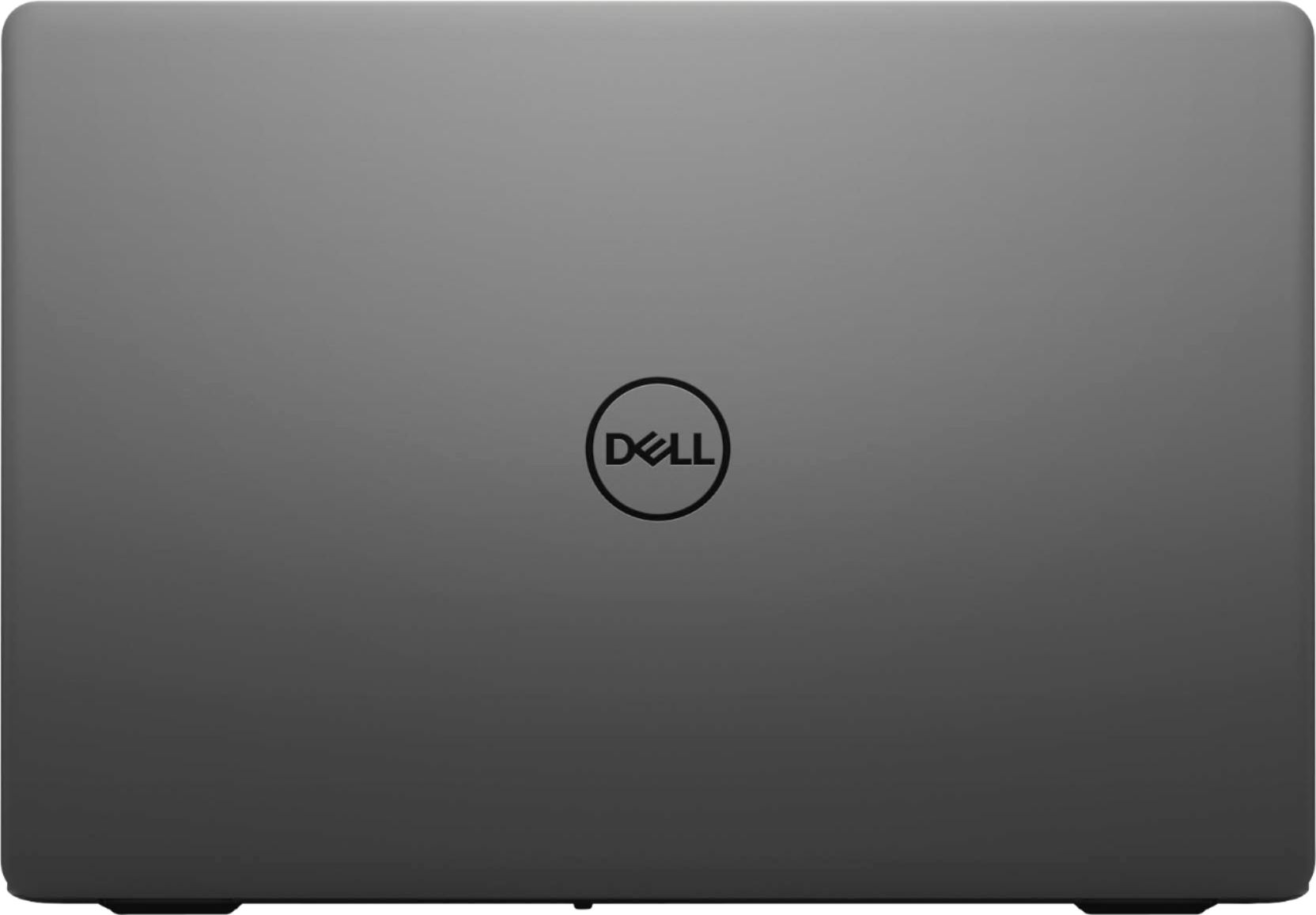
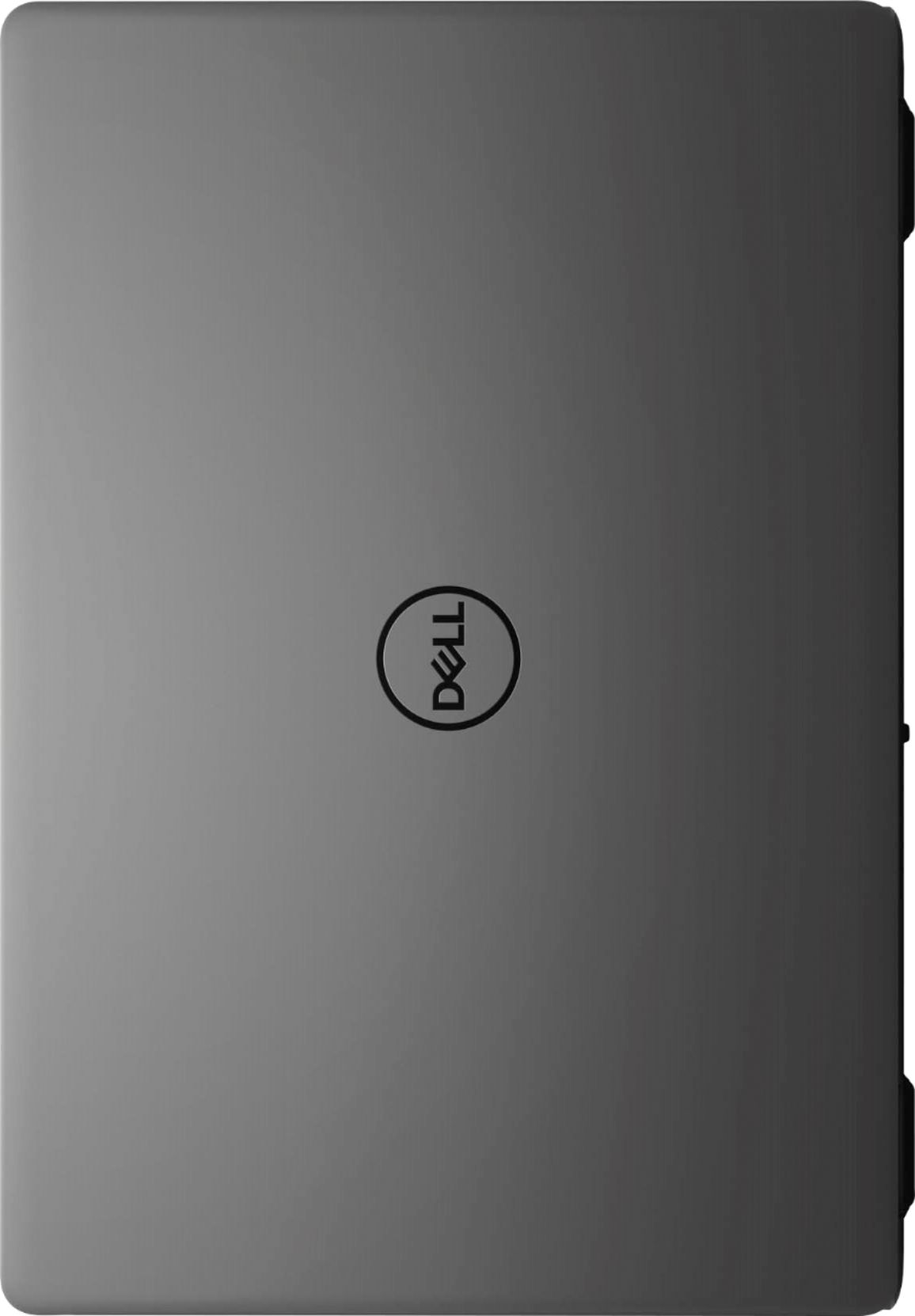
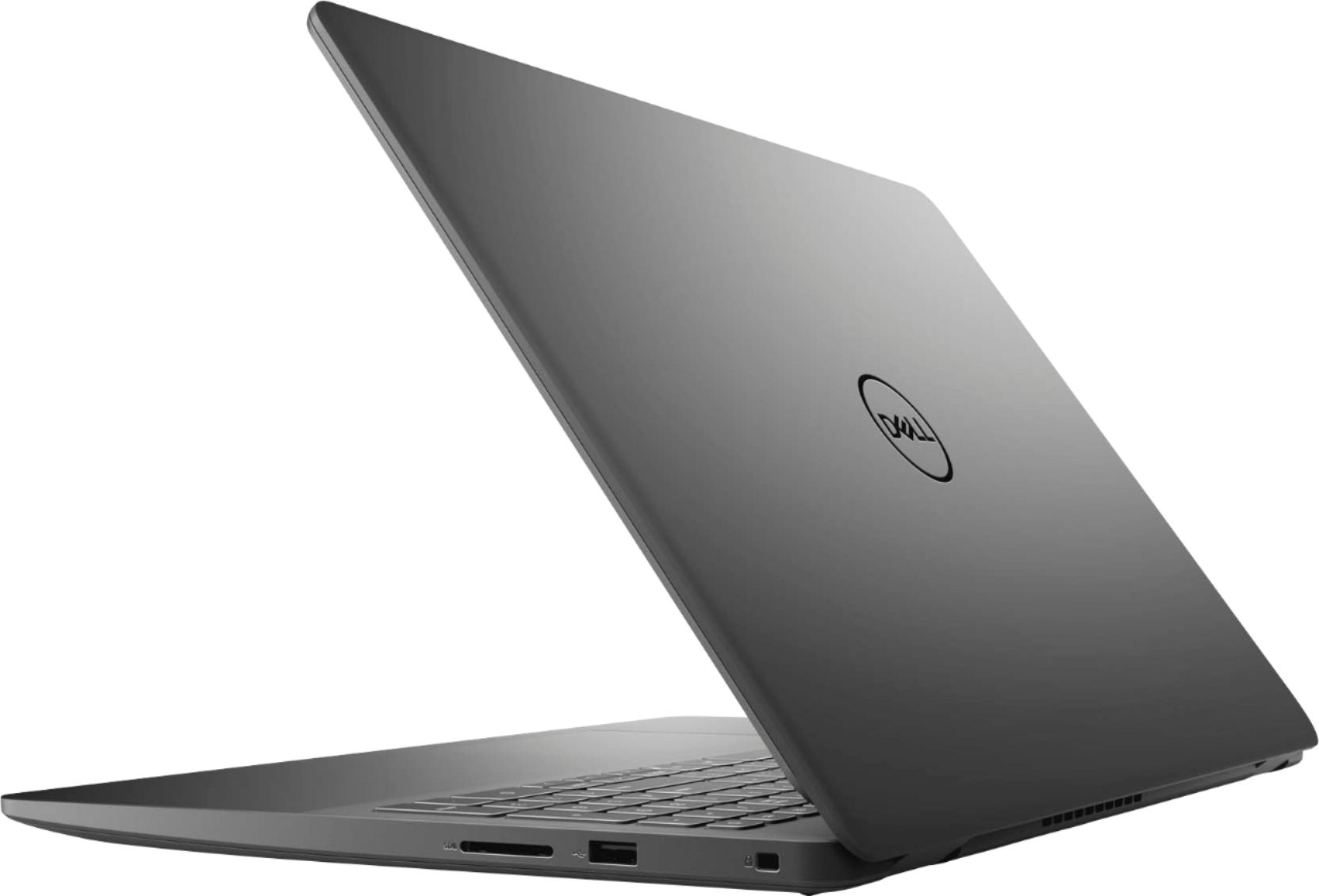



- Model:
- i3501-5573BLK-PUS
- SKU:
- 6447114
Rating by feature
- Battery Life
Rating 4.4 out of 5 stars
- Speed
Rating 4.5 out of 5 stars
- Display
Rating 4.6 out of 5 stars
Customers are saying
Customers consistently note the Inspiron 15.6" laptop's touch screen, affordable price, user-friendly interface, and lightweight design. Many users appreciate its reliable performance for everyday tasks and light productivity. However, some users have concerns about its battery life and limited storage capacity.
This summary was generated by AI based on customer reviews.
Need Wifi 6
||Posted .This reviewer received promo considerations or sweepstakes entry for writing a review.Decent laptop but Wifi 5… The newest is Wifi 6 which I am using now…
No, I would not recommend this to a friendBrand response from YourDellTeam
Posted .Dear Camsaki,
We want to thank you for your valued feedback. We are sorry to hear you are not completely satisfied with the WIFI option on your Inspiron 3501. We will share your comments with our quality team so improvements can be made to current and future products.
If you require further assistance, you can contact Dell directly with the information below.
Chat or call: https://bit.ly/DellSupportTeam
Phone number to Dell 1-800-624-9896
Best,
Ashley@Dell
SOMEWHAT SATISFIED
||Posted . Owned for 11 months when reviewed.This reviewer received promo considerations or sweepstakes entry for writing a review.It's ok but the wi-fi adapter constantly goes out.
No, I would not recommend this to a friendok at open box price
||Posted .This reviewer received promo considerations or sweepstakes entry for writing a review.dislike not having a back-lit keyboard ot hherwise, it is good
No, I would not recommend this to a friendDell cpmputer
||Posted . Owned for 1 month when reviewed.This reviewer received promo considerations or sweepstakes entry for writing a review.Cannot connect to my printer with cable or WiFi. Easy to use otherwise.
I would recommend this to a friendBrand response from YourDellTeam
Posted .Hello Molly,
Thanks for sharing your review. We are glad you are mostly happy with your laptop. However, we are sorry to hear you are having issues with connecting your printer with cable or Wi-Fi to your laptop. We would love to help and have provided steps below that can help with your connection issues.
1. Run the Network Troubleshooter.
a) Touch and hold or right-click the network icon (Available Networks or Network Icon, located in the lower right-hand corner).
b) Touch or click Troubleshoot problems and then follow the prompts.
2. You can read the full article here - http://dell.to/2sLtwRh.
If the issue persists, you can contact Dell directly with the information below via Chat or Call.
Best regards,
Wendy C.
https://bit.ly/DellSupportTeam.
Phone number to Dell: 1-800-264-9896.
refund
||Posted .This reviewer received promo considerations or sweepstakes entry for writing a review.the person at the chashiers counter messdup my return refund
I would recommend this to a friendDell - Inspiron 15.6" FHD touch-screen laptop.
||Posted .This reviewer received promo considerations or sweepstakes entry for writing a review.Wonderful computer, I really like it. Really good speed
I would recommend this to a friendBrand response from YourDellTeam
Posted .Dear Good,
We appreciate you taking the time to leave us your review and input. We appreciate your kind words and are happy to know you're enjoying your Inspiron 3501. The contents of your review will be used to help improve now and future Dell products. Should you need technical support for your system, I have provided a link to a support page below. If you come across any questions, issues, or concerns, please use the information below to contact Dell at your earliest convenience.
Support Page Link: https://dell.to/3sIFSor
Best,
Ashley@Dell
Should you need further assistance, you can contact Dell directly with the information below.
Chat or call: https://bit.ly/DellSupportTeam
Phone number to Dell 1-800-624-9896
My new computer i bought at BestBuy.
||Posted . Owned for 3 weeks when reviewed.This reviewer received promo considerations or sweepstakes entry for writing a review.The buying experience was good. The selection was good as well
I would recommend this to a friendBrand response from YourDellTeam
Posted .Hello DonnaJoy,
Thank you for your feedback and review. We appreciate your kind words and are happy to know you're enjoying your product. We will use your feedback to help with improvements. If you come across any questions, issues, or concerns, please visit the Support Page of your product.
Sincerely,
Wendy C.
https://bit.ly/DellSupportTeam.
Phone number to Dell: 1-800-264-9896.
dell 15.6 laptop
||Posted . Owned for 1 month when reviewed.This reviewer received promo considerations or sweepstakes entry for writing a review.I have had this laptop for about a month, and so far it frequently freezes up and has to reboot. It happens about 2 or 3 times per day. The reboot is quick, and since I primarily use this for surfing the web it is not a huge deal for me. When not freezing up, it works fine.
No, I would not recommend this to a friendBrand response from YourDellTeam
Posted .Hello Bubba,
Thank you for sharing your feedback and response. We're sorry about the freezing issues you have encountered with the performance of your Inspiron. We recommend using the steps provided below to run the SupportAssist application. It is a set of tools that will install system updates and drivers, diagnose hardware and software, and optimize your system performance and network all with the press of a button. This will ensure you have the best experience your system offers to date.
1. Run the automated tools provided in the SupportAssist tool
2. Run a complete hardware diagnostic test
3. Scan your computer for malware
4. Restore your Dell computer using Windows System Restore
5. Reinstall Microsoft Windows
Here is the link to the full article to assist with your performance issue: https://dell.to/32wo0Ss. If the freezing issue persists after the recommended steps, please contact Dell Support at your earliest convenience at 1-800-264-9896.
Best,
Wendy C.
https://bit.ly/DellSupportTeam.
Phone number to Dell: 1-800-264-9896.
- Cons mentioned:Battery life
Piece of Junk
||Posted . Owned for 1 month when reviewed.This reviewer received promo considerations or sweepstakes entry for writing a review.Battery last less than a few hours unplugged. Fan is right where you set it on you lap. ergo, laptop. laptop gets hot. keyboard and mouse area are off centered so it takes weeks to get use to things not being standard.
No, I would not recommend this to a friendBrand response from YourDellTeam
Posted .Hello,
Thank you for taking the time to share your experience. We apologize for the issues you have come across with your laptop overheating. We greatly appreciate your feedback on the battery runtime, keyboard, and mouse. Your feedback is incredibly valuable as we build current and future products. Below are steps that can assist with maximizing and troubleshooting any possible issues with your battery.
1. Press the Windows key + R on the keyboard.
2. In the Run dialog box, type Control and press the Enter key on the keyboard.
3. On the top-right corner, in the Search box of Control Panel, type Troubleshooter and then click Troubleshooting.
4. Under System and Security item, click Power.
7. If you still have issues with your battery life this link can be used to help with power: http://dell.to/34UUp6t.
Lastly, this article contains further details that can help with your overheating: http://dell.to/2uJ8AdG. We invite you to use the information below to contact Dell Support if any other concerns arise.
Sincerely,
Wendy C.
https://bit.ly/DellSupportTeam.
Phone number to Dell: 1-800-264-9896.
Forgot to sign out
||Posted . Owned for less than 1 week when reviewed.This reviewer received promo considerations or sweepstakes entry for writing a review.I forgot to say that I forgot to sign out of the laptop
No, I would not recommend this to a friendDon't buy Dell.
||Posted . Owned for 1 week when reviewed.This reviewer received promo considerations or sweepstakes entry for writing a review.System started off great. 12 days later the first update occurred. Now I am unable to use my camera. After being on the phone for over an hour, the technician could not help. Their recommendation is to wait 10-15 business days to have a kit sent out or return to Best Buy. All the time spent setting up and installing apps and I have to start all over. This is the second Dell that I have owned to crash after an update.
No, I would not recommend this to a friendBrand response from YourDellTeam
Posted .Hello Jacoby,
Thank you for your feedback and input. We apologize for the issues you have come across when trying to use your webcam. We would love to help right away. To reinstall the webcam drivers, perform the following steps.
1. Close any applications that are using the webcam (this may include web pages). Save and close any applications that you are working on as the computer will need to restart.
2. Press and hold the Windows key, and then press the q key.
3. In the search box type device manager.
4. Select Device Manager (Control panel) in the list of results.
5. Touch or click the plus (+) sign to the left of Cameras or Imaging Devices.
- Note: When there is no listing for Cameras or Imaging Devices, ""Contact Technical Support.""
6. Touch and hold or right-click Integrated Webcam or USB camera.
7. Touch or click Uninstall.
8. Confirm the uninstall process by clicking OK.
9. Once uninstalled, restart the computer.
- Note: Windows 10 will automatically detect and install the Webcam drivers.
10. When the Webcam does still does not function, the webcam software should also be uninstalled and reinstalled after the drivers are installed. Contact the Webcam software provider for assistance.
If you still come across issues with your webcam, this link can be used for further solutions and details: http://dell.to/3m00ioA.
Best regards,
Wendy C.
For further assistance, you can contact Dell directly with the information below Chat or Call:
https://bit.ly/DellSupportTeam.
Phone number to Dell: 1-800-264-9896.
- Cons mentioned:Defective
Yikes
||Posted . Owned for 4 months when reviewed.This reviewer received promo considerations or sweepstakes entry for writing a review.Dead after a month. Bestbuy admitted problems with this model but very helpful in replacing with a Samsung that so far works great. I needed this computer to work from home.
No, I would not recommend this to a friend - Cons mentioned:Battery life
It's ok but dies quickly
||Posted . Owned for 1 week when reviewed.This reviewer received promo considerations or sweepstakes entry for writing a review.Got this for my daughter . She says the battery dies to quick and it gets hot quickly .. I always walk by and hear it getting hot .. hasn't had it long at all .. might return it .
I would recommend this to a friendBrand response from YourDellTeam
Posted .Hi Letrese86,
We appreciate your valued feedback. We are sorry to hear you are having issues with your Inspiron 3501. This is certainly not what we like to hear from our loyal customers. To help with the battery life issue, I have provided the steps to help change the Power Plan on your system, which should help improve the battery performance. I have also given you a link to the full article should you need further information. As for the overheating problem, we recommend making sure the BIOS is up to date on your PC. I have provided a link to the Drivers and Downloads page for your system so you can check for and do any applicable updates.
Change the Power Plan:
1. On the notification area of the taskbar, right-click the Battery icon.
2. On the options list, click Power Options.
3. Select a power plan on the battery meter, such as Power Saver or Balanced. Windows 10 has a built in 'Battery Saver' mode that can be activated to extend your system's battery life. The Battery Saver mode will monitor and limit background activity and other features such as push notifications. You do have the option to enable or disable this mode within settings or within advanced Battery Saver settings, you can customize the mode to best suit your needs.
a) Click on the Action Center icon in the taskbar and select the tile for Battery Saver.
b) If running Cortana then type Battery Saver into the search box and select from the results.
Within the Battery Saver settings page, you will be able to turn on and off the feature and customize the feature to best meet your needs.
c) Turn Battery Saver On or Off.
d) Additional settings available via the Battery use and Battery saver settings links.
e) Battery use shows further info on apps and their power usage.
f) Battery Saver Settings screen allows you to customize further Battery Saver feature.
You can read the full article here - http://dell.to/2vfXWf4.
Drivers and Downloads Page: https://dell.to/33aHZG9
If you still experience these issues after you have finished troubleshooting your system, please feel free to reach out to our support team here: 1-800-624-9896.
If you require further assistance, you can contact Dell directly with the information below.
Chat or call: https://bit.ly/DellSupportTeam
Phone number to Dell 1-800-624-9896
Best,
Ashley@Dell
The Worse Laptop I have Ever Owned!
||Posted . Owned for 10 months when reviewed.This reviewer received promo considerations or sweepstakes entry for writing a review.The worse laptop I have ever owned. Not even a year old and nothing but problems. I have spent hours on the phone with Dell. They "fix" one problem, just to cause another. Had to send it back to have the hard drive replaced. Literally got the computer back from Dell yesterday after having the hard drive replaced and still now working. A $600 piece of junk. I regret the day I purchased this laptop. I would not recommend. Buy an HP.
No, I would not recommend this to a friendDisappointed!!!
||Posted . Owned for 1 month when reviewed.This reviewer received promo considerations or sweepstakes entry for writing a review.Very disappointed with this laptop. The display is poor, the print lettering font almost opaque. I took it back to the Geek Squad to make sure everything was set correctly and it was. If this is as good as it gets the three year old laptop I turned in worked better.
No, I would not recommend this to a friendBrand response from YourDellTeam
Posted .Hello,
Thank you for your feedback and review. We apologize for the issues you have come across with the display on your laptop. We have provided steps that can be used to run a Self-Test on the screen to help diagnose the issue.
1. Power off the Dell laptop.
2. Disconnect any external devices that are connected to the computer.
3. Connect the AC adapter (charger) to the computer.
4. Make sure that the LCD (screen) is clean (no dust particles on the surface of the screen).
5. Press and hold the D key and power on the computer to enter LCD built-in self-test (BIST) mode.
6. Continue to hold the D key, until you see color bars on the LCD (screen).
-The screen displays multiple color bars and change colors to black, white, red, green, and blue.
-Carefully inspect the screen for abnormalities.
If your display still has issues, this link can be used to help run further steps and provide more in-depth information: http://dell.to/2XeDTdr.
Sincerely,
Wendy C.
https://bit.ly/DellSupportTeam.
Phone number to Dell: 1-800-264-9896.
Flickering screen
||Posted . Owned for 10 months when reviewed.This reviewer received promo considerations or sweepstakes entry for writing a review.I purchased this item based on reviews. Unfortunately, 3 or 4 months after use, the screen would flicker. Geek squad couldnt get the right part so i was issue a refund.
No, I would not recommend this to a friendLots of Issues
||Posted .This reviewer received promo considerations or sweepstakes entry for writing a review.I spent all day on the phone with dell support because I couldn’t get my email Synced , seems like a lot of issues with a new laptop so far. Everyone was very pleasant from the Dell side but a lot of wasted time. Not a great purchase! I’m still having issues syncing my second email so still very frustrating.
No, I would not recommend this to a friendBrand response from YourDellTeam
Posted .Hello Mark,
Thank you for taking the time to share your feedback and review. We apologize for the trouble you have come across with setting up your email on your new laptop and greatly appreciate your feedback on your interaction with the Support Team. We will use your feedback to help with improvements. We can understand how upsetting this can be and would love to assist you right away with any troubleshooting needs but would need a little more information. Please feel free to reach out to Dell Support directly at 1-800-264-9896.
Best,
Wendy C.
https://bit.ly/DellSupportTeam.
Phone number to Dell: 1-800-264-9896.
Pass this up.
||Posted . Owned for 1 month when reviewed.This reviewer received promo considerations or sweepstakes entry for writing a review.Performance was just so-so. Am returning the device however bc there is an obvious issue with the display image becoming inexplicably shaky after only 2 months.
No, I would not recommend this to a friendBrand response from YourDellTeam
Posted .Dear Ninjajen,
We want to thank you for taking the time to leave us your review. We sincerely apologize for the issues you have had with the display of your Inspiron 3501. We suggest making sure all your drivers and downloads are up to date on your system, the video drivers in particular. I have provided a link to the Drivers and Downloads page for your PC below so you can check for and do any applicable updates.
Drivers and Downloads Page: https://dell.to/3GvGK6a
If you still experience this problem after you have finished troubleshooting your system, please contact our support team here: 1-800-624-9896.
If you require further assistance, you can contact Dell directly with the information below.
Chat or call: https://bit.ly/DellSupportTeam
Phone number to Dell 1-800-624-9896
Best,
Ashley@Dell
Do not recommend
||Posted . Owned for 1 week when reviewed.This reviewer received promo considerations or sweepstakes entry for writing a review.Huge, heavy, bulky. Loud fan...bad battery, charged to 97% and said there was 1 hour and 46 minutes of battery life.
No, I would not recommend this to a friendBrand response from YourDellTeam
Posted .Hello,
Thank you for your feedback and review. We are sorry to hear that the size, weight, and fan of your Inspiron have not met all your expectations. We apologize for the issue you're having with your battery life. Your feedback is incredibly valuable as we build current and future products. Below are steps that can assist with maximizing and troubleshooting any possible issues with your battery.
1. Press the Windows key + R on the keyboard.
2. In the Run dialog box, type Control and press the Enter key on the keyboard.
3. On the top-right corner, in the Search box of Control Panel, type Troubleshooter and then click Troubleshooting.
4. Under System and Security item, click Power.
If you still have issues with your battery life this link can be used to help with power: http://dell.to/34UUp6t.
Best,
Wendy C.
https://bit.ly/DellSupportTeam.
Phone number to Dell: 1-800-264-9896.
Awful item
||Posted . Owned for 6 months when reviewed.This reviewer received promo considerations or sweepstakes entry for writing a review.Awful item, I got it and was very happy, and I started using it as I used it slowly decreased in quality, and then three weeks later it stopped working randomly and out of nowhere. Im being honest, I'm very disappointed and dissatisfied. Overall it's not a good item.
No, I would not recommend this to a friendBrand response from YourDellTeam
Posted .Hi AwfulItem,
We want to thank you for your valued feedback. We sincerely apologize for the trouble you have had with your Inspiron 3501. This is certainly not what we like to hear from our loyal customers. We would recommend making sure all drivers and downloads are up to date on your system. I have provided a link to the Drivers and Downloads page for your PC below so you can check for and do any applicable updates.
Drivers and Downloads Page: https://dell.to/33aHZG9
After utilizing the troubleshooting options provided, if the issue persists, please reach out to our support team here: 1-800-624-9896.
If you require further assistance, you can contact Dell directly with the information below.
Chat or call: https://bit.ly/DellSupportTeam
Phone number to Dell 1-800-624-9896
Best,
Ashley@Dell