Customer Ratings & Reviews
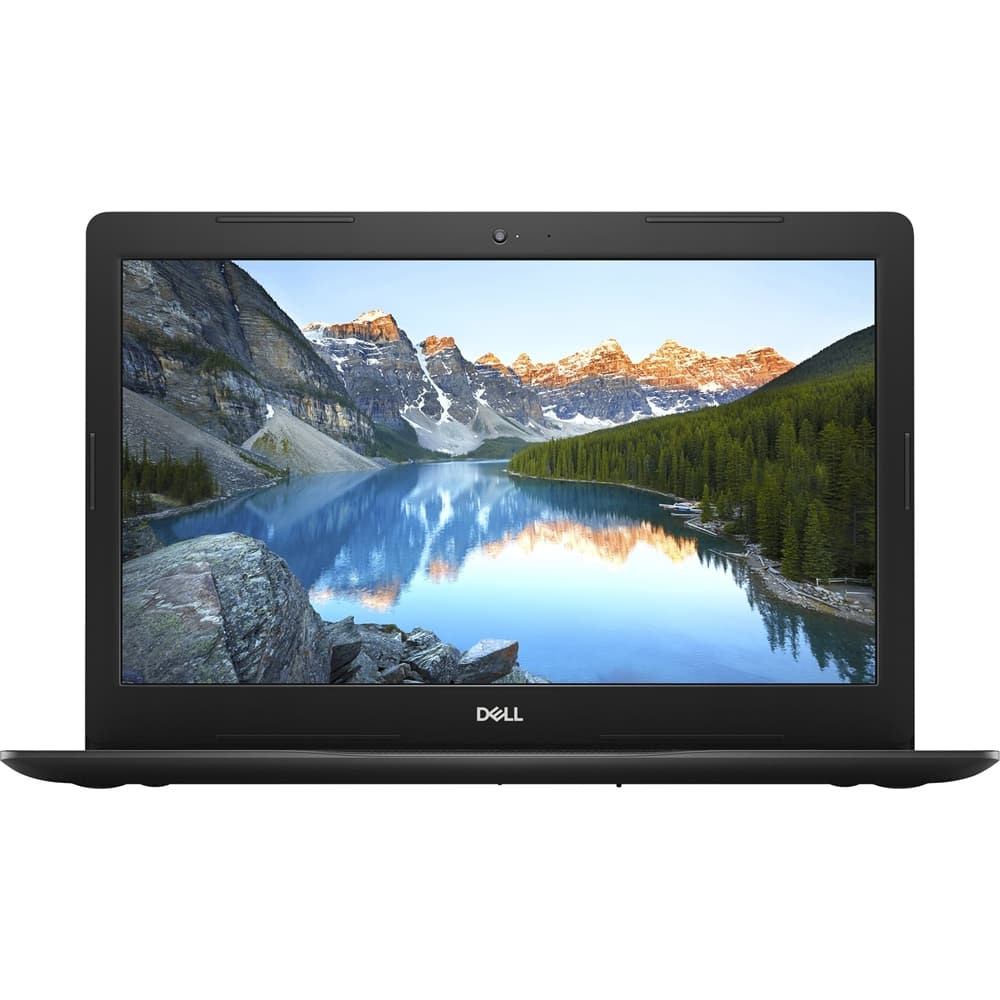
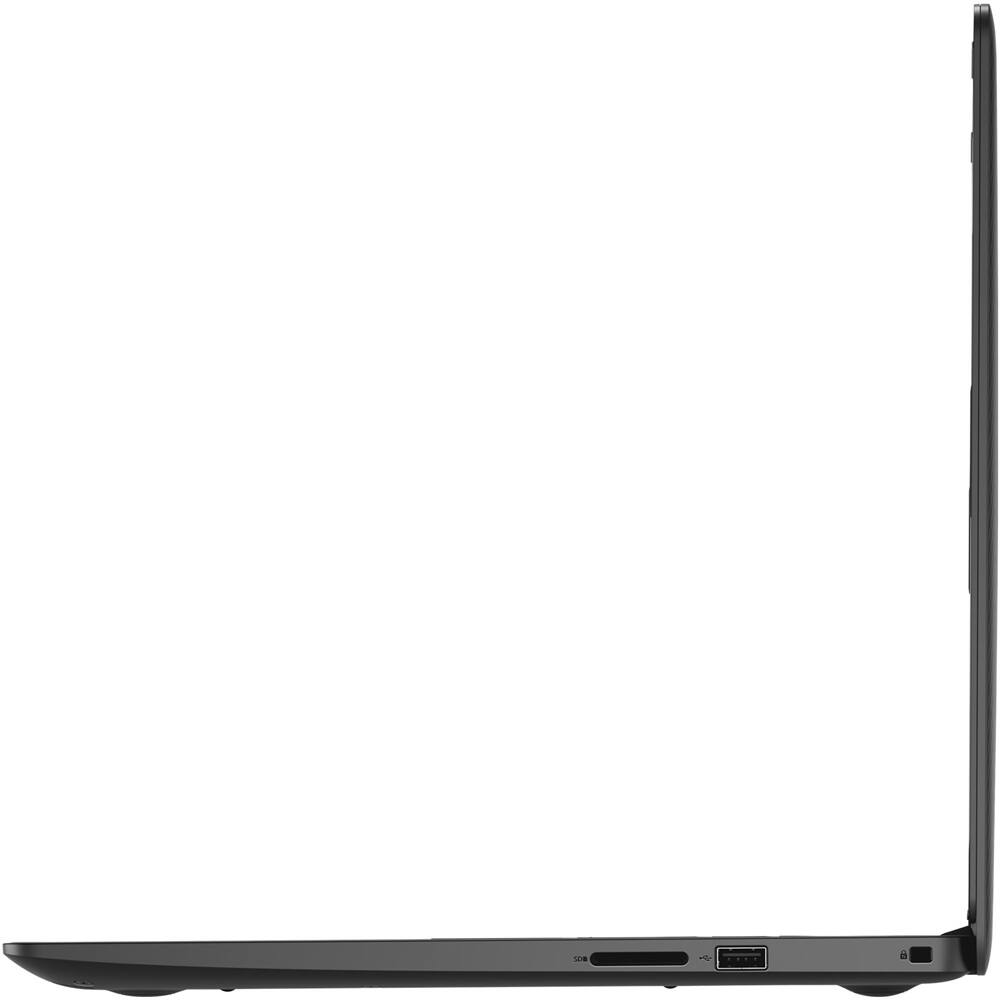
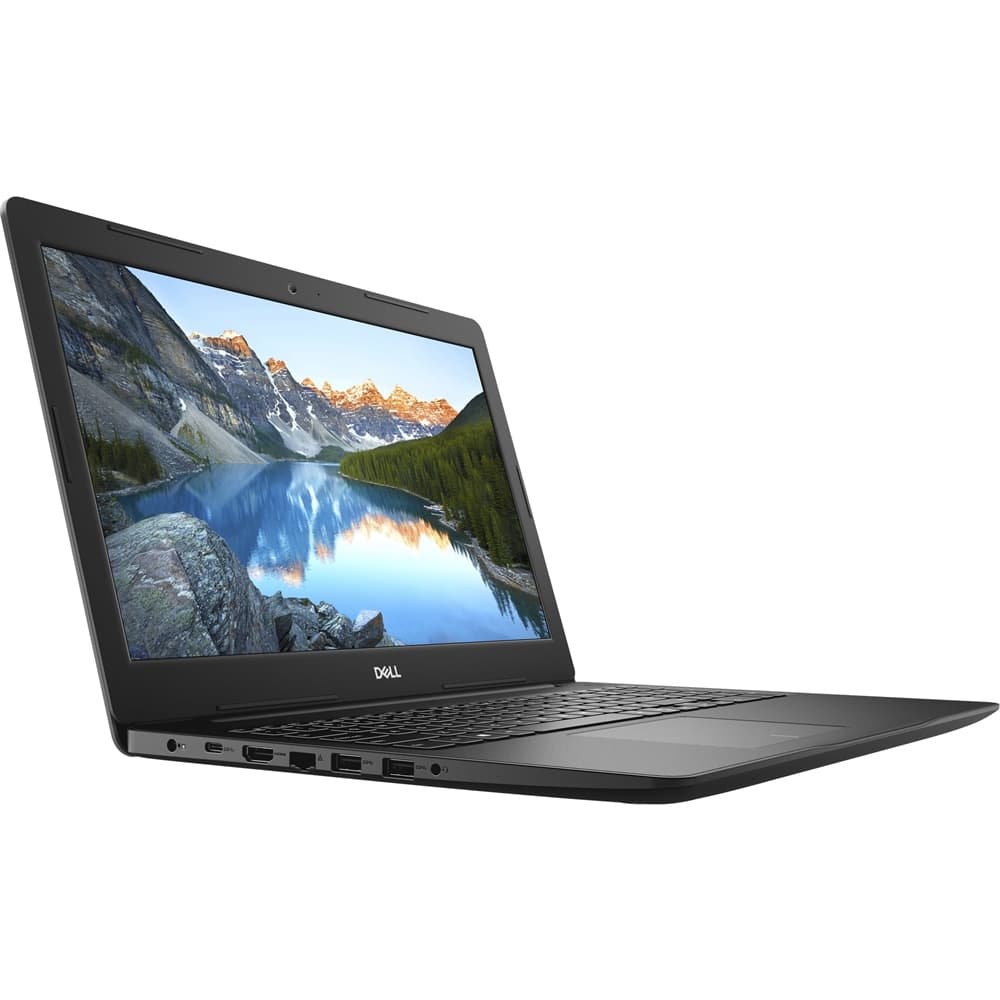
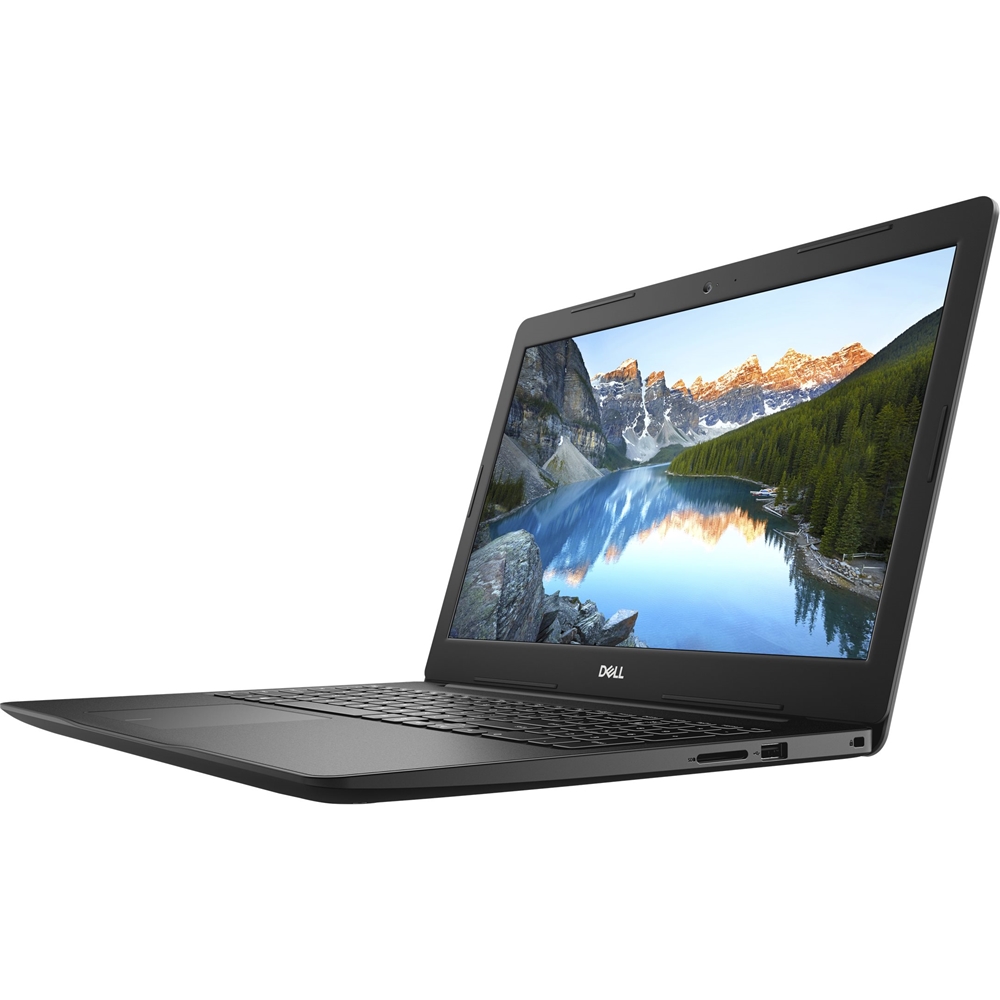

- Model:
- I3593-7305BLK-PUS
- SKU:
- 6381696
Rating by feature
- Value
Rating 4.1 out of 5 stars
- Quality
Rating 4.0 out of 5 stars
- Ease of Use
Rating 4.2 out of 5 stars
Customers are saying
Customers often highlight the great value for the price of the Inspiron 15.6" Laptop. Many users are pleased with the performance boost they experience with the i7 processor compared to previous models. However, some users have expressed concerns about the slow speed of the hard drive, suggesting that it may be the component causing performance issues.
This summary was generated by AI based on customer reviews.
- Pros mentioned:Price
great
||Posted . Owned for 1 month when reviewed.This reviewer received promo considerations or sweepstakes entry for writing a review.exactly what it says, great product for its price.
I would recommend this to a friend Dell laptop
||Posted .This reviewer received promo considerations or sweepstakes entry for writing a review.This laptop replaced a very old desktop. It's nice to have another very portable computer in the house.
I would recommend this to a friendFast and furious
||Posted . Owned for 3 weeks when reviewed.This reviewer received promo considerations or sweepstakes entry for writing a review.Basics and no frills but specs really deliver efficiency and mini-workstation performance.
I would recommend this to a friendPerfect for our home
||Posted . Owned for 1 month when reviewed.This reviewer received promo considerations or sweepstakes entry for writing a review.No complaints. works great for my home office needs.
I would recommend this to a friendQuality and for high school students.
||Posted . Owned for 3 weeks when reviewed.This reviewer received promo considerations or sweepstakes entry for writing a review.Both two for my grandkids they love them. Perfect for thier school work.
I would recommend this to a friendGrayni
||Posted . Owned for 5 months when reviewed.This reviewer received promo considerations or sweepstakes entry for writing a review.Amazing quality cool image screen ergonomic easy to carry love color and style! Worth the purchase price!
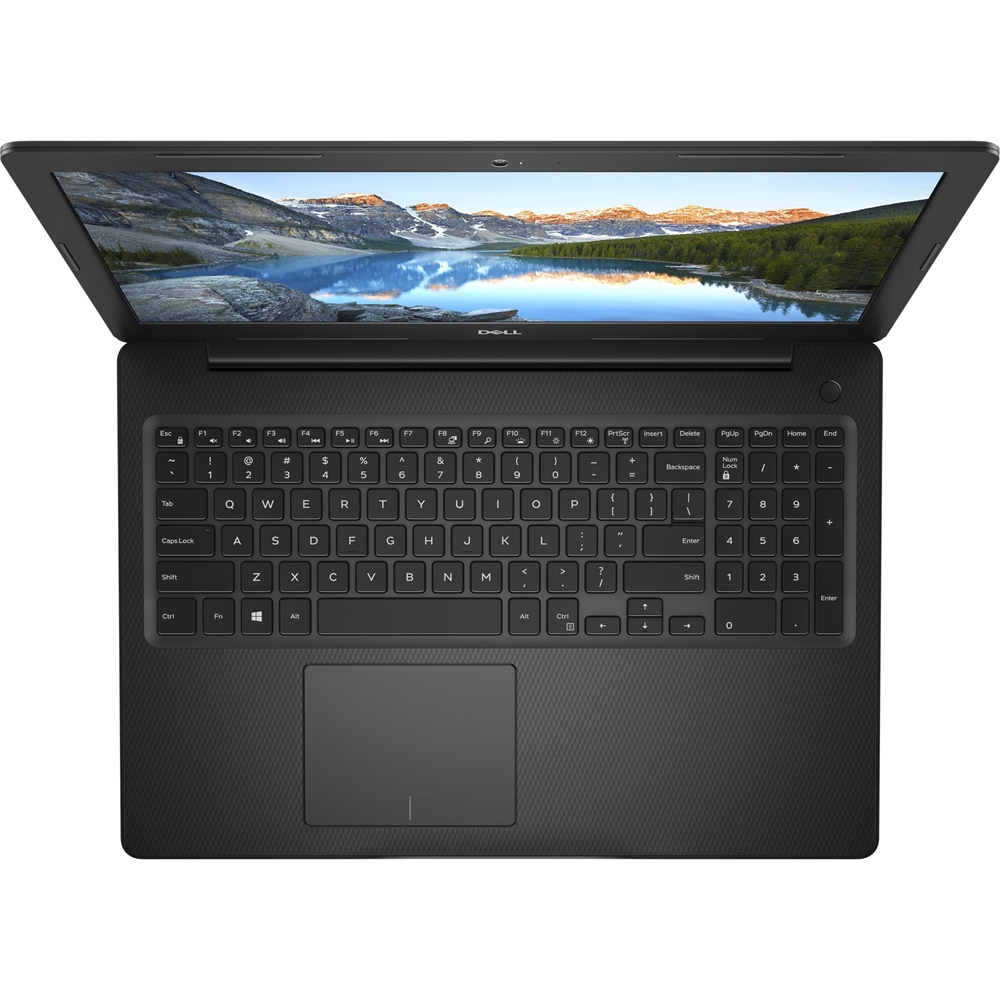
I would recommend this to a friend- Cons mentioned:Backlit keyboard, Slow hdd
MR
||Posted . Owned for 3 weeks when reviewed.This reviewer received promo considerations or sweepstakes entry for writing a review.Very slow. No light in the keyboard.Poorest item I bought from Best Buy.
No, I would not recommend this to a friendBrand response from YourDellTeam
Posted .Kamal,
Thanks for your review and we're sorry that your new laptop is not meeting all of your needs. If you'd like to help improve the performance of your computer we'd recommend the following:
1. Restart your computer regularly.
2. Run the automated tools provided in the SupportAssist Tool.
3. Run a complete hardware diagnostic test.
4. Scan your computer for malware.
5. Restore your Dell computer using Windows System Restore.
6. Reinstall Microsoft Windows.
You can read the full steps associated with each of these recommendations here: https://dell.to/3n29QjE.
Best,
Bryan
1-800-624-9896
laptop
||Posted .This reviewer received promo considerations or sweepstakes entry for writing a review.This is a recent purchase but appears to be a good general use personal laptop.
I would recommend this to a friendComputer
||Posted . Owned for less than 1 week when reviewed.This reviewer received promo considerations or sweepstakes entry for writing a review.I don't have it set up yet but it is very fast coming online and shutting down.
I would recommend this to a friendExcellent
||Posted . Owned for less than 1 week when reviewed.This reviewer received promo considerations or sweepstakes entry for writing a review.I like this computer. All the time I buy this company. It is so good. Thanks
I would recommend this to a friendReturned
||Posted . Owned for less than 1 week when reviewed.This reviewer received promo considerations or sweepstakes entry for writing a review.Returned this laptop and exchanged for a different model. Did not meet our needs.
No, I would not recommend this to a friendGreat laptop for daily use!
||Posted . Owned for 3 weeks when reviewed.This reviewer received promo considerations or sweepstakes entry for writing a review.Excellent design and quality. Fast and easy to carry out!
I would recommend this to a friendGreat laptop
||Posted . Owned for 1 month when reviewed.This reviewer received promo considerations or sweepstakes entry for writing a review.Great laptop, Graphics are awesome, big screen display
I would recommend this to a friendAll works well except for the microphone
||Posted .This reviewer received promo considerations or sweepstakes entry for writing a review.The Dell Inspiron laptop's microphone does not work well. Microphone does not pick up speech well, very low and at times not at all. Very troublesome when working remotely and zoom calls during social distancing.
No, I would not recommend this to a friendBrand response from YourDellTeam
Posted .Remotewrk2020,
We're sorry to hear about the microphone trouble that you're having with your computer. If the device is a headset with mic, you must have the Wave MaxxAudio Pro application installed and then select “headset” as the device in order for the headset mic to work. We hope this helps resolve your issue.
Best,
Bryan
1-800-624-9896.
regret picking this ..miserable with the purchase.
||Posted . Owned for 1 year when reviewed.This reviewer received promo considerations or sweepstakes entry for writing a review.hate it ..was upgrading another dell i have . keeps freezing and crome does not respond most of the time on it . very disaapointed
No, I would not recommend this to a friendBrand response from YourDellTeam
Posted .Hello,
Thank you for your review and for being a loyal Dell customer. We're sorry about the trouble you have encountered with your laptop freezing and Chrome not responding. To make sure we can help, there are steps below that can be used to improve performance overall.
1. Restart your computer regularly
2. Run the automated tools provided in the SupportAssist tool
3. Run a complete hardware diagnostic test
4. Scan your computer for malware
5. Restore your Dell computer using Windows System Restore
6. Reinstall Microsoft Windows
Here is the link to the full article to assist with your performance issue: https://dell.to/32wo0Ss. If the issue persists, please contact Dell Support at your earliest convenience at 1-800-264-9896.
Best regards,
Wendy C.
https://bit.ly/DellSupportTeam.
Phone number to Dell: 1-800-264-9896.
- Cons mentioned:Durability
Dell is not what it use to be.
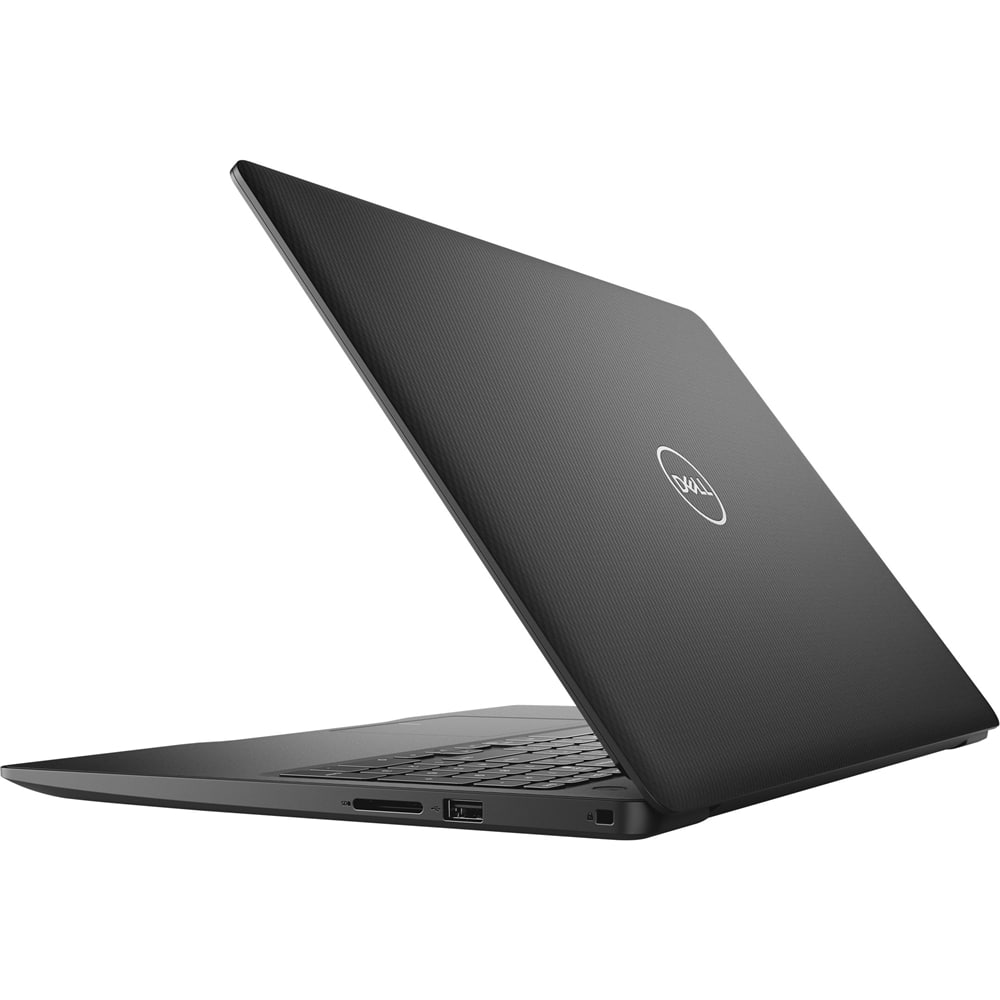
Posted .This reviewer received promo considerations or sweepstakes entry for writing a review.I this last year. Ran hot so I bought a a fan to set the laptop on it. I have had it for 1 year and I have to replace it already. Not ever going to buy a Dell again!!
No, I would not recommend this to a friendBrand response from YourDellTeam
Posted .Jonet,
We're sorry to hear about the overheating concerns that you have with your new computer. We'd recommend the following tips to help your computer run at a cooler temperature:
Tips for Proper Usage:
1. Dell does not recommend placing portable systems directly on your lap. Due to reductions in the thickness of modern portable systems, heat transfer can be an issue.
2. Using a portable system (Laptop) on a hard, flat, non-cloth surface will increase airflow and reduce heat from underneath and inside the system.
Using the portable system on a blanket, pillow, or other types of cloth will cover up the fan cause the computer to overheat and can cause permanent damage.
3. It is recommended to use the portable system in a Room temperature of 0°C to 35°C (32°F to 95°F) with a Humidity level no greater than 90%.
4. Use compressed air to clean the vents on a regular basis.
5. Using a cooling pad can decrease heat and increase performance.
6. If you want to know the temperature limitations for your system, go to the Dell Support Website, look up your system model then open the user guide under the manuals link.
You can read the full article here - http://dell.to/2uJ8AdG.
Best,
Bryan
1-800-624-9896