Customer Ratings & Reviews
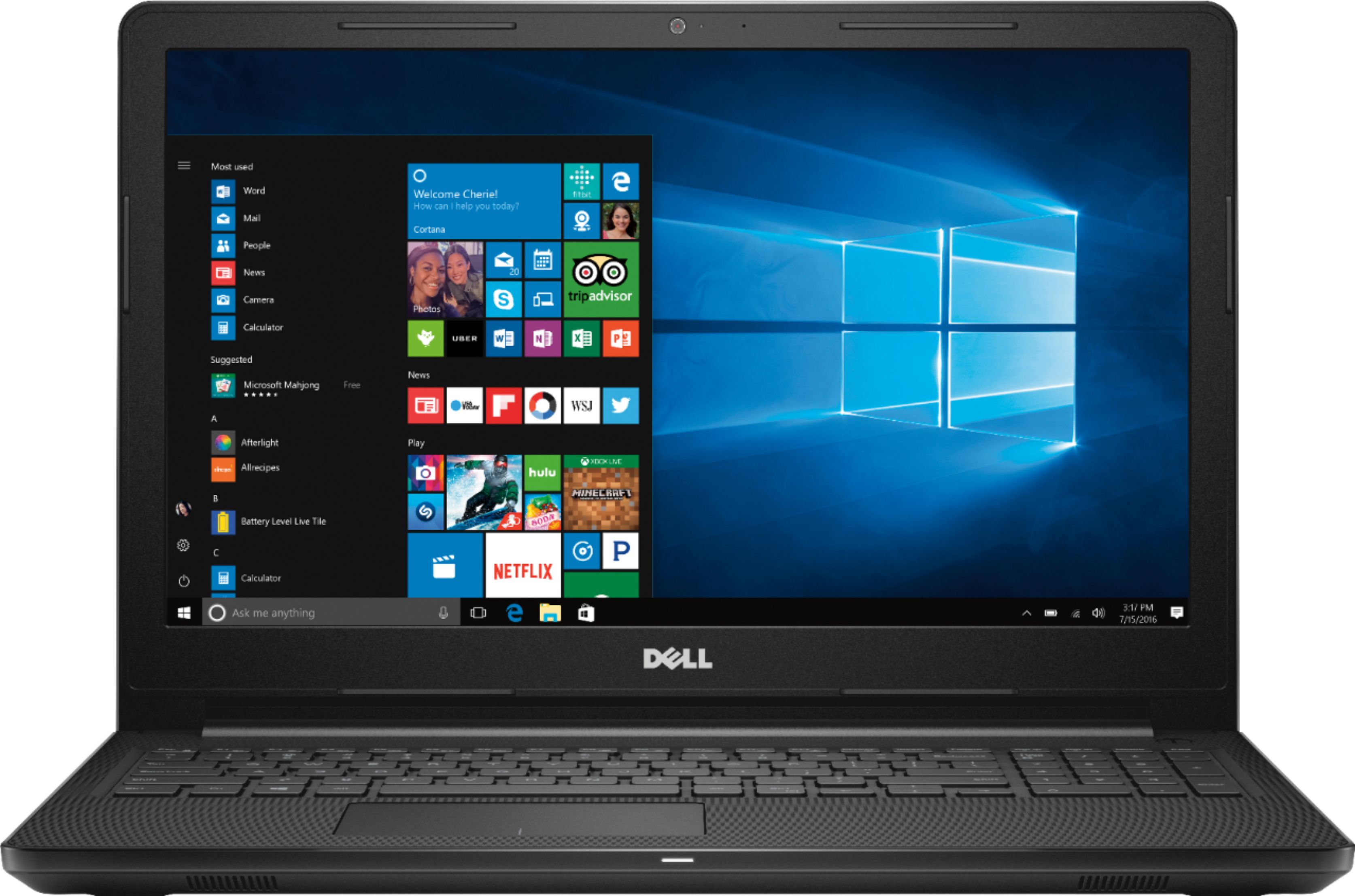
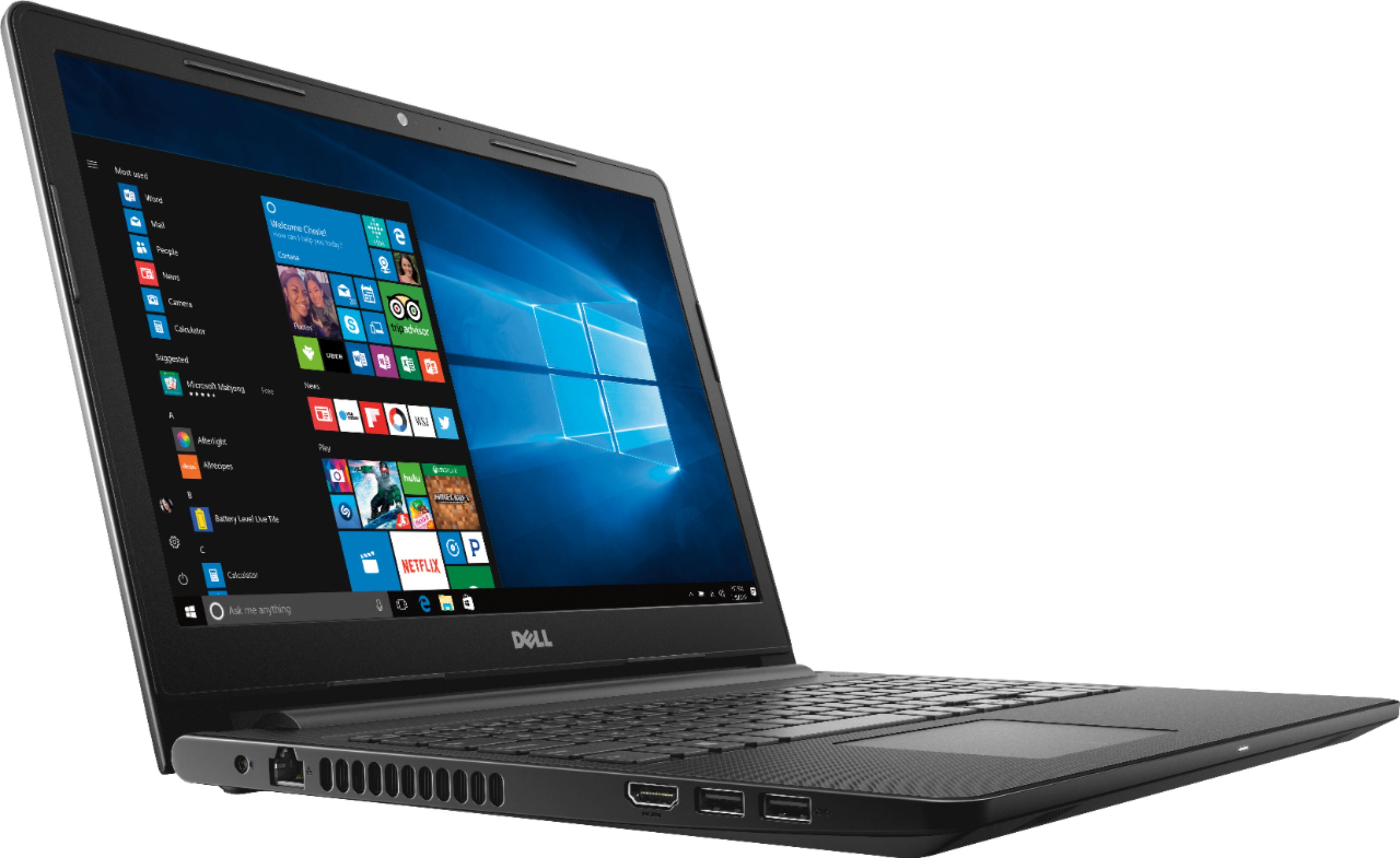
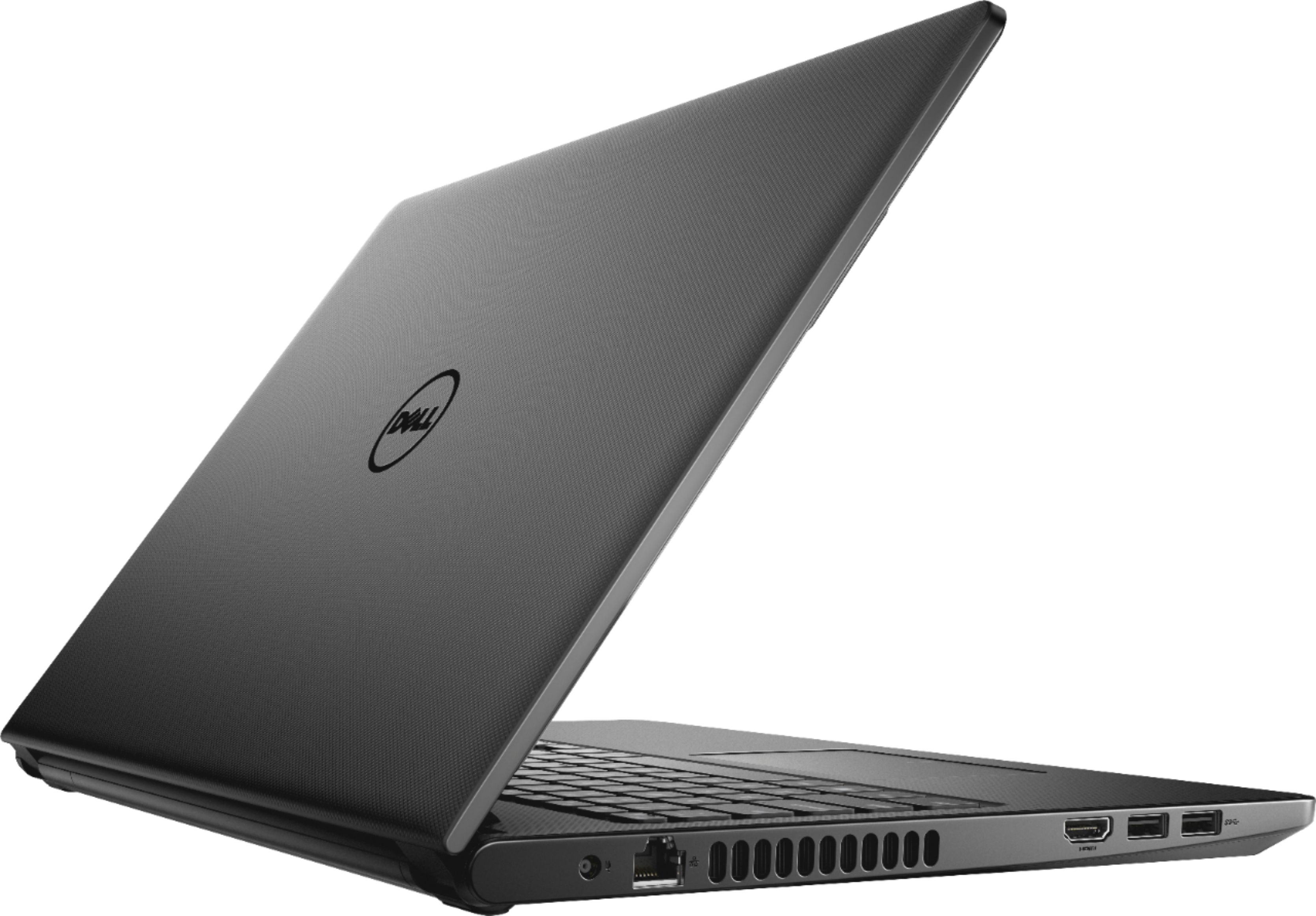
- Model:
- I3573-P269BLK-PUS
- SKU:
- 6239210
Rating by feature
- Value
Rating 3.7 out of 5 stars
- Quality
Rating 3.4 out of 5 stars
- Ease of Use
Rating 3.4 out of 5 stars
Customers are saying
Customers regard the Inspiron 15.6" Laptop as a budget-friendly option with easy setup and user-friendly features. They appreciate its lightweight design and sufficient memory for everyday tasks. However, they express concerns about its slow performance and the lack of a CD drive.
This summary was generated by AI based on customer reviews.
Fabulous laptop
||Posted .This reviewer received promo considerations or sweepstakes entry for writing a review.Dell Laptop shows excellent productivity, and size
I would recommend this to a friend- Cons mentioned:Slow
Cheap sh....t
||Posted .This reviewer received promo considerations or sweepstakes entry for writing a review.The worst laptop ever I had after one month the screen stop operating and it takes 10 minutes to get ready after turn it on slow and worthless.
No, I would not recommend this to a friendBrand response from YourDellTeam
Posted .Aboss,
If you'd like your computer to boot up faster for you, we'd recommend limiting the number of programs that launch at start up:
1. Close all open windows.
2. Press CTRL + Shift + ESC key together on the keyboard.
3. In the Task Manager window, click Startup tab.
4. Select the program or application that you want to disable from loading during startup.
5. Right-click and select Disable.
6. Repeat Step 4 & 5 for all the programs or applications that you want to disable from loading during startup.
7. Restart your PC.
You can read the full article here - http://dell.to/2tSulGV.
We hope this helps your computer perform better for you.
Best,
Bryan
1-800-624-9896
- Cons mentioned:Black screen
Laptop broke
||Posted .This reviewer received promo considerations or sweepstakes entry for writing a review.I had this laptop for less than 3 months and now the screen is black. I did not like it anyway but spend a lot of money for it.
No, I would not recommend this to a friend - Cons mentioned:Slow
Worse laptop you could ever find
||Posted . Owned for 1 year when reviewed.This reviewer received promo considerations or sweepstakes entry for writing a review.Terribly slow on everything. Best buy should not sell such low quality products. Poor and worse you will ever see.
No, I would not recommend this to a friend Not working after I brought it home
||Posted .This reviewer received promo considerations or sweepstakes entry for writing a review.Not working , I purchase it on August 17 stop working on the August 28 least than 14 days
No, I would not recommend this to a friendBrand response from YourDellTeam
Posted .Janice,
We're very sorry that your computer is not working for you. We'd recommend that you reach out to Best Buy directly and find out what your return options are since you should still have a couple of days to return or exchange this computer: http://bit.ly/2v2IVhI.
Best,
Bryan
1-800-624-9896
very confusing
||Posted .This reviewer received promo considerations or sweepstakes entry for writing a review.not I'm use to in a laptop, not at all friendly to ujse.
No, I would not recommend this to a friendBrand response from YourDellTeam
Posted .MyToy,
If you'd like to learn more about your computer here's a link to the user guide: https://dell.to/2x2cxui.
If you have questions about your computer you can check our Product Support Page here: https://dell.to/2CTF3DR.
We hope these tips help you learn more about your computer.
Best,
Bryan
1-800-624-9896
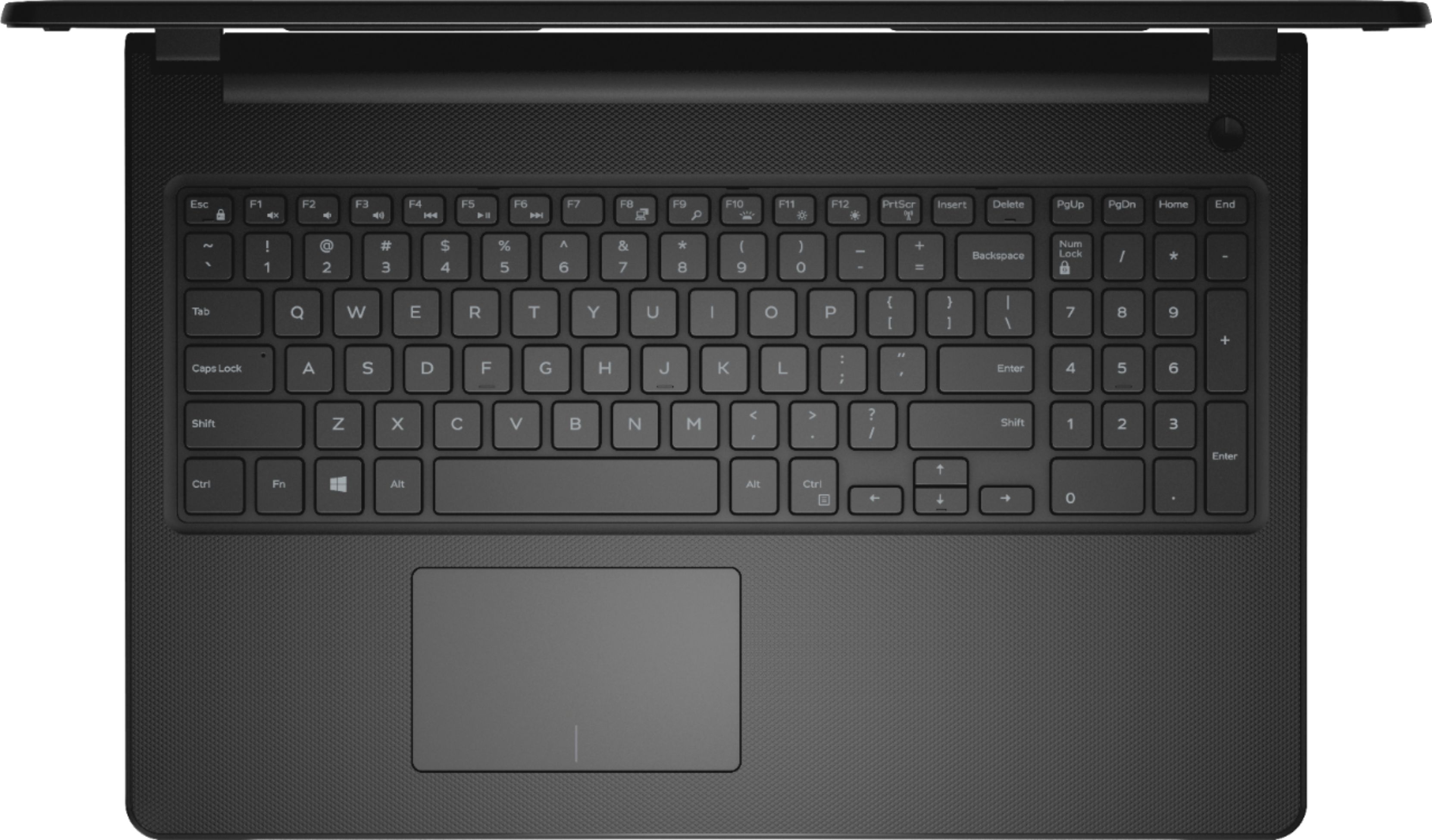
No drive
||Posted .This reviewer received promo considerations or sweepstakes entry for writing a review.It’s a nice laptop but there wasn’t a drive to open
No, I would not recommend this to a friendBrand response from YourDellTeam
Posted .Chelsea,
We'd recommend running the Dell SupportAssist app on your computer to help with the set up of your new Dell laptop. SupportAssist will make sure that all of the latest drivers and software are installed on your computer.
If you are looking for a CD/DVD drive for your computer you can always purchase an External Drive that Dell offers through Best Buy here - http://bit.ly/2N8c7bq.
We hope that these solutions help your computer perform better for you.
Best,
Bryan
1-800-624-9896
Horrible!
||Posted . Owned for 8 months when reviewed.This reviewer received promo considerations or sweepstakes entry for writing a review.Tried to get something for my daughter just to do her college work. Nothing for watching videos and things like that. This laptop was horrible! I had to return to store.
No, I would not recommend this to a friendHorrible purchase
||Posted .This reviewer received promo considerations or sweepstakes entry for writing a review.This computer has been nothing but problem since I bought it 8 months ago. It randomly shuts off, it makes a horrible sound & takes forever to turn on.
No, I would not recommend this to a friendThinking of returning
||Posted .This reviewer received promo considerations or sweepstakes entry for writing a review.When it responds it’s great, but it takes a couple of seconds or minutes to respond to clicks, or any typing- if at all. It’s maddening.
No, I would not recommend this to a friendBrand response from YourDellTeam
Posted .Hi Jrv75,
We're sorry that your phone is not responding as well as you'd like it to. We'd recommend recalibrating your touchpad to see if this helps with the responsiveness:
Some Notebooks and Tablets with Keyboards have added gesture features to the touchpad hardware and drivers. A few of these features are two or three finger scrolling, pinch zoom, circle zoom, rotate and swiping. These new features may be the reason for the erratic cursor movement since most are turned on by default. You can disable or modify the way the features work in the touchpad driver properties. Here are some tips to modify these settings:
1. In the Search box, type main.cpl.
2. Touch or click main.cpl in the list of programs.
3. Touch or click the Dell Touchpad tab.
4. Touch or click on the picture of the touchpad.
5. Touch or click Gestures (depending on your computer there may not be a Gestures option).
6. Change the options as preferred.
7. Touch or click Save.
8. Touch or click the X in the upper-right corner to close the Dell Touchpad Utility.
9. Touch or click OK on the Mouse Properties window.
10. If the touchpad still does not work after following the preceding steps, refer to Dell Knowledge Base article - http://dell.to/2iaiujA.
You can read the full article here - http://dell.to/2tqmS02.
We hope this helps your computer's response time.
Best,
Bryan
1-800-624-9896
Slow memory
||Posted . Owned for 8 months when reviewed.This reviewer received promo considerations or sweepstakes entry for writing a review.The memory gets very slow working when ot has programs..my sugestion is buy memory extra.
No, I would not recommend this to a friend- Pros mentioned:MemoryCons mentioned:Slow
Great basic computer
Posted .This reviewer received promo considerations or sweepstakes entry for writing a review.For the processor and memory of 4GB & Hard Drive 500 it a good starter or for general use but if your using for school depending on the programs needed you may want something bigger that can handle better and faster where this can be can be slower
I would recommend this to a friend Great product
Posted .This reviewer received promo considerations or sweepstakes entry for writing a review.You really came through, just when I needed you most best buy. Started out rough but you went above and beyond to meet my needs thanks. As far as the laptop it suits my needs.
I would recommend this to a friendDo NOT buy this laptop
Posted .This reviewer received promo considerations or sweepstakes entry for writing a review.I recommend you save yourself some money & serious inconvenience by NOT buying this laptop. It's cheaply-made, & Dell doesn't back it up when it breaks. I had it for less than a year & the right hinge cracked & broke, pulling the frame away from the screen, making it impossible to use as a laptop. When I called Dell, assuming I was still under warranty, they told me that Yes, I was under warranty, but unfortunately the warranty doesn't cover "mechanical" issues. After talking with several people at Dell for about two hours, I was finally told that, Yes, they would agree to fix it at no cost to me. They mailed me a box. I sent it off to Dell. A couple of days later the Dell people called to tell me that whoever I talked to was wrong, that the laptop was NOT covered, BUT (lucky me!) they would give me a "discount" rate of $274 to fix it. Hello? That's pretty much what I paid for the laptop! I told them to never mind, just send it back to me, I'd just duct tape it together. The deal is, this thing broke with normal use, a piece of plastic broke off, & when I got it back from Dell, another piece of plastic & a screw had come off, too. This was never an issue with my previous laptop (a Toshiba, which worked fine until the cpu died). My experience with Dell was extremely frustrating & time-consuming, & I expect this is a scam. They sell you a cheap plastic laptop, it cracks, & then they charge you basically the price of a second computer to fix it. I'm now stuck with a fragile laptop (barely held together with giant paper clips) that can only be used as a desktop. Sigh. Live & learn (never to buy anything from Dell!)!
No, I would not recommend this to a friendBrand response from YourDellTeam
Posted .Hello Suzie,
Thanks for your review and we're sorry to hear about the hinges on your computer. If you have technical questions about your laptop you can check our Product Support Page here: https://dell.to/2CTF3DR.
Best,
Bryan
1-800-624-9896
HDD running 100% causing slow down
Posted .This reviewer received promo considerations or sweepstakes entry for writing a review.Bought this for my little sister since she needed a laptop for college. Sadly it's extremely slow, the HDD is running at 100% even though nothing's going on. I'm doing updates now to see if it resolves the HDD problem, but it's taking forever. If after the updates are completed and it's still incredibly slow, I'm going to exchange it for a $500 laptop. Very irritated, I recall buying a $200 netbook almost 10 yrs ago that ran faster than this laptop.
No, I would not recommend this to a friendBrand response from YourDellTeam
Posted .Alex,
We're sorry to hear that your sister's computer is not running as well as you had hoped it would. We'd recommend running the Windows Performance Troubleshooter to see if there are any ways to help speed up the computer:
1. Close all open windows.
2. Press the Windows logo key + X key on the keyboard.
3. Click Control Panel.
4. Click System and Security.
5. Under Security and Maintenance, select Troubleshoot common problems.
6. Under System and Security, click Run maintenance tasks.
7. Follow the on-screen instructions and prompts to complete the process.
8. Restart the PC.
You can read the full article here - http://dell.to/2tSulGV.
We hope this helps the computer perform better for you and your sister.
Best,
Bryan
1-800-624-9896
- Cons mentioned:Slow
Very SLOW
Posted .This reviewer received promo considerations or sweepstakes entry for writing a review.Bought this last night and it is so SLOW. It won't stay conected to the internet. I wanted a basic laptop without bells and whistles, but this is ridiculous. I will ve returning this.
No, I would not recommend this to a friendBrand response from YourDellTeam
Posted .Hello Valued Customer,
We're very sorry to hear about the issues that you are facing with your new computer. We'd recommend running the Windows Performance Troubleshooter to see if there are ways to speed up your computer:
1. Close all open windows.
2. Press the Windows logo key + X key on the keyboard.
3. Click Control Panel.
4. Click System and Security.
5. Under Security and Maintenance, select Troubleshoot common problems.
6. Under System and Security, click Run maintenance tasks.
7. Follow the on-screen instructions and prompts to complete the process.
8. Restart the PC.
You can read the full article here - http://dell.to/2tSulGV.
If you continue to experience connectivity issues you can diagnose the issues here:
1. Run the Network Troubleshooter.
a) Touch and hold or right-click the network icon (Available Networks or Network Icon, located in the lower right-hand corner).
b) Touch or click Troubleshoot problems and then follow the prompts.
You can read the full article here - http://dell.to/2sLtwRh.
Best,
Bryan
1-800-624-9896
- Cons mentioned:Slow
Worst laptop EVER
Posted .This reviewer received promo considerations or sweepstakes entry for writing a review.This laptop has been the WORST since day ONE! And totally FORGET either Best Buy or Dell to do anything about it! This laptop is barely used, has been SLOW as Molasses since day ONE! Even with having protection on it, not one thing other than the firewall protection has been downloaded on this laptop! I’ve even set it back to factory settings numerous times! So here we are STUCK with a USELESS computer! thanks but NO thanks Best Buy AND Dell!
No, I would not recommend this to a friendBrand response from YourDellTeam
Posted .Mommabear,
Thanks for your review and we're sorry to hear that your computer is operating slower than you would like. We'd recommend running the Windows Performance Troubleshooter to see if there are ways to speed up your computer:
1. Close all open windows.
2. Press the Windows logo key + X key on the keyboard.
3. Click Control Panel.
4. Click System and Security.
5. Under Security and Maintenance, select Troubleshoot common problems.
6. Under System and Security, click Run maintenance tasks.
7. Follow the on-screen instructions and prompts to complete the process.
8. Restart the PC.
You can read the full article here - http://dell.to/2tSulGV.
We hope these tips help your computer perform faster for you.
Best,
Bryan
1-800-624-9896
- Cons mentioned:Black screen
GARBAGE
Posted .This reviewer received promo considerations or sweepstakes entry for writing a review.This is my second one and within two days each one has a black screen . What a waste of rhere was a no star that’s the catafoey this garbage would fit in . Dell sucks now don’t waste ur time and money
No, I would not recommend this to a friendBrand response from YourDellTeam
Posted .Sarah,
We're sorry to hear about the issues that you're having with your new Dell computer. Please feel free to reach out to Dell's Technical Support Team about the issues that you've been having: http://dell.to/2sH7Qlm.
If you'd like to diagnose your crashes you can follow these steps:
1. At the desktop, click the Search the web and Windows box and type "problem reports".
2. Select View all problem reports to view a list of errors that have occurred on your computer and possible solutions for them, such as updating drivers, flashing your system BIOS, or checking for updates to the software.
3. Under the Source column, look for Windows and under Summary, look for Shut down unexpectedly.
4. Right-click the line item and select Check for a solution.
We'd also suggest checking to make sure that your software and drivers are up to date on Dell's Product Page - https://dell.to/2Qm6wQ6.
You can read the full article here - http://dell.to/2u98Cct.
Best,
Bryan
1-800-624-9896
Dell Laptop
Posted .This reviewer received promo considerations or sweepstakes entry for writing a review.I got this laptop 2 weeks ago and it would not work right Line running through the screen and it would go black. Took it back to best buy and guess what same problem. This is bull as I don't live close to a Best Buy The laptop is Dell Inspiron 156 Laptop Intel Pentium 4GB Memory 500GB Hard Drive Black Model: I3573-P269BLK-PUS SKU: 6239210
No, I would not recommend this to a friendBrand response from YourDellTeam
Posted .debbie,
We're sorry to hear about the problems that you're having with your new Dell laptop. We'd encourage you to reach out to Dell's Technical Support Team here - http://dell.to/2sH7Qlm. We hope that they'll be able to assist you with the image issues that you're facing.
Best,
Bryan
1-800-624-9896
- Cons mentioned:Slow
Decent cheap laptop
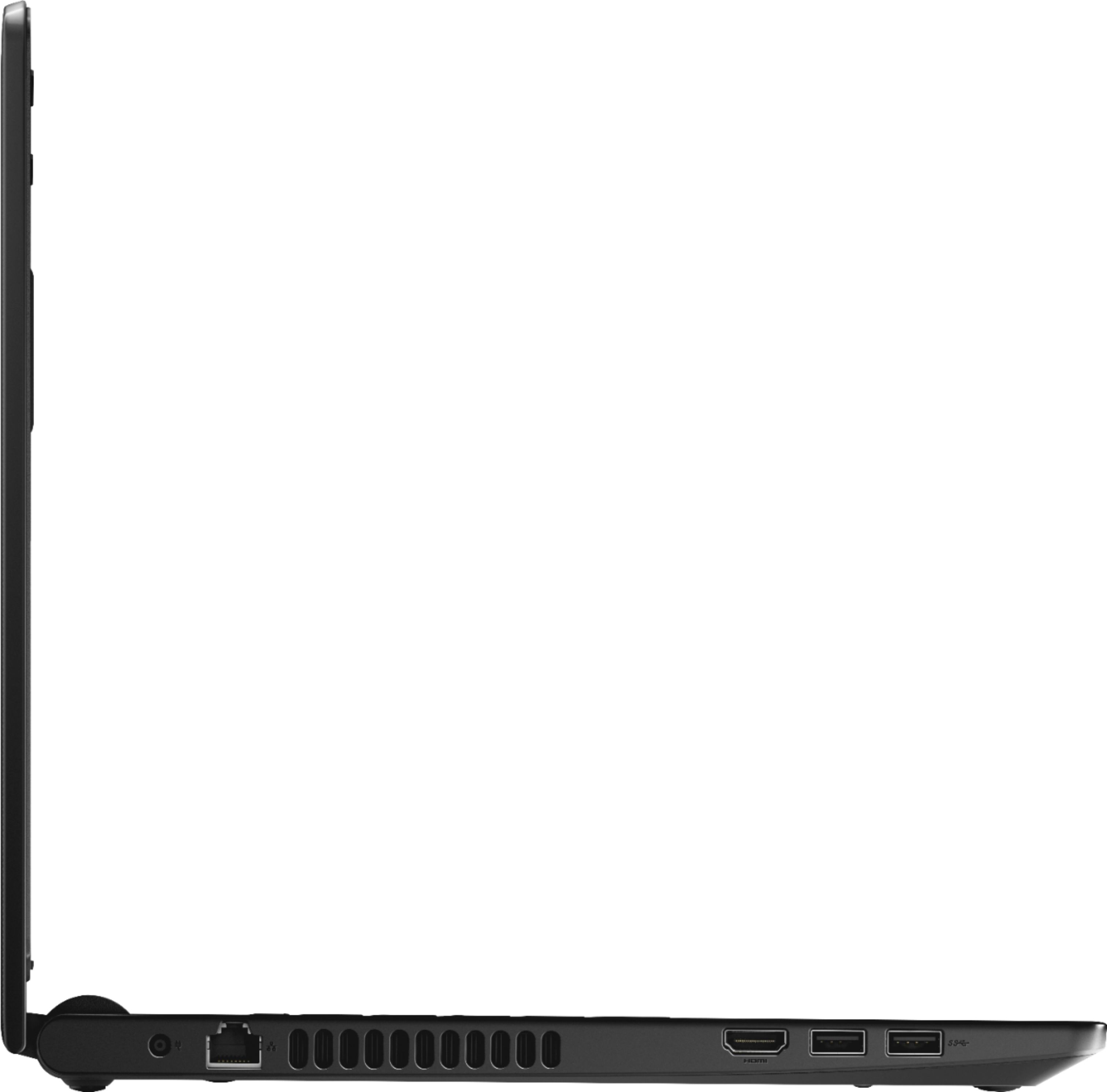
Posted .This reviewer received promo considerations or sweepstakes entry for writing a review.Laptop is slow, but fine for what I need. 1 star because there is no ethernet port when the pictures show it has one and the specs say it as well.
No, I would not recommend this to a friendBrand response from YourDellTeam
Posted .Shx15,
Thanks for your review. We're sorry to hear that your computer is not performing the way you'd like it to. If you have technical questions about your laptop you can always check out our Product Support Page here: https://dell.to/2CTF3DR.
We will inform our product team about the Ethernet Port that you saw online and see if any product listing changes are necessary.
Best,
Bryan
1-800-624-9896