Customer Ratings & Reviews
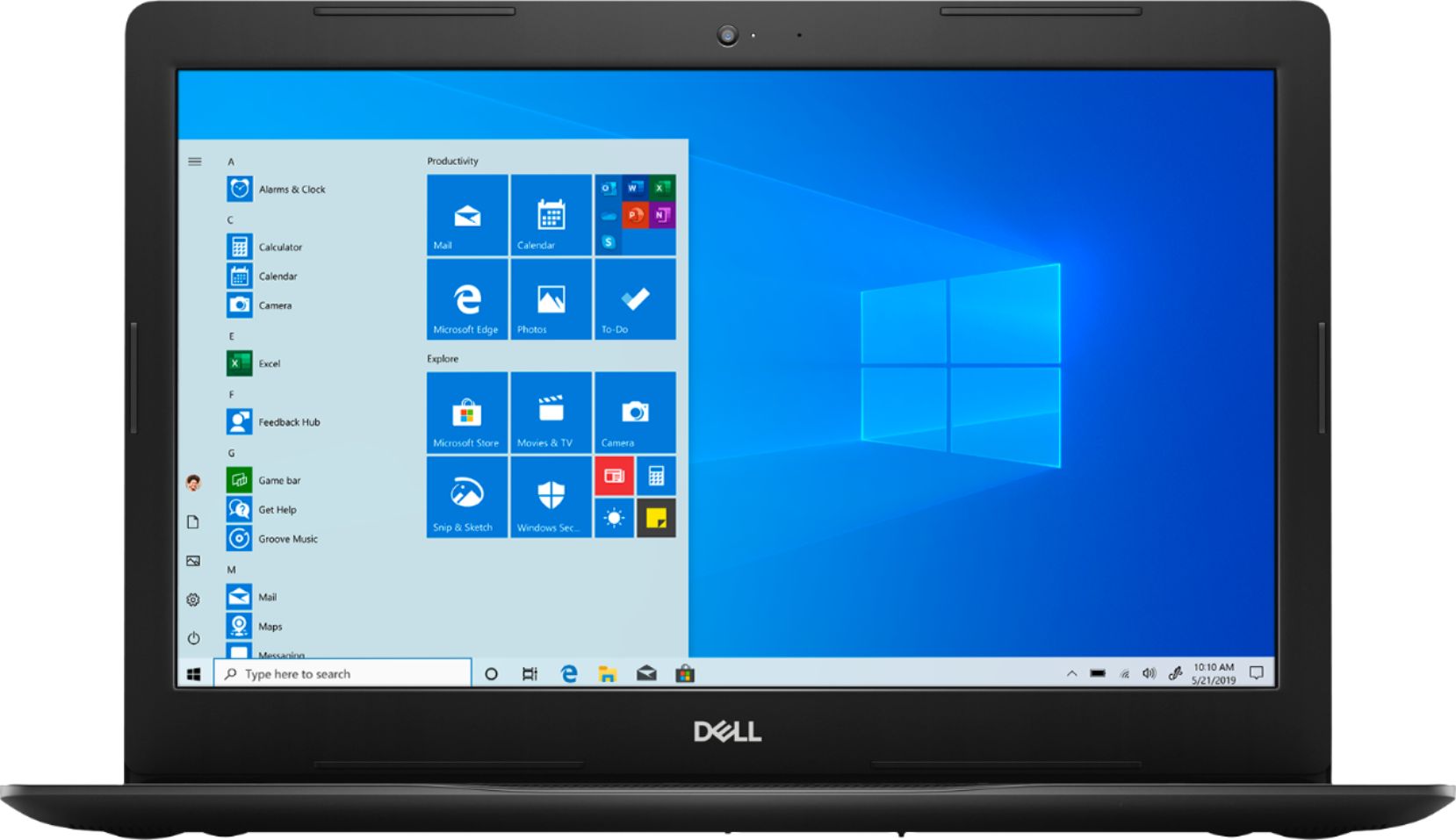
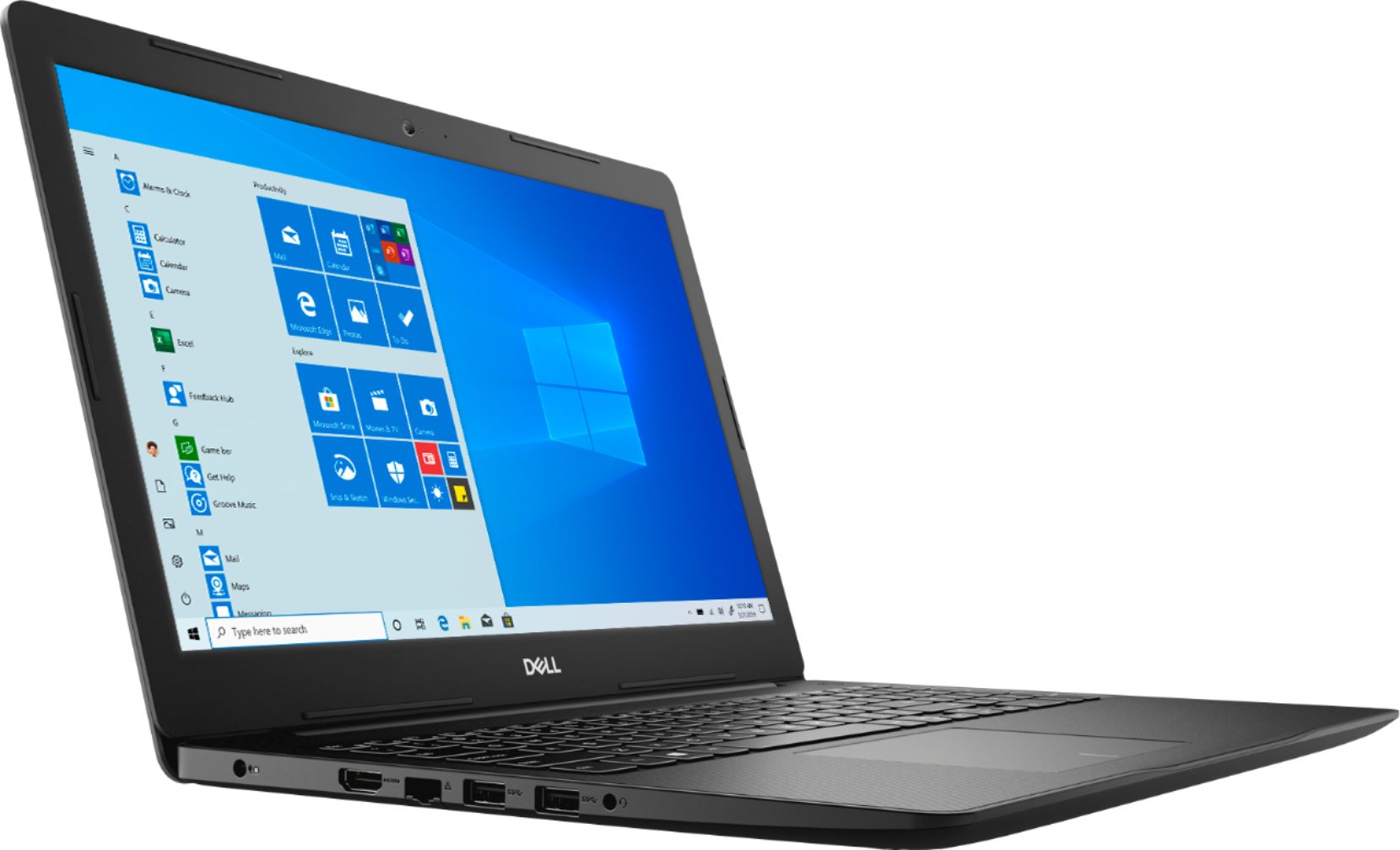


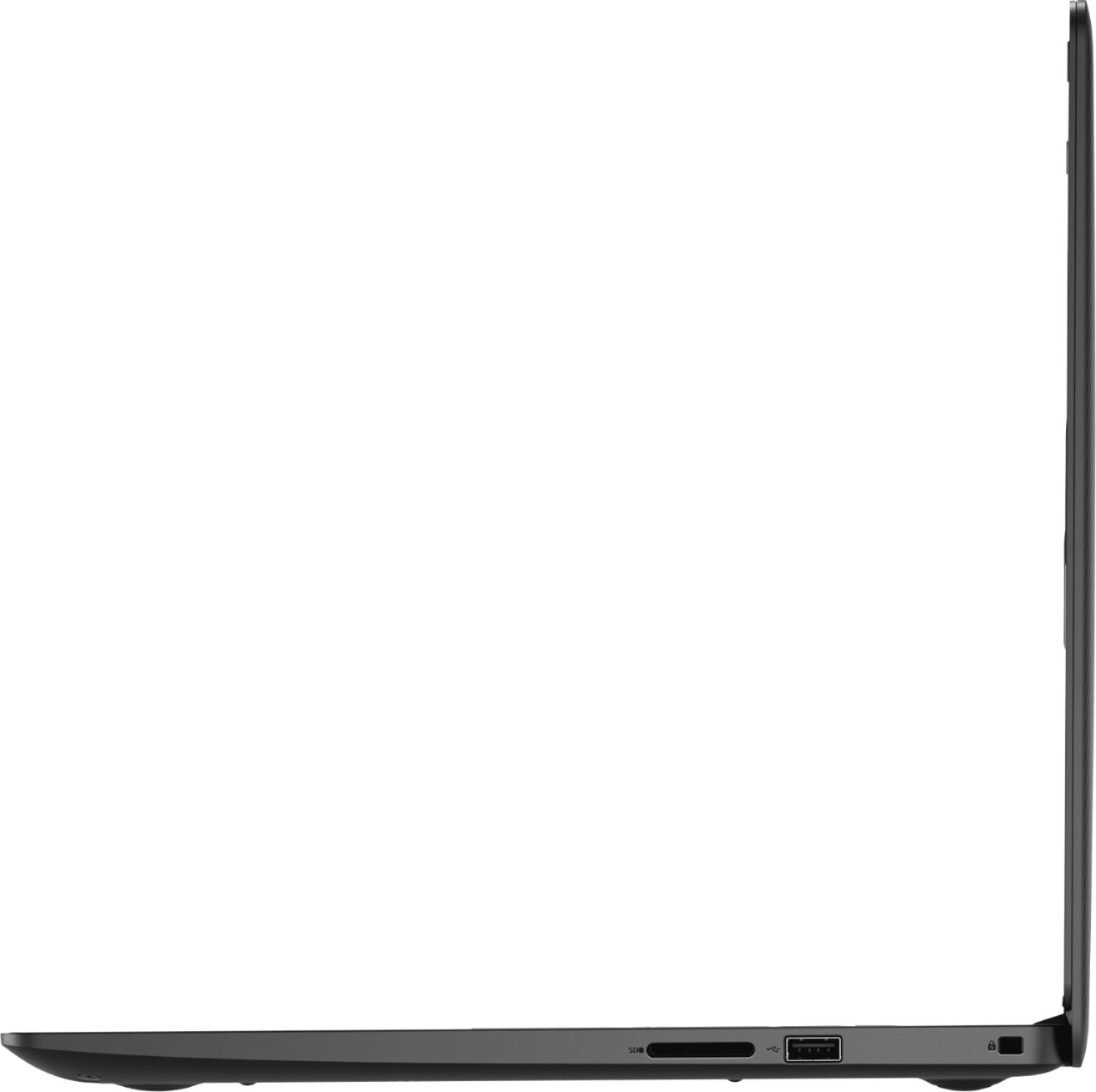
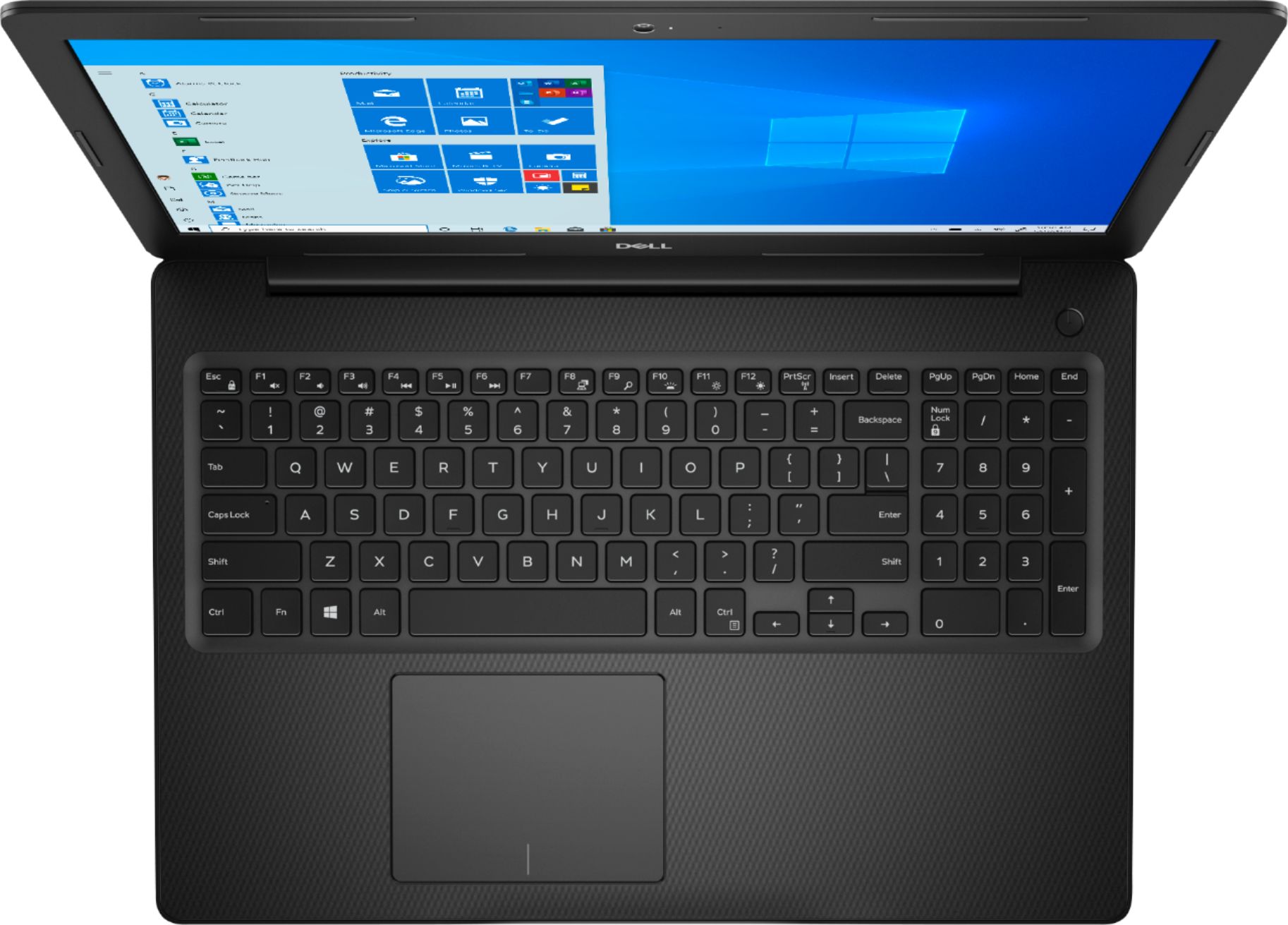
- Model:
- I3585-A831BLK-PUS
- SKU:
- 6391785
Rating by feature
- Battery Life
Rating 4.2 out of 5 stars
- Speed
Rating 4.2 out of 5 stars
- Display
Rating 4.4 out of 5 stars
Customers are saying
Customers appreciate the Inspiron 15.6" Touch-Screen Laptop for its reasonable price, user-friendly interface, and responsive touch screen. Many customers mentioned that it is a great laptop for basic tasks, working from home, and even gaming. However, some users have concerns about its battery life, limited storage capacity, and tendency to overheat.
This summary was generated by AI based on customer reviews.
Its alright good for touch screen.
||Posted . Owned for 7 months when reviewed.This reviewer received promo considerations or sweepstakes entry for writing a review.I really have been having alot of issues with this pc freezing alot..I only use it for calls for work and I always lose connection during my calls. Other then that it is a nice computer.
No, I would not recommend this to a friendbad deal not worth the money
||Posted . Owned for 9 months when reviewed.This reviewer received promo considerations or sweepstakes entry for writing a review.not a very fast computer hard to use on the internet processor runs too slow had to return it because it would not do what i needed exspected more from dell for a mid priced computer
No, I would not recommend this to a friendNot a fan
||Posted . Owned for 5 months when reviewed.This reviewer received promo considerations or sweepstakes entry for writing a review.This laptop is glitchy, slow and doesn't havs many bell and whistles even for the price point. The material used to build it is also cheap and flimsy. The plastic cracked with light use.
No, I would not recommend this to a friendBrand response from YourDellTeam
Posted .Nic43,
Thanks for your review and we're sorry to hear that your computer is not working as well as you hoped it would. We'd suggest running the Windows Performance Troubleshooter to see if there are ways for your computer to run faster: https://dell.to/3429vUB.
Best,
Bryan
1-800-624-9896
Return after a week
||Posted . Owned for 3 weeks when reviewed.This reviewer received promo considerations or sweepstakes entry for writing a review.Easy setup & user friendly but microphone, speaker & camera were HORRIBLE! Due to Covid19 everything requires or is done by web meetings. Not sure if it was by design or defective.
No, I would not recommend this to a friendBrand response from YourDellTeam
Posted .Gdmayfield,
We're sorry that the microphone, speaker and camera did not meet your satisfaction. In the future we'd recommend checking to make sure that all of your software and drivers are up to date for your computer. It's possible that there was an audio or video driver that needed to be updated on your computer that could have improved the audio and visual qualities of your computer. We hope that you will consider Dell again in the future.
Best,
Bryan
1-800-624-9896
Computer skips all over the place!
||Posted . Owned for 1 month when reviewed.This reviewer received promo considerations or sweepstakes entry for writing a review.The computer is OK, however, the software, particularly word or if you are typing within an email goes all over the place. The cursor disappears, weird stuff jumps up and whole documents are lost. I tried to get in touch with the Geek squad and they were of no help even though I paid the $199.99 a year for support. I am totally disappointed with this this purchase and can't take it back to the store where I bought it yet.
No, I would not recommend this to a friendBrand response from YourDellTeam
Posted .jimbopgapro,
We're sorry to hear that your touchpad is creating erratic motions. Here are the steps to re-calibrate your touchpad:
Some Notebooks and Tablets with Keyboards have added gesture features to the touchpad hardware and drivers. A few of these features are two or three finger scrolling, pinch zoom, circle zoom, rotate and swiping. These new features may be the reason for the erratic cursor movement since most are turned on by default. You can disable or modify the way the features work in the touchpad driver properties. Here are some tips to modify these settings:
1. In the Search box, type main.cpl.
2. Touch or click main.cpl in the list of programs.
3. Touch or click the Dell Touchpad tab.
4. Touch or click on the picture of the touchpad.
5. Touch or click Gestures (depending on your computer there may not be a Gestures option).
6. Change the options as preferred.
7. Touch or click Save.
8. Touch or click the X in the upper-right corner to close the Dell Touchpad Utility.
9. Touch or click OK on the Mouse Properties window.
10. If the touchpad still does not work after following the preceding steps, refer to Dell Knowledge Base article - http://dell.to/2iaiujA.
You can read the full article here - http://dell.to/2tqmS02.
If you'd like to reach out to Dell's Support Team you can reach them here: http://dell.to/2sH7Qlm.
Best,
Bryan
1-800-624-9896
Overall good general laptop
||Posted . Owned for 3 weeks when reviewed.This reviewer received promo considerations or sweepstakes entry for writing a review.Great for a student or anyone who just has basic computer, daily use. Not for content creators. A backlit keyboard would be a nice feature on this model. Dell missed the mark there.
I would recommend this to a friendBrand response from YourDellTeam
Posted .gb22,
Thanks for your review. We're sorry to hear that your computer is not meeting all of your needs. We'd recommend that you check out our Product Support Page if you have any specific performance questions: https://dell.to/2WwLt1J.
Best,
Bryan
1-800-624-9896
It’s complicated
||Posted . Owned for 1 month when reviewed.This reviewer received promo considerations or sweepstakes entry for writing a review.The computer works great it just gave me a hard time with downloading software from work in the transition to work from home. Also I can’t access my Microsoft account on it.
I would recommend this to a friendBrand response from YourDellTeam
Posted .AmbitiousAng,
We're sorry to hear about the issues that you're having with your laptop so far. We'd recommend reaching out to Microsoft's Support Team for additional help with your computer: http://bit.ly/2KBOM4c.
If you have any technical questions about your computer you can always check our Product Support Page here: https://dell.to/3429vUB.
Best,
Bryan
1-800-624-9896
After a couple months GARBAGE
||Posted . Owned for 1 year when reviewed.This reviewer received promo considerations or sweepstakes entry for writing a review.Im not gonna speak with any hate but if you want a simple laptop buy a mac if you want a gaming laptop buy something thats 800$+ these laptops arent meant for long term and isnt worth changing graphic cards or cpus or whatever my laptop begin having ghost touching issues and the keyboard doesnt work as efficiently and the mousepad doesnt click and drag like how it use to be everything is messed up
No, I would not recommend this to a friendfast pc
||Posted . Owned for 3 weeks when reviewed.This reviewer received promo considerations or sweepstakes entry for writing a review.overall its a decent computer. I'm a Mac user, I only got this pc because of school, my class was a windows based only class. it's ok, but I prefer my MacBook.
No, I would not recommend this to a friendBrand response from YourDellTeam
Posted .macmd2007,
Thanks for your review. We're happy that you are satisfied with your laptop for the most part. We'd recommend checking out our Product Support Page if there are specific questions that you have: https://dell.to/3429vUB.
Best,
Bryan
1-800-624-9896
The thrill is gone
||Posted . Owned for 1 month when reviewed.This reviewer received promo considerations or sweepstakes entry for writing a review.I was excited about this purchase. I was tired of using my phone and wanted a computer that would be able to meet the needs family. Not sure if its my connection I still have a certain amount of lag. Also my daughter could not connect to virtual learning sights. I made this purchase to ensure that she would have the most current technology to support her during this quarantine.
No, I would not recommend this to a friendBrand response from YourDellTeam
Posted .Tiffie,
We're sorry that you're unsatisfied with the performance of your computer so far. You can run the Windows Performance Troubleshooter to see if there are ways for your computer to run faster for you:
1. Close all open windows.
2. Press the Windows logo key + X key on the keyboard.
3. Click Control Panel.
4. Click System and Security.
5. Under Security and Maintenance, select Troubleshoot common problems.
6. Under System and Security, click Run maintenance tasks.
7. Follow the on-screen instructions and prompts to complete the process.
8. Restart the PC.
You can read the full article here - http://dell.to/2tSulGV.
To check the connectivity of your computer, we'd suggest following these steps:
1. Run the Network Troubleshooter.
a) Touch and hold or right-click the network icon (Available Networks or Network Icon, located in the lower right-hand corner).
b) Touch or click Troubleshoot problems and then follow the prompts.
You can read the full article here - http://dell.to/2sLtwRh.
Best,
Bryan
1-800-624-9896
The computer came with Windows S and I am unable t
||Posted . Owned for 1 month when reviewed.This reviewer received promo considerations or sweepstakes entry for writing a review.I didn't ask for Windows S and I can't open the store to correct it. I have probably spent 5-6 hours on the phone trying to make it work. My son is a technical person with another company and he was not able to locate the problem. I have waited on hold at least 2 hours and then spent at least 2 hours with two of your employees. Both of your employees were very nice but were unable to access the computer to see what is going on. Needless to say I am extremely frustrated and not a happy customer of yours. When I called this afternoon I could only leave a message. I will try again tomorrow to reach the store. I want to bring it back to have it fixed or get a new one. I am willing to meet someone at the curb if I know what time.
No, I would not recommend this to a friendBrand response from YourDellTeam
Posted .Iwouldrathernot,
Thanks for your review and we're sorry to hear that you are having trouble taking your computer out of Windows S mode. Here are the steps to remove S mode from Windows:
Windows 10 in S mode is designed for security and performance, exclusively running apps from the Microsoft Store. If you want to install an app that isn't available in the Microsoft Store, you'll need to switch out of S mode. Switching out of S mode is one-way. If you make the switch, you won't be able to go back to Windows 10 in S mode. There's no charge to switch out of S mode.
1. On your PC running Windows 10 in S mode, open Settings > Update & Security > Activation.
2. In the Switch to Windows 10 Home or Switch to Windows 10 Pro section, select Go to the Store. (If you also see an "Upgrade your edition of Windows" section, be careful not to click the "Go to the Store" link that appears there.)
3. On the Switch out of S mode (or similar) page that appears in the Microsoft Store, select the Get button. After you see a confirmation message on the page, you'll be able to install apps from outside of the Microsoft Store.
Best,
Bryan
1-800-624-9896
- Cons mentioned:Overheating
Overheating and burned my lap-
||Posted . Owned for 1 month when reviewed.This reviewer received promo considerations or sweepstakes entry for writing a review.After speaking with the manager and reporting this computer performance I will not keep it. l brought it home and turned the laptop on it overheated and burned my legs. Due to the Carona oubreak and my handicapped situation I could not bring it in. The manager was very nice and he noted it in my file, however, I m afraid to use it for any period of time and it is a fire hazard.
No, I would not recommend this to a friend Defective after 3 months
||Posted . Owned for 8 months when reviewed.This reviewer received promo considerations or sweepstakes entry for writing a review.Computer is very slow. We had it 3 months and power cable went out and Dell wants to charge $100. I would buy a different machine.
No, I would not recommend this to a friend- Cons mentioned:Build quality
Poor quality speaker /microphone system
||Posted . Owned for 3 months when reviewed.This reviewer received promo considerations or sweepstakes entry for writing a review.I would not recommend this laptop. I should have looked closer at the reviews before purchasing this device. I assumed that the Dell name still stood for quality however, on this device it fell completely short. The Webcam is also not the best. I wish I had not missed the return deadline, it is a shame. The Best Buy sales guy was nice and helpful.
No, I would not recommend this to a friendBrand response from YourDellTeam
Posted .PapaBing,
Thanks for your review. We're sorry that your new laptop is not meeting your needs. We'd recommend that you check to see if any driver and software updates are available for your computer. These could hep your computer perform better for you: https://dell.to/2UhawFg.
Best,
Bryan
1-800-624-9896
Laptop
||Posted . Owned for 1.5 years when reviewed.This reviewer received promo considerations or sweepstakes entry for writing a review.Needed a new laptop and recommended by store personnel. Didn't tell me it didn't have a CD drive.
I would recommend this to a friendAverage laptop
||Posted . Owned for 1 month when reviewed.This reviewer received promo considerations or sweepstakes entry for writing a review.There is nothing extraordinary about this laptop. It is not fast but adequate. In comparison, it was inexpensive and is still working.
No, I would not recommend this to a friendBrand response from YourDellTeam
Posted .RadiumPHX,
Thanks for your feedback. We'd recommend running the Windows Performance Troubleshooter to see if there are ways for your computer to perform better:
1. Close all open windows.
2. Press the Windows logo key + X key on the keyboard.
3. Click Control Panel.
4. Click System and Security.
5. Under Security and Maintenance, select Troubleshoot common problems.
6. Under System and Security, click Run maintenance tasks.
7. Follow the on-screen instructions and prompts to complete the process.
8. Restart the PC.
You can read the full article here - http://dell.to/2tSulGV.
Best,
Bryan
1-800-624-9896
This is a very minimal machine. A temp laptop.
||Posted .This reviewer received promo considerations or sweepstakes entry for writing a review.Excellent, if you're only going to use it until you get your laptop back from the airport where you stupidly left it. My bad! I didn't return it because it wasn't BB's doing. It was mine. I gave it to a grandchild to do her homework on. Seriously, though, just look at what it has... practically nothing.
No, I would not recommend this to a friendno training . had to reach out to Dell at price
||Posted . Owned for 3 weeks when reviewed.This reviewer received promo considerations or sweepstakes entry for writing a review.I purchased item because I had a home appointment with the Geek squad. It was cancelled & I had to pay Dell to get started
I would recommend this to a friendBrand response from YourDellTeam
Posted .shirle,
We're sorry to hear about the trouble that you had setting up your computer. We'd recommend in the future that you use Dell's SupportAssist App to help ensure that you have all of the most up to date drivers and software installed on your computer. If you have questions about your computer you can always visit our Product Support Page here: https://dell.to/3429vUB.
Best,
Bryan
1-800-624-9896
Ryzen
||Posted . Owned for 1.5 years when reviewed.This reviewer received promo considerations or sweepstakes entry for writing a review.Works well for My business normal activities. Needed quicker for photos.
I would recommend this to a friendnew?
||Posted . Owned for 1 month when reviewed.This reviewer received promo considerations or sweepstakes entry for writing a review.I bought this BRAND NEW and after exploring it I find other people's names on the agenda calendar when I contacted Best buy I was told my 15-day free exchange had expired and they couldn't do anything. I was obviously sold a USED laptop for a new laptop price. I have turned them into the BBB!
No, I would not recommend this to a friend