Customer Ratings & Reviews
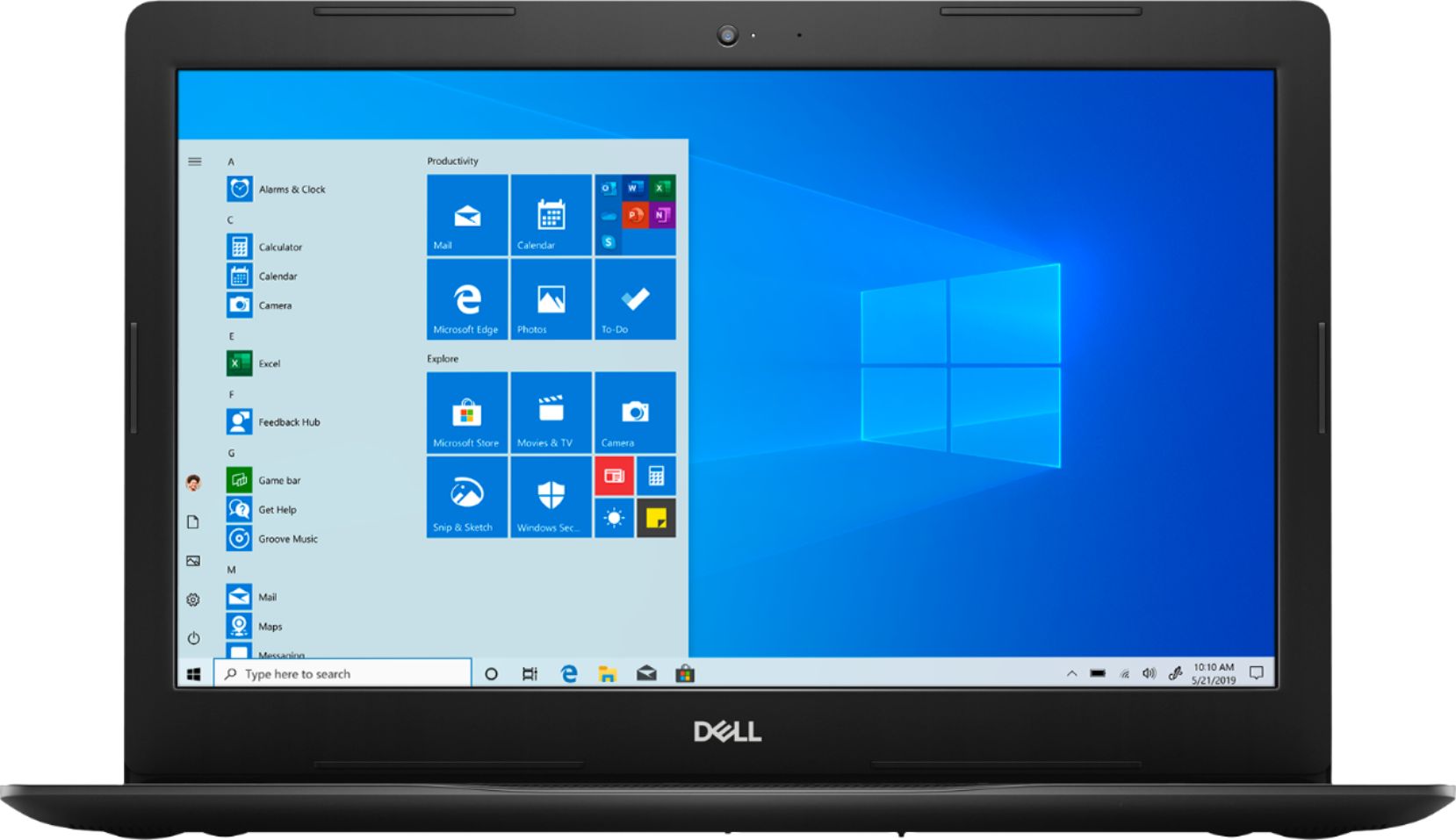
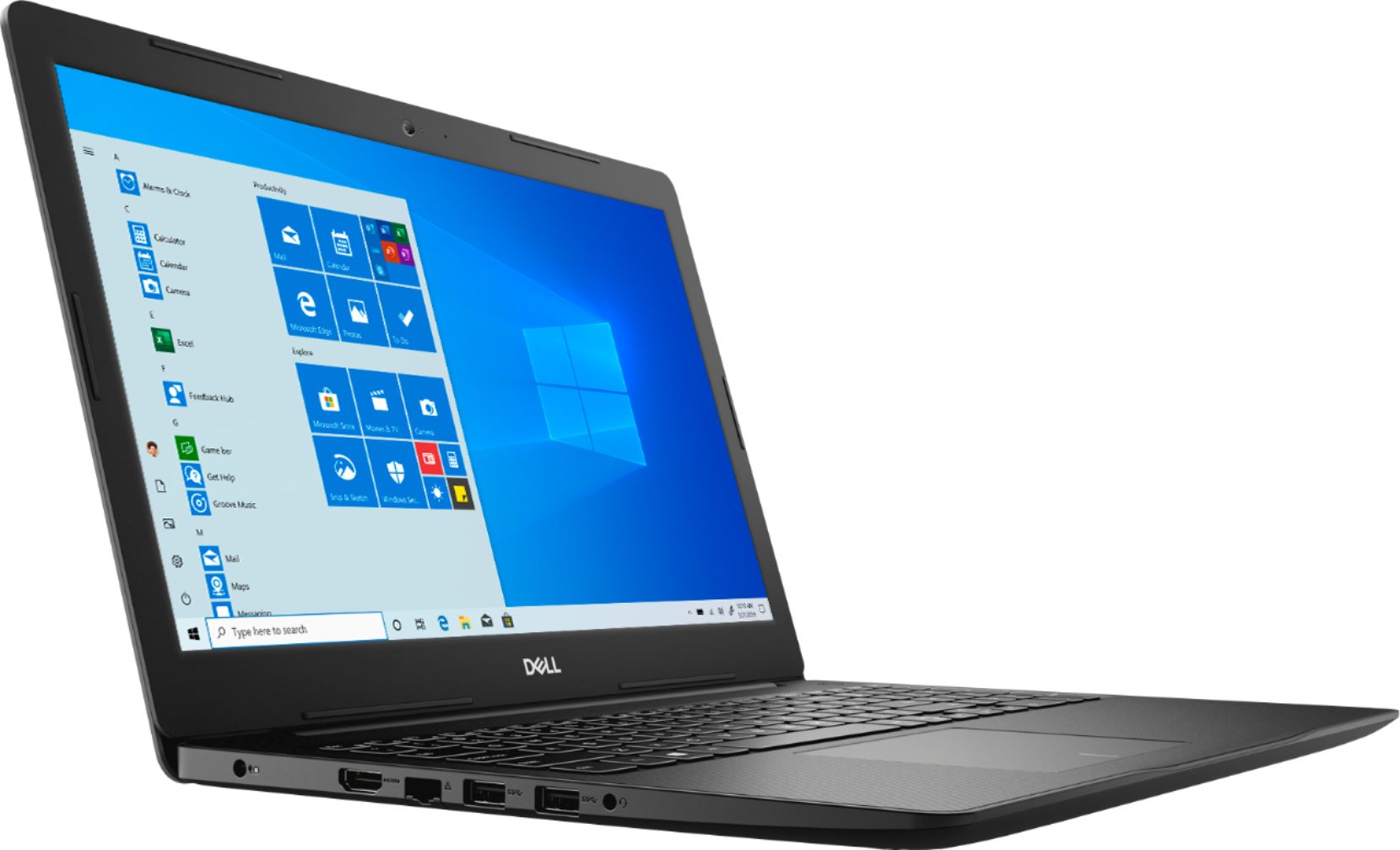


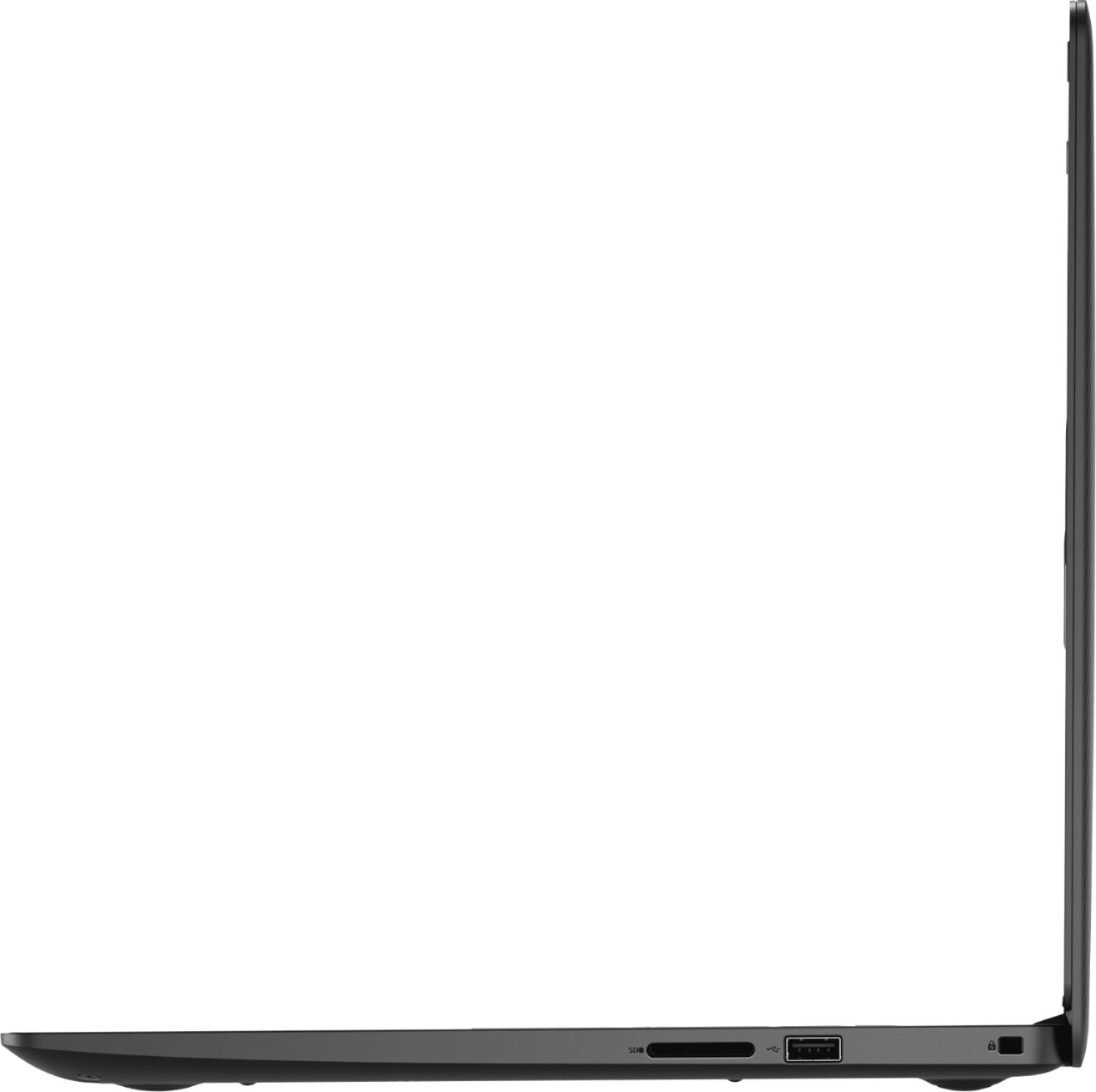
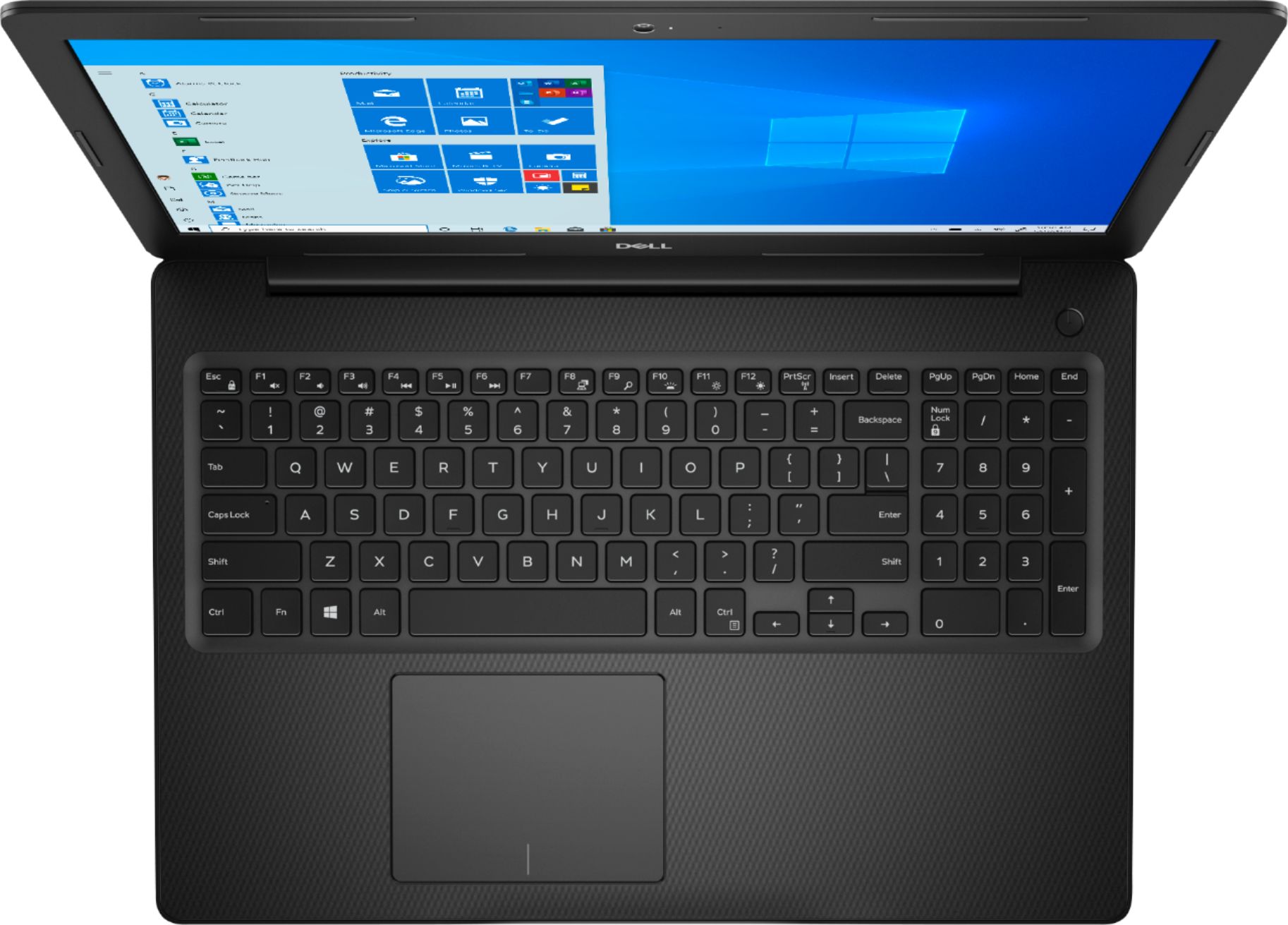
- Model:
- I3585-A831BLK-PUS
- SKU:
- 6391785
Rating by feature
- Battery Life
Rating 4.2 out of 5 stars
- Speed
Rating 4.2 out of 5 stars
- Display
Rating 4.4 out of 5 stars
Customers are saying
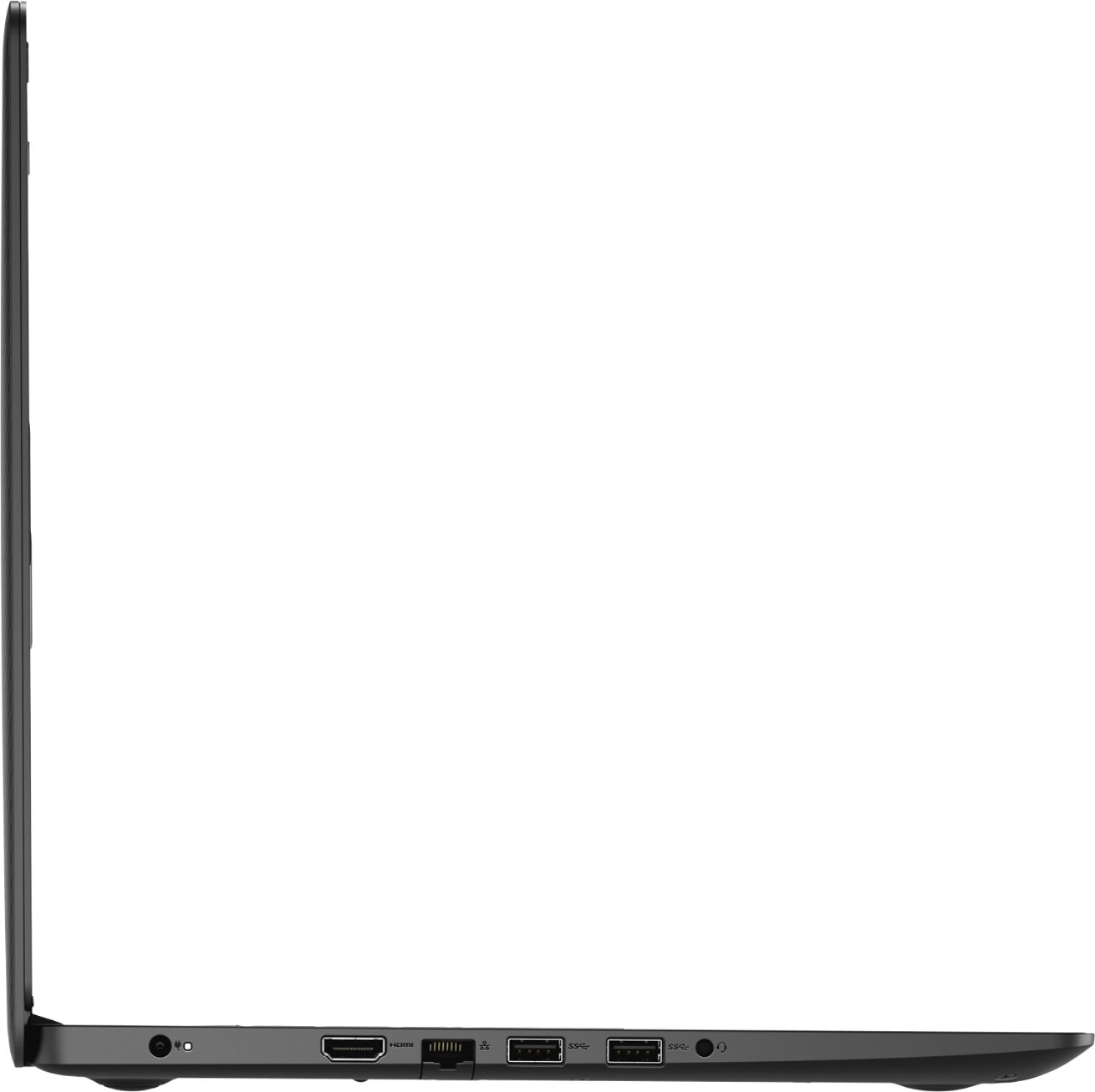
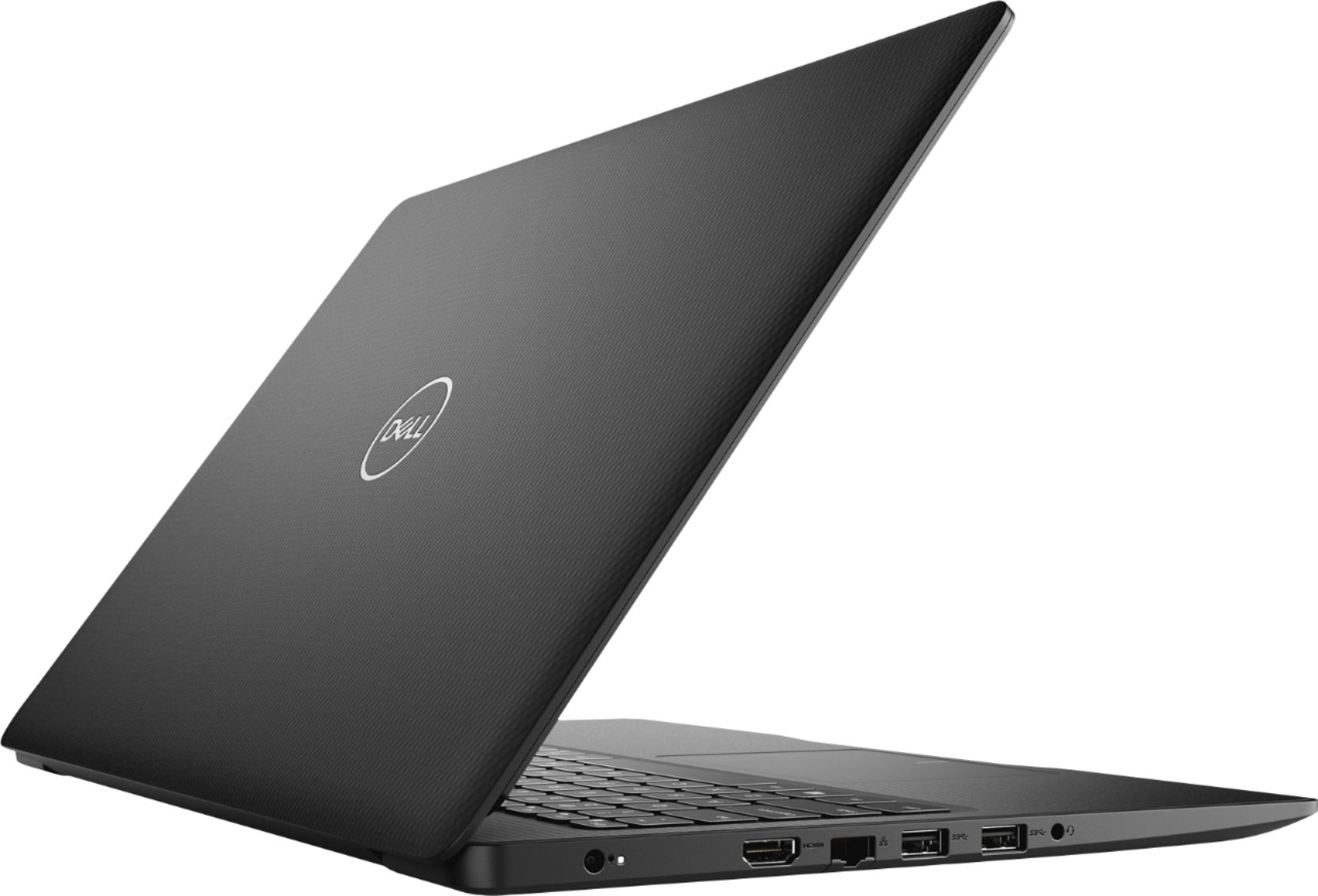
Customers appreciate the Inspiron 15.6" Touch-Screen Laptop for its reasonable price, user-friendly interface, and responsive touch screen. Many customers mentioned that it is a great laptop for basic tasks, working from home, and even gaming. However, some users have concerns about its battery life, limited storage capacity, and tendency to overheat.
This summary was generated by AI based on customer reviews.
I like it
||Posted . Owned for 1 month when reviewed.This reviewer received promo considerations or sweepstakes entry for writing a review.It was for a very dear friend, she states she doesn't like it, but I only think its because of her age, no offence.
I would recommend this to a friendBrand response from YourDellTeam
Posted .Faith105,
Thanks for your honest feedback on the laptop for your friend. We'd recommend that you share the Product Support Page with her in case she has any questions: https://dell.to/3429vUB.
Best,
Bryan
1-800-624-9896
No sound included
||Posted . Owned for 1 month when reviewed.This reviewer received promo considerations or sweepstakes entry for writing a review.Love it but no sound included . Must use speaker or headset
No, I would not recommend this to a friendBrand response from YourDellTeam
Posted .Sbooker,
Thank you for your review. The included speakers on your laptop are located on the front bottom corners of your laptop. If you are still unable to hear any sound please check to make sure that your computer's audio drivers are up to date: https://dell.to/2UhawFg.
Best,
Bryan
1-800-624-9896
Laptop
||Posted . Owned for 10 months when reviewed.This reviewer received promo considerations or sweepstakes entry for writing a review.Still going . I initially bought it for working at home. I guess it serves it purpose
I would recommend this to a friendDell
||Posted . Owned for 1 year when reviewed.This reviewer received promo considerations or sweepstakes entry for writing a review.Great product! Would buy again. Great customer service as well!
I would recommend this to a friendNice laptop, perfect for newcomers
||Posted . Owned for 8 months when reviewed.This reviewer received promo considerations or sweepstakes entry for writing a review.Works great for surfing the web and other small apps or storing information
I would recommend this to a friendHacked. Virus protection software inadequate
||Posted . Owned for 1 month when reviewed.This reviewer received promo considerations or sweepstakes entry for writing a review.This is more an evaluation of the virus protection software than the computer.
No, I would not recommend this to a friendBrand response from YourDellTeam
Posted .Sirsis,
Thanks for your review. We're sorry to hear about the issues that you've had with your computer so far. Please feel free to reach out to Dell's Technical Support Team for additional help with your computer's virus protection software: http://dell.to/2sH7Qlm.
Best,
Bryan
1-800-624-9896
Bummer
||Posted . Owned for 1 year when reviewed.This reviewer received promo considerations or sweepstakes entry for writing a review.Way too slow . I had thought it would be great.Dont do it.
No, I would not recommend this to a friendNot happy with this laptop
||Posted . Owned for 1 month when reviewed.This reviewer received promo considerations or sweepstakes entry for writing a review.I am constantly having problems with this laptop. I need to restart it 4 or 5 times a day because it seems to get lost in its own thinking. when it restarts, sometimes it doesn't bring back some of the tabs I had open. It's not consistent as to what it will return with and what it wont. very frustrating.
No, I would not recommend this to a friendBrand response from YourDellTeam
Posted .Dear Valued Customer,
We're sorry to hear that your computer's performance is not more consistent for you. We'd recommend checking the drivers and software on your computer to make sure that everything is up to date: https://dell.to/2UhawFg.
Best,
Bryan
1-800-624-9896
The computer is good for a grade school child
||Posted . Owned for 1 month when reviewed.This reviewer received promo considerations or sweepstakes entry for writing a review.Screen keeps changing sizes and also change the screens. Screen freezes
No, I would not recommend this to a friendBrand response from YourDellTeam
Posted .Sharon,
Thanks for your review and we're sorry to hear about the screen issues that you're having. If you'd like to diagnose the freezes that your computer is experiencing you can try these steps:
1. Run a Computer Diagnostic. To determine if your computer is experiencing a hardware problem, run the Dell Preboot System Assessment (PSA) Diagnostics. For information on how to run Diagnostics, and to determine the issue, refer to Dell Knowledge Base Article: http://dell.to/2iaiujA.
2. Check Safe Mode for Symptoms. To boot into safe mode, please follow the instructions below:
a) Start the computer.
b) Tap 'F8' on the keyboard immediately and every one second until the Dell logo screen disappears. From there you will see the Windows Advanced Options Menu on the screen. (If the Windows Advanced Options Menu does not appear, restart the system and try again.)
c) Select Safe mode with Networking and press Enter.
d) Log on as the administrator or as a user with administrative access.
e) Open applications and test the computer in safe mode. If the symptoms exist in safe mode, please continue the troubleshooting steps in this article. If the symptoms do not exist in safe mode, the issue is likely related to a driver or software and you may wish to complete step 3 to see if you are able to resolve the lockups or freezing.
3. Check for Malware. Malware (Virus, Spyware, etc.) can definitely cause a Windows system to lock up or appear to hang. To check for malware on your system and to ensure that your computer is up to date on security software, visit Dell Knowledge Base Article: http://dell.to/2wWP1zI.
You can read the full article here - http://dell.to/2tW5m33.
Best,
Bryan
1-800-624-9896
A little slow screen resolution could be better
||Posted . Owned for 1 month when reviewed.This reviewer received promo considerations or sweepstakes entry for writing a review.resolution could be better but it's acceptable because of the price
I would recommend this to a friendBrand response from YourDellTeam
Posted .Frankie,
Thanks for your feedback. If you'd like to see if your computer can perform faster for you, we'd recommend running the Windows Performance Troubleshooter:
1. Close all open windows.
2. Press the Windows logo key + X key on the keyboard.
3. Click Control Panel.
4. Click System and Security.
5. Under Security and Maintenance, select Troubleshoot common problems.
6. Under System and Security, click Run maintenance tasks.
7. Follow the on-screen instructions and prompts to complete the process.
8. Restart the PC.
You can read the full article here - http://dell.to/2tSulGV.
If you'd like to adjust your computer's display settings, you can read this article: https://dell.to/2PYcHeL.
Best,
Bryan
1-800-624-9896
Was very easy to set up. My daughter loves it.
||Posted . Owned for 1 month when reviewed.This reviewer received promo considerations or sweepstakes entry for writing a review.I have had it for a for almost 2 months haven’t had any problems
I would recommend this to a friendBrand response from YourDellTeam
Posted .Kkbran,
We're happy to hear that your computer is performing well for you and your daughter. If you have any questions about your computer you can check our Product Support Page here: https://dell.to/3429vUB.
Best,
Bryan
1-800-624-9896
Great Computer
||Posted . Owned for 1 month when reviewed.This reviewer received promo considerations or sweepstakes entry for writing a review.I love the computer. I use it for school. I will recommend it.
I would recommend this to a friendBrand response from YourDellTeam
Posted .Graduategirl19,
Thanks for your positive feedback on your new laptop. If you have any questions about your computer please check our Product Support Page here: https://dell.to/3429vUB.
Best,
Bryan
1-800-624-9896
screen is not real clear
||Posted . Owned for 1 month when reviewed.This reviewer received promo considerations or sweepstakes entry for writing a review.works good but not real clear screen I already did a review
No, I would not recommend this to a friendBrand response from YourDellTeam
Posted .none,
Thanks for your feedback. We're sorry to hear that your screen is not as clear as you hoped it would be. We'd recommend reading through this article to see if you can troubleshoot your screen's clarity: https://dell.to/2CLF6yC.
Best,
Bryan
1-800-624-9896
Not a great work computer. Good for young students
||Posted . Owned for 1 month when reviewed.This reviewer received promo considerations or sweepstakes entry for writing a review.Slow computer. Not well built. Very frustrating to work on.
No, I would not recommend this to a friendBrand response from YourDellTeam
Posted .hello,
Thanks for your review. We're sorry that your computer is not performing as fast as you'd like it to. We'd recommend running the Windows Performance Troubleshooter to see if there are ways for your computer to run faster:
1. Close all open windows.
2. Press the Windows logo key + X key on the keyboard.
3. Click Control Panel.
4. Click System and Security.
5. Under Security and Maintenance, select Troubleshoot common problems.
6. Under System and Security, click Run maintenance tasks.
7. Follow the on-screen instructions and prompts to complete the process.
8. Restart the PC.
You can read the full article here - http://dell.to/2tSulGV.
Best,
Bryan
1-800-624-9896
Worst computer ever
||Posted . Owned for 1.5 years when reviewed.This reviewer received promo considerations or sweepstakes entry for writing a review.Dell Inspiron Touch Screen Laptop first one out of box had something seriously wrong with it in first month & had to be replaced with a second Dell Inspiron which only lasted for 17 months. It was always very sluggish in function & not satisfactory. The power plug would no longer power the Dell as the internal plug was defective & probably was from day 1 as it was always 'wobbly'. It would require a huge shipping fee & no real promise that it could be repaired. Huge cost for such a short time of use that it was worst experience with a computer in all my years of using computers. Very sad indeed!
No, I would not recommend this to a friendFits our need
||Posted . Owned for 2 weeks when reviewed.This reviewer received promo considerations or sweepstakes entry for writing a review.Wish keypad was a little larger. Seems slow using VLC.
I would recommend this to a friendBrand response from YourDellTeam
Posted .MarcusH,
Thanks for your review. We're glad to hear that your new computer is meeting your needs for the most part. If you have any questions about your computer you can check out our Product Support Page here: https://dell.to/3429vUB.
Best,
Bryan
1-800-624-9896
Gets the job done
||Posted . Owned for 1 month when reviewed.This reviewer received promo considerations or sweepstakes entry for writing a review.I tried plugging in my headphones but it doesn’t work
No, I would not recommend this to a friendBrand response from YourDellTeam
Posted .Meka,
Thanks for your review. If you want to check to see if there are any updates to the audio driver on your computer, you can check our Product Page here: https://dell.to/2UhawFg.
Best,
Bryan
1-800-624-9896
Disappointment
||Posted . Owned for 1 month when reviewed.This reviewer received promo considerations or sweepstakes entry for writing a review.I'm very disappointed in this laptop. It constantly reloads the page when a website has a video, and it has already crashed once. Fan is loud and it heats up quickly too. Will be returning.
No, I would not recommend this to a friendBrand response from YourDellTeam
Posted .Disappointment,
We're sorry to hear about the issues that your computer has had so far. We'd recommend updating the BIOS on your computer if the fan continues to run loud:
An out-of-date BIOS can cause loud fan noises by having an outdated temperature table for the system. Refer to update BIOS and follow the instructions to update the BIOS on your computer. You can also follow up with our Technical Support Team here - 1-800-624-9896.
You can read the full article here - http://dell.to/2ENlXfz.
If you'd like to cool down the temperature of your computer we'd suggest the following tips:
Tips for Proper Usage:
1. Dell does not recommend placing portable systems directly on your lap. Due to reductions in the thickness of modern portable systems, heat transfer can be an issue.
2. Using a portable system (Laptop) on a hard, flat, non-cloth surface will increase airflow and reduce heat from underneath and inside the system.
Using the portable system on a blanket, pillow, or other types of cloth will cover up the fan cause the computer to overheat and can cause permanent damage.
3. It is recommended to use the portable system in a Room temperature of 0°C to 35°C (32°F to 95°F) with a Humidity level no greater than 90%.
4. Use compressed air to clean the vents on a regular basis.
5. Using a cooling pad can decrease heat and increase performance.
6. If you want to know the temperature limitations for your system, go to the Dell Support Website, look up your system model then open the user guide under the manuals link.
You can read the full article here - http://dell.to/2uJ8AdG.
Best,
Bryan
1-800-624-9896
Ok for occasional use
||Posted . Owned for 2 weeks when reviewed.This reviewer received promo considerations or sweepstakes entry for writing a review.I have issues of it freezing up, when I start it, when I’m in the middle of something. I have issues trying to start it....thinking I may take it back when I can return to the store...
No, I would not recommend this to a friendBrand response from YourDellTeam
Posted .Raina,
Thanks for your review and we're sorry that you're having issues with your computer freezing. We'd recommend the following tips to try:
1. Run a Computer Diagnostic. To determine if your computer is experiencing a hardware problem, run the Dell Preboot System Assessment (PSA) Diagnostics. For information on how to run Diagnostics, and to determine the issue, refer to Dell Knowledge Base Article: http://dell.to/2iaiujA.
2. Check Safe Mode for Symptoms. To boot into safe mode, please follow the instructions below:
a) Start the computer.
b) Tap 'F8' on the keyboard immediately and every one second until the Dell logo screen disappears. From there you will see the Windows Advanced Options Menu on the screen. (If the Windows Advanced Options Menu does not appear, restart the system and try again.)
c) Select Safe mode with Networking and press Enter.
d) Log on as the administrator or as a user with administrative access.
e) Open applications and test the computer in safe mode. If the symptoms exist in safe mode, please continue the troubleshooting steps in this article. If the symptoms do not exist in safe mode, the issue is likely related to a driver or software and you may wish to complete step 3 to see if you are able to resolve the lockups or freezing.
3. Check for Malware. Malware (Virus, Spyware, etc.) can definitely cause a Windows system to lock up or appear to hang. To check for malware on your system and to ensure that your computer is up to date on security software, visit Dell Knowledge Base Article: http://dell.to/2wWP1zI.
You can read the full article here - http://dell.to/2tW5m33.
Best,
Bryan
1-800-624-9896
Could be worse
||Posted . Owned for more than 2 years when reviewed.This reviewer received promo considerations or sweepstakes entry for writing a review.Was decent when I bought it, but it took a complete crap and geek squad wouldn't do anything to fix it.
No, I would not recommend this to a friend