Customer Ratings & Reviews
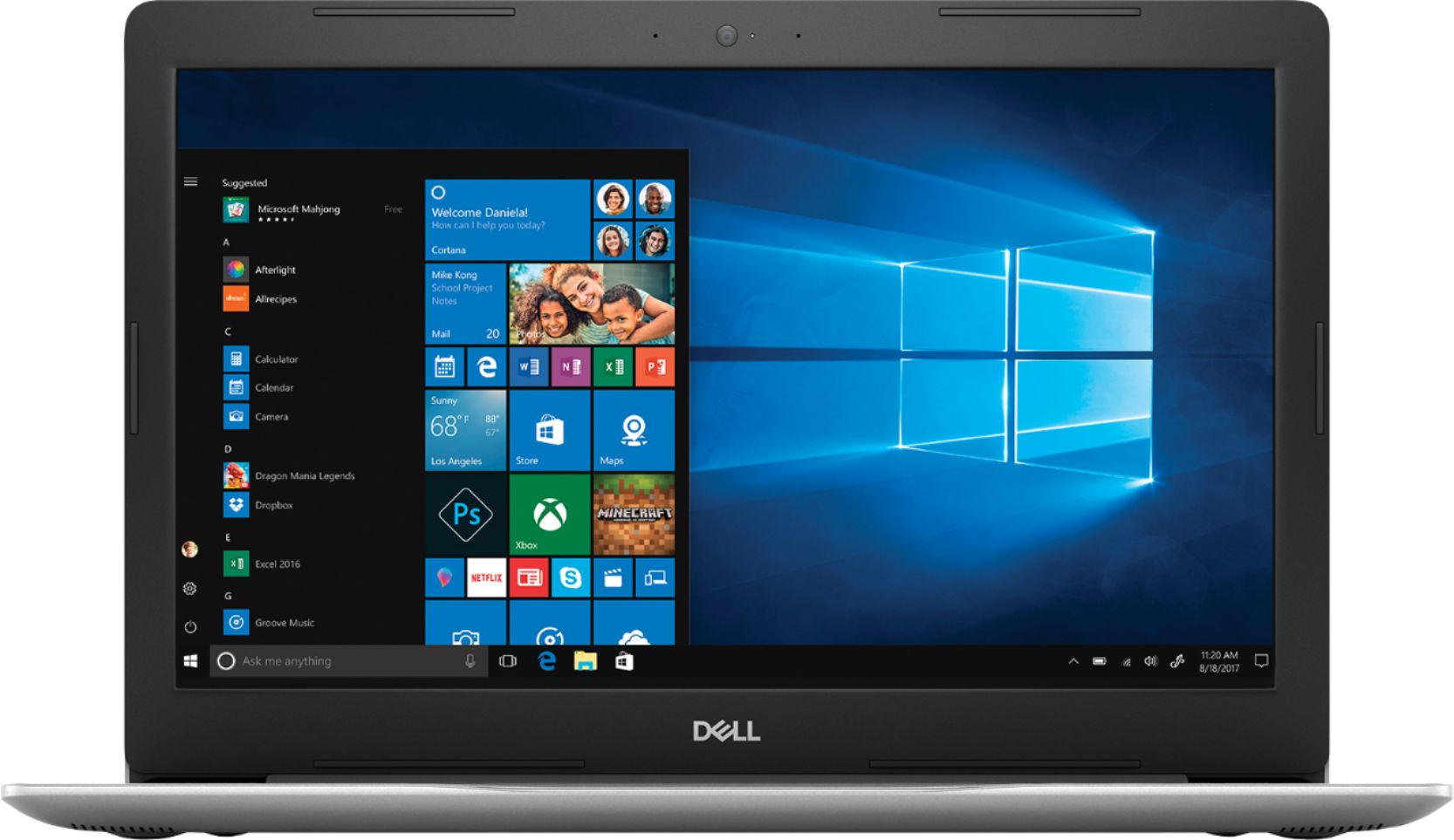

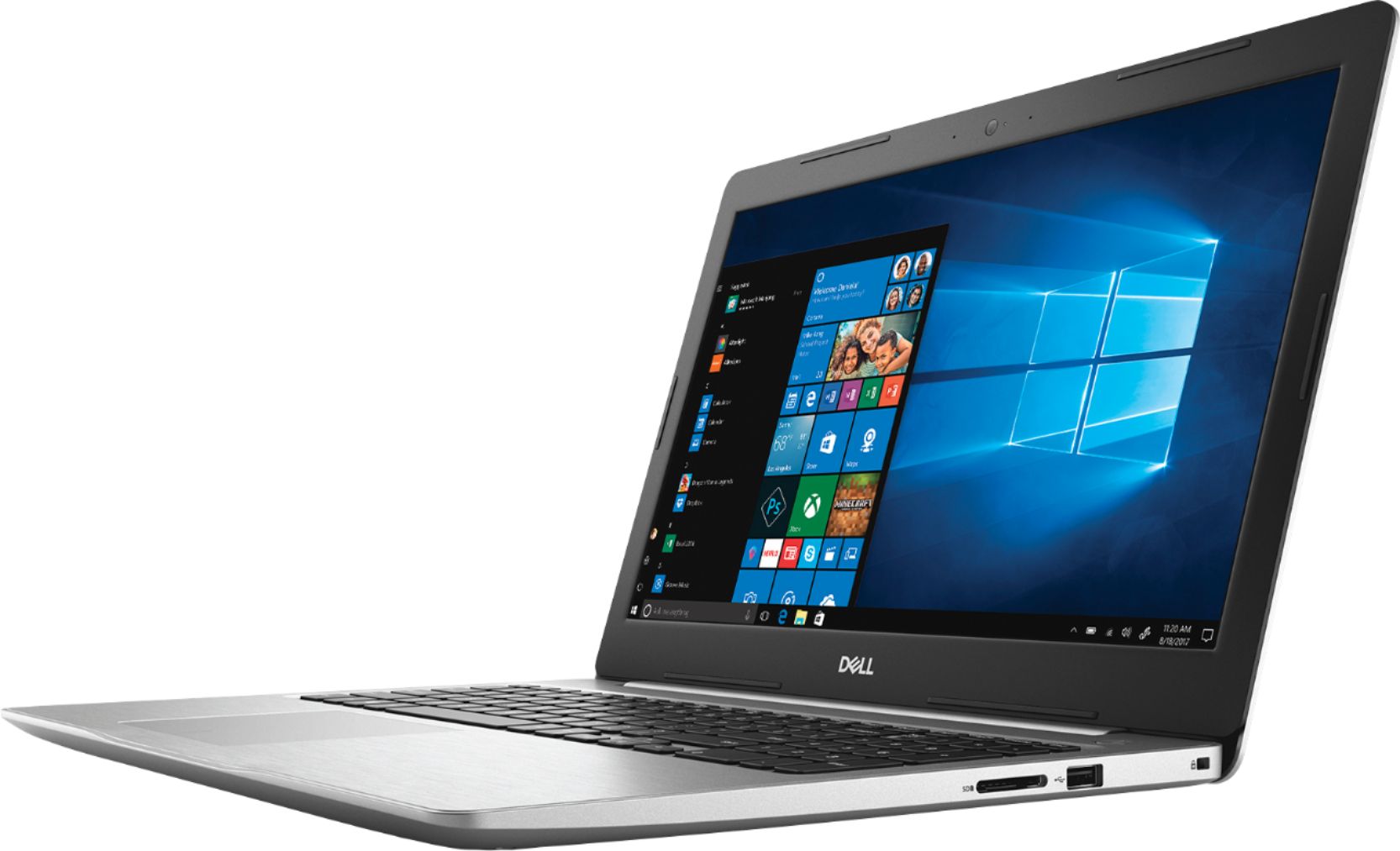
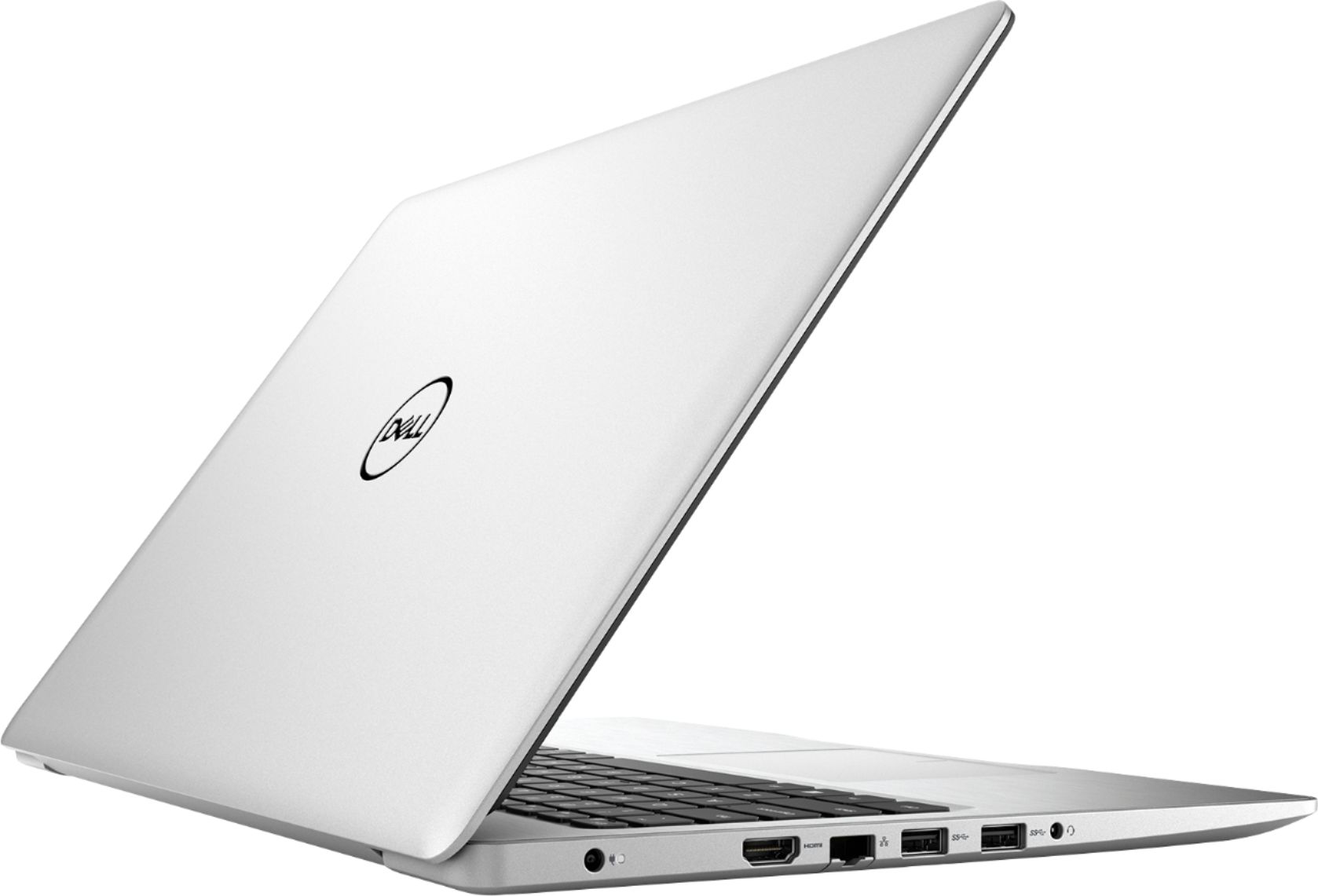
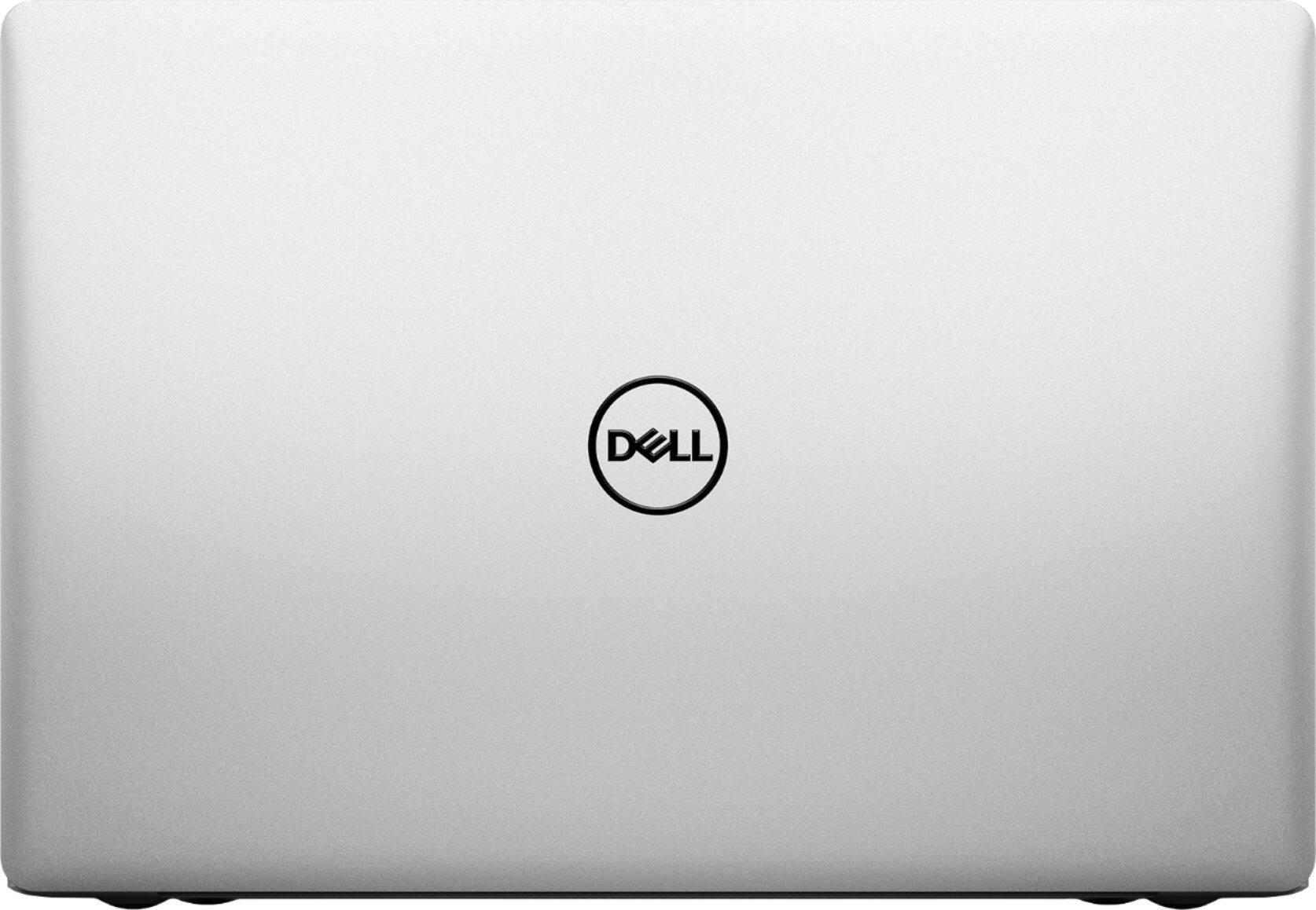

- Model:
- I5575-A214SLV-PUS
- SKU:
- 6239201
Rating by feature
- Value
Rating 4.1 out of 5 stars
- Quality
Rating 4.0 out of 5 stars
- Ease of Use
Rating 4.3 out of 5 stars
Customers are saying
Customers often highlight the Inspiron 15.6" Touch-Screen Laptop's touch screen as a convenient feature. Many also appreciate its budget-friendly price point and solid performance. However, some users have concerns about its battery life and slow hard drive speed.
This summary was generated by AI based on customer reviews.
Great computer
||Posted .This reviewer received promo considerations or sweepstakes entry for writing a review.Well built and easy to use. Great screen. Like the weight
I would recommend this to a friendComputer
||Posted .This reviewer received promo considerations or sweepstakes entry for writing a review.This the fisrt time buying a Dell computer and it great.
I would recommend this to a friendSeems to be a good one
||Posted .This reviewer received promo considerations or sweepstakes entry for writing a review.I haven’t used this very much but am really enjoying it.
I would recommend this to a friendAwesome
||Posted .This reviewer received promo considerations or sweepstakes entry for writing a review.Great for surfing & Netflix. Totally recommend this.
I would recommend this to a friendVery good
||Posted .This reviewer received promo considerations or sweepstakes entry for writing a review.Very good. I recommend this to a friend. Excellent!!!!
I would recommend this to a friendSuper buy
||Posted .This reviewer received promo considerations or sweepstakes entry for writing a review.Found an open box, perfect condition, works great.
I would recommend this to a friendPerfect size screen.
||Posted .This reviewer received promo considerations or sweepstakes entry for writing a review.This is easy use as I am illiterate with computers.
I would recommend this to a friendGreat!
||Posted .This reviewer received promo considerations or sweepstakes entry for writing a review.Love this laptop. Works perfectly for everything I do.
I would recommend this to a friendMy first Dell laptop purchase.
||Posted .This reviewer received promo considerations or sweepstakes entry for writing a review.I would recommend this laptop product to my friends.
I would recommend this to a friendLove this latop
||Posted .This reviewer received promo considerations or sweepstakes entry for writing a review.Easy to use Lightweight. Screen is the perfect size
I would recommend this to a friendDell laptop AMD Ryzen 5
||Posted .This reviewer received promo considerations or sweepstakes entry for writing a review.Exellent The best Laptop 2018 for sure. I recommend
I would recommend this to a friendIt's a Dell!
||Posted .This reviewer received promo considerations or sweepstakes entry for writing a review.Great product for my son's college use. He loves it!
I would recommend this to a friendGreat computer
||Posted .This reviewer received promo considerations or sweepstakes entry for writing a review.I'm very happy with my keyboard and mouse. Great !!
I would recommend this to a friend- Pros mentioned:Performance
Good product
||Posted .This reviewer received promo considerations or sweepstakes entry for writing a review.Works well good value. Does everything I need it to. The buting experience was good
I would recommend this to a friendBrand response from YourDellTeam
Posted .Hi Keith,
Thanks for your review. We're glad that you are happy with your new Dell computer. If you have questions about your laptop you can check our Product Support Page here - https://dell.to/2nI2iGf.
Best,
Bryan
1-800-624-9896
Good laptop
||Posted .This reviewer received promo considerations or sweepstakes entry for writing a review.It was great laptop that my dad used it after work
I would recommend this to a friendExcelent and faster laptop.
||Posted .This reviewer received promo considerations or sweepstakes entry for writing a review.Recommender this laptop A+. Gret sound and camera.
I would recommend this to a friendIt’s okay
||Posted .This reviewer received promo considerations or sweepstakes entry for writing a review.I brought it for school. I thought it would be a great laptop, but it moves slow and shuts down unexpectedly.
No, I would not recommend this to a friendit takes a while to turn on also it's slow.
||Posted .This reviewer received promo considerations or sweepstakes entry for writing a review.still working with it so far just haven't gotten over the fact that it takes a while to turn on and load up
I would recommend this to a friendBrand response from YourDellTeam
Posted .tonydabeast,
Thanks for your review. We're sorry to hear that your computer is not running the way you had hoped it would. We'd recommend running the Windows Performance Troubleshooter to see if there are ways for your computer to run faster:
1. Close all open windows.
2. Press the Windows logo key + X key on the keyboard.
3. Click Control Panel.
4. Click System and Security.
5. Under Security and Maintenance, select Troubleshoot common problems.
6. Under System and Security, click Run maintenance tasks.
7. Follow the on-screen instructions and prompts to complete the process.
8. Restart the PC.
You can read the full article here - http://dell.to/2tSulGV.
You can also limit the number or programs that launch at startup if you'd like your computer to turn on faster:
1. Close all open windows.
2. Press CTRL + Shift + ESC key together on the keyboard.
3. In the Task Manager window, click Startup tab.
4. Select the program or application that you want to disable from loading during startup.
5. Right-click and select Disable.
6. Repeat Step 4 & 5 for all the programs or applications that you want to disable from loading during startup.
7. Restart your PC.
You can read the full article here - http://dell.to/2tSulGV.
We hope these tips help your computer perform better for you.
Best,
Bryan
1-800-624-9896
Decent
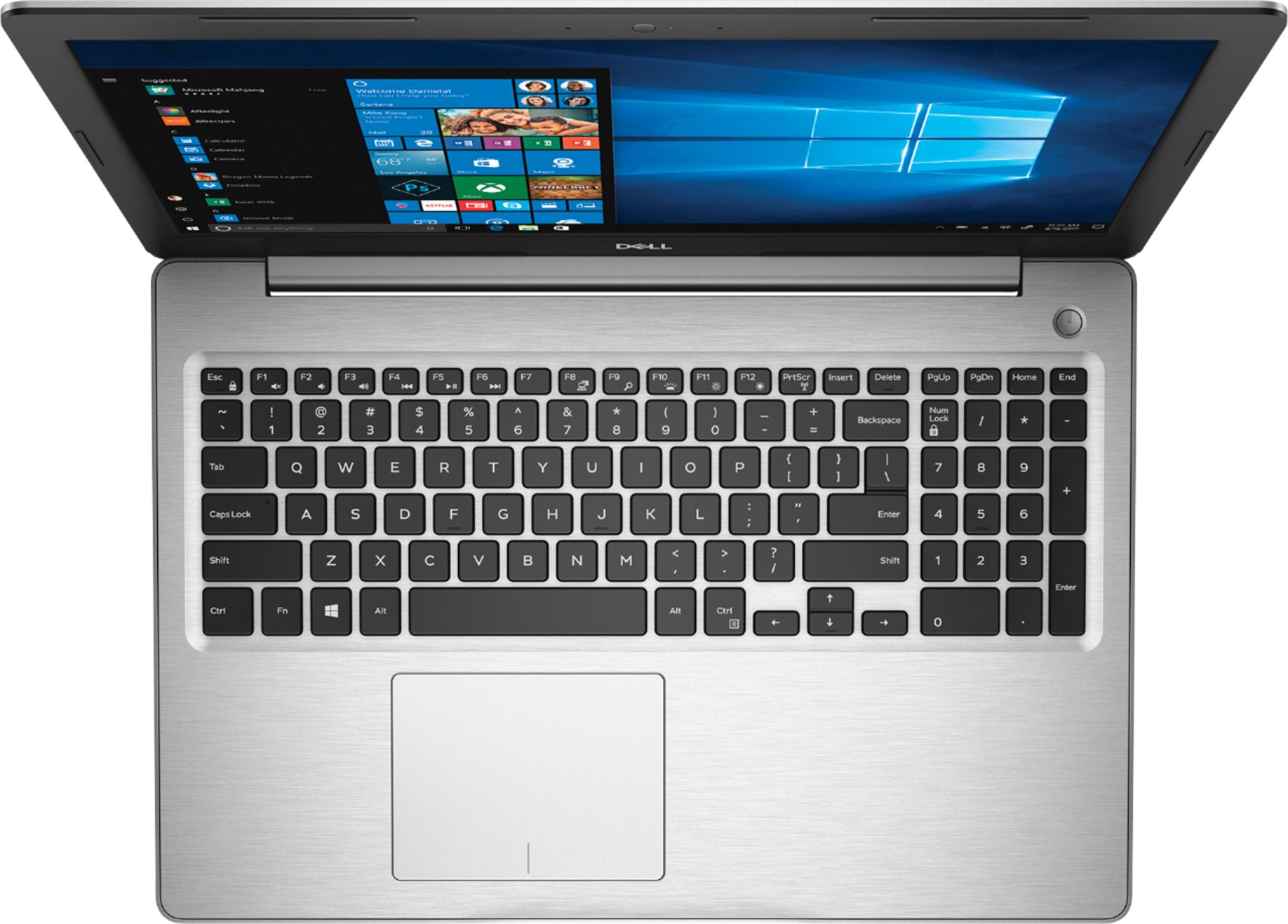
||Posted .This reviewer received promo considerations or sweepstakes entry for writing a review.Lights under keyboard annoying. No CD ROM. High reduction on a 15 inch screen makes everything bsmall.
No, I would not recommend this to a friendBrand response from YourDellTeam
Posted .Geoff,
Thanks for your feedback. Dell does offer an external CD / DVD drive through Best Buy that you can add on to your new laptop: http://bit.ly/2N8c7bq.
Here are the steps to disable or limit the brightness of your keyboard lights:
1. To initialize the keyboard backlight switch, press Fn+F10 (the Fn key is not needed if function key Fn lock is enabled).
2. The first use of the preceeding key combination turns on the backlight to its lowest setting.
3. Repeated pressing of the key combinations cycles the brightness settings through 25 percent, 50 percent, 75 percent and 100 percent.
4. Cycle through the key combination to either adjust the brightness or turn off the keyboard backlight. We hope these steps help your computer perform better for you.
Best,
Bryan
1-800-624-9896
Unimpressed
||Posted .This reviewer received promo considerations or sweepstakes entry for writing a review.Student looking for a functional laptop that's also affordable. I liked how it looked and that it was lightweight, however when I turned it on I was not impressed with the graphics or the picture quality. The screen looks grainy and lackluster. If you are just looking for something to use it would work. I am not picky but I wasn't impressed.
No, I would not recommend this to a friendBrand response from YourDellTeam
Posted .Taffidytaf,
Thanks for your review and we're sorry that your new laptop did not meet all of your expectations. If you do have specific questions about your computer you can refer to our Product Support Page here: https://dell.to/2nI2iGf.
Best,
Bryan
1-800-624-9896