Customer Ratings & Reviews
- Model:
- I3567-3657BLK-PUS
- SKU:
- 6097908
to a friend
Customers are saying
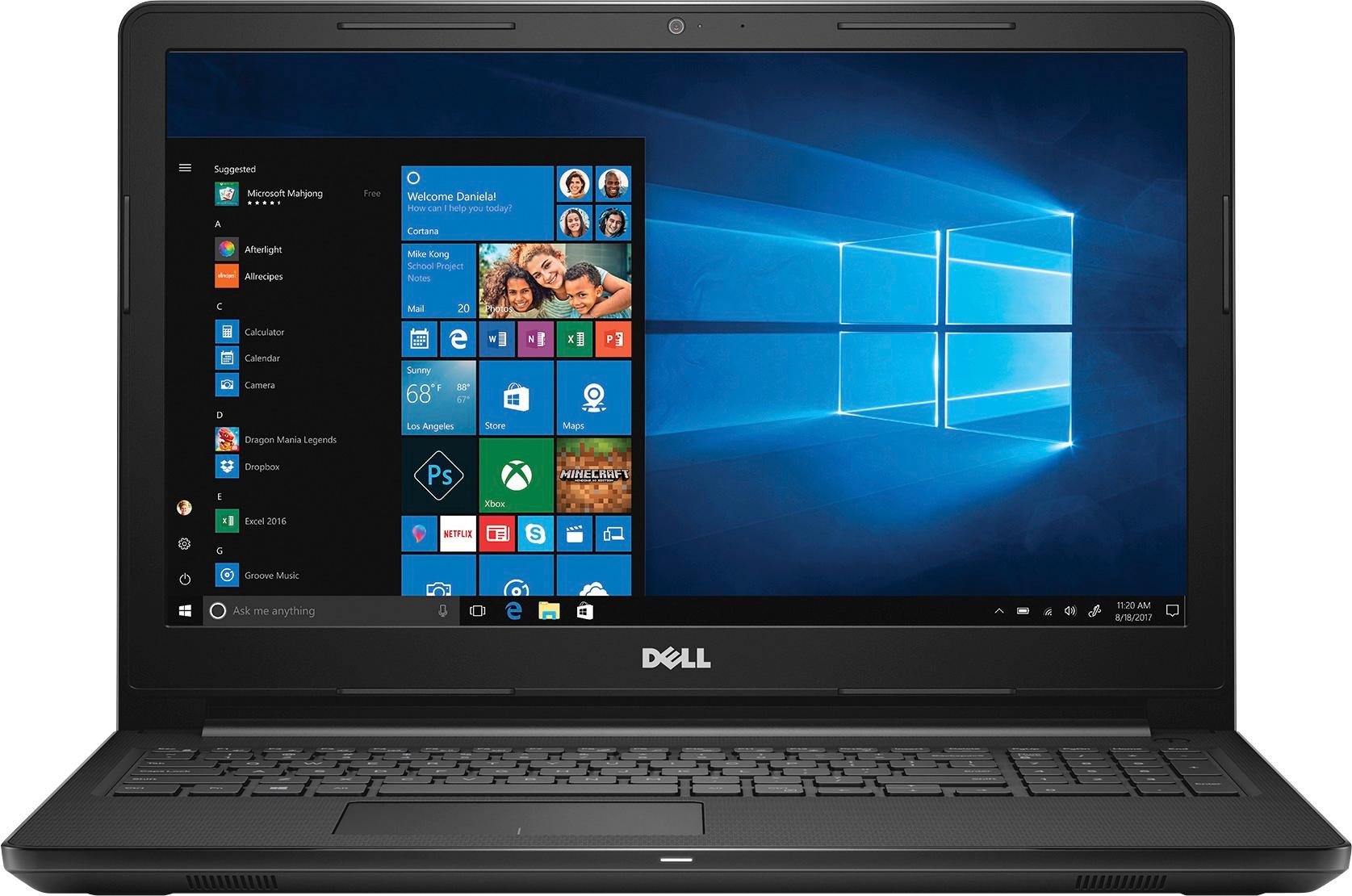
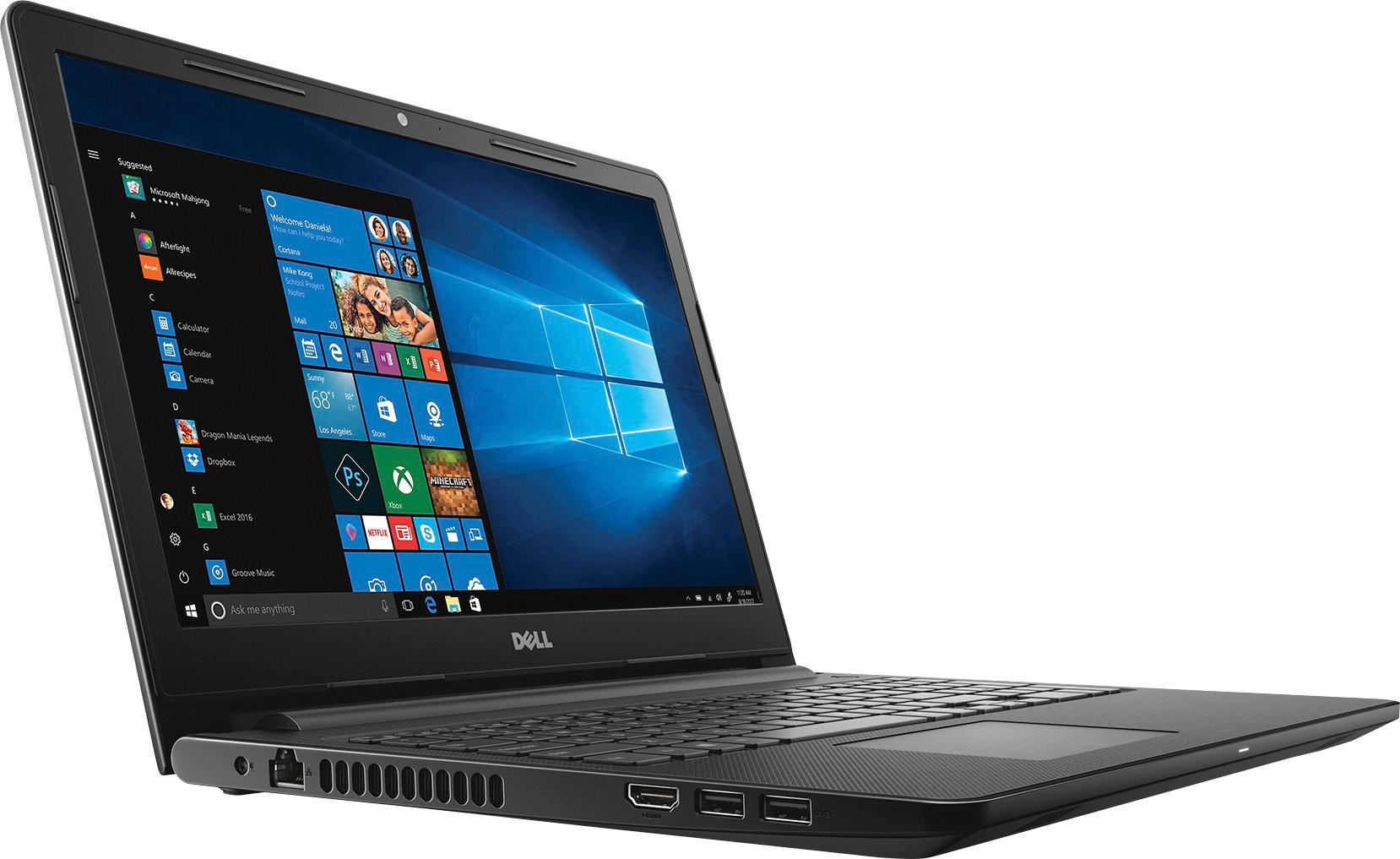
Customers appreciate the Inspiron 15.6" laptop for its budget-friendly price point and responsive performance. The touch screen capability and ample storage space are also well-received. While some users find the laptop to be on the heavier side, the overall positive feedback suggests that it offers good value for the price.
This summary was generated by AI based on customer reviews.
- Pros mentioned:Touch screen
Better than expected
||Posted .This reviewer received promo considerations or sweepstakes entry for writing a review.Christmas present for 13 year old. She loves it. Games, homework, u-tube, etc. with no problems. Touch screen a plus. Reviews said slow, but no slow down or freezing so far.
I would recommend this to a friend really nice
||Posted .This reviewer received promo considerations or sweepstakes entry for writing a review.works well the way i expect it ! i will definitely recommend it to somo of my friends
I would recommend this to a friendSlow processing
||Posted .This reviewer received promo considerations or sweepstakes entry for writing a review.I bought this for my husband for Christmas. When I initially set it up (before wrapping) it worked fine. On Christmas day after opening, it ran some additional download updates but it was extremely slow. It's been 10 days and the laptop is intermittently slow. At times, he has no problem loading websites and such, at other times it takes for-E-V-E-R!! I run avast protection on all my devices and disabled the package that comes with the laptop. It's not our internet connection either because other devices operate normally. We'll be taking in back to Best Buy and see if they can figure out what the problem is. If they can't fix it, it will be returned. I checked several independent sites before purchasing this particular model and am disappointed that the processing speed is as slow as it is. If you're considering this laptop, purchase at your own risk. Maybe it will work better for you.
No, I would not recommend this to a friendBrand response from YourDellTeam
Posted .Hello DPDP - We hope that you have discovered ways to speed up your computer since writing your review. We'd like to suggest a few tips that may help to speed up your computer now that you've had it for a couple of months:
Delete temporary files and directories
1. Click Start, then in the search bar type "disk". Disk Cleanup should appear on the menu above the search box.
2. Run disk cleanup and eliminate unneeded temporary files (Search results, Internet Cache and other windows temp files you may no longer need)
3. Select files you want to delete then click OK to start the cleanup process.
Uninstall applications you no longer use
1) Open the Programs and Features application in Control Panel.
2) Scan the list of applications installed for ones that you no longer use.
3) Highlight any application you no longer use and then click the uninstall button at the top of the list. Follow the prompts to uninstall.
4. Repeat for each application you want to uninstall.
5. Move large files and/or seldom used files to backup media (Photos, Music you seldom listen to, application downloads after the application has been installed etc.).
6. Empty the Recycle Bin.
You can read the full article here: http://dell.to/2tSulGV. - Bryan
Not sure about this computer yet.
||Posted .This reviewer received promo considerations or sweepstakes entry for writing a review.Not sure if it's my internet or computer but it's not what I was hoping for.
No, I would not recommend this to a friendBrand response from YourDellTeam
Posted .Hello Impulsebuyer - We're sorry to hear that your new computer is not everything that you were hoping for. We'd recommend checking out some articles on our Product Support Page that may help with any issues that you're facing - http://dell.to/2uBnCA3. Here are some tips to help with slowness on your computer too: Delete temporary files and directories
1. Click Start, then in the search bar type "disk". Disk Cleanup should appear on the menu above the search box.
2. Run disk cleanup and eliminate unneeded temporary files (Search results, Internet Cache and other windows temp files you may no longer need)
3. Select files you want to delete then click OK to start the cleanup process. Uninstall applications you no longer use
1) Open the Programs and Features application in Control Panel.
2) Scan the list of applications installed for ones that you no longer use.
3) Highlight any application you no longer use and then click the uninstall button at the top of the list. Follow the prompts to uninstall.
4. Repeat for each application you want to uninstall.
5. Move large files and/or seldom used files to backup media (Photos, Music you seldom listen to, application downloads after the application has been installed etc.).
6. Empty the Recycle Bin.
You can read the full article here - http://dell.to/2tSulGV. - Bryan
- Pros mentioned:Gaming
good workhorse for home use
||Posted .This reviewer received promo considerations or sweepstakes entry for writing a review.The Dell computers are reliable and have the features I want for home business and entertainment. Good processor, good graphics and good gaming capabilities.
I would recommend this to a friend Ok
||Posted .This reviewer received promo considerations or sweepstakes entry for writing a review.The laptop computer is ok. I hope that I continue to find it satisfactory.
No, I would not recommend this to a friendReally compelling laptop
||Posted . Owned for 1.5 years when reviewed.This reviewer received promo considerations or sweepstakes entry for writing a review.This laptop was a great pick up! He design and the performance it's great... It has provided a nice experience since the beginning.
I would recommend this to a friendVery nice!
||Posted .This reviewer received promo considerations or sweepstakes entry for writing a review.I got this for my wife, to replace her 5-year old Toshiba. She is very pleased with it. She just uses it for YouTube, email, Skype, etc., so it is not much of a test, but she says it is light, fast, has good audio and video, and good battery life. A successful purchase.
I would recommend this to a friend- Cons mentioned:Speed
Awful Product
||Posted .This reviewer received promo considerations or sweepstakes entry for writing a review.Very slow starting up. Noticed a loud humming noise coming the laptop. During start up, audio was skipping. Randomly shut down during a video ( twice!)...all this within the first hour of use..Returned the next day! So disappointed
No, I would not recommend this to a friend - Pros mentioned:Easy setup
love the computer for my use it is a great buy.
||Posted .This reviewer received promo considerations or sweepstakes entry for writing a review.I bought it on black Friday sale got it at a great price. The computer does everything we want it to do easy to set up easy to use no problems.
I would recommend this to a friend Great computer and features.
||Posted .This reviewer received promo considerations or sweepstakes entry for writing a review.My daughter was looking for a laptop computer to replace her existing computer. She wanted one with an optical drive which was one of the parts that was failing on her older computer. Then we found this Dell computer at Best Buy, . It had more features than she was looking for. We also wanted one that was more dependable than her existing laptop. One of the reasons we chose Dell is because we never had any issues with their computer products. With all of the features in this computer we believe we made a good choice in purchasing it.
I would recommend this to a friendGood laptop
||Posted .This reviewer received promo considerations or sweepstakes entry for writing a review.For the first time ordering online it was good experience
I would recommend this to a friend- Pros mentioned:PriceCons mentioned:Speed
Laptop too slow
||Posted .This reviewer received promo considerations or sweepstakes entry for writing a review.I hav been using the laptop for 3 months now and 1 thing which is annoying is its speed. Though price is good, its not worth the tension it gives due to slowness.
No, I would not recommend this to a friendBrand response from YourDellTeam
Posted .Dear Sydtec - Thanks for your review. We're sorry to hear that your computer is slower than you were hoping for. We'd recommend the following tips to help speed up your computer:
Delete temporary files and directories
1. Click Start, then in the search bar type "disk". Disk Cleanup should appear on the menu above the search box.
2. Run disk cleanup and eliminate unneeded temporary files (Search results, Internet Cache and other windows temp files you may no longer need)
3. Select files you want to delete then click OK to start the cleanup process.
Uninstall applications you no longer use
1) Open the Programs and Features application in Control Panel.
2) Scan the list of applications installed for ones that you no longer use.
3) Highlight any application you no longer use and then click the uninstall button at the top of the list. Follow the prompts to uninstall.
4. Repeat for each application you want to uninstall.
5. Move large files and/or seldom used files to backup media (Photos, Music you seldom listen to, application downloads after the application has been installed etc.).
6. Empty the Recycle Bin.
You can read the full article here - http://dell.to/2tSulGV. - Bryan
- Pros mentioned:Touch screen
Great laptop
||Posted .This reviewer received promo considerations or sweepstakes entry for writing a review.We bought this for a work laptop and does everything we need. Like the touch screen. Light weight and transportable. Great deal!
I would recommend this to a friend - Pros mentioned:Touch screen
Great laptop with touchscreen
||Posted .This reviewer received promo considerations or sweepstakes entry for writing a review.Touchscreen is very responsive and works well with this laptop. I bring this to college classes everyday to take notes with.
I would recommend this to a friend Great computer
||Posted .This reviewer received promo considerations or sweepstakes entry for writing a review.Very nice so far speed is good and keys are smooth
I would recommend this to a friendBrand response from YourDellTeam
Posted .- Aah06, Thanks so much for your review. We're happy to hear that your new Dell Computer has been great for you. If you ever have questions about your new computer you can always view our Product Support Page here - http://dell.to/2uBnCA3. Thanks again! - Bryan
Reliable minimum computing
||Posted .This reviewer received promo considerations or sweepstakes entry for writing a review.The Intel i3 Processor family should be considered the minimal requirement for any Windows 10 computer. With 6 GB RAM, the computer runs extremely well including with the use of assistive technology for the blind. Easy to setup and use right out of the box.
I would recommend this to a friend- Cons mentioned:Speed
Sucks
||Posted .This reviewer received promo considerations or sweepstakes entry for writing a review.Very slow don't recommend bought reconditioned don't think they cleared any of the other folks stuff still had there pics
No, I would not recommend this to a friend - Pros mentioned:Easy setup
For the price, great computer for a student
||Posted .This reviewer received promo considerations or sweepstakes entry for writing a review.Works great for the schoolwork we need to do. Not a gaming family so not sure on that part. Easy to use and set up
I would recommend this to a friend - Pros mentioned:Price
Acceptable...Nothing Special
||Posted .This reviewer received promo considerations or sweepstakes entry for writing a review.It works fine for my purposes. It was purchased because of the price, and you basically get what you pay for. In this case, that is as expected and is acceptable. Acceptable basic computer.
No, I would not recommend this to a friendBrand response from YourDellTeam
Posted .Printerman - Thanks for your review and we're glad that your new Dell computer is meeting your needs. If you do have additional questions about your computer you can always read our Product Support Page here - http://dell.to/2uBnCA3. - Bryan