Customer Ratings & Reviews
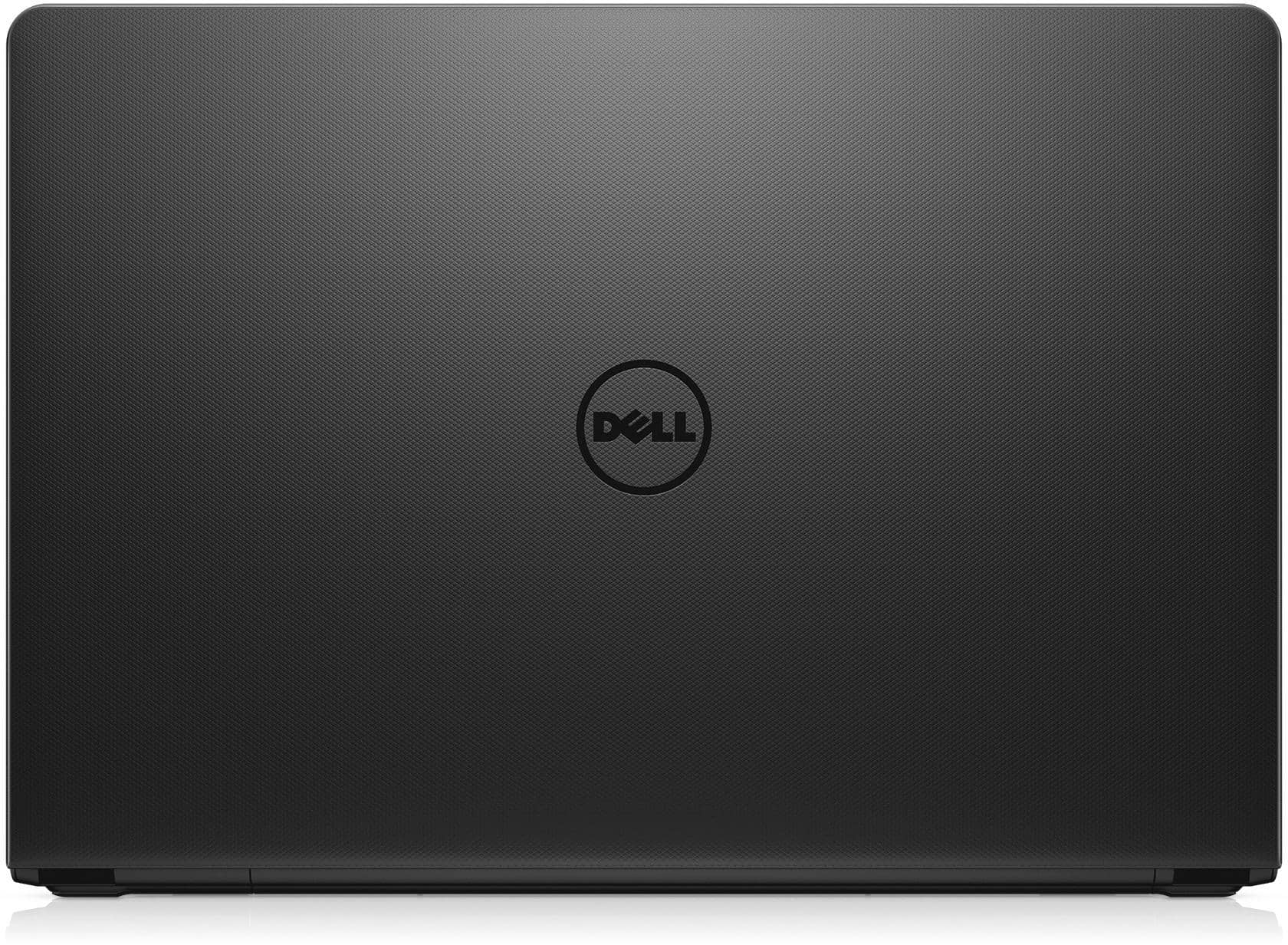
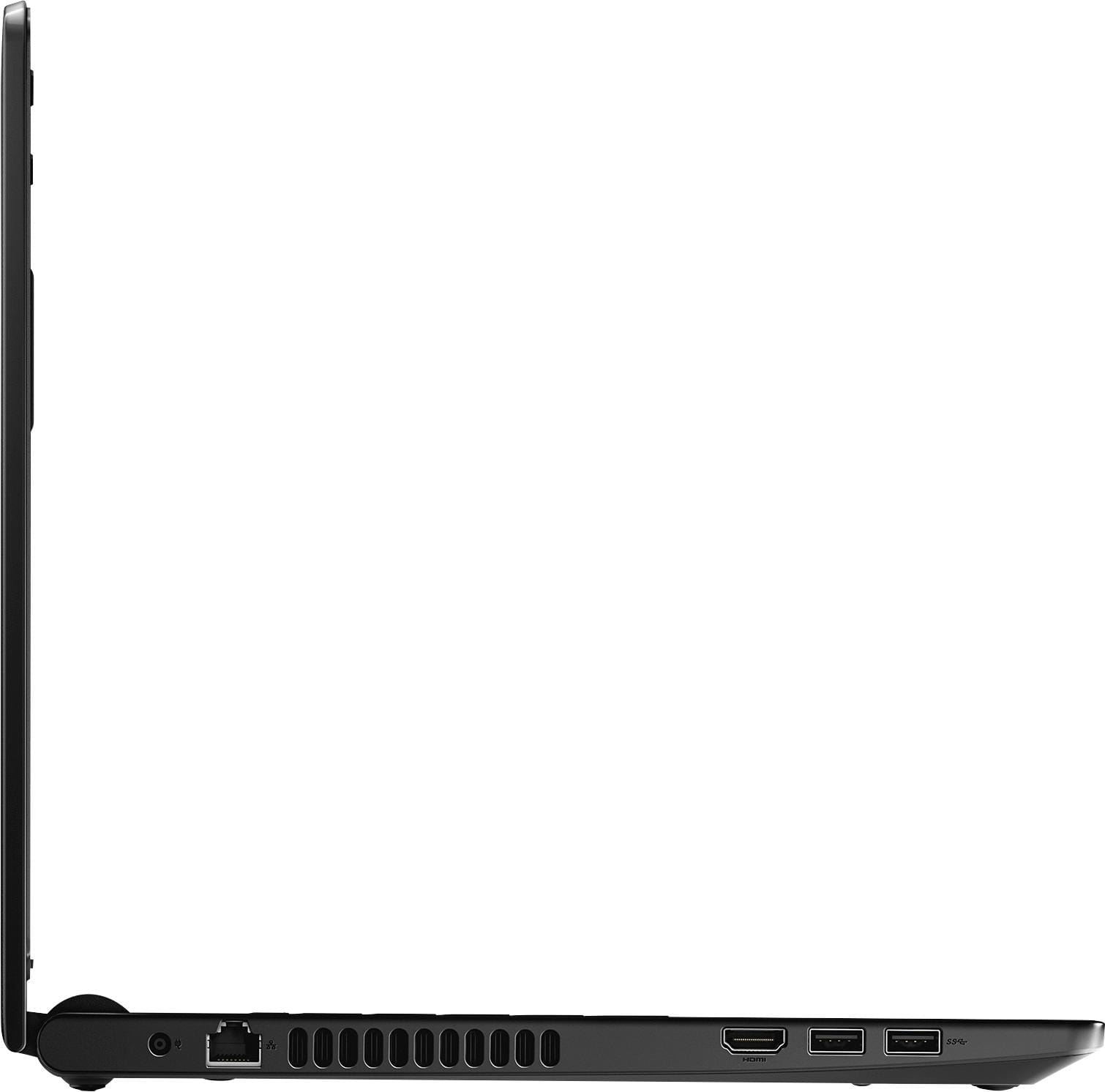
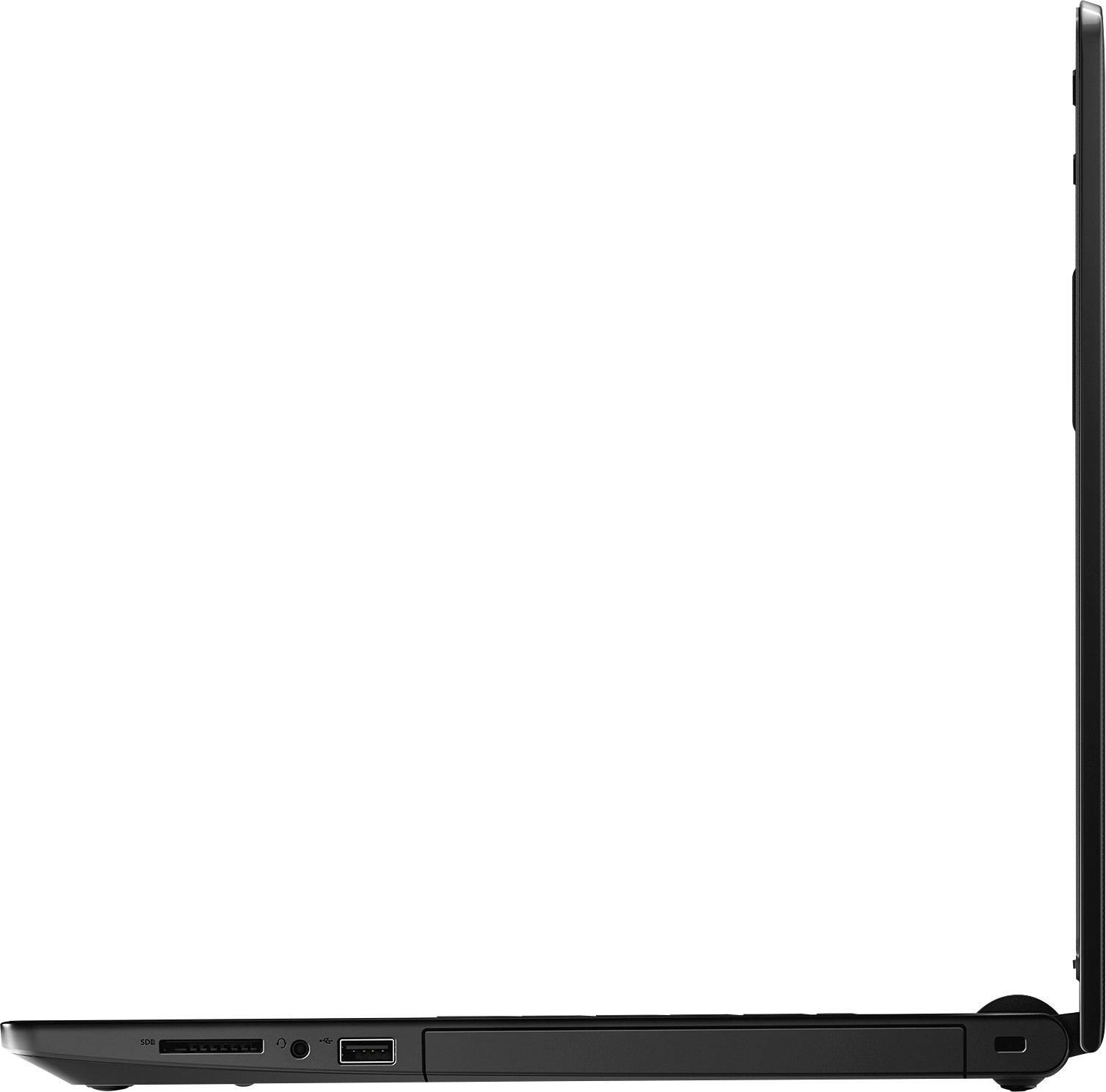
- Model:
- I3567-3657BLK-PUS
- SKU:
- 6097908
to a friend
Customers are saying
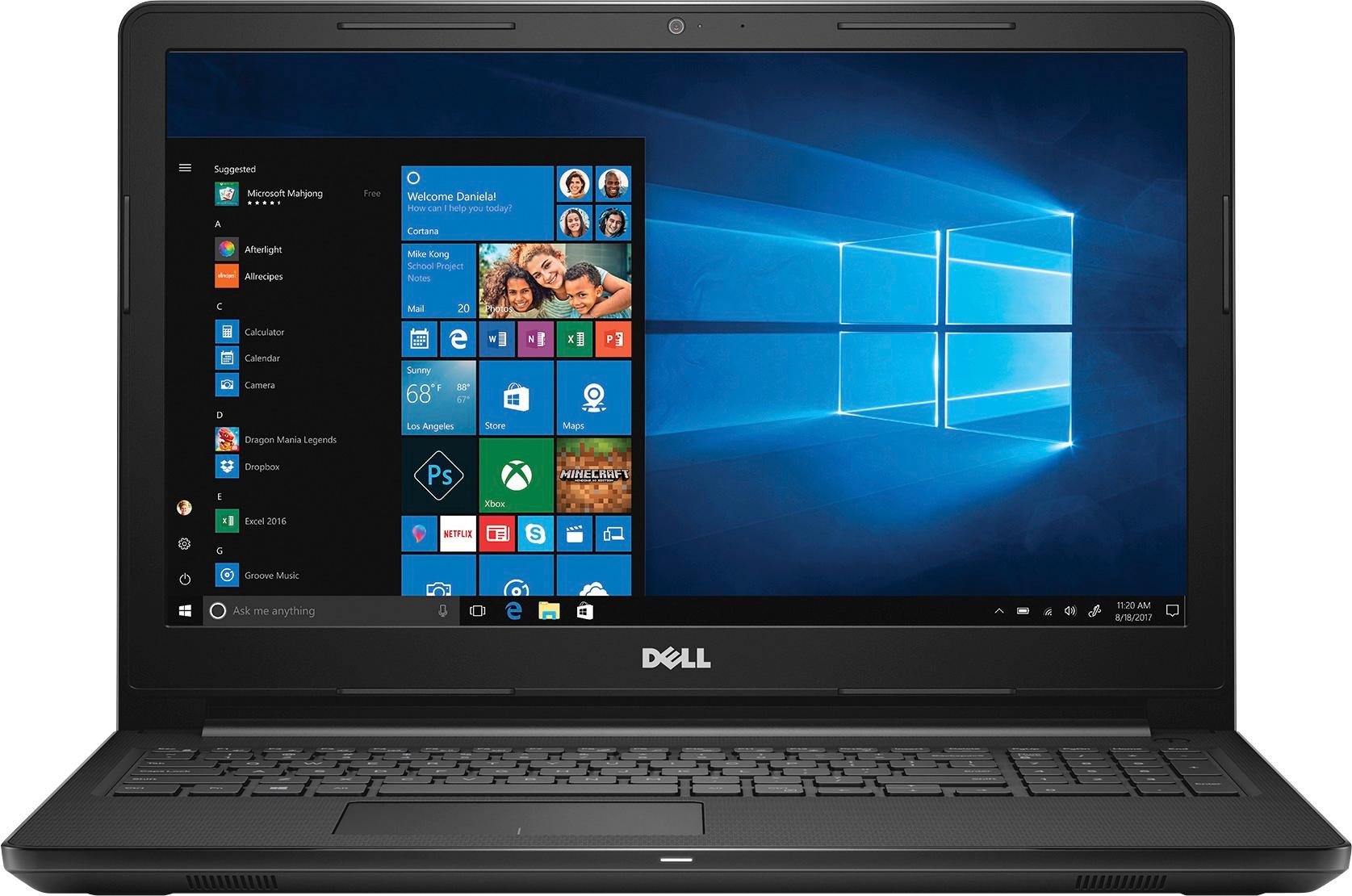
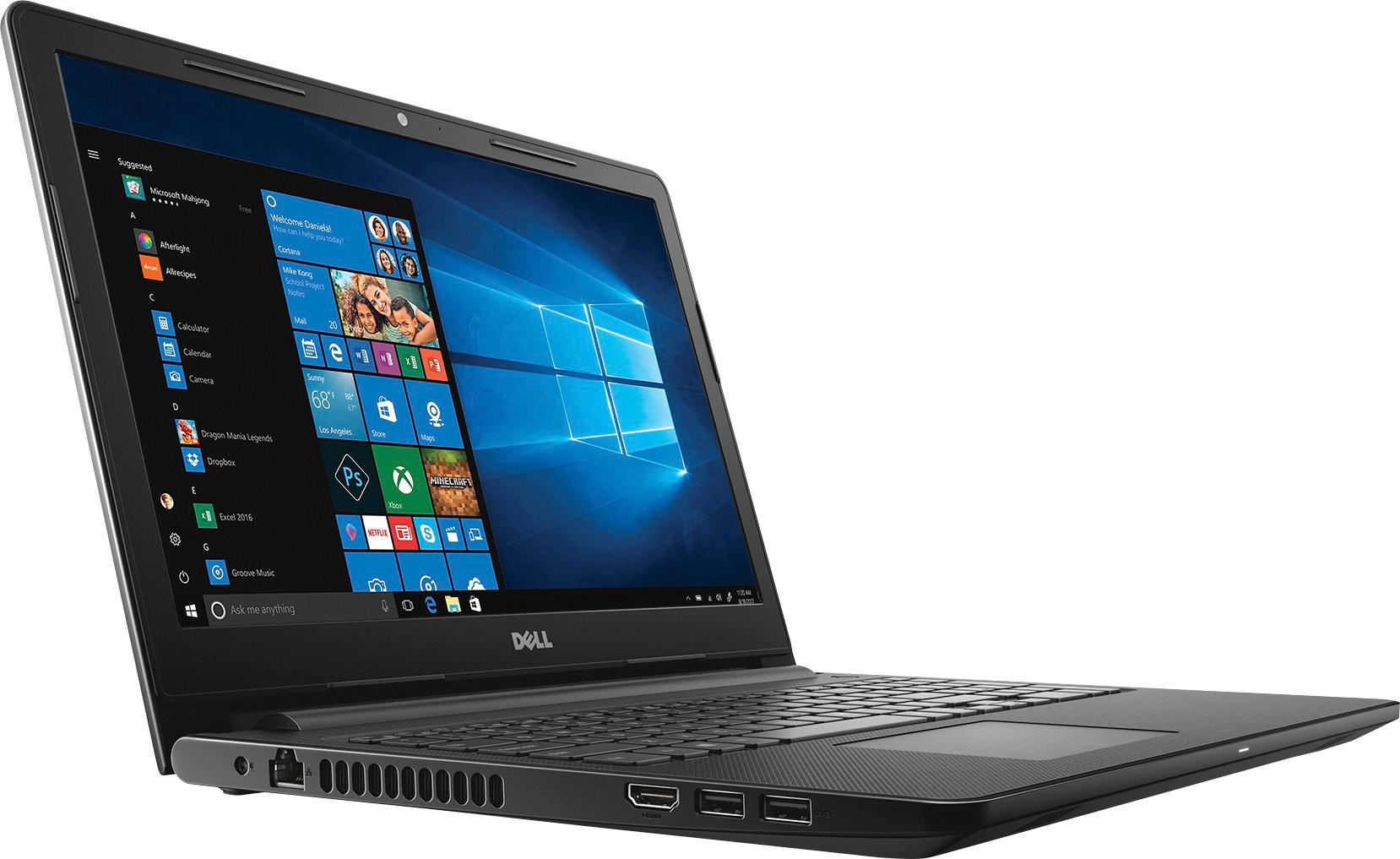
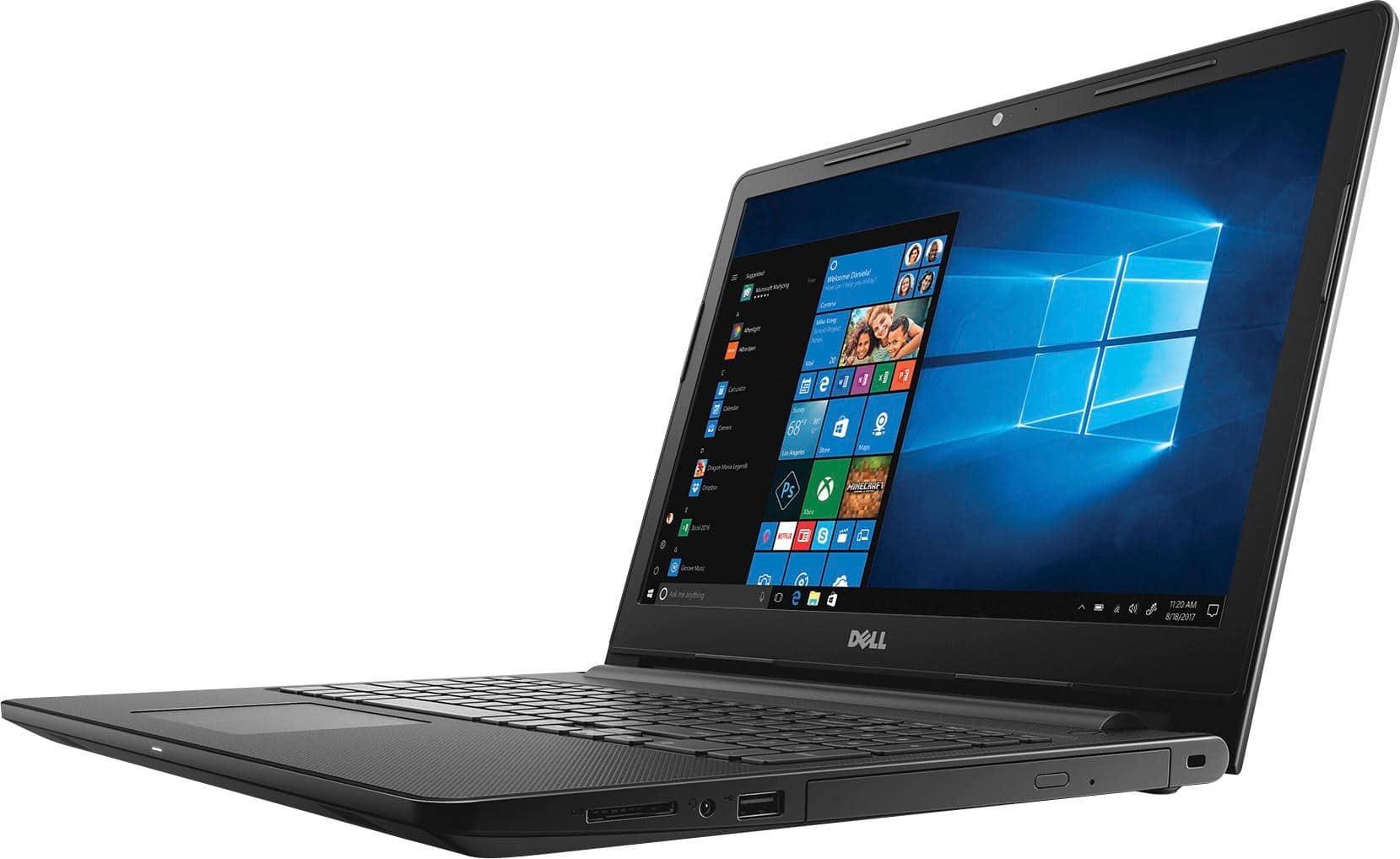
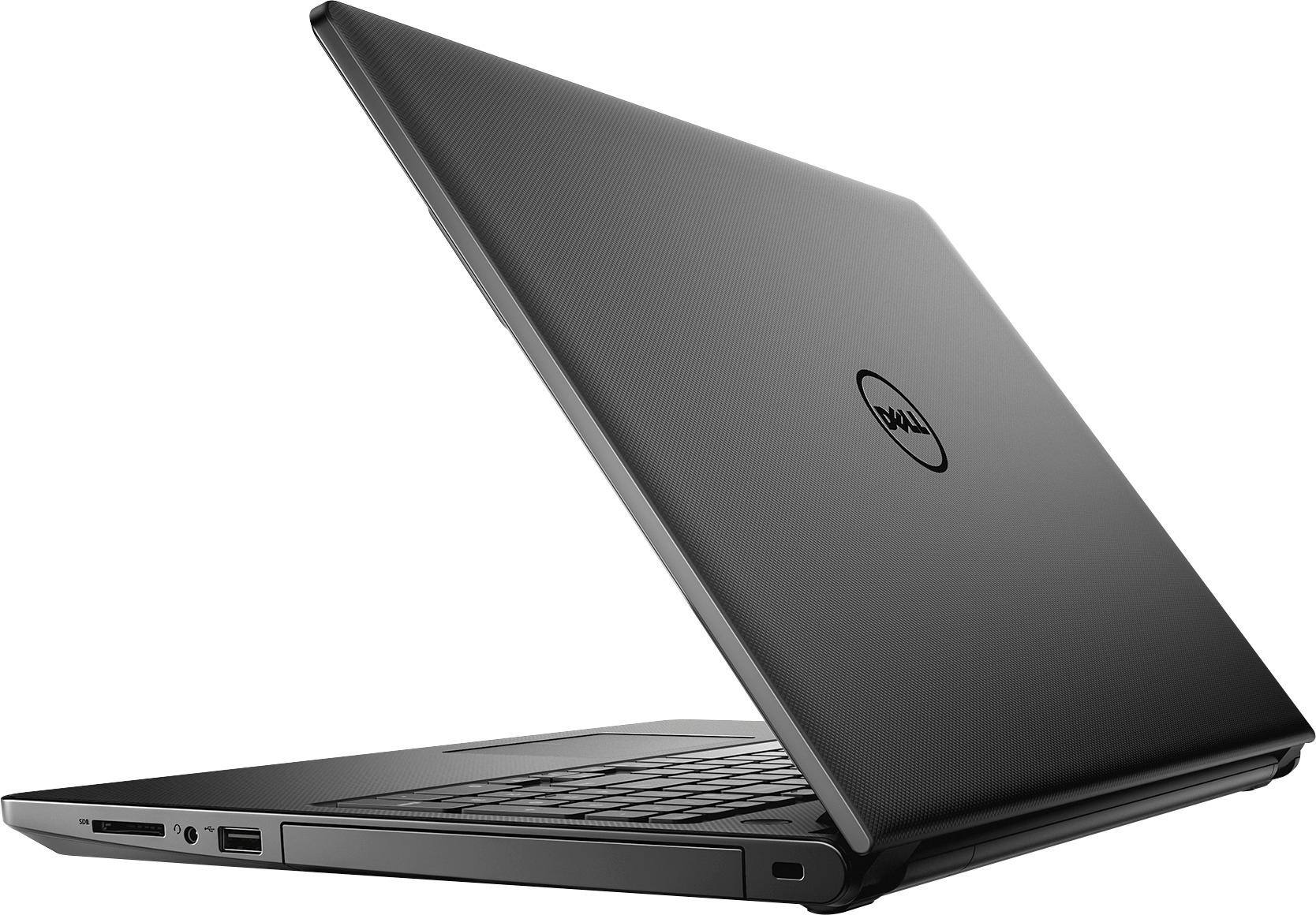
Customers appreciate the Inspiron 15.6" laptop for its budget-friendly price point and responsive performance. The touch screen capability and ample storage space are also well-received. While some users find the laptop to be on the heavier side, the overall positive feedback suggests that it offers good value for the price.
This summary was generated by AI based on customer reviews.
Good
||Posted .This reviewer received promo considerations or sweepstakes entry for writing a review.My dad loved the computer. Great for beginners to use
I would recommend this to a friendNice
||Posted .This reviewer received promo considerations or sweepstakes entry for writing a review.Nice... simple.. lightweight and easy to use ....!
I would recommend this to a friendSucks
||Posted .This reviewer received promo considerations or sweepstakes entry for writing a review.Very slow system not worth it. Spindle drive and lots of junk software
No, I would not recommend this to a friendReturned due to malfunction of charging cord
||Posted .This reviewer received promo considerations or sweepstakes entry for writing a review.Quality of the shell was not good. The computer said charging cord plugged in, not charging. Returned
No, I would not recommend this to a friendbasic, simple
||Posted .This reviewer received promo considerations or sweepstakes entry for writing a review.Basic laptop. Feels cheap (not sturdy), but it's good if you are looking for something low cost.
I would recommend this to a friendBrand response from YourDellTeam
Posted .Jfish619,
Thanks for taking the time to leave your review about your new Dell computer. If you have questions about your new device you can always refer to our Product Support Page here - http://dell.to/2uBnCA3.
Best,
Bryan
1-800-624-9896
Not worth it
||Posted .This reviewer received promo considerations or sweepstakes entry for writing a review.I ordered this for my parents, and returned it as soon as it came in. It was just cheaply made, and when I went in store and asked an associate, they didn't hesitate to point me towards a cheaper hp model, just a little more than this dell. To be fair, I never gave it a chance. To much money to have any doubts/
No, I would not recommend this to a friendpretty standard
||Posted .This reviewer received promo considerations or sweepstakes entry for writing a review.Pretty standard little laptop. Nothing special but also not trash.
I would recommend this to a friendDissatisfied
||Posted .This reviewer received promo considerations or sweepstakes entry for writing a review.I was waiting for my product 2 weeks and at the end they cancelled my order
No, I would not recommend this to a friendSlow Machine
||Posted .This reviewer received promo considerations or sweepstakes entry for writing a review.I like the design but I will get the i5 instead...
No, I would not recommend this to a friendSluggish!
||Posted .This reviewer received promo considerations or sweepstakes entry for writing a review.The performance of the laptop has been sluggish right out of the box. After checking for bloatware (which I didn't find), it looks like I'll have to get Geek Squad to perform diagnostics.
No, I would not recommend this to a friendBrand response from YourDellTeam
Posted .5Phederation - We hope that your computer has gotten a little faster for you. We'd recommend that you run Dell's Support Assist App to make sure that you are running the most up to date software and drivers on your computer. We hope that once everything is updated that your computer will run faster for you. - Bryan
- Cons mentioned:Speed
Trash
||Posted .This reviewer received promo considerations or sweepstakes entry for writing a review.This is a trash. Waste of money. So slow! it takes about 30 minutes to just load and get to the windows desktop screen
No, I would not recommend this to a friend - Cons mentioned:Speed
Hello, This is Bimal From Texas
||Posted .This reviewer received promo considerations or sweepstakes entry for writing a review.worst laptop I have ever bought. Laptop is too slow
No, I would not recommend this to a friend - Cons mentioned:Speed
Don’t waste your $
||Posted .This reviewer received promo considerations or sweepstakes entry for writing a review.Very Slow computer. Issues from day 1. Save your money.
No, I would not recommend this to a friendBrand response from YourDellTeam
Posted .Hello Bees, Thanks so much for your review. We're sorry to hear that your computer is running slower than you'd like it to. We'd recommend that you take a look at the pre-installed software on your computer. If there are programs that you do not plan to use you can always un-install these programs so that your computer runs a little faster. Please read the following article for additional information - http://dell.to/2tSulGV. We hope these tips help your computer run faster. - Bryan
Great camera. Computer crashed after 3 hours.
||Posted .This reviewer received promo considerations or sweepstakes entry for writing a review.Great camera. Great look. Great keyboard. Computer crashed after 3 hours.
No, I would not recommend this to a friendBrand response from YourDellTeam
Posted .Dear Sunshine, Thanks for your review. If you are still experiencing trouble with your computer crashing we'd recommend the following steps to help diagnose the issues:
1. At the desktop, click the Search the web and Windows box and type "problem reports".
2. Select View all problem reports to view a list of errors that have occurred on your computer and possible solutions for them, such as updating drivers, flashing your system BIOS, or checking for updates to the software.
3. Under the Source column, look for Windows and under Summary, look for Shut down unexpectedly.
4. Right-click the line item and select Check for a solution.
You can read the full article here - http://dell.to/2u98Cct.
We hope this helps your computer perform better for you. - Bryan
It's horrible
||Posted .This reviewer received promo considerations or sweepstakes entry for writing a review.Slow to power up and respond to opening programs. Total waste of money.Its going back to store.
No, I would not recommend this to a friendSuper Slow
||Posted .This reviewer received promo considerations or sweepstakes entry for writing a review.I bought a HP from Walmart Black Friday 3 years ago and the HP runs circles around this new one!
No, I would not recommend this to a friendBrand response from YourDellTeam
Posted .DentureDude - Thanks for your review. We are very sorry to hear about the slowness that you're experiencing on your new Dell laptop. We'd recommend the following tips to help speed up your computer:
Delete temporary files and directories
1. Click Start, then in the search bar type "disk". Disk Cleanup should appear on the menu above the search box.
2. Run disk cleanup and eliminate unneeded temporary files (Search results, Internet Cache and other windows temp files you may no longer need)
3. Select files you want to delete then click OK to start the cleanup process. Uninstall applications you no longer use
1) Open the Programs and Features application in Control Panel.
2) Scan the list of applications installed for ones that you no longer use.
3) Highlight any application you no longer use and then click the uninstall button at the top of the list. Follow the prompts to uninstall.
4. Repeat for each application you want to uninstall.
5. Move large files and/or seldom used files to backup media (Photos, Music you seldom listen to, application downloads after the application has been installed etc.).
6. Empty the Recycle Bin.
You can read the full article here - http://dell.to/2tSulGV. - Bryan
- Cons mentioned:Speed
Alright compared to my other laptops.
Posted .This reviewer received promo considerations or sweepstakes entry for writing a review.I bought this laptop about a year ago and it has scared me. So far, I've had 2 problems with it. The first problem happened a week after I bought the laptop. It was with the sound card, but it wasn't a hardware issue, so I fixed it no problem. About a month or so ago, the computer BSOD and it said there was a CPU Fan Failure. It started beeping and making random noises as it was "trying to alert me" that there was an issue. Luckily it also wasn't a hardware problem, as it was probably the BIOS. Apparently, the BIOS had been out of date before I bought the computer by half a year. This computer uses a special system which I love and I hate. It uses MaxxAudioPro which you can use to tamper with your speakers. It is a good feature, however every time you would plug your headphones into the laptop, a popup comes up and during the time it loads, you cant listen to music via headphones. The processor of the computer is brand new for when it was released, and for that I give it points. The Intel Core i3 runs games fairly well, and it may not be no beast, but it holds its own. Keep this in mind, if you want a laptop for simply doing bills or watching Youtube videos, this is not the laptop you want. This is way to expensive for your needs. The touchscreen is a good feature, I use it every now and then but I feel like the price of the computer was lifted heavily because of it. It is responsive and it works like your phone's touchscreen. This computer is fairly slow to start up, due to the fact it has a 5400 rpm spindle HDD. Be prepared to wait around 5 minutes before you get anything done. Overall, this computer is alright compared to my other laptops. I'm just going to hope it doesn't fail me in the long run.
I would recommend this to a friend Never again
||Posted .This reviewer received promo considerations or sweepstakes entry for writing a review.I wish I knew this particular Dell laptop had start up problems.
No, I would not recommend this to a friendBrand response from YourDellTeam
Posted .Hello Research,
We're sorry that your new Dell computer is experiencing issues while it's starting up. We'd recommend that you limit the startup programs that launch when you start your computer using these steps:
1. Close all open windows.
2. Press CTRL + Shift + ESC key together on the keyboard.
3. In the Task Manager window, click Startup tab.
4. Select the program or application that you want to disable from loading during startup.
5. Right-click and select Disable.
6. Repeat Step 4 & 5 for all the programs or applications that you want to disable from loading during startup.
7. Restart your PC.
You can read the full article here - http://dell.to/2tSulGV.
We hope this helps the issues that you're facing.
Best,
Bryan
1-800-624-9896
- Pros mentioned:Touch screen
Really wanted to like this computer
Posted .This reviewer received promo considerations or sweepstakes entry for writing a review.The computer is reasonably fast. Outright impressive compared to what I had. Sound and video are decent. Keyboard is comfortable. The touch screen is responsive, more so than the mouse pad. Which brings me to my biggest complaint. The scroll is absolutely awful. It doesn't respond well, it moves slowly, and every now and then, it'll scroll back when I'm trying to move down a page. VERY ANNOYING. I'm trying to decide if it's a glitch with this one and perhaps I should try another. If I do and it's just a one off product, I'll keep it and edit this review.
No, I would not recommend this to a friendBrand response from YourDellTeam
Posted .Hey Kim23 - Thanks for your review. We're happy to hear that for the most part your computer is meeting your needs. If you'd like help calibrating your touchpad we'd recommend that you try the following steps: Some Notebooks and Tablets with Keyboards have added gesture features to the touchpad hardware and drivers. A few of these features are two or three finger scrolling, pinch zoom, circle zoom, rotate and swiping. These new features may be the reason for the erratic cursor movement since most are turned on by default. You can disable or modify the way the features work in the touchpad driver properties. Here are some tips to modify these settings:
1. In the Search box, type main.cpl.
2. Touch or click main.cpl in the list of programs.
3. Touch or click the Dell Touchpad tab.
4. Touch or click on the picture of the touchpad.
5. Touch or click Gestures (depending on your computer there may not be a Gestures option).
6. Change the options as preferred.
7. Touch or click Save.
8. Touch or click the X in the upper-right corner to close the Dell Touchpad Utility.
9. Touch or click OK on the Mouse Properties window.
10. If the touchpad still does not work after following the preceding steps, refer to Dell Knowledge Base article - http://dell.to/2iaiujA.
You can read the full article here - http://dell.to/2tqmS02.
We hope these tips help calibrate your touchpad. - Bryan
- Pros mentioned:PriceCons mentioned:Speed
A bit slow
Posted .This reviewer received promo considerations or sweepstakes entry for writing a review.Just got it today. It's pretty slow, not sure if it just needs to wait a bit to settle, or if its the OS(or something else). But I can see why it's this price haha.
No, I would not recommend this to a friendBrand response from YourDellTeam
Posted .Hello Tethyis - Thanks for your review. We're sorry to hear that your computer is running slower than you'd like it to. Here are a few steps you could try: Delete temporary files and directories
1. Click Start, then in the search bar type "disk". Disk Cleanup should appear on the menu above the search box.
2. Run disk cleanup and eliminate unneeded temporary files (Search results, Internet Cache and other windows temp files you may no longer need)
3. Select files you want to delete then click OK to start the cleanup process. Uninstall applications you no longer use
1) Open the Programs and Features application in Control Panel.
2) Scan the list of applications installed for ones that you no longer use.
3) Highlight any application you no longer use and then click the uninstall button at the top of the list. Follow the prompts to uninstall.
4. Repeat for each application you want to uninstall.
5. Move large files and/or seldom used files to backup media (Photos, Music you seldom listen to, application downloads after the application has been installed etc.).
6. Empty the Recycle Bin.
Here's the full article - http://dell.to/2tSulGV.
We hope this helps speed up your computer. - Bryan