Customer Ratings & Reviews

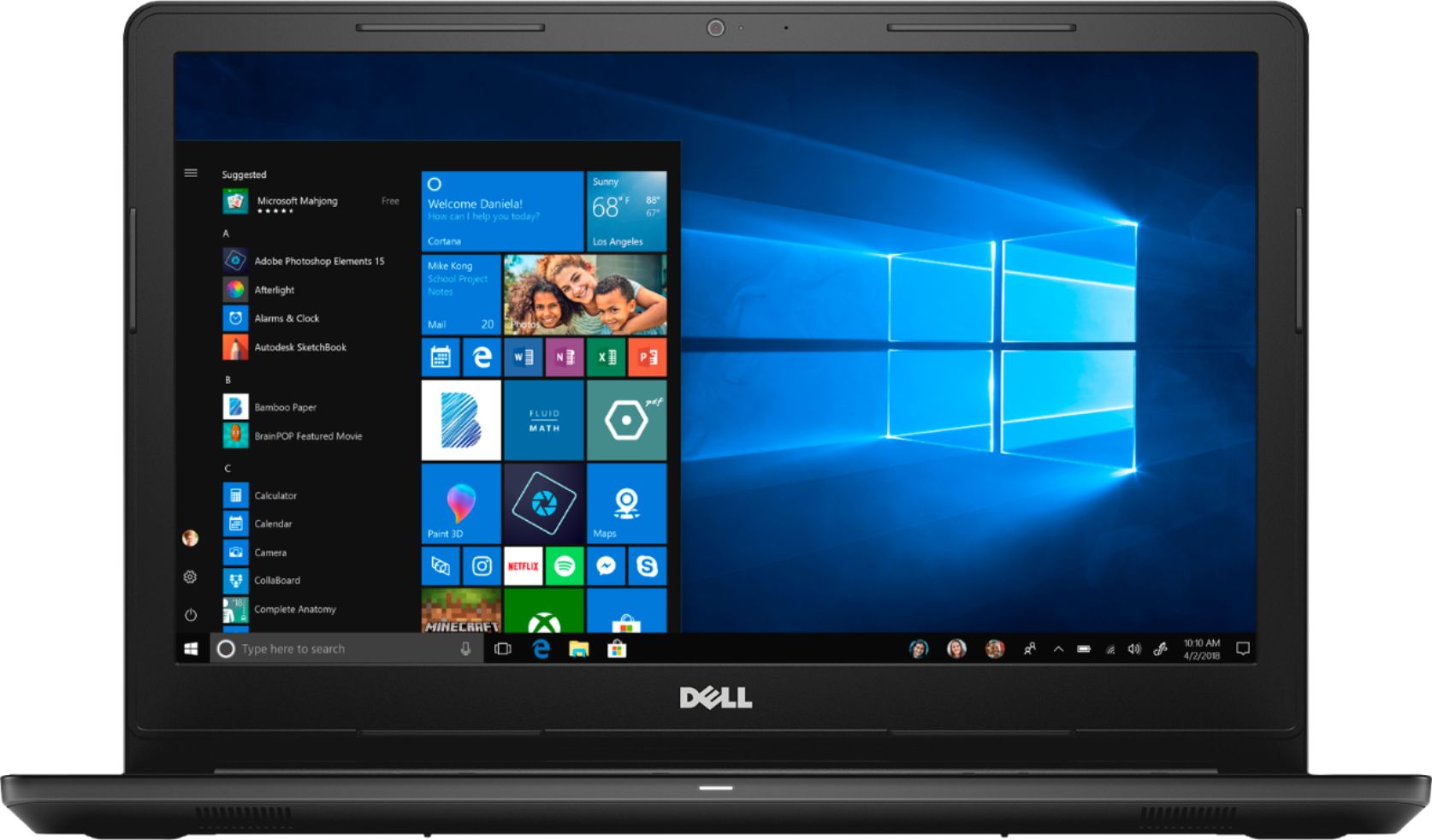
- Model:
- I3567-3970BLK-PUS
- SKU:
- 6299822
Rating by feature
- Value
Rating 4.5 out of 5 stars
- Quality
Rating 4.6 out of 5 stars
- Ease of Use
Rating 4.7 out of 5 stars
Customers are saying
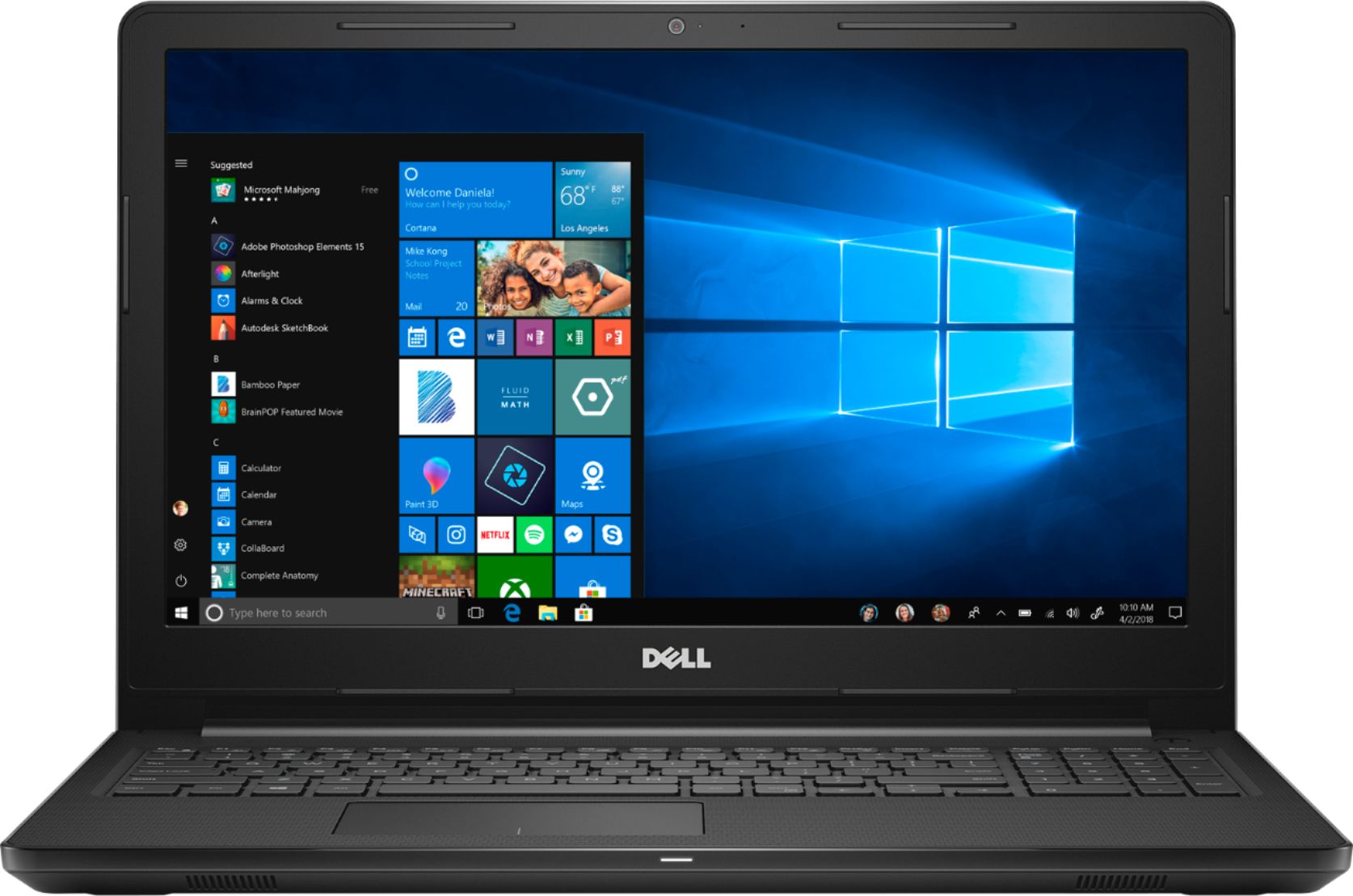
Customers express satisfaction with the Inspiron 15.6" Touch-Screen Laptop, praising its touch screen capabilities, affordable price, and simple setup process. The inclusion of a solid-state drive is also seen as a positive feature. However, some customers have concerns about the lack of an optical drive and the overall build quality of the laptop.
This summary was generated by AI based on customer reviews.
Slow start up
||Posted .This reviewer received promo considerations or sweepstakes entry for writing a review.Not worth it at the sale price of $299. The start up time is soooo slow. Once powered up it took forever to get to the main screen. This laptop is going back.
No, I would not recommend this to a friendBrand response from YourDellTeam
Posted .MikeP,
We'd recommend limiting the number of programs that launch at startup for your computer:
1. Close all open windows.
2. Press CTRL + Shift + ESC key together on the keyboard.
3. In the Task Manager window, click Startup tab.
4. Select the program or application that you want to disable from loading during startup.
5. Right-click and select Disable.
6. Repeat Step 4 & 5 for all the programs or applications that you want to disable from loading during startup.
7. Restart your PC.
You can read the full article here - http://dell.to/2tSulGV.
Hopefully, these steps will help your computer start up faster for you.
Best,
Bryan
1-800-624-9896
- Pros mentioned:Easy setup
CIVEL ENGINEER
Posted .This reviewer received promo considerations or sweepstakes entry for writing a review.i BOUGHT IT FOR MY WIFE IT IS EXULTANT AND IT IS EASY
I would recommend this to a friend Never buying a dell product again.
Posted .This reviewer received promo considerations or sweepstakes entry for writing a review.I bought this laptop for my mom a few years ago, But because of her medical condition. She almost never used, it sat on the shelf for about a year. the other day, I thought I would get it setup for my dad to use. Plugged it in, no power. I have tried everything, hard resets, removing the memory, changing out the cmos battery. This laptop is dead. I bet it has about 10 hours of use on it. never buying a Dell again.
No, I would not recommend this to a friendGreat for college and normal use cases
Posted .This reviewer received promo considerations or sweepstakes entry for writing a review.Ignore the Blueguys review. Intel HD 620 isnt manufactured by NVIDIA and it will never have 11gb of RAM. This laptop is great for standard college use. So streaming, web browsing, microsoft office use, and some indie or older older games. Note the solid state is great for snappy boot times and file access. In conjunction with the processor this laptop will run quickly. I'd recommend an external HDD for pics or video storage needs. If you want a gaming laptop look for dedicated GPUs 1050 2gb at a minimum. There are some GREAT gaming laptop sales atm. However you will not see a dedicated GPU laptop for below 600, in most cases.
No, I would not recommend this to a friendCheck the Specs
Posted .This reviewer received promo considerations or sweepstakes entry for writing a review.I order this laptop for my wife, I have not received it yet, but I wanted to post some wisdom. If you check the specs on this laptop, it says this under graphics. Graphics: Graphics Intel HD Graphics 620 Graphics Type Integrated GPU Brand NVIDIA Video Memory 11264 megabytes Video Memory Type Shared So it made me question if there is a Nvidia 4gb in this laptop. My hopes are low, but I had to find out. If it's a miss print it's a pretty bad one.
I would recommend this to a friendBrand response from Best Buy Customer Care
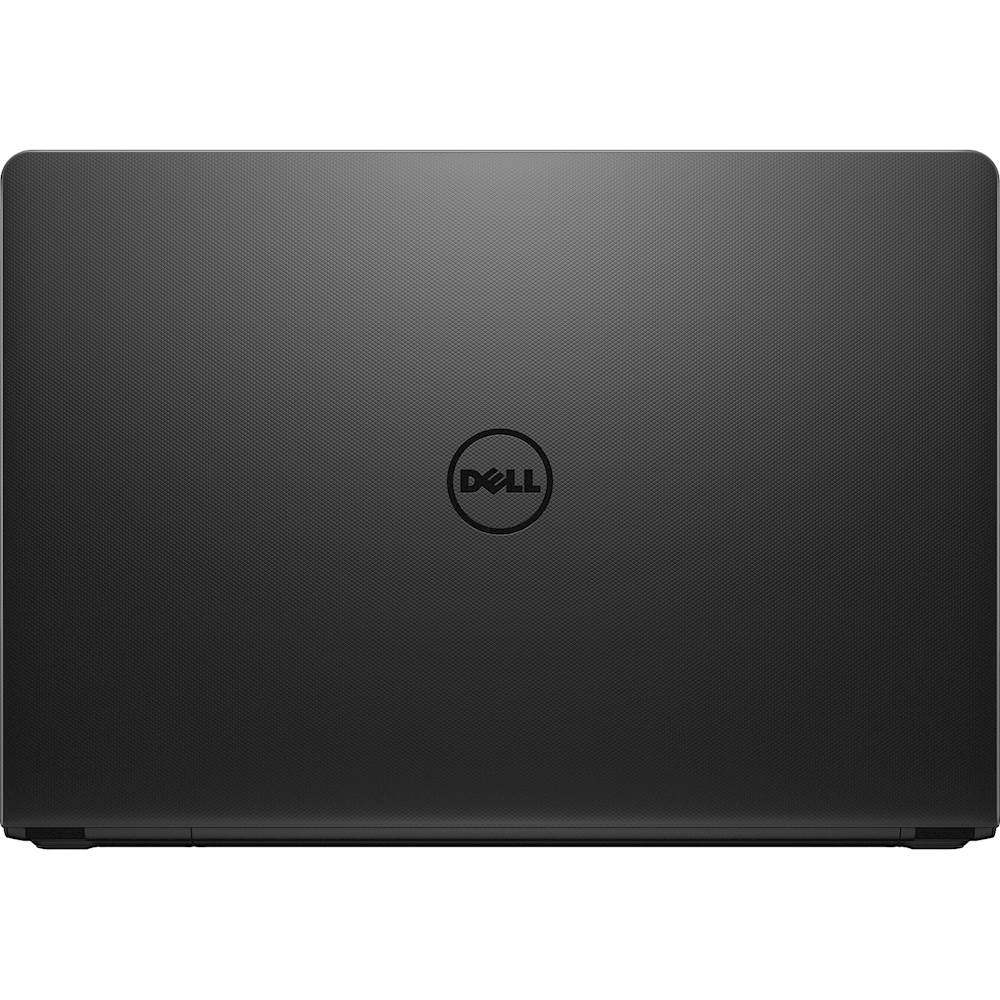
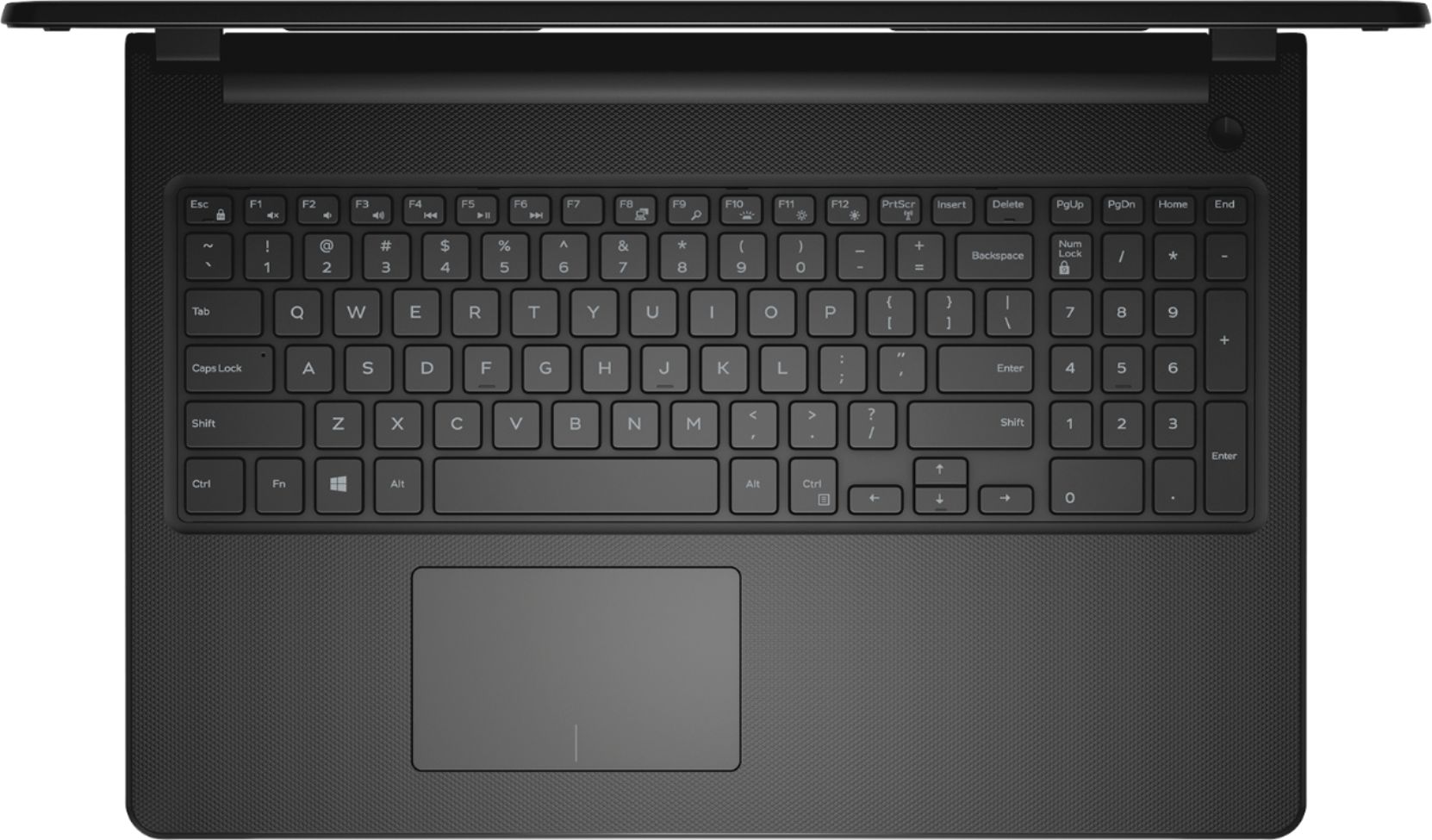
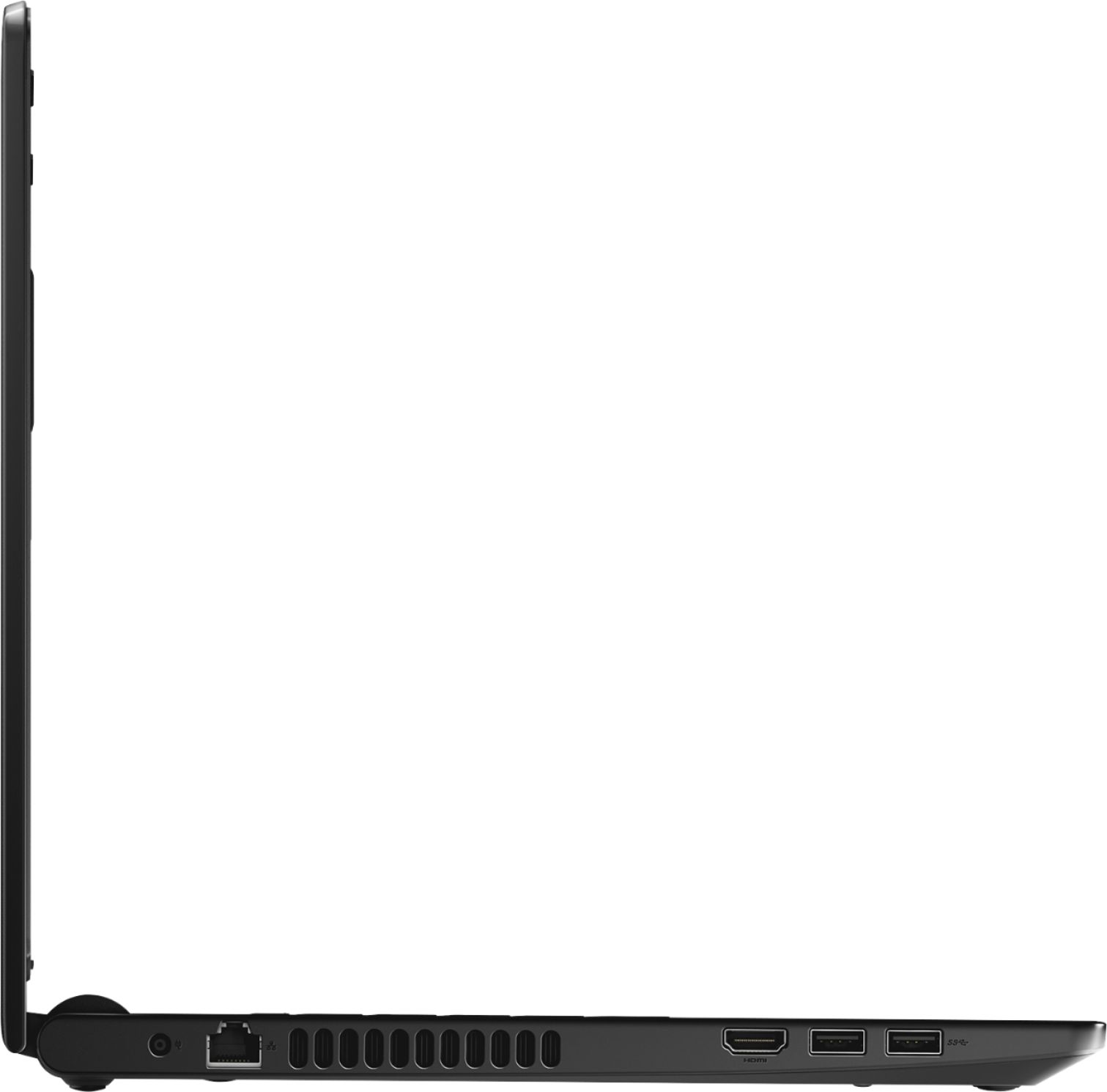
Posted .Thanks BlueGuy. To clear up any confusion, previously this Dell laptop page included two incorrect pieces of information. First, it included two images that showed a DVD-ROM drive door on the side of laptop. This was an inaccurate photo, as this device does not come with a DVD-ROM, which was accurately described in the “Specifications” section. Those images have been removed. Second, in the specifications section for this Dell laptop, we inaccurately included NVIDIA as the graphics card manufacturer with 11264 megabytes of video memory. This is inaccurate. The accurate graphics for this laptop are Intel HD Graphics 620. The images and specifications on our website are now listed correctly. We apologize for any confusion these images may have caused.
WiFi - UNInstall SmartByte
Posted .This reviewer received promo considerations or sweepstakes entry for writing a review.This computer has a 2.4 GHz wireless card, NOT 5.0 GHz. Out the box, my internet connection was poor, even when I used an ethernet cable. After calling both Dell CSR, and a techie friend, I had to UNinstall the SmartByte app. Wireless internet speed is still not great - only 30 Mbps, but WITH the ethernet cable I get about 80 Mbps. So, I can't really take this computer anywhere ;(
No, I would not recommend this to a friendGood features for the price
Posted .This reviewer received promo considerations or sweepstakes entry for writing a review.Good laptop for daily basic use, for work and leisure.
I would recommend this to a friendGood
Posted .This reviewer received promo considerations or sweepstakes entry for writing a review.Its an excellent option for students! It's have good charachter
I would recommend this to a friendOh Dell No!
Posted .This reviewer received promo considerations or sweepstakes entry for writing a review.Bought new on sale thinking that Dell laptop should be a quality product. WRONG!! Wouldn't run more than 5 minutes without freezing up. Took it back and paid a little more for HP. If an offer for Dell looks like a smart choice, say to yourself OH DELL NO!!
No, I would not recommend this to a friendBrand response from YourDellTeam
Posted .Reviewreader,
We're sorry that your Dell computer was freezing on you and not performing as fast as you would have liked it to. We do have suggestions of ways to diagnosing freezes on your computer that we'd suggest you try in the future if you purchase another Dell device:
1. Run a Computer Diagnostic. To determine if your computer is experiencing a hardware problem, run the Dell Preboot System Assessment (PSA) Diagnostics. For information on how to run Diagnostics, and to determine the issue, refer to Dell Knowledge Base Article: http://dell.to/2iaiujA.
2. Check Safe Mode for Symptoms. To boot into safe mode, please follow the instructions below:
a) Start the computer.
b) Tap 'F8' on the keyboard immediately and every one second until the Dell logo screen disappears. From there you will see the Windows Advanced Options Menu on the screen. (If the Windows Advanced Options Menu does not appear, restart the system and try again.)
c) Select Safe mode with Networking and press Enter.
d) Log on as the administrator or as a user with administrative access.
e) Open applications and test the computer in safe mode. If the symptoms exist in safe mode, please continue the troubleshooting steps in this article. If the symptoms do not exist in safe mode, the issue is likely related to a driver or software and you may wish to complete step 3 to see if you are able to resolve the lockups or freezing.
3. Check for Malware. Malware (Virus, Spyware, etc.) can definitely cause a Windows system to lock up or appear to hang. To check for malware on your system and to ensure that your computer is up to date on security software, visit Dell Knowledge Base Article: http://dell.to/2wWP1zI.
You can read the full article here - http://dell.to/2tW5m33.
Best,
Bryan
1-800-624-9896