Customer Ratings & Reviews
- Model:
- I3567-3636BLK-PUS
- SKU:
- 5835852
Rating by feature
- Value
Rating 3.8 out of 5 stars
- Quality
Rating 3.8 out of 5 stars
- Ease of Use
Rating 4.1 out of 5 stars
Customers are saying
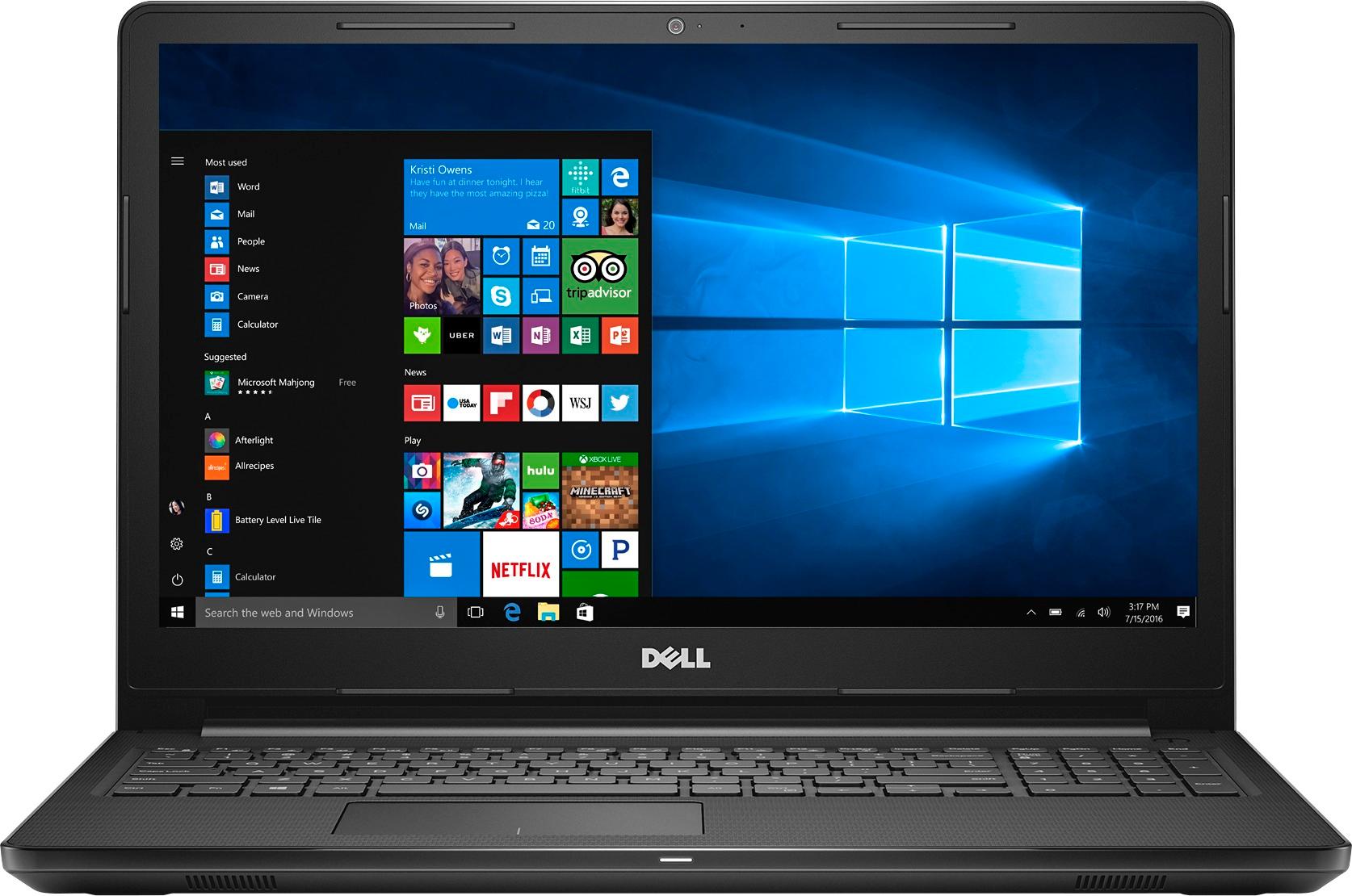
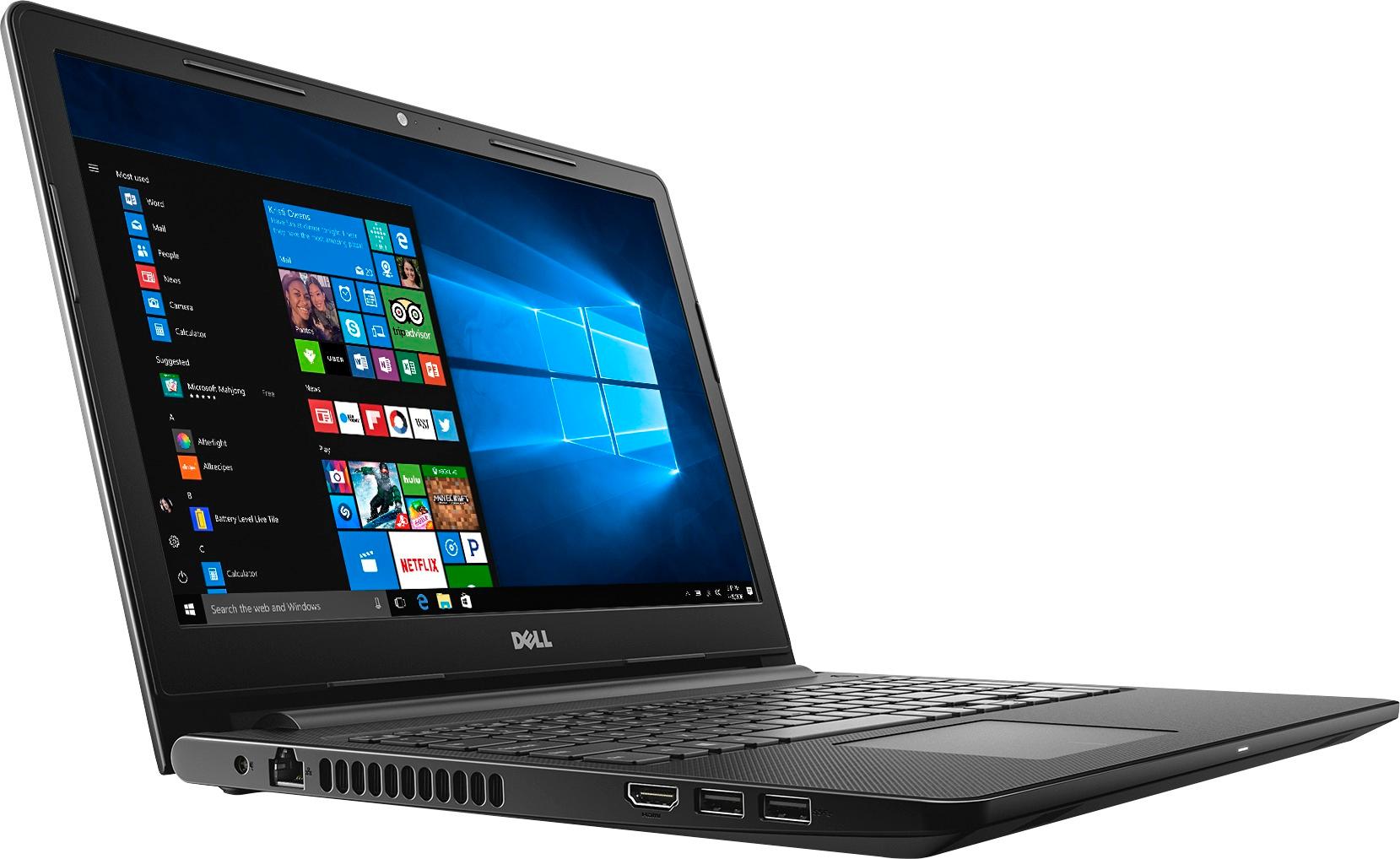
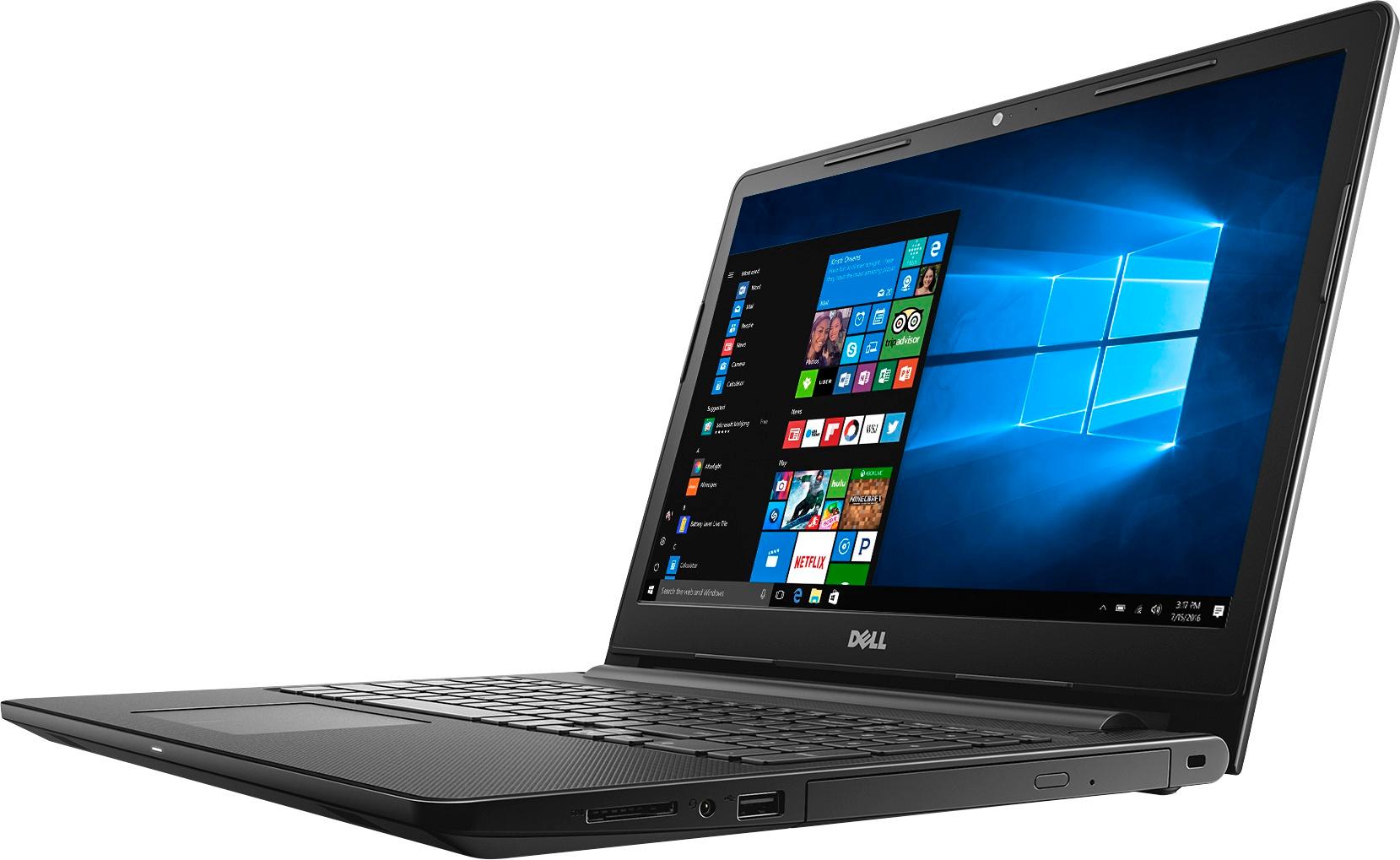
Customers highly value the Inspiron 15.6" Touch-Screen Laptop for its touch screen, affordable price, and user-friendly interface. Many customers appreciate the laptop's storage capacity, performance, and memory, while some find it portable and easy to set up. However, a few customers have concerns about its weight, battery life, and Windows 10 operating system.
This summary was generated by AI based on customer reviews.
- Pros mentioned:Easy to use
Son loves it
||Posted .This reviewer received promo considerations or sweepstakes entry for writing a review., large screen, easy to use, son loves this laptop
I would recommend this to a friend - Pros mentioned:Price
Great laptop
||Posted .This reviewer received promo considerations or sweepstakes entry for writing a review.Very easy to use. Great buy for the price!!!!!!!!!
I would recommend this to a friend - Pros mentioned:Speed
Great laptop
||Posted .This reviewer received promo considerations or sweepstakes entry for writing a review.Pretty fast, no problems so far. Great for school.
I would recommend this to a friend - Pros mentioned:Touch screen
Great Laptop
||Posted .This reviewer received promo considerations or sweepstakes entry for writing a review.Overall rating 8/10 but touchscreen is amazing. HP
I would recommend this to a friend - Pros mentioned:Easy to use
Great laptop
||Posted .This reviewer received promo considerations or sweepstakes entry for writing a review.Excellent laptop for college student. Easy to use.
I would recommend this to a friend - Pros mentioned:Speed
Awesome Personal Laptop
||Posted .This reviewer received promo considerations or sweepstakes entry for writing a review.Awesome speed, great keyboard, Awesome everything!
I would recommend this to a friend - Pros mentioned:Price
Great Laptop
||Posted .This reviewer received promo considerations or sweepstakes entry for writing a review.Very good laptop and the pricing a very reasonable
I would recommend this to a friend - Pros mentioned:Price, Touch screen
Teen's first laptop
||Posted .This reviewer received promo considerations or sweepstakes entry for writing a review.I purchased for my 13 year old because it has good specs at a great price. It is lightweight and has good speed for my daughter to use at school and for projects. Touch screen makes life easy, she loves it.
I would recommend this to a friend Good Choice
||Posted .This reviewer received promo considerations or sweepstakes entry for writing a review.Switching from Apple to PC land was easier than I thought,,using this PC. Comes with many options (still exploring) and lovely wallpapers, if you care about that. While a bit heavier than the original MacBook, it's still light enough for easy and comfortable use. Excellent and clear options from start-up positions.
I would recommend this to a friendGreat value and features
||Posted .This reviewer received promo considerations or sweepstakes entry for writing a review.I bought this to replace my old smaller Asus laptop and was pleased with the large display and new features plus being must faster. The price was much better than expected for a 2 in 1 design.
I would recommend this to a friend- Pros mentioned:Speed, Touch screen
Great for the price
||Posted .This reviewer received promo considerations or sweepstakes entry for writing a review.Very fast and large laptop for a great price. Love the Touchscreen but like everyone else, hate Windows 10.
I would recommend this to a friend good for the price
||Posted .This reviewer received promo considerations or sweepstakes entry for writing a review.the computer is average, but I was looking for only a laptop for browsing not for work. Disappointed It doesn't have key lights (my fault didn't ask that question!) other than that it's ok.
I would recommend this to a friend- Pros mentioned:Price, Touch screen
Great Laptop
||Posted .This reviewer received promo considerations or sweepstakes entry for writing a review.Great Laptop for the price. I’ve really enjoyed learning how to make my Shutterfly books with this computer. I love the choice of using the Touch screen,,the keypad and the mouseless pad.
I would recommend this to a friend - Pros mentioned:Touch screen
Okay laptop
||Posted .This reviewer received promo considerations or sweepstakes entry for writing a review.The laptop is okay. Runs a bit slower than my old laptop (Samsung). The touch screen feature is nice.. but should’ve stuck with the old brand.
I would recommend this to a friendBrand response from YourDellTeam
Posted .Hello momof1- Thanks for your recent Dell laptop purchase and for writing your review. We're sorry to hear that it's not running as fast as you're used to. One thing that has helped many of our users is removing programs that they don't plan to use. Here's a video that outlines this process - http://bit.ly/2ALK0IH. We hope these tips help your computer perform a little faster for you. - Bryan

Laptop for school
||Posted .This reviewer received promo considerations or sweepstakes entry for writing a review.Great laptop has enough storage capacity for my projects. Would have liked to have light up keyboard but everything else over comes that. Would recommend for a first time buyer like me.
I would recommend this to a friendLove this laptop
||Posted .This reviewer received promo considerations or sweepstakes entry for writing a review.If I were a techie, this probably wouldn’t be my choice. But for a 66 year old who needs a new laptop every 5-6 years, this is great. Geek Squad transferred everything and the transition was fairly painless. My only complaint is that I can’t tell when the Number Lock is on like I could on my old computer.
I would recommend this to a friend- Cons mentioned:Battery life
Issues with the Laptop, Hangs Often.
||Posted .This reviewer received promo considerations or sweepstakes entry for writing a review.There are issues with the Laptop. Battery Back Up isn't so good either. Runs for about 4 hours max. Needs to be restarted often. Hangs often.
No, I would not recommend this to a friendBrand response from YourDellTeam
Posted .Hello Karthik - Thanks for your recent Dell laptop purchase and for your review. We'd like to suggest some tips to help you extend the battery life on your new laptop:
Change the Power Plan:
1. On the notification area of the taskbar, right-click the Battery icon.
2. On the options list, click Power Options.
3. Select a power plan on the battery meter, such as Power Saver or Balanced. Windows 10 has a built-in 'Battery Saver' mode that can be activated to extend your system's battery life. The Battery Saver mode will monitor and limit background activity and other features such as push notifications. You do have the option to enable or disable this mode within settings or within advanced Battery Saver settings you can customize the mode to best suit your needs.
1) Click on the Action Center icon within the taskbar and select the tile for Battery Saver.
2) If running Cortana then type Battery Saver into the search box and select from the results.
Within the Battery Saver settings page you will be able to turn on and off the feature and customize the feature to best meet your needs.
3) Turn Battery Saver On or Off.
4) Additional settings available via the Battery use and Battery saver settings links.
5) Battery use shows further info on apps and their power usage.
6) Battery Saver Settings screen allows you to customize further Battery Saver feature.
You can read the full article here - http://dell.to/2vfXWf4.
If you are experiencing slowness on your computer we'd suggest that you try these tips:
Delete temporary files and directories
1. Click Start, then in the search bar type "disk". Disk Cleanup should appear on the menu above the search box.
2. Run disk cleanup and eliminate unneeded temporary files (Search results, Internet Cache and other windows temp files you may no longer need)
3. Select files you want to delete then click OK to start the cleanup process. Uninstall applications you no longer use 1. Open the Programs and Features application in Control Panel. 2. Scan the list of applications installed for ones that you no longer use. 3. Highlight any application you no longer use and then click the uninstall button at the top of the list. Follow the prompts to uninstall.
4. Repeat for each application you want to uninstall.
5. Move large files and/or seldom used files to backup media (Photos, Music you seldom listen to, application downloads after the application has been installed etc.).
6. Empty the Recycle Bin.
You can read the full article here - http://dell.to/2tSulGV.
We hope that these tips will help your computer perform better for you. - Bryan
- Pros mentioned:Price
Good configuration but performance bit slow
||Posted .This reviewer received promo considerations or sweepstakes entry for writing a review.Due to HHD performance is slow and time consuming to restart or wakeup from hybernate mode. Good configuration at less price and nice look
I would recommend this to a friendBrand response from YourDellTeam
Posted .Ravi -Thanks for your review and for your recent Dell laptop purchase. We're sorry to hear you're experiencing some slowness on your device. Here are some tips to help with your computer's slowness: Delete temporary files and directories
1. Click Start, then in the search bar type "disk". Disk Cleanup should appear on the menu above the search box.
2. Run disk cleanup and eliminate unneeded temporary files (Search results, Internet Cache and other windows temp files you may no longer need)
3. Select files you want to delete then click OK to start the cleanup process. Uninstall applications you no longer use 1. Open the Programs and Features application in Control Panel. 2. Scan the list of applications installed for ones that you no longer use. 3. Highlight any application you no longer use and then click the uninstall button at the top of the list. Follow the prompts to uninstall.
4. Repeat for each application you want to uninstall.
5. Move large files and/or seldom used files to backup media (Photos, Music you seldom listen to, application downloads after the application has been installed etc.).
6. Empty the Recycle Bin.
You can read the full article here - http://dell.to/2tSulGV.
We hope these tips help your computer perform the way you had hoped it would. - Bryan
- Pros mentioned:Touch screen
Great laptop
||Posted .This reviewer received promo considerations or sweepstakes entry for writing a review.Minimal memory, easy to use, love the touchscreen capability and the extended 10-key keyboard.
I would recommend this to a friend Good Value - beware of Dell updates
||Posted .This reviewer received promo considerations or sweepstakes entry for writing a review.Laptop has worked well. One exception is that early on I allowed Dell to install an update and the laptop went haywire. I could not log in to the computer at all. I took it in to Best Buy and they rest the computer at no charge. It is just the right size both physically and technically. for my needs.
I would recommend this to a friend